
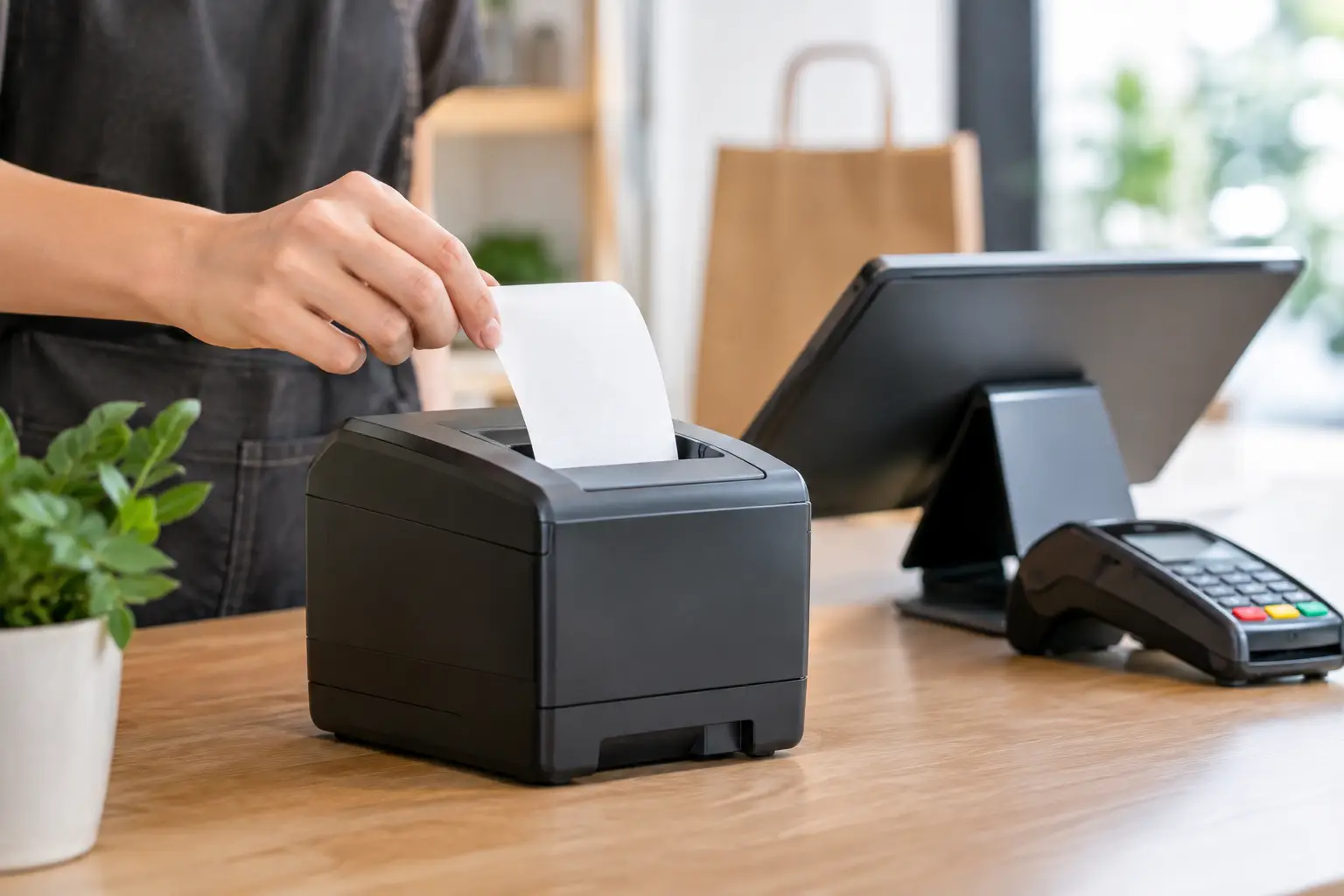
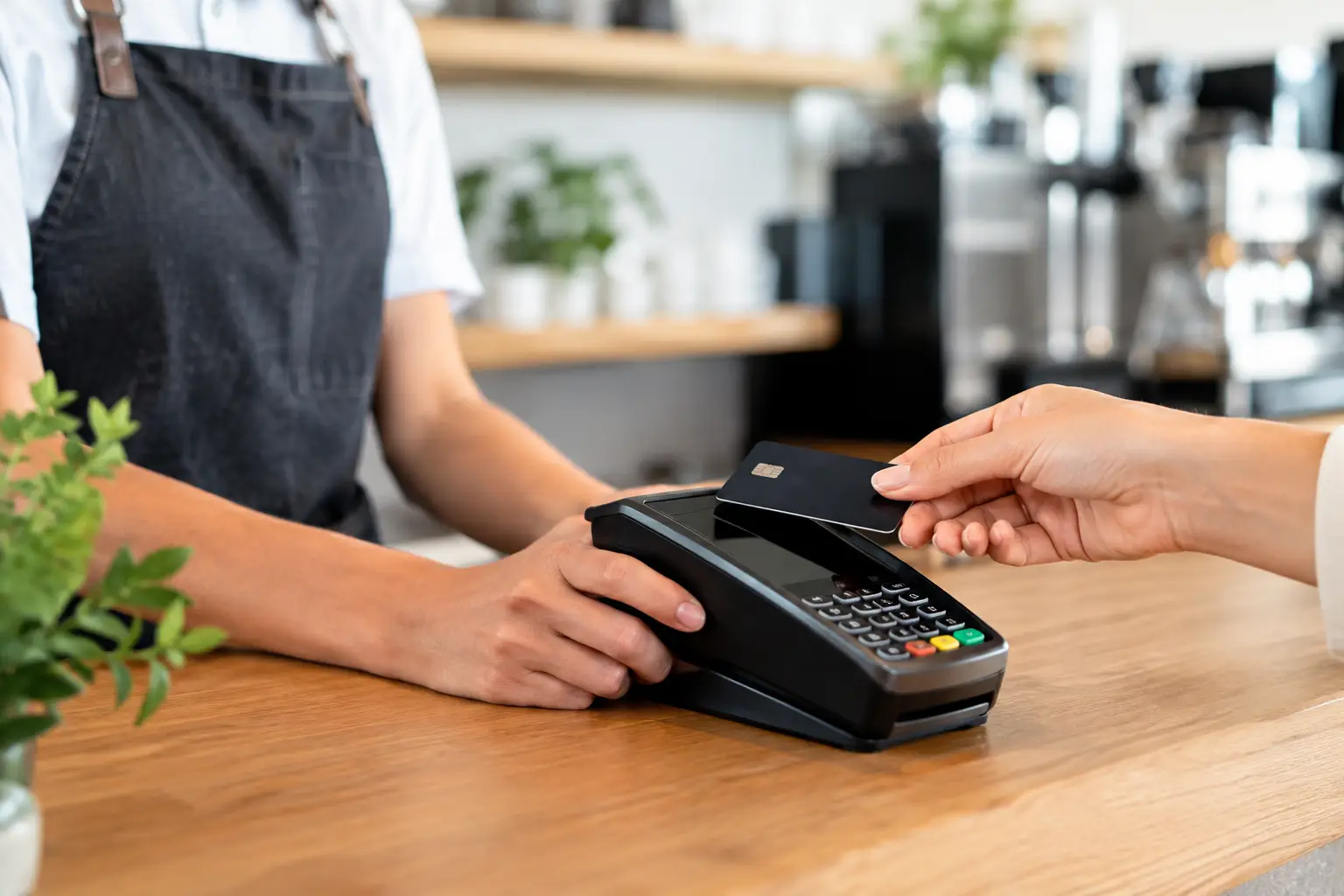
A receipt printer is easy to overlook until it holds up a queue, stops communicating with the POS, or produces a faint, unreadable docket during the lunch rush. The best receipt printer features are not simply about buying the fastest model. They are about matching the printer to your counter space, transaction volume, software, staff workflow and the conditions it will work in every day.
For a café, a busy retail store or a takeaway venue, the right printer removes small points of friction that quickly become costly when they happen hundreds of times a day. Here is what to assess before making a decision.
Best receipt printer features start with the job it must do
The first question is not which printer has the longest specification sheet. It is where the printer will sit and what it needs to produce. A front-counter retail printer has different demands from a kitchen docket printer, a mobile market setup or a busy bar.
Most customer receipt printers use direct thermal printing. They are quiet, fast and do not require ink or toner, making them a practical choice for ordinary receipts, EFTPOS dockets and order slips. Thermal printers are also straightforward for staff to load when they use a drop-in paper design.
However, thermal printing is not always the right answer. In hot kitchen environments, or where dockets may come into contact with heat, oil or moisture, an impact printer can still be the better fit. It is noisier and slower, but it can print on multi-part paper and is often valued where duplicate order copies are required. The right choice depends on the workflow, not on which technology is newer.
Print speed matters when queues build
Print speed is usually measured in millimetres per second. A faster unit can make a real difference at a high-turnover counter, particularly when receipts include loyalty details, returns information, promotional messages or tax data.
That said, speed should be assessed alongside reliability. A printer that is marginally faster on paper but regularly jams, loses its network connection or needs awkward roll changes will not improve service. For many small and mid-sized businesses, a dependable thermal printer with a suitable speed rating is a better investment than the highest-rated model available.
Consider your peak periods rather than your average day. A café may process most of its transactions in a short morning window. A restaurant may need several kitchen dockets printed at once during dinner service. A retailer may face sudden queues during a sale. Your printer needs enough capacity to handle those moments without becoming the bottleneck.
Paper width affects cost and readability
The common paper widths are 80 mm and 58 mm. An 80 mm printer gives more room for clear item descriptions, kitchen modifiers, logos and returns information. It is generally easier for customers and staff to read, especially where a docket carries detailed orders.
A 58 mm printer has a smaller footprint and can reduce paper usage, which may suit mobile traders, market stalls and compact counters. The trade-off is less space on each line and potentially more frequent roll changes. It is worth checking whether your POS software formats receipts properly for the width you choose. Poorly formatted receipts waste paper and can make a professional business look disorganised.
Connections must suit your POS setup
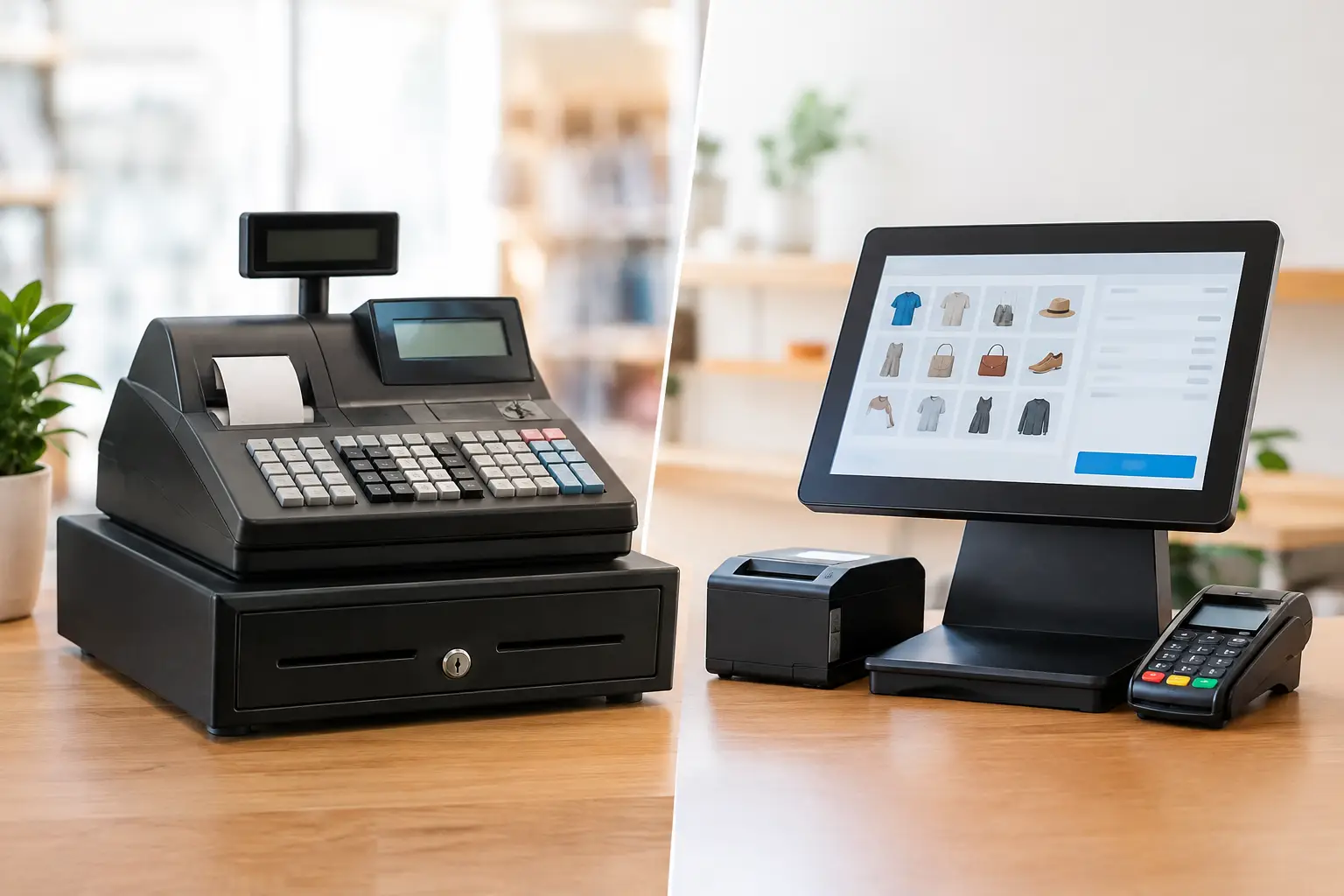
A receipt printer is only useful when it communicates reliably with the system that sends the print job. Connection options are therefore among the most important receipt printer features to compare.
USB suits a printer located directly beside a fixed POS terminal. It is simple, cost-effective and dependable over a short distance. Ethernet is often the stronger option for a networked business, allowing a printer to be shared across terminals and positioned where the workflow requires it. For example, a kitchen printer can be placed away from the main counter while remaining part of the same POS environment.
Wi-Fi and Bluetooth provide flexibility, particularly for tablets, mobile POS setups and temporary event locations. They also introduce more variables. Wireless performance can be affected by building layout, network congestion, distance and changes to the router. A stable wired connection is generally preferable for a fixed, high-volume printer where practical.
Serial connections still appear in some older cash register and POS installations. If you are replacing an existing unit, do not assume a new printer will connect without an adapter, driver or configuration change. Compatibility should be confirmed before purchase, including the operating system, POS software version and any required drivers.
Easy paper loading prevents avoidable delays
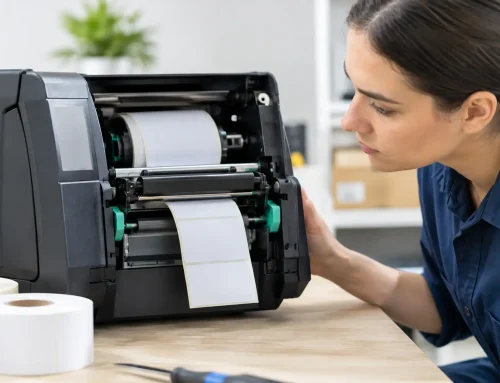
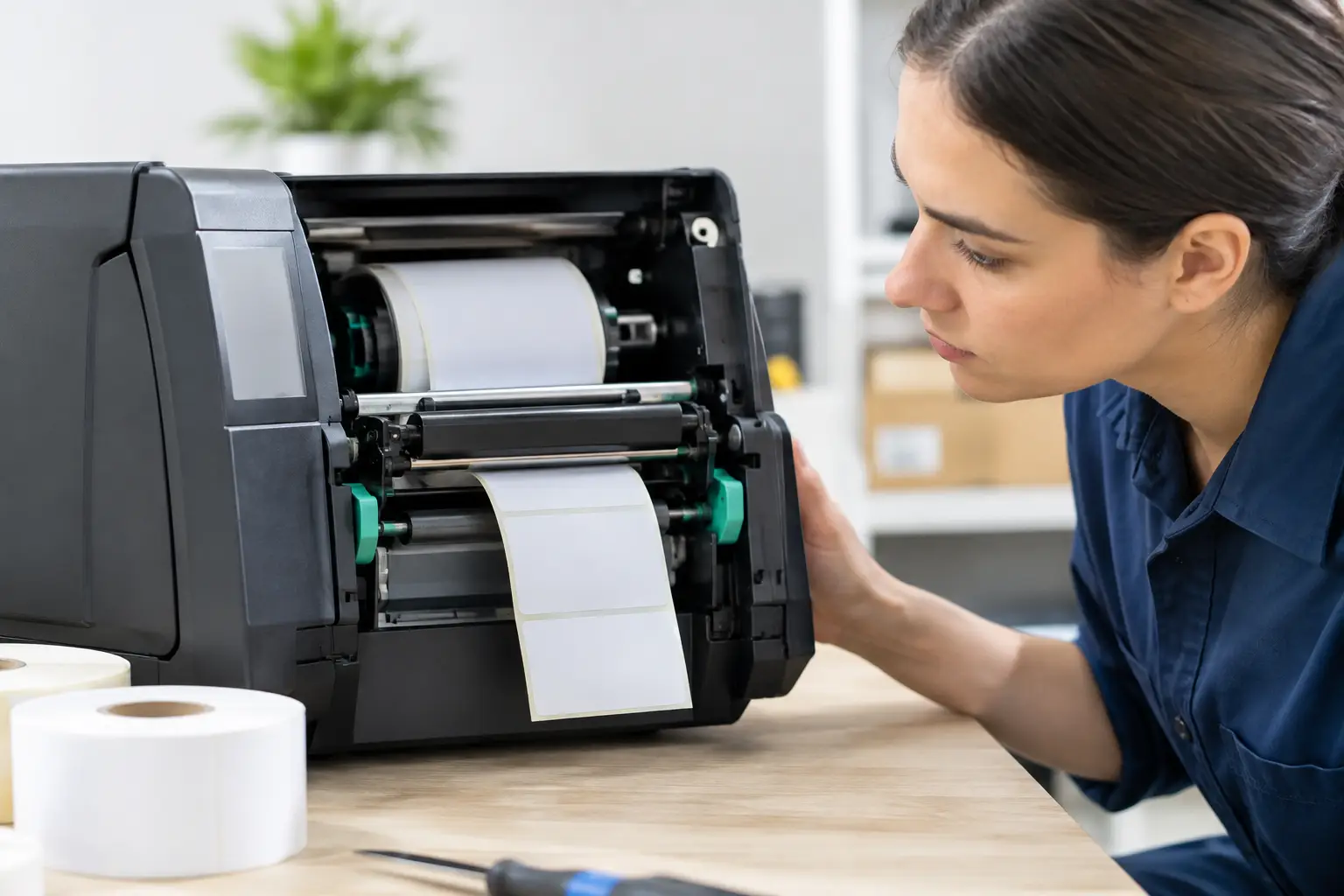
A drop-in paper mechanism sounds like a minor convenience. During a busy shift, it is not. Staff should be able to open the cover, place the roll in the correct position, close the lid and resume printing in seconds.
Look for a clear paper path and a design that reduces the chance of loading the roll incorrectly. A low-paper warning can also prevent the frustrating situation where a customer reaches the counter only to find the printer has run out. Some models provide visual indicators, while others can be monitored through the POS system depending on the setup.
Paper availability deserves attention too. Choosing a printer that uses common, readily available rolls makes ongoing ordering simpler. The cheapest printer may cost more over its life if it relies on hard-to-source consumables or has excessive paper wastage.
Auto-cutters and cash drawer control improve workflow
An auto-cutter separates each receipt cleanly as it prints. This is particularly useful at fast counters, where staff should not be tearing paper manually between transactions. It also keeps the receipt area neater and can reduce paper jams caused by rough handling.
Like any moving part, a cutter needs to be well made and suitable for the volume expected. In a high-use environment, access to servicing and replacement parts matters. A printer should be treated as business-critical hardware, not as a disposable accessory.
Many receipt printers include a port to trigger a compatible cash drawer. This allows the drawer to open only when the POS completes the appropriate transaction, helping staff follow a consistent process. Check voltage and connector compatibility rather than assuming any printer and cash drawer will work together.
Other useful operational features can include wall-mounting options, a built-in buzzer for kitchen use, splash resistance and front-exit printing. Front-exit designs can be helpful where a printer sits under a counter or in an area where spills are possible, because the paper does not feed upward into the path of a drink or food container.
Reliability is more valuable than extra features you will not use
Receipt printers are often subjected to heat, flour dust, steam, spilled drinks and constant handling. The model that suits a quiet boutique may not suit a busy takeaway shop. Check the intended operating environment and select equipment designed for it.
Print head life, cutter life and the manufacturer’s duty rating provide a useful indication of expected durability. These figures do not guarantee trouble-free operation, but they help distinguish a printer built for occasional use from one intended for sustained commercial work.
It is also wise to consider what happens when something goes wrong. Can the printer be repaired? Are parts and consumables available locally? Is there a suitable replacement option if the unit fails during a critical trading period? For businesses that cannot afford a long interruption, local technical support and access to repairs can be as valuable as the printer specification itself.
Software compatibility needs to be verified, not assumed
Many printing issues are caused by configuration rather than a faulty printer. A printer may power on and complete a self-test while still failing to receive jobs from the POS, printing incorrect characters or cutting at the wrong point.
Before selecting a model, confirm that it is supported by your POS provider and that its connection type works with your existing network. If you use cloud-based POS software on iPads or Android tablets, check the approved printer models and network requirements. If the printer will be used for kitchen ordering, confirm how routing works between terminals and printers.
This is also the time to consider receipt design. The business name, ABN, transaction details and any returns policy should print clearly. If you want to add a QR code, loyalty message or promotion, test a sample receipt. A feature that sounds useful can become a nuisance if it slows printing or produces cluttered dockets.
Running costs should be calculated over the life of the printer
The purchase price is only part of the cost. Paper rolls, maintenance, replacement cutters, network setup and downtime all affect the real value of a printer. A low-cost unit can be false economy if it needs frequent replacement or causes repeated counter delays.
Paper-saving settings can help reduce waste, such as narrower margins, smaller but readable text, fewer blank lines and an option to offer digital receipts where appropriate. Do not make receipts so small that customers cannot read prices, staff cannot process returns or kitchen staff miss order modifiers. Saving a few centimetres of paper is not worthwhile if it creates mistakes.
For businesses replacing several printers, standardising models where possible can simplify staff training, spare paper ordering and support. It also means a staff member who knows how to replace a roll or identify an error on one terminal can assist elsewhere in the business.
A practical choice protects your busiest trading hours
The best receipt printer is the one that fits your POS, handles your peak trade, uses readily available paper and can be supported when needed. Features such as fast thermal printing, a reliable auto-cutter and the right network connection are worthwhile only when they suit how your staff actually work.
Before committing, map the transaction from sale to printed receipt or kitchen docket, then test the proposed setup against your busiest hour. A little care at this stage can prevent queues, missed orders and unnecessary call-outs later – and keep the focus where it belongs: serving customers.





Leave A Comment
You must be logged in to post a comment.