
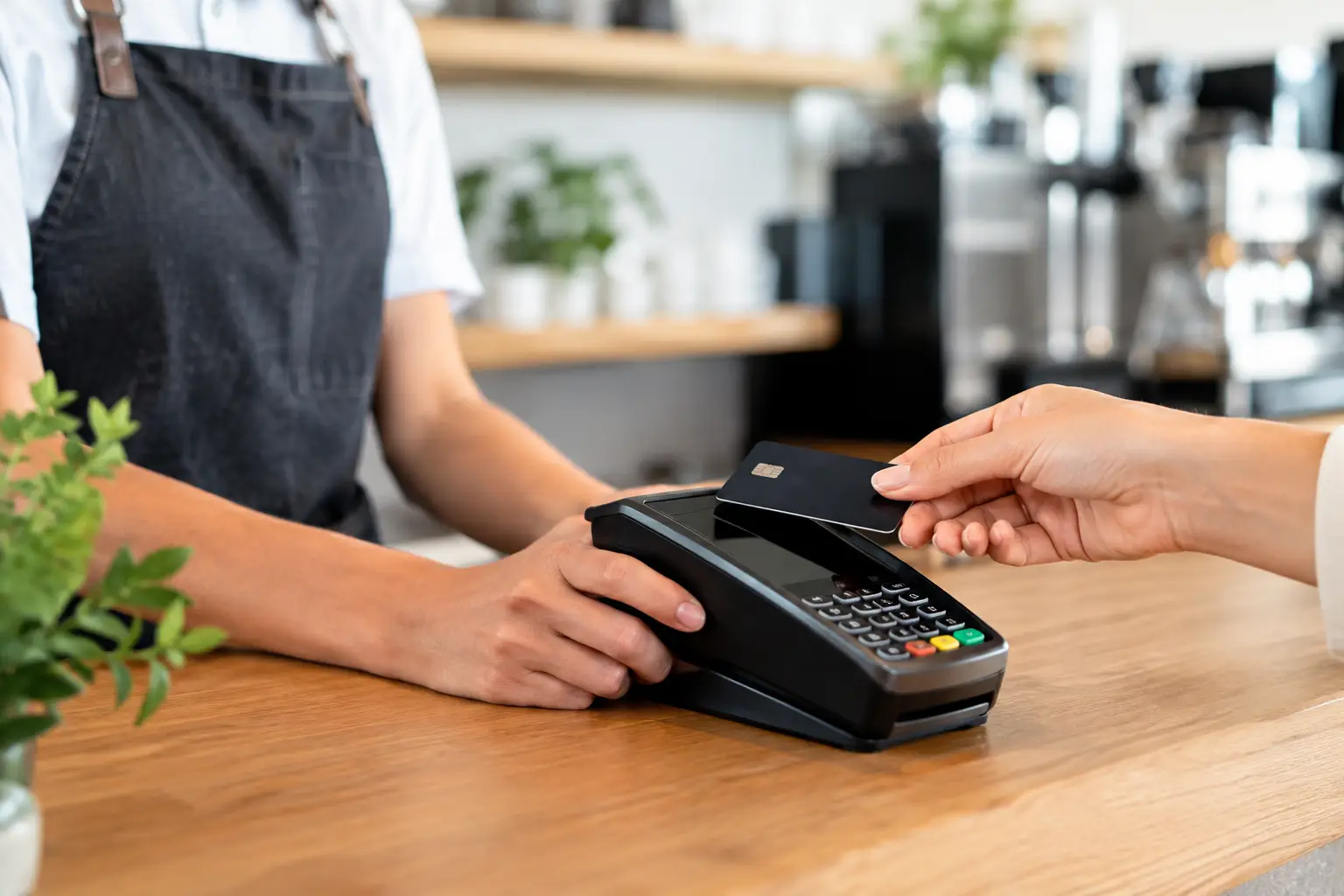
A busy counter quickly exposes weak technology. A payment that takes too long to process, a receipt printer that drops offline, or a terminal that cannot communicate with the POS system can hold up a queue and put staff under pressure. The right POS terminals do more than accept payments – they support a faster, more reliable transaction process that suits the way your business actually operates.
For a cafe, that may mean a compact countertop terminal linked to a kitchen printer and customer display. For a retail store, it could mean a full point-of-sale setup with barcode scanning, cash management, stock control and integrated EFTPOS. The best answer is rarely the most expensive unit on the shelf. It is the system that fits your workflow, is straightforward for staff to use, and can be properly supported when something goes wrong.
What POS terminals do for your operation
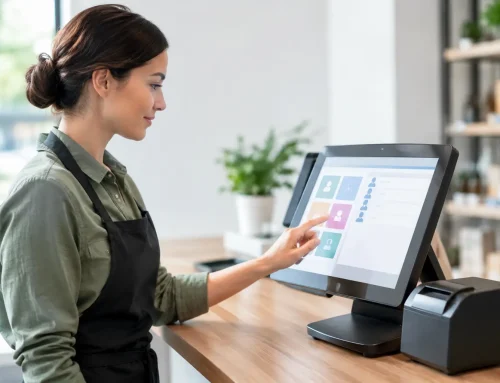
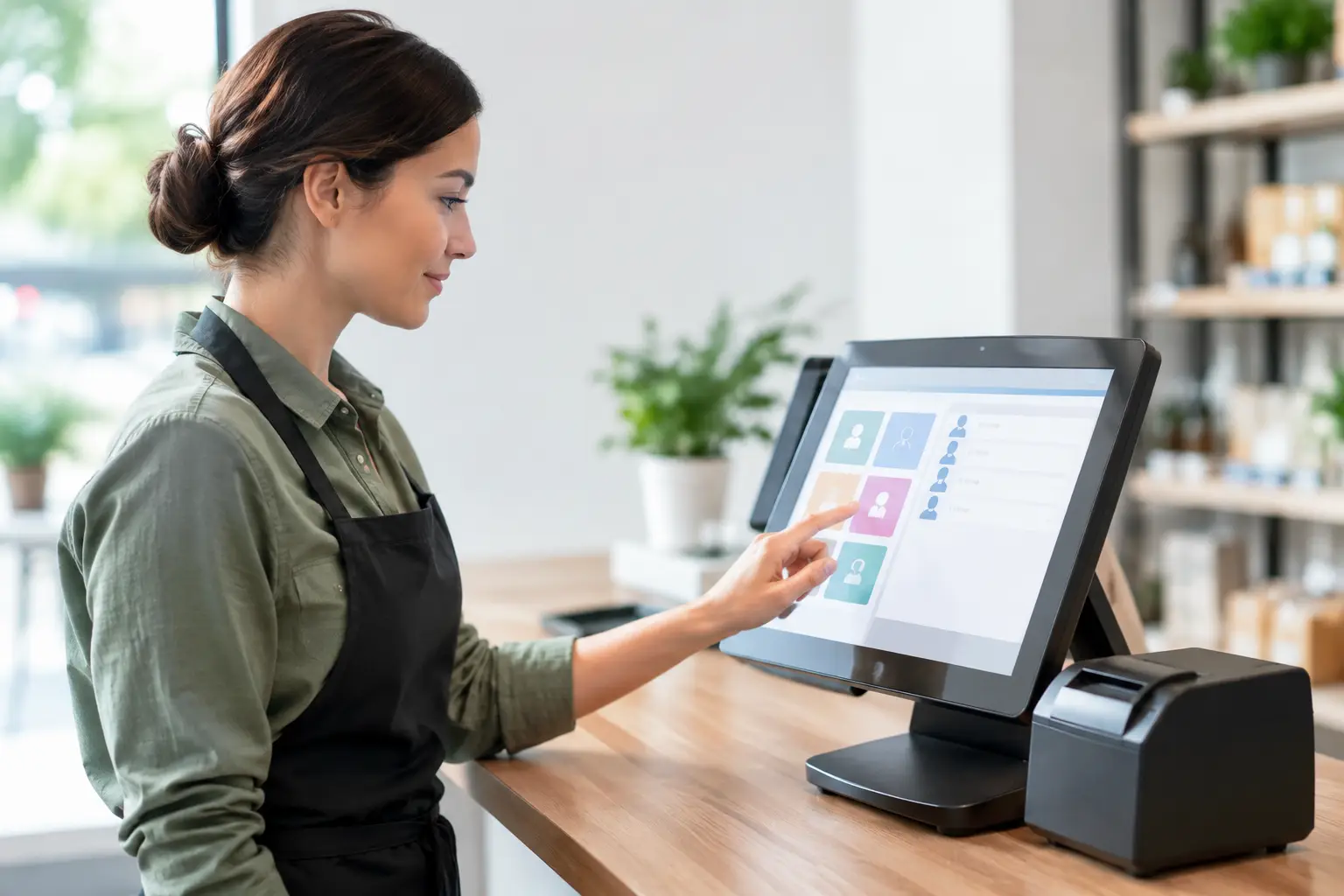
A POS terminal is the point where a sale is completed, but modern equipment can be part of a much larger system. Depending on the setup, it may process card payments, record sales, print receipts, open the cash drawer, manage items and prices, connect to customer displays, and send information to back-office software.
That connection matters. When separate pieces of equipment are not configured to work together, staff can end up entering the same information twice, handling more manual work at the counter, or trying to work around unreliable hardware during a rush. A properly designed POS setup reduces those friction points.
For transaction-heavy businesses, the priority is usually uptime. A terminal needs to be responsive through peak periods, communicate reliably with payment hardware and printers, and remain practical to maintain. Features are valuable only when they make daily work easier.
Choosing POS terminals around the way you trade
Before comparing brands, screen sizes or software subscriptions, look closely at how sales move through your business. A takeaway venue taking hundreds of smaller transactions has different needs from a specialty retailer processing fewer, higher-value purchases. A market operator may need portable equipment and dependable mobile connectivity, while a busy restaurant may need multiple order points and durable hardware that can handle heat, spills and constant use.
Start by considering four practical questions:
- How many transactions do you process during your busiest hour?
- Where do staff need to take payments: at a fixed counter, around tables, at a service window or off-site?
- What equipment must connect to the terminal, such as printers, scanners, cash drawers, scales or kitchen displays?
- What happens to trade if one part of the system fails?
These answers help determine whether a basic all-in-one terminal is suitable or whether a more flexible setup with separate components is the better long-term choice.
Countertop, mobile and all-in-one options
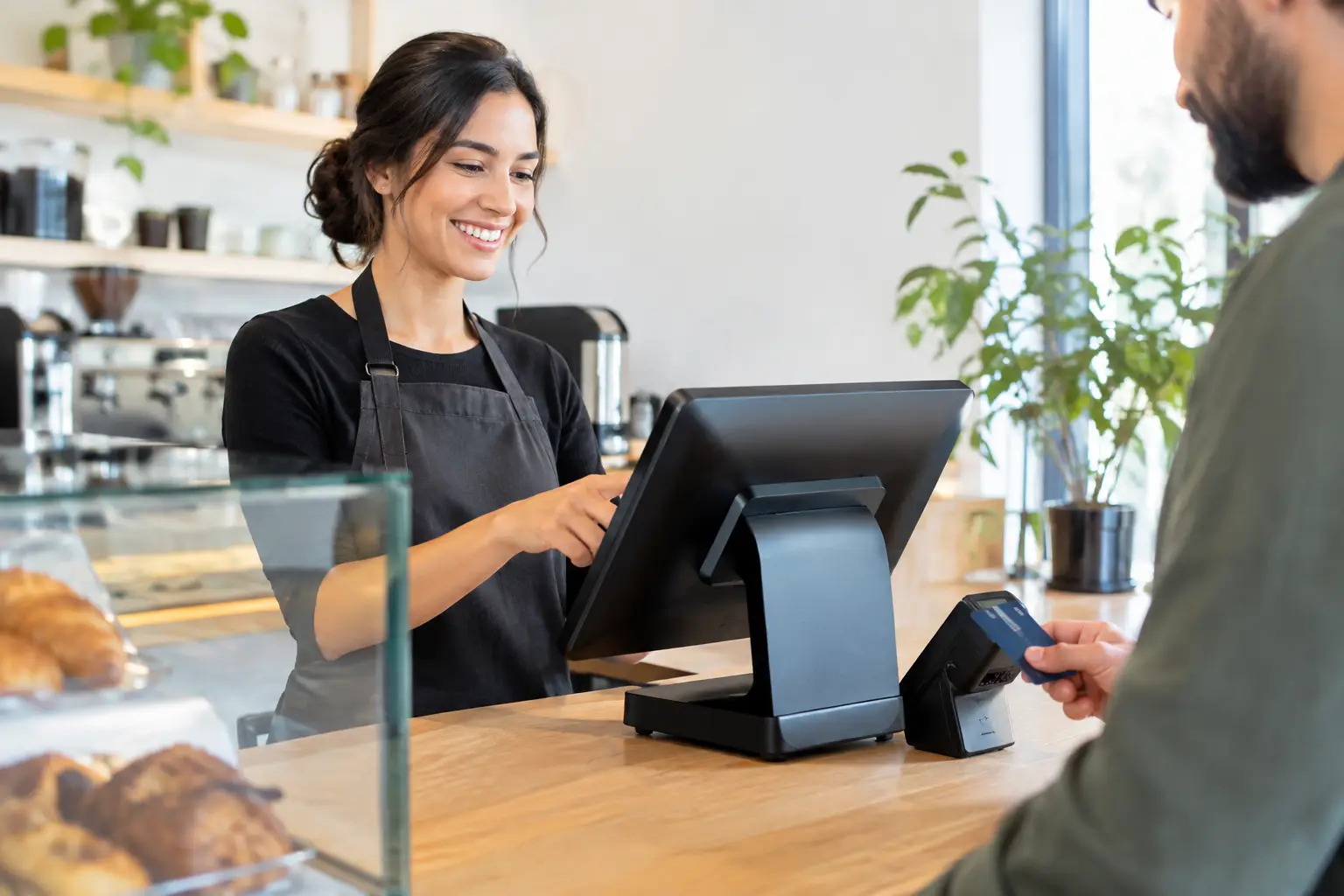
Countertop POS terminals are a practical choice for many retailers, cafes and service businesses. They are usually positioned near the main point of payment and can connect with receipt printers, scanners, cash drawers and EFTPOS equipment. They work well where staff need a stable, clearly organised counter setup and customers generally pay in one location.
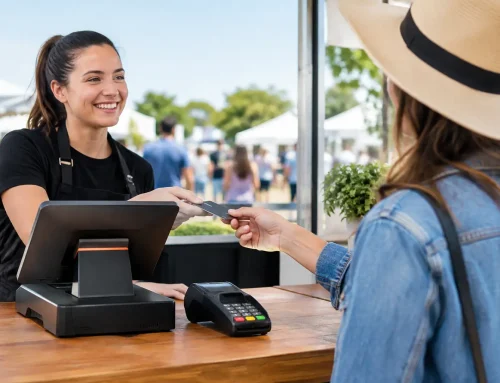
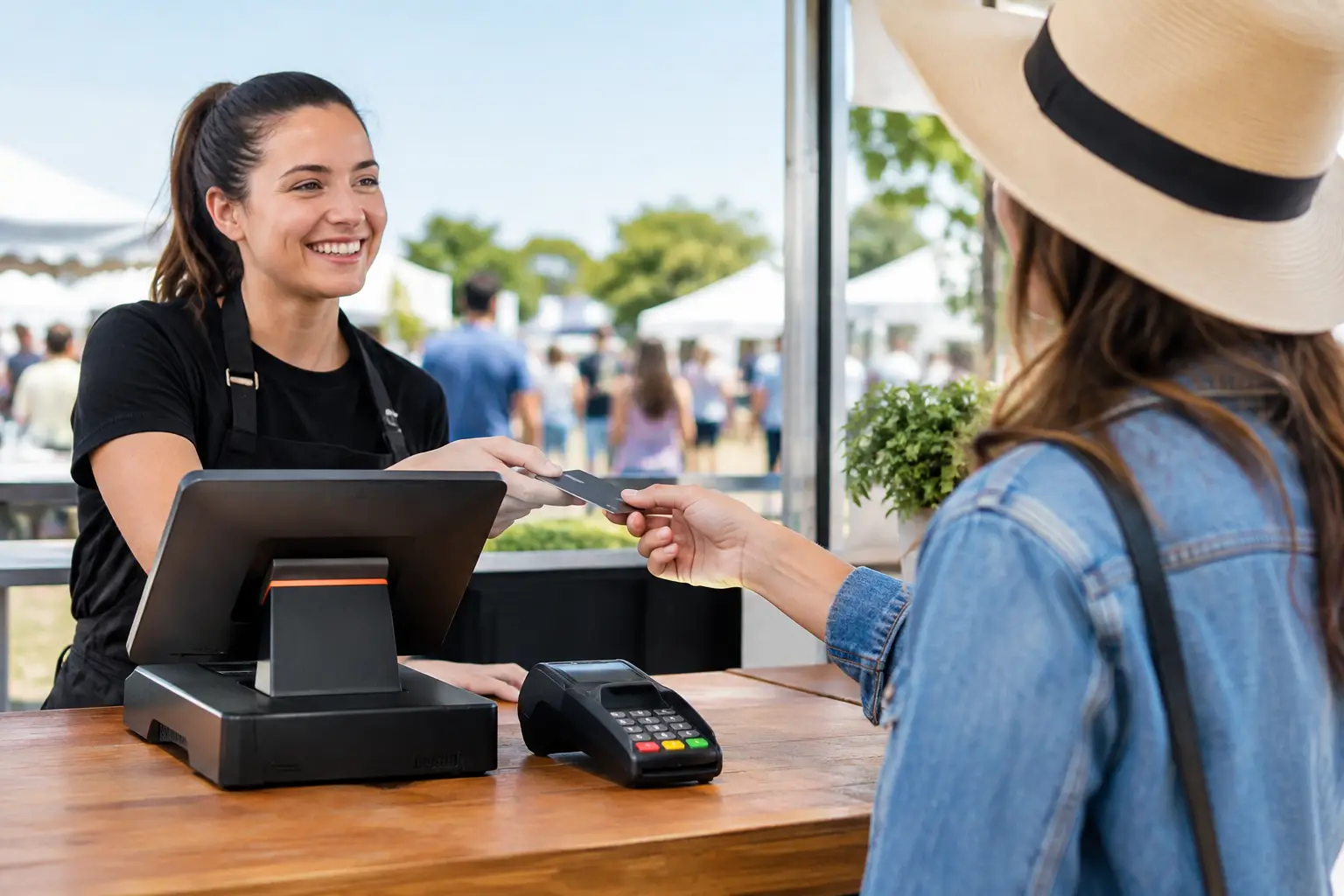
Mobile terminals are useful when the transaction needs to happen away from the counter. Restaurants can take payment at the table, event vendors can serve customers in a queue, and businesses operating at markets can process sales without relying on a permanent checkout. The trade-off is that mobile equipment depends more heavily on battery management, wireless coverage and secure connectivity.
All-in-one POS units combine a touchscreen, computer and often a customer-facing display into a compact workstation. They can reduce clutter and simplify installation, particularly where counter space is limited. However, a compact unit is not automatically the right choice if your business needs highly specialised peripherals, multiple workstations or easy component replacement over time.
Payments are only one part of the setup
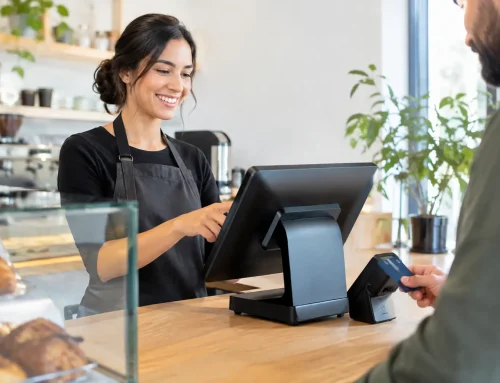
It is common to think of a POS terminal as the card machine, but EFTPOS processing and point-of-sale management are related systems rather than the same thing. Your payment terminal needs to communicate correctly with your POS software and network so that sales totals, receipts and settlement processes work as intended.
Integration can reduce manual entry at the counter, which helps limit mistakes and speeds up the payment process. But not every payment provider, POS platform and hardware model integrates in the same way. Compatibility should be checked before equipment is purchased, particularly if you are retaining an existing EFTPOS arrangement or replacing only part of an older system.
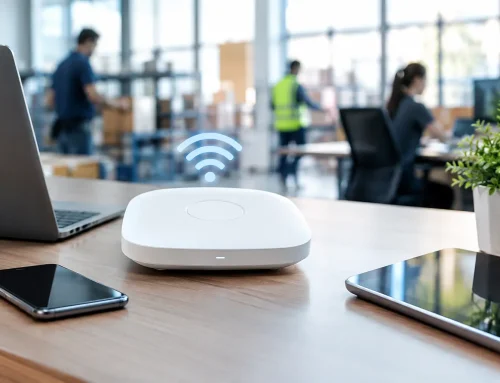
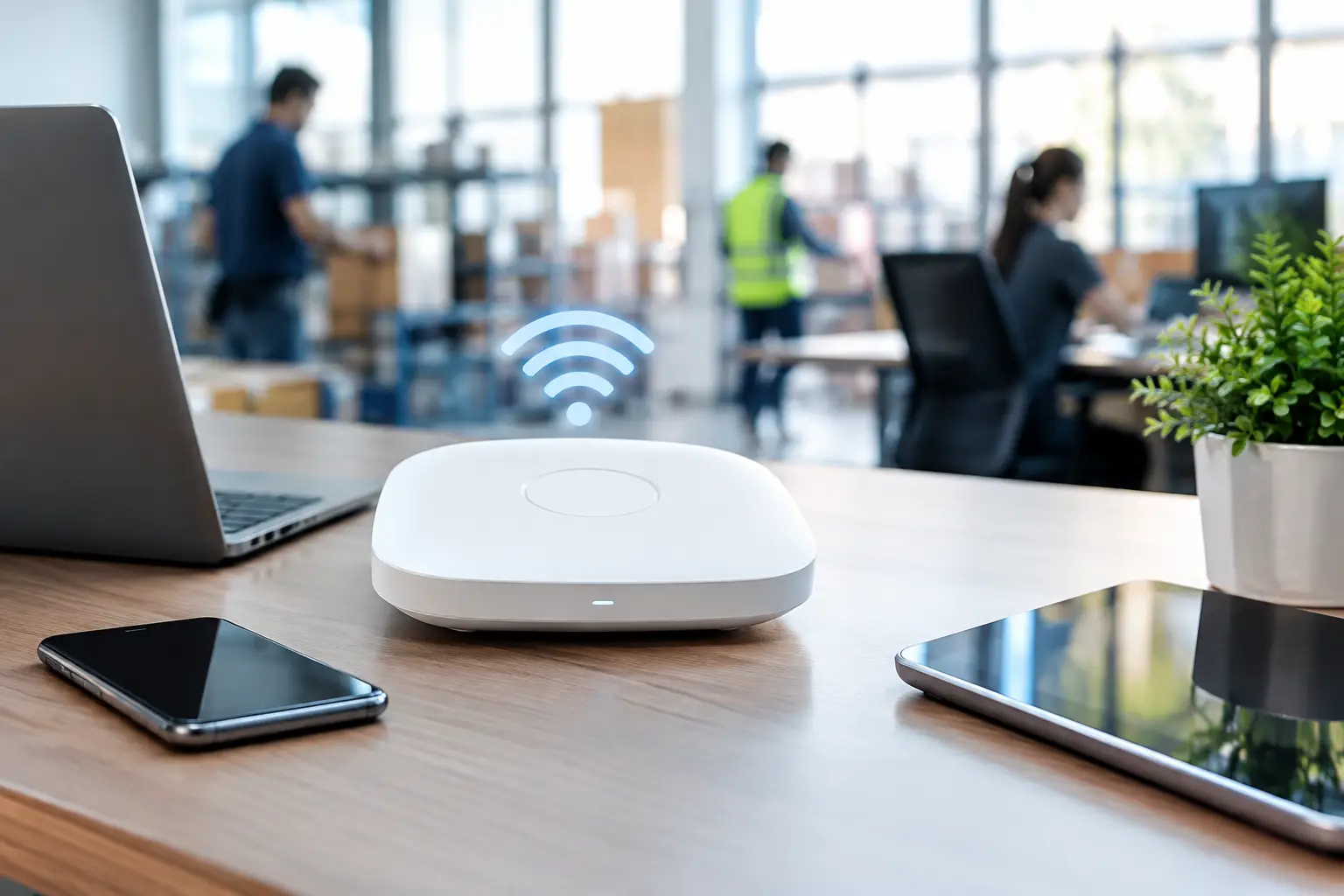
A reliable network is equally important. If wireless coverage is poor at the counter, the kitchen or outdoor dining area, a good terminal can still perform badly. Network design, cabling and configuration are often overlooked until transactions start timing out. For businesses that depend on continuous trade, it is worth treating connectivity as part of the POS project, not as a separate afterthought.
Peripherals can make or break the counter experience
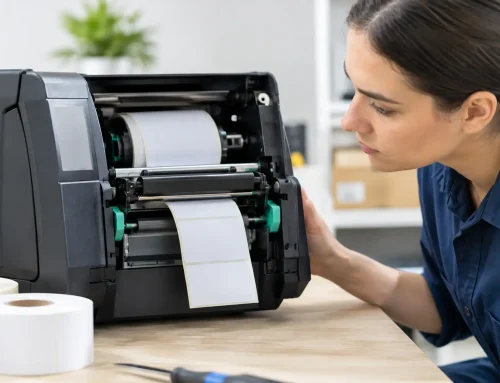
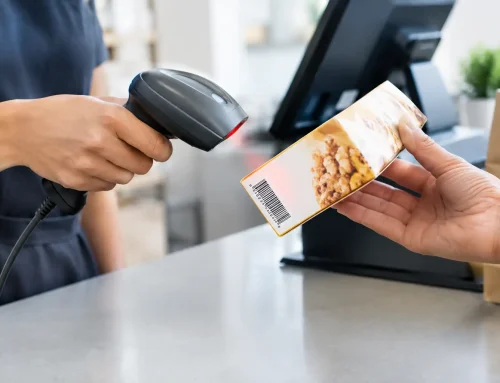
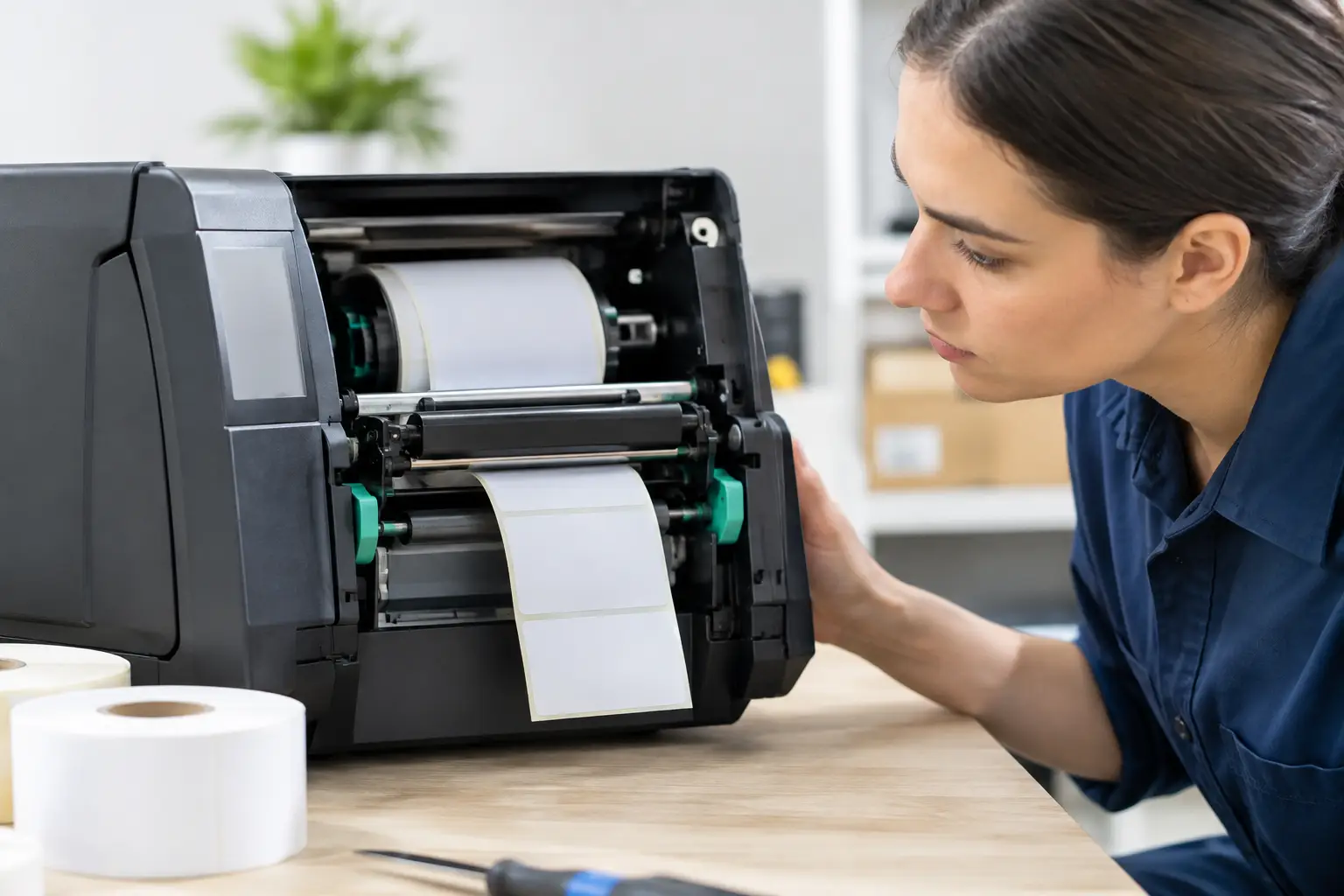
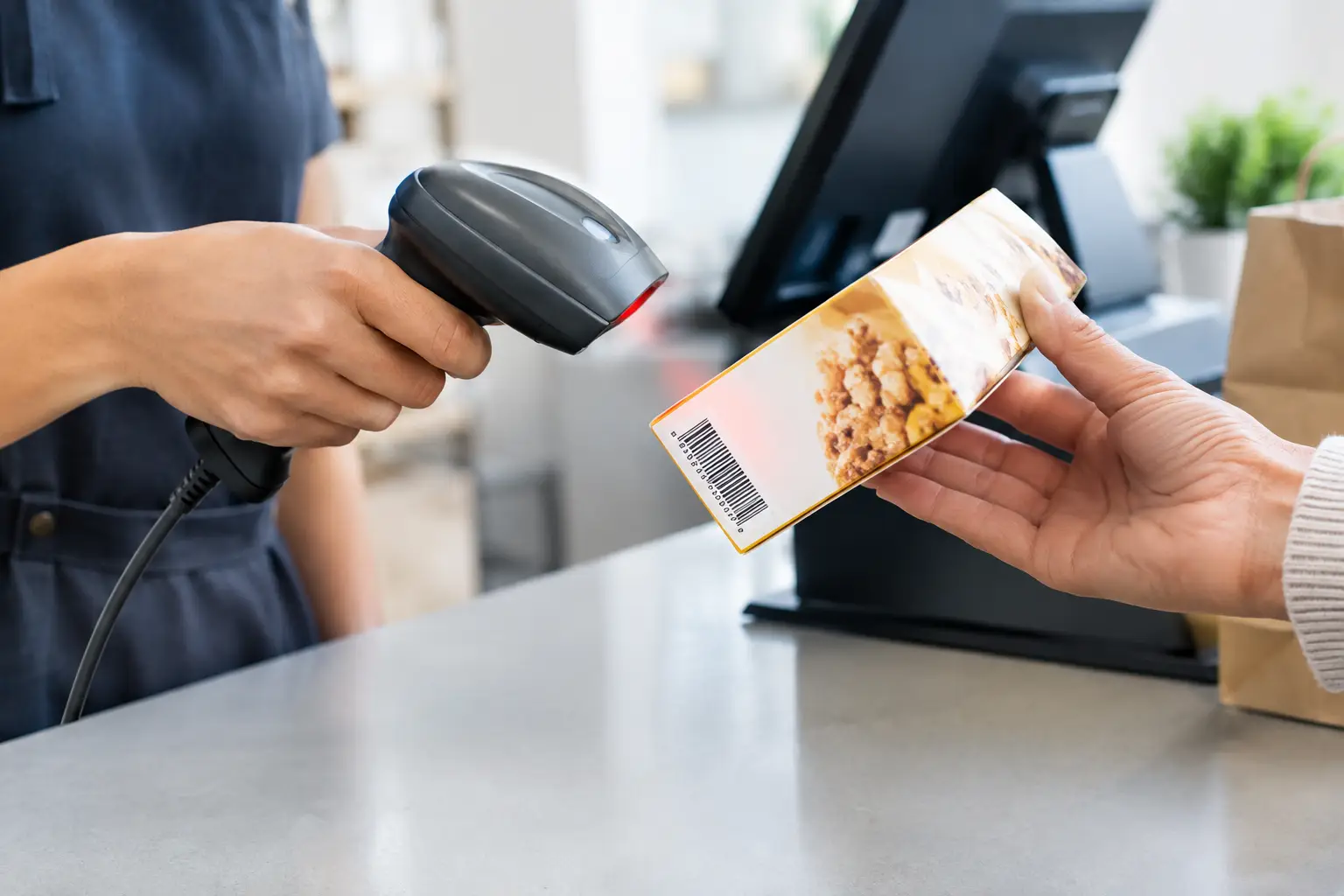
The supporting hardware around a POS terminal often has the biggest impact on staff efficiency. A fast receipt printer avoids queues building up at busy times. A quality barcode scanner makes repetitive retail transactions quicker and more accurate. A correctly matched cash drawer reduces awkward workarounds for staff handling cash.
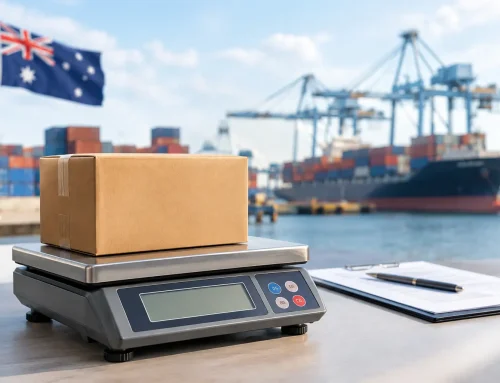
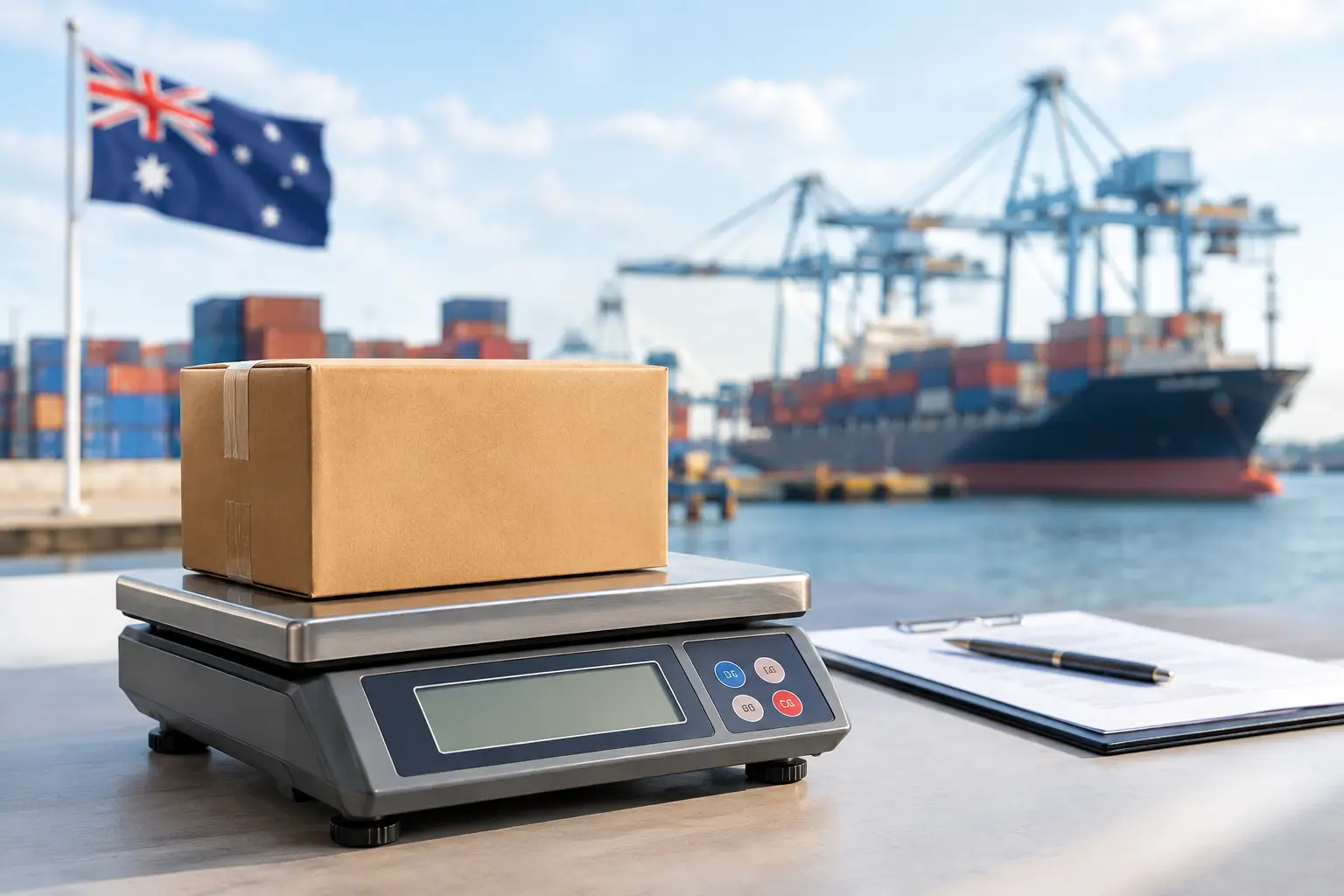
Food retailers, delicatessens, butchers and fresh produce businesses may also need a trade-approved scale connected to the point-of-sale system. In these environments, the scale must be suitable for selling by weight and meet relevant trade measurement requirements. It also needs to be accurately configured so product, weight and price information flow correctly through the transaction.
This is where a generic, boxed solution can become costly. Hardware may appear compatible on paper but still require the right drivers, cabling, settings and testing before it works reliably in a live business environment. Selecting the equipment is only the first step. Installation and configuration determine whether the system is ready for a busy Saturday morning.
Plan for faults before they interrupt trade
Every business owner wants equipment that never fails. In practice, printers wear, cables are damaged, networks change and software updates can affect connections. The important question is how quickly the problem can be diagnosed and resolved.
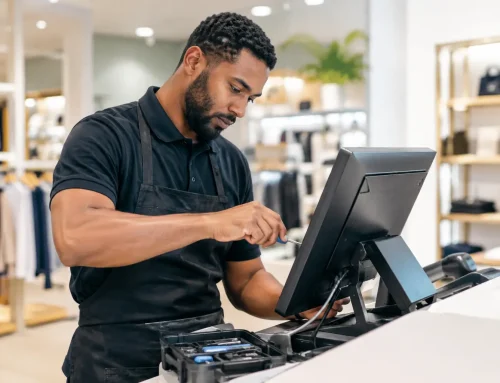
When assessing POS terminals, ask what local support is available after installation. Can the provider troubleshoot on-site? Are repairs available for printers, terminals and related hardware? Can replacement equipment or temporary hire options be arranged if a critical device is out of action? These considerations are particularly important for businesses that cannot simply stop taking payments while a repair is organised.
Local technical support also helps when your needs change. You may add a second counter, introduce a new menu, begin selling by weight, open a pop-up site or need to connect another printer. Working with a team that understands your original setup can make those changes far less disruptive than starting again with a remote supplier.
EBE works with Southeast Queensland businesses to select, install, configure and support POS equipment around the realities of their day-to-day trade. That includes the connected hardware, networking and ongoing service needed to keep the system useful after the initial installation.
Training turns good equipment into a useful system
Even a well-designed POS setup can slow down if staff are uncertain about basic processes. They should know how to finalise a sale, correct an error, process a refund within business policy, replace receipt paper, identify a simple connection issue and escalate a fault quickly when needed.
Training does not need to be complicated or time-consuming. It should be relevant to the tasks each staff member performs, using the actual equipment they will use during service. A short handover at installation can prevent avoidable calls later and gives staff more confidence when the counter is busy.
It is also sensible to keep simple procedures near the terminal for routine tasks such as restarting equipment, checking paper rolls and confirming network connections. This is not a replacement for technical support, but it can resolve small issues before they become a disruption.
Make the decision based on total value
The lowest upfront price is not always the lowest cost over the life of your POS system. A cheaper terminal that does not integrate properly, has limited local repair options or requires staff to work around it every day can cost more through delays, errors and lost trade.
At the same time, not every business needs an elaborate system with functions it will never use. A straightforward, dependable POS setup may be the best investment for a small counter operation. The right balance depends on transaction volume, required peripherals, growth plans, compliance needs and the level of support your business expects.
A good POS terminal should quietly earn its place at the counter: keeping sales moving, giving staff confidence and allowing you to focus on customers rather than the technology behind the transaction.


Leave A Comment
You must be logged in to post a comment.