

A queue that reaches the shop entrance can cost more than a few impatient looks. Customers may leave products behind, staff can become flustered, and the next rush arrives before the first one has cleared. Effective checkout queue management gives retail and hospitality businesses a practical way to protect sales, reduce pressure on staff and make the final stage of each customer visit feel organised.
For a busy café, takeaway shop, grocer, butcher, market stall or retail counter, the goal is not simply to process transactions faster. It is to build a checkout process that remains reliable when the lunch rush starts, a promotion takes off or one team member is unexpectedly away.
Why queues form at the checkout
Long queues are rarely caused by one issue alone. A slow payment terminal can hold up an otherwise capable operator, but so can a printer that pauses between receipts, a poorly arranged counter, an unclear price lookup process or staff who have not been shown the quickest way to complete common transactions.
In food retail, weighing is often part of the delay. If a scale is not integrated with the point-of-sale system, staff may need to write down weights, manually enter product codes or check prices separately. That adds seconds to every transaction, and those seconds become a long wait when several customers are standing in line.
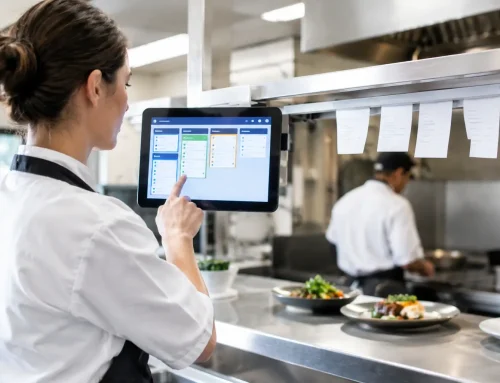
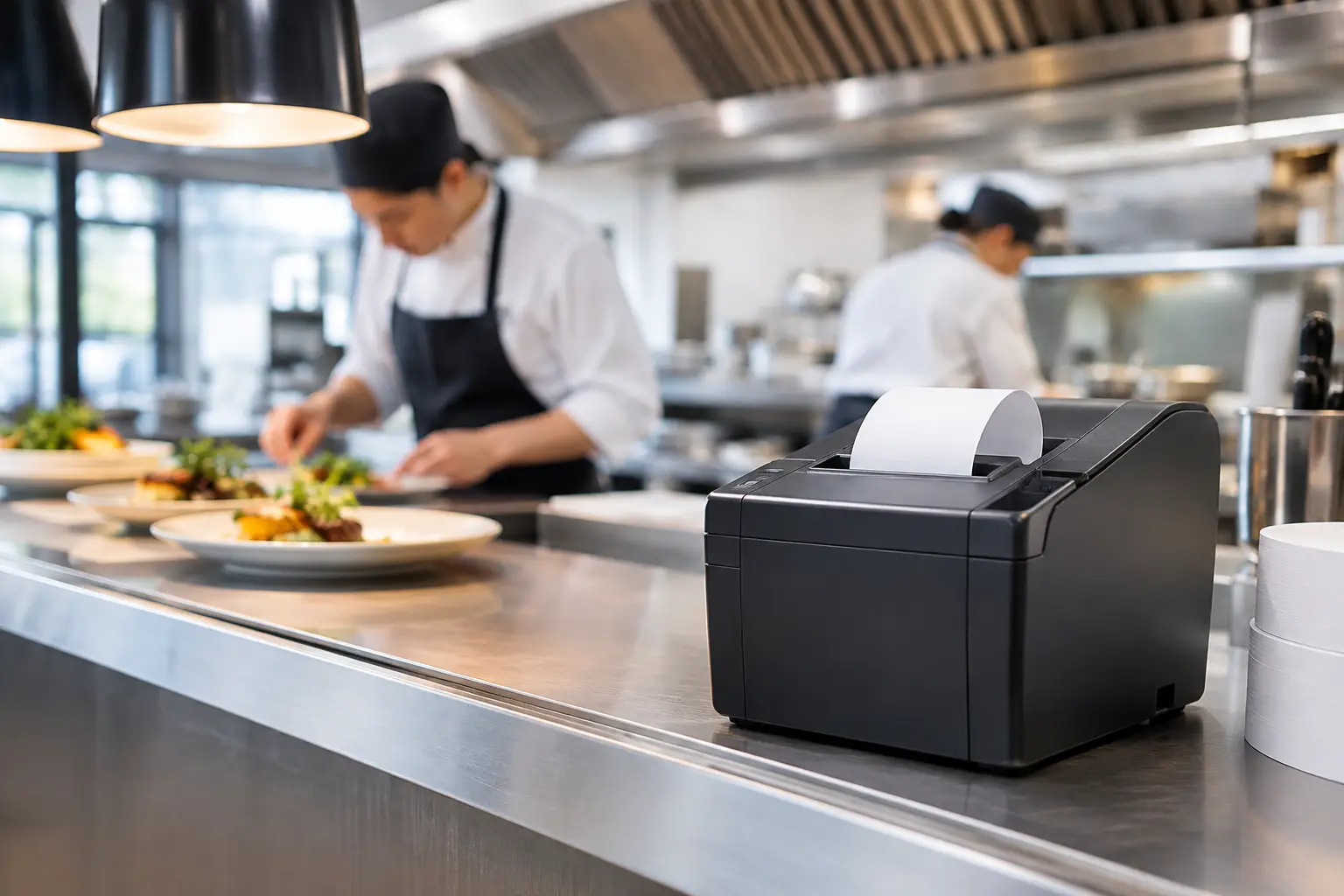
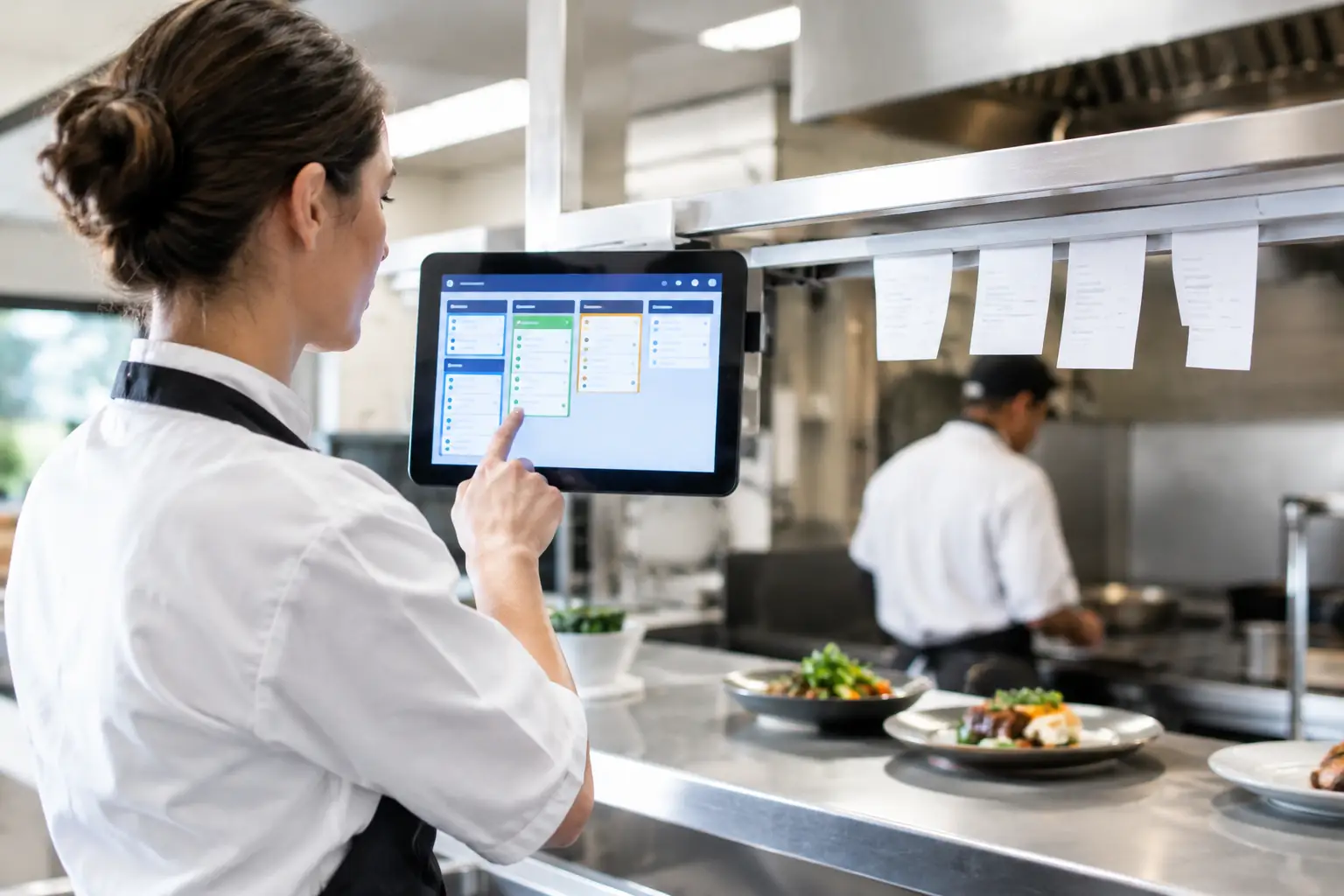
For hospitality venues, the bottleneck may occur before payment. Orders can be entered incorrectly, modifiers may be missed, or a receipt printer may be slow to reach the kitchen. At a retail counter, staff may need to call for approval, search for an item or wait for a customer loyalty account to load.
The right response depends on where the delay starts. Adding another register will not fix a poorly configured product database, just as faster software will not solve an unreliable network connection. Before investing in equipment, observe a busy trading period and identify the point at which transactions begin to slow.
Checkout queue management starts with the customer journey
Look at the queue through a customer’s eyes. They need to know where to stand, which counter is available, what payment methods are accepted and whether their transaction is likely to be quick or require assistance. Confusion creates perceived waiting time, even if the queue itself is not particularly long.
Clear queue markers, visible counter numbers and simple signs can help, particularly where customers collect orders, pay bills or need a service desk. A single line feeding the next available register is often fairer and easier to manage than several separate queues. However, it may not suit every business. A small boutique with regular customers may prefer separate counters because personal service matters more than moving a high volume of people through one line.
For venues with different transaction types, separating them can be worthwhile. A quick coffee-and-go counter should not be slowed by customers ordering catering, buying retail products or resolving an account query. The key is to avoid making customers guess where they belong. Clear signage and staff direction make a noticeable difference.
Make the counter easy to work from
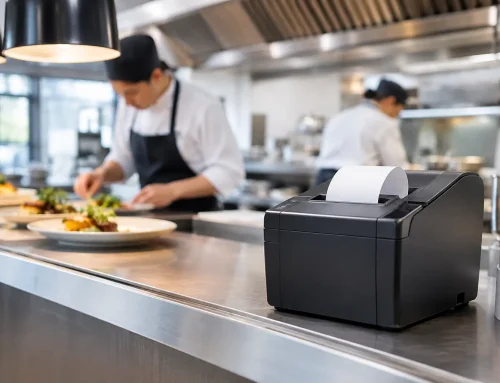
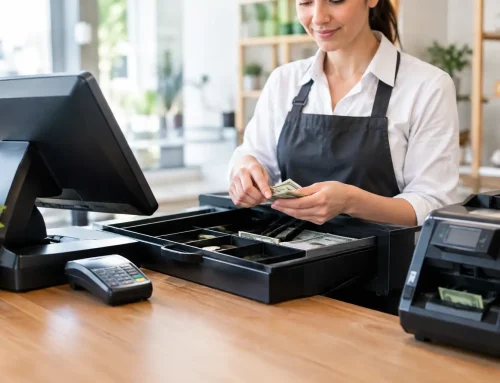
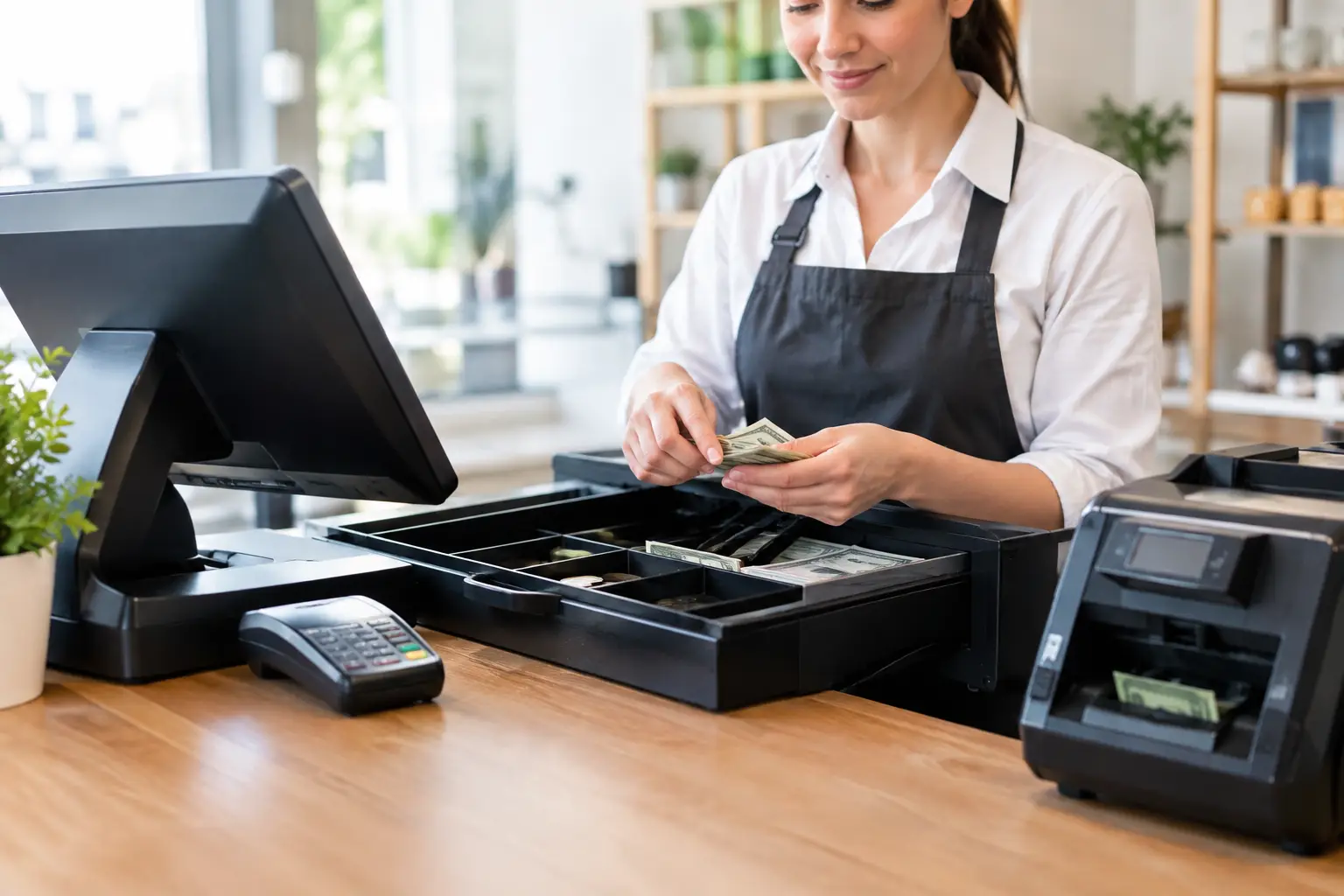
A well-organised counter helps staff work at a steady pace. Frequently used items such as receipt rolls, bags, barcode scanners and EFTPOS terminals should be within easy reach. Cables should be secured, screens positioned sensibly and printers placed where staff can replace paper without leaving the counter.
Counter layout also affects customer confidence. If customers cannot see the payment terminal, do not know where to place goods or have to lean across displays to tap their card, the transaction feels slower and less professional. Small changes in placement can reduce unnecessary movement for both staff and customers.
Use POS equipment that matches the pace of trade
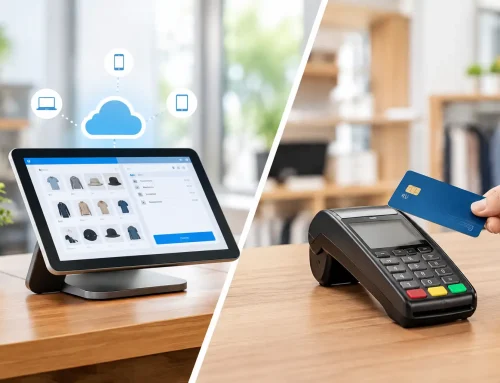
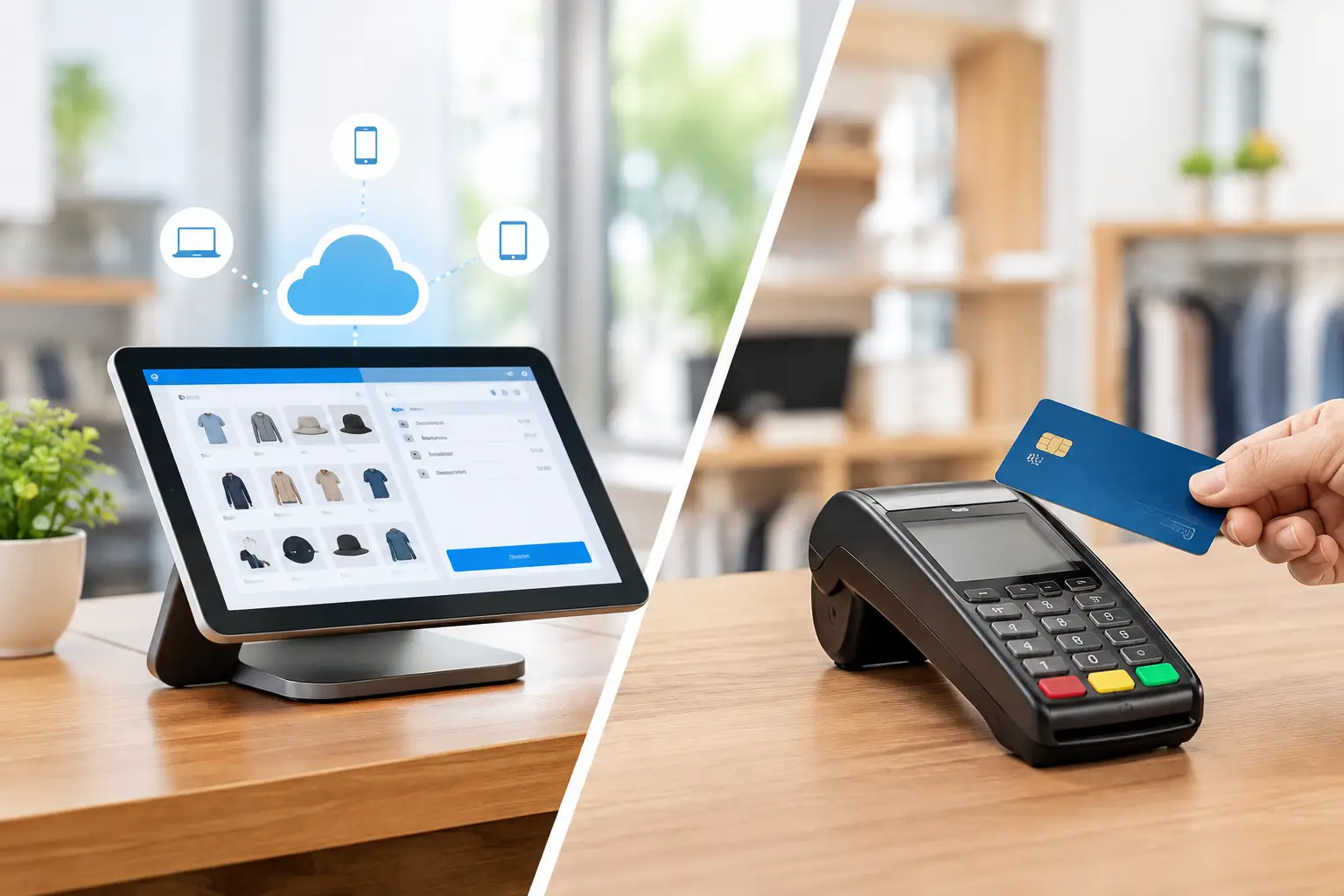
A point-of-sale system is not just a way to take payments. It is the operational centre of a busy checkout. The right setup should allow staff to find products quickly, apply discounts correctly, manage returns, print receipts and keep sales records without repeated workarounds.
Speed matters, but reliability matters just as much. A low-cost system that freezes during peak periods, loses connection to a printer or requires frequent resets can create more disruption than it saves. Businesses should consider the full setup: POS hardware, software configuration, network quality, receipt and kitchen printers, barcode scanners, cash drawers, payment integration and power protection.
For businesses selling goods by weight, trade-approved scales need to be accurate, correctly calibrated and suitable for the task. Integrated scales can remove manual steps by sending the weight and price directly to the POS system. This improves transaction speed while helping reduce keying errors and supporting trade measurement compliance.
A system should also fit the way your team works. A café may need quick-touch menu screens and order modifiers. A supermarket-style retailer may need barcode scanning, scale integration and rapid product lookups. A market operator may need portable equipment, mobile connectivity and battery or backup power planning. One approach does not suit every counter.
Reduce avoidable delays before the rush
The most effective improvements happen before customers start lining up. Opening checks should include testing the internet connection, EFTPOS terminal, scanners, printers and scales. Confirm that receipt paper is stocked, cash floats are ready and any overnight software updates have not affected normal operation.
Product and price data also needs attention. Staff should not have to search through vague categories or rely on memory for popular items. Use clear product names, logical screen layouts and accurate barcodes. For high-volume products, place the relevant buttons where staff can reach them quickly without scrolling through multiple screens.
Staff training is equally important. New team members need more than a basic demonstration of how to finalise a sale. They should understand how to process refunds, correct mistakes, handle split payments, reprint receipts, respond to a failed transaction and call for help without stopping the entire queue.
Keep procedures short and practical. A one-page counter guide for common issues can be more useful during a rush than a lengthy manual stored in the office. Training should be repeated when menus, products, promotions or equipment change.
Plan for peak periods and equipment faults
Every transaction-heavy business has predictable pressure points: weekend mornings, school holidays, lunch service, end-of-day trade, special events and seasonal promotions. Use sales data and staff experience to roster an extra person before the queue builds, rather than after customers begin walking away.
That extra person does not always need to operate a register. They may direct customers, pack purchases, restock bags, manage click-and-collect orders, prepare coffees or resolve issues away from the main queue. Removing one non-payment task from the cashier can improve the speed of the whole line.
It is also sensible to have a fallback plan. Know what staff should do if the internet drops out, an EFTPOS terminal fails, a printer jams or a POS terminal needs attention. Where appropriate, maintain a secondary payment device, spare receipt rolls and a clear contact process for technical support.
Local support is particularly valuable when a fault happens during trade. A provider that can install equipment, configure it around the workflow, repair it and support it after the sale reduces the number of parties your business has to call. EBE works with Southeast Queensland businesses on this kind of practical setup and ongoing support, including POS, printers, networks and trade-approved weighing equipment.
Measure the right signs, not just queue length
A queue is visible, but it is not the only measure of checkout performance. Watch for abandoned purchases, frequent voids, delayed order handovers, repeated staff calls for help and customers asking whether another register will open. These often reveal a problem before it becomes an obvious line at the counter.
It can help to review peak trading periods once a month. Ask staff which tasks slow them down and which faults happen repeatedly. Compare this feedback with transaction times, refund rates and customer complaints. The answer may be better training, a revised counter layout or a small system configuration change rather than a major equipment purchase.
Be careful not to make speed the only priority. Rushing staff can increase errors, reduce customer interaction and create problems that take longer to fix later. The best checkout process is quick for routine transactions while still giving staff enough control to handle exceptions properly.
A queue will never disappear completely when trade is strong. But when your equipment is dependable, your counter is arranged for the work and your team knows what to do under pressure, customers spend less time waiting and more time choosing to come back.









Leave A Comment
You must be logged in to post a comment.