
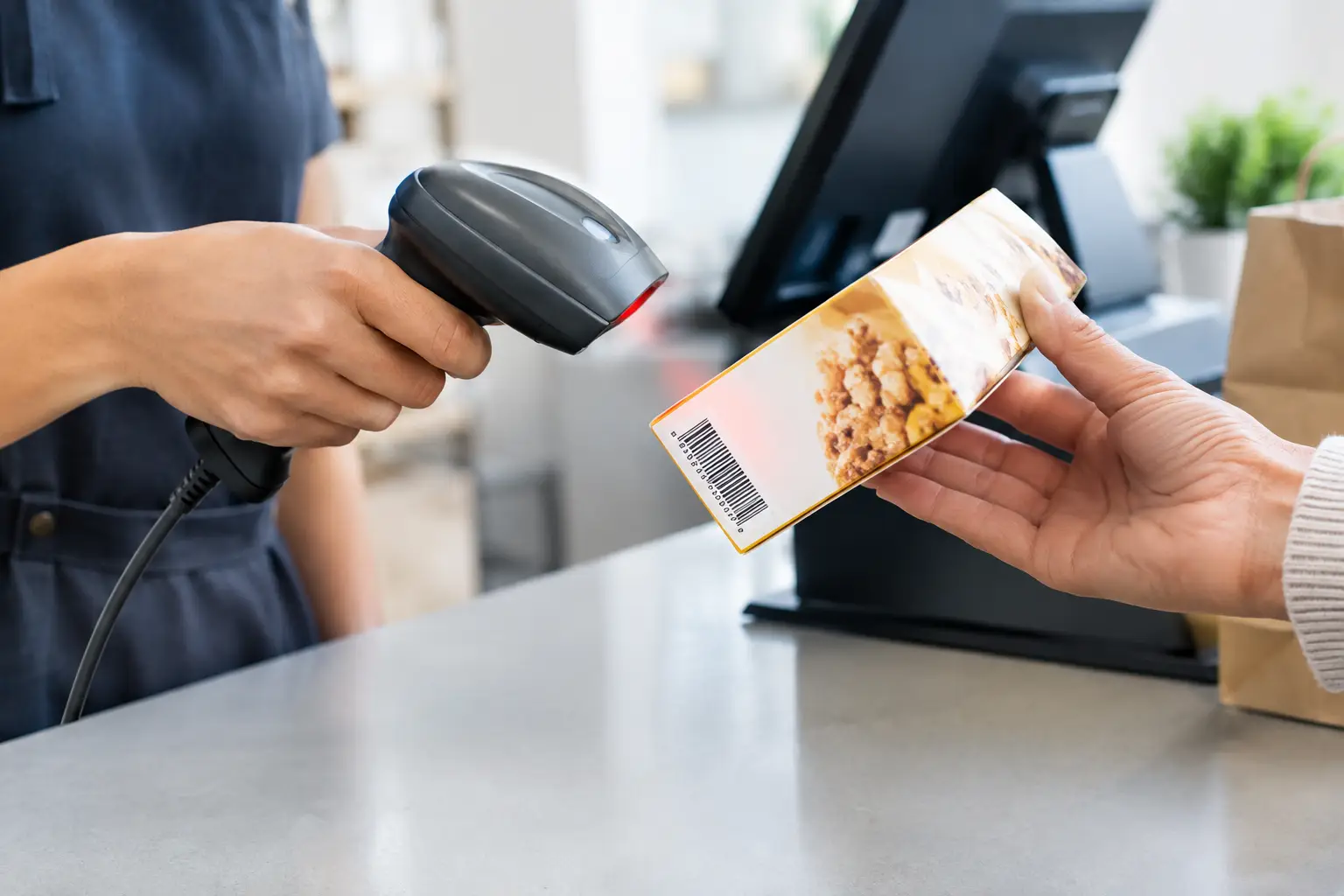
A queue building at the counter is rarely caused by one big problem. More often, it comes down to small delays repeated all day: a barcode that will not scan, a staff member searching for a product, or a scanner that does not communicate properly with the POS. The right barcode scanners remove those friction points, helping staff serve customers accurately and keep transactions moving when the business is busy.
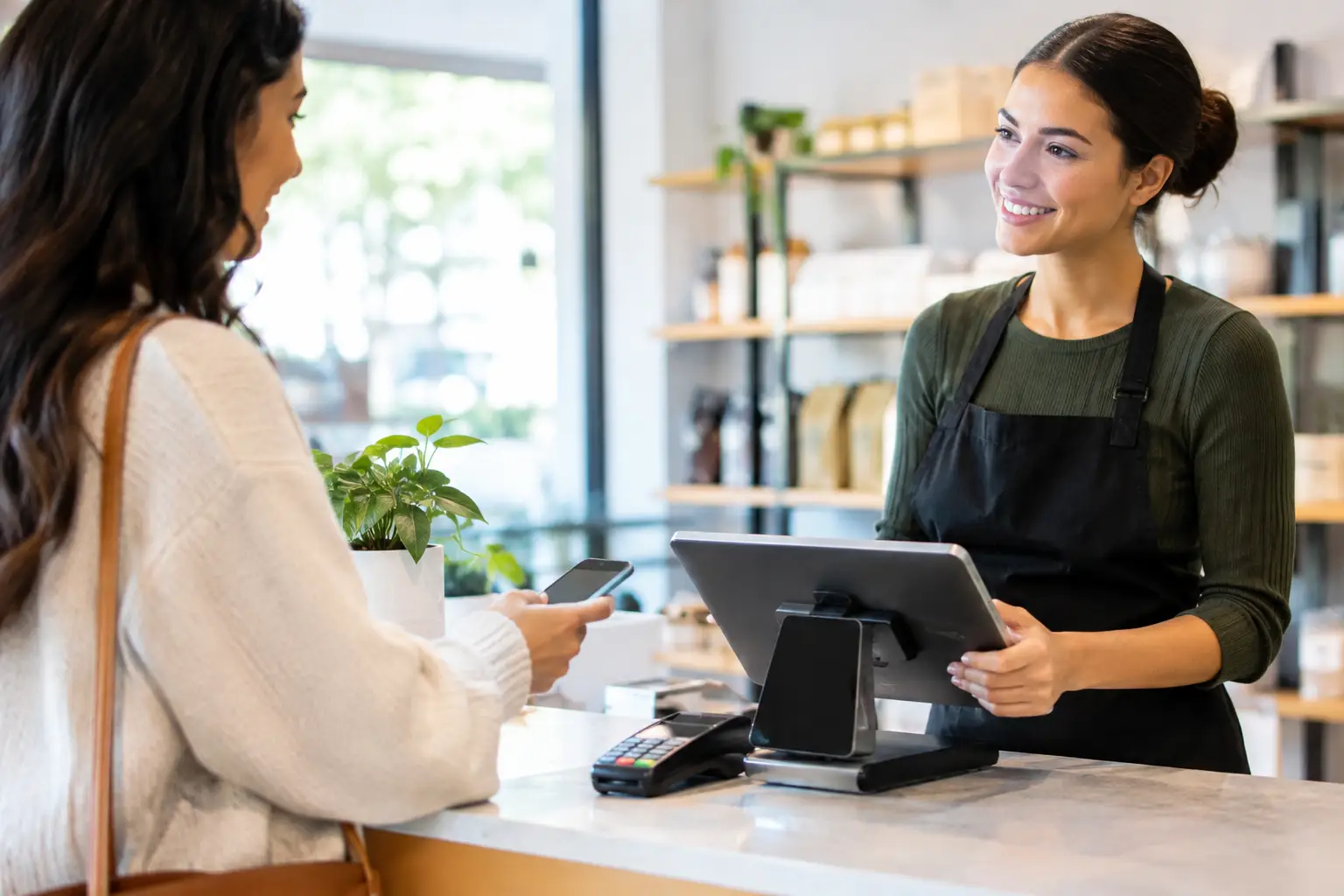
For a café, retail shop, takeaway venue or market operator, a scanner is not simply an accessory. It is a working part of the checkout system. Choosing one should come down to how your team serves customers, what products you sell and how the hardware connects with the rest of your POS equipment.
What barcode scanners do for a busy business
At their simplest, barcode scanners read a printed or digital code and send that information to the POS system. The system then identifies the item, applies the correct price and updates sales information or stock records, depending on how the software is configured.
This is faster than manually entering product codes, but speed is only part of the benefit. Accurate scanning reduces pricing mistakes, makes refunds and exchanges easier to manage, and gives managers cleaner sales data. In a grocery store or convenience outlet with hundreds of products, that accuracy can make stock control far less time-consuming. In hospitality, scanners can also help staff process packaged goods, loyalty offers and takeaway items without slowing the counter down.
The difference is most noticeable during peak trade. A scanner that reads on the first attempt lets staff stay focused on the customer rather than the equipment. That matters when a lunch rush, Saturday trade or event crowd leaves little room for delays.
Barcode scanners are not all the same
The best scanner is not necessarily the most expensive model. It is the one that suits the codes your business uses, the conditions it works in and the way staff need to handle it.
1D and 2D scanning
Traditional 1D barcodes are the familiar lines found on many packaged products. If your operation only uses these standard retail codes, a 1D scanner may be a practical and cost-effective choice.
A 2D scanner reads both standard barcodes and square QR-style codes. This gives a business more flexibility where suppliers use 2D labels, staff scan codes from mobile screens, or QR codes are used for loyalty programs, returns or digital vouchers. For many new POS installations, a 2D model is worth considering even if current needs are basic, as it avoids replacing equipment when workflows change.
Handheld, presentation and cordless models
Handheld scanners are a familiar choice for retail counters. Staff can pick them up to scan larger items, awkward labels or products held by customers. They are versatile, affordable and well suited to shops with mixed product sizes.
Presentation scanners sit on the counter and scan items as they pass in front of the reading window. They are often a good fit for fast-moving convenience retail, cafés and takeaway venues where staff need both hands free for packing, preparing orders or handling payments.
Cordless scanners give staff freedom to move around a counter, scan bulky stock or complete stock checks away from the register. The trade-off is that they need charging and should be selected carefully for wireless range, battery life and durability. A cordless scanner can be very useful in a warehouse-style retail space, but a wired model may be the more dependable option for a fixed checkout that operates all day.
Choosing a scanner for your POS workflow
It is easy to choose based on price or appearance alone. A better approach is to start with the actual work your staff do at the point of sale.
Consider the types of codes being scanned. Do your products have standard printed barcodes, small labels, damaged labels, QR codes or digital codes displayed on a customer’s mobile? A scanner that reads a wide range of code types reliably can prevent frustrating hold-ups at the counter.
Next, look at the physical environment. A compact countertop scanner may suit a clean café counter with limited space. A retail store handling cartons, gardening products or larger items may need a handheld scanner with a longer scanning range. Businesses operating outdoors, at markets or in food service should also consider dust, spills, drops and the practical reality of frequent handling.
Connection type matters as well. USB scanners are common and straightforward for many POS setups. Other systems may use serial connections, Bluetooth or dedicated wireless bases. The scanner must be compatible not only with the POS software, but also with the terminal, operating system and configuration required by the business. A scanner can be high quality and still cause problems if it has not been correctly configured for the system it is joining.
Finally, think about staff use. If a new team member cannot quickly understand where to aim, when to press the trigger or what the confirmation beep means, speed and accuracy suffer. Clear feedback through sound or light helps staff know immediately whether an item has scanned successfully.
Installation is where reliability begins
A scanner is often promoted as plug-and-play, and sometimes it is. In a business environment, however, proper setup is more than plugging in a cable. The equipment needs to be tested with real products, confirmed against the POS software and positioned so it is comfortable for staff to use.
For a presentation scanner, that includes checking the height and angle on the counter. For a handheld unit, it means securing the stand, routing cables safely and making sure the scanner remains within easy reach. For cordless equipment, it means locating the charging base sensibly and checking performance across the working area.
Configuration also affects results. Some scanners can be programmed to add an Enter key after scanning, suppress unwanted characters or read specific barcode formats. These settings need to match the POS workflow. A small configuration mismatch can result in scanned data appearing in the wrong field, duplicated entries or products that do not register properly.
Testing should cover the products and conditions that cause trouble in real life: faded labels, curved bottles, small items, reflective packaging and codes displayed on a mobile screen. It is much better to identify an issue before a busy trading period than while customers are waiting.
Common scanner problems and what they usually mean
When a scanner stops working, the cause is not always the scanner itself. It may be a cable, power issue, POS setting, product file or network-related problem. A methodical check saves time.
If the scanner has no light or beep, check the cable connection, power supply and whether the POS terminal recognises the device. If it powers up but will not scan, clean the scan window and test a known good barcode. Dirt, scratches and poor-quality labels can all affect reading performance.
Where the scanner beeps but the product does not appear correctly on screen, the issue may sit within the POS configuration or product database rather than the hardware. A barcode can scan perfectly but still return no item if it has not been assigned to the correct product record.
Intermittent faults deserve attention early. A loose cable, failing trigger, low cordless battery or worn charging contacts can become a full failure at the worst possible time. Businesses that rely on one scanner at one counter should also consider the cost of downtime. In some environments, keeping a tested spare scanner is a sensible precaution.
Plan for the whole checkout, not one device
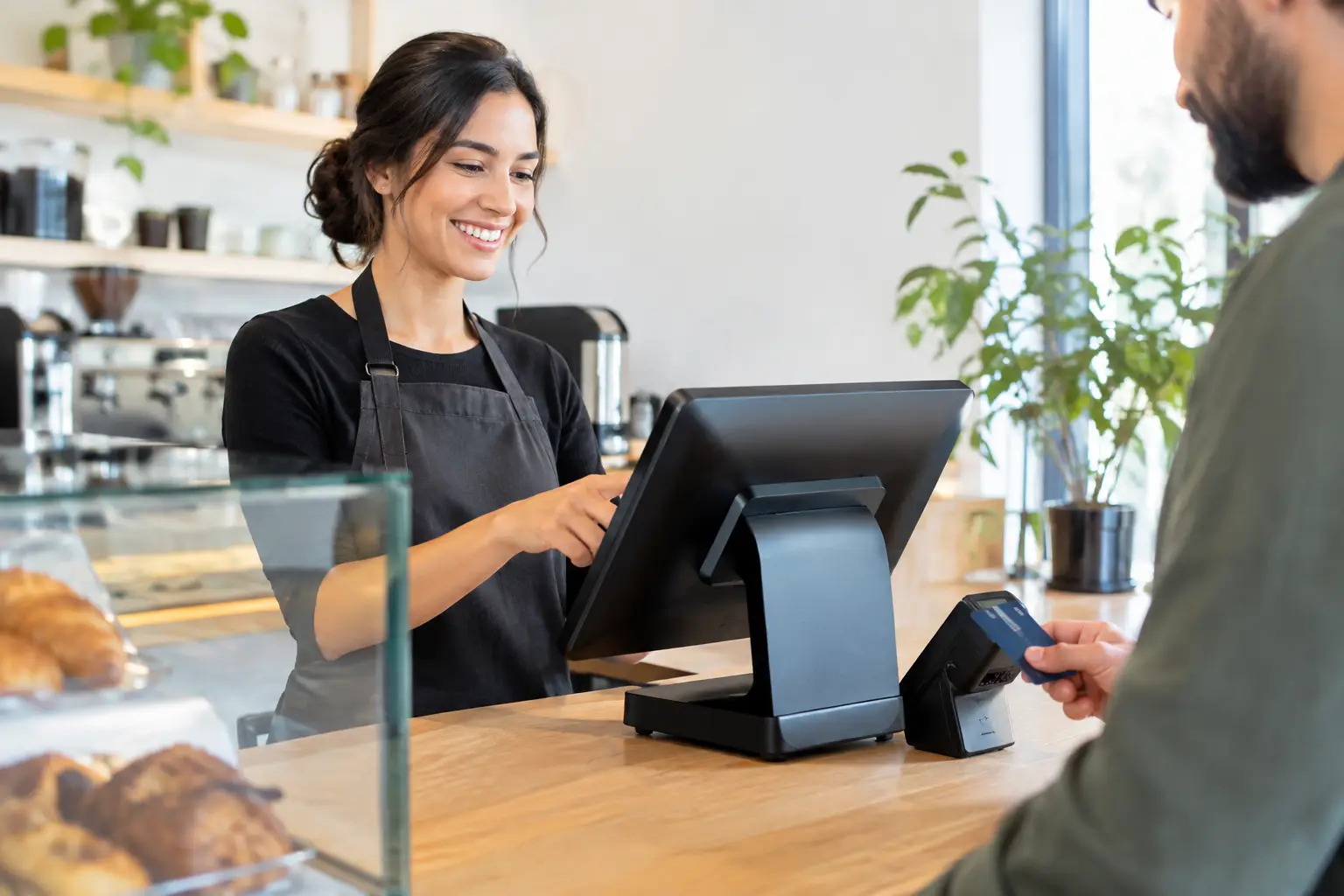
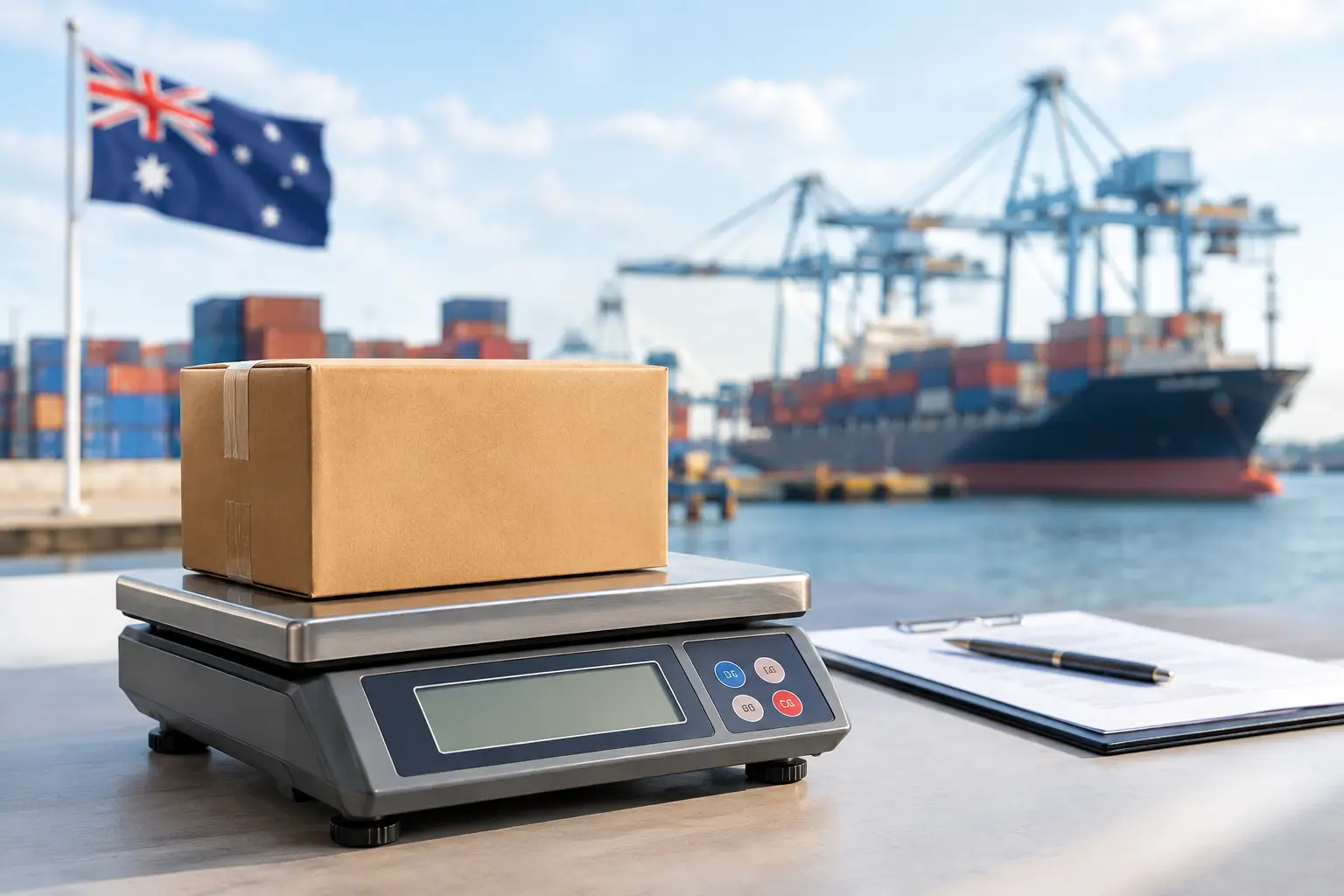
Barcode scanning works best when the entire point-of-sale area is designed as one system. The scanner needs to work alongside the POS terminal, receipt printer, cash drawer, payment terminal, scales where applicable, and the software staff use every day.
For example, a delicatessen or food retailer may need scales and POS equipment configured so weighted products, labels and barcodes align correctly. A retailer processing frequent deliveries may benefit from a cordless scanner that also supports stock receiving. A café with limited bench space may be better served by a compact presentation scanner than a larger handheld model and stand.
This is why practical advice before purchase matters. The cheapest scanner can become expensive if it does not suit the workflow, fails early or requires repeated workarounds. The right equipment, installed and supported properly, gives staff a tool they can rely on without having to think about it.
For Southeast Queensland businesses, EBE can assess the way your counter operates, supply compatible barcode scanning equipment and provide installation, configuration and ongoing support. When your scanner, POS and connected hardware are working as they should, your team can spend less time fixing checkout issues and more time serving the next customer.



Leave A Comment
You must be logged in to post a comment.