
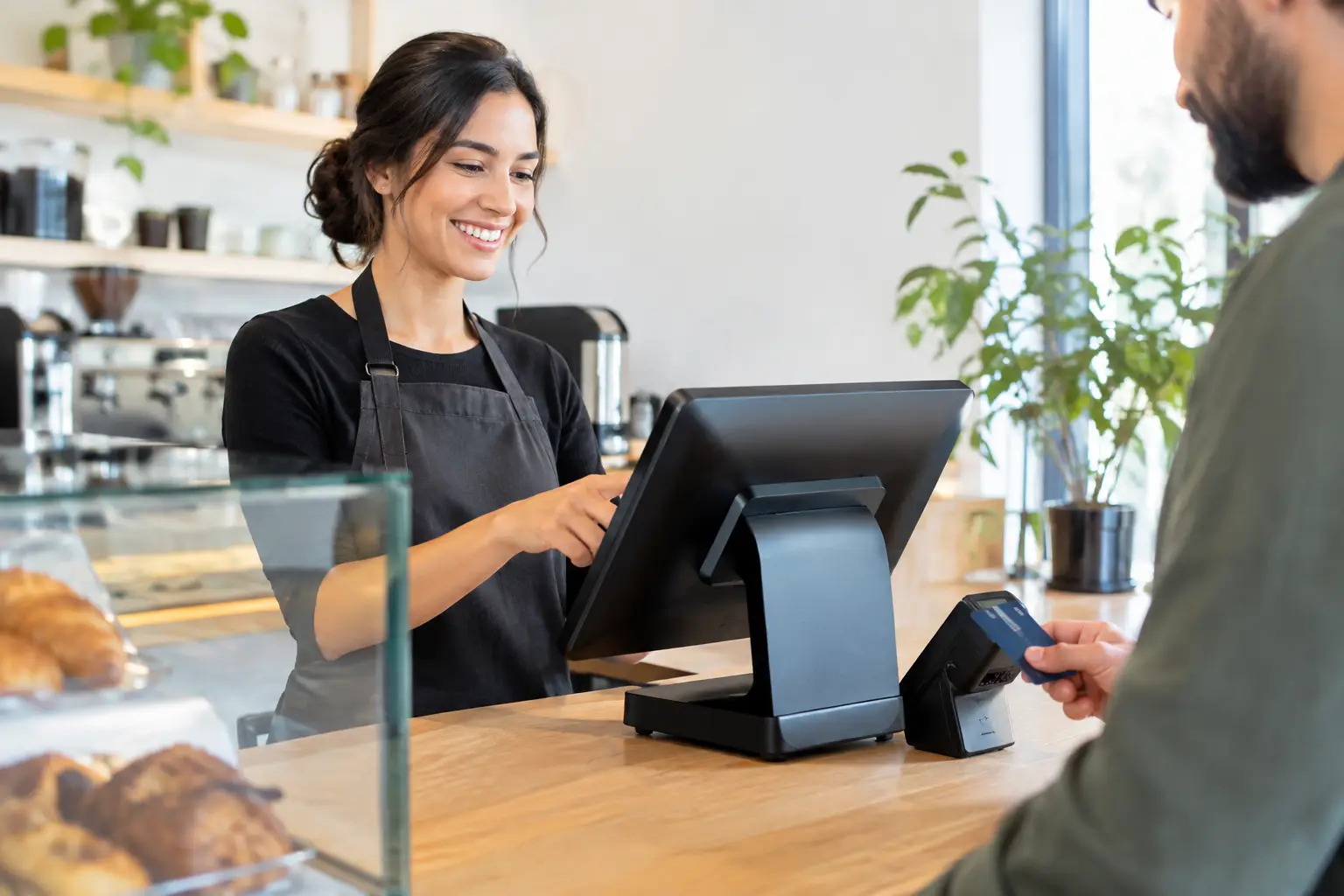
A queue at the counter can build quickly. One delayed EFTPOS payment, an unreadable barcode or a printer that stops mid-service can affect sales, staff confidence and the customer’s impression of your business. That is why POS systems need to do more than process a transaction. They need to suit the way your team works, connect the right equipment and keep operating when business is busy.
For a café, this may mean sending accurate orders to the kitchen while managing split bills and takeaway service. For a retailer, it could mean reliable barcode scanning, stock visibility and fast receipt printing. For a butcher, grocer or market operator, it may also involve a trade-approved scale that communicates accurately with the register. The right setup depends on the job, not simply the features listed on a box.
What a POS system should do for your business
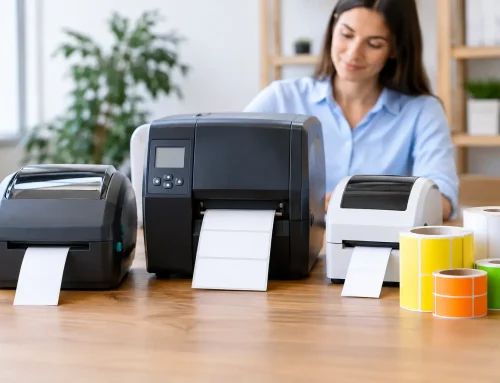
A point-of-sale system brings together the hardware and software used to complete sales. Depending on your operation, that can include a touchscreen terminal, cash drawer, receipt printer, barcode scanner, customer display, EFTPOS integration, kitchen printer, tablet, label printer and weighing equipment.
The aim is straightforward: make each transaction accurate, efficient and easy for staff to manage. A well-configured system reduces double handling, helps prevent pricing mistakes and gives the owner a clearer view of sales activity. It should support your existing workflow rather than forcing staff to find workarounds during a busy shift.
This matters most in transaction-heavy businesses, where small delays happen repeatedly throughout the day. Saving even a few seconds at each sale can make a real difference during the morning rush, weekend trade or a large event. More importantly, dependable equipment gives staff the confidence to focus on customers instead of troubleshooting technology.
Choosing POS systems for the way you trade
There is no single best system for every business. A compact takeaway venue has different requirements from a multi-terminal restaurant, and a specialty retailer will have different priorities from a fresh-food store. The right choice starts with a clear look at how transactions move through your business.
Consider where orders are taken, how payments are accepted, whether prices change frequently, how many staff use the system and what information you need at the end of the day. If stock control matters, ask how products, variations and supplier information will be managed. If you sell by weight, check that the scale and POS setup meet trade measurement requirements and are suitable for your products.
It is also worth thinking ahead. A system that works for one register today may need to support a second counter, mobile service, online orders or another location later. Planning for sensible growth can avoid an unnecessary replacement before the equipment has delivered its value.
Retail businesses
Retail POS systems usually need dependable scanning, product lookup, receipt printing and cash handling. Businesses with a larger product range may benefit from stock reporting and simpler ways to update pricing, promotions and product details. For fashion, giftware, convenience and specialty retail, the ability to process transactions quickly while keeping product data organised is often more useful than a long list of features nobody uses.
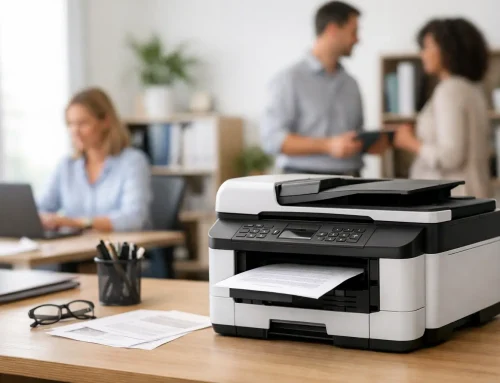
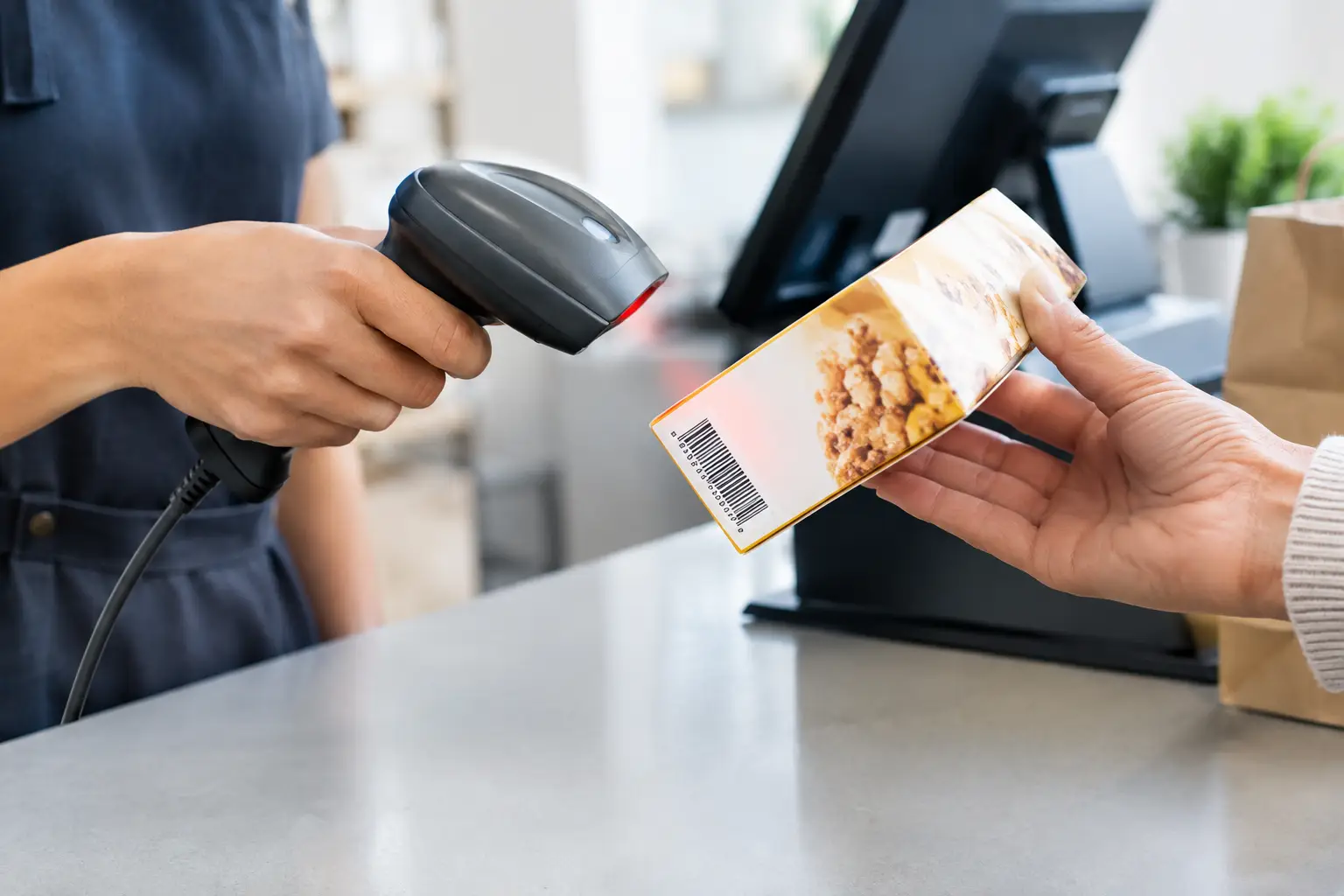
Hardware choice matters here. A quality scanner that reads damaged or poorly printed barcodes can save time at the counter. A correctly matched receipt printer and cash drawer can also prevent the small equipment issues that slow staff down at peak times.
Hospitality and food service
Hospitality has its own pressure points. Staff may need to manage tables, modifiers, split payments, kitchen dockets, takeaway orders and fast-changing menus. The system should make these common tasks simple, especially for new team members who are still learning the ropes.
Kitchen printing needs careful setup. Orders must reach the right preparation area clearly and promptly, whether that is the coffee station, grill, bar or pass. A printer placed in the wrong environment, with unsuitable paper or an unreliable network connection, can create avoidable confusion when service is in full swing.
Weighed and labelled products
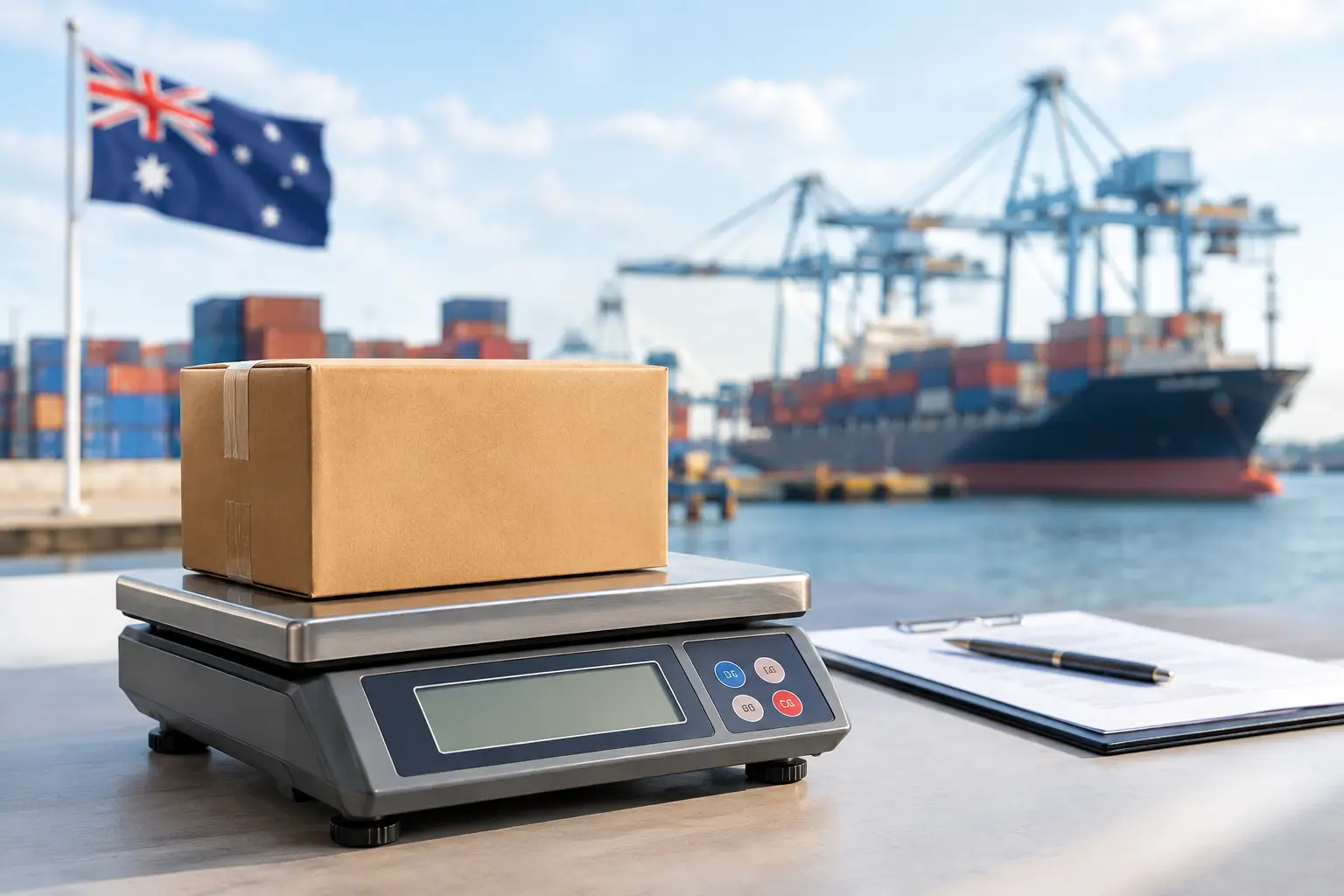
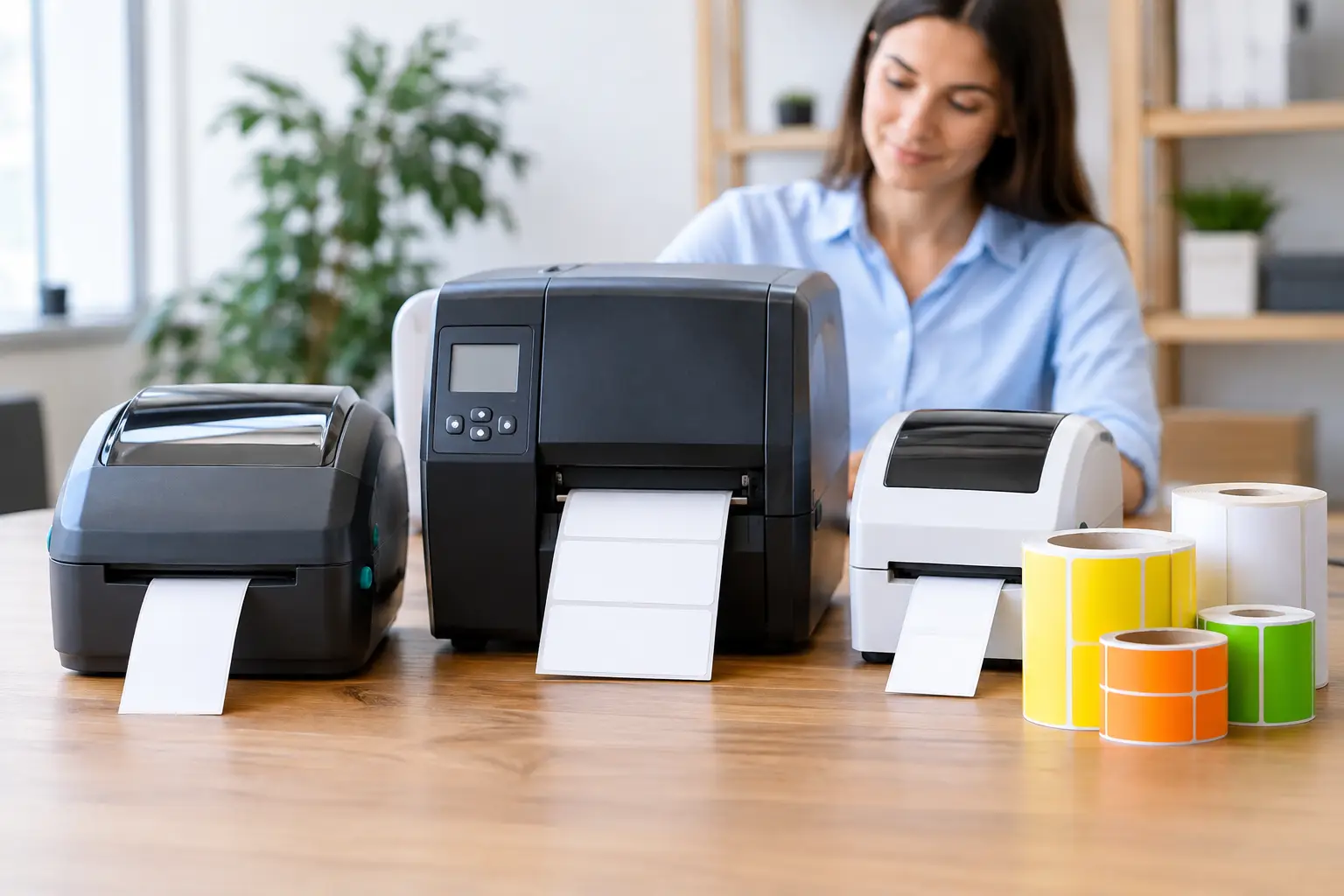
Businesses selling products by weight need more than a basic checkout terminal. The scale must be appropriate for trade use, correctly calibrated and verified where required. It may also need to communicate product and price data with the POS system or print labels for pre-packed goods.
This is an area where buying equipment without checking compatibility can become expensive. A scale, label printer and POS package should be designed as one working setup, with support available for calibration, repairs and ongoing compliance.
Hardware reliability is part of the decision
Software gets much of the attention when selecting a new system, but the hardware is what staff touch all day. A terminal that is too small, a printer that cannot keep up or a scanner that struggles with normal use can undermine otherwise capable software.
Commercial-grade equipment is built for repeated transactions, spills, heat, dust and long operating hours. That does not mean every business needs the highest-specification unit available. It means choosing equipment that is suitable for the environment and workload it will actually face.
For example, a busy café may need a counter terminal with a responsive touchscreen, a durable receipt printer and protected cabling. A mobile market operator may place greater value on compact equipment, battery planning and a reliable connection. A supermarket deli needs equipment that can manage weighed goods accurately and remain practical for staff behind the counter.
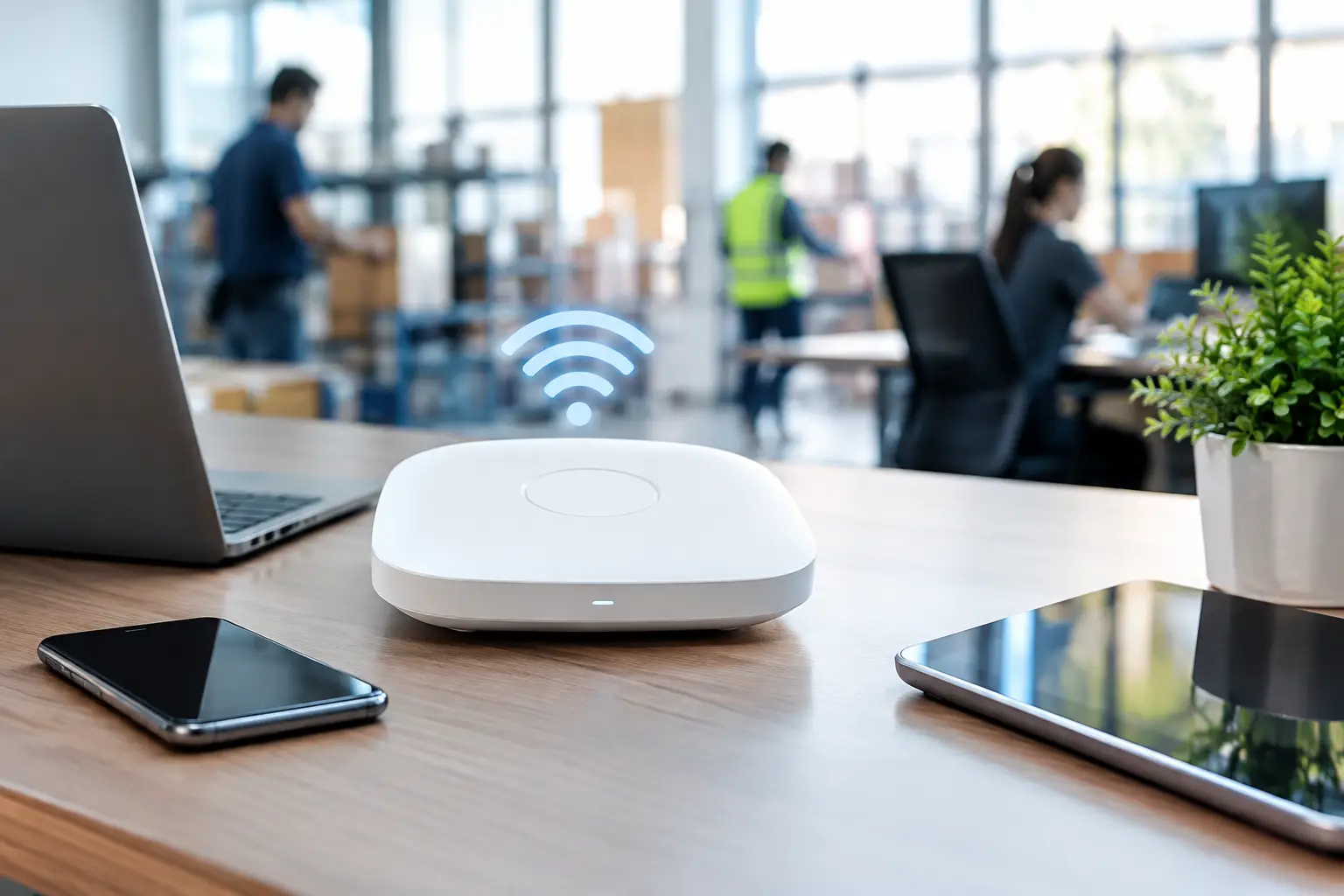
Ask practical questions before committing. Where will the equipment sit? Is there enough power and network access? Does the counter layout allow staff to serve customers comfortably? What happens if the internet connection drops? These details are often the difference between a system that looks good on installation day and one that works well six months later.
Installation and configuration should not be an afterthought
A POS system is not simply plugged in and left to run. Product data, printers, network settings, payment options, user permissions and reporting all need to be configured correctly. When several devices are involved, the installation should be planned as a complete working environment.
Staff training is equally important. Even an intuitive system needs clear processes for refunds, voids, end-of-day procedures, printer paper changes and basic fault checks. Training should focus on the tasks staff perform every day, not just a quick demonstration of the screen.
Before going live, it is sensible to test common scenarios. Process a card payment, a cash sale and a refund. Confirm that receipts print correctly and orders reach the right kitchen printer. Check product prices, tax settings, scale integration and staff logins. This testing is especially valuable before a new venue opens or a major promotion begins.
Ongoing support protects your uptime
Technology problems rarely appear at a convenient time. A printer may fail on a Saturday morning, a cash drawer may stop opening during lunch service or a network fault may affect multiple terminals. When your counter cannot trade properly, fast access to an experienced technician matters.
Local support is valuable because it combines remote troubleshooting with the option of on-site help when the issue needs hands-on attention. It also means the support team can understand your equipment, site layout and operating pressures rather than treating every call as a generic ticket.
Keep consumables on hand as well. Receipt paper rolls, labels, ribbons and spare accessories are low-cost items that can stop service when they run out. A simple check of stock levels can prevent an unnecessary scramble during a busy period.
EBE works with Southeast Queensland businesses to select, install, repair and support point-of-sale equipment, including connected scales and business hardware. The focus is on practical systems that fit the job, backed by people who can help when equipment needs attention.
When it is time to review your system
You do not need to wait for a complete failure before reviewing your setup. Repeated printer faults, slow transaction times, manual workarounds, poor reporting or difficulty training new staff are all signs that the system may no longer suit the business.
A review does not always mean replacing everything. Sometimes a new scanner, printer, network improvement or better configuration will solve the real problem. In other cases, older equipment may be costing more in downtime and repairs than a planned upgrade would cost.
Start with the moments that frustrate staff or customers most. The best POS system is not the one with the longest feature list. It is the one that helps your people serve accurately, trade confidently and keep the counter moving when it matters.





Leave A Comment
You must be logged in to post a comment.