

A lunch rush exposes the weak points in a point-of-sale system very quickly. Orders need to reach the right printer, staff need to find products without hesitation, payments need to process reliably, and managers need accurate sales information when the doors close. This SwiftPOS software review looks at where the platform may suit Australian transaction-heavy businesses, and what should be checked before making it part of daily operations.
SwiftPOS is generally considered by hospitality, retail and venue operators who need more than a basic cash register. Its value is not simply in recording a sale. The real question is whether it can be configured around the way your team takes orders, manages stock, handles payments and reports on performance.
What SwiftPOS is designed to support
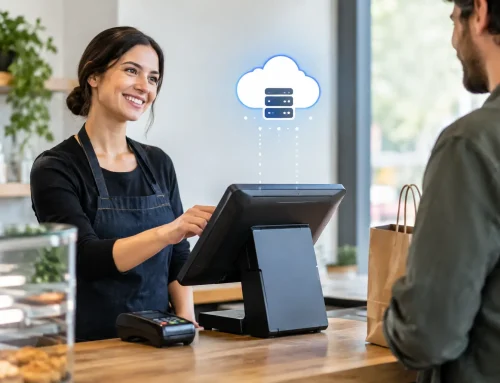
SwiftPOS is a point-of-sale platform used across hospitality, retail, clubs, venues and other operations with busy service periods. Depending on the selected setup and modules, a business may use it for POS sales, product and menu management, stock functions, customer or loyalty activity, reporting, ordering workflows and connected devices.
That breadth can be useful for an operator wanting to bring several day-to-day tasks into one system. A café may need fast counter ordering and kitchen printing. A retailer may place greater value on product data, barcode scanning and stock visibility. A club or event venue may have more complex requirements around service points, memberships, tabs or reporting.
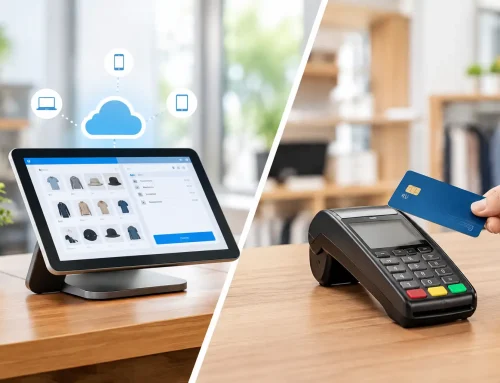
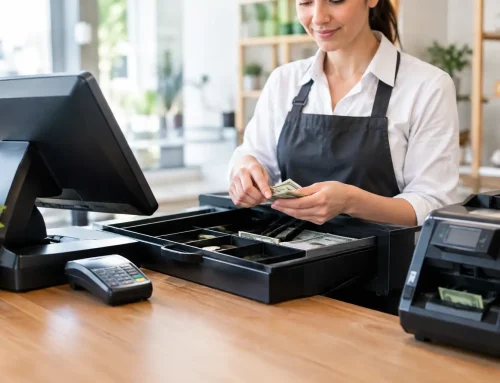
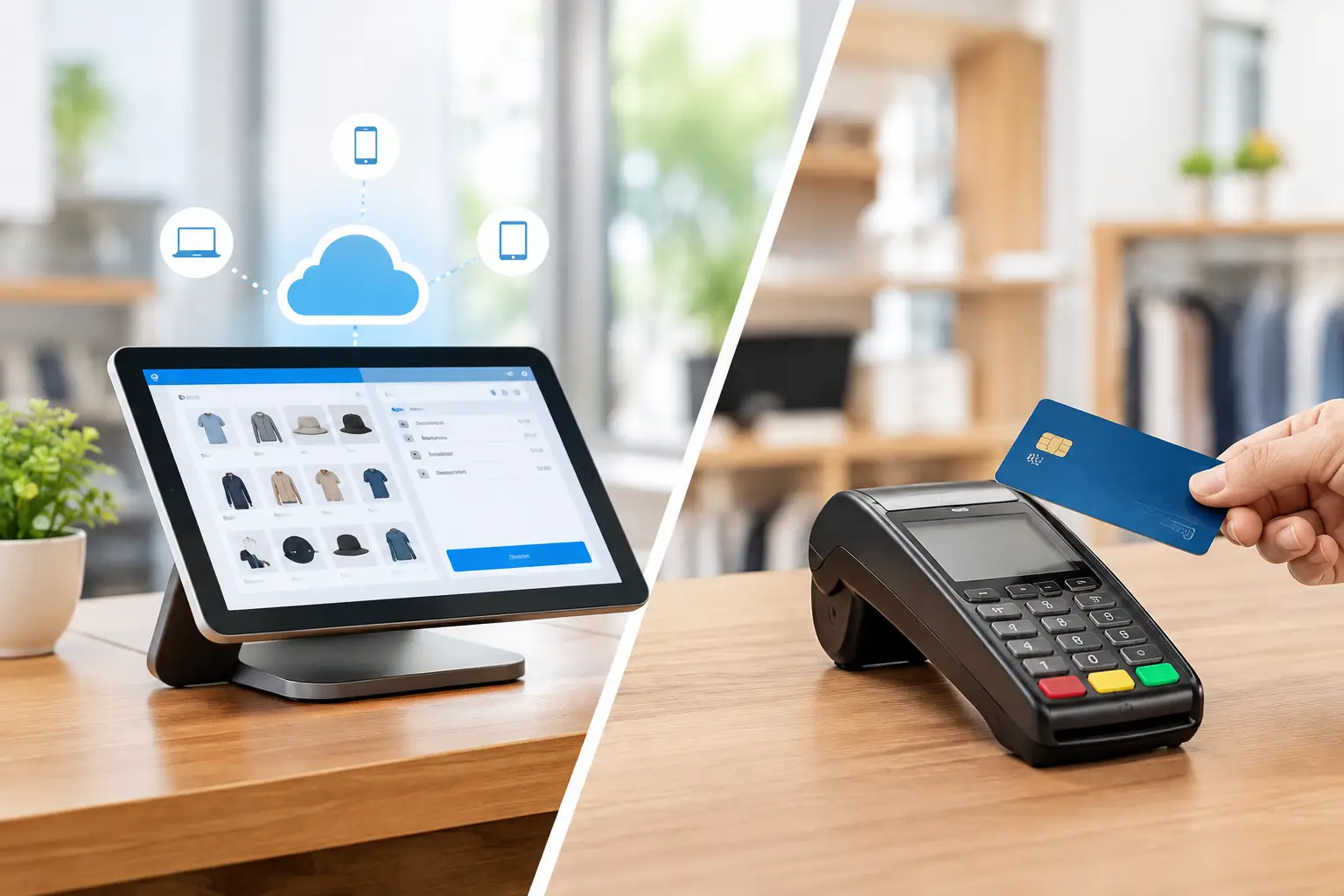
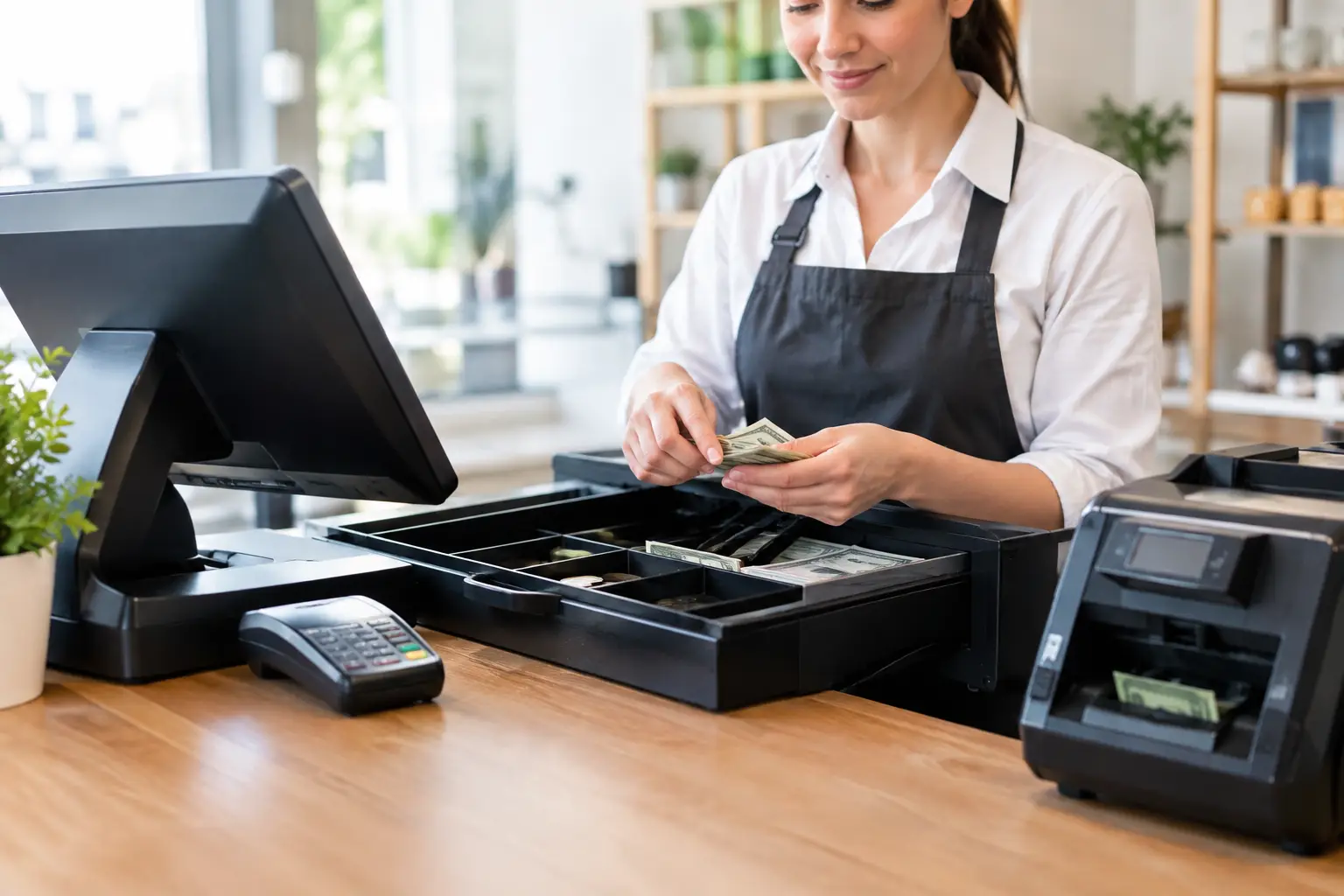
The software itself is only one part of the outcome. A good installation also depends on suitable terminals, receipt and kitchen printers, cash drawers, scanners, payment equipment, network performance and staff training. If any of those parts are poorly matched or poorly configured, even capable software can become frustrating during service.
SwiftPOS software review: where it can add value
Built for more involved transactions
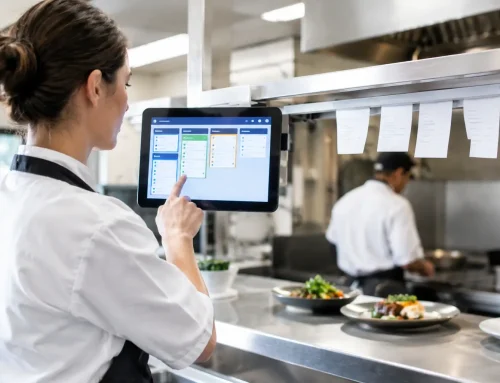
SwiftPOS can be a sensible option where a business has detailed products, modifiers, menus or service workflows that a simple POS package may not handle comfortably. For food service, the ability to structure categories, items, additions and production instructions can reduce mistakes between the counter and kitchen.
For retail, the platform may suit businesses that need an organised product catalogue and a faster scan-and-sell process. The benefit is not just speed at the till. Consistent product setup can improve reporting and make it easier for managers to see what is selling, what is slow-moving and where errors are occurring.
However, more capability also means more decisions during setup. Menu logic, product groups, pricing rules and staff permissions need careful attention. A rushed configuration can leave staff scrolling through cluttered screens or applying workarounds that undermine the intended efficiency.
Reporting that supports practical decisions
Most owners do not need another report for its own sake. They need answers: Which products are producing sales? Are certain shifts underperforming? Is a promotion working? Are staff discounting within approved limits?
A POS system with useful reporting can make those questions easier to answer, provided the underlying data is clean. That means product names, departments, prices and stock processes must be set up consistently from the start. If staff use generic buttons or inconsistent item entries, reports quickly lose their value.
Before choosing SwiftPOS, ask to see reports that reflect your own decisions rather than a generic demonstration. A takeaway shop, for example, may want to compare trading periods, product mix and order volumes. A specialty retailer may need clearer sales by category, supplier or item. The right report is the one that changes what you do next week.
A platform that can grow with the operation
Businesses often outgrow a basic cash register when they add locations, increase their product range, introduce new service points or need better oversight. SwiftPOS may be worth considering when the current setup is forcing staff to duplicate work or leaving owners without reliable operational information.
Growth should not automatically mean buying the most complex system available. A small business with one counter and a straightforward product range may be better served by a simpler configuration. Complexity has a cost in training, administration and support. The best system is the one your team can use correctly during a busy shift.
Hardware, network and support matter just as much
A POS installation is not a boxed software purchase. It is a working system made up of connected equipment. Hardware must be suitable for the environment, whether that means a busy restaurant counter, a dusty market stall, a retail shop floor or a service area exposed to heat and spills.
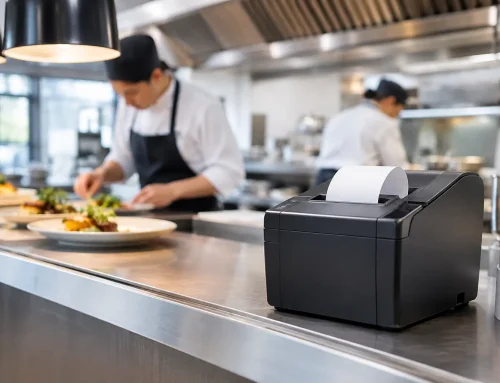
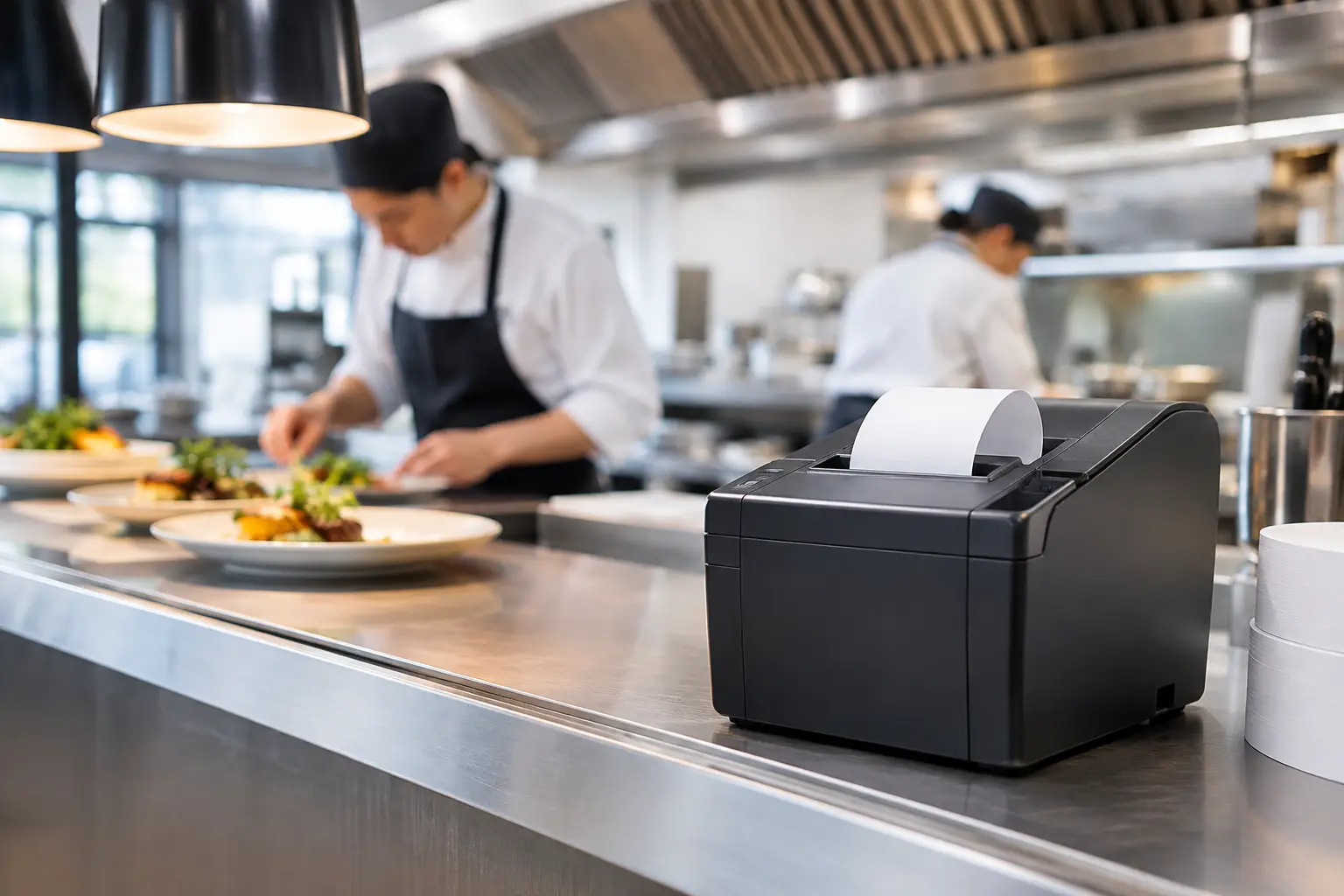
Check that the proposed setup includes the right number of terminals and printers for the way your business trades. A single receipt printer may be acceptable for a quiet shop but become a bottleneck in a venue handling counter, bar and kitchen orders. For hospitality operations, printer locations, order routing and fallback procedures deserve particular attention.
Network reliability is equally important. POS terminals, payment devices, printers and back-office access all rely on a stable connection. A weak Wi-Fi signal or an improvised network can cause dropouts that look like a software problem but are actually an infrastructure issue. A site assessment before installation is time well spent.
Businesses selling by weight should also separate POS requirements from trade-measurement obligations. If scales are part of the workflow, confirm that the equipment is trade approved where required, correctly calibrated and appropriate for the products being sold. The way scale data is used within the POS setup should be tested as part of the full transaction process, not assumed.
Questions to ask during a SwiftPOS demonstration
A demonstration should be based on your busiest and most awkward real-life transactions, not just a simple cash sale. Ask the provider to show how the system handles exceptions, changes and staff errors. The following questions will help make the assessment more practical:
- Can the POS screen be configured around our menu, product range and most common transactions?
- How do orders move between counter, kitchen, bar, warehouse or other service points?
- Which payment devices, printers, scanners, scales and existing equipment are compatible with the proposed setup?
- What reports can managers access, and how much work is required to keep the data accurate?
- What training is included for staff, supervisors and managers?
- Who provides support when a terminal, printer, network connection or software setting fails during trade?
Also ask for clarity on licensing, ongoing fees, hardware replacement options, data migration and any integration costs. Pricing is not always directly comparable between systems because one quote may include installation, programming and training while another covers software only. Looking only at the initial figure can create an expensive gap later.
The trade-offs to consider
The strongest case for SwiftPOS is usually a business that needs tailored workflows and is prepared to invest in a proper rollout. With more configuration available, there is more opportunity to make the system fit the business. There is also more need for good planning, accurate information and staff training.
For some operators, that is a worthwhile trade-off. A multi-station hospitality venue or retailer with detailed product management may gain far more control than it would from an entry-level system. For a very small operation with simple sales, a leaner POS option may be easier to manage and more cost-effective.
Reliability should be assessed beyond the software feature list. Ask what happens if the internet connection fails, a printer stops working or a staff member forgets a process. Clear procedures, dependable hardware and responsive support are often what keep a small problem from becoming a lost afternoon of trade.
Making the rollout work
A successful POS changeover needs a measured plan. Product and menu data should be checked before it is loaded. Staff should practise normal sales, refunds, split payments, voids, order changes and end-of-day procedures before the system goes live. It is far easier to correct screen layouts and printer routing during testing than in front of a queue.
For Southeast Queensland businesses, a local provider that can assess the site, supply compatible hardware, install the system and remain available for repairs can reduce the risk of a fragmented setup. EBE works with businesses that need that hands-on approach, including POS equipment, networking, trade-approved scales, installation and ongoing technical support.
A SwiftPOS system is most effective when it reflects the reality of your operation: the products you sell, the pace your staff work at, the equipment you depend on and the support you need when trade is at its busiest. Start with those realities, test them carefully, and the right decision will be much clearer.








Leave A Comment
You must be logged in to post a comment.