
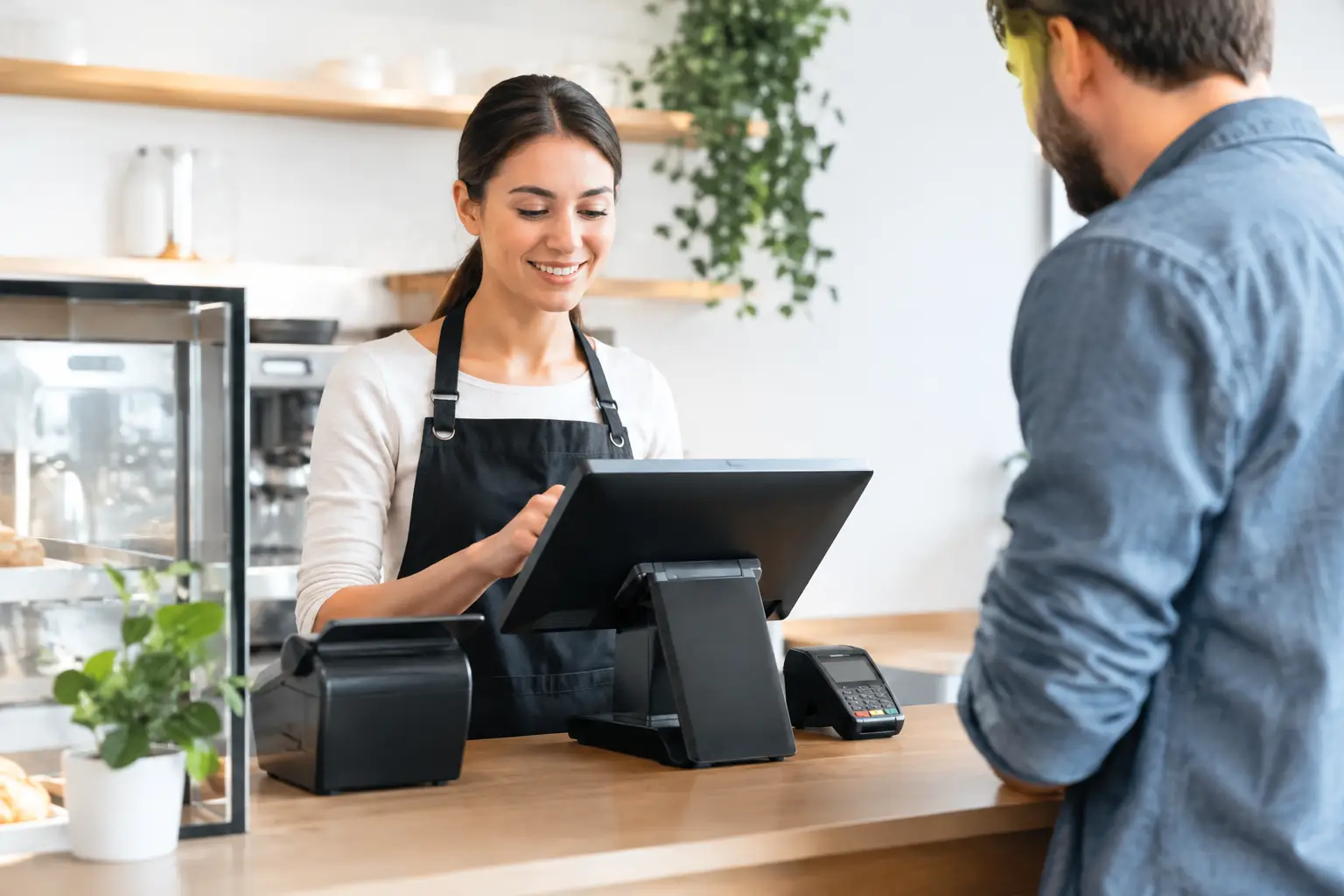
A low hardware price can look attractive until the POS arrives, staff cannot process a sale, the printer is not talking to the terminal, or the network drops out during a busy service. POS installation cost is not simply the price of plugging in a screen. For a retail shop, cafe or takeaway venue, it is the cost of getting every part of the transaction process working properly from day one.
The right budget depends on how your business trades, what equipment you already have and how much configuration is required. A simple counter setup may need little more than a terminal, receipt printer and basic software setup. A multi-station restaurant with kitchen printers, integrated EFTPOS, stock control and trade-approved scales needs more planning and technical work.
What affects POS installation cost?
A useful quote should separate the equipment cost from the labour and services needed to make the system operational. That gives you a clearer view of where the money is going and helps avoid comparing a fully installed system with a box of hardware.
Hardware and the number of workstations
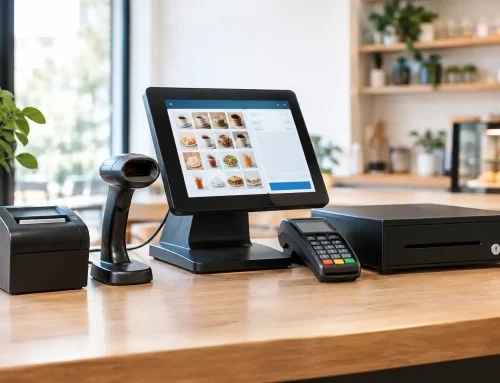
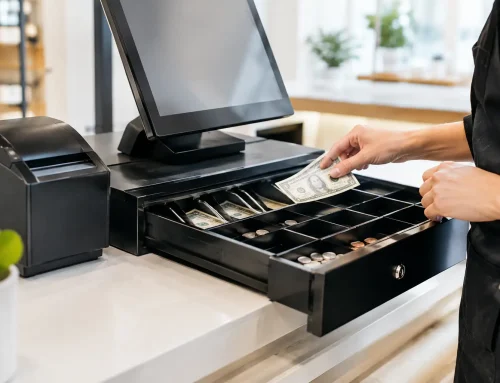
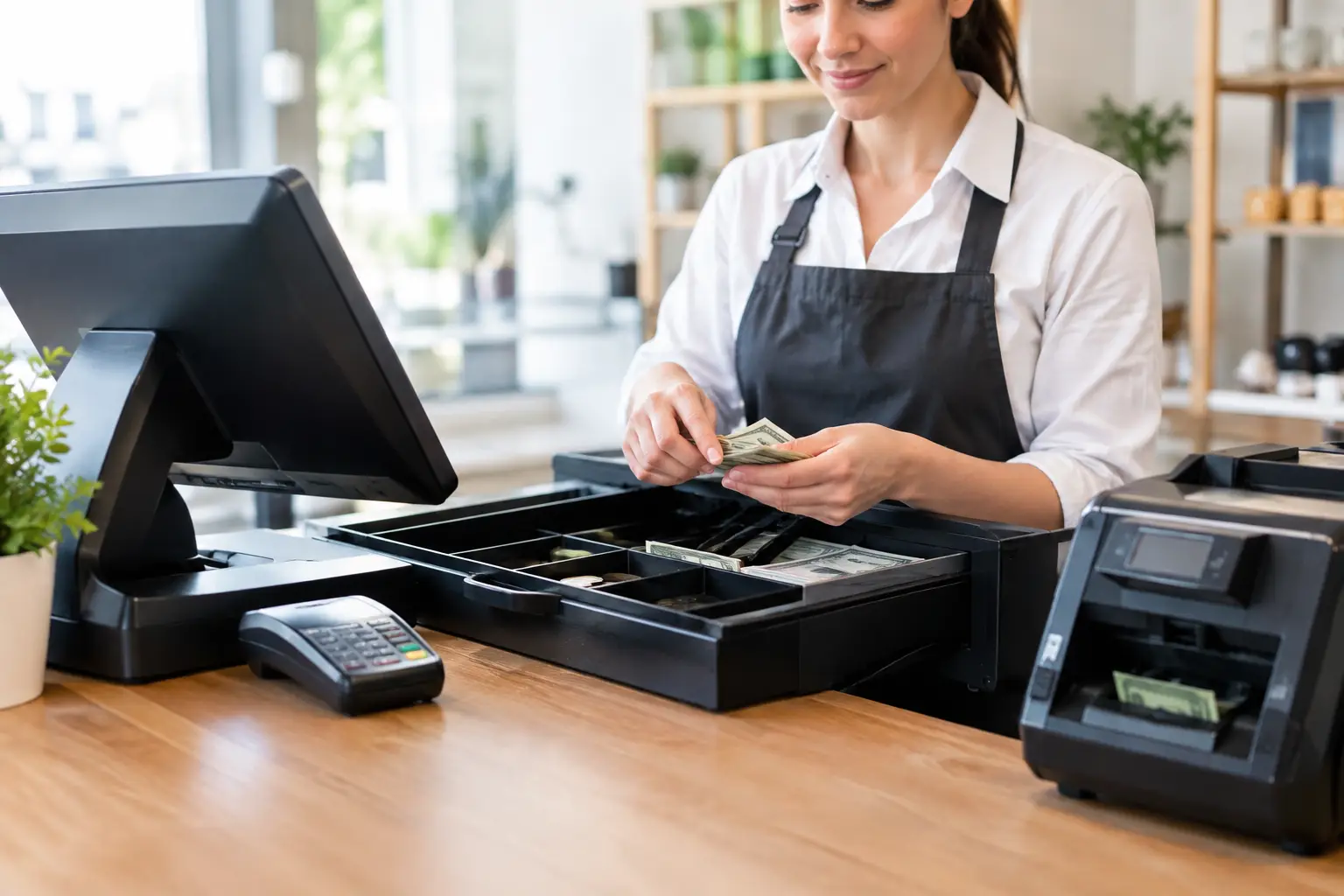
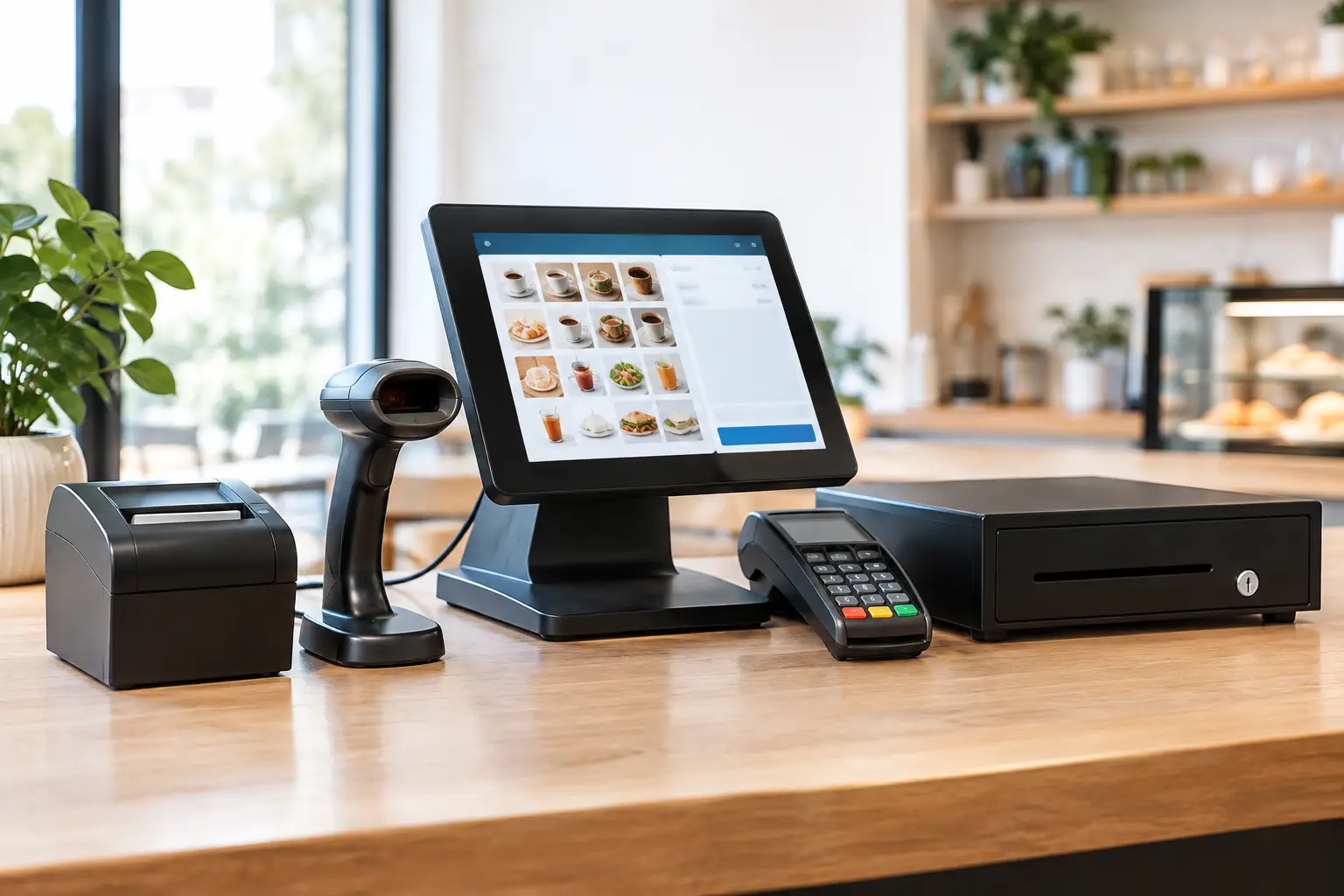
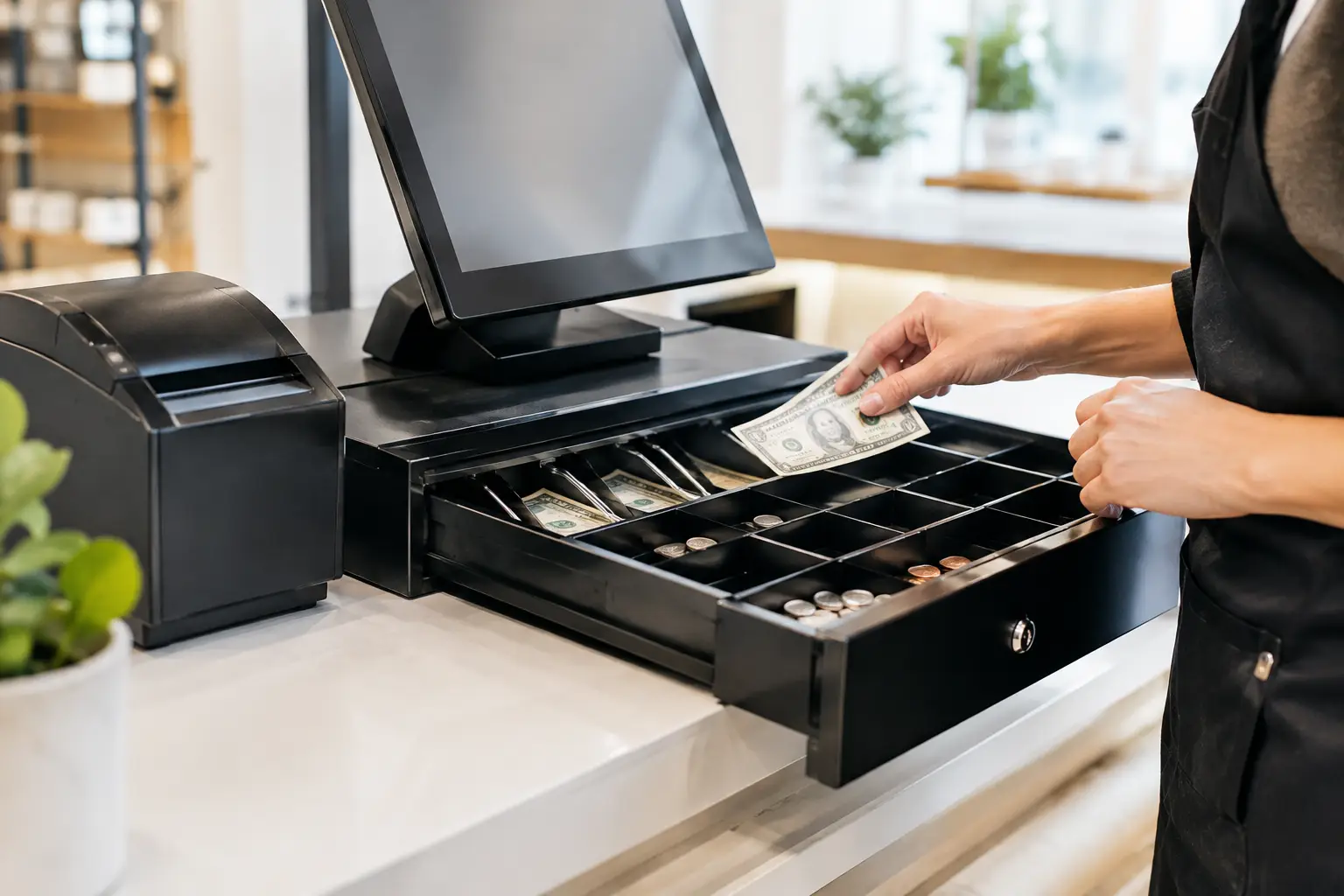
The physical equipment is usually the largest part of the upfront spend. This can include POS terminals, cash drawers, receipt printers, barcode scanners, customer displays, kitchen printers, tablets, charging docks and network hardware. A single checkout is naturally less expensive than three service points with a back-office computer and multiple printers.
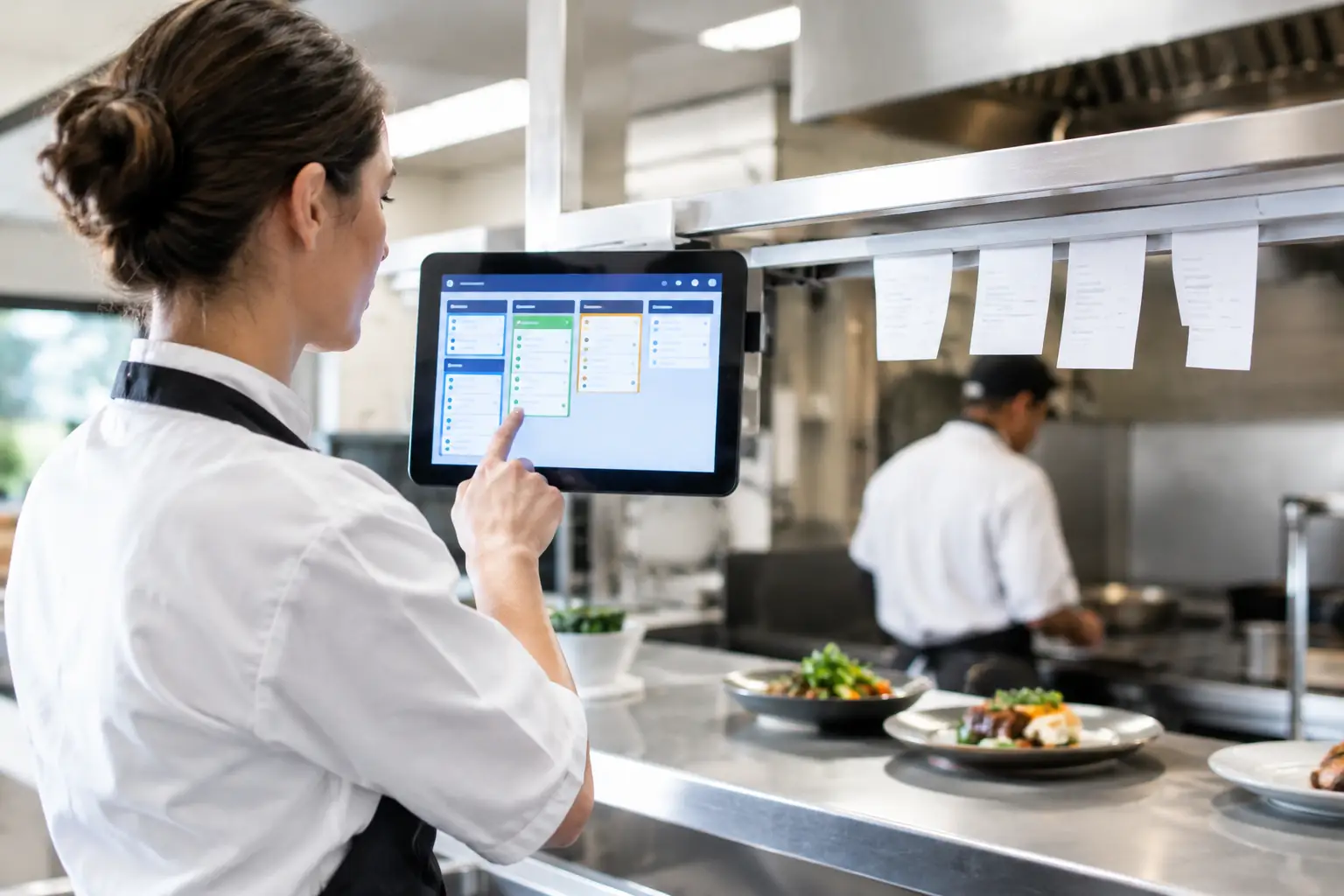
The equipment must also suit the environment. A busy cafe may need a spill-resistant touchscreen, a fast thermal printer and kitchen equipment that can cope with heat and constant use. A retailer may place greater value on barcode scanning, label printing and reliable stock control. Buying equipment that matches the workload can reduce repair costs and interruptions later.
Software setup and configuration
POS software is rarely ready to use straight out of the box. Menus, products, prices, GST settings, modifiers, staff permissions, receipt layouts and reporting categories all need to reflect how the business operates. If you sell meals with options, retail products with hundreds of SKUs, or weighted goods, this part of the setup can take time.
A basic configuration may be completed quickly where product data is clean and the workflow is straightforward. Importing or cleaning an existing product file, building a detailed menu, setting up loyalty features or configuring delivery and online ordering connections will add to the installation scope. The same applies where old data needs to be retained or moved to a new platform.
Networking, payments and integrations
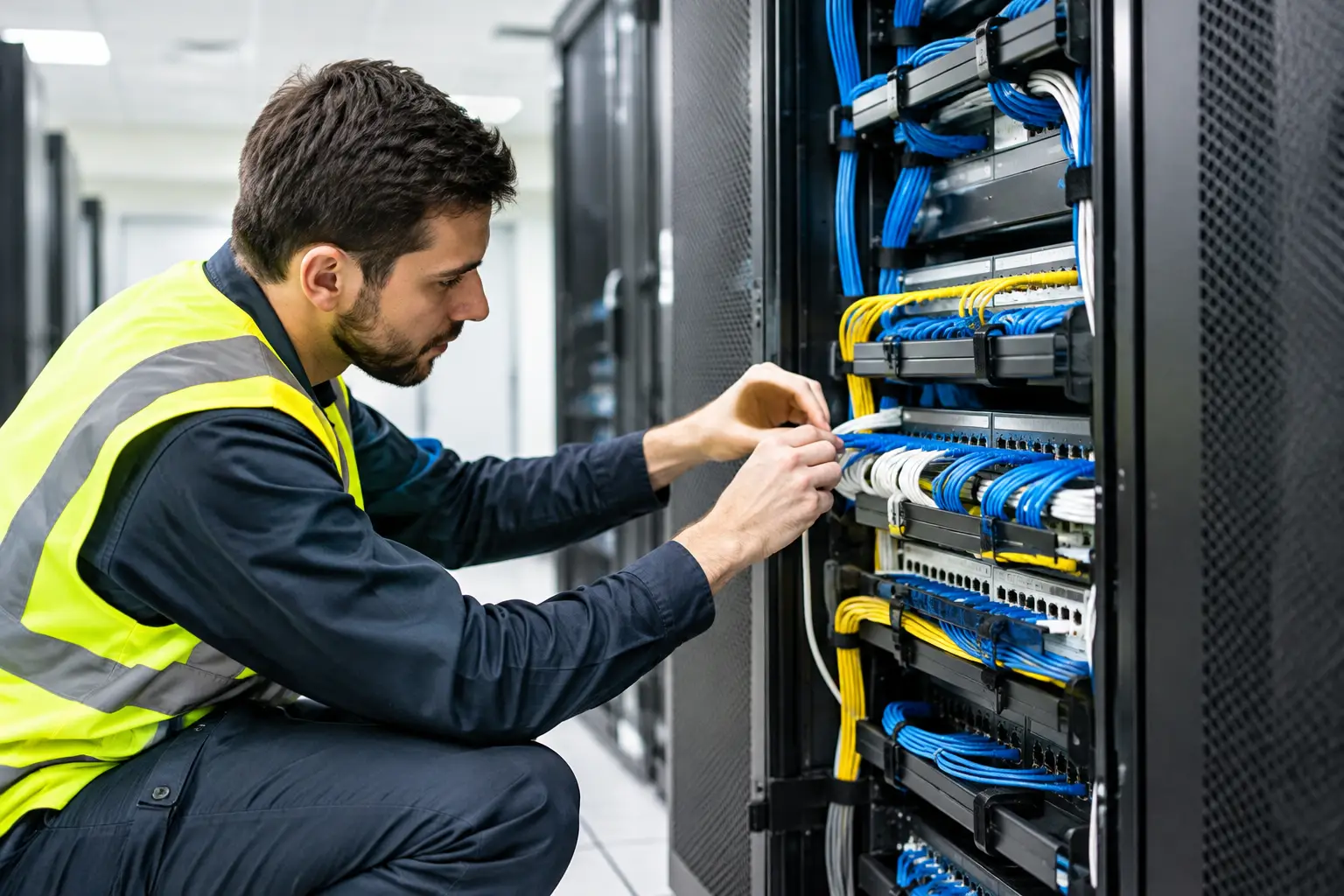
A POS system relies on more than the counter equipment. It needs a stable internet connection and a properly configured local network, particularly when terminals, printers and tablets communicate over Wi-Fi. Weak coverage, ageing routers or poorly separated guest Wi-Fi can cause frustrating dropouts that look like a POS fault but are actually a network issue.
EFTPOS integration, accounting software, online ordering, inventory tools and customer displays may also require configuration and testing. Each connection is valuable when it removes double handling, but it adds setup time and creates another point that needs checking before go-live.
On-site work, training and timing
On-site installation includes mounting or positioning equipment, connecting devices, testing print paths, checking payments and confirming that a complete sale works as intended. Training is just as practical. Staff need to know how to process refunds, reprint receipts, manage orders, close off the day and respond if a printer runs out of paper during service.
After-hours or weekend work can cost more, but it may be worthwhile for a venue that cannot afford downtime while customers are waiting. Installation during a refurbishment or before opening can also be more efficient than trying to replace a live system at the busiest time of the week.
Typical POS installation cost ranges
There is no single figure that suits every Australian business, but broad ranges can help with early budgeting. These figures are indicative only and should be confirmed against your site, software choice and required integrations. They generally exclude ongoing software subscriptions, payment processing fees and any major cabling or electrical work.
Simple counter setup
For a small business with one POS terminal, receipt printer, cash drawer and basic configuration, the total hardware and installation cost may commonly fall between $2,000 and $5,000 plus GST. The lower end is more likely where existing internet, power and product data are ready to use and there are few integrations.
Retail or hospitality system with multiple devices
A growing retailer, cafe or takeaway business may budget from $5,000 to $15,000 plus GST for multiple terminals, printers, scanners and tailored configuration. This range often includes more comprehensive on-site commissioning and staff training. The final amount shifts according to hardware quality, menu or product complexity and the condition of the network.
Larger or more specialised installation
A restaurant with several service stations and kitchen printers, or a retailer needing label printing, inventory processes and integrated weighing, may spend $15,000 or more plus GST. A specialised installation may also involve site planning, network upgrades, custom reporting and staged training. The cost is higher because the operational risk is higher if the system is not set up correctly.
Costs that are easy to overlook
The purchase and installation quote is only part of the picture. Ongoing POS software fees, EFTPOS charges, replacement receipt rolls, labels, printer servicing and support arrangements should be factored into the operating budget. These are not necessarily reasons to avoid a system. They are costs to understand before committing.
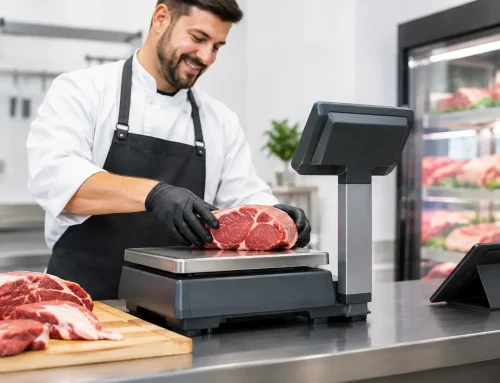
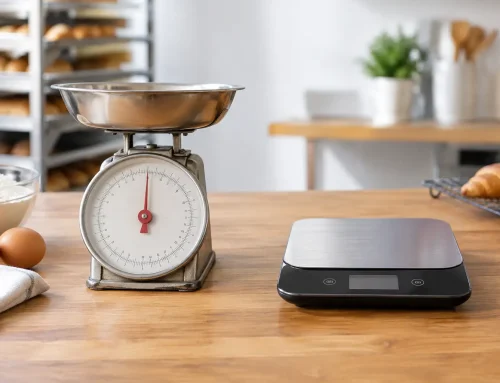
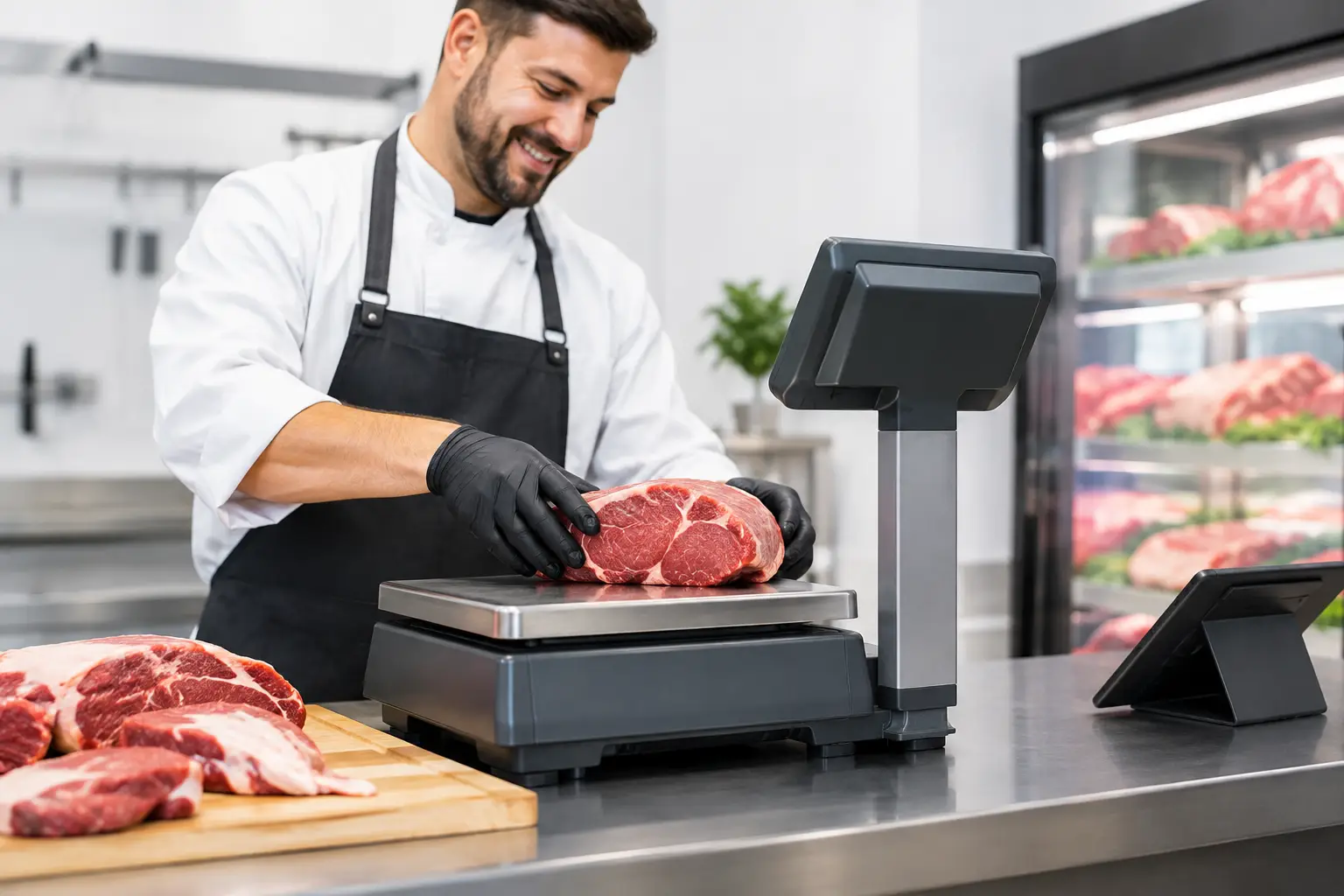
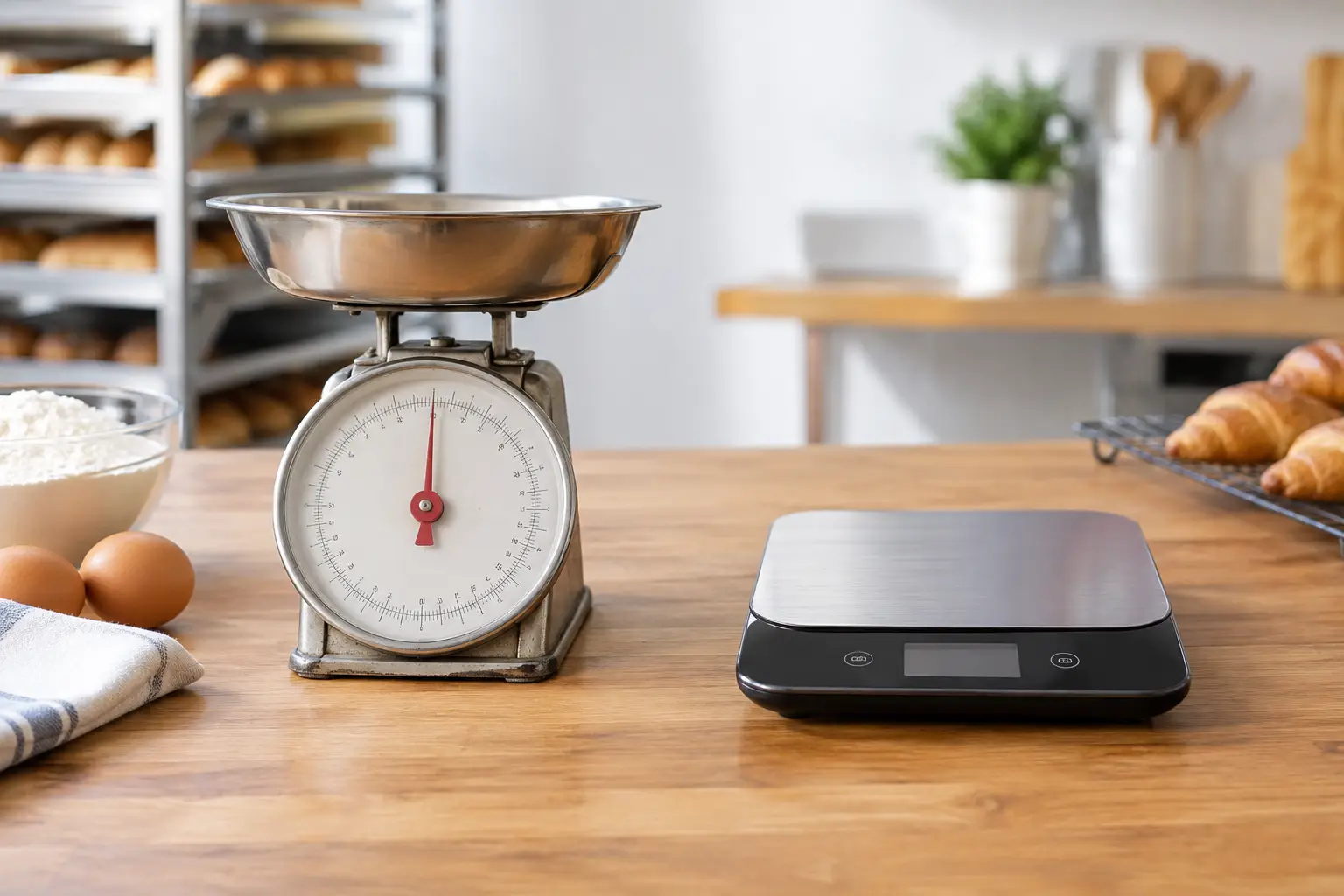
For businesses selling by weight, compliant scales are a separate consideration. Trade-approved equipment must be suitable for the application, correctly installed and maintained. Calibration, verification and repairs should be handled by technicians with the appropriate capability. A scale that is inaccurate or not compliant can create far greater problems than the initial saving from buying unsuitable equipment.
It is also sensible to ask what happens after installation. Is remote support available? Can someone attend site if a terminal or printer fails? Are replacement parts available locally? A cheaper quote may leave those questions unanswered, while a slightly higher upfront investment can provide faster help when the system is business-critical.
How to keep installation costs under control
The best way to manage POS installation cost is to define the workflow before selecting equipment. Map a normal sale, a refund, a stock delivery, a busy service period and an end-of-day close. This exposes what the system actually needs to do, rather than paying for features that will never be used or missing equipment that staff require every day.
Prepare product or menu information early and nominate one person to make decisions on prices, categories and staff access. Delays often occur when information is incomplete or changes repeatedly during configuration. If you are replacing an older system, keep a sample of existing receipts, reports and labels so the new setup can be checked against real operating needs.
Do not reduce costs by skipping commissioning and training. A system can appear to work in a quick test but fail in practical use when orders need to route to the right printer or a team member needs to process a split payment. Proper testing before opening is a small part of the project compared with the cost of lost sales and stressed staff.
For Southeast Queensland businesses, a local provider can make a material difference. EBE can assess the site, supply suitable hardware, configure the system and remain available for repairs, calibration and technical support after the rollout. That continuity reduces the chance of being passed between separate hardware, software and network suppliers when something needs attention.
Ask for a scope, not just a price
When comparing quotes, ask what is included in the installation scope. Confirm the number of devices, software setup tasks, integrations, on-site hours, training, testing and post-install support. Also ask what is excluded, such as cabling, network upgrades, data cleanup or subscription fees.
The lowest quote is worthwhile only when it delivers a system your team can use confidently in a real trading environment. A well-scoped POS installation gives you a clearer budget, a smoother opening or changeover, and a practical path to support when the unexpected happens.



Leave A Comment
You must be logged in to post a comment.