
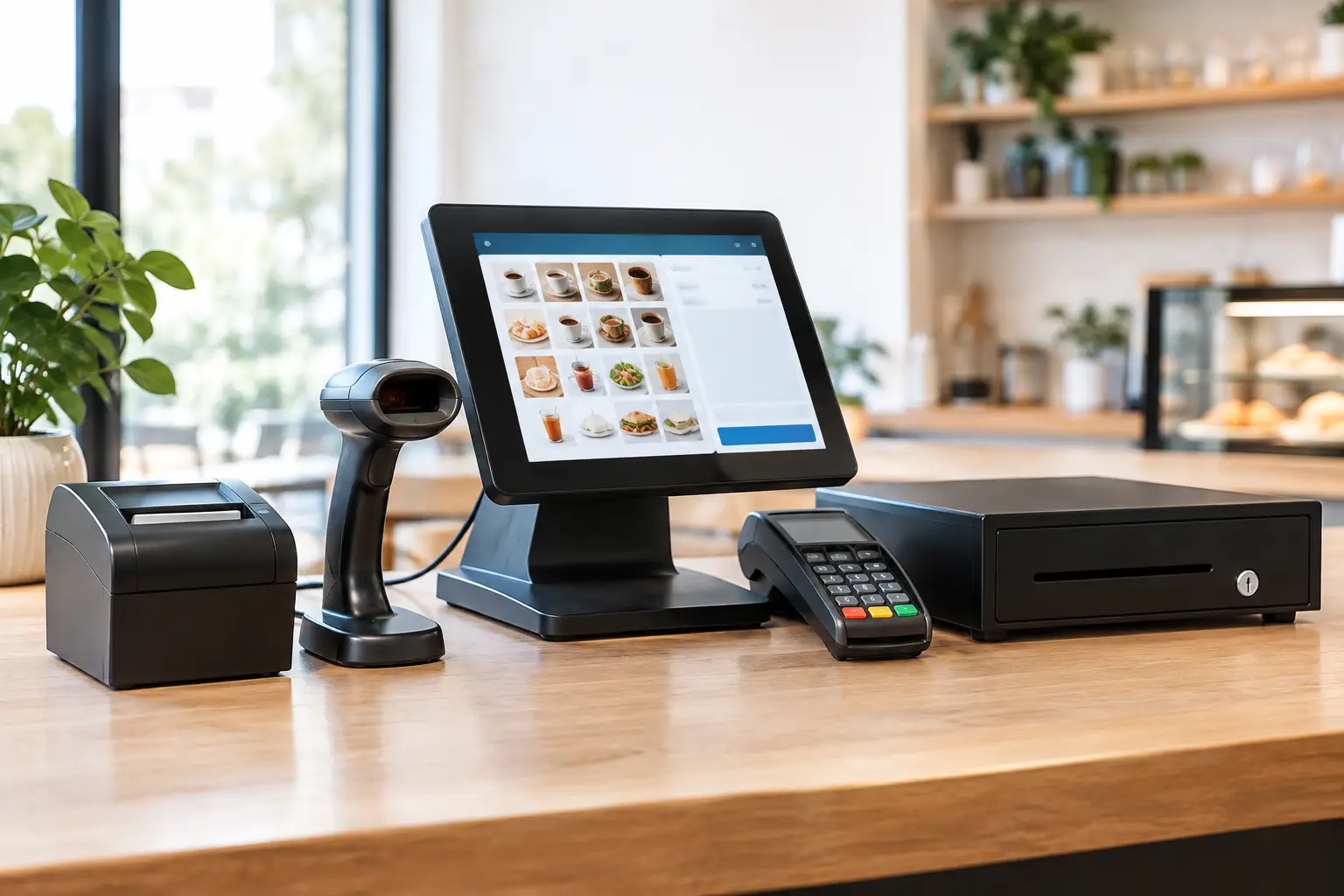
A queue at the counter is rarely caused by one big problem. More often, it comes from a printer that drops off the network, a scanner that will not read a damaged barcode, or a payment terminal positioned awkwardly for staff and customers. The best POS hardware bundles address those everyday pressure points by bringing the right equipment together, configured for the way your business actually trades.
For a café, retail shop, takeaway venue or market operation, buying a bundle is not simply about getting a screen, printer and cash drawer in one box. It is about choosing reliable components that work together, fit the counter space and can be supported quickly when something goes wrong.
What makes a POS hardware bundle worth buying?
A useful bundle starts with the transaction flow. Staff need to enter items quickly, take payment, issue a receipt, manage cash and, in some businesses, weigh products or send orders to a kitchen. Each step relies on hardware that must communicate properly with the POS software and network.
The apparent saving on a low-cost package can disappear if it requires adapters, manual workarounds or replacement equipment within a year. A better value bundle uses commercial-grade hardware suited to the trading environment, with the right cables, mounts, configuration and testing included from the start.
There is also a difference between hardware that works on a workbench and hardware that keeps working through a busy Saturday. Receipt printers need to cope with steady demand. Touch screens need to be responsive and easy to clean. Cash drawers need to withstand constant opening and closing. In food service, equipment may need protection from heat, steam, grease and spills.
Support should form part of the decision as well. When your checkout is down, an online help article is no substitute for a technician who understands your setup. Local installation, staff training, repairs and access to replacement equipment can be as valuable as the hardware itself.
Best POS hardware bundles by business type
There is no single best bundle for every operator. The right combination depends on what you sell, how busy you are, whether customers queue at a counter, and the devices you already use.
Retail counter bundle
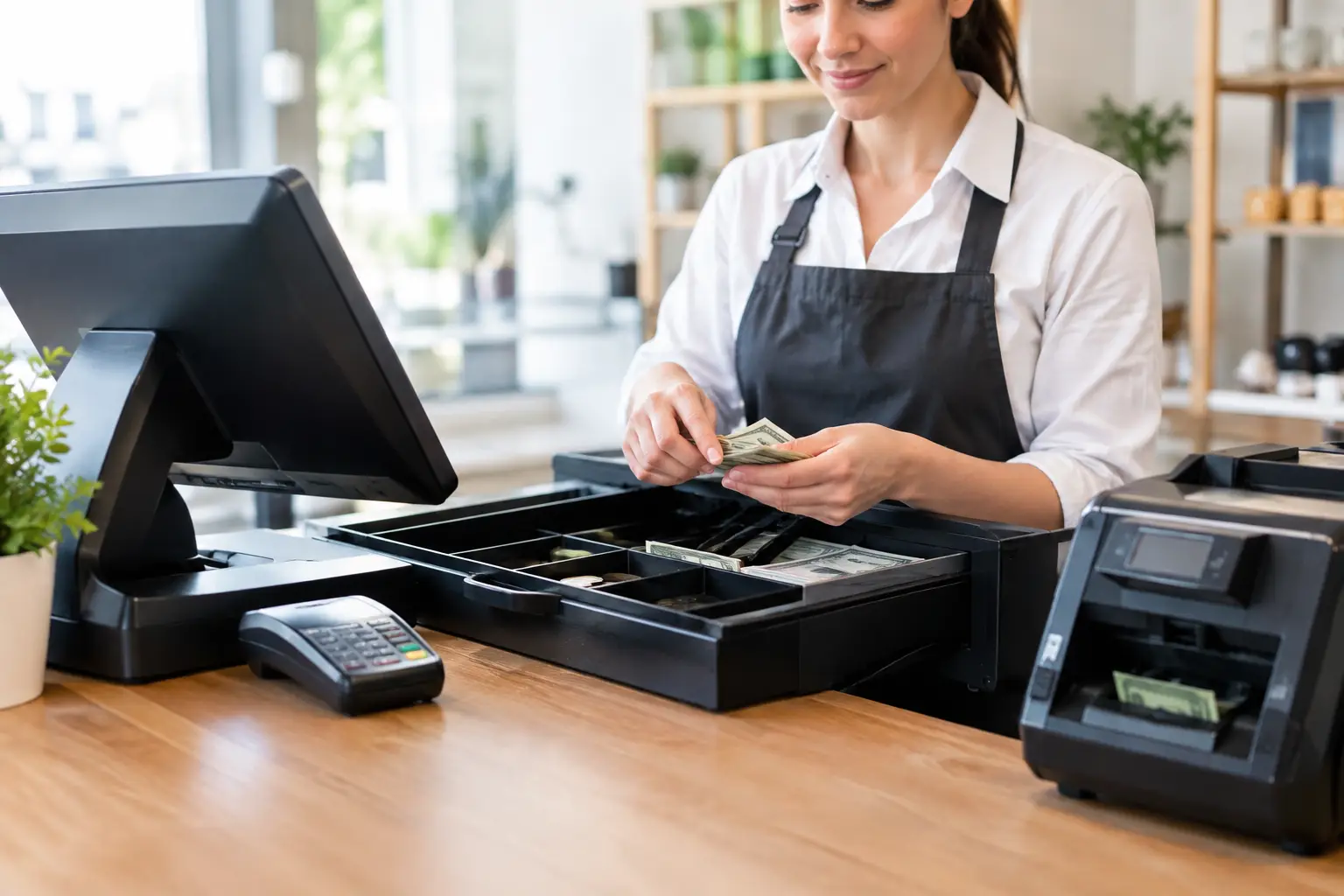
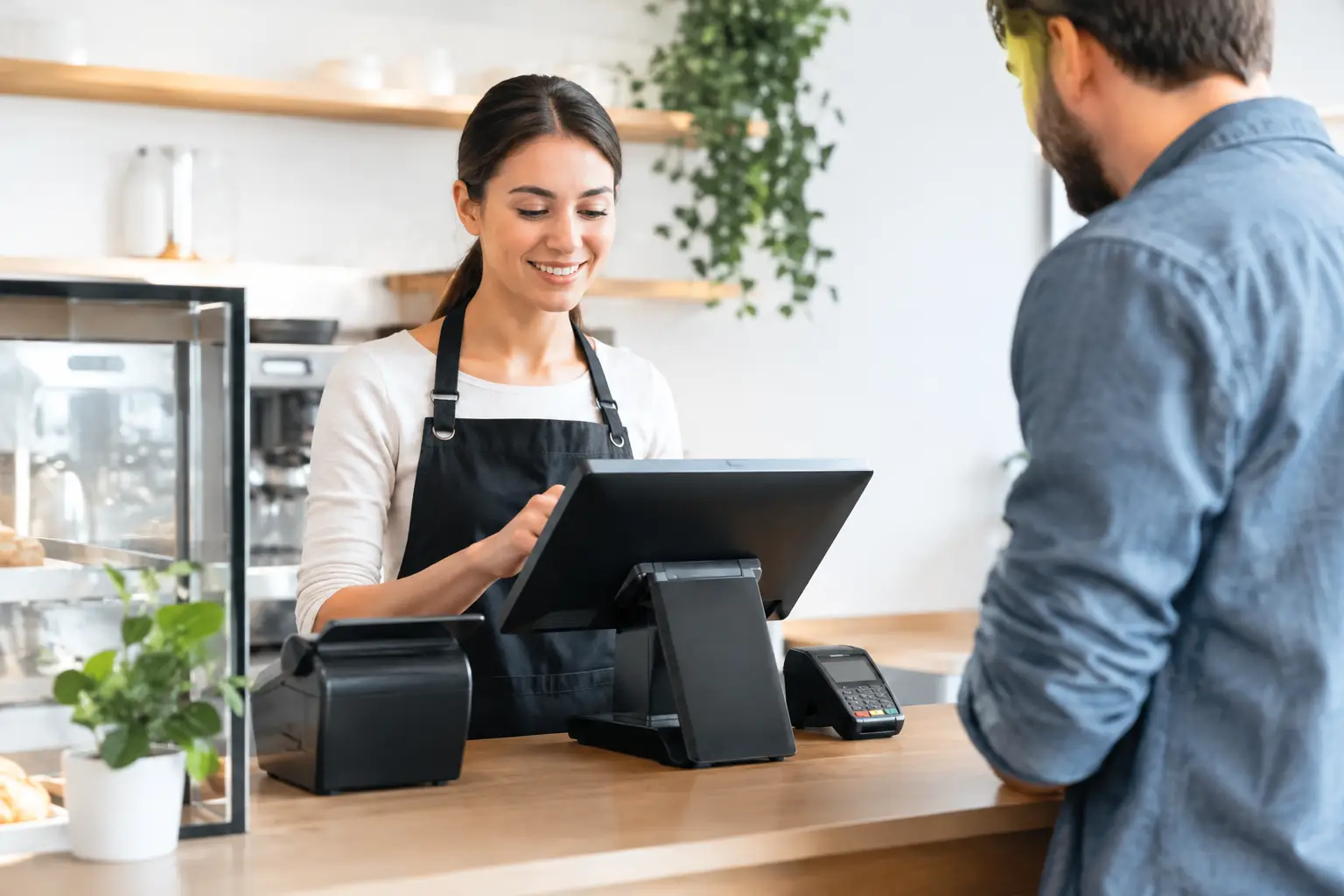
A typical retail setup centres on a fixed touchscreen POS terminal, receipt printer, cash drawer and barcode scanner. This is a practical starting point for convenience stores, gift shops, newsagents, fashion retailers and specialty stores.
The scanner should suit the stock you carry. A wired scanner is often the sensible choice for a fixed counter and regular scanning. A wireless model can help where staff need to move around bulky items, but it introduces battery management and another device to keep track of. For retailers with a large number of small or awkwardly placed barcodes, an area-imaging scanner may be worth the extra cost.
A customer display can also be worthwhile. It confirms prices, supports transparency at checkout and gives customers clear prompts while the sale is being processed. It is not essential for every small business, but it can improve the counter experience in higher-volume stores.
Café and takeaway bundle
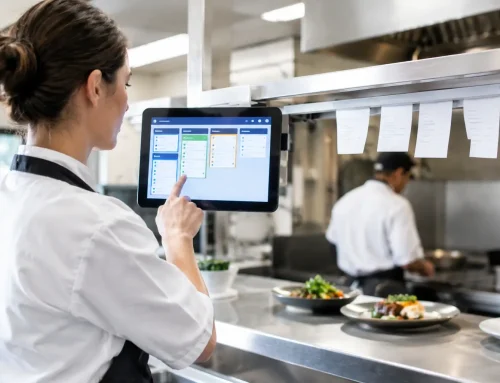
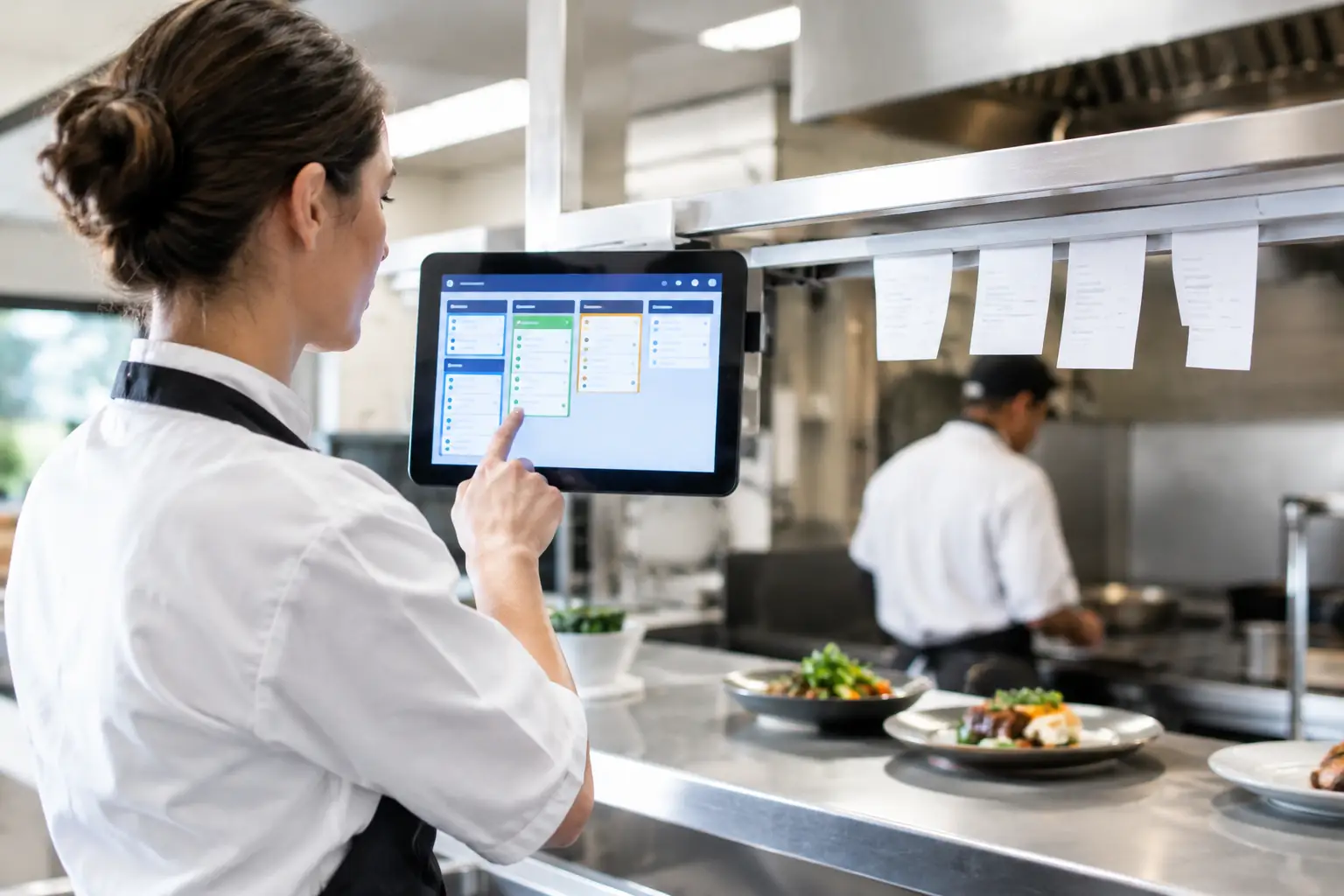
Cafés and takeaway venues need speed and clear order communication. The core bundle commonly includes a touchscreen terminal, a fast thermal receipt printer, a cash drawer and a payment terminal supplied through the chosen payment provider. Where orders are prepared away from the front counter, a kitchen printer or kitchen display system should be considered early, rather than added after service issues appear.
A printer in the kitchen needs to be placed where tickets are visible but protected from heat and splash. Wi-Fi may appear convenient, but a hardwired network connection is often more dependable for fixed printers in a busy venue. It depends on the building and cabling options, though reliable connectivity should never be treated as an afterthought.
For table service, a mobile ordering device can reduce double handling between the dining area and the counter. It must be selected alongside the POS software and wireless network, not as a separate purchase. Poor Wi-Fi coverage can quickly turn a useful mobile device into a source of frustration.
Weighing and fresh-food bundle
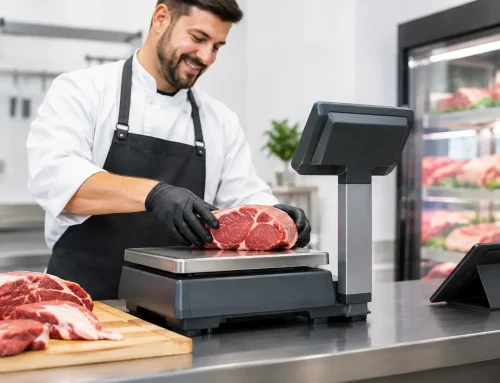
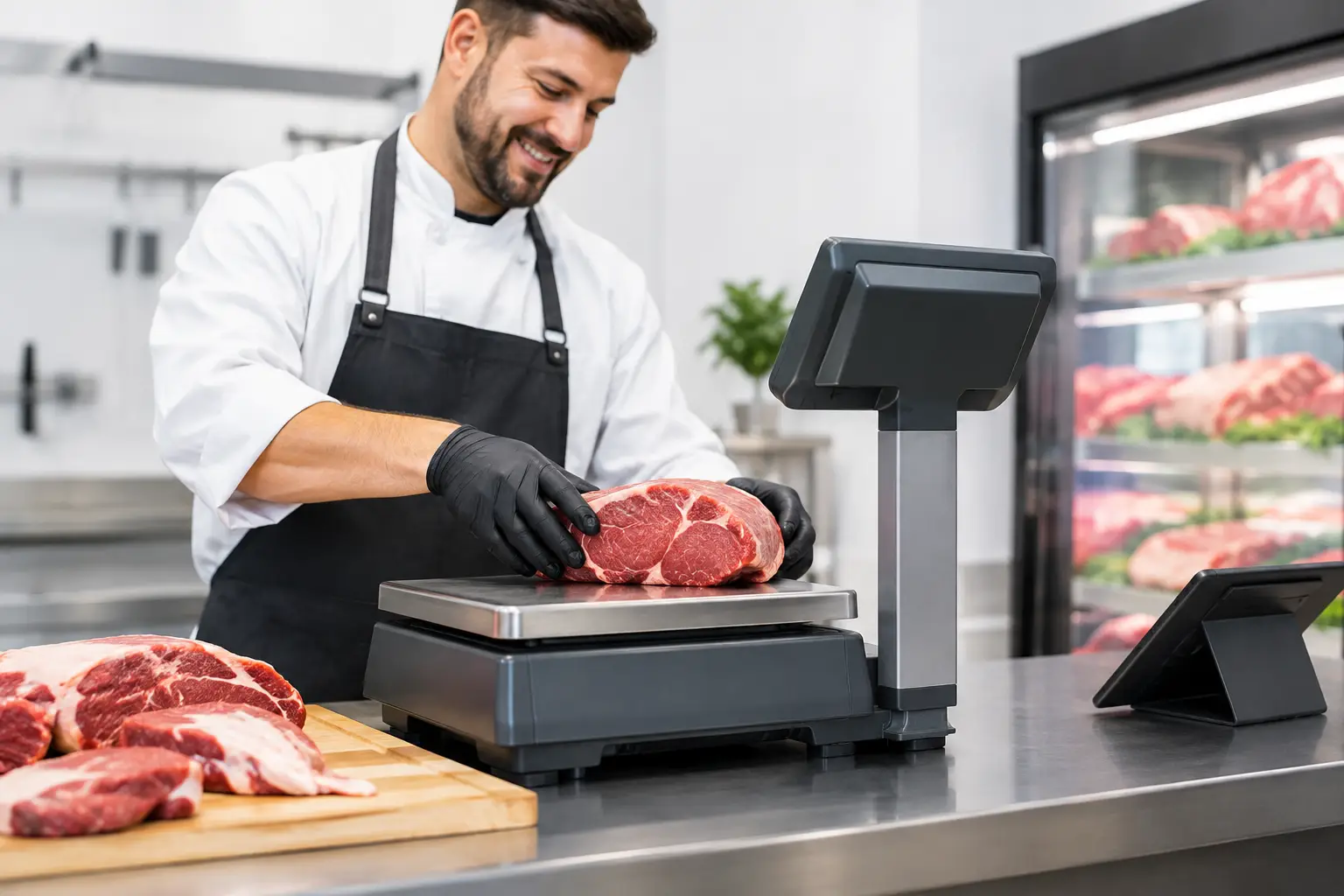
Butchers, delicatessens, greengrocers, bakeries and other businesses selling by weight need a more specialised approach. A trade-approved scale can be connected to the POS system so staff do not have to key weights and prices manually. This improves speed and reduces pricing errors, particularly during peak trading periods.
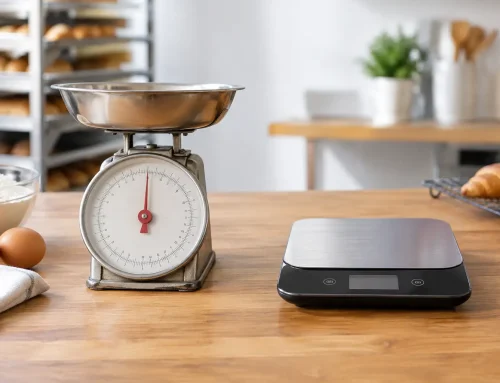
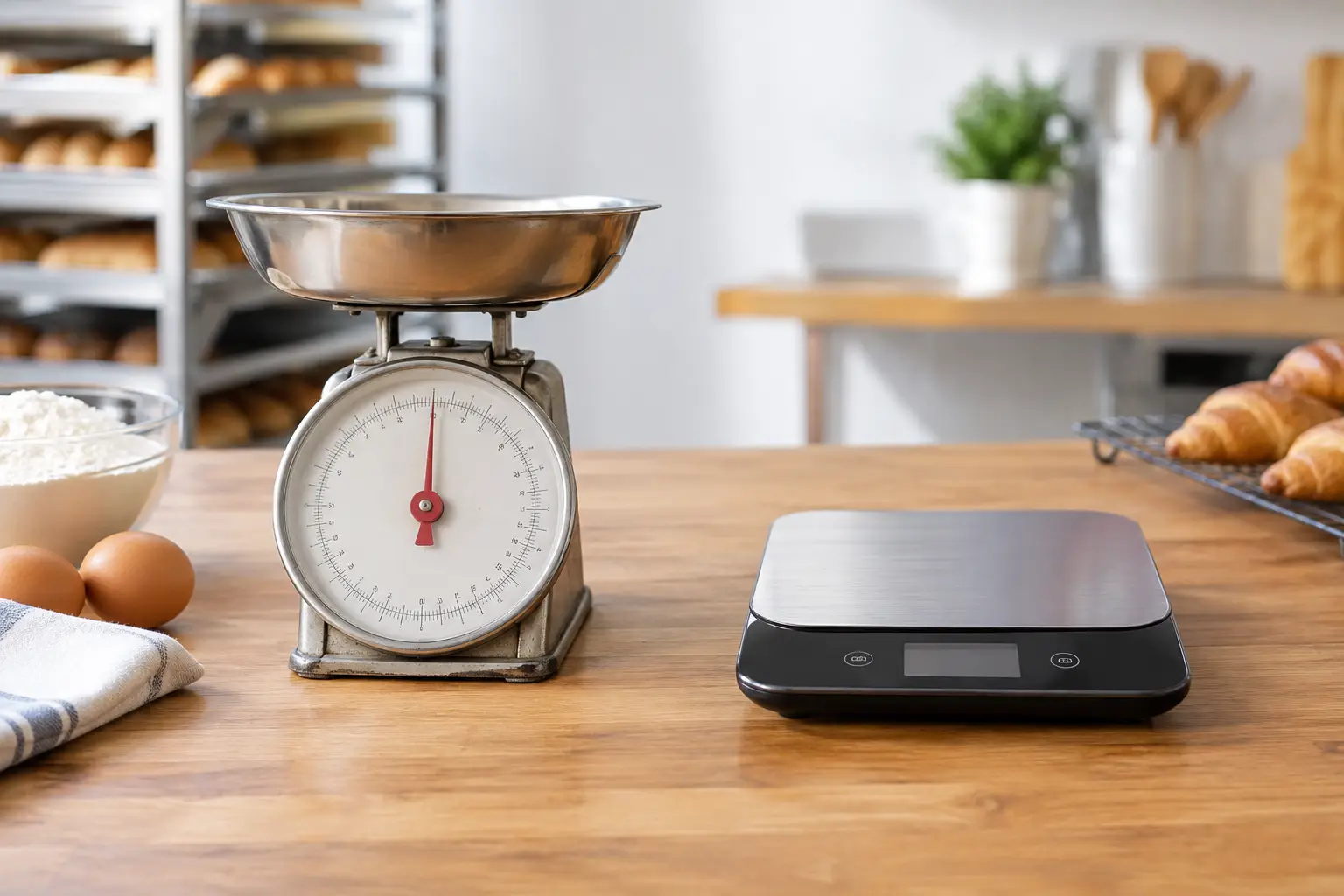
The scale must be suitable for the products being sold and the way it is used. A bench scale may be sufficient for packaged goods, while a label-printing scale can be appropriate where products are weighed, priced and labelled before reaching the checkout. If weight is used to calculate the price charged to the customer, compliance with trade measurement requirements matters.
This is where advice from a provider with licensed scale calibration and verification capability is particularly useful. The hardware, POS integration, calibration and ongoing service need to be considered together. A scale that is accurate but not communicating correctly with the register still creates delays at the counter.
Mobile and market bundle
Market stalls, pop-up shops and event vendors have different priorities: portability, battery life and dependable connectivity. A compact tablet or mobile POS device paired with a portable receipt printer may be enough for some operators, especially where most customers pay by card.
However, mobile does not automatically mean simple. Consider how the device will connect when mobile reception is weak, whether receipts are required, how stock is updated across locations and how equipment will be charged securely. A small cash drawer may still be needed where cash sales are common. For recurring events, a purpose-built portable kit and a clear setup process can save valuable time before gates open.
The hardware decisions that affect daily trading
The POS terminal is usually the most visible part of a bundle, but it should not be chosen on screen size alone. Look at processing performance, the number of ports available for peripherals, operating system compatibility, mounting options and the availability of service or replacement parts. A consumer tablet can suit a light-use business, while a busy fixed counter may justify a commercial all-in-one terminal.
Receipt printers are another area where the cheapest choice can cost more over time. Thermal printers are fast, quiet and do not require ink cartridges, making them common for receipts and docket printing. Check the connection type, paper roll size and whether the printer is designed for front-of-house, kitchen or label printing. Staff should also be shown how to load paper correctly and identify common warning lights.
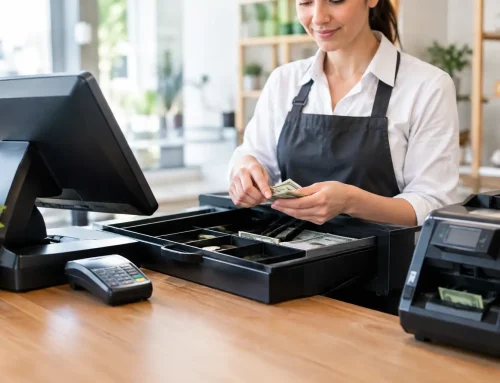
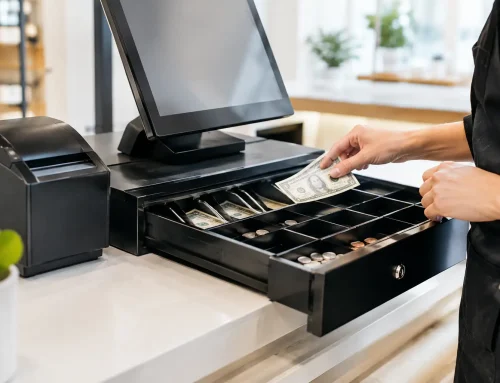
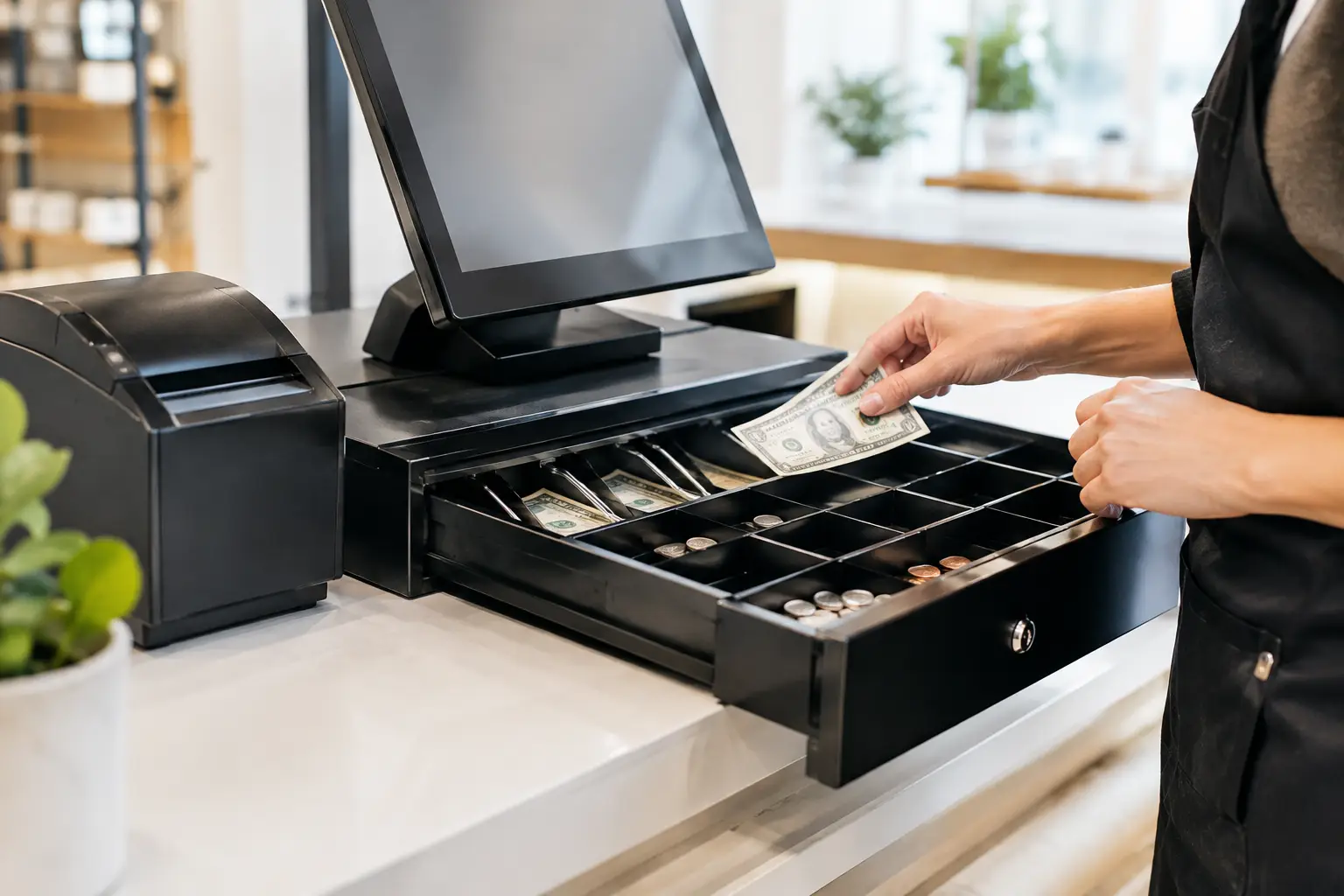
Cash drawers need to match the volume and type of cash handled. A light drawer may be fine for occasional cash payments, but high-volume venues benefit from a heavier-duty model with a layout that suits Australian notes and coins. Security, key access and the connection to the printer or POS terminal should all be planned before installation.
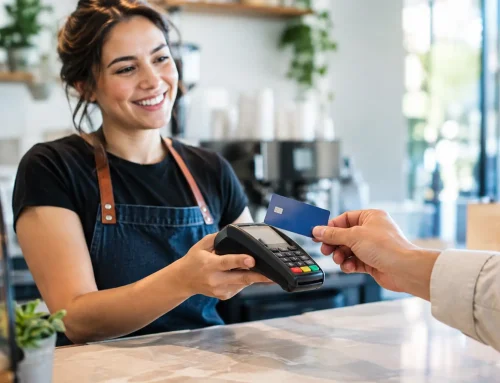
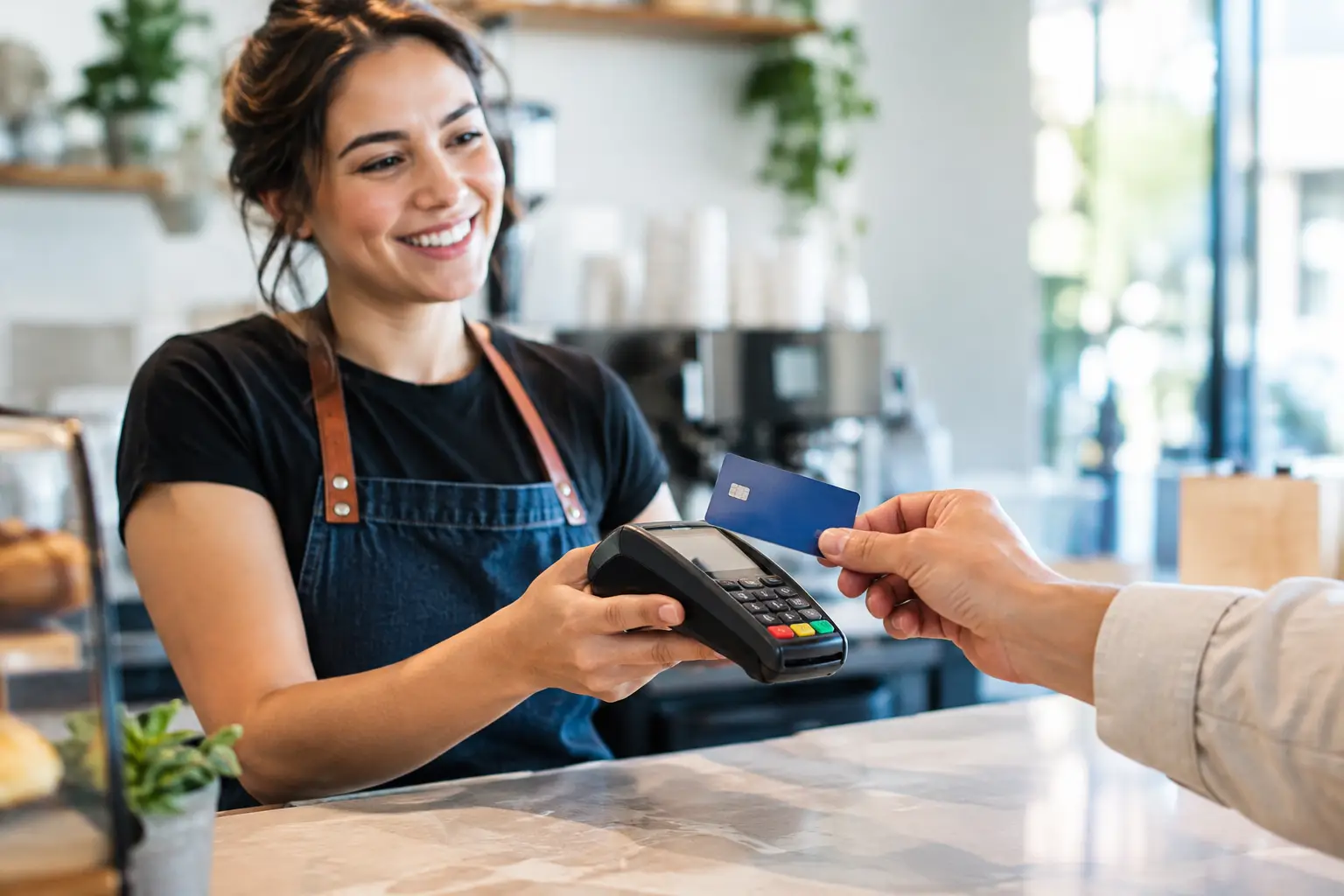
Payment terminals are often arranged through banks or payment providers, but they still need to work comfortably with the POS setup. The key question is whether payments can be passed directly from the POS to the terminal or must be entered separately. Integrated payments can reduce keying errors and speed up reconciliation, though compatibility and provider fees should be checked before committing.
Questions to ask before choosing a bundle
Before approving equipment, map a normal busy transaction from start to finish. Where does the customer stand? Who scans, weighs or enters items? Where does the receipt print? Does an order need to reach a kitchen or packing area? These simple questions expose issues that product specifications alone do not reveal.
It is also sensible to ask what happens if a device fails. Can the business continue trading temporarily? Is there a loan unit or hire option? Who performs repairs, and how quickly can they attend on site? For businesses across Southeast Queensland, working with a provider that can install, diagnose and support the full system locally reduces the risk of being passed between separate hardware, software and network suppliers.
At Electronic Business Equipment, bundle recommendations can be built around your workflow rather than a one-size-fits-all package. That may mean retaining a reliable piece of existing equipment, adding a trade-approved scale, improving the network, or selecting hardware that is easier for staff to use from day one.
A good POS bundle should make the counter feel quieter, even when the business is busy. Choose equipment for the transactions you need to process now, allow sensible room for growth, and make sure experienced support is close at hand when trading cannot wait.




Leave A Comment
You must be logged in to post a comment.