

A lunch rush is a poor time to learn that the EFTPOS terminal has dropped off the network. Customers are waiting, staff are trying to restart devices, and a simple connection fault can quickly become lost sales. These EFTPOS network stability tips are designed for Australian retailers, cafes, restaurants and service businesses that need payments to keep moving when the counter is under pressure.
A stable payment setup is not just about having a good internet plan. The terminal, POS system, router, Wi-Fi layout, cabling, power supply and backup connection all need to work together. The right setup depends on your premises, transaction volume and whether your POS and payment terminal are integrated, but a few practical measures prevent many common outages.
Start With the Whole Payment Path
When a card payment fails, the terminal is often blamed first. In reality, the fault may sit anywhere along the path between the customer tapping their card and the payment being approved. That path usually includes the EFTPOS terminal, local network, modem or router, internet service, mobile signal where applicable, and the bank or payment provider.
This matters because the fix should match the fault. Rebooting a terminal may help if it has frozen, but it will not resolve a weak Wi-Fi signal at the counter or an NBN outage affecting the whole site. Likewise, replacing a terminal will not fix an ageing router that is struggling to manage POS, staff mobiles, music streaming and guest Wi-Fi at the same time.
Before changing equipment, confirm what has stopped working. Can the POS still process cash sales? Are all terminals affected or only one? Can another device browse the internet? Is the terminal showing a network error, a host error or simply no power? These basic checks narrow the problem down quickly and give your support provider useful information from the start.
EFTPOS Network Stability Tips for Your Connection
Use wired connections where the counter allows it
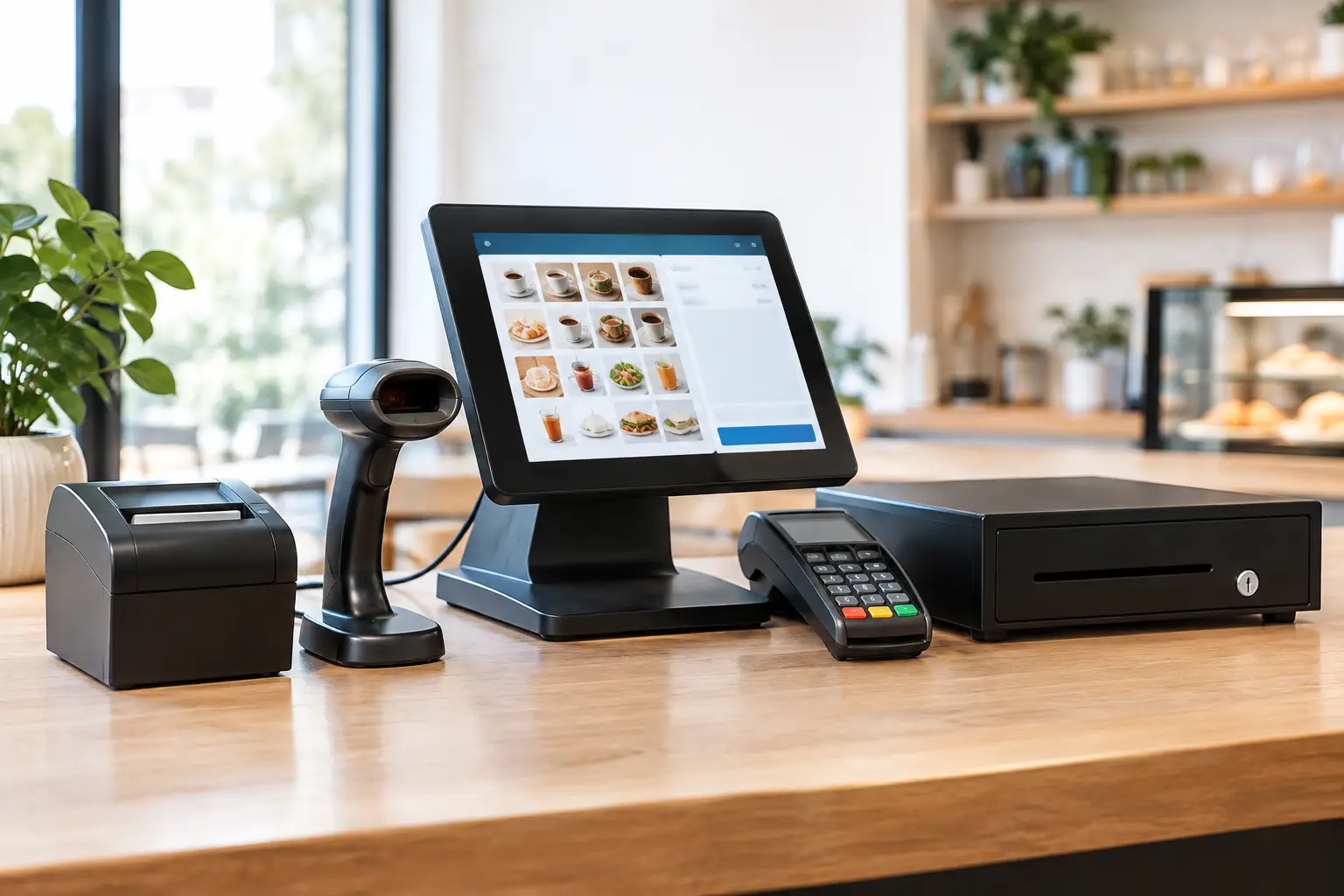
A wired Ethernet connection is generally the most dependable option for a fixed terminal or POS station. It avoids the interference, distance and congestion that can affect Wi-Fi. For a busy counter, particularly in a venue with metal shelving, cool rooms, kitchen equipment or concrete walls, a cable is often the simplest way to remove an unnecessary point of failure.
Wireless terminals still have an important place. They suit table service, market stalls, queue-busting and flexible counter layouts. The trade-off is that they need deliberate Wi-Fi design rather than a router placed wherever the internet service enters the building. Access point position, signal strength and the number of connected devices all affect performance.
Keep payment traffic separate from guest Wi-Fi
Guest Wi-Fi is useful for customers, but it should not compete with business-critical devices. A properly configured network can separate guest access from POS terminals, printers, back-office computers and payment equipment. This improves reliability and reduces the chance that a crowded venue slows down the devices that take payments.
Separation also helps with troubleshooting. If staff can still use the POS while customer Wi-Fi is slow, you have a clearer picture of where the fault sits. It is a practical network design choice, not needless complexity.
Check Wi-Fi where the terminal is actually used
Do not judge Wi-Fi coverage from the office or beside the router. Test it at the counter, on the shop floor, at outdoor tables and in the far corner of the venue where staff take orders. A terminal may show a connection while still suffering enough drop-outs or delay to make payments unreliable.
Watch for common sources of interference: fridges, microwaves, metal fixtures, thick walls and neighbouring networks. In some premises, adding or relocating a business-grade wireless access point is more effective than buying a faster internet plan. For mobile terminals, test the route staff take during service, not just one stationary spot.
Build a Backup Before You Need It
Internet outages happen, whether the cause is an NBN fault, damaged cable, local power issue or maintenance work. Businesses that take a high volume of card payments should consider a secondary connection, commonly 4G or 5G mobile failover. If the primary service drops, compatible network equipment can switch essential traffic to the mobile service.
Mobile backup is not a cure for every issue. Coverage can vary between locations, data plans need to be suitable for business use, and a local power outage will still affect equipment unless key devices have backup power. Even so, it can protect trading during the type of internet interruption that would otherwise stop card payments altogether.
For pop-up sites, events and market operators, mobile connectivity may be the primary option. Test it at the actual site ahead of time, including at the times you expect to trade. A strong signal during a quiet weekday visit does not always reflect weekend congestion or the effect of a crowded event.
Protect the small devices that keep payments alive
The modem, router, network switch and wireless access point are easy to overlook because they sit out of sight. Yet if one loses power or fails, the terminal cannot communicate. Keep these devices in a dry, ventilated and protected location, away from accidental knocks, spills and overloaded power boards.
An uninterruptible power supply can provide short-term backup for network equipment during a brief power fluctuation. It is especially useful where a momentary outage causes devices to reboot slowly and creates a queue at the counter. It will not keep a whole business operating indefinitely, so decide in advance what your team will do if mains power remains off.
Maintain the Equipment and Network Settings
Payment terminals, POS systems and routers need occasional attention. Apply approved software and security updates in a planned window rather than during peak trade. Updates can address faults and security issues, but it is sensible to confirm compatibility first if your terminal is integrated with POS software.
Avoid unplugging or factory-resetting a terminal as a first response. That can remove settings or interrupt configuration that is needed to reconnect it. Start with the procedure provided by your payment provider or technical support team, and record the message shown on the device before restarting anything.
Your network equipment also has a working lifespan. Consumer-grade routers supplied with an internet service may be adequate for a light home office, but a transaction-heavy business can outgrow them. Repeated drop-outs, poor Wi-Fi range, terminals that disappear from the network and frequent restarts are signs that the network should be assessed rather than patched again.
Give Staff a Clear Response Plan
A calm, consistent response limits downtime and prevents well-meaning staff from making the problem harder to diagnose. Keep a short procedure near the counter and train new team members on it. It should explain who to contact, where the network equipment is located, and which actions staff are authorised to take.
When calling for support, have staff capture four details:
- the time the issue began and whether it is still occurring;
- the exact error displayed on the terminal or POS;
- whether one device or every payment device is affected; and
- whether internet, printing or other connected functions are also down.
This information helps distinguish a terminal fault from a local network issue or a wider provider outage. It also reduces the temptation to repeatedly restart every device at once, which can obscure the original cause.
If your payment provider supports offline or store-and-forward processing, understand the conditions, transaction limits and risk before relying on it. Approval is not always guaranteed, and the business may carry risk where a later transaction cannot be completed. It is a contingency option, not a substitute for a stable connection.
Test Outside Peak Trading Hours
The best time to find a weak point is not during Saturday morning trade. Schedule a simple periodic test of the primary connection, backup service, terminal connectivity and any integrated POS functions. Test a small approved transaction where appropriate, confirm the receipt process, and make sure staff know what normal operation looks like after a failover.
Any business changing its counter layout, adding terminals, moving to a new premises or installing a new POS should include network testing in the rollout. Equipment can be correctly installed but still underperform if the network has not been designed around how staff actually work.
For Southeast Queensland businesses, local technical support can make a real difference when the issue is on-site rather than with the bank. EBE can assess the wider setup – from POS hardware and cabling to wireless coverage and day-to-day support – so payment equipment is not treated as an isolated device.
Reliable EFTPOS is built through sensible preparation: a connection suited to the site, a tested fallback, maintained equipment and staff who know the first few steps. Put those foundations in place while trade is calm, and your counter is far more likely to keep moving when it matters.











Leave A Comment
You must be logged in to post a comment.