
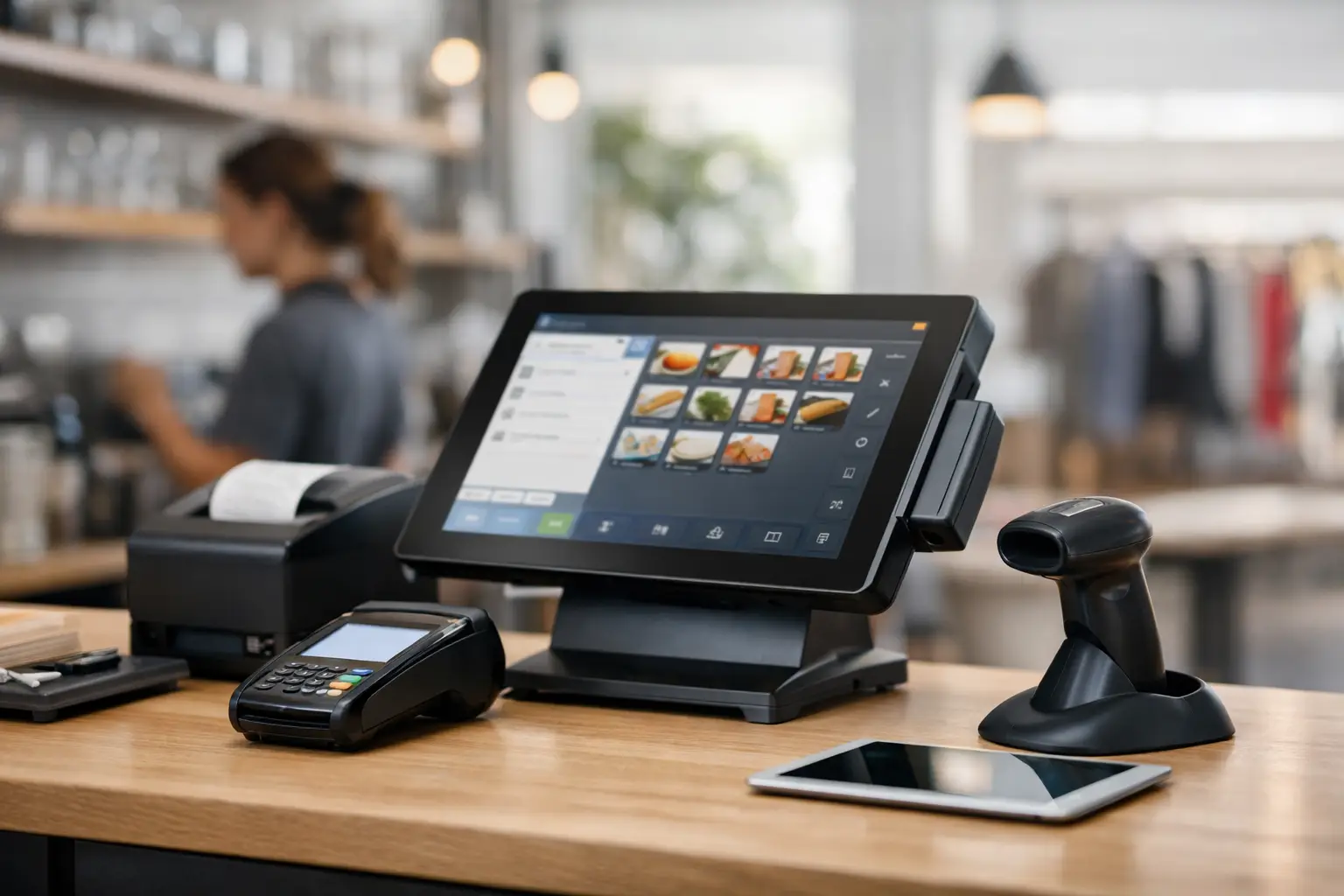
A slow checkout during the lunch rush tells you more about a POS system than any brochure ever will. When business is moving, the best POS system features are the ones that keep orders flowing, staff confident, and customers out the door without delays, pricing mistakes or awkward workarounds.
For most retail and hospitality operators, the right POS is not the one with the longest feature list. It is the one that fits the way your business actually trades. A busy cafe has different priorities to a boutique retailer. A takeaway shop needs speed and kitchen communication. A grocer or deli may also need trade-approved weighing equipment and accurate label printing. That is why choosing well starts with workflow, not marketing claims.
What the best POS system features really do
Good POS features should reduce friction. They should shorten transactions, improve visibility, and make training easier for staff who may be new, casual or working under pressure. They should also help you avoid the hidden costs that come from downtime, manual entry, stock errors and disconnected equipment.
There is always a balance to strike. More functionality can be useful, but only if it is practical for your team to use and affordable to support. Many businesses are better served by a stable, well-configured system with local support than a more complex setup loaded with tools they will never touch.
Best POS system features that matter most
Fast, reliable transaction processing
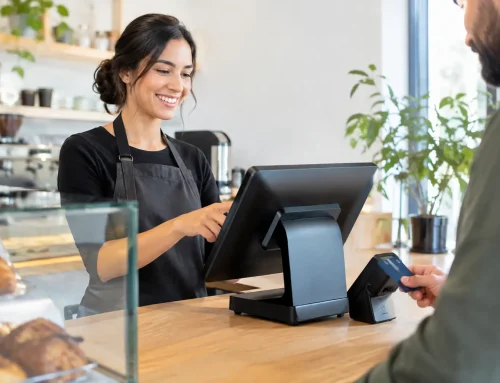
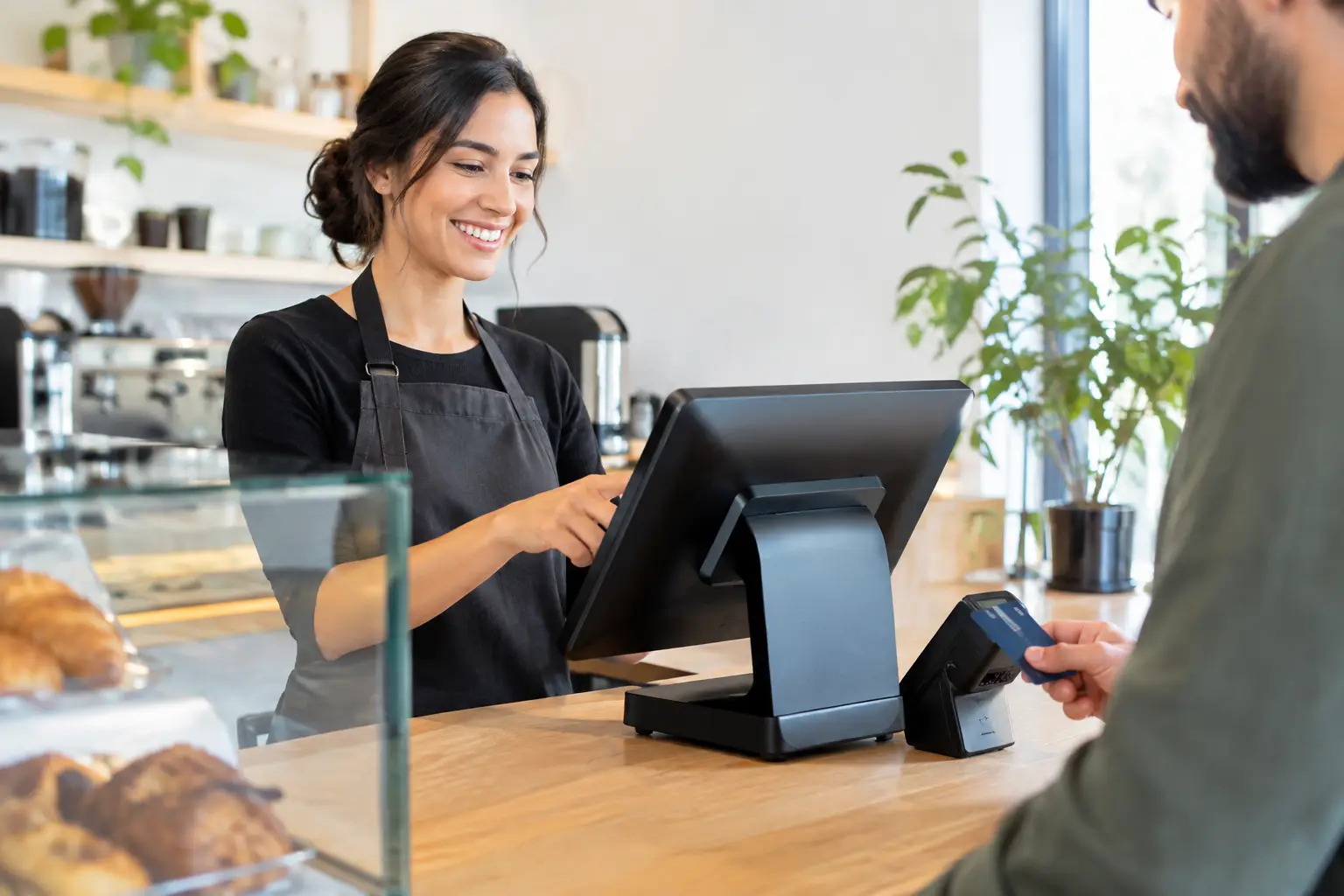
This is the foundation. A POS system should respond quickly to taps, scans, menu selections and payment prompts. If the screen lags, printers pause, or payment processing stalls, queues build fast and staff confidence drops with it.
Reliability matters just as much as speed. In a real trading environment, your POS needs to cope with peak periods, frequent use and the occasional network issue. For some operators, that means looking closely at offline capability or local processing options, especially if internet stability is inconsistent.
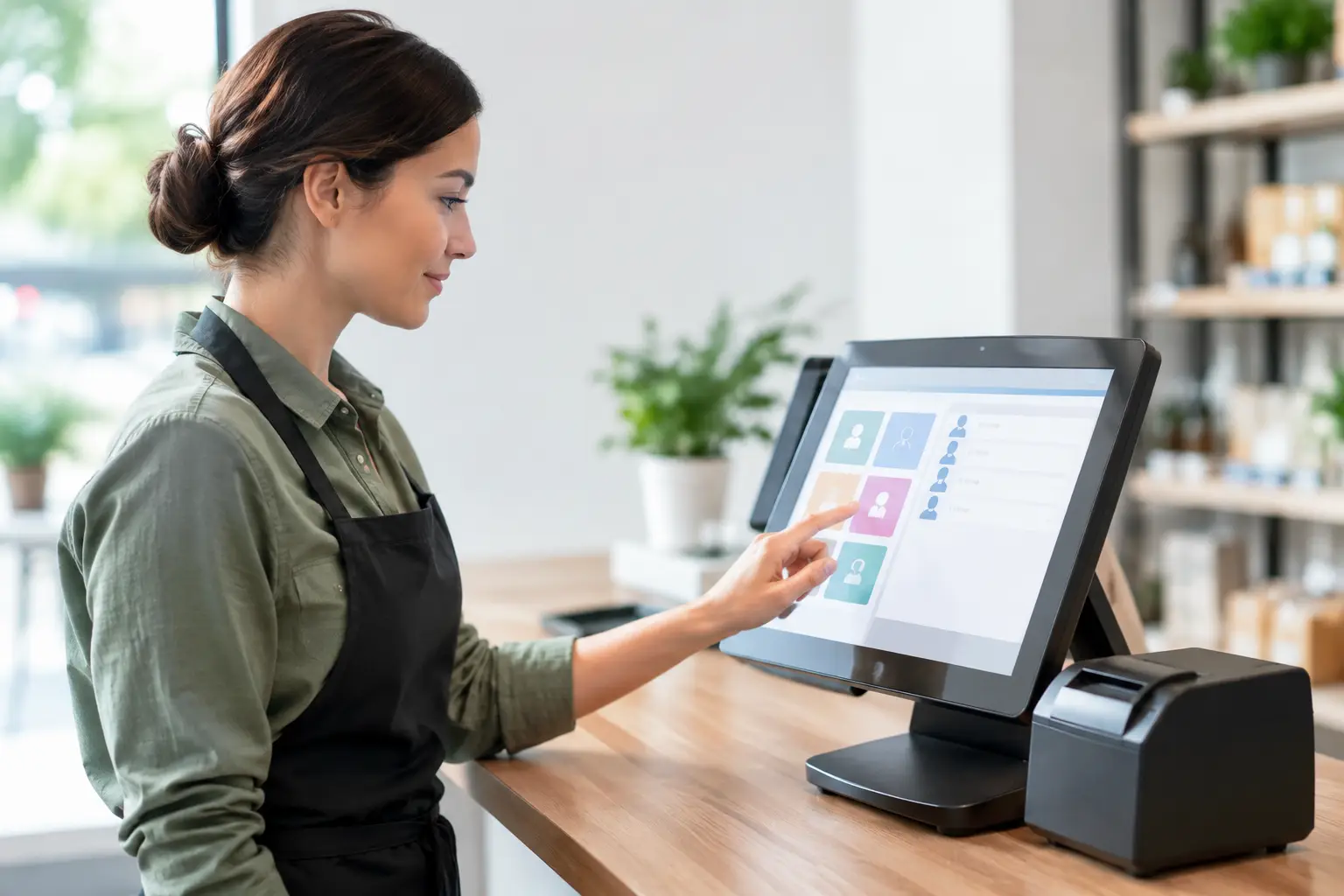
Simple, practical screen layout
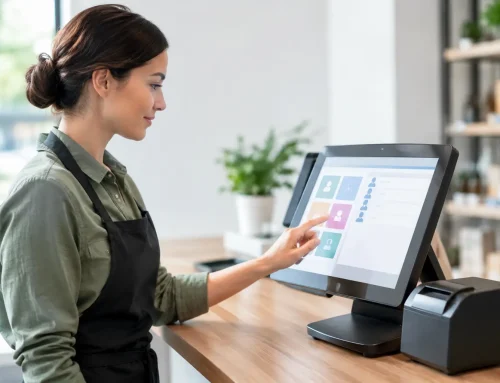
A well-designed interface saves time on every sale. Products should be easy to find, modifiers should make sense, and common tasks should take as few taps as possible. This is particularly important in hospitality, where staff may be entering orders while speaking with customers, handling changes and moving quickly.
The best setup is not always the fanciest. In many cases, a cleaner layout with sensible categories and clear buttons performs better than a highly customised screen packed with rarely used options. Good configuration work at the start makes a big difference here.
Stock control that matches your business
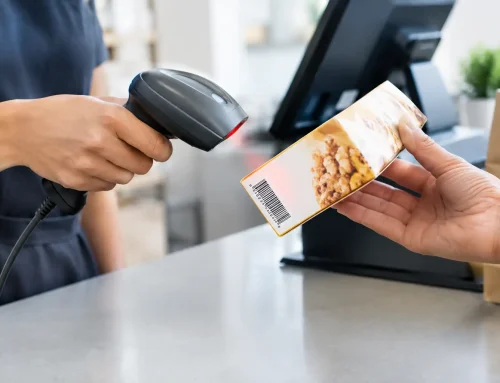
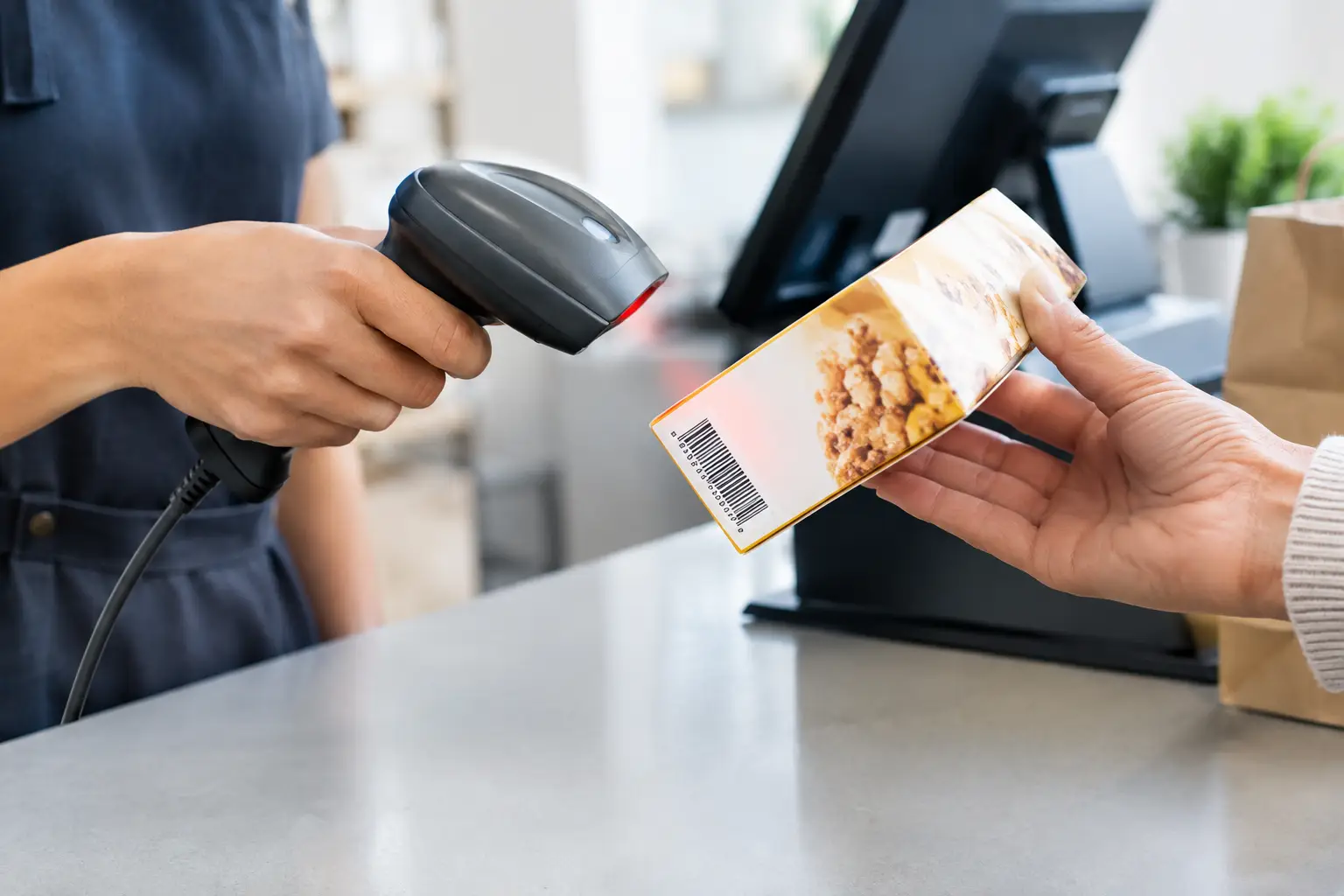
Inventory is one of the most useful features in any POS, but the right level depends on what you sell. A retail store may need detailed product variants, supplier tracking and reorder reporting. A cafe might only need visibility over key items and ingredients. A bottle shop or convenience store could need barcode accuracy across a high volume of lines.
The important thing is that stock control is accurate and manageable. If your team finds it too time-consuming to maintain, the reporting quickly becomes unreliable. A simpler system that staff will actually keep up to date can be more valuable than an advanced one that gets ignored.
Strong reporting without the clutter
You should be able to see what is selling, when you are busiest, which staff are processing sales, and where margins may be under pressure. Good reporting helps with rostering, purchasing and identifying problems early.
That said, not every dashboard is useful. Many businesses only need a handful of reports on a regular basis – daily sales, product performance, voids, discounts and stock movement. Clear reporting beats endless charts. The goal is better decisions, not more data for its own sake.
Integrated payment options
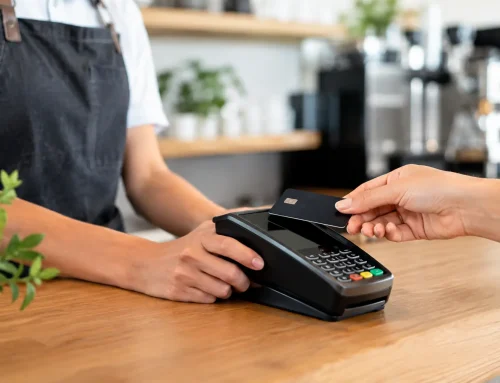
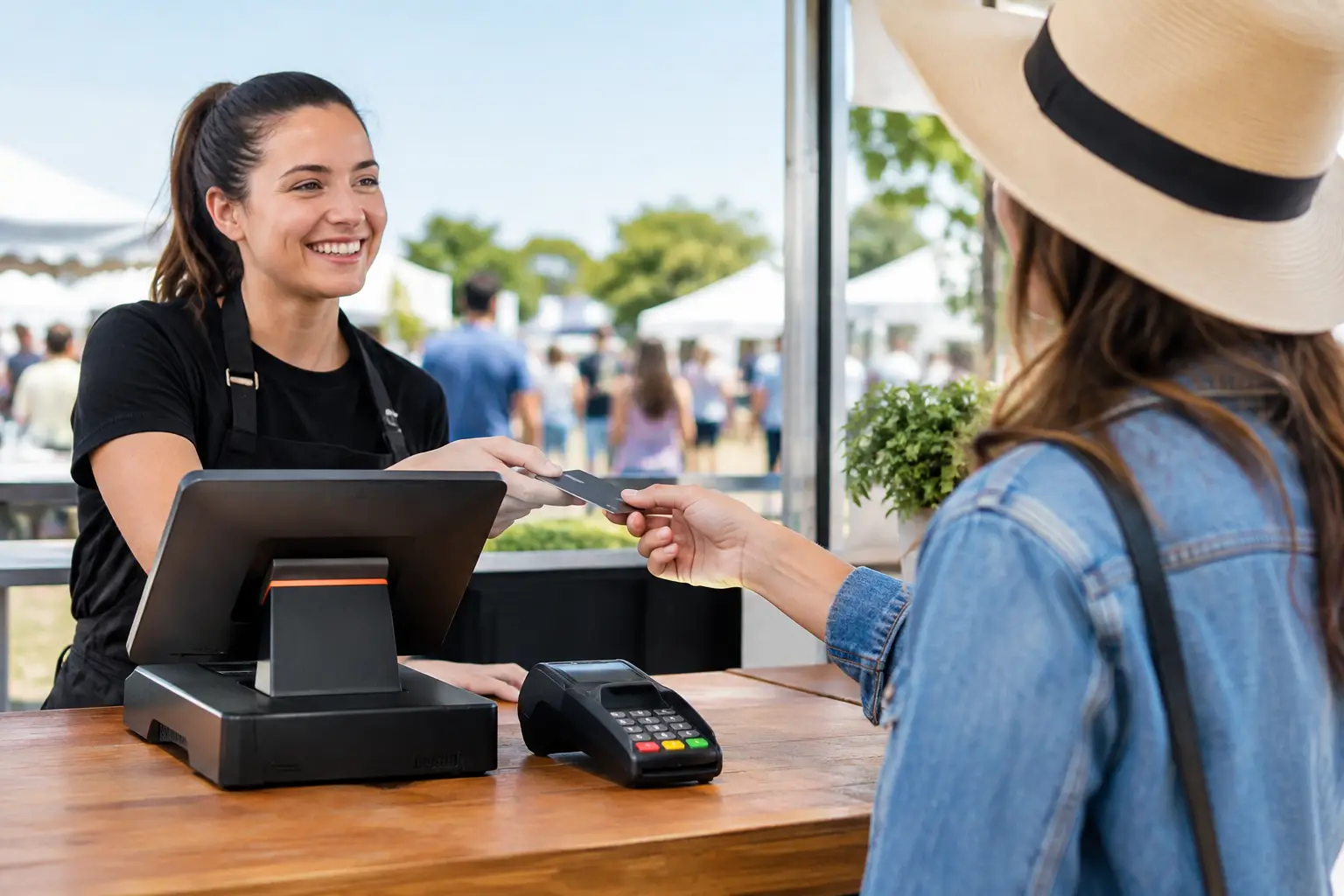
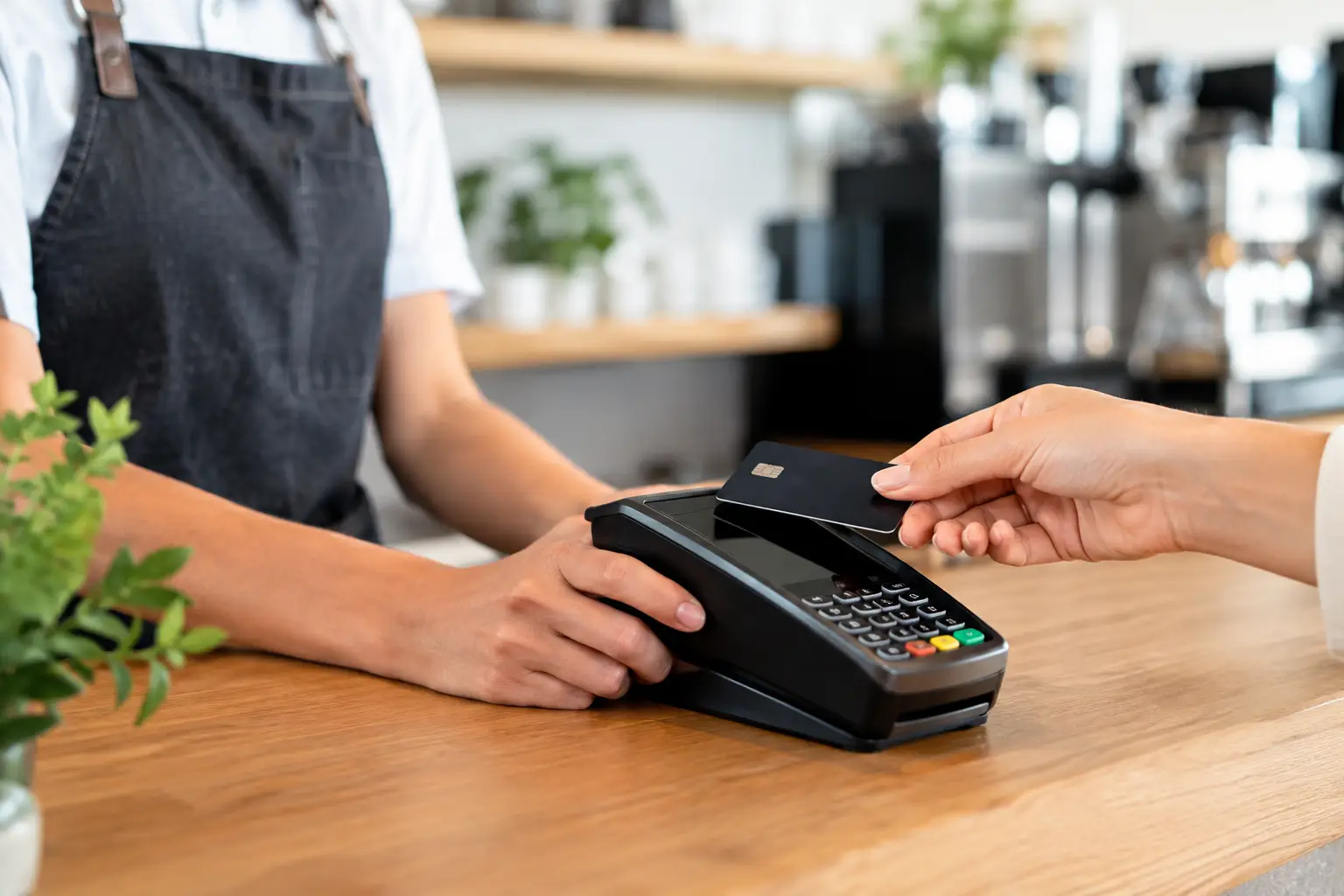
A POS should work neatly with your payment setup, whether that is EFTPOS, mobile payments, split payments, account sales or gift vouchers. Tight integration reduces double handling and cuts down on reconciliation errors at the end of the day.
This is an area where trade-offs matter. Some integrated payment options are convenient but may come with higher processing costs or less flexibility. Others offer more choice but require a bit more setup. It is worth looking beyond the headline convenience and checking the day-to-day running costs.
Receipt, docket and label printing support
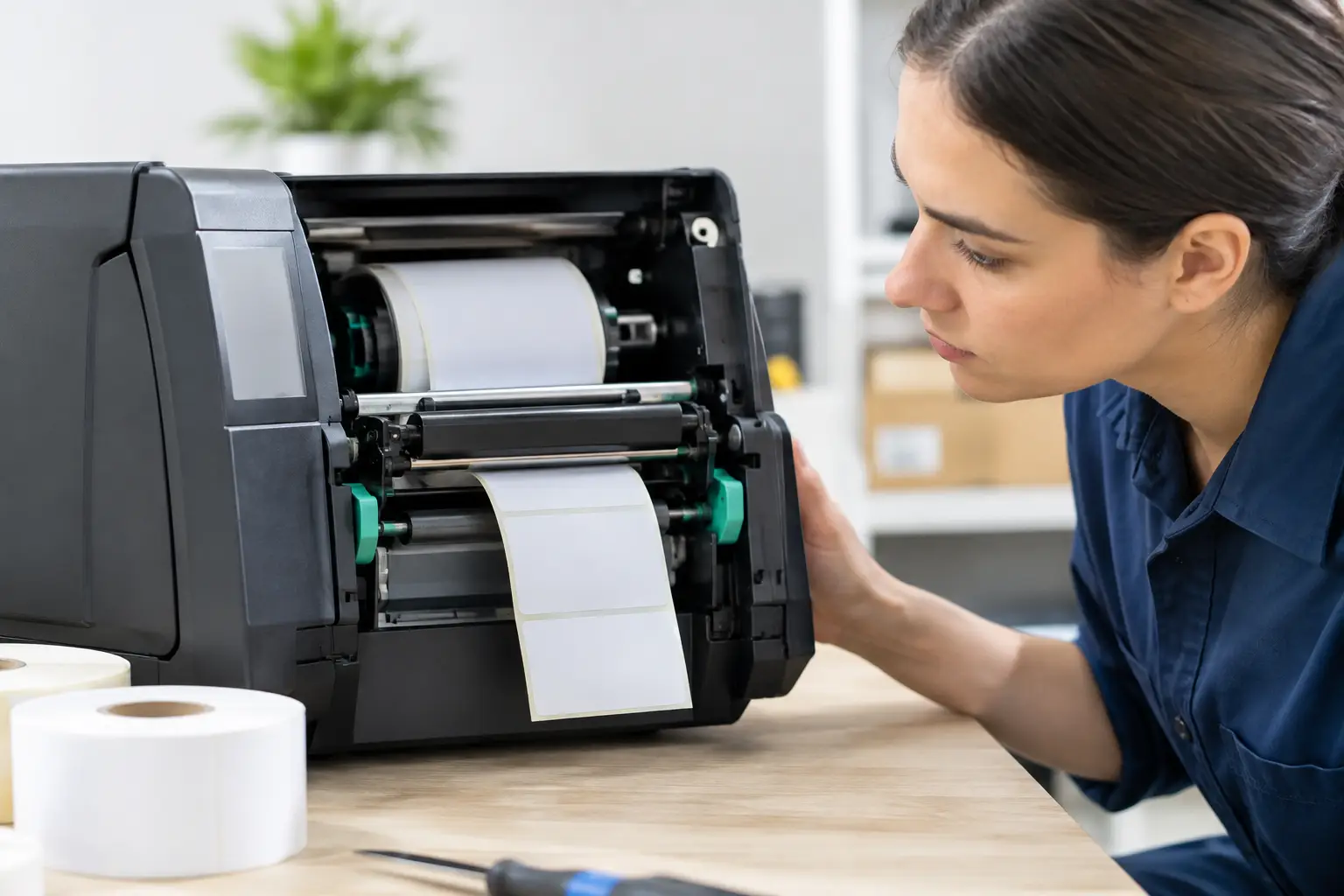
Printing is easy to overlook until it fails. Retailers may need customer receipts and barcode labels. Hospitality venues often rely on kitchen dockets, order printers or customer buzzers. Food operators may also need scale labels with accurate pricing and weights.
The POS needs to communicate properly with the hardware around it. That includes printers, scanners, cash drawers, customer displays and, in some businesses, weighing equipment. Compatibility is not a minor detail. It is what turns software into a working front counter.
Multi-site or multi-terminal management
If you run more than one terminal, pop-up locations, market stalls or multiple stores, central visibility becomes more important. You may want shared product data, consolidated reporting and the ability to manage pricing from one place.
For a single-site operator, this may not be essential right now. But if growth is on the horizon, it is smart to choose a system that can expand without forcing a full replacement later. Scalability does not mean overbuying. It means not boxing yourself in.
User permissions and accountability
Not every staff member should have access to every function. Good user controls let you limit refunds, price overrides, voids and back-office settings while still allowing staff to do their job efficiently.
This is not only about security. It also helps with training and troubleshooting. When each user has the right level of access, mistakes are easier to prevent and easier to trace if they happen.
Support for compliance and specialised equipment
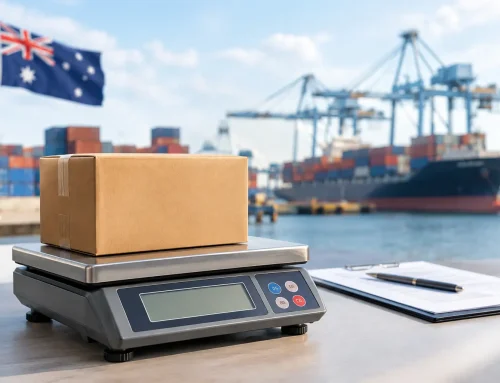
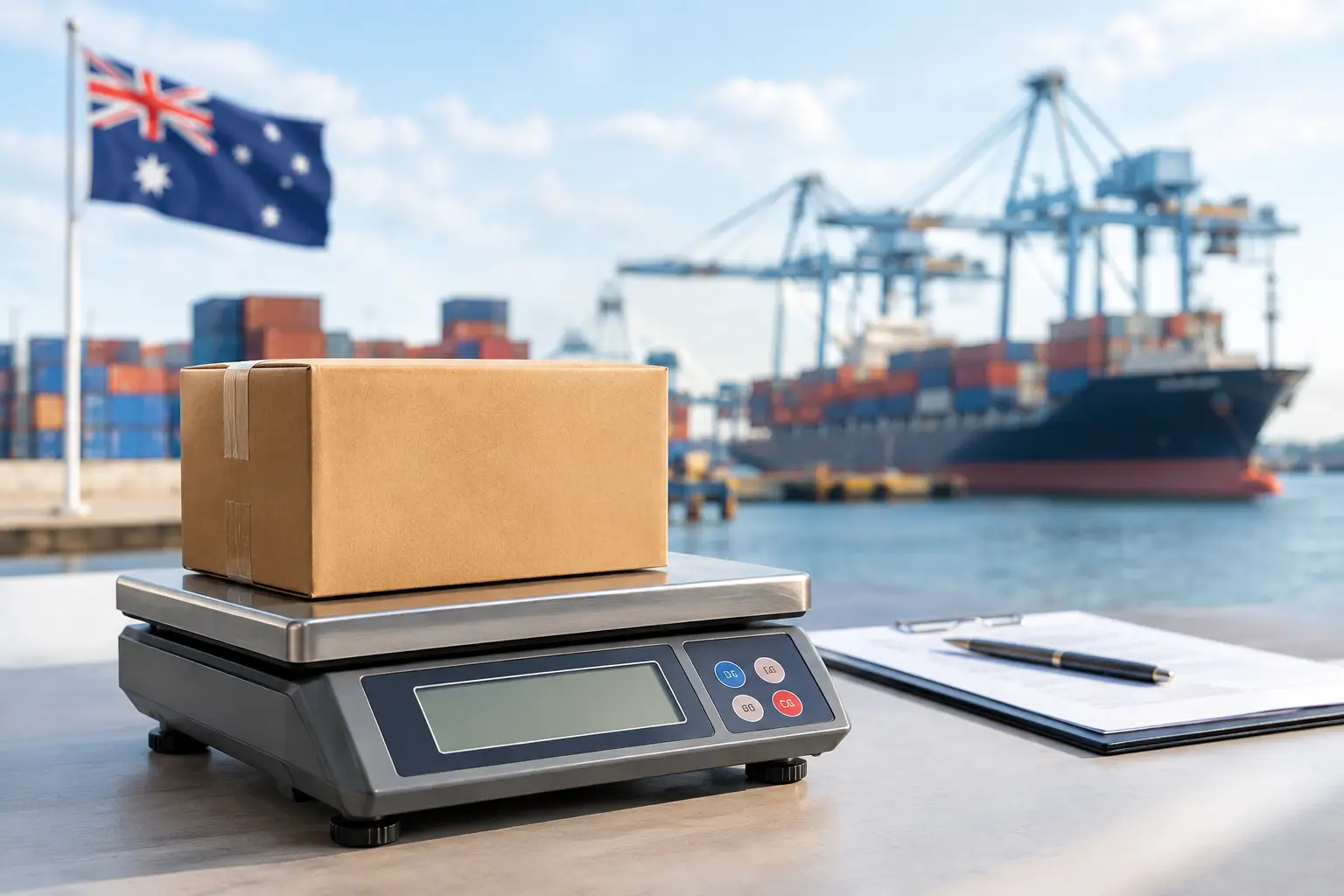
For some businesses, standard POS features are only half the picture. If you sell by weight, work in fresh food, or need trade-approved scales, compliance and calibration matter. The same applies if you need labels, integrated weighing, or hardware that meets operational and regulatory requirements.
This is where a generic, boxed solution can fall short. A POS may look suitable on paper, but if it does not integrate properly with certified equipment or your actual process at the counter, the result can be costly. Specialist advice matters more in these environments.
Local support and service backup
This is one of the most underrated features because it often does not appear on a software comparison chart. But when a terminal goes down on a Friday night or a printer stops talking to the system before the morning rush, support becomes the feature that matters most.
For Australian businesses, especially those running hospitality, retail or event operations, local help can save hours of downtime. Remote support is useful, but there are times when you need on-site service, replacement hardware, repairs or someone who understands how your full setup is connected. That is often the difference between a small hiccup and a lost trading day.
How to judge which features you actually need
Start with your busiest hour, not your quietest one. Think about where delays happen now. Is it order entry, payment, printing, stock lookup, staff errors, or devices failing to communicate with each other? The best feature set is the one that removes those bottlenecks first.
Then consider who will use the system. A venue with high staff turnover usually benefits from a simpler interface and stronger permissions. A specialty retailer may place more value on product detail and reporting. A business with weighed items should pay close attention to scale integration and compliance. In other words, the answer is rarely one-size-fits-all.
It also pays to look at the full setup, not just the screen on the counter. POS performance depends on hardware quality, network stability, printer compatibility, proper installation and ongoing support. Even a strong software platform can disappoint if the surrounding equipment is poorly matched or badly configured.
Avoid paying for features you will never use
There is a tendency to compare systems by counting features, but that can push businesses into overcomplicated setups. More modules often mean more training, more maintenance and more opportunities for something to be misconfigured.
A better approach is to separate must-haves from nice-to-haves. If a feature does not improve speed, accuracy, visibility or customer service in your environment, it may not deserve much weight in the decision. What looks impressive in a sales demo is not always helpful at the counter.
For many Southeast Queensland businesses, the right answer is a practical system backed by a team that can install it properly, support the hardware, and step in quickly when something goes wrong. That service-led approach is often what keeps operations running smoothly over the long term, which is exactly where EBE focuses its work.
When you are weighing up POS options, think less about what sounds advanced and more about what will still be working properly on your busiest day, with your actual staff, in your actual store. That is usually where the right decision becomes clear.


Leave A Comment
You must be logged in to post a comment.