
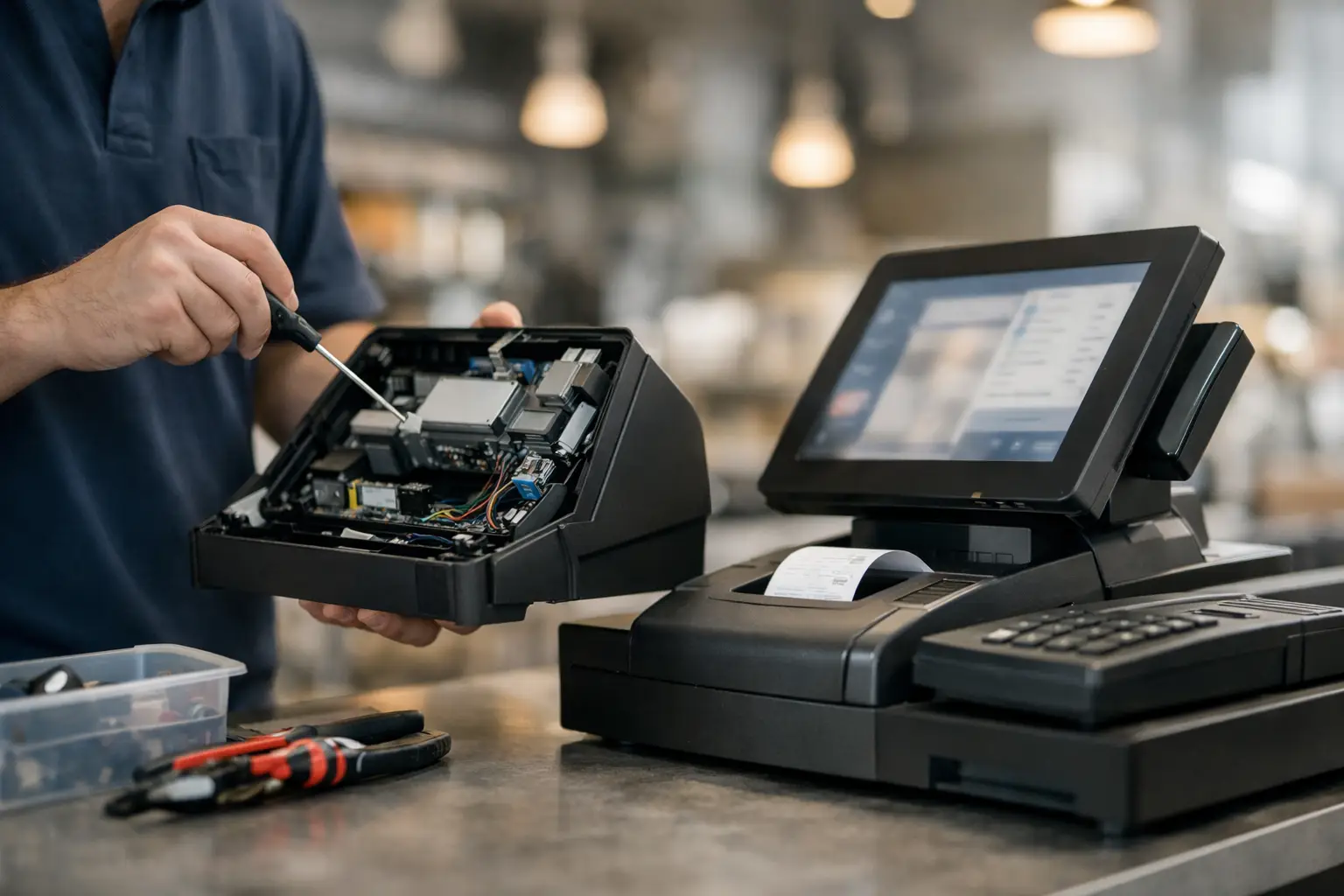
A cash register failure at 11.45 am on a busy Saturday is not a minor inconvenience. It can mean a growing queue, frustrated staff, missed sales and a rushed attempt to record transactions by hand. Same day cash register repair is designed for these moments: getting the fault identified quickly and restoring a dependable way to take payment, print receipts and keep trading.
For cafés, retailers, takeaways, market operators and hospitality venues across Southeast Queensland, the register is usually part of a wider system. It may connect to a receipt printer, EFTPOS terminal, kitchen printer, scanner, scale, back-office computer or POS software. A practical repair approach looks beyond the screen or cash drawer to find the actual source of the problem.
When Same Day Cash Register Repair Makes Sense
Urgent service is most valuable when a fault directly stops, delays or complicates customer transactions. A register that will not power on, freezes during a sale, will not open the cash drawer or cannot print receipts can quickly affect the whole operation. The same applies when a POS terminal is online but connected hardware is not responding.
Not every issue needs an immediate site visit. A simple configuration problem, paper jam or loose cable may be resolved with guided support over the phone. However, where the cause is unclear, hardware has failed, or the business cannot trade normally, prompt on-site diagnosis can save hours of disruption.
Same-day availability depends on technician capacity, location, the equipment involved and whether replacement parts are needed. A reputable provider should be clear about this from the first call. The goal is not to make vague promises – it is to assess the situation quickly, prioritise a trading-critical fault and provide the most practical path back to operation.
Common Cash Register Faults That Stop Trade
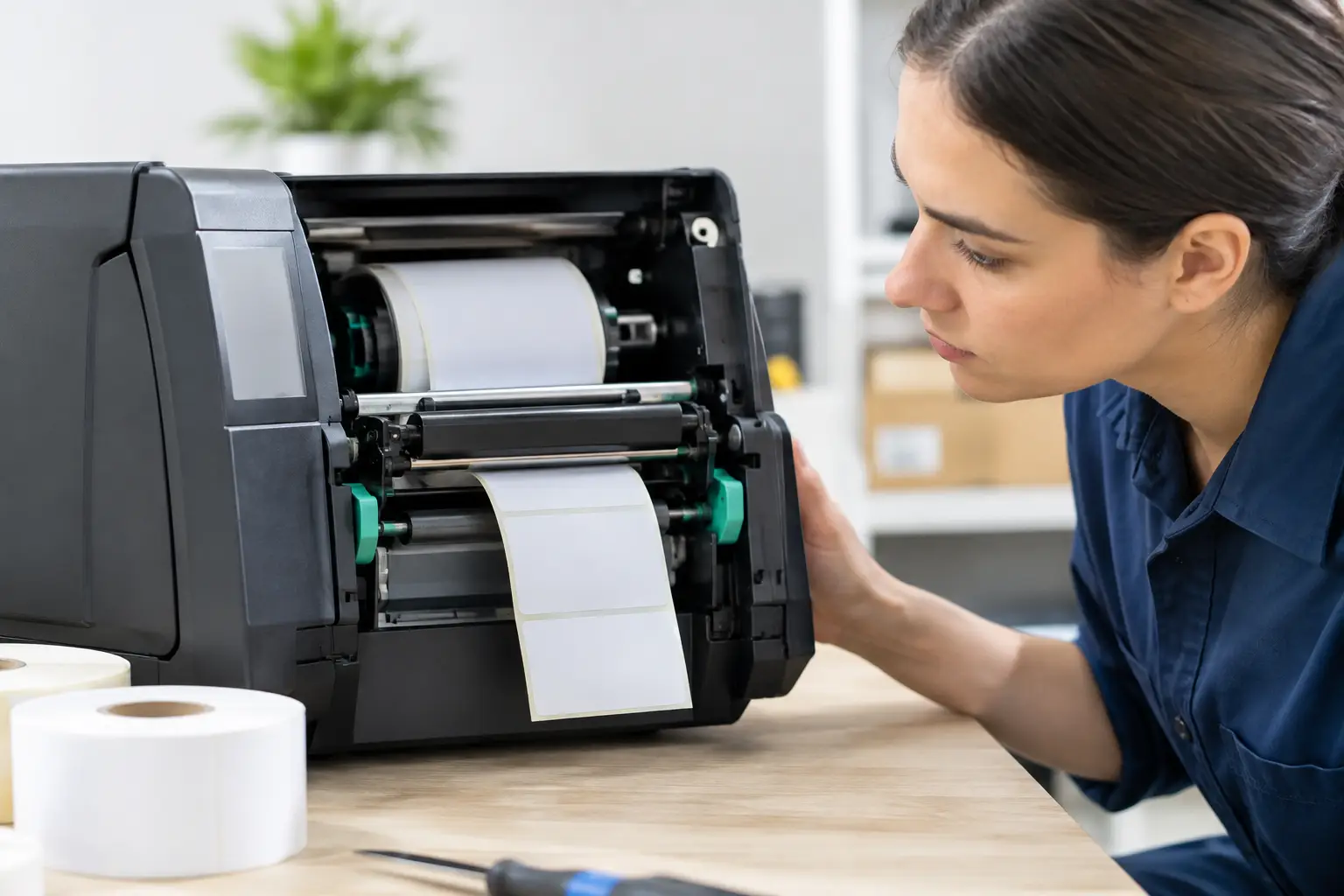
Cash registers and POS systems tend to fail in predictable ways, although the underlying cause is not always obvious. A blank display may be a power supply issue, a damaged cable, an internal hardware fault or a problem at the power point. A printer that appears faulty may simply have incorrect paper loading, but it could also have a worn print head, failed power adaptor or communication error.
Cash drawer issues are another frequent call-out. The drawer may be jammed, the lock may be damaged, or the drawer may not receive the trigger signal from the printer or register. For businesses that handle cash, this is more than an annoyance. Staff need a secure, controlled way to accept change and reconcile the till.
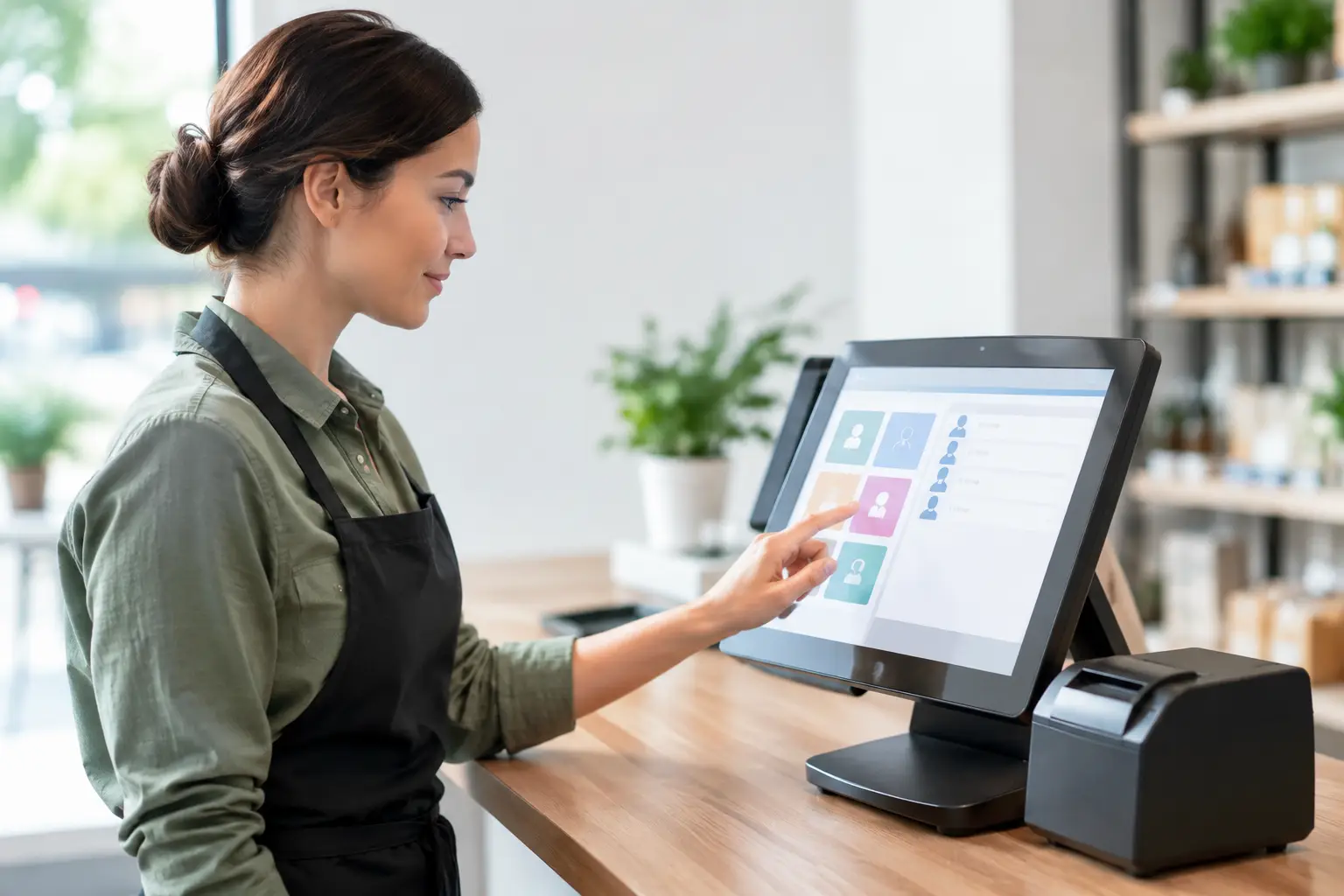
Software-related faults can be just as disruptive. An update, network dropout, database issue or incorrect device setting can prevent a POS system from loading or communicating with connected equipment. In these cases, replacing hardware without testing the wider setup can waste time and money.
A technician should also check the basics that are easy to overlook under pressure: power, cables, network connection, consumables, device settings and recent changes to the system. This structured diagnosis helps distinguish a quick fix from a fault that needs a component replacement or workshop repair.
Receipt printers, scanners and connected devices
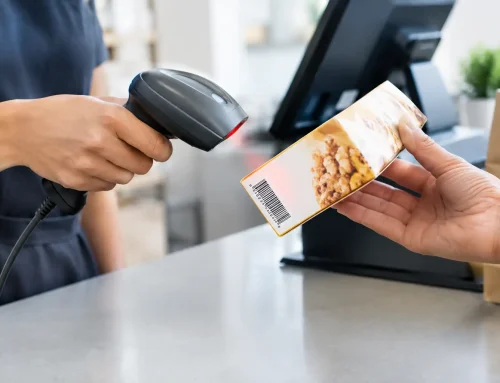
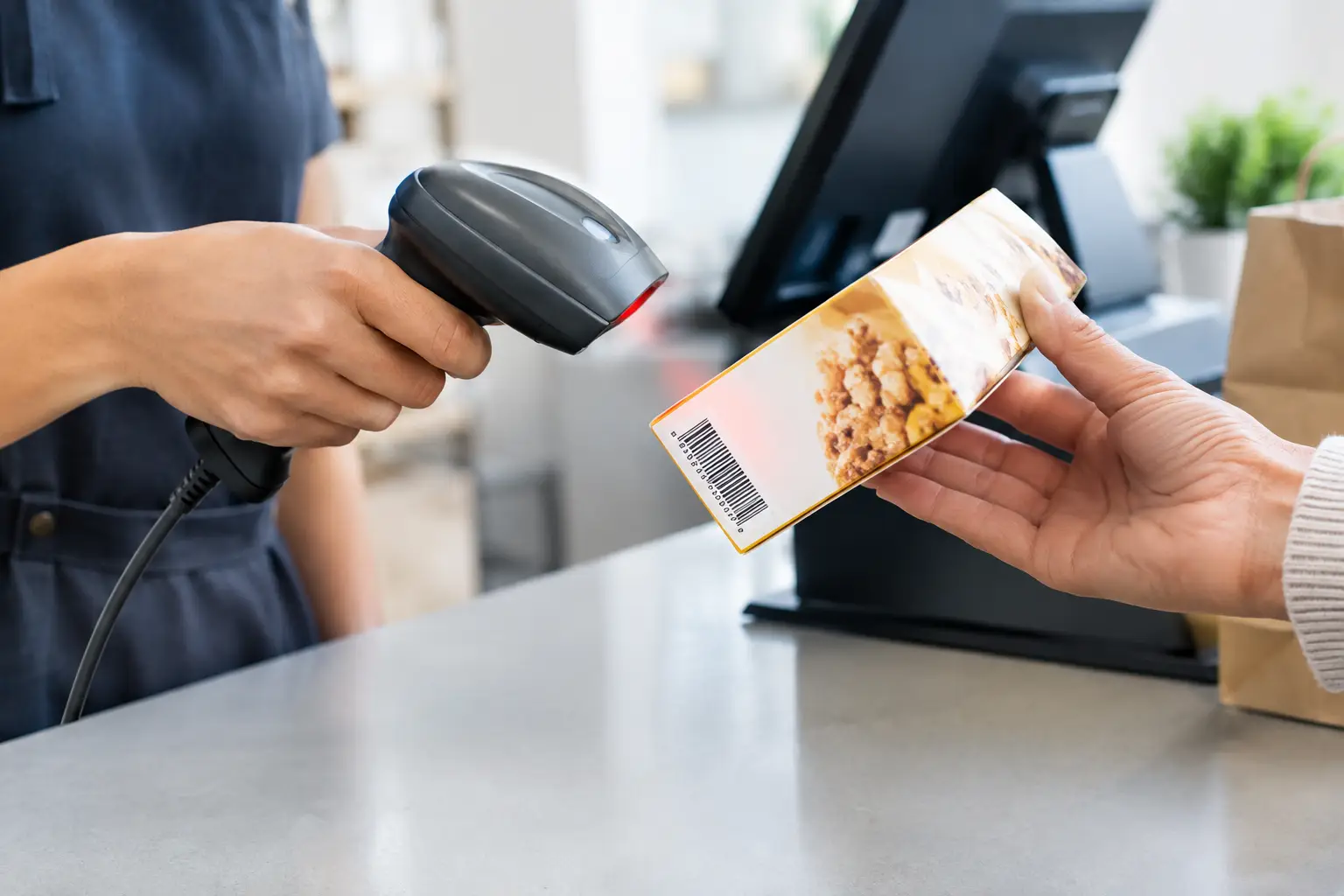
A checkout is only as reliable as the equipment around it. If the receipt printer fails, staff may not be able to complete orders as normal. If a barcode scanner drops out, transaction times rise and pricing errors become more likely. If a kitchen printer is offline, food orders can be missed or manually relayed during a rush.
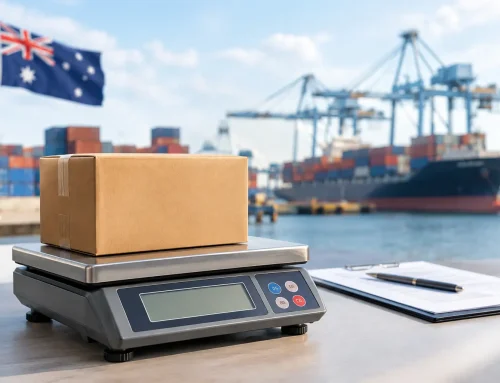
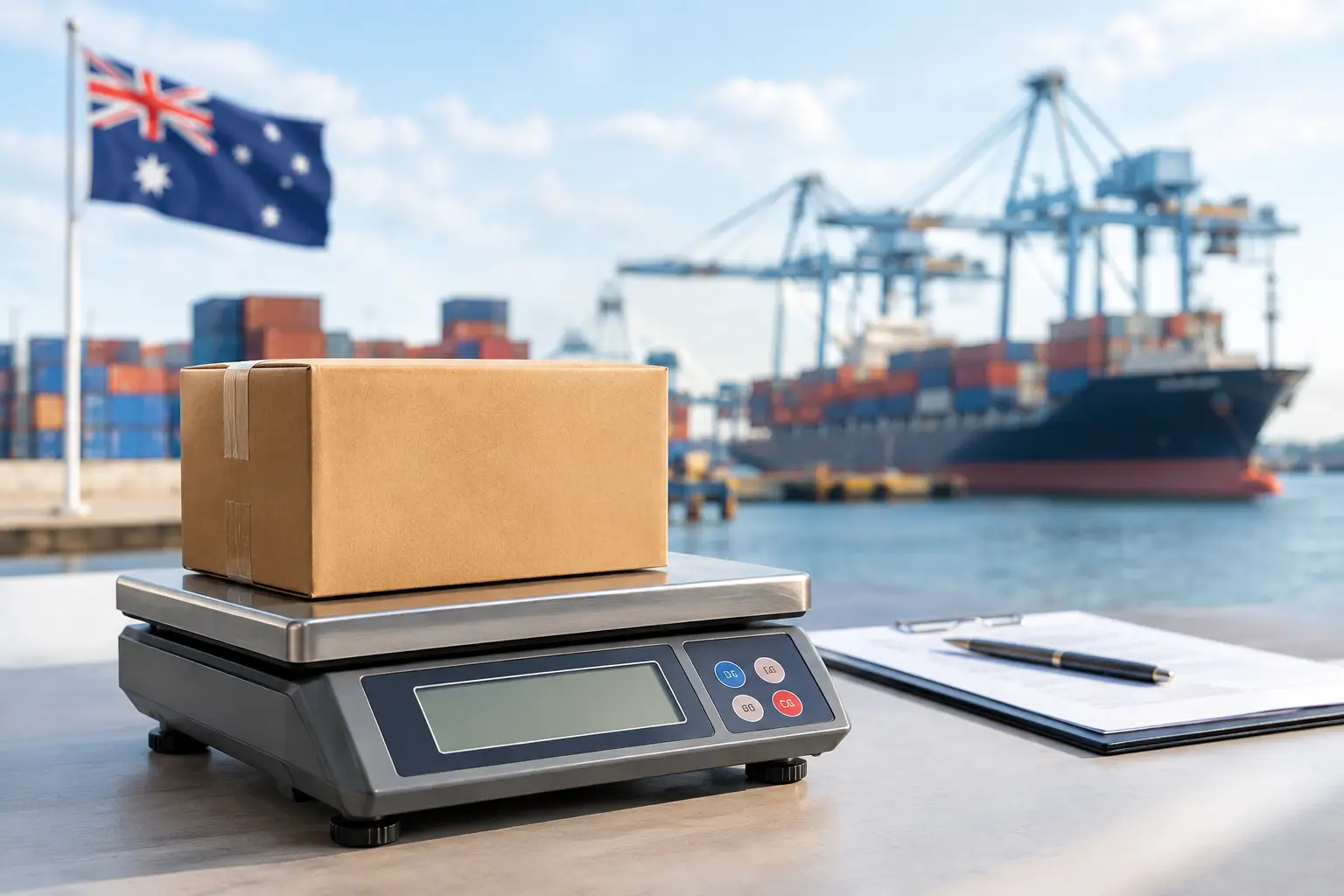
For trade businesses selling products by weight, the issue can be more serious. A connected scale must operate accurately, and trade-approved equipment has compliance requirements that should not be treated as a standard IT repair. Where a scale needs calibration, verification or specialist attention, use a provider with the appropriate capability and licensing.
What to Do Before Calling for a Repair
A few clear details can help a technician arrive prepared and reduce the time spent diagnosing the fault. First, note what is and is not working. For example, does the register switch on but refuse to process sales? Is the printer displaying an error light? Does the cash drawer open manually but not during a transaction?
It also helps to record any error message exactly as it appears, along with the register or POS brand and model. If the problem started after a power outage, internet interruption, software update or equipment move, mention that too. These details often point to the likely cause.
Before restarting equipment, finish or write down any open transactions if possible. Then check that power leads are secure, paper rolls are loaded correctly and visible cables have not been pulled loose. Avoid repeatedly forcing a jammed drawer, opening device covers unnecessarily or changing POS settings without confidence. A small fault can become a larger one when equipment is handled roughly during a busy service period.
If you can continue trading manually for a short time, keep records neat. Record cash sales, card payments, refunds and any items that will need to be entered into the POS system later. This protects reconciliation and makes the recovery process easier once the register is back online.
The Value of a Local Technician Who Understands POS
Cash register repairs are not always a case of swapping one box for another. The right fix needs to suit the way a business operates. A small retail shop may need to retain its existing product and customer data. A busy café may need kitchen printing restored before the next service. A market operator may need a portable setup that can work reliably with limited connectivity.
That is why experience with the full transaction environment matters. A technician who understands registers, POS software, printers, scanners, networking and payment workflows can test the system as a whole. They can also advise whether repair is sensible or whether ageing equipment is creating repeated downtime and should be replaced.
Repair is often the most affordable option when the fault is isolated and the equipment remains suitable for the business. Replacement may be the better decision if parts are unavailable, the system is no longer supported, failures are becoming frequent or the current setup cannot meet operational needs. Honest advice should account for the immediate repair cost as well as the cost of another breakdown during a peak period.
Electronic Business Equipment supports local operators with workshop and on-site repairs, POS configuration and ongoing technical assistance. For businesses that rely on transactions every day, having one experienced team that can address both the fault and the surrounding system reduces the run-around when something goes wrong.
Reducing the Risk of Another Checkout Failure
Most businesses cannot prevent every equipment fault, but routine care can reduce avoidable disruption. Keep printers clean and use suitable paper rolls. Protect registers and terminals from spills, heat and dust. Avoid overloading power boards, and make sure cables are routed where staff cannot snag them with feet, trolleys or stock.
Regular servicing is particularly useful for high-use equipment. Printers, cash drawers and scanners all have moving parts that wear over time. A check before a major event, holiday trading period or seasonal rush can reveal issues while there is time to plan a repair.
It is also worth training key staff on simple first checks and the correct shutdown process. They do not need to become technicians. They simply need enough confidence to recognise an error, preserve useful information and know when to call for help rather than guessing.
A working register keeps more than money moving. It protects customer service, staff confidence and the rhythm of the day. When a fault threatens that rhythm, fast, practical support from a technician who understands your equipment can make the difference between a temporary interruption and a lost trading day.








Leave A Comment
You must be logged in to post a comment.