
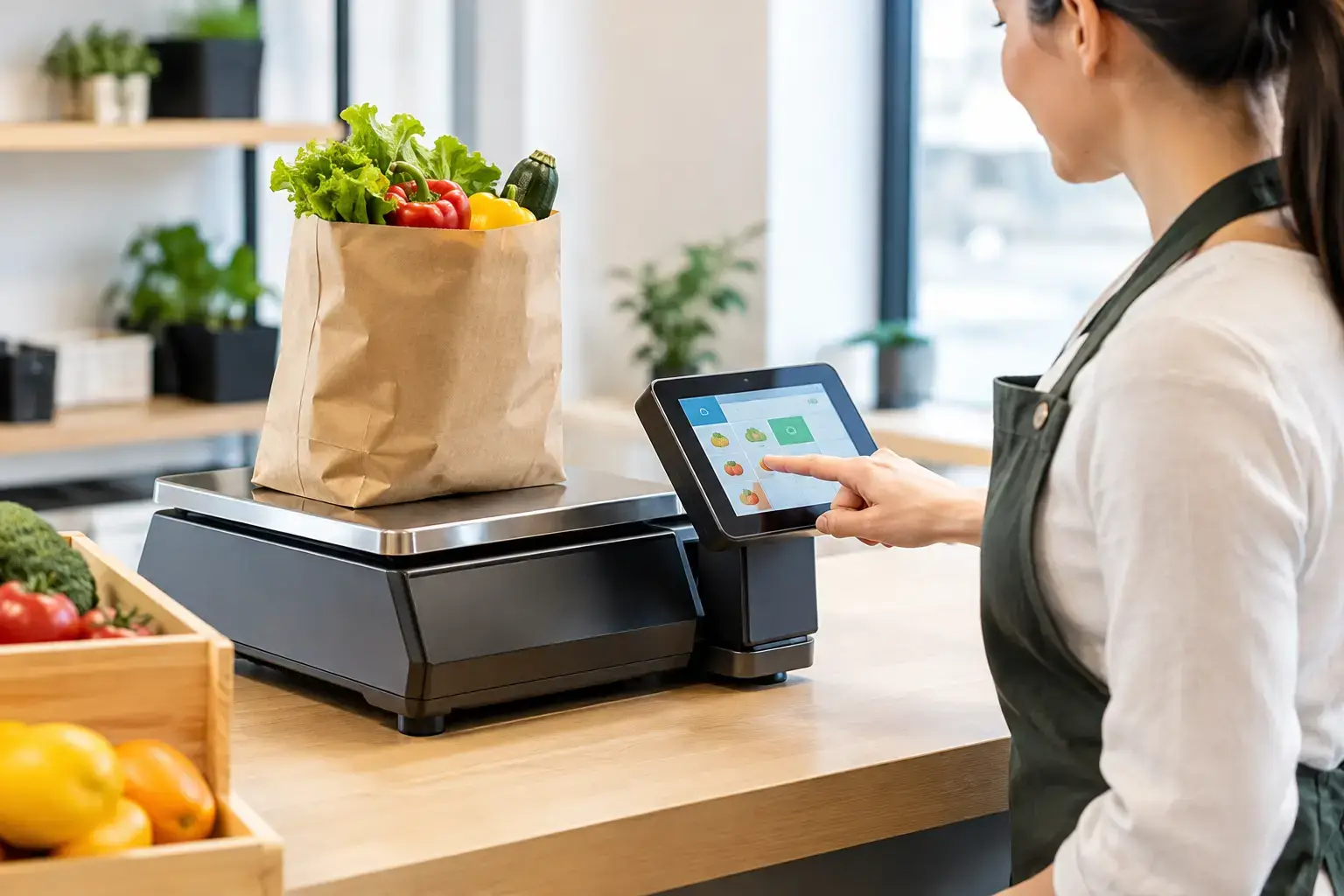
A busy deli counter cannot afford a pause between weighing a product and finalising a sale. Nor can a butcher, greengrocer or market stallholder afford incorrect pricing, handwritten labels or a scale that drops out of the POS system during the morning rush. Integrated standalone scales give businesses a practical middle ground: dedicated weighing equipment that performs reliably on its own, while sharing the right information with connected sales systems when required.
For many Southeast Queensland operators, the right setup comes down to more than choosing a scale with a screen. It is about keeping transactions moving, meeting trade requirements and ensuring staff can use the equipment confidently from their first shift.
What are integrated standalone scales?
The term can sound contradictory at first. A standalone scale is a complete weighing unit with its own display, controls and, depending on the model, price calculation or label-printing capability. It does not rely on a POS terminal simply to weigh an item.
An integrated standalone scale retains that independence but can also communicate with other equipment. It may send an item weight or price to a POS system, receive product data from a back-office system, print labels with programmed product details, or connect across a store network. The scale remains usable at the counter even though it has a place in the wider sales workflow.
This distinction matters when a business is deciding how much technology it genuinely needs. A basic standalone scale may be ideal for a small market operation selling products by weight. A connected model is often a better fit for a supermarket-style counter, busy butcher shop or food retailer where product records, pricing consistency and faster checkout are priorities.
Where integrated scales make the biggest difference
Integrated scales are most valuable where weight is part of the transaction, rather than an occasional task completed out the back. Fresh food retail is the obvious example, but the same principles apply to cafes selling bulk coffee or loose tea, health food stores, confectionery shops, produce outlets and hospitality venues preparing portioned items.
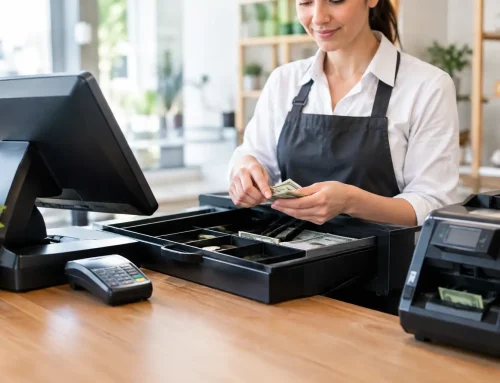
At the counter, staff can weigh the product, select the correct item and send the sale information through without re-entering figures by hand. That reduces small errors which add up over a week of trading. It also makes pricing more consistent when several team members work different shifts.
For a business with a large product range, programmed PLUs can be particularly useful. Instead of remembering a per-kilo price or searching through paper notes, staff select the product from the scale or connected POS screen. Where labels are needed, the system can print the product name, weight, unit price, total price and barcode in the correct format.
The benefit is not limited to speed. Better weight and sales data can help owners see what is moving, identify waste, check margins and maintain clearer stock records. The quality of that information depends on the POS and scale configuration, so it is worth discussing the desired reporting outcome before equipment is selected.
Trade approval is not an optional extra
If customers are charged according to the weight shown on a scale, the equipment must be suitable for trade use in Australia. A kitchen scale or low-cost bench scale may be perfectly adequate for portion control, recipe preparation or internal stock checks, but it cannot be used to determine a selling price by weight unless it is trade approved and correctly verified.
Trade-approved scales are designed and tested for commercial transactions. They require verification before use for trade, and businesses need to protect the integrity of the equipment over its working life. A damaged seal, incorrect installation, poor levelling or a scale that has been moved may affect compliance as well as accuracy.
This is one area where the cheapest purchase can become expensive. Choosing an unsuitable scale, or treating calibration and verification as an afterthought, can create disruption when the business is already open and serving customers. It is better to establish the scale’s intended use, capacity, location and connection requirements from the outset.
Calibration, verification and everyday care
Calibration checks whether the scale is measuring accurately. Verification confirms that an approved instrument meets the requirements for trade use. They are related, but they are not the same service, and both should be handled by appropriately qualified people.
Daily care also matters. Keep the platform clean, do not overload it, place it on a stable level bench and avoid positioning it where vibrations, strong airflow or moisture can affect readings. Staff should know what to do if the display is unstable, a price looks wrong or a label is unclear. A quick response can prevent a minor issue from becoming a queue at the counter.
Choosing an integrated standalone scale for your operation
The best scale is not necessarily the one with the longest feature list. It is the one that suits how your team serves customers now, with enough flexibility to support the next stage of the business.
Start with capacity and readability. A scale used for small packets of speciality foods needs fine resolution at low weights. A butcher weighing larger cuts, trays or bulk orders needs a capacity that comfortably covers its usual loads. The display should be easy for the operator to read, and customer-facing display options may be essential where customers need to see the weight and price.
Then consider the point of use. A compact bench model may suit a tight café counter, while a label-printing retail scale may need more workspace and access for replacing label rolls. For market operators, portability, battery operation and a protective carry arrangement can matter more than a fixed network connection. In a high-volume food shop, a stable wired connection and durable keyboard may be more valuable.
Integration needs should be specific. Ask whether the scale must send weight directly to the POS, print barcode labels, share product files across multiple scales, or work if the network is temporarily unavailable. Compatibility should never be assumed just because two devices have ports or use similar terminology. POS software, communication settings and product-file formats need to be checked before installation.
A good supplier will also ask about workflow. Is the product weighed before payment, at the point of payment, or in a preparation area? Are staff printing labels for self-service items? Does the business need ingredient, allergen or packed-on information on labels? These details shape the right equipment choice far more effectively than a generic product comparison.
Installation is where the system becomes useful
A scale can be technically capable and still create frustration if it is poorly configured. Product names need to make sense to staff. PLU buttons should follow the counter workflow. Label formats need to be legible, correctly priced and appropriate for the products being sold. The POS needs to receive the right information in the right field.
Installation should include practical testing with real products and normal transaction steps. It should also include staff training. A two-minute demonstration is rarely enough for a busy team, particularly where casual staff rotate between roles. Staff need to know how to select products, tare containers, handle price changes, replace labels and recognise when they need help.
This is why local technical support has genuine value. When the counter equipment fails at 7 am before a weekend rush, the business does not need a generic helpdesk script. It needs someone who understands scales, POS hardware and the way the sale is processed. EBE supports businesses with equipment selection, installation, trade-approved scale services, repairs and ongoing assistance, so issues can be addressed in the context of the whole operation.
The trade-offs to consider
There is no single correct approach for every business. A fully integrated label scale offers efficiency, consistency and useful data, but it costs more upfront and requires careful configuration. A simple standalone trade scale is lower cost and easier to operate, but staff may need to enter weights or prices manually into the POS.
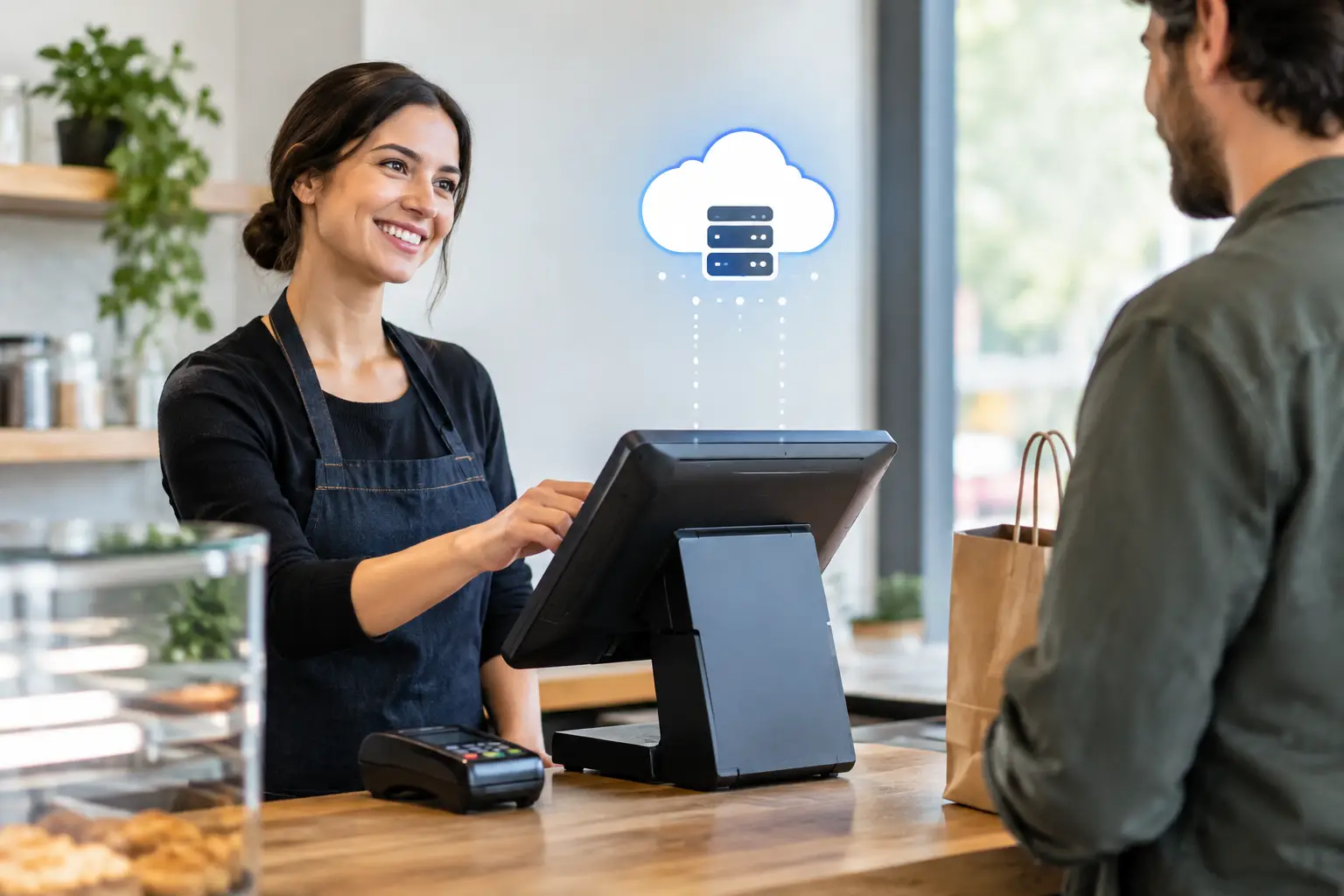
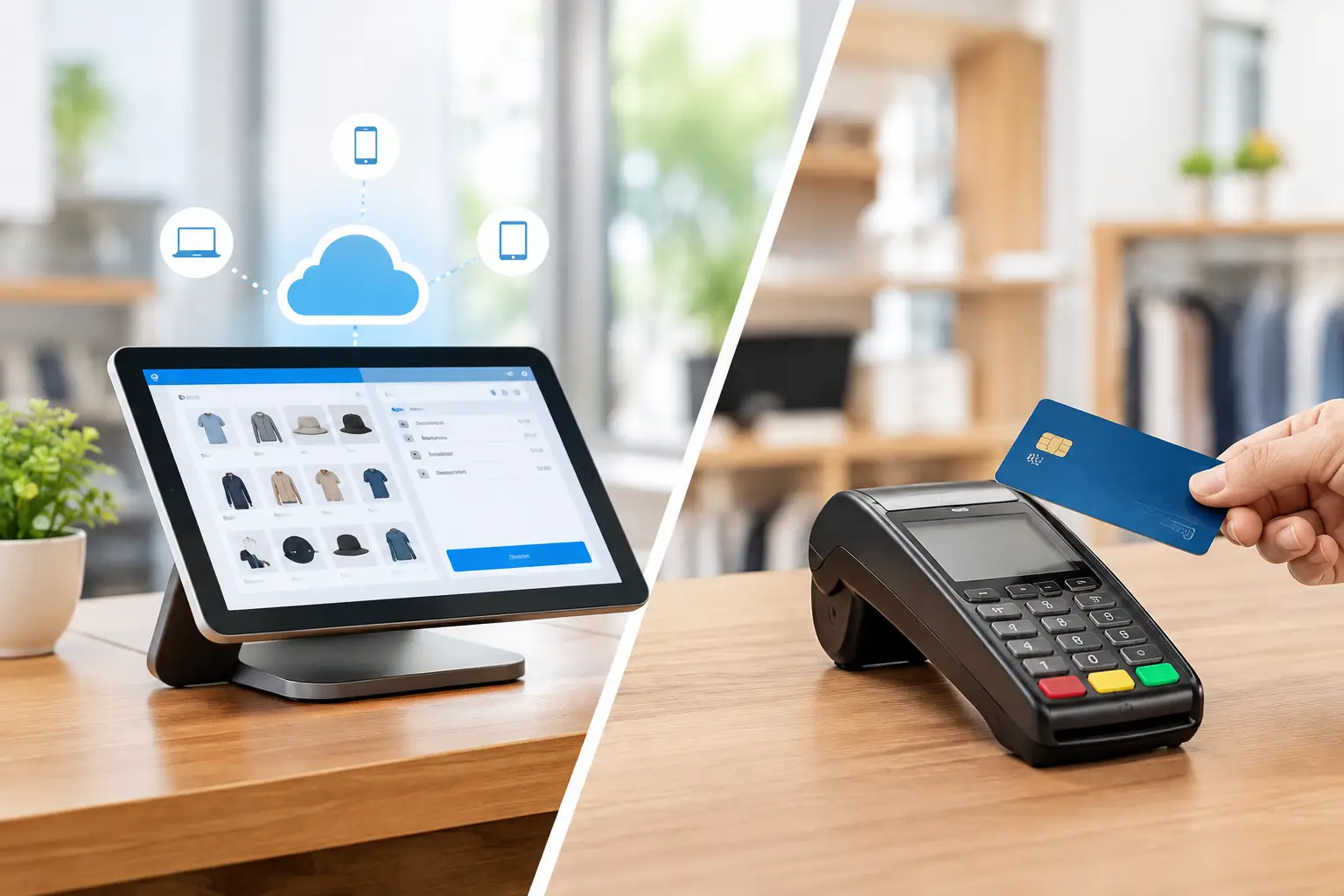
Cloud-connected systems can make product updates easier across several sites, but they depend on reliable network planning and clear access controls. A local wired setup can be very dependable within one store, although it may offer less flexibility as the business grows. The right decision depends on transaction volume, product complexity, staff turnover, available bench space and the cost of downtime.
It is also sensible to plan for serviceability. Label printers have consumables, cables can be damaged, and scales eventually need maintenance. Selecting equipment with accessible support, available parts and a clear calibration and verification pathway is a practical way to protect the investment.
A better counter starts with the actual workflow
Integrated standalone scales should make selling by weight simpler, not add another system for staff to manage. When the equipment is trade appropriate, properly installed and matched to the way products move through the counter, it helps businesses serve accurately under pressure. The most useful next step is to map a normal sale from product selection to payment, then choose the scale setup that removes the most friction from that process.





Leave A Comment
You must be logged in to post a comment.