
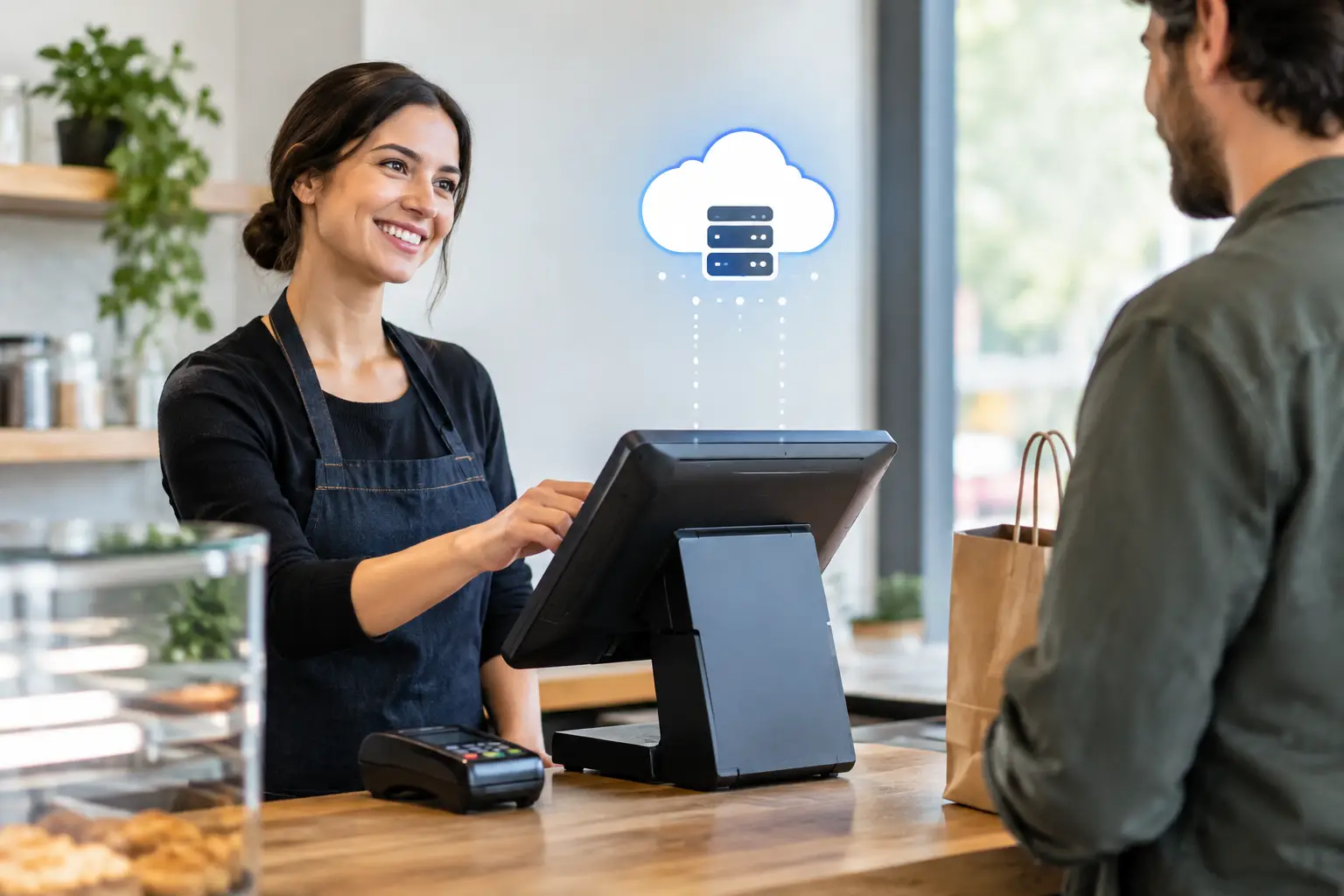
A cloud onsite POS gives a busy business the benefits of connected, up-to-date software without treating the physical checkout as an afterthought. For a cafe during the morning rush, a retailer on a Saturday, or a market operator taking payments outdoors, the system still depends on terminals, printers, cash drawers, scanners, scales and a network that work when customers are waiting.
That is why the best POS decision is rarely just about selecting an app. It is about designing the full setup around how your business trades, then having capable local support available when a device fails, staff need help, or your workflow changes.
What is a cloud onsite POS?
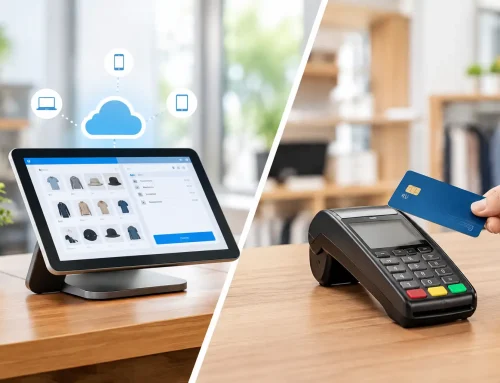
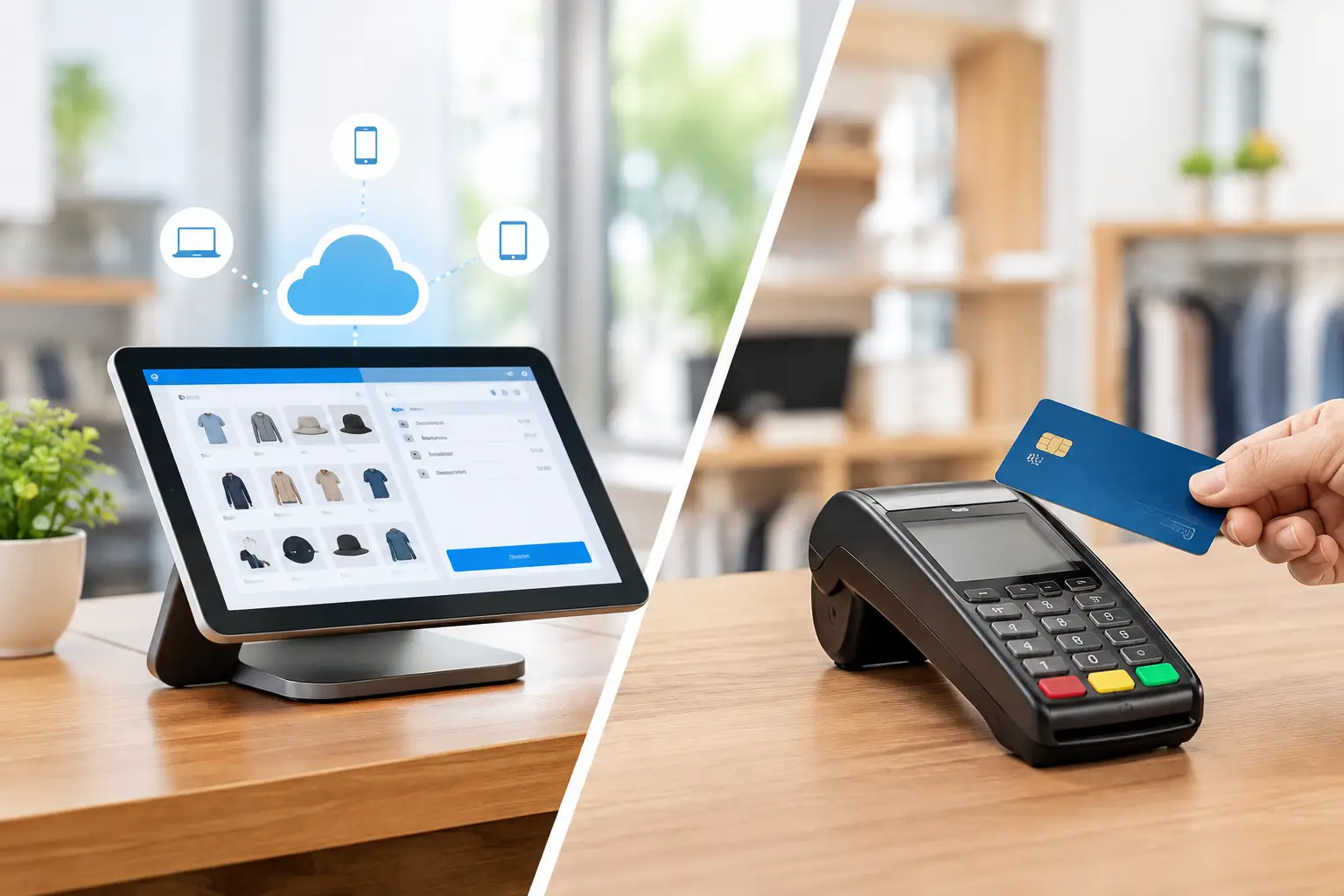
A cloud onsite POS combines cloud-based POS software with equipment installed and used at your premises. Sales, product information, reporting and settings are generally stored or synchronised through the cloud, while the everyday transaction process happens through physical hardware at the counter, table, kiosk or mobile sales point.
Depending on the provider and configuration, the system may retain key functions during a temporary internet interruption and synchronise information once the connection returns. That distinction matters. “Cloud” does not automatically mean a business can trade normally with no internet at all. Offline capability varies between POS platforms, payment terminals and network setups, so it should be confirmed before installation.
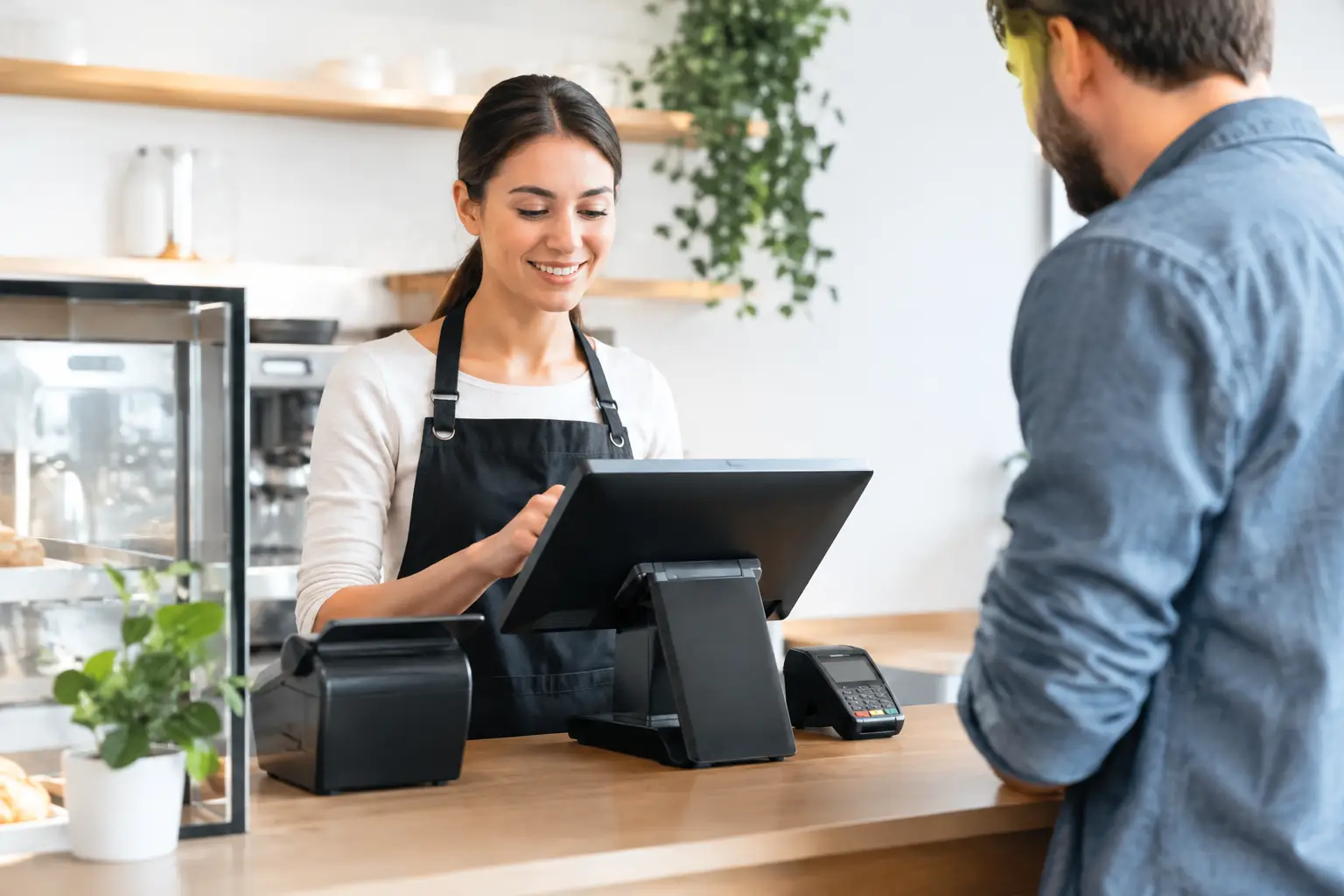
For many small and mid-sized businesses, this model is practical because it brings together remote visibility and familiar onsite operation. Owners can review trading information away from the premises, while staff continue using purpose-built equipment designed for high-volume transactions.
Why onsite hardware still matters
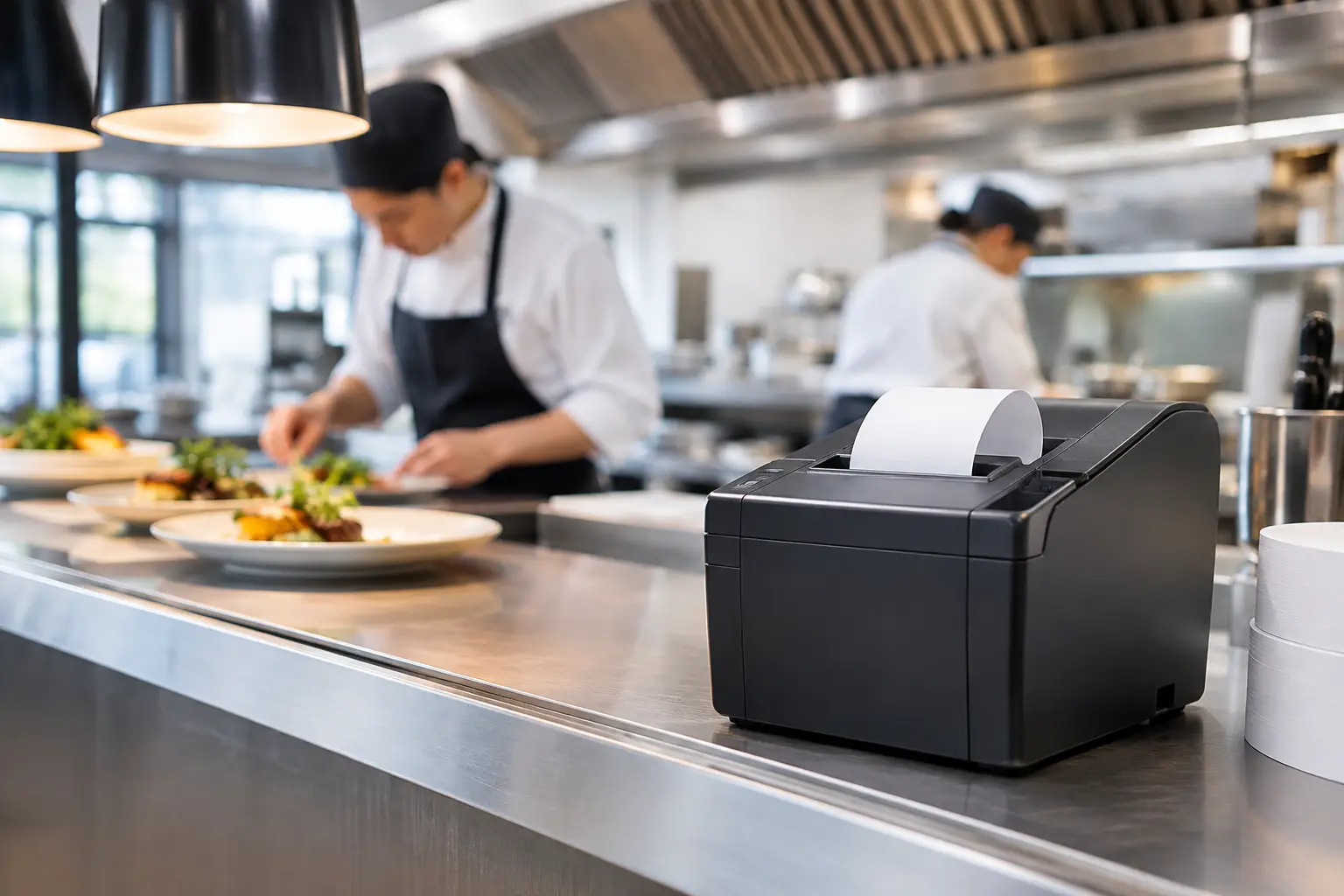
Cloud software is only one part of a working checkout. A slow receipt printer, an unreliable Wi-Fi connection or a poorly positioned terminal can delay service just as quickly as a software fault. In food service, a missed kitchen docket can affect every table after it. In retail, a barcode scanner that misreads labels creates queues, pricing disputes and unnecessary pressure on staff.
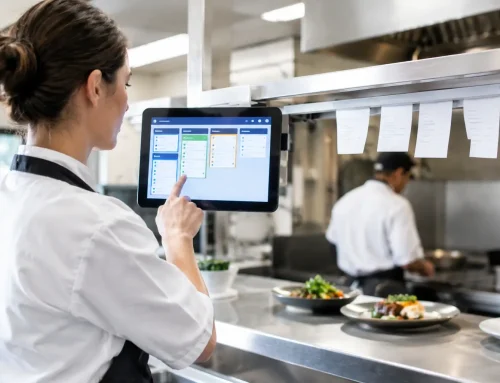
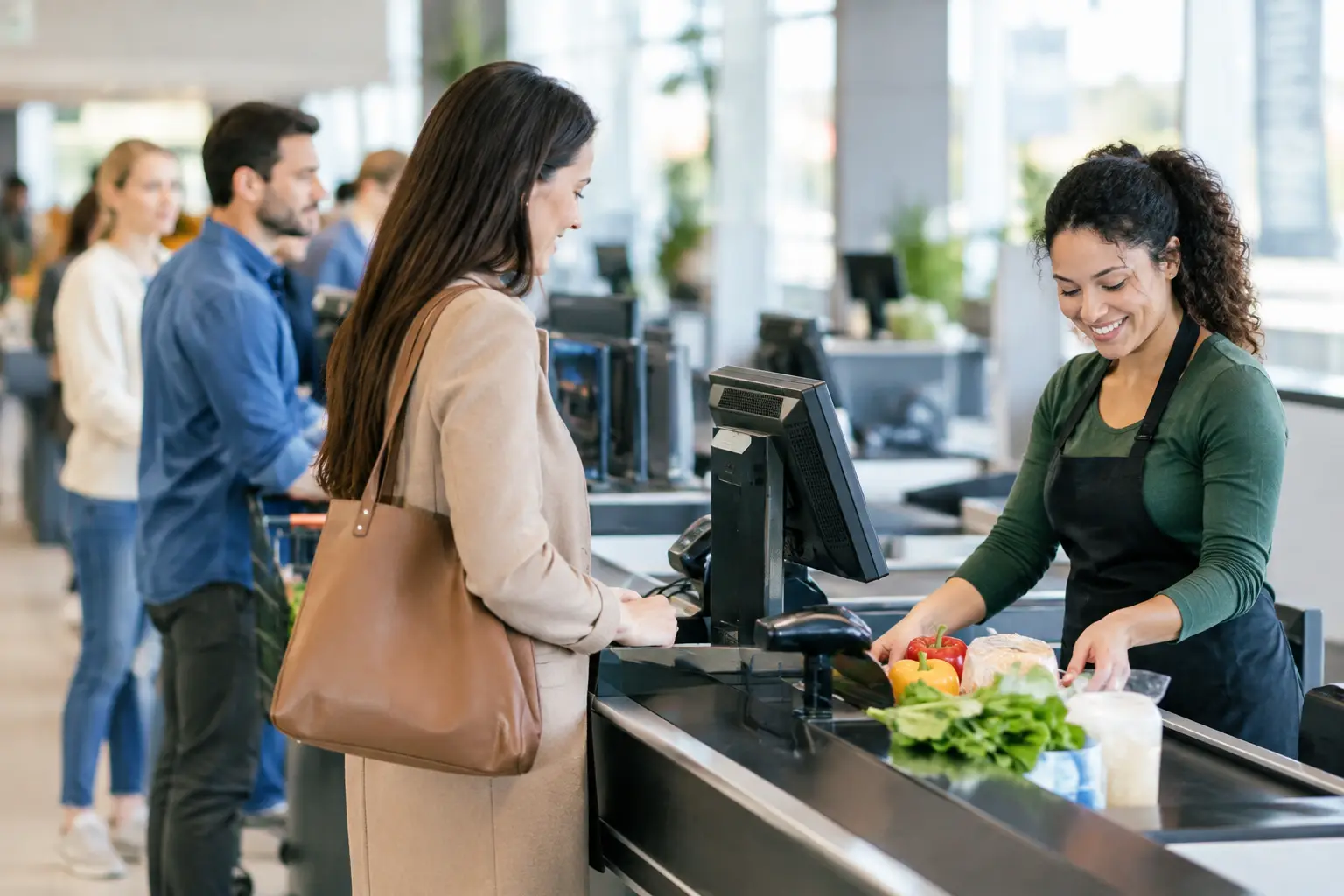
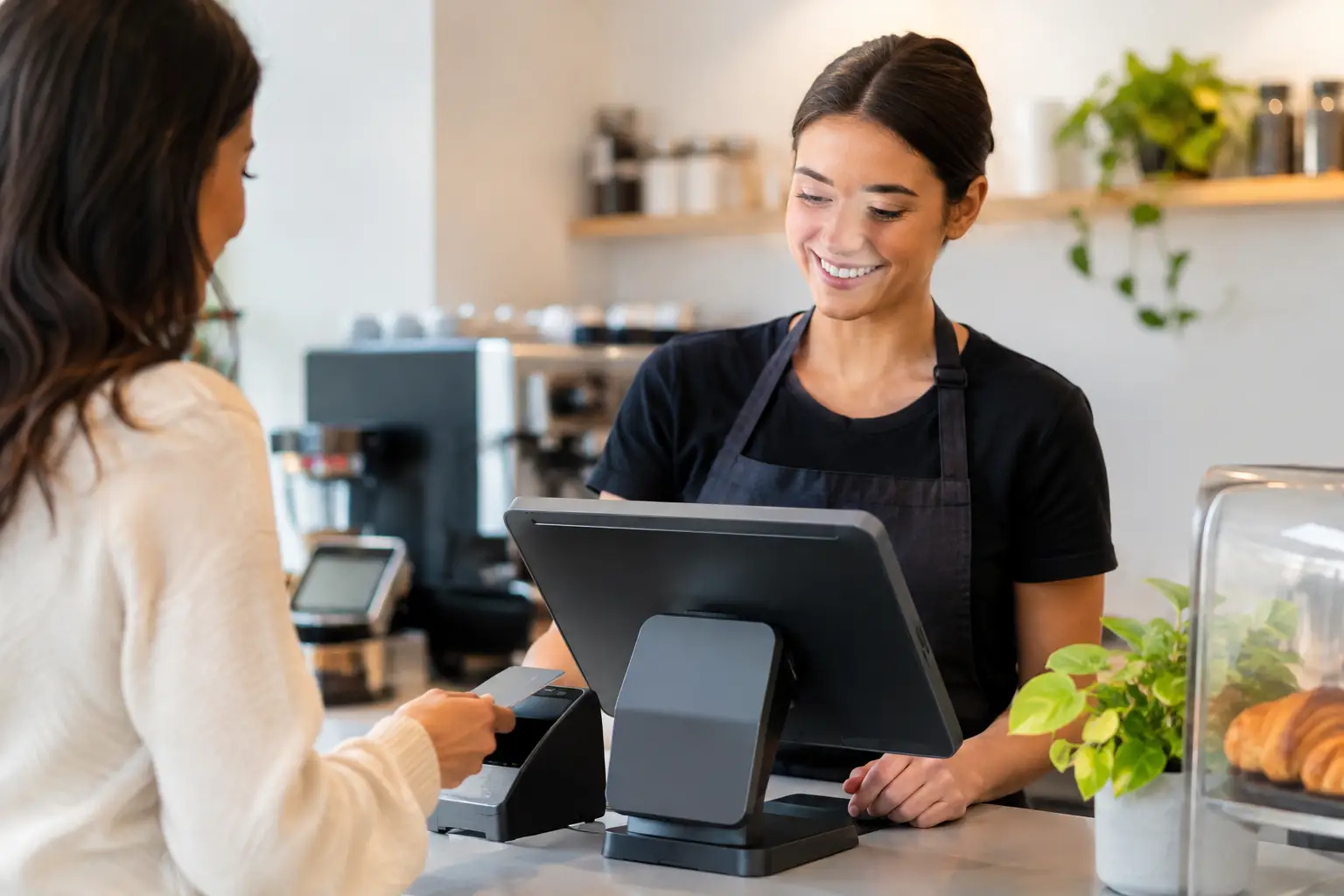
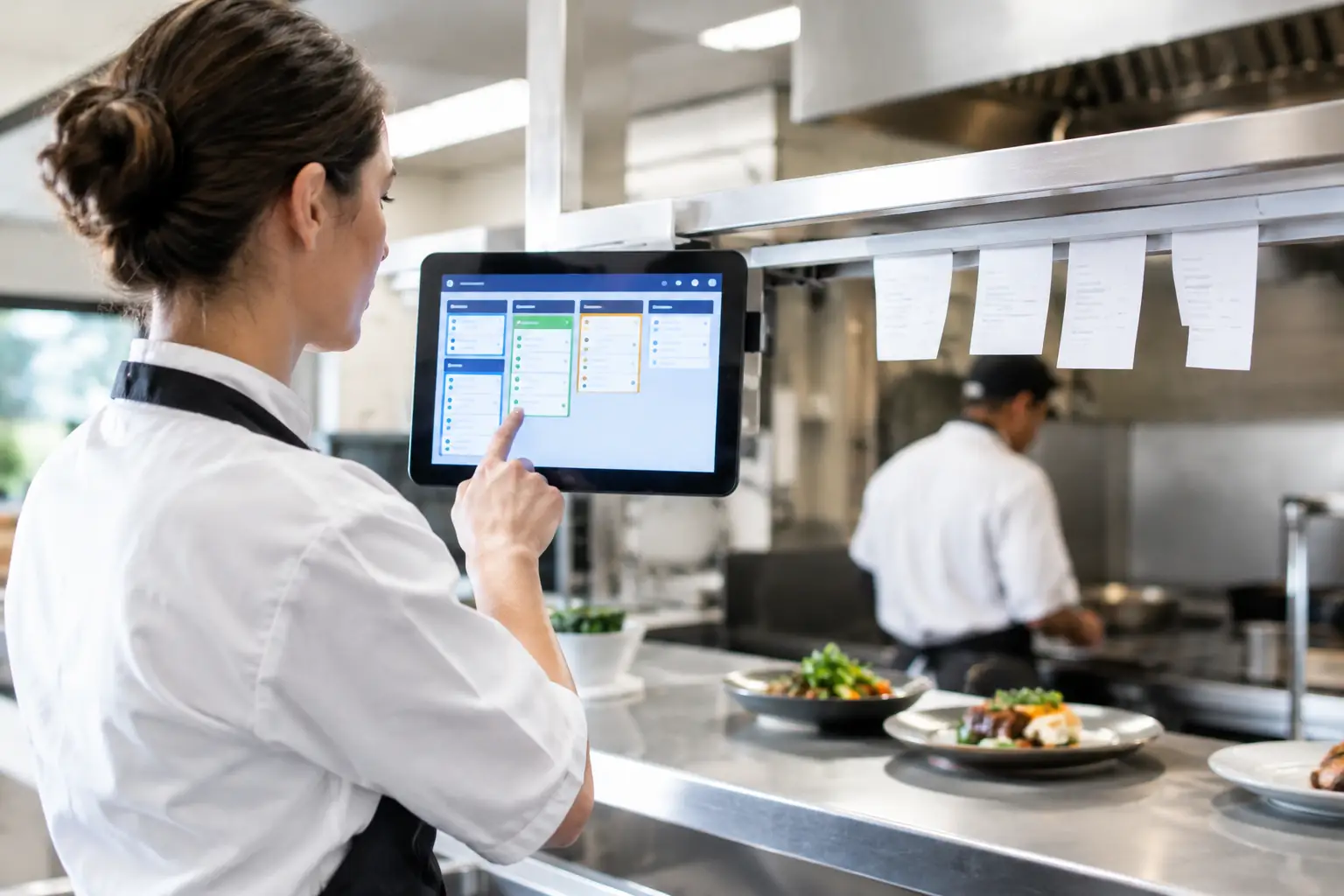
Onsite hardware should match the pace and conditions of the business. A high-turnover takeaway venue may need a durable touchscreen terminal, kitchen printer, customer display and integrated EFTPOS workflow. A specialty retailer may place more value on barcode scanning, stock control, label printing and clear customer receipts. Market and event operators need equipment that is portable, protected and supported by a realistic mobile-data or backup-connectivity plan.
The lowest upfront hardware price is not always the lowest operating cost. Consumer-grade tablets and printers can be suitable for light use, but they may not stand up to heat, spills, constant printing or long trading hours. Commercial equipment costs more for a reason: it is built for repeated use, can be serviced, and can often be replaced or repaired without rebuilding the entire checkout.
Choose the workflow before the software
The right cloud onsite POS starts with the way your team serves customers. Before comparing platforms, map the points where a sale can slow down: taking an order, checking a price, weighing goods, applying discounts, sending a docket, processing payment, issuing a receipt or updating stock.
A cafe needs its POS to handle modifiers, split bills, table service and kitchen communication in a way staff can learn quickly. A butcher, grocer or deli may need trade-approved weighing equipment connected to the sale process, with product labels and pricing managed accurately. A retail business may need customer accounts, stock movement between locations or loyalty functions. These needs are not interchangeable, even if each business simply describes itself as needing “a new POS”.
It is also worth considering what happens at the exception points. Can a manager authorise a refund? Can staff find a product when a barcode is damaged? Can a sale be completed if the internet drops out? Can a printer be redirected if one station is unavailable? The answers tell you more about operational suitability than a feature list ever will.
Integration should reduce double handling
Integrations can save time, but only when they are stable and useful. Accounting packages, online ordering, loyalty programmes, inventory tools, payment terminals, kitchen displays and scales may all form part of a POS environment. Every additional connection should have a clear purpose.
For example, an integration that removes manual end-of-day reconciliation may be worthwhile. One that creates extra steps for staff or becomes difficult to support may not be. Ask which systems are directly integrated, which rely on third-party connectors, and who is responsible if data stops syncing. Clear ownership avoids the familiar situation where multiple suppliers each point to someone else when there is a problem.
Plan for internet outages and equipment faults
No business should assume its connection will be available every minute of every trading day. A cloud-based POS needs a sensible contingency plan, particularly where EFTPOS, online orders or cloud synchronisation are central to operations.
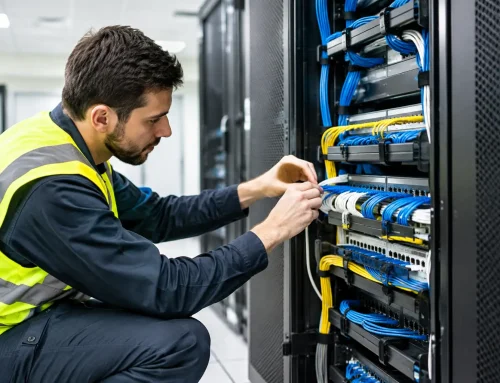
Start with a reliable business-grade internet service and secure Wi-Fi coverage across the areas where staff use terminals. If a connection outage would stop trade, consider a 4G or 5G failover option. Check the POS platform’s offline mode carefully, including which functions continue, what data is stored locally, and how payments are affected. Card payment approval is controlled separately from the POS and may still require an active connection.
Hardware faults deserve the same attention. Keep paper rolls and essential consumables on hand, and make sure staff know basic checks such as power, cables, paper loading and network status. That does not replace technical support, but it can resolve minor interruptions quickly.
For critical operations, spare equipment may be justified. A second receipt printer, scanner or payment terminal can be far less costly than losing a full service period. The right level of backup depends on turnover, trading hours and the impact of downtime.
Installation and training are part of the solution
A POS can look straightforward in a showroom and still become difficult once it is connected to real products, real staff and a live trading environment. Installation should cover the physical layout, cable management, network configuration, device setup, printer routing, user permissions and testing of common transaction types.
Product setup also needs care. Clean names, sensible categories, correct tax treatment and consistent pricing make reports more useful and reduce mistakes at the counter. Hospitality businesses should test orders from entry through to kitchen production. Retailers should test barcode scanning, receipt printing, discounts, refunds and stock updates. Businesses using scales must ensure the chosen equipment and configuration meet applicable trade measurement requirements.
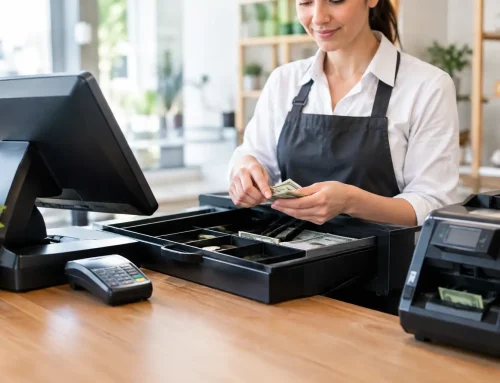
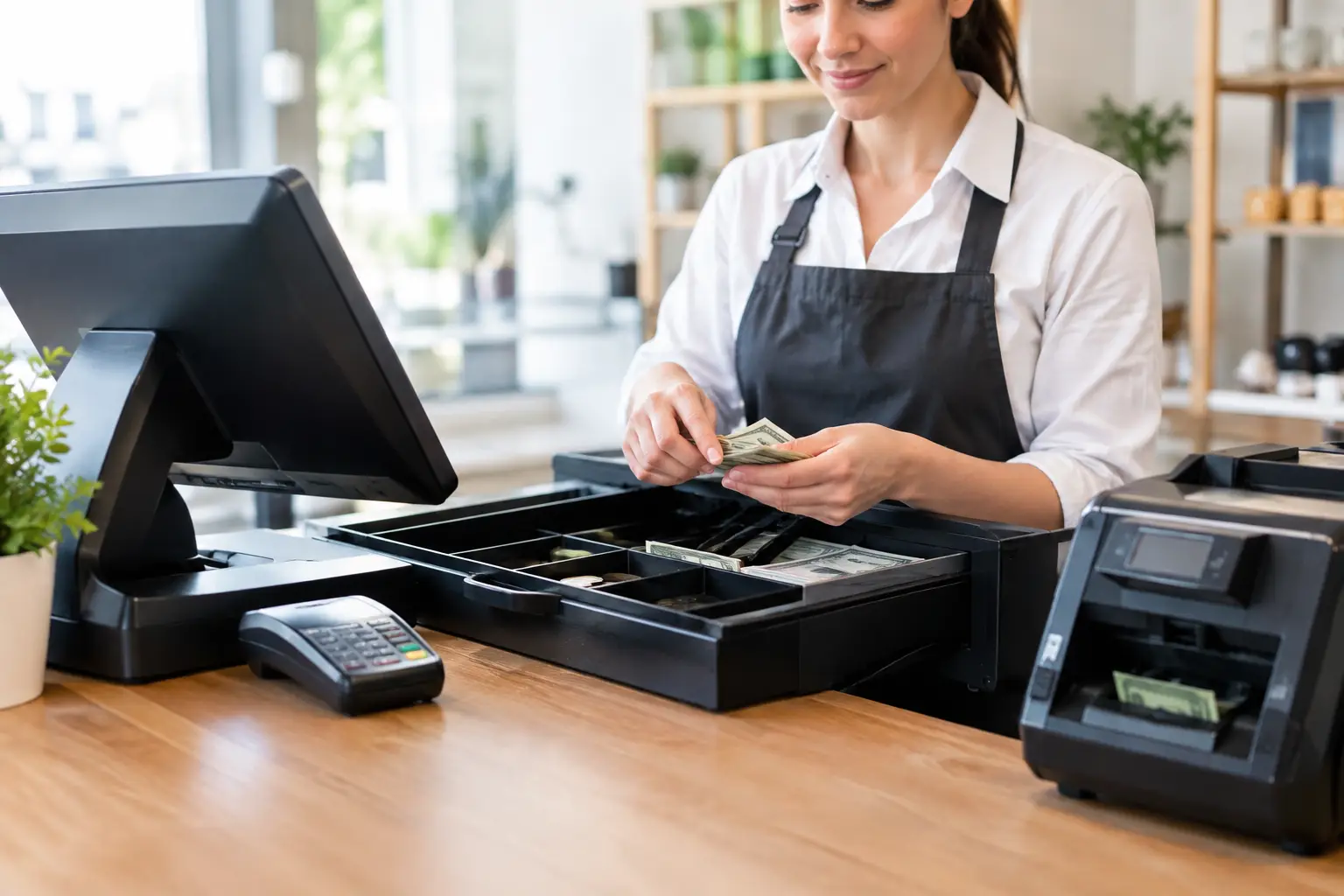
Training is most effective when it is based on actual tasks, not a generic demonstration. Staff need to practise opening a sale, finding items, handling cash and card payments, correcting an error, processing a refund and responding when a printer or connection is unavailable. Managers should understand reporting, permissions, price changes and end-of-day procedures.
A short session at go-live is valuable, but it should not be the last contact. New staff join, menus change, product lines expand and processes evolve. Ongoing support keeps a system useful rather than merely operational.
Questions to ask before committing
When comparing a cloud onsite POS, ask how the system behaves during an internet outage, what local support is available, and whether the hardware is suitable for your daily volume. Confirm ongoing software, payment and support costs, rather than focusing only on the initial purchase price.
You should also ask who will install the equipment, configure the network, connect printers and peripherals, train staff, and attend if an urgent fault occurs. A business can buy quality products and still face a poor outcome if no one takes responsibility for making the complete system work together.
At Electronic Business Equipment, the focus is on matching POS hardware, software, networking and support to the way Southeast Queensland businesses actually trade. That may include installation, repairs, staff training, consumables and trade-approved scale support where required, rather than leaving you to coordinate several separate providers.
A practical investment in trading continuity
The value of cloud onsite POS is not simply that information can be accessed from anywhere. Its real value is giving staff the tools to serve customers accurately and efficiently at the place where revenue is made, while owners retain useful visibility over the business.
Choose a setup that fits your workflow, test the failure points before they become emergencies, and work with a support partner that understands the equipment on your counter as well as the software behind it. When the queue starts building, that preparation is what keeps your business trading.

Leave A Comment
You must be logged in to post a comment.