
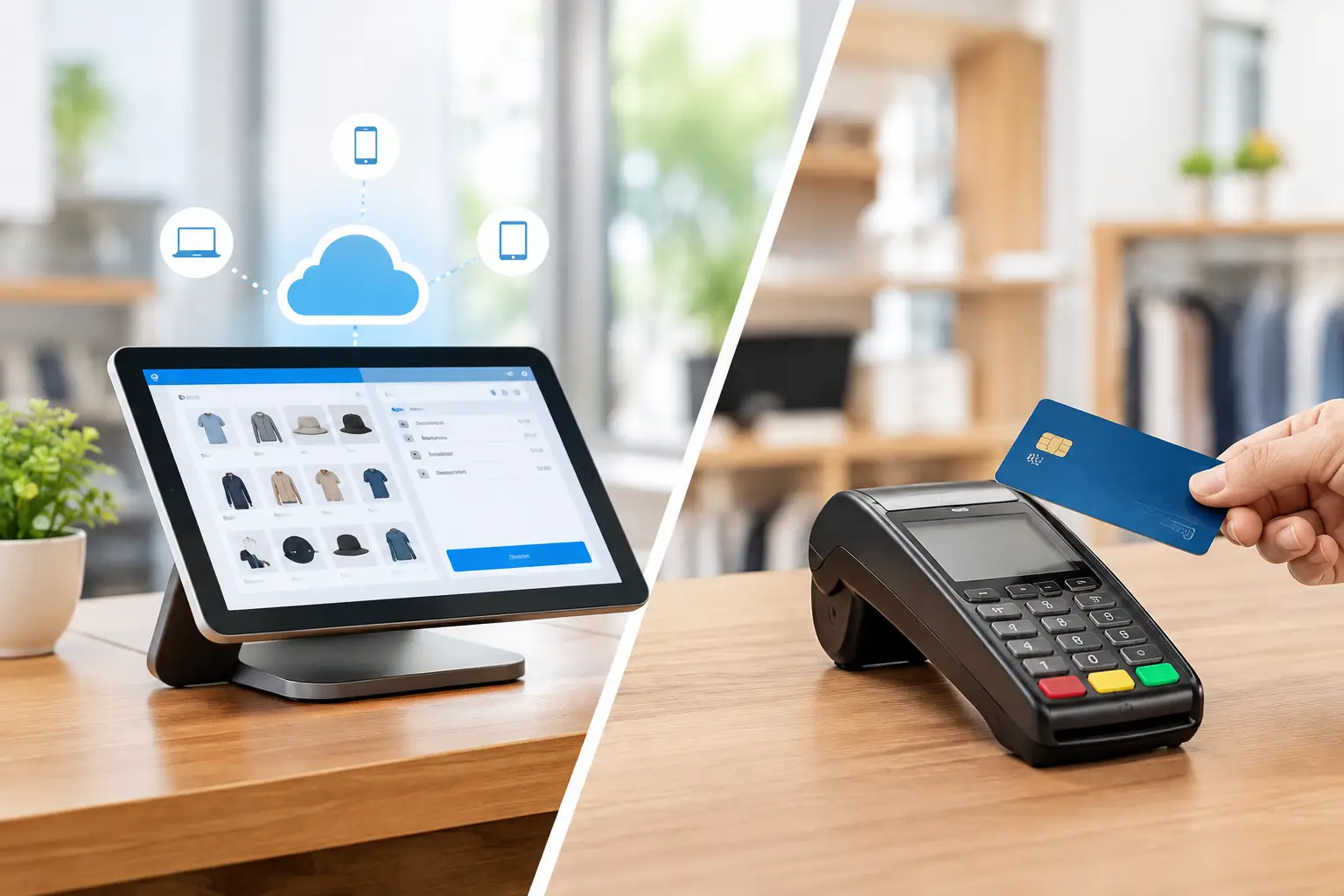
The cloud POS versus terminal decision is rarely about choosing new technology for its own sake. For a busy café, retailer, takeaway shop or market operator, the real question is whether the checkout will stay quick, accurate and supported when the queue builds up. The right answer depends on how you trade, what equipment you already use and how much flexibility you need as the business changes.
A cloud-based POS and a conventional terminal can both process sales successfully. Their differences sit behind the counter: where data is stored, how updates are managed, what happens during an internet outage and how easily the system can connect to printers, scales, stock control and payment devices.
What does cloud POS versus terminal mean?
The terminology can be confusing because a “terminal” may describe two different things. It can mean a traditional point-of-sale terminal, usually a fixed computer or cash register running software installed locally. It can also mean the EFTPOS machine used to accept card payments.
In this comparison, a cloud POS is point-of-sale software that stores key business data online and is generally accessed through an internet-connected touchscreen, tablet or computer. A traditional POS terminal usually runs its main software and database on the device itself or on a local server at the premises.
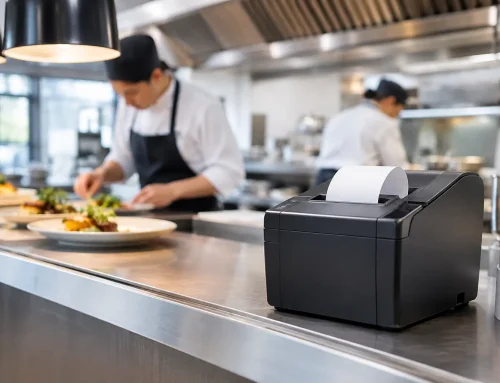
Neither option removes the need for physical equipment. A cloud POS still needs reliable hardware: a screen, receipt printer, cash drawer, barcode scanner and, where relevant, an approved trade scale. It may also integrate with an EFTPOS terminal, but the POS system and card terminal are not necessarily the same thing.
How each setup works during a normal trading day
A traditional terminal can be a very practical choice for businesses with a stable setup and straightforward needs. The software is installed locally, the equipment is configured for the site, and the system may continue operating without an internet connection. This can suit a small shop with one or two counters, a fixed product range and little need for remote access.
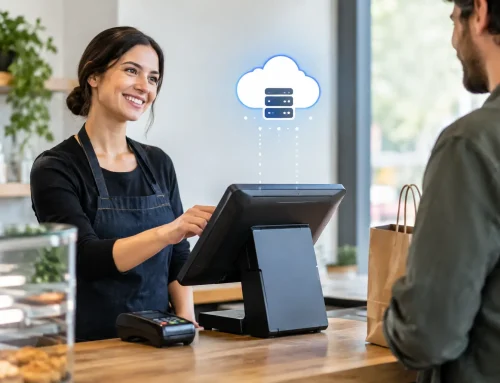
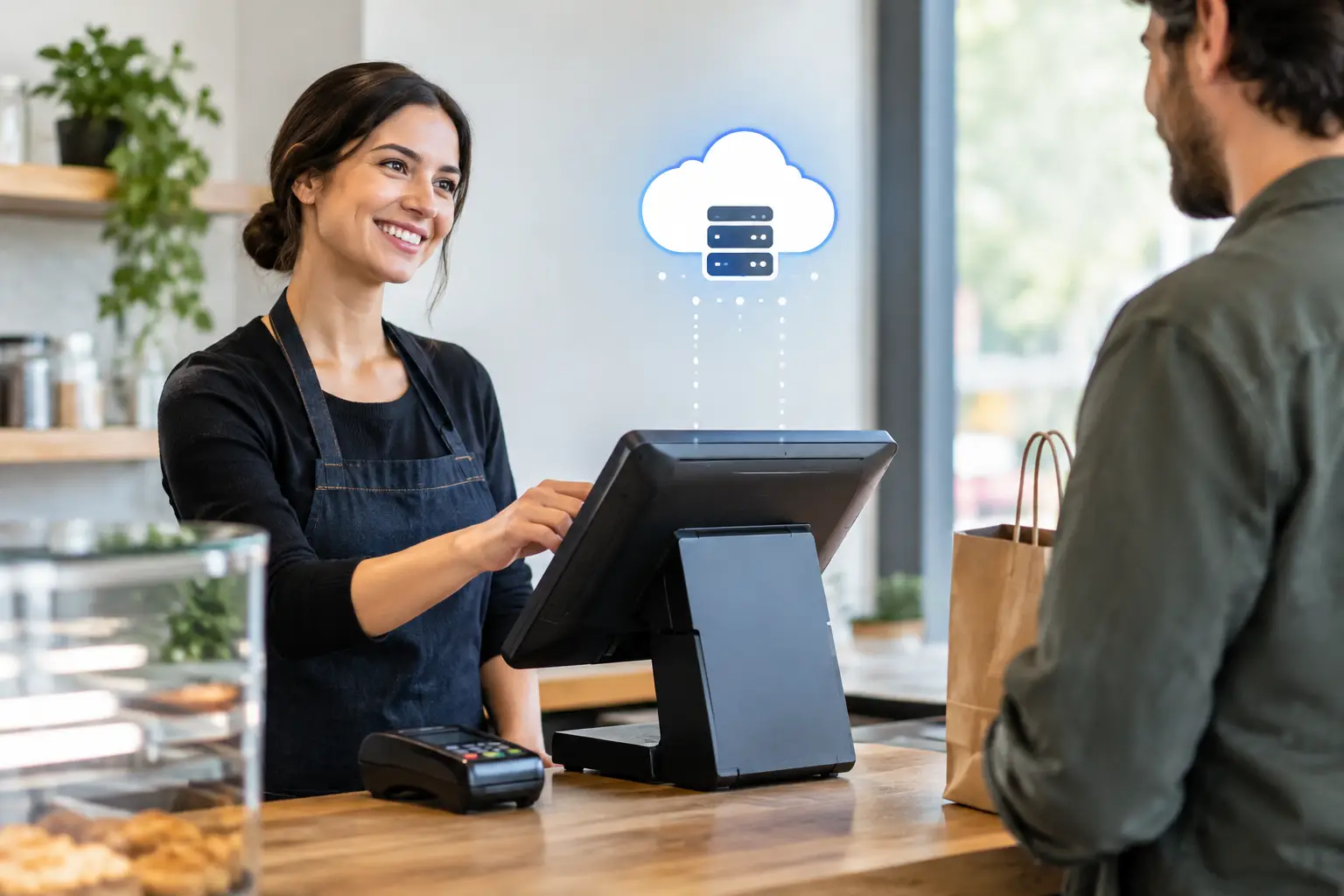
Cloud POS systems are built around centralised data. Sales, products, staff permissions and reporting are usually managed through an online account. A manager may be able to review takings, update product pricing or check stock from another location, depending on the software selected. For businesses with multiple sites, mobile selling or frequent menu changes, that flexibility can save considerable time.
The practical difference is often most visible at the end of the day. With a well-configured cloud system, reporting can be available without manually transferring files or visiting every site. With a local terminal, reports are usually generated from that machine or network. Both can be reliable, but they require different support arrangements and operating habits.
Uptime is more than an internet connection
Cloud POS is sometimes presented as dependent on the internet at every moment. That is not always true. Many cloud POS platforms include an offline mode that can continue recording sales temporarily, then synchronise information once the connection returns. However, offline capability varies greatly between providers. Some functions, payment integrations, stock updates and customer records may be limited until connectivity is restored.
A conventional terminal may keep trading during an internet outage if its software and data are held locally. However, card payments can still be affected if the EFTPOS terminal needs a network connection, unless it has mobile backup or another supported communications option. A local system is not automatically immune to disruption either. Hardware faults, network issues, power loss and server problems can all stop a counter.
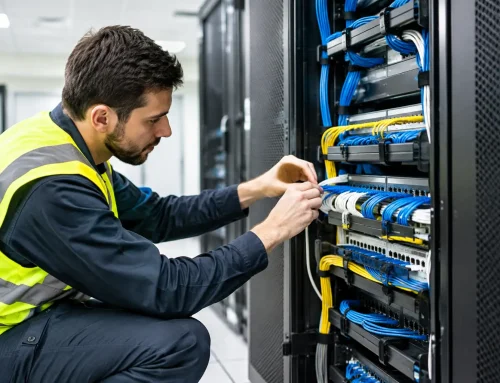
For transaction-heavy businesses, the most reliable approach is to plan for failure rather than assume it will not happen. That can include quality network equipment, a 4G backup option where appropriate, a UPS for critical hardware, tested offline procedures and someone to call when a printer, scanner or POS screen fails. Fast local support can matter more than whether the software is cloud-based or installed locally.
The cost comparison is not just purchase price
Traditional terminals often involve a larger upfront investment. You may purchase the software licence, POS computer, peripherals and installation as a package. Ongoing expenses can include support, upgrades, repairs and replacement hardware, but monthly software charges may be lower or absent depending on the system.
Cloud POS generally uses a subscription model. The initial hardware cost may be lower, while software is paid for monthly or annually. This can make the entry cost more manageable, particularly for a new venue, but it is worth calculating the cost across several years. Subscription fees, add-on modules, payment processing, extra registers and integrations can change the total figure.
The lowest-cost option is not always the best value. A cheap tablet setup may be unsuitable if it cannot reliably connect to your kitchen printer, scanner, drawer or scale. Likewise, a feature-rich cloud platform can become expensive if your business only needs simple sales, receipts and daily reports. Start with the workflow, then select the system around it.
When cloud POS makes good business sense
Cloud POS can be particularly useful when information needs to move easily between people, locations or sales channels. A retailer with a shopfront and market stalls may benefit from shared product data. A hospitality venue with changing menus may value quick item updates and reporting. A growing business may want the ability to add another register without rebuilding its entire setup.
It can also suit owners who want visibility when they are off-site. Being able to check sales patterns, identify bestselling lines or monitor staff access remotely can help with day-to-day decisions. These features only create value, though, if reports are set up correctly and staff understand the process at the counter.
Cloud systems are not automatically simpler. They still need careful configuration of products, tax settings, printers, user permissions, payment integration and receipt formats. If the business uses weights and measures, the connection between POS, label printer and trade-approved scale needs particular attention. A system that looks straightforward in a demonstration can create delays if it is not installed for the way your team actually works.
When a conventional terminal may be the better fit
A conventional POS terminal can remain the sensible choice for a fixed-site operation that prioritises a familiar, dedicated workstation. Purpose-built POS hardware is designed for repeated use in demanding retail and hospitality environments. It is generally more durable than consumer-grade devices and can be easier to repair or replace without changing the whole system.
Local installations can also work well where internet quality is inconsistent or where the business prefers tighter control over its software environment. A butcher, grocer or specialty retailer with integrated weighing equipment may have specific requirements that call for a proven, locally configured solution.
There is also staff confidence to consider. If a team is comfortable with an existing terminal and it is doing the job, a full move to cloud software may not be necessary. Upgrading printers, payment equipment, networking or the terminal hardware itself may deliver a better result than replacing every part of the system.
Hardware and integration should drive the decision
Your POS is only one part of the counter. The most common frustrations arise when the connected equipment has been treated as an afterthought. A receipt printer that drops off the network, a cash drawer that does not trigger, an EFTPOS terminal that is not properly integrated or a scale that cannot communicate with the POS can slow every transaction.
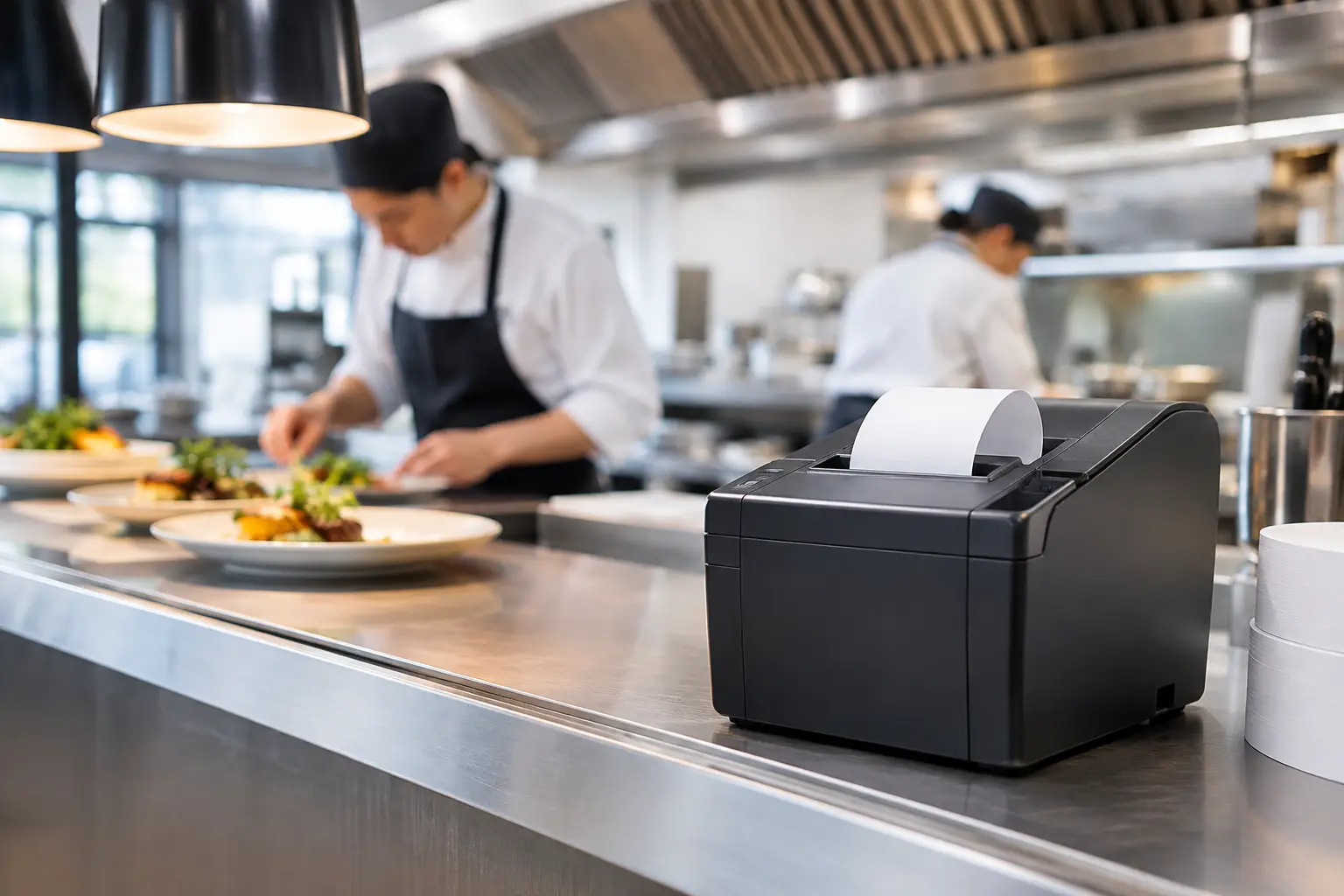
Before choosing a platform, map what must connect and what must happen in a typical sale. Consider barcode scanning, kitchen or label printing, cash handling, split payments, refunds, loyalty programs, stock control, accounting exports and staff access. For food businesses, include weights, labels, allergens, modifiers and printer routing. For mobile traders, consider battery life, mobile connectivity and equipment transport.
If you sell by weight, compliance is also part of the system decision. Trade transactions require appropriately approved and verified equipment. The POS should support the scale workflow without creating manual workarounds that increase the risk of pricing errors.
Questions to ask before you commit
Ask the supplier how the system operates during an internet outage and which features remain available. Confirm whether software updates are automatic, whether they can be scheduled outside trading hours and what support is available when something fails on a Saturday morning.
It is also worth asking who owns the data, how it can be exported if you change providers and what ongoing fees apply as the business grows. Request a clear picture of installation, staff training, hardware warranty and repair options. A good provider should be comfortable discussing limitations as well as benefits.
For Southeast Queensland businesses, EBE can assess the counter as a complete working environment rather than simply supplying a screen or printer. That means matching POS software and hardware to the way your staff trade, then providing installation, training, repairs and ongoing technical support when it is needed.
The best choice is the one that keeps your team serving customers confidently, protects your uptime and leaves room for the business you are building next.

Leave A Comment
You must be logged in to post a comment.