
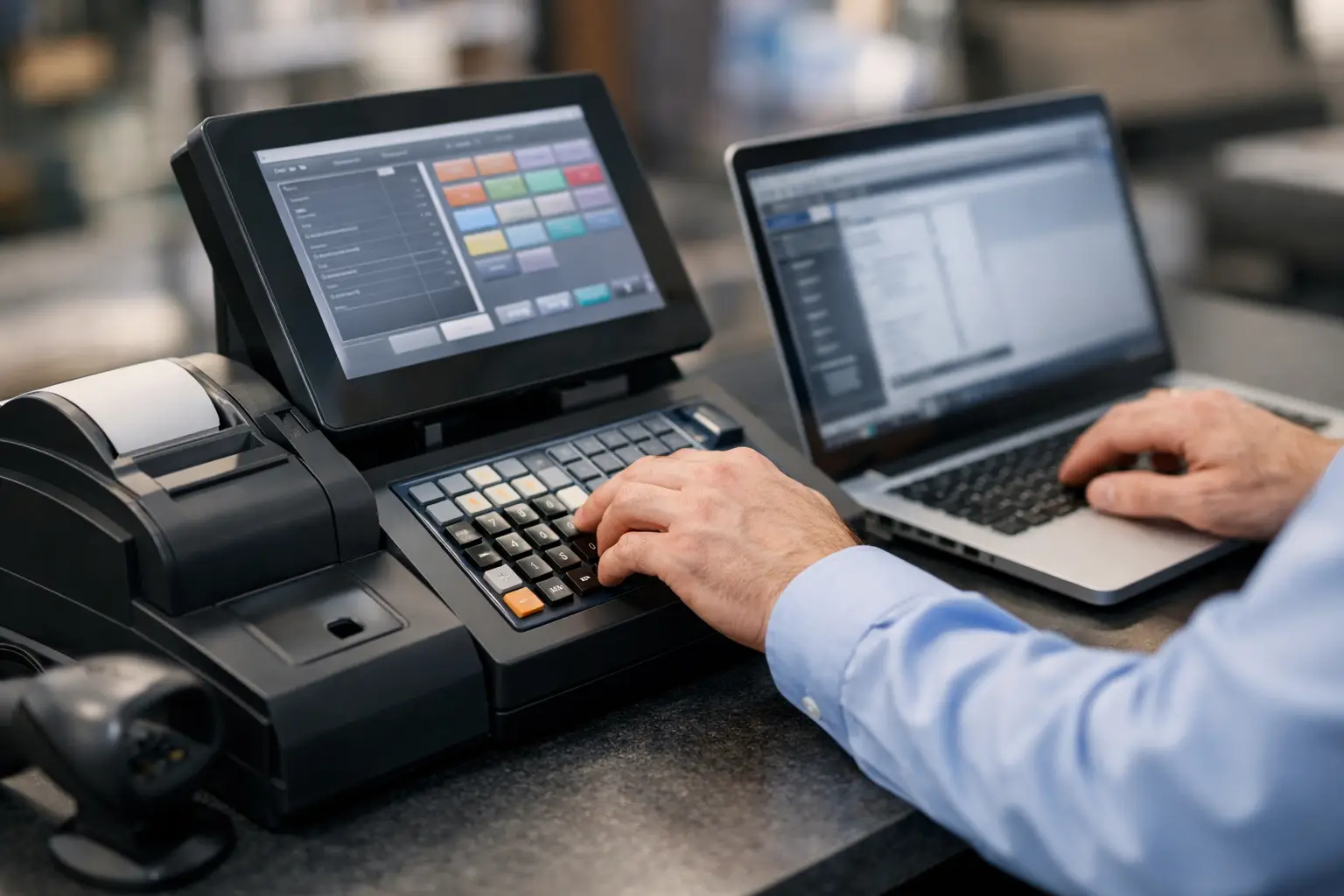
The problem with cash register programming is that when it is done well, nobody notices. Sales ring up correctly, staff move quickly, reports make sense, and the end of day process is straightforward. When it is done poorly, the issues show up everywhere – wrong prices, missing GST treatment, confusing buttons, stock errors, and frustrated staff trying to serve a queue.
For many small and mid-sized businesses, programming a cash register is not just a technical setup task. It shapes how the front counter works every day. Whether you run a cafe, takeaway shop, retailer, market stall or hospitality venue, the way your register is programmed has a direct effect on speed, accuracy and staff confidence.
What cash register programming actually covers
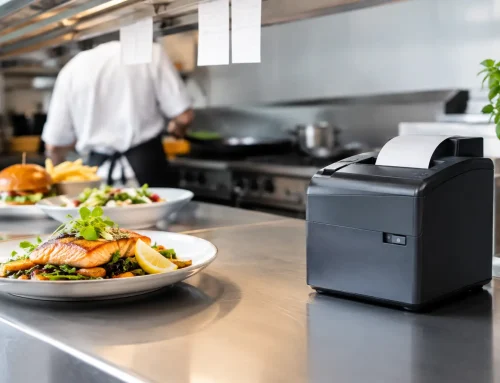
A lot of business owners assume cash register programming just means entering prices. That is only part of it. In practice, it usually includes setting up departments or categories, PLUs, tax treatment, receipt formats, clerk access, discounts, payment types, reporting groups and sometimes links to peripherals such as printers, scanners, drawers and scales.
On a basic standalone unit, the job may be fairly simple. On a more advanced POS or register setup, programming can become much more detailed. You may need menu screens laid out for fast service, product groups tied to reporting, barcode items matched to inventory, or special keys created for common functions such as voids, refunds and split payments.
That is why the right setup depends on the type of business. A bottle shop, a busy cafe and a butcher all need very different programming even if they are using similar hardware.
Why cash register programming matters more than most businesses expect
At the counter, seconds matter. If staff have to search through poorly named buttons or work around awkward menu screens, transaction times blow out. During quieter periods that might be manageable. During a lunch rush or weekend trade, it becomes expensive.
Accuracy matters just as much. If items are assigned to the wrong department, your reporting is less useful. If tax settings are wrong, reconciliation becomes harder. If discount buttons are left too open, you also create unnecessary risk around pricing control.
There is a training angle too. A well-programmed register helps new staff learn faster because the workflow makes sense. A poorly programmed one forces them to memorise workarounds. That usually leads to more mistakes, more manager intervention and more pressure on experienced team members.
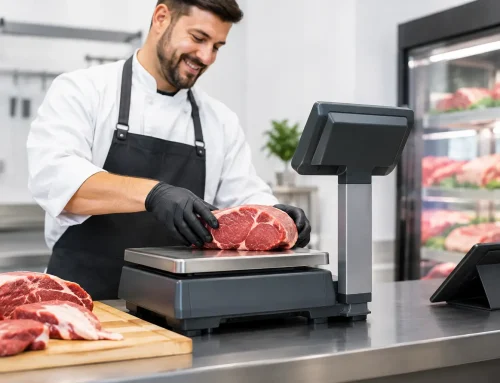
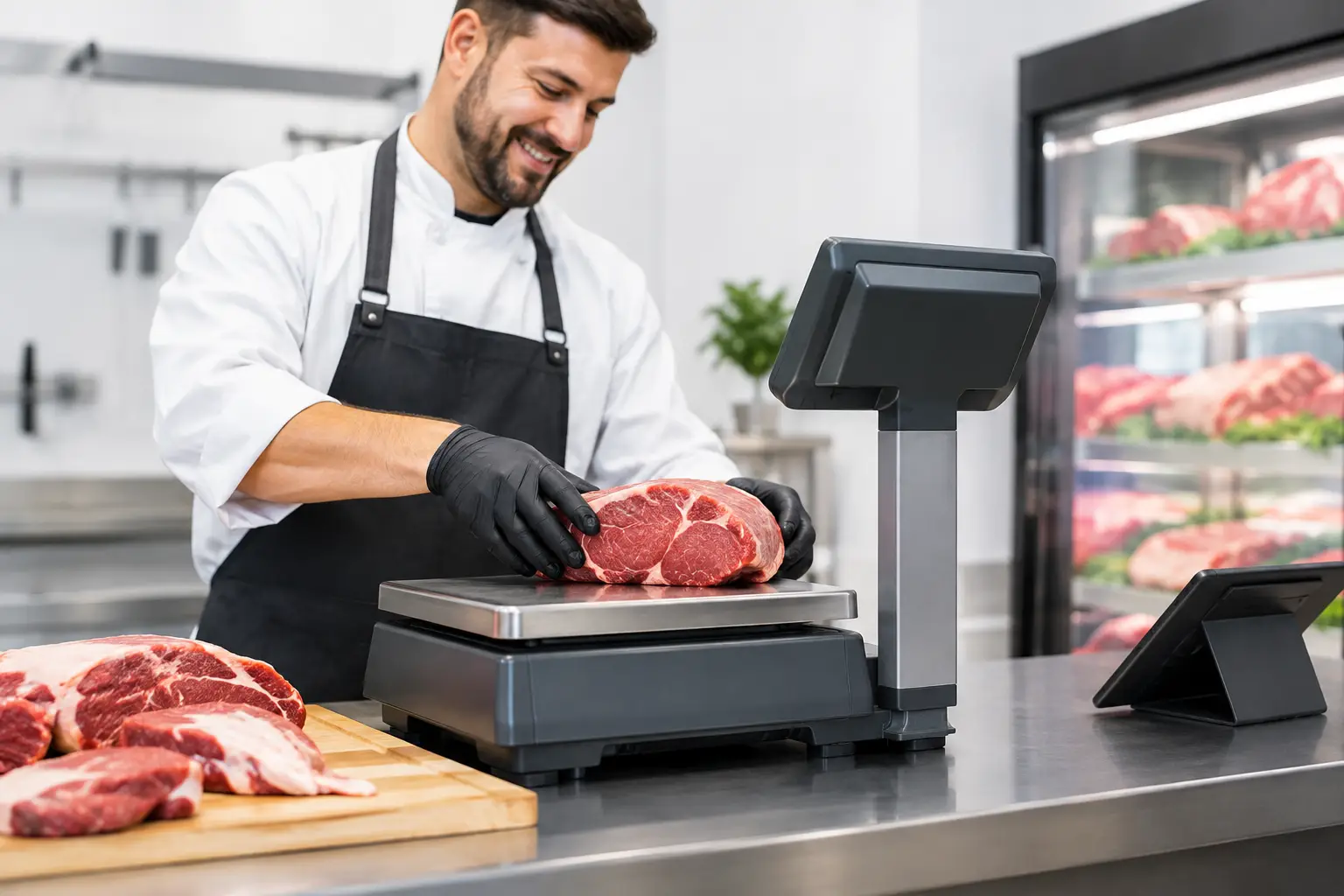
For businesses that rely on weighing or barcode-driven sales, the margin for error is even smaller. Product names, unit pricing, label formats and integration settings need to line up properly. If they do not, the problem is not just operational – it can affect compliance and customer trust.
The most common programming mistakes
The most common issue is trying to make a register fit the business without first mapping how the business actually trades. Owners often start with the product list instead of the sales process. The result is a system that technically contains the right items but is awkward to use in real service.
Another frequent mistake is using vague department names or poor button layout. If the screen says things like Misc 1, Misc 2 or General Sale, reports become difficult to interpret and staff are more likely to use the wrong key. Clear naming sounds basic, but it makes a big difference.
Pricing errors are another obvious risk. This can happen during initial setup, after supplier increases, or when promotions are added manually without reviewing the broader structure. One wrong PLU can create repeated undercharging or overcharging before anyone spots it.
Permissions are often overlooked as well. Not every staff member should be able to process refunds, change prices or access manager functions. Good programming includes sensible control over who can do what.
How to approach cash register programming properly
The best starting point is not the machine. It is your workflow. Think about what happens in a normal transaction, what happens in a busy period, and what exceptions come up regularly. Returns, split payments, takeaway modifiers, price overrides and staff meal discounts all need to be considered early.
From there, the register should be structured around how people actually sell. Products should be grouped in a way that helps both speed and reporting. Fast-moving lines should be easy to reach. Buttons should be labelled clearly. Similar functions should sit together so staff do not waste time hunting around.
You also want the reporting structure to support business decisions. That means setting up departments and categories in a way that tells you something useful at the end of the day or week. If everything is dumped into broad sales buckets, the register may process transactions, but it will not give you much operational insight.
For some businesses, simplicity is the right choice. A small operation with a stable product range may be better off with a lean setup that staff can learn quickly. For others, especially venues with complex menus or retailers with large stock files, more detailed programming is worth the effort. It depends on transaction volume, product complexity and who will be maintaining the system.
Programming for retail, hospitality and food service
Retail businesses usually need clean category structures, accurate barcode mapping and straightforward stock-related reporting. If you have frequent price changes or seasonal ranges, the system should be easy to maintain without risking widespread errors.
Hospitality and food service need a different approach. Speed of service is critical, and the register often has to handle modifiers, meal deals, table functions or quick tendering. In these environments, screen layout matters as much as product setup. A technically correct menu that takes too many taps is not a good menu.
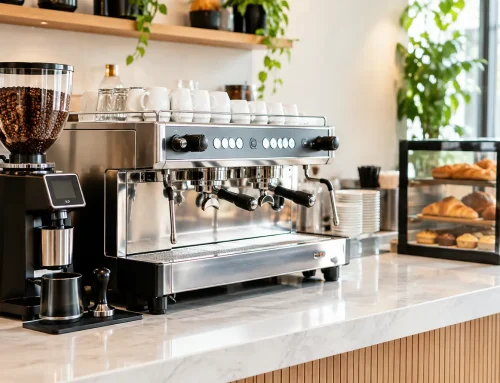
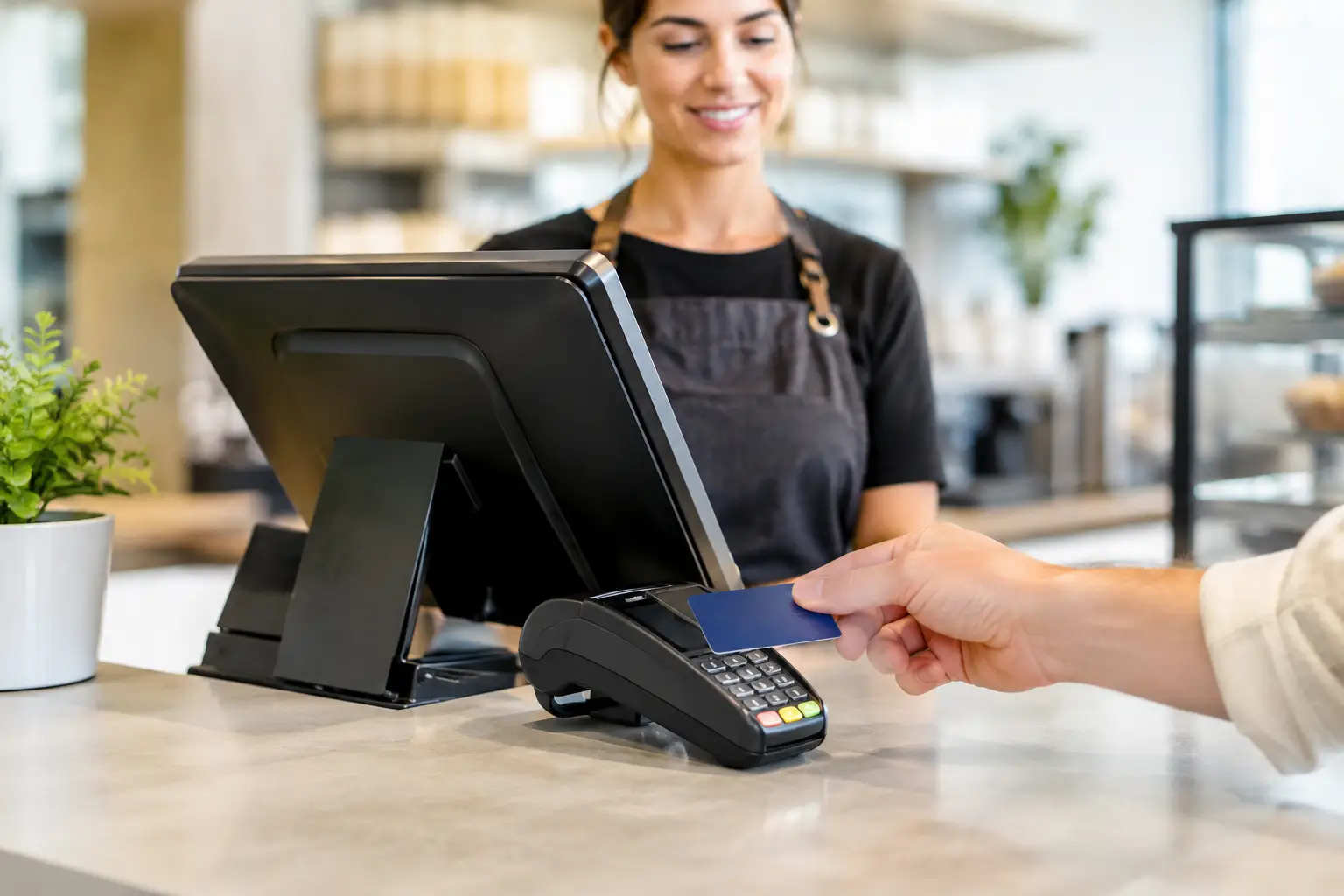
Takeaway shops and cafes often benefit from simplified transaction paths. Popular items should be front and centre. Common add-ons need to be quick to apply. Payment buttons should match how customers actually pay. If most people tap and go, that action should be easy and obvious.
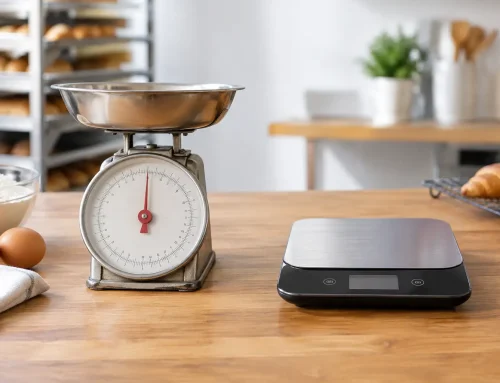
Businesses that sell by weight have another layer to consider. Programming may need to account for linked scale data, weighted barcodes or trade-approved labelling rules. That is not a place for guesswork.
When DIY works and when it doesn’t
Some businesses are comfortable handling basic updates themselves, and that can be practical. Simple price changes, adding a new product line or adjusting receipt text may not require outside support if the system is stable and the user knows what they are doing.
But full setup is a different job. If your register connects to other devices, has detailed tax rules, uses weighted items, or needs tailored reporting, it usually pays to get it programmed properly from the start. Fixing a bad setup later often costs more than doing it right at rollout.
There is also the issue of downtime. If something goes wrong during self-programming, the cost is not just technical support. It can mean delayed trade, staff confusion and lost sales. For busy venues, especially those with short service peaks, reliability matters more than saving a small amount upfront.
A service-led provider can also test the setup in a practical way, not just load data and leave. That includes checking payment flows, receipt output, peripherals and day-end reporting so the register works as expected under real conditions.
Ongoing maintenance matters too
Cash register programming is not a one-off task. Businesses change. Menus expand, suppliers lift prices, tax settings need review, promotions come and go, and staff turnover creates new training demands. If the register is not maintained, even a well-built setup starts to drift.
That is why support matters after installation. A good programming job should leave you with a system that is logical and maintainable, not one that only makes sense to the person who built it. If changes are needed, they should be documented and applied carefully so the register stays consistent over time.
For many Southeast Queensland businesses, local support is a practical advantage here. If a register needs adjustment, repair or urgent troubleshooting, having a team nearby who understands both the hardware and the programming side can save a lot of stress. That hands-on support is where a provider such as EBE can make a real difference, especially for businesses that cannot afford counter downtime.
What to ask before your system is programmed
Before any setup begins, it helps to ask a few plain questions. What do you need staff to do quickly? What do you need managers to control? What do you need reports to show? Which devices need to connect? How often will prices or products change?
Those answers shape the right programming approach far better than a generic template. They also help avoid overcomplicating the system. More features are not always better. The best result is usually a register that suits your operation, your team and your service pace.
If your current setup feels clunky, confusing or unreliable, the problem may not be the machine itself. Often, it comes back to how it was programmed. Getting that part right gives you a front counter that works with your business instead of against it. And when trade is busy, that is exactly what you need.






Leave A Comment
You must be logged in to post a comment.