

A festival rush can turn a good trading day into a frustrating one in minutes. The lunch crowd arrives, the EFTPOS signal drops, a printer runs out of paper, and staff start writing orders on scraps of paper. A properly planned portable POS for festivals helps prevent those bottlenecks by giving vendors and organisers a reliable way to take payments, manage orders and keep queues moving away from the counter.
For food stalls, bars, merchandise tents and pop-up retailers, the right setup is not simply the smallest terminal that accepts tap-and-go. It needs to suit the site, the menu or product range, the expected volume of transactions and the practical reality of working outdoors for long hours.
What a Portable POS for Festivals Needs to Do
Festival trade is different from a normal café or shop floor. Customers make quick decisions, staff may be casual or newly trained, and there is little room to fix a problem once gates are open. Your point-of-sale system needs to make common transactions fast while still giving you control of sales, stock and reporting.
At a minimum, a portable setup should process card and mobile payments quickly, work with a stable internet connection, and give staff a clear ordering screen. For food and beverage operators, it should also send accurate orders to a kitchen printer or display where required. Merchandise sellers may place greater value on item variants, barcode scanning and stock visibility.
Battery life matters more than many operators expect. A device that lasts through a quiet morning may struggle during a full lunch and evening service. Consider every part of the setup: POS tablet, payment terminal, receipt printer, router, kitchen printer and charging equipment. If power is supplied by the event, confirm where outlets are located and whether they are shared with other stallholders. If you are relying on batteries or a generator, test the complete system under normal trading conditions before the event.
Start With the Festival Site, Not the Hardware
The best equipment choice depends on the conditions you will be trading in. Before booking or buying anything, ask the organiser about mobile coverage, site Wi-Fi, power supply, bump-in times, weather protection and the location of your stall. A portable system is only useful when its connection and power arrangements have been thought through.
Mobile data can be an effective option, but coverage at a normally quiet site may change dramatically when thousands of people arrive. Public Wi-Fi is rarely the right primary connection for payment processing. It can be congested, unreliable and difficult to secure. Where possible, use a dedicated 4G or 5G connection with a tested backup option. In some locations, a network solution with an external antenna may be worthwhile.
It is also worth asking whether the event provides a cashless payment requirement or has preferred payment arrangements. Some festivals have site-wide systems, while others leave each business responsible for its own equipment. Clarify this early, particularly if your POS needs to integrate with existing EFTPOS facilities or reporting requirements.
Choose a Setup That Matches Your Service Style
There is no single portable POS package that suits every festival business. A coffee van serving a high volume of simple orders needs speed and clear modifiers. A market retailer selling handmade products may need product categories, barcode capability and easy end-of-day reporting. A bar needs quick payment prompts, responsible service procedures and an order flow that does not slow the service line.
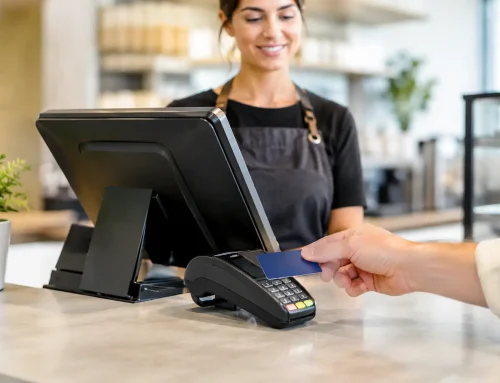
For a compact stall with one person taking payments, a tablet-based POS paired with a mobile EFTPOS terminal may be enough. Add a small receipt printer if customers need receipts or if staff use printed dockets. This can be a practical, affordable arrangement when the product range is limited and service is straightforward.
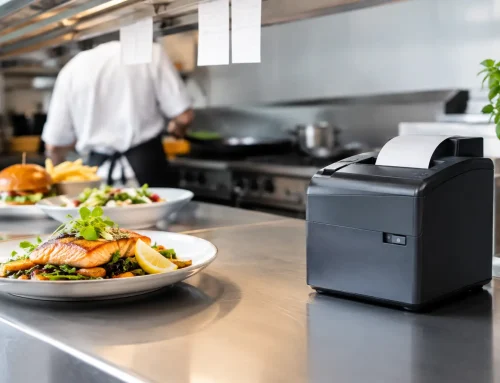
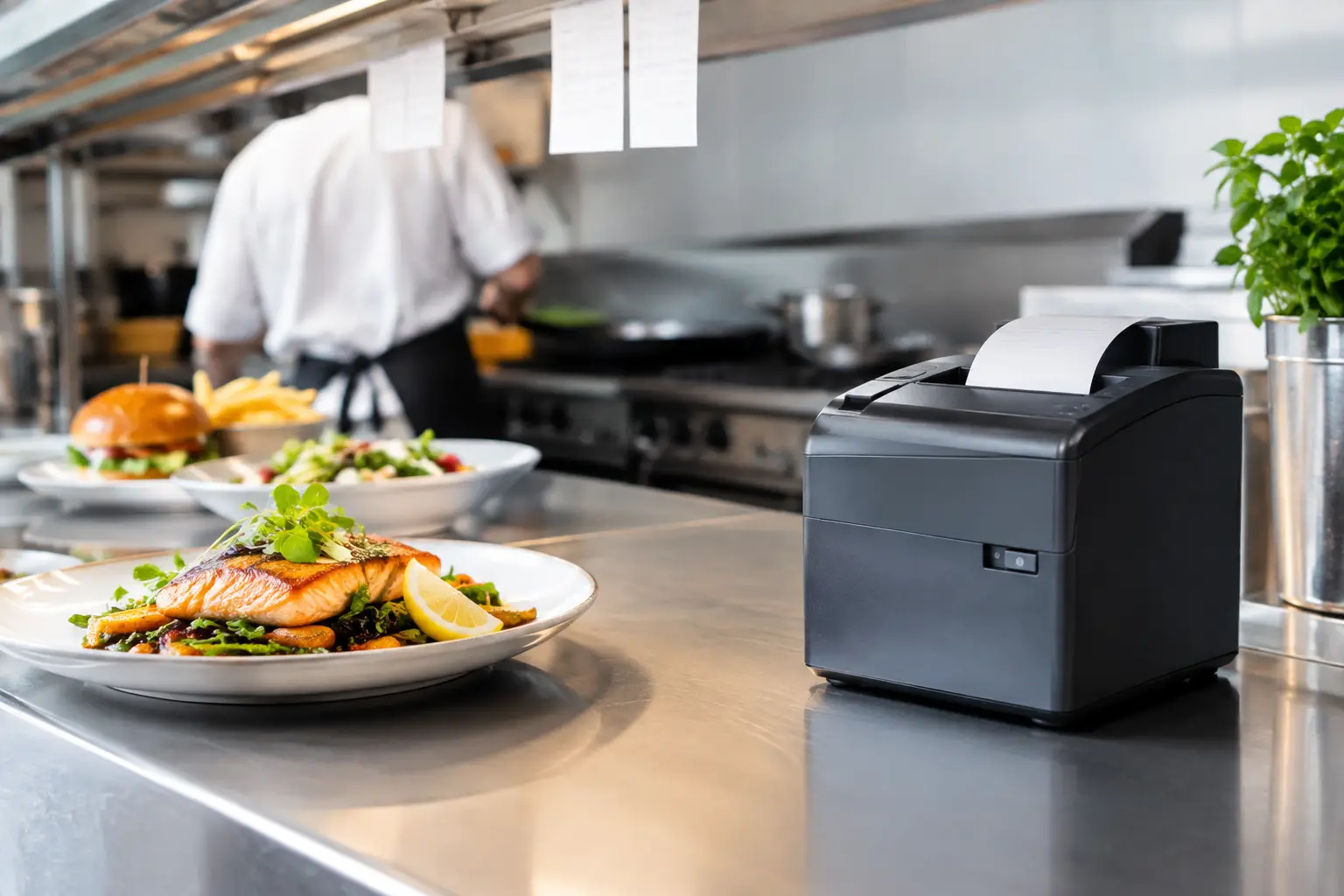
For a busy food vendor, consider separating order taking from production. A front-of-house POS terminal can take orders and payments, while a kitchen printer or kitchen display sends the docket directly to the preparation area. This reduces verbal call-outs, missed modifications and the need for staff to carry paper orders between stations. It also helps when several people are working in a tight space.
Larger operations may benefit from two or more payment points. This costs more and requires more preparation, but it can be the difference between serving a queue in ten minutes and losing customers to the next stall. The right decision depends on expected foot traffic, average transaction value and how quickly your team can produce each order.
Plan for Connection Failure and Power Interruptions
Even well-run festivals can have interruptions. Mobile networks can become overloaded, rain can affect equipment, or a lead can be unplugged during a busy service. The goal is not to assume nothing will go wrong. It is to have a sensible response when it does.
Your contingency plan should cover four practical areas:
- A primary internet connection and a tested backup, such as a second mobile network or hotspot.
- Charged spare batteries, power banks and clearly labelled charging leads for every device.
- A protected place for routers, terminals and printers, away from spills, dust and weather.
- A simple process for staff if payments cannot be accepted temporarily, including who contacts support.
Check whether your payment provider supports offline transaction processing and understand the conditions before relying on it. Offline payments can be useful in limited circumstances, but they may carry risk and are not a substitute for reliable connectivity. Staff should know what to do, rather than making a decision under pressure at the counter.
A portable printer also needs careful placement. Thermal printers are fast and economical, but they need dry paper, a stable surface and enough spare rolls close by. A printer placed near a fryer, drink station or exposed service window is more likely to fail or produce unreadable dockets.
Build the POS Screen for Fast, Accurate Sales
Festival staff should not have to search through long menus or remember complicated button sequences. Set up the POS screen around the way customers order. Put best-selling items and common add-ons on the first screen. Use clear names, logical categories and buttons large enough to use quickly during a rush.
For food vendors, modifiers should be simple and controlled. Options such as milk choice, spice level or dietary changes can be useful, but too many choices slow service and create mistakes. Only include options the kitchen can reliably deliver at festival pace.
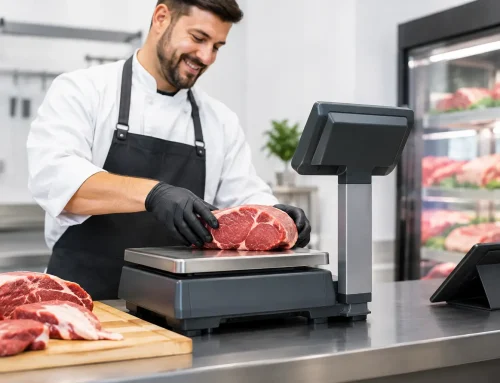
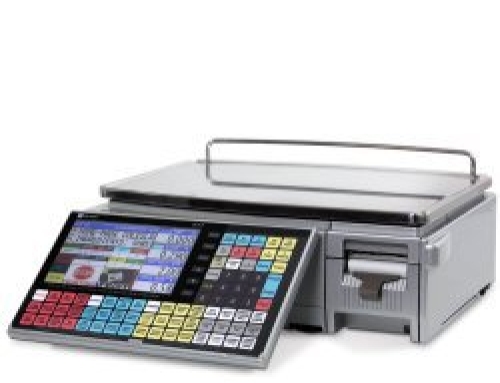
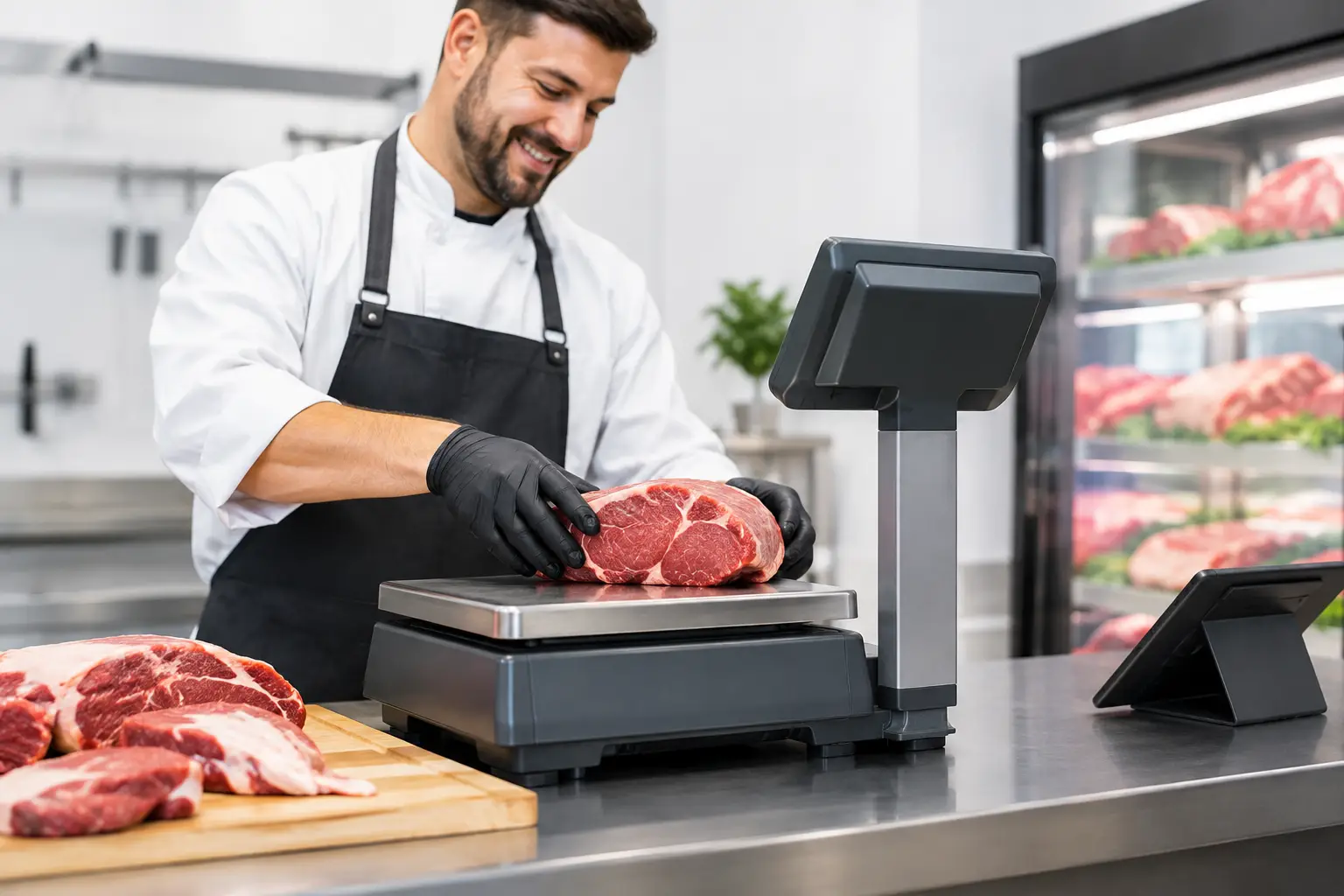
Set pricing carefully before the event and confirm that GST treatment, surcharges and discounts appear correctly. If you sell food by weight, trade-approved weighing equipment is essential where it is used to determine the sale price. The scale must be suitable for the environment, correctly verified and positioned on a stable surface. A festival is not the place to discover that a scale is out of level or a label printer has not been configured.
Test the Whole Workflow Before Bump-In
A POS system can look fine on a bench and still fail in live operation. Run a realistic test that follows the full customer journey: select items, apply modifiers, take payment, print a receipt or docket, prepare the order, process a refund and complete an end-of-day report. Test each device on the same network arrangement you plan to use on site.
This is also the time to train staff. Keep training practical. Show team members how to start a sale, correct an error, reprint a receipt, find an order, change paper and restart equipment safely. Give one person responsibility for checking battery levels, paper stock and connection status throughout the day.
Bring a printed contact list and basic troubleshooting notes. When a device is flat or a router needs restarting, staff should not be looking through old text messages for instructions. Clear preparation gives casual teams confidence and helps protect the customer experience.
Hire or Buy? Make the Decision Around Frequency
Equipment hire can make sense for a one-off event, a seasonal activation or a trial before committing to a larger system. It reduces upfront cost and can give you access to configured equipment without storing it between events. However, availability matters during busy festival periods, so leave enough time to organise the setup and training.
Buying is often the better long-term option for businesses that trade regularly at markets, shows and festivals, or operate a permanent venue as well. Your system can be configured for your menu, staff permissions and reporting needs, then packed and redeployed when required. The key is choosing commercial-grade equipment and having local technical support available when it matters.
For Southeast Queensland operators, EBE can help assess the workflow, supply and configure suitable POS hardware, support connected printers and scales, and provide practical assistance before and after the event. The aim is not to add unnecessary equipment. It is to give your team a setup that is reliable, straightforward and appropriate for the way you trade.
The best festival system is the one your staff can operate confidently while the queue is growing, the weather is changing and every sale counts. Test it early, protect it properly and make sure help is available when you need it.








Leave A Comment
You must be logged in to post a comment.