
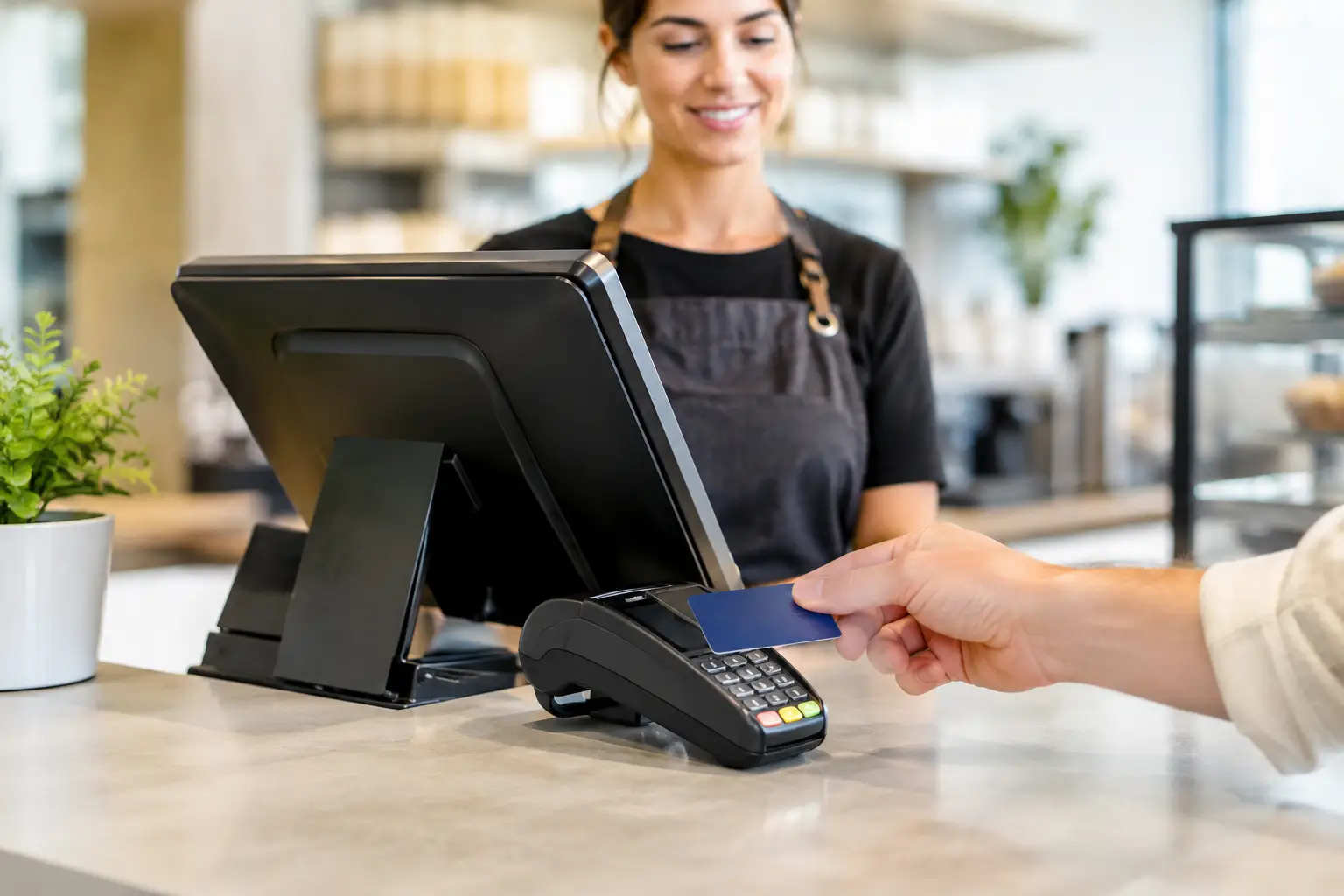
A busy counter is exactly where security shortcuts tend to appear. A shared manager PIN, a terminal left logged in between shifts, a router installed years ago and never reviewed – each can create an opening that disrupts trading or puts customer payment data at risk. For retail, hospitality and food service operators, POS security trends are not abstract IT issues. They affect whether you can take payments, protect takings and keep serving customers when the pressure is on.
The useful approach is not to chase every new security feature. It is to understand where the risk sits in your own setup, then put practical controls around the hardware, network, staff access and support process.
POS security trends shifting the risk picture
Payment security is moving further away from the till
Modern payment terminals are designed so the POS system does not need to retain full card details. Technologies such as tokenisation and point-to-point encryption help protect payment information as it travels from the terminal to the payment provider. That reduces the impact if a POS computer or network is compromised.
The trade-off is that payment terminals, integrations and software must be correctly configured. A replacement terminal or a new POS integration should not be treated as a simple plug-in job. Businesses need to confirm that the payment flow remains compliant and that staff know what a normal transaction looks like. Unexpected prompts, altered settlement reports or terminals behaving differently are worth checking promptly.
For operators, the practical priority is to use supported payment hardware from reputable providers, keep software current and avoid recording card details in notes, spreadsheets or booking systems unless there is a clearly approved process.
Access control is becoming a frontline defence
Many POS incidents do not begin with an outside hacker. They begin with access that is too broad, too old or too easy to share. Staff turnover is common in cafes, restaurants and retail stores, particularly during peak seasons. If former staff can still access a back-office portal, a POS login or a remote support tool, the business has an unnecessary risk.
Role-based logins are becoming standard practice. A team member taking orders does not need the same permissions as an owner changing prices, processing refunds or viewing reports. Individual logins also make it easier to investigate unusual refunds, voids and discounts without making assumptions about staff.
Avoid shared administrator passwords wherever possible. Use strong, unique passwords and multi-factor authentication for cloud dashboards, email accounts and remote-access tools. If the POS platform supports it, set a short screen lock period and require a manager approval for high-risk actions such as refunds above a set amount.
Phishing is now an operational issue, not just an office issue
Fraudsters increasingly target businesses through convincing emails, text messages and phone calls. They may claim to be a payment provider, software supplier, bank or technician, then ask a staff member to install an update, disclose a code or allow remote access.
This works because the request often arrives during service. A staff member may simply want to get the EFTPOS terminal or printer working again. Clear rules help: no one should install unknown software, provide passwords or payment-terminal codes, or allow unscheduled remote access without checking the request with an authorised manager or their usual support provider.
A short staff briefing is more effective than a long policy nobody reads. Explain that real support teams can be verified through known contact details, not a phone number or link supplied in an unexpected message. Make it easy for staff to pause and ask.
Unsupported hardware and software are a growing weak point
Reliable equipment can have a long working life, but software support has an end date. Once an operating system, POS application, router or security appliance is no longer receiving updates, known vulnerabilities can remain open. A system can still switch on and process sales while becoming harder to defend.
This does not mean every older device needs immediate replacement. The right decision depends on its role, its exposure to the internet, whether it handles payment or customer data, and whether the supplier still provides patches. A standalone cash drawer has a very different risk profile from a back-office computer connected to cloud accounts and multiple payment services.
A simple asset register is useful here. Record the POS terminals, computers, printers, routers, scales with network connections, software versions and support arrangements. Review it at least annually and before a major POS upgrade. It turns an unexpected failure into a planned replacement or service decision.
Build security into the POS environment
The best protection is layered. One control may fail, but several sensible controls make a successful attack less likely and limit the damage if something does go wrong.
Separate business systems from guest Wi-Fi
Guest Wi-Fi is useful for customers, but it should not sit on the same network as payment terminals, POS computers, back-office devices or printers. Segmentation creates separate network zones, so a problem on a visitor’s phone does not automatically expose critical business equipment.
The exact setup depends on the site. A small takeaway shop may need a straightforward business network and guest network, while a multi-terminal venue may benefit from more defined separation between POS, office devices, CCTV and guest access. What matters is that the network has been designed for the equipment in use, rather than added to over time without a plan.
Secure Wi-Fi with a strong password, modern encryption and a properly configured router. Change default router credentials, restrict remote management unless it is genuinely required, and ensure firmware updates are part of routine maintenance.
Protect the physical counter as well as the network
POS hardware is visible, accessible and handled by many people. That creates physical risks alongside digital ones. Terminals can be tampered with, portable devices can disappear, and unattended back-office computers can be used by unauthorised people.
Staff should know how to recognise a terminal that looks altered, has loose parts or displays unfamiliar screens. Keep receipt rolls, spare cables and replacement equipment stored securely, and restrict access to the network cabinet or communications equipment. At the end of a shift, make checking portable devices and terminals part of the normal close-down process.
Physical controls are particularly relevant for market operators, pop-up venues and event businesses, where equipment moves between locations. Use secure transport, keep an inventory and avoid leaving systems unattended in vehicles.
Backups and response plans matter as much as prevention
Ransomware, equipment faults, power events and configuration errors can all stop a POS system. A current backup and a clear recovery plan reduce the time spent guessing under pressure.
Back up business-critical information according to the POS provider’s recommended process, and check that the backup can actually be restored. Know where product data, customer records, settings and reports are held. Cloud software can reduce some risks, but it does not remove the need to understand access, backup options and what happens if the internet connection drops.
Your response plan can be brief. It should identify who can authorise actions, who to contact for POS and network support, how to isolate a suspicious device, and how staff can continue trading if a system is unavailable. For some businesses, that means a spare EFTPOS option, paper order pads or an offline process for a short period. The right fallback depends on the operation, but it should be decided before Friday night service.
A practical security check for busy operators
Security improves when it becomes part of normal maintenance rather than an occasional emergency. Start by reviewing who has access to POS, payment, email and cloud accounts. Remove former staff, limit admin permissions and turn on multi-factor authentication where available.
Next, confirm which devices and software are supported and updated. Check that guest Wi-Fi is separate, router settings are secure and backups are working. Finally, speak with staff about suspicious calls, emails and terminal behaviour. These checks do not require a large internal IT department, but they do require ownership.
For Southeast Queensland businesses, EBE can help assess the practical side of a POS environment during a system installation, upgrade or service visit – from supported hardware and network setup through to reliable day-to-day operation. The aim is not unnecessary complexity. It is equipment and processes that let your team trade confidently.
The strongest security measure is usually the one your staff can follow on the busiest shift. Make it clear, test it occasionally, and keep the right technical support close at hand when something does not look right.










Leave A Comment
You must be logged in to post a comment.