
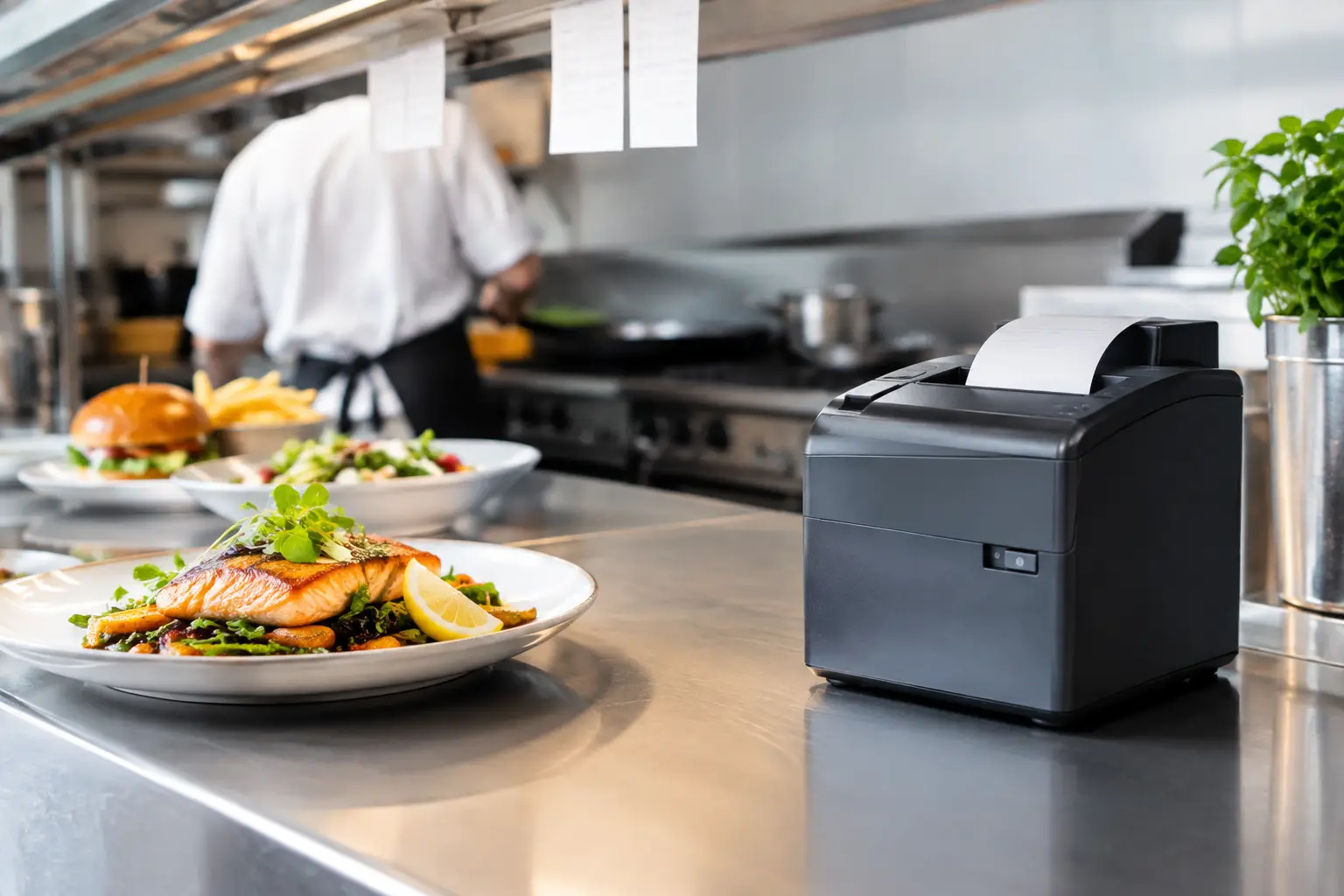
A missing docket at 12:30 pm can quickly become a cold meal, a frustrated customer and a kitchen team trying to work from memory. Kitchen printers are a small part of a food service system, but they have a direct effect on order accuracy, ticket flow and service speed. For cafes, takeaway shops, restaurants and busy venues, the right printer needs to do more than print. It needs to keep working through heat, noise, grease and peak-period pressure.
The best choice depends on your ordering workflow, venue layout, POS system and the volume of orders you process. A printer that works well for a quiet cafe may not be suitable for a multi-station restaurant with dine-in, takeaway and delivery orders arriving at once.
What kitchen printers do in a POS system
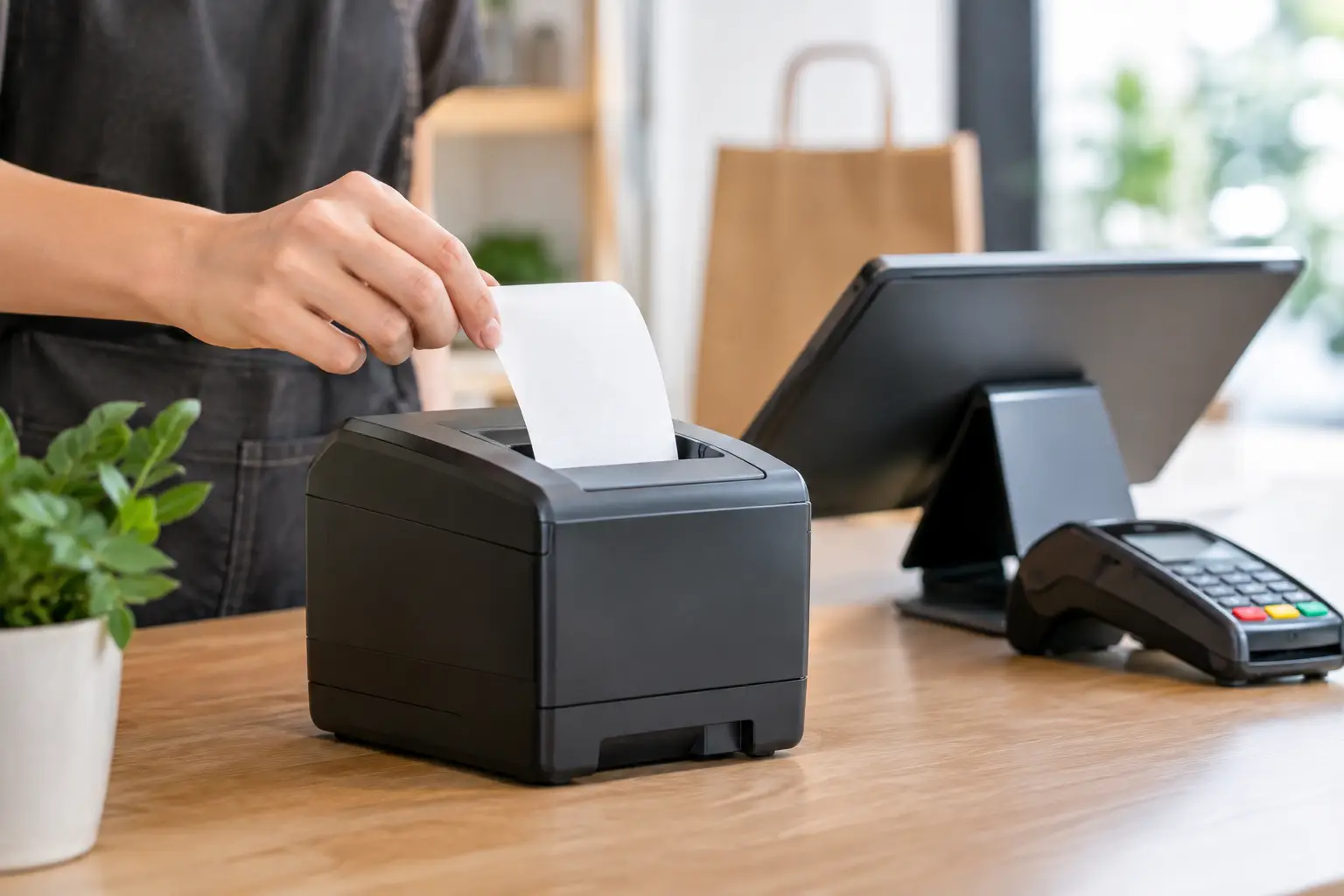
A kitchen printer receives order information from your point-of-sale system and produces a physical docket for the preparation area. Depending on how the POS is configured, orders can be sent to one printer or routed automatically to separate stations. A coffee order may print at the bar, a meal ticket at the pass, and desserts at a separate preparation bench.
This routing matters because it gives each team member the information they need without creating unnecessary clutter. Rather than one long ticket containing every item in an order, the grill team sees grill items, the barista sees drinks, and front-of-house staff can focus on serving customers.
A printed docket also remains useful when staff are moving quickly, wearing gloves or working in an area where looking at a screen is impractical. It provides a clear record of modifiers such as no onion, gluten-free, extra hot or sauce on the side. In a fast kitchen, those details are not optional.
Choosing kitchen printers for your workflow
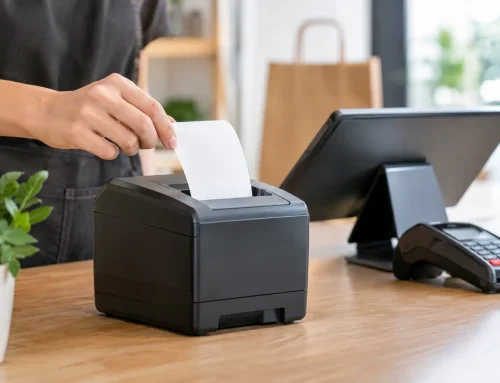
Most food venues use thermal receipt printers in the kitchen. These printers use heat to create text on thermal paper, so there is no ink cartridge or ribbon to replace. They are fast, economical to run and well suited to high-volume docket printing.
The printer itself is only one part of the decision. Consider where orders are taken, how they are sent, who prepares them and what happens when demand increases. A well-planned setup will reduce double handling and give staff a more reliable way to manage the queue.
Print speed and ticket volume
A small counter-service venue may only need one dependable printer, while a busy restaurant can require several units running throughout service. Print speed becomes particularly important when online orders, table orders and counter orders all feed into the same system.
Do not select purely on the highest quoted speed. The real question is whether the printer, connection and POS configuration can process your typical rush without tickets backing up. If lunch service creates a stream of orders for 45 minutes, the equipment must handle that sustained demand, not just an occasional transaction.
Connection type and venue layout
Kitchen printers can connect by Ethernet, Wi-Fi, Bluetooth, USB or serial connection, depending on the printer and POS system. For fixed printers in a commercial venue, a wired network connection is often the most reliable option. Ethernet provides a stable connection and avoids some of the drop-outs that can occur when wireless signals are affected by walls, appliances or network congestion.
Wi-Fi can be useful where running cable is difficult, particularly for temporary service areas or changing layouts. However, it needs to be installed and tested properly. A printer with weak Wi-Fi coverage may appear to work until the busiest moment of the day, when reliable ticket delivery matters most.
Your network should also be considered as part of the system, not an afterthought. The POS terminal, printer, router and any ordering devices need to communicate consistently. A local technician can assess cabling, network coverage and equipment placement before a problem becomes a service interruption.
Docket size and readability
Kitchen dockets need to be easy to read at a glance. Standard 80 mm paper provides more room for item names, modifiers and order notes. It is usually the practical choice for restaurants and venues with detailed menus. Smaller paper may suit simpler orders or compact work areas, but cramped dockets can increase the chance of missed instructions.
The POS should be configured to print information in a logical order. Large modifier lists, duplicate headings and unclear abbreviations can make a good printer feel like a poor one. Before going live, print sample tickets for common orders, complex orders and delivery orders. Ask the staff who will use them whether the format makes sense under pressure.
Placement matters as much as the printer
A kitchen environment is demanding. Steam, heat, airborne oil, spills and constant movement can all affect equipment. A printer should be close enough to the relevant work area for staff to collect tickets quickly, but not placed where it is exposed to direct heat, water or heavy grease.
Mounting options can help keep printers off crowded benches and away from spills. Covers and protective housings may also be worthwhile in harsher areas. Leave enough access for staff to replace paper rolls and clear an occasional paper jam without disrupting the station.
Power and cable management deserve attention too. Loose cords around a kitchen bench are inconvenient and can become a safety risk. Secure cabling also reduces the chance that a printer is disconnected when someone moves equipment during a busy shift.
Set up routing before service starts
The value of a kitchen printer is largely determined by how it is configured. Each menu item should be routed to the station responsible for preparing it. For example, coffees may go to the coffee machine, hot food to the kitchen, cold drinks to the bar and desserts to a separate section of the pass.
This is especially important for venues using multiple order channels. A customer ordering at the counter, a staff member taking a table order and an online customer should all enter the same organised workflow. If online orders print differently or miss essential notes, staff can lose time checking screens or asking for clarification.
It is also worth deciding how reprints, voids and order changes will be handled. Staff need to know whether an amended order creates a new ticket, prints a cancellation notice or requires a manager to confirm the change. Clear procedures prevent two versions of the same meal being prepared.
During installation, test more than a basic sale. Run through split bills, meal modifiers, timed courses, online orders, refunds and large group orders. These are the transactions most likely to expose a routing or programming issue.
Reliability comes from maintenance and support
Thermal kitchen printers are generally low maintenance, but they are not maintenance-free. Dust and residue can build up around the paper path, while worn components can lead to faded dockets, paper feeding issues or intermittent printing. Using quality thermal paper also helps protect print heads and keeps text clear.
Keep spare paper rolls in a dry, accessible location and train staff to load them correctly. A roll change should take seconds, not turn into a search for supplies during service. It is also sensible to keep a basic process for checking power, paper and network connections before calling for assistance.
When a printer does fail, the cause may not be the printer itself. It could be a network issue, an incorrect IP address, a POS setting, a damaged cable or a change made during a software update. This is why businesses benefit from support that covers the wider system rather than simply replacing hardware.
For Southeast Queensland businesses, EBE can help assess the full setup, from POS programming and network connections through to installation, repairs and ongoing support. Having a local team that understands your equipment and workflow can reduce downtime when a fault occurs at the worst possible time.
When a kitchen display system may be a better fit
Some high-volume venues are moving from printed dockets to kitchen display systems, where orders appear on dedicated screens. A display system can show timers, colour-coded priorities and order status, helping teams manage complex workflows. It can also reduce paper use and eliminate the clutter of hanging tickets.
That said, screens are not automatically the right answer for every business. They require suitable hardware, staff training and a clear process for marking orders complete. For a smaller cafe or takeaway shop, a well-configured thermal printer may remain the simplest, most affordable and most dependable option.
Many businesses also use a combination. Printed tickets may suit the kitchen while a display screen supports the pass or front-of-house team. The right approach is the one that gives your staff clear information with the least disruption to service.
A kitchen printer should quietly earn its place every shift. When orders print clearly, reach the right station and keep moving through a rush, your team can focus on preparing good food and looking after the customers in front of them.






Leave A Comment
You must be logged in to post a comment.