
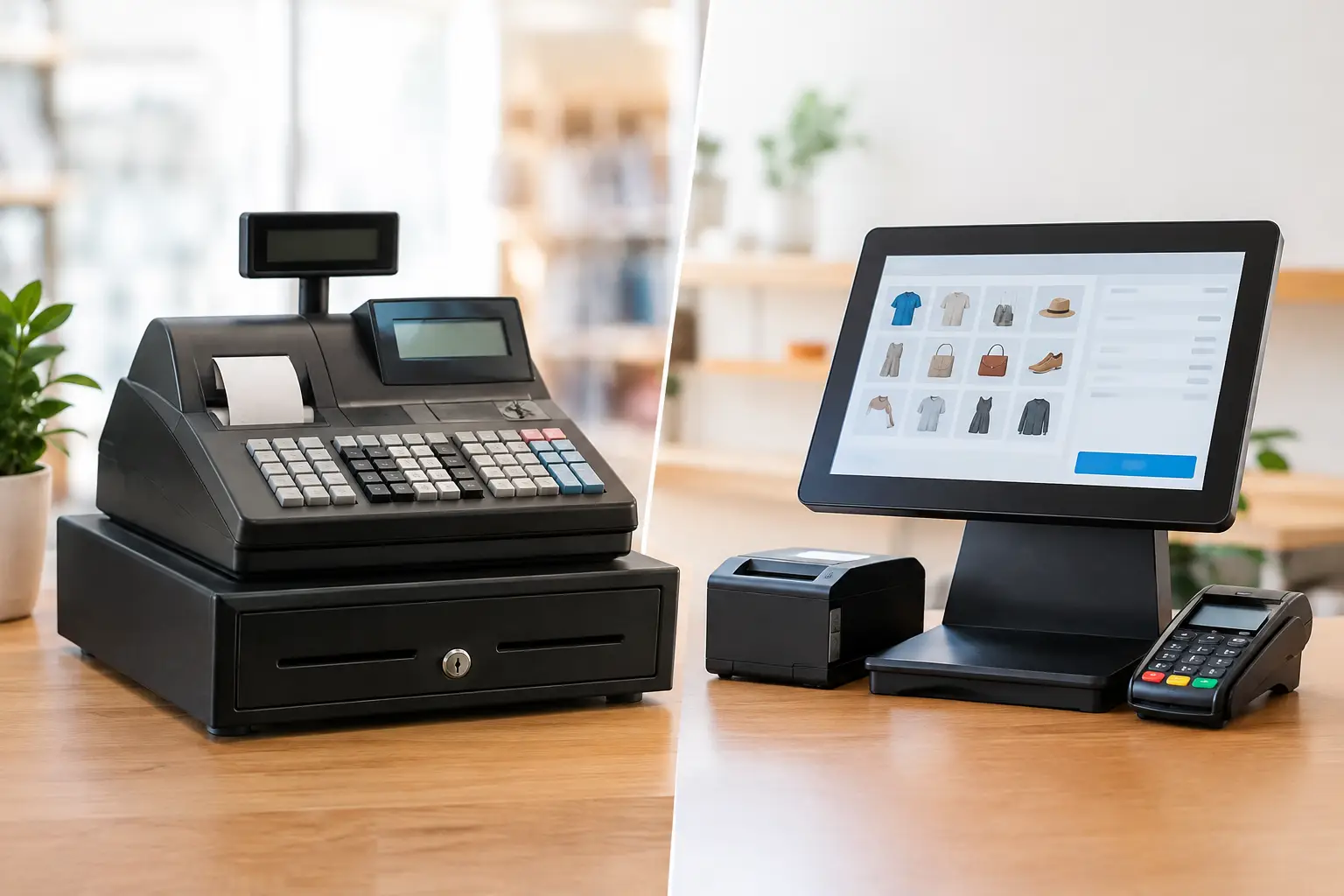
A busy lunch rush quickly exposes weak checkout equipment. If staff are writing orders twice, searching for prices, reconciling cash manually or dealing with a printer that drops out, the issue is not just speed. It affects customer service, stock control and the confidence of your team. When weighing up a cash register versus POS system, the right choice comes down to how your business trades now and what you need it to handle next.
For some small operators, a dependable cash register is exactly the right tool. For businesses managing stock, tables, modifiers, loyalty programs or integrated scales, a point-of-sale system can remove a great deal of daily admin. Neither option is automatically better. The practical answer depends on your workflow, transaction volume, budget and need for support.
Cash Register Versus POS: The Core Difference
A traditional cash register is designed primarily to record sales, calculate change, open a cash drawer and print receipts. Modern models can include programmable product keys, department reporting and connections for barcode scanners or EFTPOS terminals. They are generally straightforward to operate and well suited to businesses with a stable product range and simple checkout process.
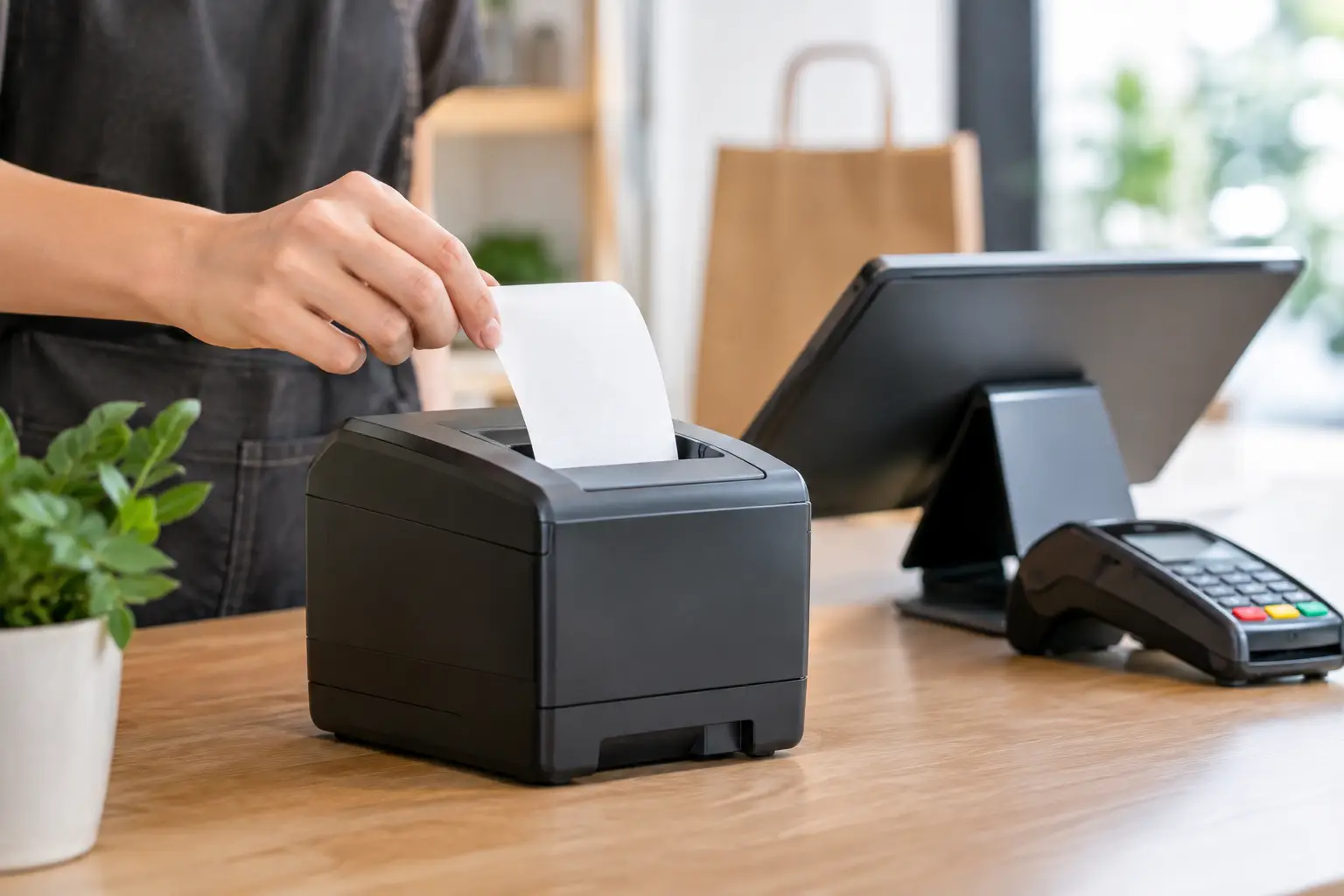
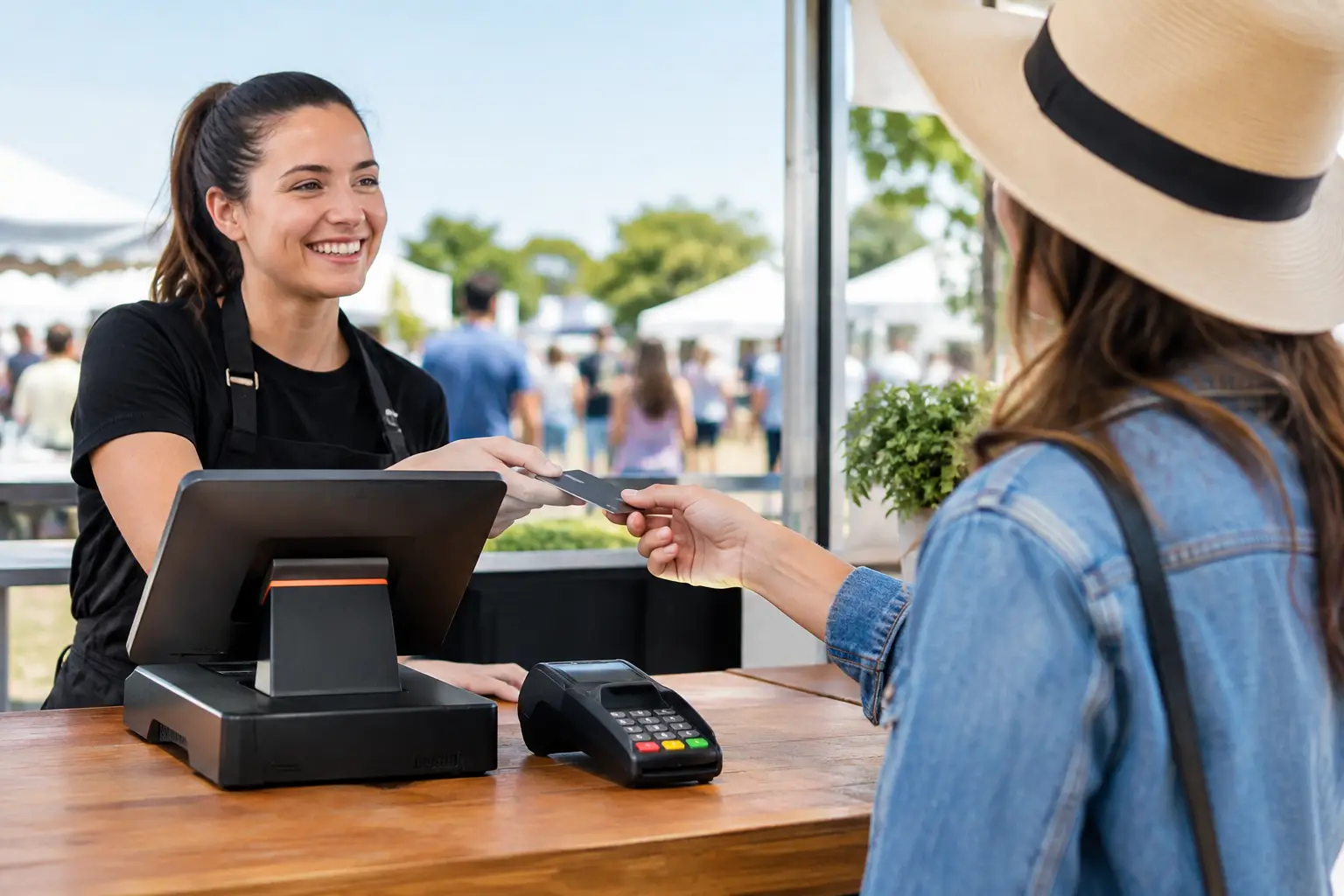
A POS system is a broader setup built around software and connected hardware. It can run on a touchscreen terminal, tablet or dedicated computer, with components such as receipt printers, cash drawers, barcode scanners, customer displays, kitchen printers and EFTPOS integration. Instead of recording a sale in isolation, a POS can connect sales to inventory, staff access, customer records, reporting and operational processes.
The distinction matters because buying more technology than you need can create unnecessary cost and training requirements. Buying too little can leave staff relying on workarounds that become harder to manage as trade grows.
When a Cash Register Is the Sensible Choice
A cash register remains a practical choice for many Southeast Queensland businesses. It is often a good fit for a small retailer, market stall, community club or service counter where the transaction is simple: select an item or department, take payment and provide a receipt.
The strongest advantage is simplicity. Staff can usually be trained quickly, and a programmed register gives operators clear buttons for common products or departments. There is less software to manage, fewer settings for staff to navigate and, in many cases, a lower initial purchase cost than a full POS installation.
Cash registers also suit businesses that do not require live inventory. If you carry a modest range of products, prices rarely change and you do not need detailed sales information by item, a well-configured register may cover the essentials without adding complexity.
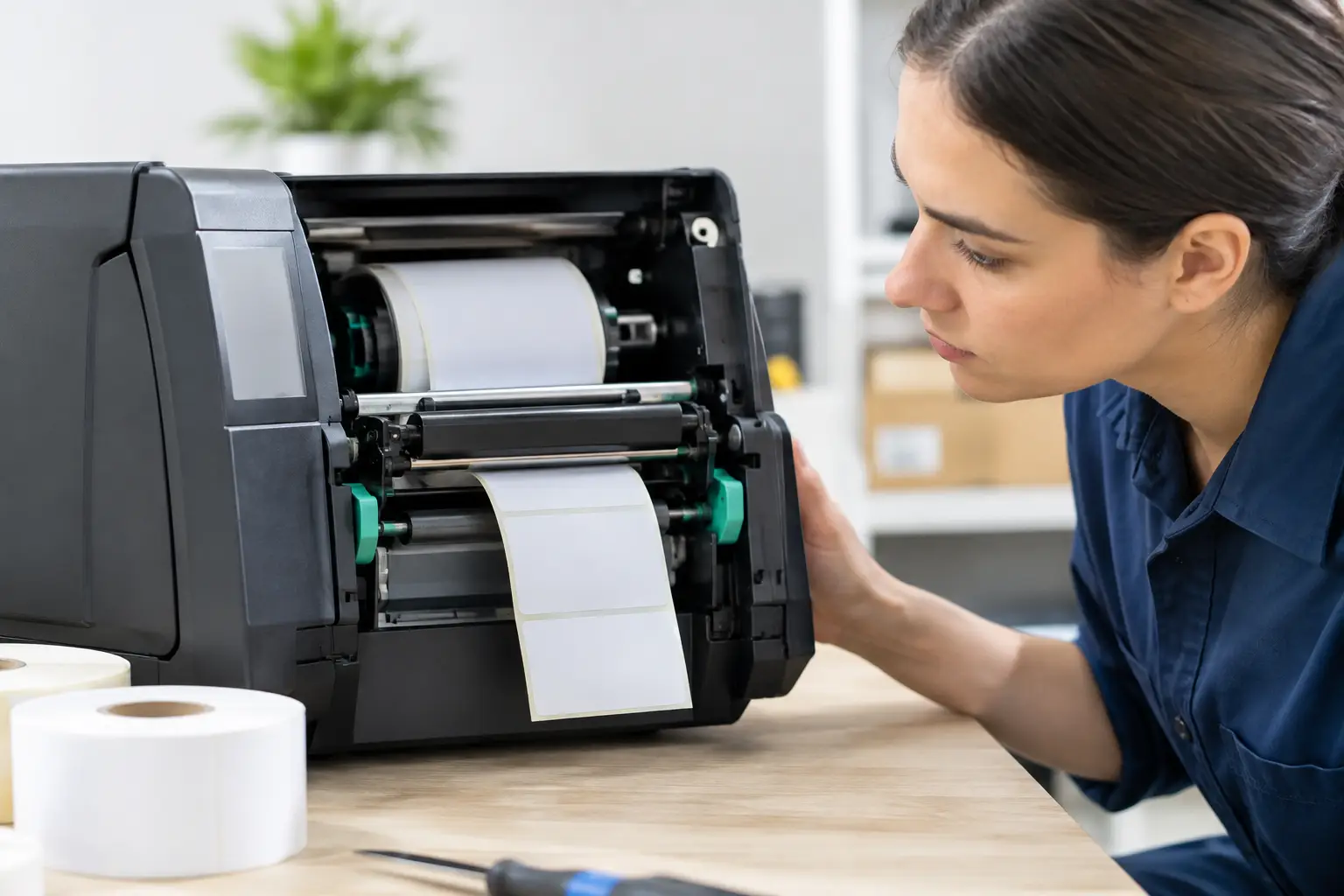
That said, “simple” should not mean unsupported. A cash register still needs to be programmed correctly, connected to compatible peripherals and maintained. Receipt printers, drawers and keypads experience daily wear, particularly in hospitality and high-volume retail. A local technician who can repair or replace equipment promptly can make the difference between a minor interruption and a lost trading day.
When a POS System Earns Its Cost
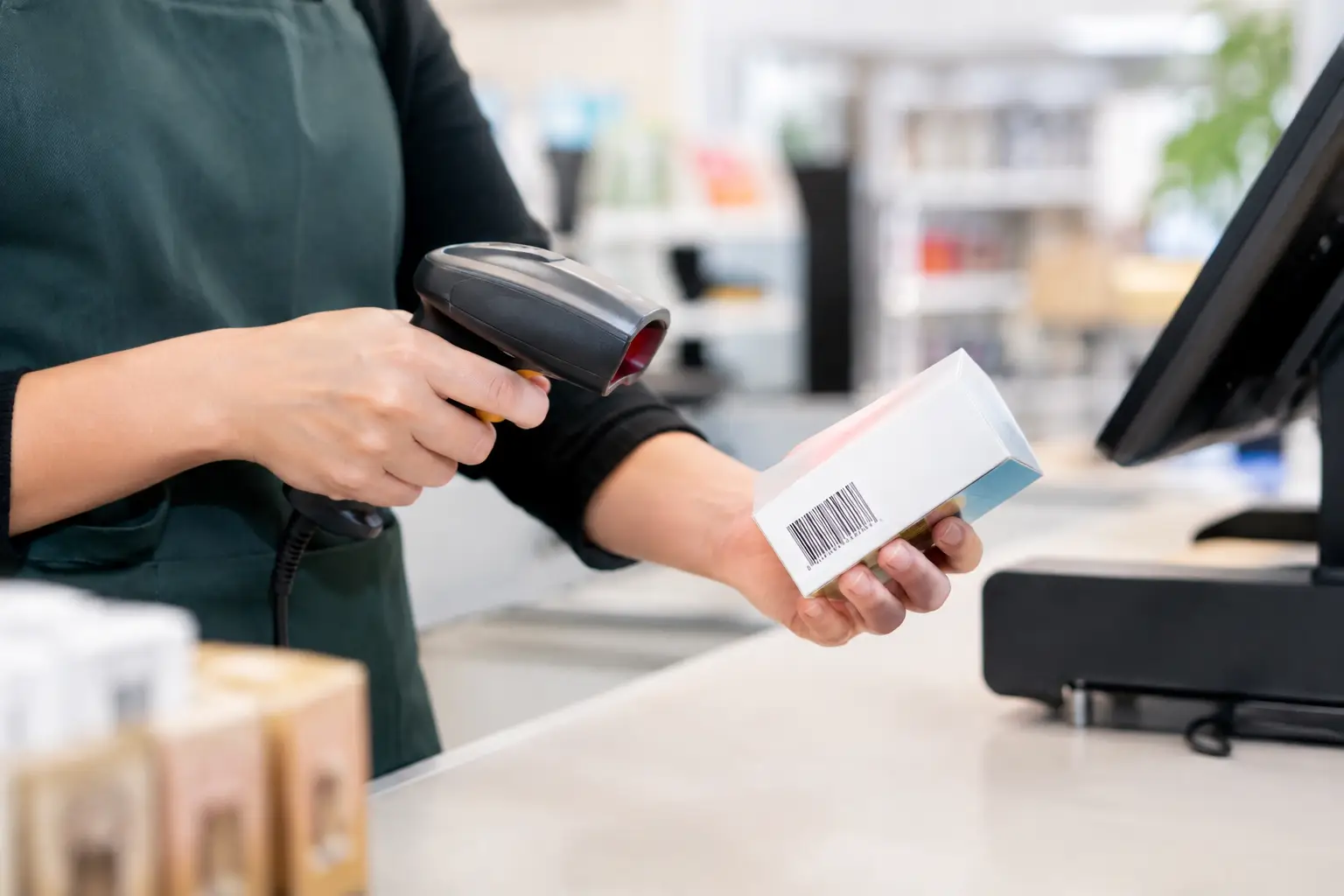
A POS system is usually the stronger option when your counter is part of a larger operation. Cafes and restaurants may need table management, split bills, kitchen docket routing and menu modifiers. Retailers may need barcode scanning, stock counts, supplier information, promotions and reports that show which products are selling.
For a growing business, better visibility is often the real value. A POS can show sales by product, category, shift or staff member, helping owners make decisions based on trading patterns rather than end-of-month guesses. It can reduce duplicate data entry and make daily reconciliation more consistent.
A POS is also more adaptable when products, pricing or procedures change often. Updating menu items, adding new stock lines or running a timed promotion is generally easier than reprogramming a register one key at a time. However, this flexibility has a trade-off: the system needs to be configured carefully from the start, and staff need training that reflects the way your business actually operates.
For food retailers, butchers, delis and other weighted-goods businesses, integration with trade-approved weighing equipment can be particularly valuable. Correct product setup, label formats, pricing and scale communication all need to work together. Where weight is used to determine a sale price, compliance and accurate calibration are not optional extras.
Compare the Day-to-Day Requirements
The best decision is rarely made by comparing purchase prices alone. Consider the tasks your staff perform at the counter, before opening and after close.
| Requirement | Cash register | POS system | | — | — | — | | Basic cash and card sales | Well suited | Well suited | | Simple product departments | Well suited | Well suited | | Barcode-based stock control | Limited or model-dependent | Usually well suited | | Detailed sales reports | Basic reporting | More detailed reporting | | Restaurant tables and kitchen dockets | Generally unsuitable | Well suited | | Product modifiers and menus | Limited | Well suited | | Integrated scales and labels | Limited or specialised | Often configurable | | Staff permissions and audit trails | Basic | Usually more comprehensive |
This comparison is a guide, not a rule. Some advanced cash registers offer useful programming and reporting, while some entry-level POS packages may not include every feature a business expects. Always assess the actual hardware, software and integration requirements rather than relying on the label alone.
Costs: Upfront Price Is Only Part of the Picture
A cash register often has a lower upfront cost. Once programmed, it may have few ongoing expenses beyond paper rolls, servicing and occasional repairs. This can make it attractive for businesses that want a known, contained investment.
POS costs can include terminal hardware, peripherals, installation, software subscriptions, payment processing arrangements and ongoing support. The recurring cost is worth examining closely, particularly for seasonal businesses or operators with tight margins. Ask what is included, what happens if you add another terminal, and whether technical assistance is available when something goes wrong during service.
The return on a POS system can still be compelling where it saves labour, reduces ordering errors, improves stock accuracy or gives you better control over margins. The key is to attach the decision to a real operational problem. If the system will not save time, improve accuracy or support growth, its extra features may not justify the expense.
Reliability Depends on the Whole Setup
A register can appear more reliable because it performs a focused set of tasks. A POS has more moving parts: software, network connections, printers, scanners, payment terminals and sometimes cloud services. That does not make POS unreliable, but it does mean the installation needs to be properly planned.
For example, a stable network, appropriate power protection and correctly configured printers matter in a busy venue. Your business should also understand how the system behaves during an internet outage. Can staff still process sales? Can receipts print? How will card payments be handled? These are practical questions worth answering before installation rather than during a Saturday rush.
Local support matters here. Electronic Business Equipment works with businesses that need their checkout equipment installed, configured, repaired and kept operating under pressure. A system chosen for your workflow and backed by accessible technical support is usually a safer investment than a cheap package with no clear path to help.
Choose Based on Your Next 12 Months
Start with the counter experience you want customers and staff to have. Map a typical transaction from the moment an order is taken or an item is scanned through to payment, receipt, stock update and end-of-day reconciliation. Any repeated manual step is worth examining.
A cash register is often the right fit when trade is straightforward, the product range is stable and your priority is a dependable, easy-to-use checkout. A POS is more suitable when you need connected information, changing menus or stock, multiple sales points, detailed reporting or specialised integrations.
Before committing, check that the equipment can support your actual peripherals, including EFTPOS, scanners, printers, cash drawers and scales. Confirm who will install it, train staff, handle programming changes and respond if a critical component fails. These details are as important as the screen or register sitting on the counter.
The right system should make the next busy shift feel more controlled, not more complicated. Choose the equipment that removes friction from the work your team does every day, then make sure experienced local support is there when you need it.





Leave A Comment
You must be logged in to post a comment.