

A receipt printer that jams during the lunch rush, a POS terminal that drops offline at close, or a scale displaying an incorrect weight can stop trade far faster than most businesses expect. Retail technology maintenance tasks are not just an IT chore. They are the routine checks that protect sales, staff productivity, customer confidence and, where trade-approved scales are concerned, compliance.
For busy retailers, cafes, takeaways and food businesses, the aim is not to turn managers into technicians. It is to establish a sensible routine, recognise the early signs of trouble and know when a qualified local technician should step in.
Retail technology maintenance tasks to schedule
The right schedule depends on your equipment, transaction volume and environment. A quiet specialty store will have different needs from a high-volume takeaway venue where heat, grease, dust and constant receipt printing place more pressure on hardware. Still, a few tasks belong in nearly every operation.
Keep POS terminals clean and responsive
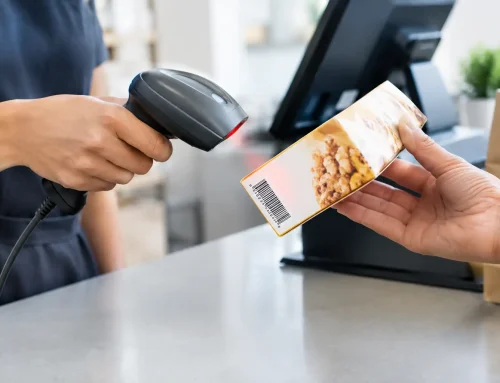
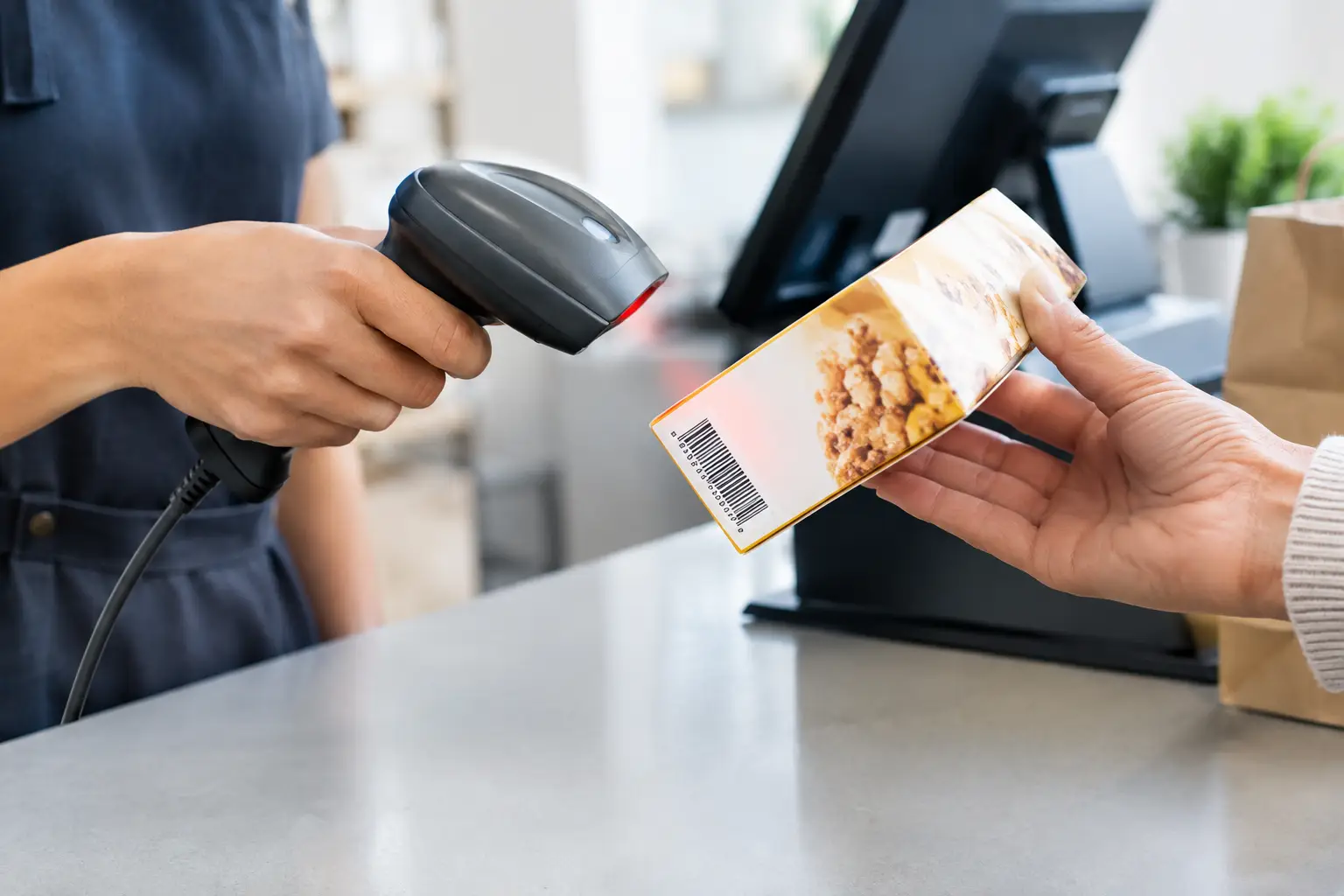
POS screens, keyboards, barcode scanners and payment peripherals are handled all day. Dust, food residue and wear can affect touch response, scanning accuracy and the condition of cables and connectors. Wipe screens with products approved for the device, rather than spraying liquid directly onto the hardware. Clean scanner windows carefully so labels scan first time, especially if staff regularly scan damaged, curved or refrigerated products.
At least weekly, check that power and data cables are secure and not stretched, crushed under counters or creating a trip hazard. Loose connections often cause the frustrating intermittent faults that are difficult to reproduce once a technician arrives.
Software also needs attention. Confirm that POS software updates, operating system patches and payment terminal updates are completed in a planned window, not halfway through a busy service period. Updates can resolve security issues and known bugs, but they may also change workflows or printer settings. Test a sale, refund, receipt and end-of-day function afterwards before relying on the system at peak time.
Look after receipt and kitchen printers
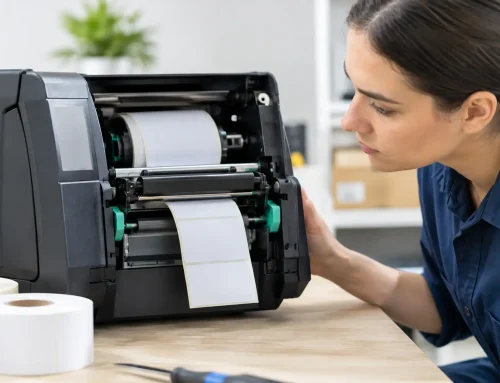
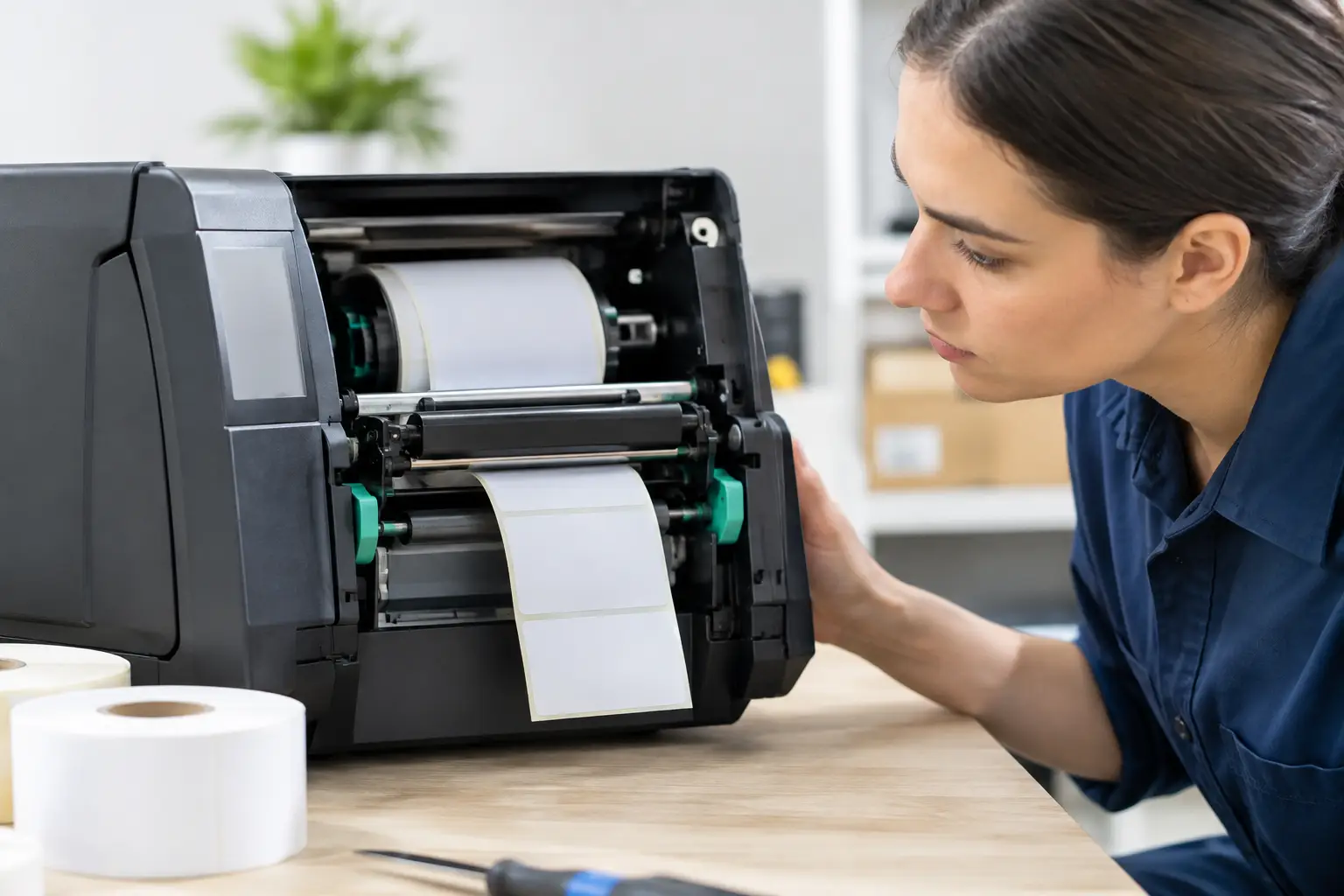
Thermal printers are dependable workhorses, but they are often ignored until receipts fade, paper jams or orders stop printing. Use the correct paper size and quality for the printer. Poor-quality rolls can shed dust and leave residue around the print head, which reduces print clarity and can shorten component life.
Clean the print head and paper path according to the manufacturer guidance, particularly in hospitality venues. Never use sharp objects to clear a jam. Check that the lid closes firmly, the roll is fitted the right way around and spare paper is available at the point of use.
A useful test is to print a sample receipt or docket at the beginning of the day. If the print is faint, incomplete or skewed, address it before service starts. It may be a simple cleaning issue, but it can also indicate a worn print head, failing power supply or communication fault.
Treat weighing equipment as business-critical
For butchers, grocers, delis, market operators and food retailers, a scale is not simply another counter device. If it is used to calculate a price by weight, it must be suitable for trade use and remain accurate. A scale that has been bumped, moved, overloaded or exposed to moisture can drift out of tolerance.
Daily care starts with a clean, level platform. Remove food debris and packaging fragments, and make sure nothing is touching the platter, display or cable. Check that the display returns to zero when empty. Staff should also know not to overload the scale or use it as a storage surface between transactions.
A regular test with known test weights can help identify a change in performance, but it does not replace formal verification or calibration requirements. The appropriate service interval depends on the equipment, use case and regulatory obligations. If a scale is giving inconsistent readings, has suffered an impact, has been relocated or has a damaged verification mark, take it out of trade use until it has been assessed.
Protect the network behind the counter
When the network fails, POS terminals, EFTPOS connections, cloud applications, printers and back-office devices can all be affected at once. Start with physical basics: keep networking equipment dry, ventilated and protected from accidental knocks. Do not overload power boards, and use appropriate surge protection or battery backup where it suits the risk and equipment.
Check that the router, switches and wireless access points are not buried in a hot cupboard or covered by stock. Heat shortens equipment life and can cause random dropouts. In larger premises, walk through the store occasionally with a mobile device to identify Wi-Fi black spots that affect handheld ordering, stocktaking or mobile POS.
Network security is also maintenance. Change default credentials, restrict access to authorised staff, remove former employees from systems promptly and maintain secure backups of critical POS configuration and business data. Your payment provider and POS supplier may have specific security requirements, so follow their guidance rather than applying a one-size-fits-all approach.
Build maintenance into the working week
The best maintenance routine is one that a busy team will actually follow. Keep it short, assign ownership and record faults rather than relying on memory. A simple paper or digital log can reveal patterns, such as a printer that only fails on Saturday mornings or a scanner that loses connection after the counter is cleaned.
A practical rhythm might include:
- Daily: check POS startup, test a receipt or docket, inspect scale zero readings and confirm the internet connection is stable.
- Weekly: clean scanners, printers and screens; inspect cables; review paper, label and consumable stock.
- Monthly: test backups, review user access, check hardware ventilation and look for recurring error messages or slowdowns.
- As required: arrange software support, network repairs, equipment servicing, trade scale calibration or verification, and staff refresher training.
The trade-off is straightforward. Checking equipment more often takes a little staff time, but it is usually far less disruptive than losing a trading day to an avoidable failure. High-volume sites may need a more frequent routine, while lower-volume retailers can focus their effort on the equipment with the greatest impact on sales.
When maintenance becomes a repair job
Some issues should not be managed with repeated restarts or improvised fixes. A POS system that freezes during transactions, a cash drawer that will not open reliably, a printer producing blank dockets, or a network that regularly drops out needs proper diagnosis. Continuing to operate around the problem can create lost sales, double handling, inaccurate records and frustrated staff.
The same applies to scales. If weights vary, the display is damaged, the platform is unstable, or the unit has been moved after verification, do not assume a quick adjustment will make it compliant. Trade measurement equipment needs the right technical process and documentation.
Before calling for support, note what happened, when it occurred, which devices were affected and any messages shown on screen. If possible, record whether the fault follows one terminal, one printer, one staff login or the whole site. These details help a technician isolate the cause faster and reduce downtime.
For Southeast Queensland businesses, EBE can provide on-site and workshop repairs, POS and network support, and licensed scale calibration and verification. The advantage of working with a hands-on support partner is that the person fixing the immediate fault can also identify whether cabling, configuration, staff process or ageing hardware is creating a repeat problem.
Plan replacement before failure forces it
Maintenance extends the useful life of equipment, but no terminal, printer or network device lasts forever. Repeated repairs, unavailable parts, unsupported software and increasing outages are signs it may be time to plan a replacement. That does not always mean replacing every device at once. A staged upgrade can often protect cash flow while addressing the weakest point in the system first.
Keep a basic record of purchase dates, repairs, warranties and recurring issues. It makes replacement decisions more practical and avoids rushing into unsuitable equipment after a major breakdown.
A few minutes spent checking the technology that takes payments, prints orders and weighs products can prevent an expensive interruption later. Make the routine part of opening, closing or weekly housekeeping, and call for help early when the fault affects trading, accuracy or compliance.













Leave A Comment
You must be logged in to post a comment.