
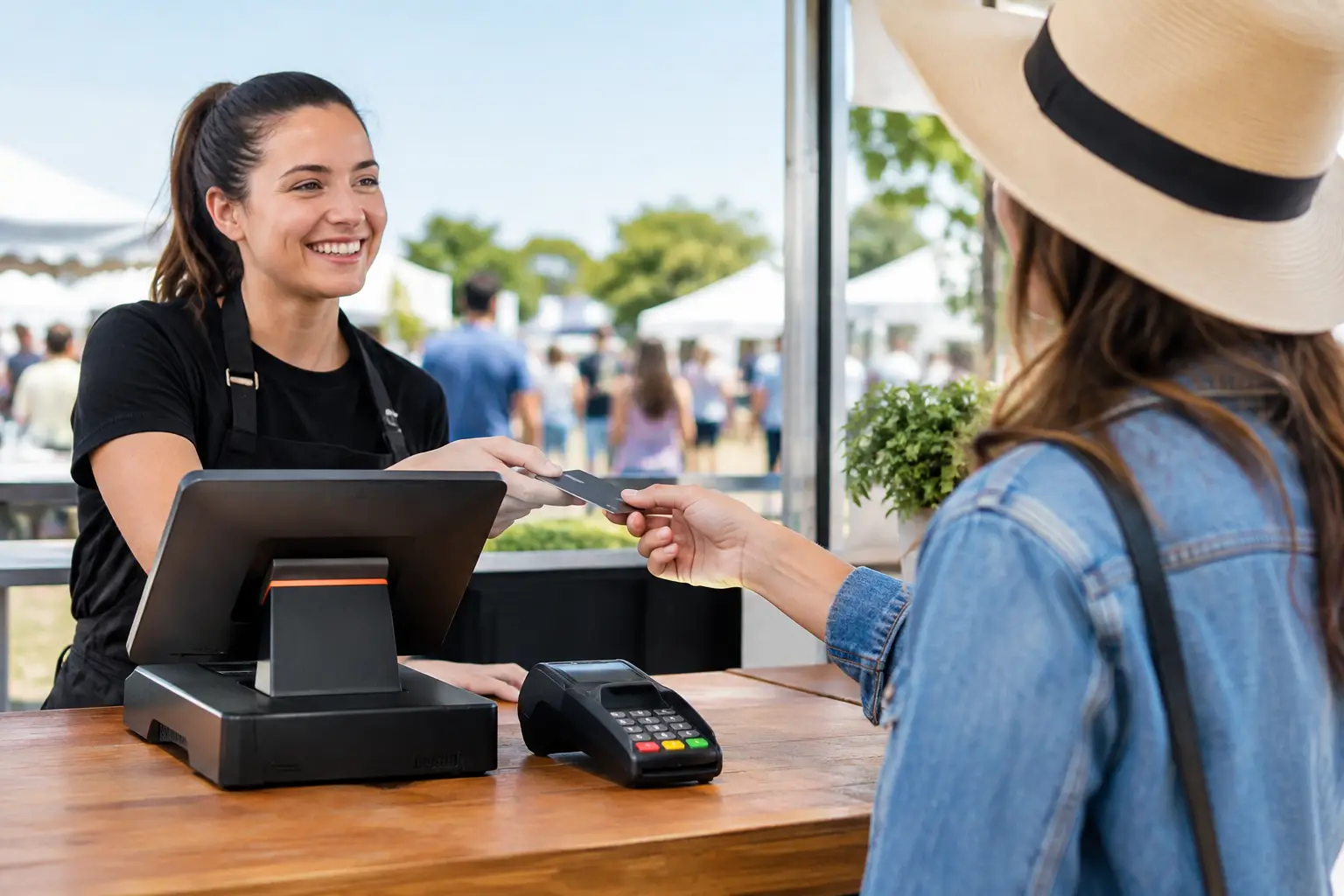
A queue that stops moving can cost more than a few sales. At a market, festival, sporting day or pop-up, people often decide in seconds whether to wait or walk away. The best event POS equipment keeps payment, receipt printing, stock control and customer flow moving when your site is busy, noisy and working outside the comfort of a permanent shop.
For Australian operators, the right setup is rarely the most expensive or feature-heavy option. It is the combination of equipment that suits your product range, payment volume, power access, connectivity and staff experience – with a practical backup plan if something fails.
What the best event POS equipment needs to do
Event trading puts different pressure on a POS system. Your counter may be a trestle table, your internet may depend on mobile coverage, and staff may be serving customers who want to pay quickly and get back to the event. Equipment needs to be portable, straightforward to operate and capable of handling sustained transaction peaks.
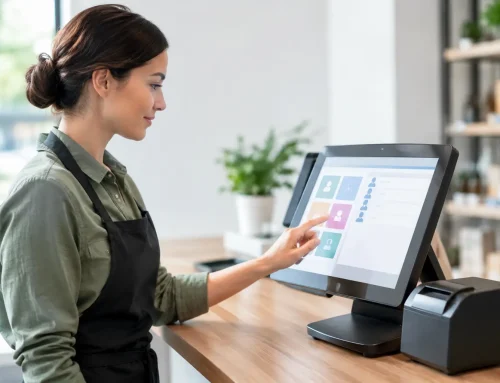
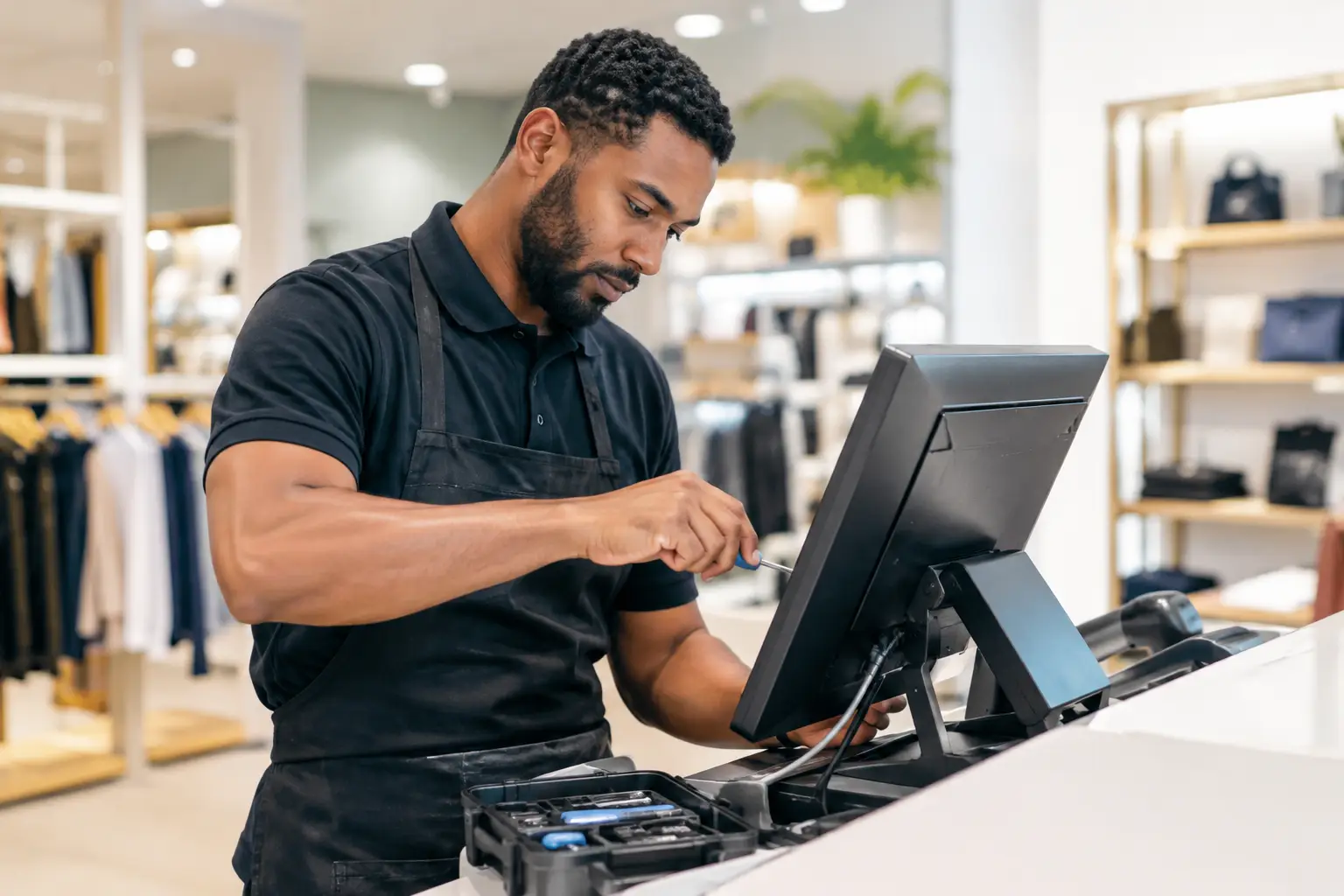
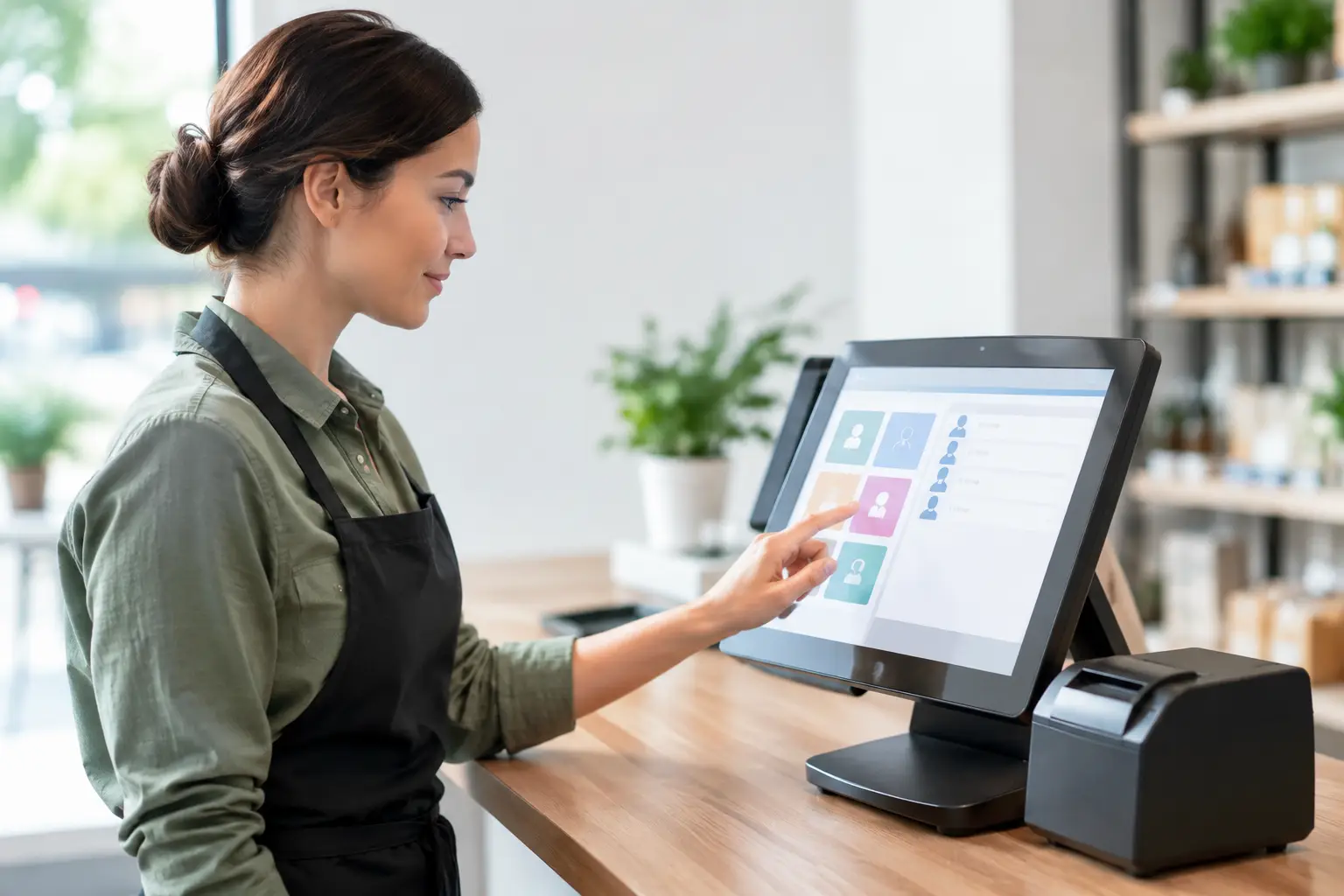
Start with the transaction itself. A reliable touchscreen POS terminal or tablet-based system should make common items easy to find, apply modifiers where needed and send orders or receipts without extra steps. For a coffee van, that may mean choosing milk, size and extras quickly. For a merchandise stall, it may mean scanning barcodes and checking available sizes without holding up the line.
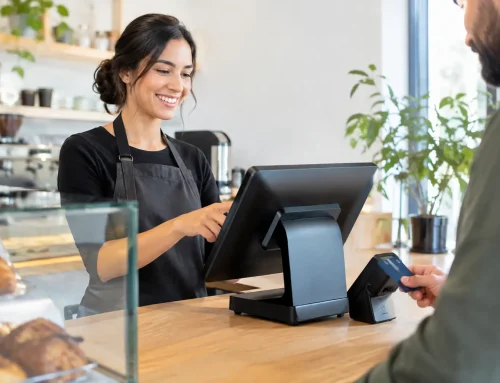
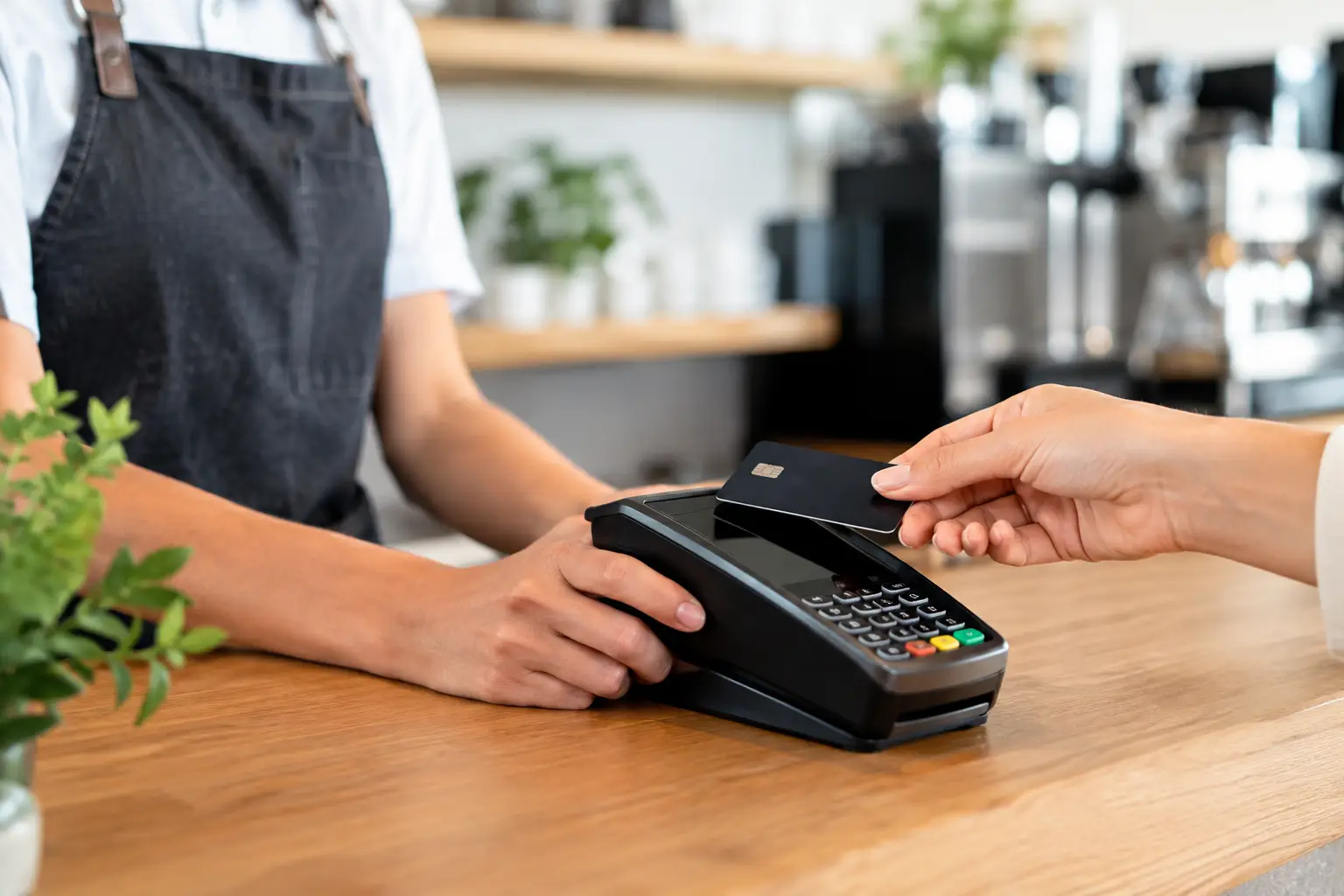
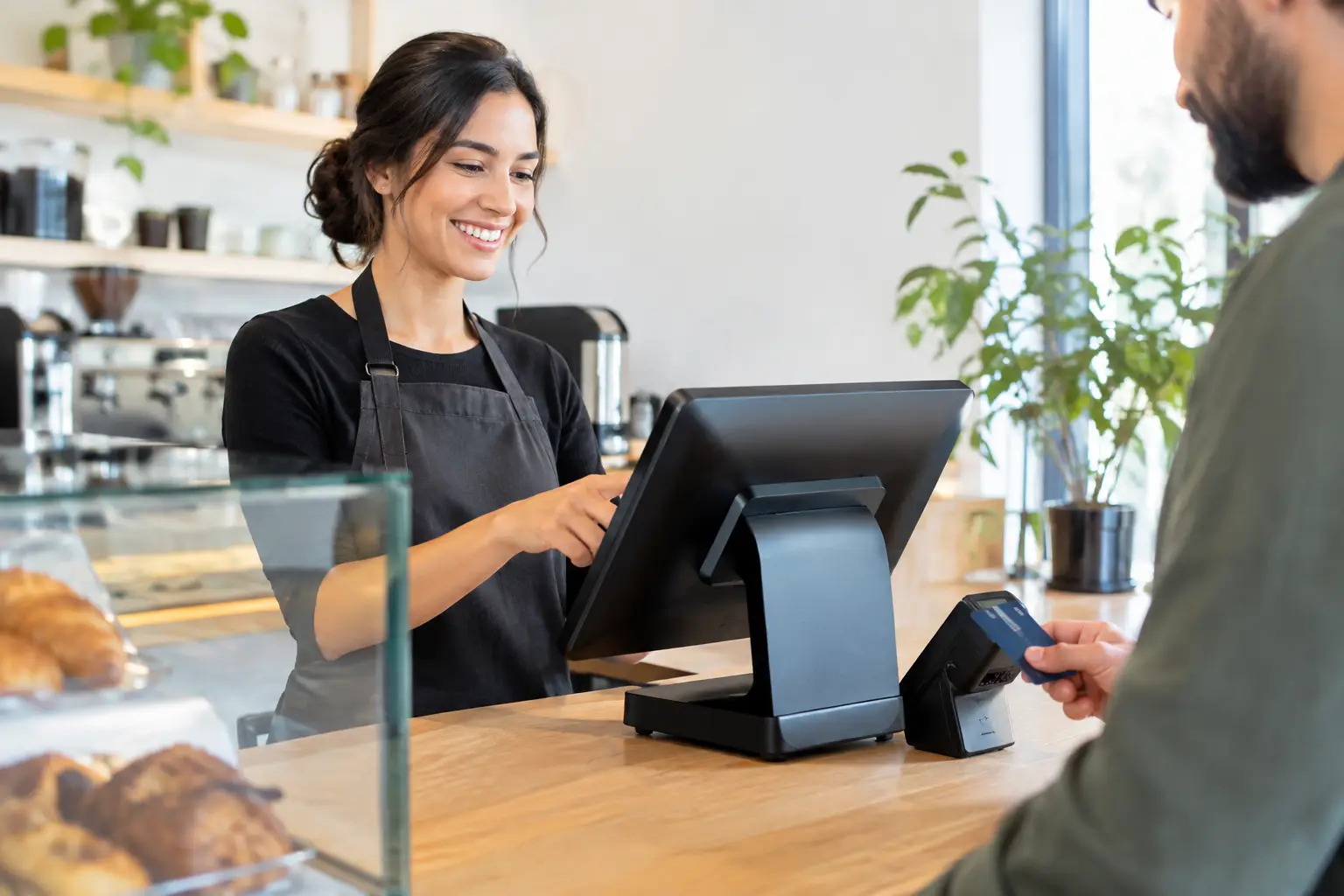
Card payments are equally central. Contactless payment is now expected, so the terminal needs dependable pairing with the POS system and a connection suitable for the venue. A separate EFTPOS terminal can be a sensible fallback, particularly where the POS software or network has an issue. Make sure the payment setup accepts the cards and digital wallets your customers are likely to use.
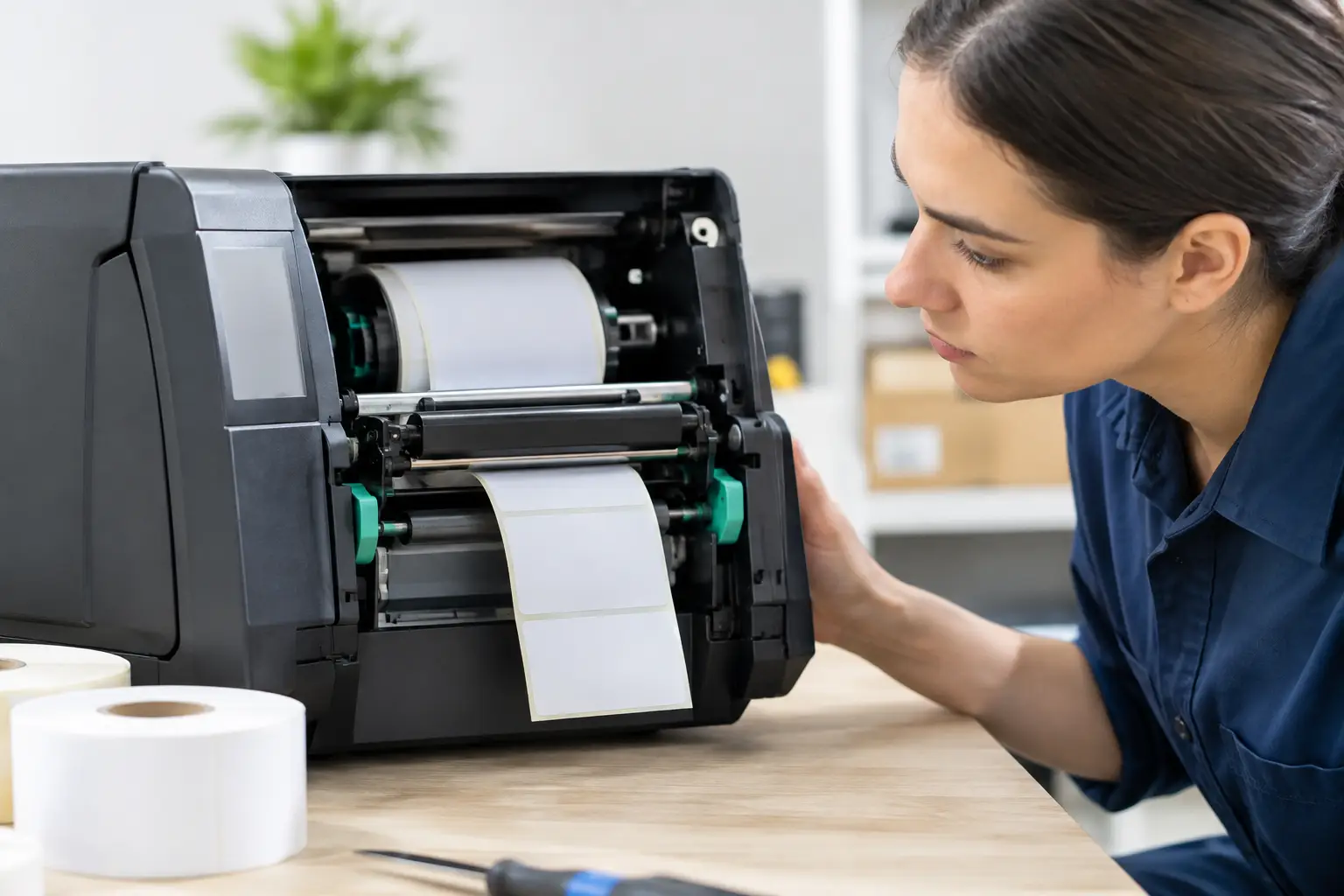
Receipt printers are sometimes treated as optional, but they can be essential for food service, order collection and record keeping. A compact thermal printer is fast, quiet and does not require ink cartridges. If you are taking food orders, consider whether you need a second printer for the kitchen or preparation area. A customer receipt and an order docket serve different operational purposes.
Build the event POS setup around your workflow
A basic retail stall may only require a tablet or compact terminal, a payment device and a cash drawer. A high-volume food outlet may need multiple ordering points, kitchen printers, a customer display and a connected cash drawer. The correct choice depends on how orders move through your business, not just how they are paid for.
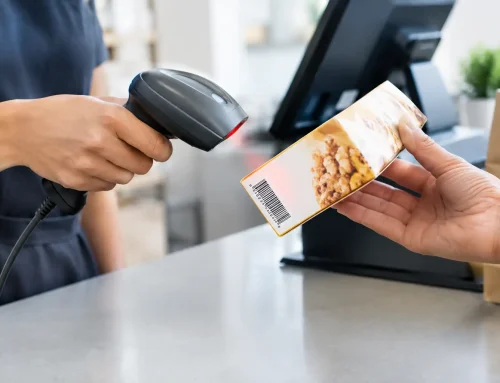
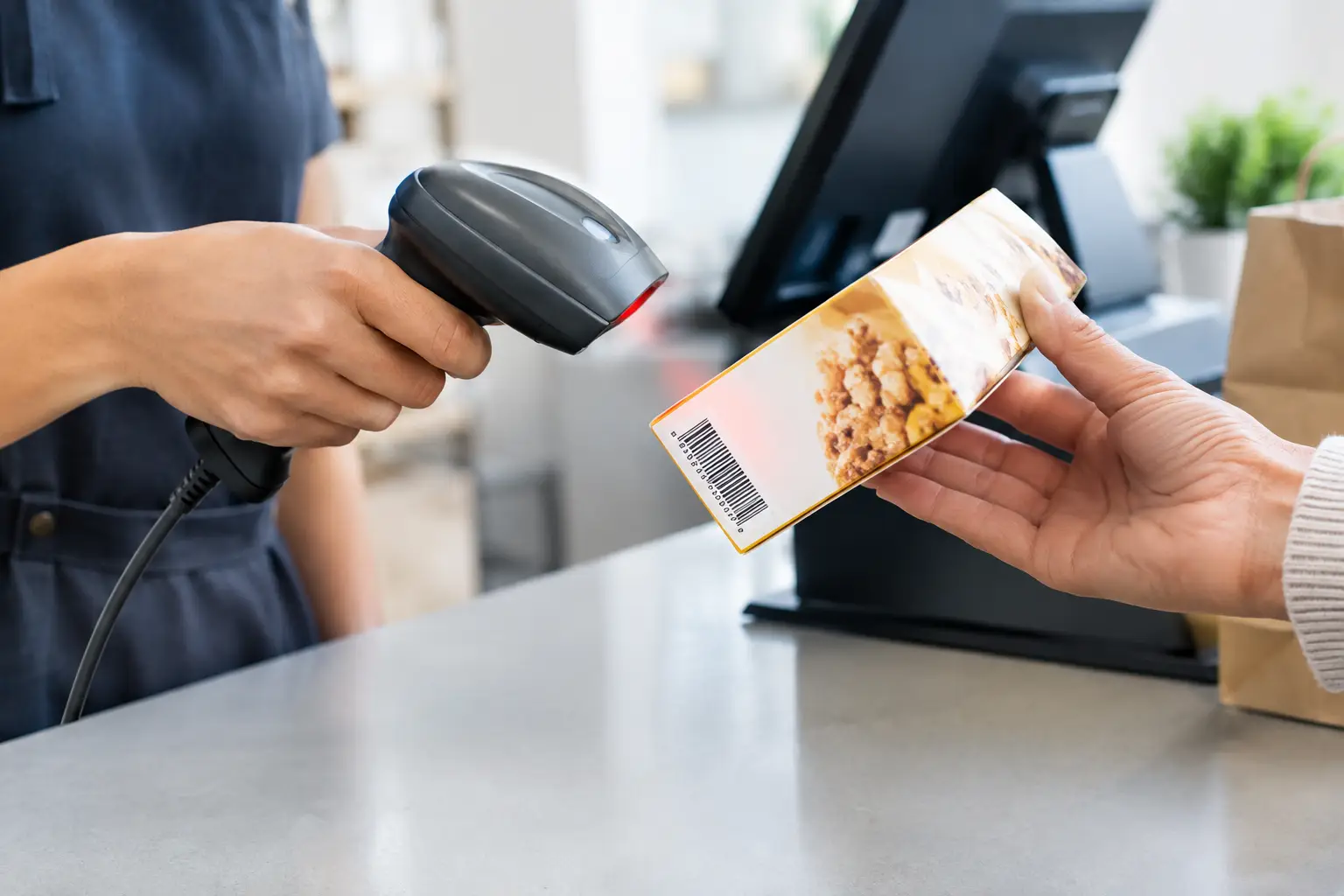
Think through the customer journey from queue to collection. If staff take orders at one point and customers collect elsewhere, clear order numbers and printed dockets can reduce confusion. If customers browse while staff scan products, a barcode scanner can materially improve speed and accuracy. For a business selling weighted goods, an approved scale integrated with the POS may be needed to calculate the correct price and maintain consistent records.
The equipment should also suit the people using it. Casual event staff need clear button layouts, simple product categories and permissions that prevent accidental refunds or price changes. Avoid building a screen with every product, report and setting available on the front page. A well-configured POS is faster because staff can learn it quickly under pressure.
Equipment that earns its place on the counter
A practical event kit often includes several pieces working together:
- A POS terminal or configured tablet with a protective stand or case.
- A compatible EFTPOS device for contactless, chip and mobile-wallet payments.
- A thermal receipt printer, plus a kitchen or order printer where service requires it.
- A cash drawer and float if you accept cash, with secure cash-handling procedures.
- A barcode scanner for retail stock, and a trade-approved scale where goods are sold by weight.
Not every event needs every item. A small, cashless market stall may not need a drawer or printer, while a busy takeaway operation may struggle without both. The aim is to remove bottlenecks, not to pack the counter with unused hardware.
Connectivity, power and backups matter more than features
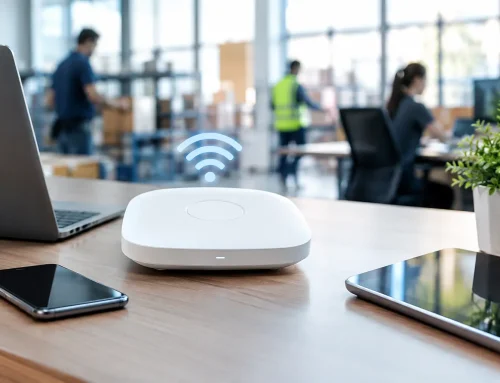
The most polished POS software cannot process a payment if your connection drops at the busiest point of the day. Before committing to a setup, ask the organiser what mobile reception, venue Wi-Fi and power supply are available at your exact site. Reception can vary significantly across a showground, park or indoor venue.
Where possible, use a dedicated mobile data connection rather than relying entirely on public Wi-Fi. A second SIM or mobile hotspot can provide a useful backup. If your POS and EFTPOS device require separate connections, test both before trading begins. Some payment terminals can operate independently, while others depend on the POS app or local network. That distinction matters when troubleshooting.
Power deserves the same attention. Confirm the location and rating of available outlets, use appropriate tested-and-tagged leads where required, and keep cables protected from foot traffic and weather. Battery-powered devices are convenient, but battery estimates are not a substitute for real testing. Charge all equipment overnight, carry approved charging leads, and know which device needs power first if access is limited.
For outdoor events, choose hardware and mounts that can cope with dust, heat and the occasional shower. Screens need to remain readable in sunlight, printers need to be sheltered, and electronics should never sit where spills or rain can reach them. A simple weatherproof storage tub can protect spare rolls, chargers and accessories between service periods.
Do not overlook scales and trade measurement rules
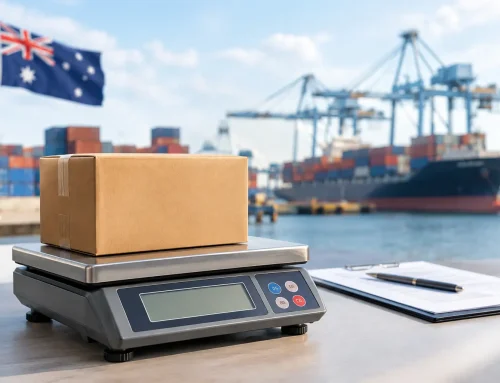
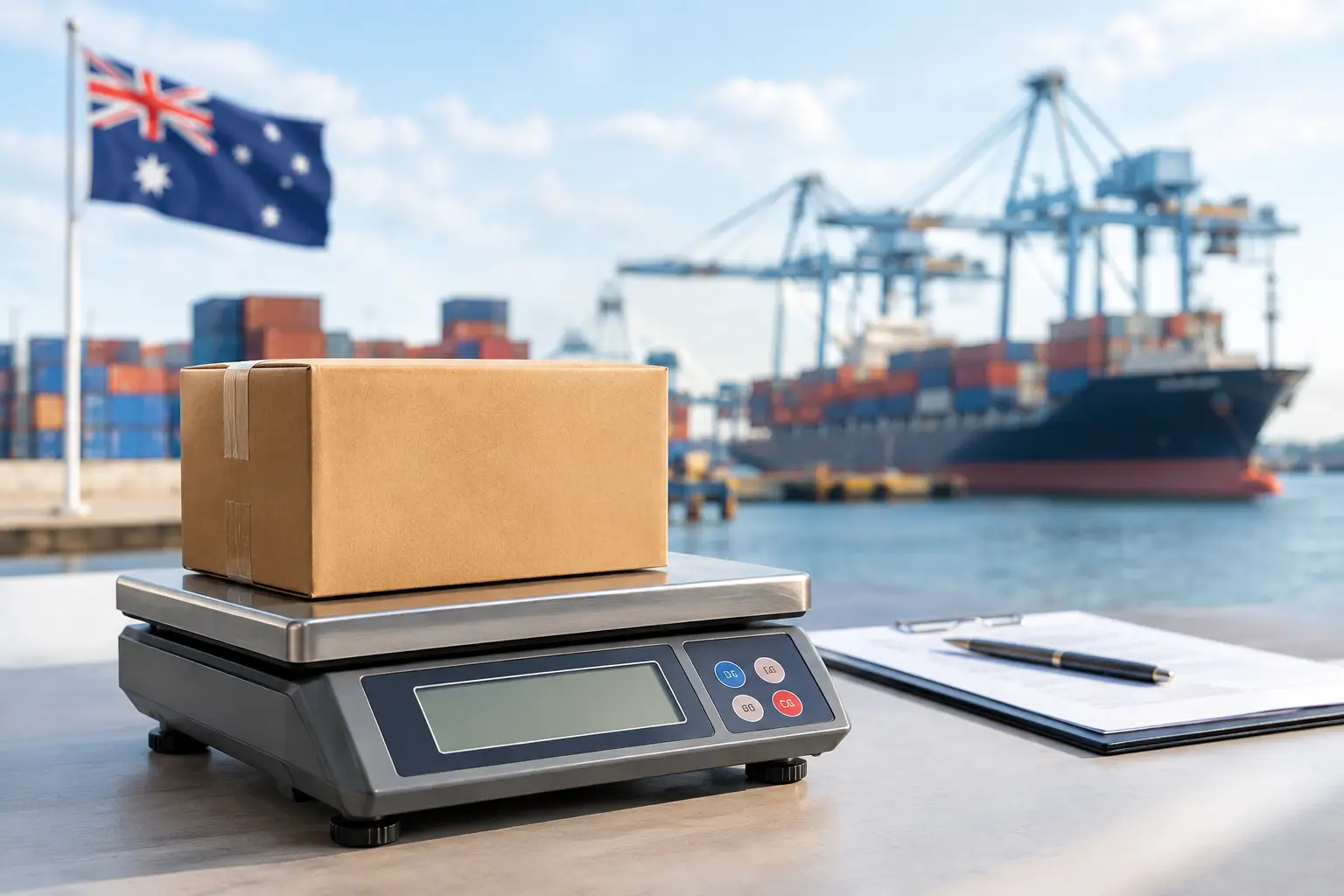
If you sell meat, seafood, confectionery, produce or any item priced by weight, the scale is part of the sale, not an accessory. Trade use scales must be suitable for legal-for-trade applications and maintained correctly. Using the wrong scale, or an unverified scale where verification is required, can create compliance problems and undermine customer confidence.
The scale also needs to suit the job. Capacity, accuracy, platform size and portability all affect whether it will work well at an event. A small counter scale may be fine for packaged confectionery, but unsuitable for larger trays or high-volume food service. If it connects to the POS, confirm that product and pricing data are configured properly before the event.
Calibration, verification and repairs are worth arranging ahead of a major trading period. EBE can assist Southeast Queensland operators with trade-approved weighing equipment, POS configuration and local technical support, which helps reduce the risk of arriving on site with equipment that is not ready to trade.
Buy, hire or use a mixed setup?
Buying makes sense when events are a regular part of your business or when the same hardware will be used at a permanent venue. It gives you familiarity, control over configuration and the ability to build a consistent process for staff. The trade-off is the upfront cost, ongoing maintenance and responsibility for storing the equipment between events.
Hiring can be a practical option for a one-off festival, seasonal rush or temporary activation. It allows you to access additional terminals, printers or cash drawers without purchasing equipment that will sit idle for most of the year. However, hire equipment still needs to be tested, configured and collected with enough time for staff training. Do not leave setup until the morning of the event.
A mixed approach is common. You may own your core POS and payment equipment, then hire extra terminals for a large weekend event. This can be more economical than buying for the busiest day you might only see once a year.
Test the complete system before the gates open
Testing individual devices is not enough. Test the whole sale from start to finish: select an item, take payment, open the cash drawer if relevant, print a receipt, send an order docket and process a refund. Check staff logins, product prices, GST settings, surcharge rules, printer paper and payment terminal charging.
Run through the less convenient scenarios as well. What happens if the printer runs out of paper? Who has the administrator PIN? Can you keep trading if the main internet connection fails? Where are spare charging leads stored? A short written checklist beside the POS can save valuable time when a casual team member is trying to solve a problem in a queue.
Good event technology is not about adding complexity to the counter. It is about giving your team reliable tools, clear processes and someone to call when a fault threatens your trading day. Set the system up for the way you actually serve customers, test it before the rush, and your equipment can do its job quietly while your staff focus on the people in front of them.


Leave A Comment
You must be logged in to post a comment.