
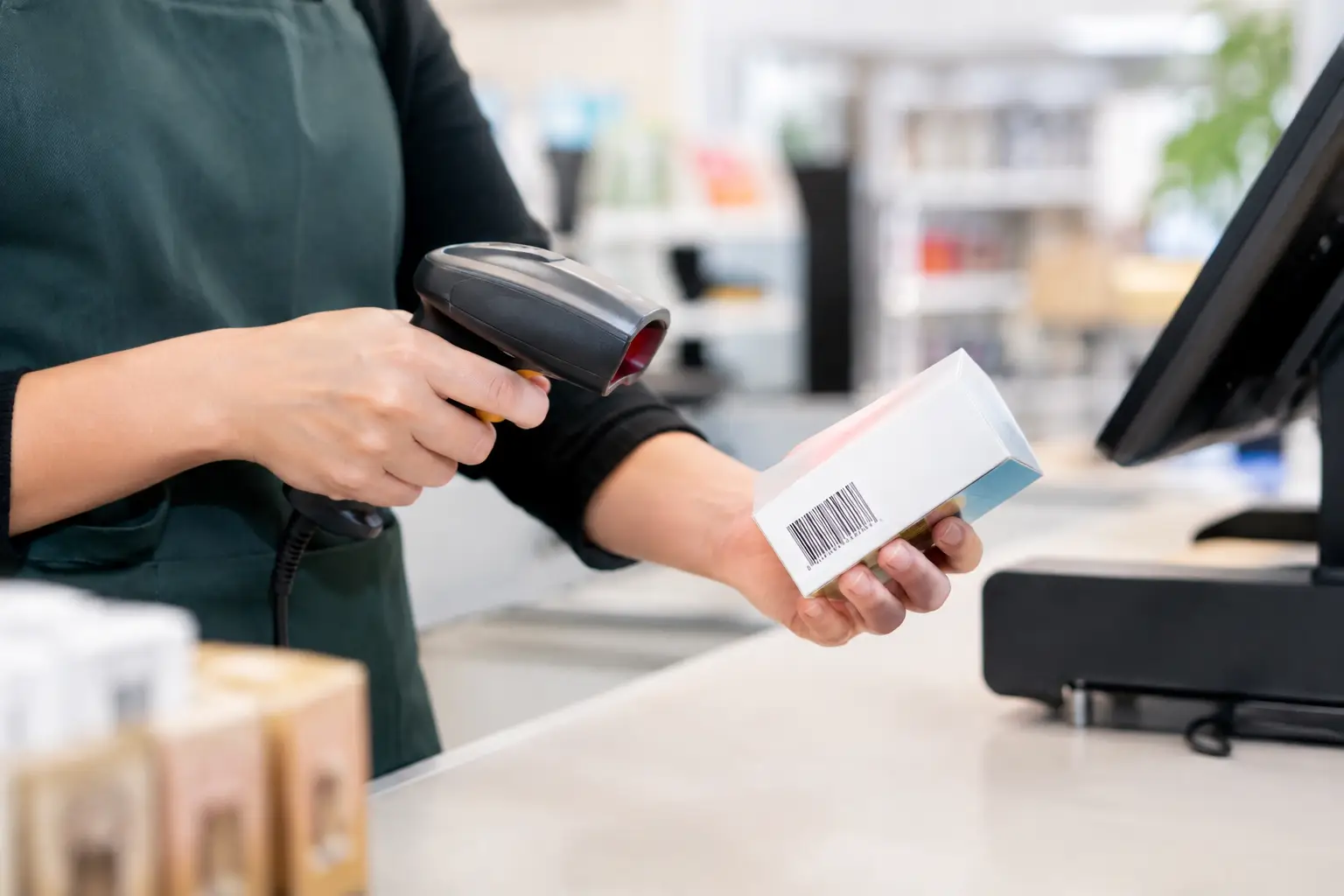
A barcode scanner is easy to overlook until it slows a queue, refuses a damaged label or drops out during the Saturday rush. The best barcode scanners retail businesses choose are not necessarily the most expensive models. They are the scanners that read the codes customers actually present, work properly with the POS system and keep going through long trading days.
For a boutique with occasional transactions, a basic wired scanner may be exactly right. For a busy grocer, bottle shop or takeaway venue, fast omnidirectional scanning and dependable connectivity can make a noticeable difference to service speed. The right choice starts with the way your team works, not a feature list.
What makes a barcode scanner right for retail?
A good retail scanner should reduce the number of times staff need to turn, reprint or manually enter a barcode. That means it needs to scan reliably from the labels and screens used in your business, communicate consistently with your point-of-sale equipment and suit the physical layout of the counter.
Compatibility comes first. A scanner may use USB, Bluetooth, Wi-Fi or a dedicated cradle connection, but it still needs to be correctly configured for your POS software and hardware. A scanner that connects physically but sends the wrong information, uses an incorrect keyboard layout or cannot recognise the required barcode format creates frustration rather than efficiency.
The type of barcode matters too. Traditional 1D barcodes are the familiar parallel lines found on most packaged goods. Many retailers now also need to scan 2D codes, including QR codes, whether for supplier labels, loyalty programs, digital vouchers or inventory processes. A 2D imager reads both 1D and 2D codes, making it the more flexible choice where QR code scanning is part of daily operations.
Speed and reading range are practical considerations, not just technical specifications. A scanner at a busy counter should read a code promptly without staff having to hold it at exactly the right angle. For bulky products or stock stored on shelving, a longer-range handheld scanner can save time and reduce awkward lifting.
The main scanner types for retail counters
Wired handheld scanners
Wired handheld scanners remain a reliable, cost-effective option for many shops. They connect directly to the POS terminal, usually by USB, and are ready when the operator picks them up. There is no battery to charge and no wireless signal to manage.
They suit newsagents, smaller specialty stores, pharmacies and retail counters where the scanner stays in one location. A quality wired scanner can also be a sensible backup device for businesses that cannot afford an interruption to sales processing.
The trade-off is movement. The cable limits how far staff can reach, which can be inconvenient for large baskets, oversized items or counter layouts where the terminal is positioned away from the customer-facing area.
Cordless handheld scanners
Cordless scanners provide freedom to scan items in a trolley, around a counter or from a shelf during stock checks. They are particularly useful in hardware, giftware, liquor retail, larger convenience stores and businesses where staff alternate between serving customers and checking inventory.
Battery management is the key consideration. Choose a unit with a charging cradle or dock and a battery capacity that matches the length of your shifts. It is also worth having a clear process for returning the scanner to charge, especially when several team members share a counter.
Bluetooth models are common and practical, but their workable range depends on the store layout, interference and where the receiving device is located. Wireless does not automatically mean better. If the scanner never needs to leave the counter, a wired model is usually simpler and less costly.
Presentation scanners
Presentation scanners sit on the counter and are designed for quick, hands-free scanning. The operator presents the item to the scan window rather than aiming a handheld device. They are well suited to high-volume environments such as convenience stores, cafés selling packaged items, food outlets and busy retail counters.
Their value is most obvious when staff scan many small products in quick succession. A presentation scanner can help maintain a steady checkout flow while allowing the operator to bag items, take payment or speak with the customer.
Before selecting one, consider the size and position of your counter. The scan window must be easy to reach, protected from spills where relevant and placed so customers and staff are not repeatedly stretching across other equipment.
In-counter and high-volume scanners
Supermarkets, produce outlets and other high-throughput retailers may need in-counter scanning equipment or scanner-scale combinations. These setups are designed for continuous use and can process a large volume of items quickly.
Where weighed goods are sold by weight, the integration between the scanner, approved scale and POS system needs careful planning. Trade measurement requirements apply when a scale is used to calculate a selling price by weight. The right equipment, installation and verification process protect both the business and its customers.
How to choose the best barcode scanners for retail operations
Start by watching a normal trading period. Note the products staff scan, how often labels are damaged or poorly placed, whether barcodes appear on mobile screens and where queues form. This simple review often identifies the scanner type more clearly than a catalogue comparison.
A fashion store may need a light, comfortable handheld unit that scans swing tags quickly. A garden centre may need a tougher cordless device that can handle dust, changing light and outdoor transactions. A café may benefit more from a compact presentation scanner than a long-range warehouse model.
It is also sensible to plan for growth. If your business may introduce QR-based loyalty, digital gift vouchers or stocktaking through a mobile device, choosing a 2D-capable scanner now may prevent an early replacement. On the other hand, paying for industrial-grade features that will never be used is not a good use of budget.
Consider these four questions before purchasing:
- Does the scanner read both the barcode types and digital codes your business uses?
- Will it work with your current POS hardware, software and keyboard settings?
- Is it suited to your counter layout, transaction volume and staff movement?
- Who can configure, service or replace it quickly if there is a problem?
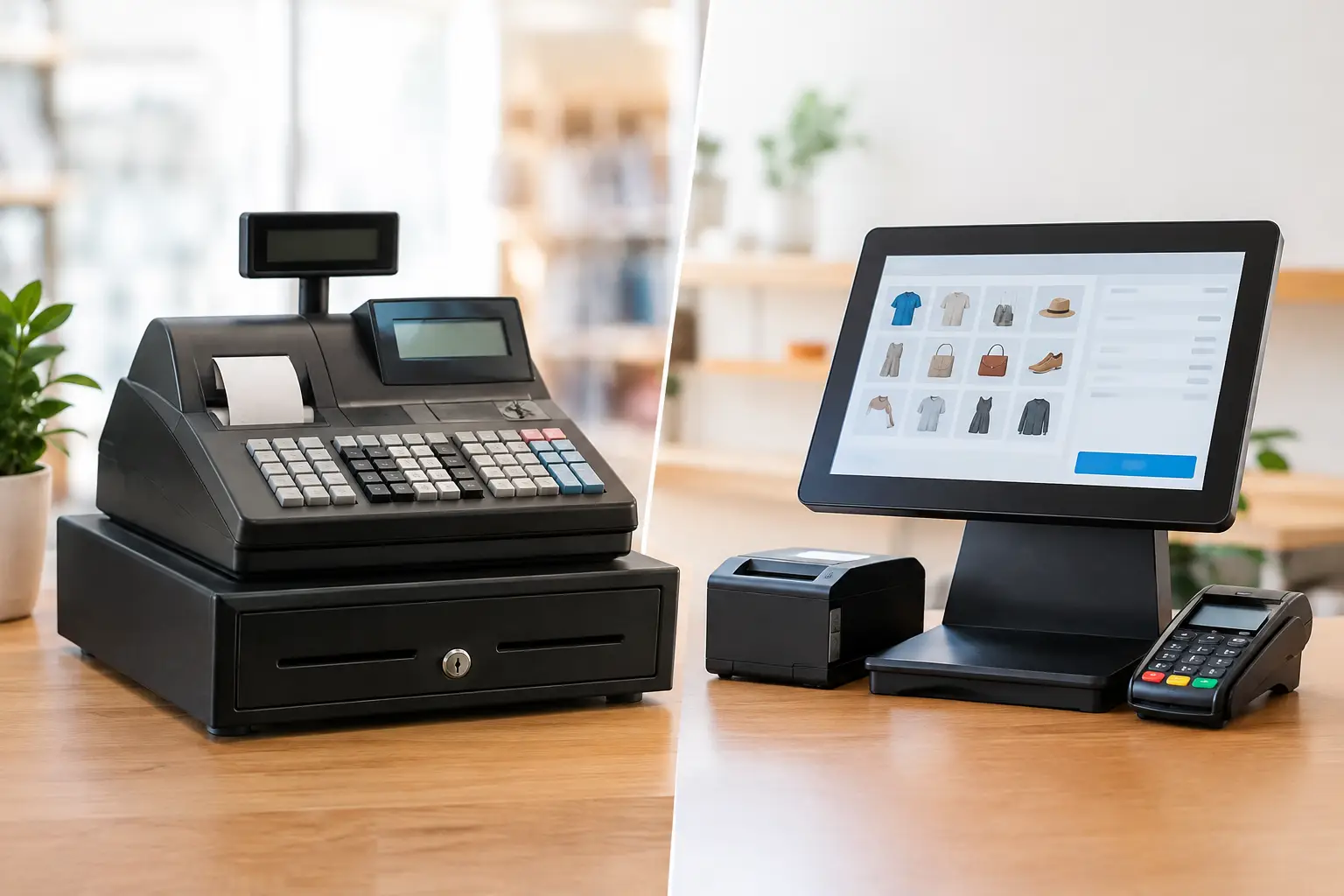
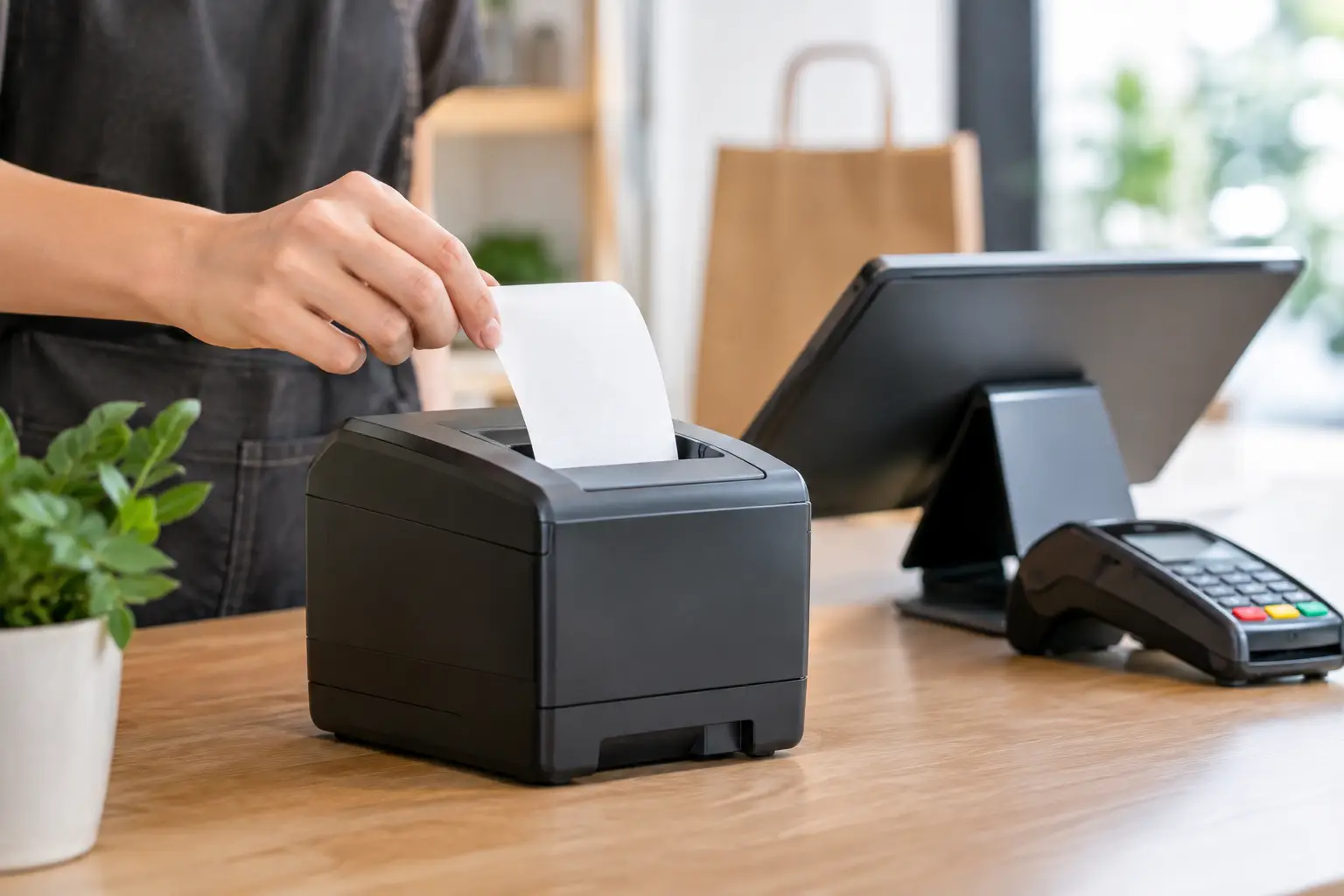
That last question is often missed. A scanner is part of a working POS environment that includes the terminal, receipt printer, cash drawer, network and software. When something fails, finding the fault quickly matters more than having a long list of features.
Reliability matters more than the cheapest price
Retail hardware is handled all day. It gets bumped against counters, exposed to dust, dropped occasionally and used by staff with different levels of experience. A low-cost scanner can be suitable in a low-volume setting, but it may become expensive if repeated scanning failures create slower checkouts and manual keying errors.
Look for practical build quality, a comfortable trigger, an appropriate drop rating and a stand or cradle designed for the way the scanner will be used. In food service or outdoor retail, protection against dust and moisture may be worth prioritising. In a clean, fixed counter environment, simplicity and fast scan performance may matter more.
Configuration is equally important. Many scanners can be programmed for particular barcode formats, prefixes, suffixes and POS commands. Correct setup makes the unit feel invisible in daily use. Poor setup can lead to missing characters, incorrect product lookups or scans entering in the wrong field.
Installation and support should be part of the decision
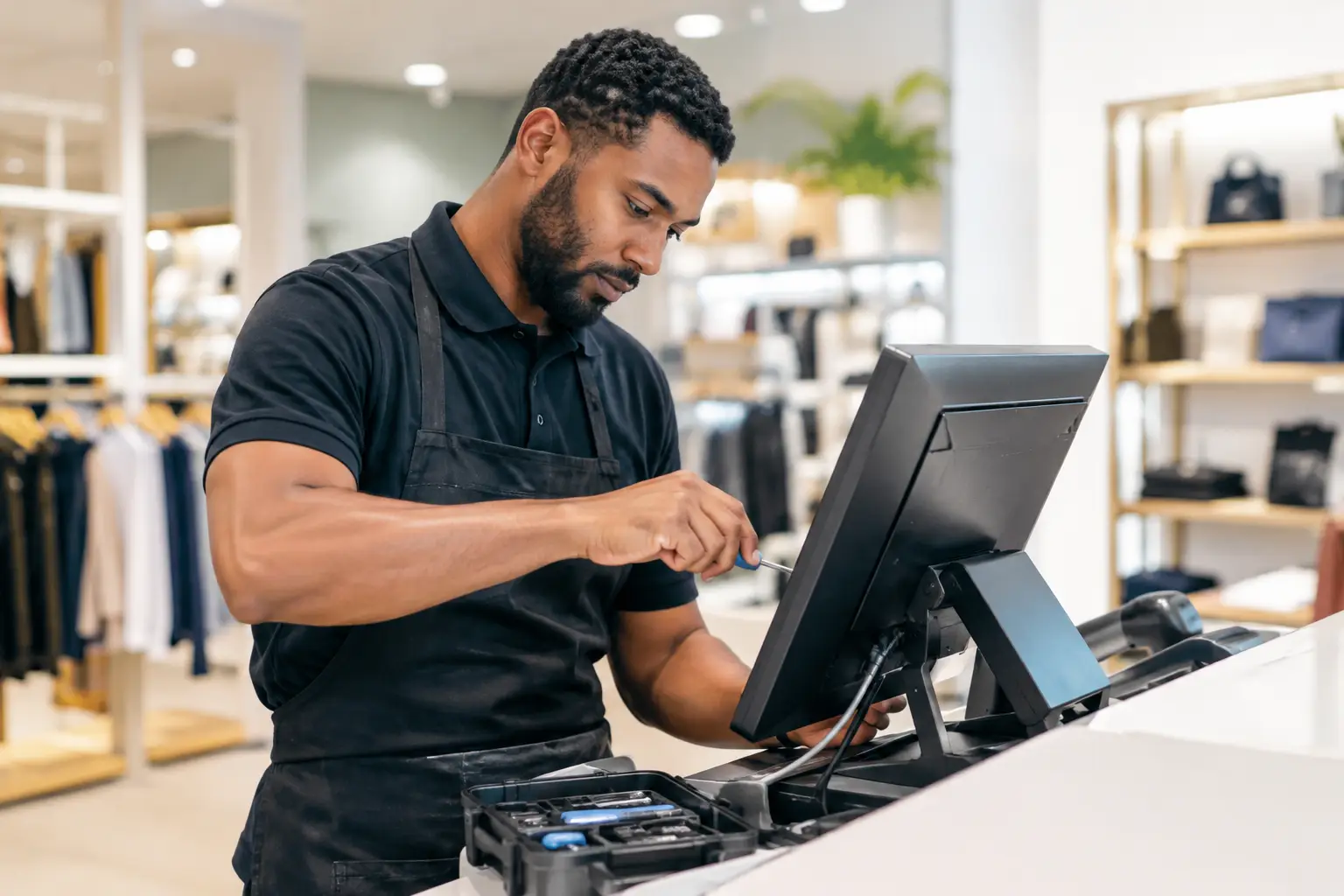
Barcode scanners are often sold as plug-and-play equipment. Sometimes they are. But when a business has a tailored POS setup, integrated scales, multiple terminals or specialised software, professional configuration can avoid costly interruptions.
For Southeast Queensland businesses, EBE can assess the counter workflow, supply compatible scanning hardware and configure it alongside the broader POS system. Local technical support is particularly valuable when a fault affects your ability to process sales and a replacement needs to be set up correctly, not simply plugged in.
Keep a basic contingency plan as well. High-volume retailers may benefit from a pre-configured spare scanner, particularly where every transaction relies on barcode scanning. Staff should know how to switch to the backup and how to handle manual entry when a label cannot be read.
The best result is a scanner your team barely has to think about. Choose equipment that matches your products and pace of trade, have it configured properly, and keep support close at hand when business gets busy.




Leave A Comment
You must be logged in to post a comment.