
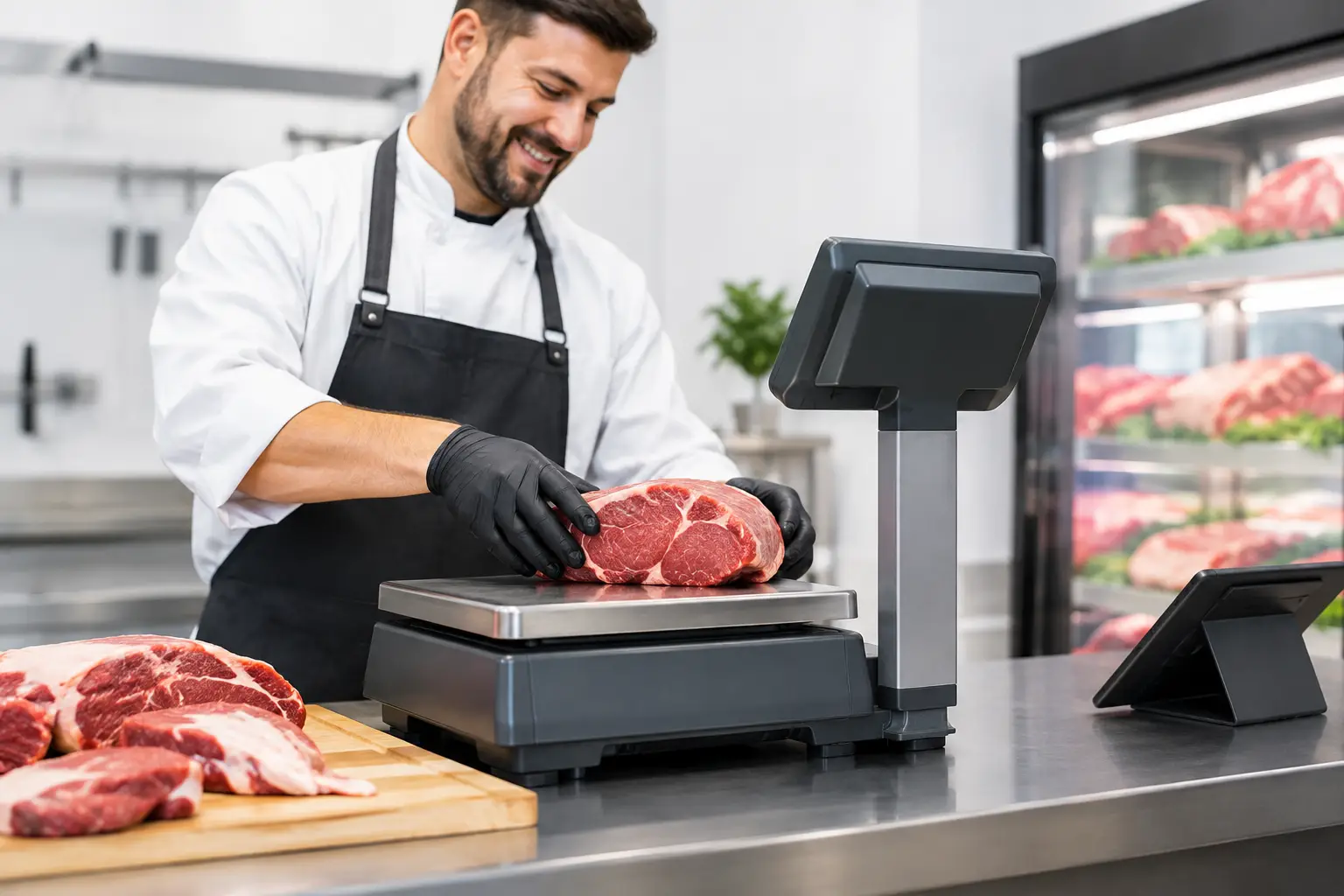
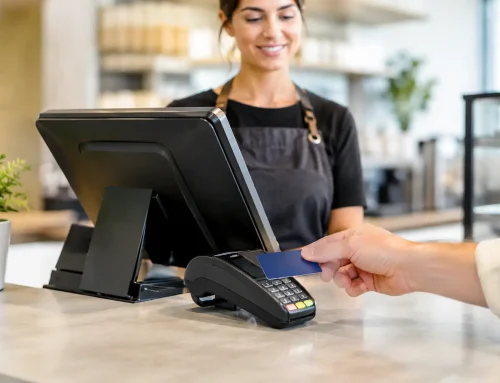
A busy butcher counter can lose time in small, costly ways: staff rekeying weights at the register, incorrect product prices, labels that do not match the sale, and queues building while someone checks a code. Butcher scale integration brings the scale, label printer and point-of-sale system together so weight-based sales move accurately from counter to checkout.
For independent butchers, delis, seafood retailers and fresh-food departments, this is not technology for technology’s sake. It is a practical way to reduce handling errors, keep prices consistent and make service easier during the busiest parts of the day.
What butcher scale integration actually does
An integrated butcher scale records the product weight, applies the correct price per kilogram and sends the sale information where it needs to go. Depending on the setup, that may mean printing a compliant label at the counter, transferring product and weight details to the POS, or both.
The exact workflow varies. In a full-service butcher shop, an attendant may weigh and label each order before it reaches the register. In a deli with a central checkout, staff may use barcoded labels that are scanned at POS. In a supermarket-style setup, scales and POS terminals can share product data so pricing stays aligned across departments.
The goal is straightforward: enter and maintain product information once, then use it reliably at every point where product is weighed, labelled or sold. This avoids the familiar problem of a price being updated on the POS but not on the scale, or a staff member selecting a similar item by mistake.
Why connected scales make a difference at the counter
The immediate benefit is speed, but accuracy is often where the value shows up most clearly. A connected system calculates the sale from the measured weight and programmed price, rather than relying on mental calculations or manual entry. That reduces avoidable discrepancies at the register and gives staff more confidence when serving customers.
It also supports clearer product identification. A well-configured label can include the item name, weight, unit price, total price, barcode and other required information. For prepared foods or packaged meat, the system may also be configured to include packed-on dates, use-by information, ingredients or batch details where required by the business’s process.
Stock and reporting can improve as well, although this depends on the POS software and how the system is configured. When weight-based transactions are recorded correctly, owners have a better view of which products are selling, which lines need attention and how pricing changes are affecting turnover. It is useful information, but only when product data is clean and staff follow the agreed workflow.
Faster service without losing the personal touch
Customers at a butcher counter still value knowledgeable service. Integration should support that, not turn staff into screen operators. The best setups use logical product keys, clear item descriptions and a screen layout that reflects the way staff work.
For example, popular mince, sausages and chicken lines should be easy to find, while less common products can be organised into sensible categories. A scale that is technically capable but difficult to operate will slow the team down. The right configuration matters as much as the hardware.
Start with the workflow, not the equipment list
Before selecting scales or software, map the journey of a typical product. Consider where it is weighed, whether it is pre-packed or sold to order, who applies labels, where payment happens and how prices are changed. This identifies the points where systems need to exchange information.
A small specialty butcher may only need one trade-approved label scale connected to a single POS terminal. A larger operation may need several counter scales, a back-of-house labelling station, separate prep and retail product lists, and network access across multiple terminals. Neither approach is automatically better. The right choice depends on volume, layout, staff numbers and the level of reporting required.
It is also worth deciding who will own routine product maintenance. Someone needs to be responsible for new product codes, price updates, label formats and seasonal items. Integration reduces duplicate work, but it does not remove the need for accurate data management.
Trade approval and verification cannot be an afterthought
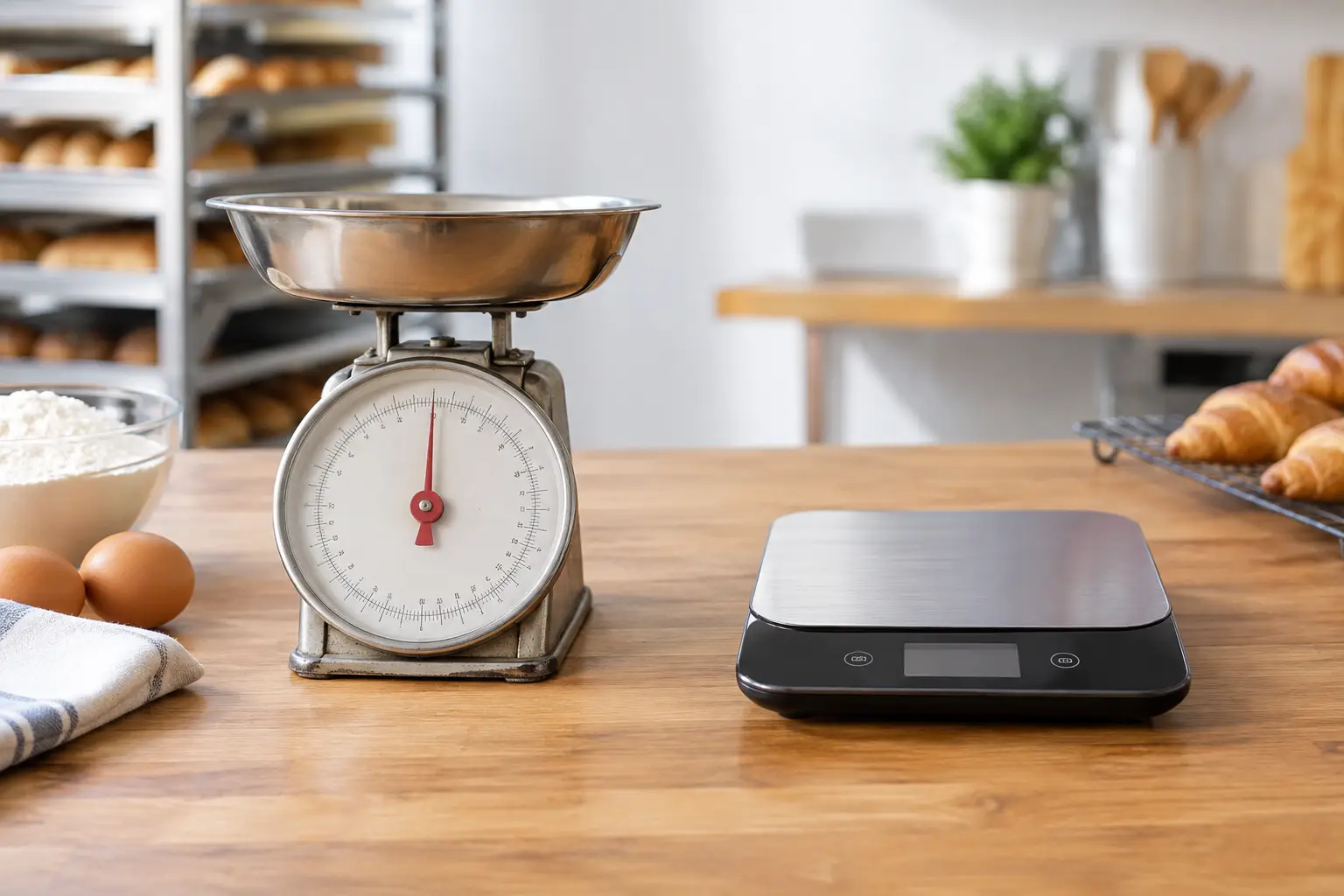
If customers are charged by weight, the scale must be suitable for trade use and verified in line with Australian measurement requirements. A domestic kitchen scale or an unverified device is not appropriate for retail transactions sold by weight.
Trade-approved equipment is designed for commercial weighing and displays the information needed for customer transactions. Verification confirms the instrument is accurate and suitable for its intended use. This is particularly important when installing new equipment, moving a scale, completing certain repairs or making changes that may affect measurement performance.
Integration does not replace compliance. A perfectly connected POS system cannot compensate for a scale that is inaccurate, incorrectly installed or overdue for attention. Businesses should also keep scales clean, level and protected from conditions that can affect performance, such as unstable benches, moisture or heavy vibration.
Calibration, servicing and repairs protect uptime
Fresh-food retail does not have much tolerance for equipment downtime. If the counter scale fails on a Saturday morning, staff may be forced into manual workarounds just when customer demand is highest.
Regular servicing helps identify worn printer parts, label-feed issues, display faults, damaged cables and network problems before they become a full stoppage. A local provider that can assess the scale, POS connection and label output together is valuable because the fault may not sit with one device alone. It could be a network setting, a product database issue, a printer configuration or a physical scale fault.
For Southeast Queensland businesses, EBE can assist with selecting trade-approved weighing equipment, installation, scale verification, system configuration, repairs and ongoing support. Having one experienced team responsible for the connected setup can make fault finding much quicker when the counter is under pressure.
Key integration decisions to get right
Compatibility should be confirmed before equipment is purchased. Not every scale communicates with every POS platform, and features can differ even where a connection is technically possible. Ask whether the system supports the required label format, product database size, barcode type, network method and reporting functions.
Consider the physical counter environment too. A compact deli counter has different needs from a high-volume butcher shop with wet areas, heavy product handling and frequent cleaning. Bench space, power access, cable routing, printer placement and screen visibility all affect day-to-day use.
Training should be part of the rollout, not a handover afterthought. Staff need to know how to select products, correct an error, replace labels, respond to printer warnings and recognise when a scale needs service. Managers should know how to check prices and update items without creating mismatches across the system.
Finally, plan for interruptions. A reliable system should have a clear process for network outages, power loss and equipment faults. That might include a documented manual-sales procedure, accessible support contact details and scheduled checks before major trading periods. The aim is not to expect failure, but to make sure a minor fault does not become a lost day of trade.
A practical rollout approach
A staged installation is often the least disruptive option. Product data and pricing can be reviewed before the equipment goes live, then the scale, labels and POS transactions can be tested using real examples from the shop. Test standard products, variable-weight items, specials, discounts, voids and reprints rather than assuming a basic sale proves everything is working.
After go-live, review the first few days of trade with the staff using the system. They will quickly identify whether a common product needs a better screen position, a label needs clearer wording or a process needs adjusting. Small refinements early can save considerable frustration later.
The best butcher scale integration is the one your team barely has to think about during service. When prices match, labels scan, weights are accurate and support is available when needed, staff can focus on the customer across the counter.






Leave A Comment
You must be logged in to post a comment.