
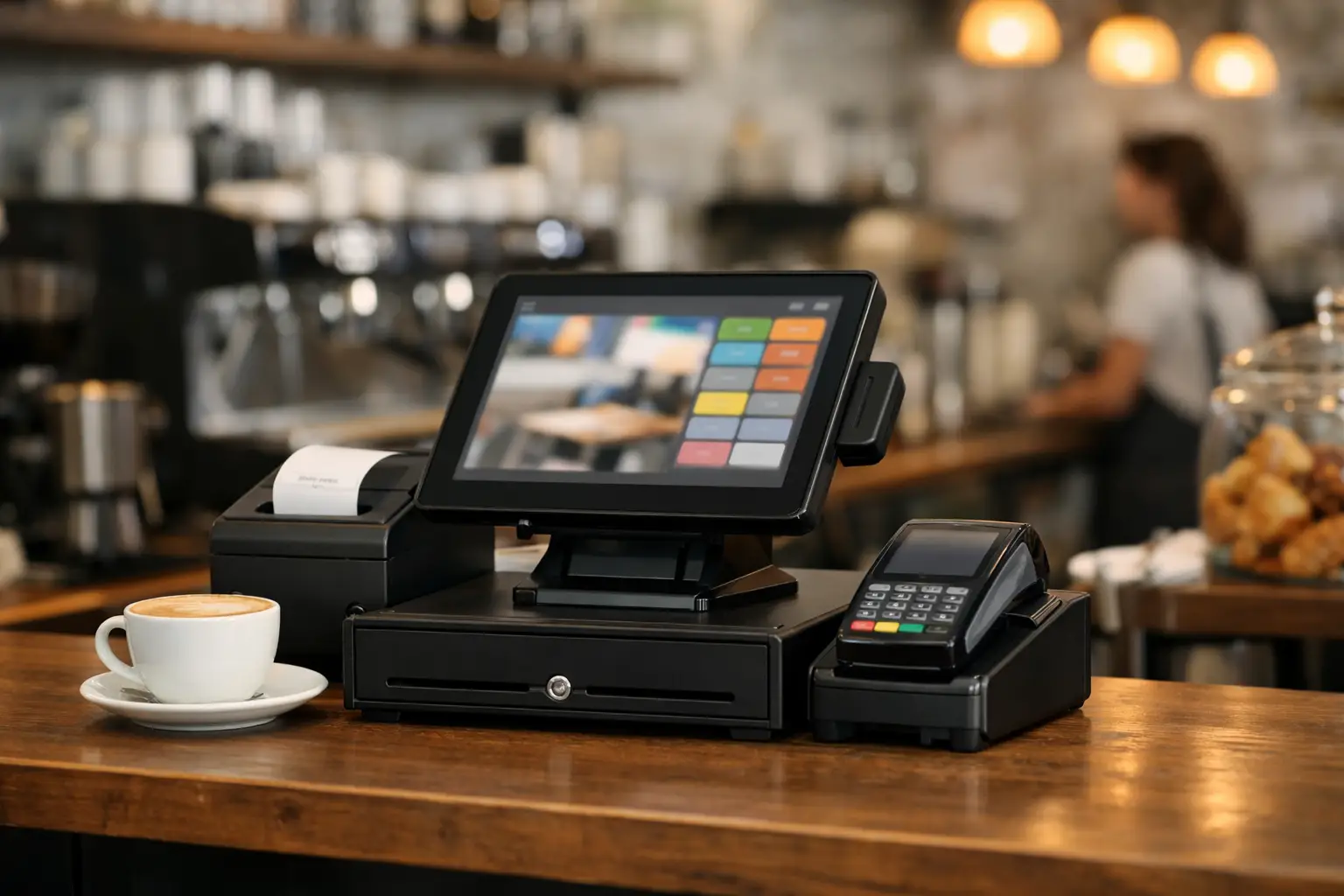
The morning rush exposes every weak point at the counter. A customer wants an oat flat white, another is splitting a bill, the kitchen needs a toastie order, and a staff member is looking for the right button on the screen. The best cash register for cafes is the one that keeps these moments moving without creating more work behind the counter.
For most Australian cafes, that means looking beyond a basic cash drawer and receipt printer. A modern point-of-sale system should help staff take payments quickly, send orders accurately, manage menu changes and give owners a clear picture of daily trade. Just as importantly, it needs to be reliable when the queue is out the door.
What makes the best cash register for cafes?
There is no single model that suits every venue. A small takeaway coffee window has different needs from a busy brunch cafe with table service, modifiers, a kitchen pass and hundreds of menu combinations. The right choice starts with your actual workflow, not a long list of features you may never use.
At a minimum, a cafe register should process card, mobile and cash payments quickly, print or display receipts when needed, and give staff an easy way to find products. In practice, the system also needs to handle the details that slow service down: alternative milks, extra shots, dine-in and takeaway pricing, table numbers, split payments, refunds and sold-out items.
A fast, clear touchscreen is usually more valuable than a system with countless complicated functions. During peak trade, staff should be able to enter a common coffee order with a few taps, not search through multiple menus. Product buttons should be laid out to match the way your team takes orders, with best sellers easy to reach and modifiers logically grouped.
Think of the register as a connected system
A cash register is rarely just one piece of hardware now. It commonly includes a touchscreen terminal, cash drawer, receipt printer, EFTPOS terminal and customer display. Depending on the cafe, it may also connect to a kitchen printer or kitchen display screen, barcode scanner, scales, online ordering platform and back-office reporting.
That connection matters. If a counter order has to be written down and carried to the kitchen, mistakes become more likely. If the EFTPOS terminal is separate and staff need to manually enter the amount, service takes longer and keying errors can occur. A properly configured POS system reduces these handovers.
The best setup is not necessarily the biggest setup. A compact counter with one ordering point may only need a reliable terminal, integrated payments, receipt printer and cash drawer. A larger venue may need several terminals, a separate collection point, kitchen printers in different stations and table-service capability. The equipment should fit the bench space, customer flow and staff movements in your venue.
Start with the way your cafe trades
Before comparing brands or software plans, walk through a busy 15 minutes in your cafe. Watch where orders bottleneck, how payments are taken and when staff have to leave the counter to clarify an order. These are the problems your new system should solve.
Counter-service cafes generally benefit from a simple product layout, quick payment integration and an order display that is easy for the barista to read. If customers order food and drinks together, the system should route each part of the order to the correct preparation area automatically.
Table-service cafes need more control. Table maps, seat positions, course timing, account transfers and split bills can make a real difference to service quality. The POS should let staff add notes or dietary requirements clearly, then ensure the kitchen receives them without ambiguity.
For cafes with a cabinet display, retail products or takeaway food, barcode scanning and stock control may be useful. If you sell beans, bottled drinks, packaged food or merchandise, you will want product reporting that separates those sales from coffee and kitchen revenue. This helps identify what is selling, what is sitting too long and where margins may need attention.
Payments must be quick and dependable
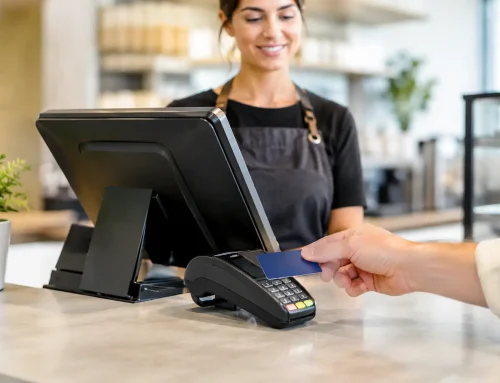
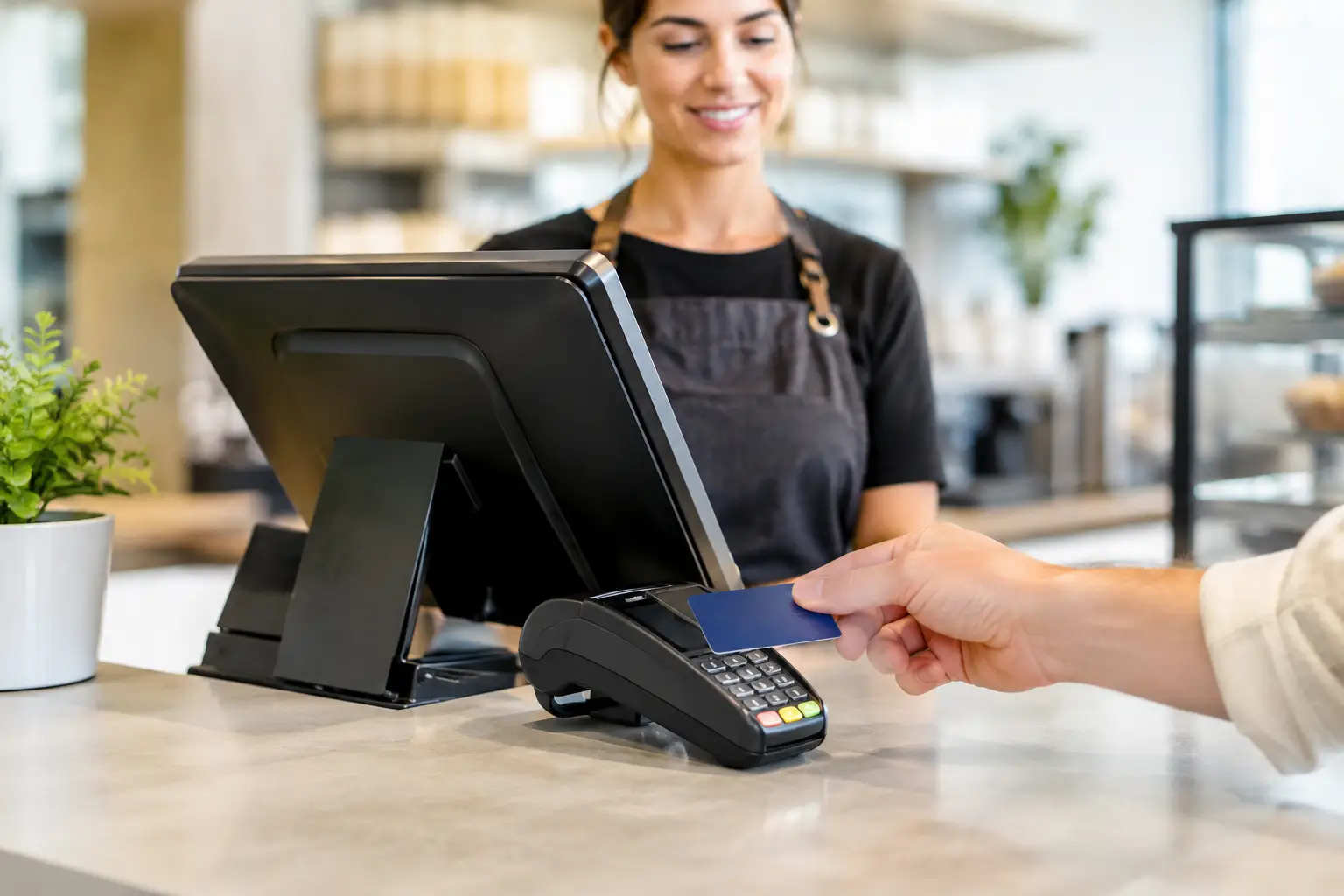
Australians expect to tap and go. Your cafe POS should work cleanly with EFTPOS and support contactless cards, mobile wallets and, where relevant, payment links or QR ordering. The payment experience should be straightforward for customers and staff alike.
Integration between the register and payment terminal is worth considering carefully. When the sale total is sent directly to the EFTPOS terminal, there is less chance of entering the wrong amount. It also makes end-of-day reconciliation easier because payment records are aligned with sales data.
Check how the system handles surcharging, refunds and split payments before committing. These functions sound minor until a busy staff member has to process them while three customers are waiting. Ask to see them demonstrated using the kinds of transactions your cafe sees every day.
Internet reliability also deserves attention. Cloud-based systems offer useful reporting and remote access, but cafes still need a plan for an internet interruption. Confirm what functions continue offline, how payments are handled and how transactions sync once the connection returns. A lower monthly software cost is not much help if the system cannot support your business during an outage.
Kitchen flow is where a POS proves its value
A register can look impressive at the counter and still cause chaos in the kitchen. The key question is whether orders arrive in the right place, with the right information, at the right time.
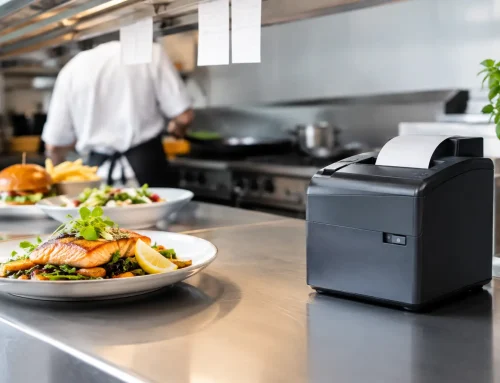
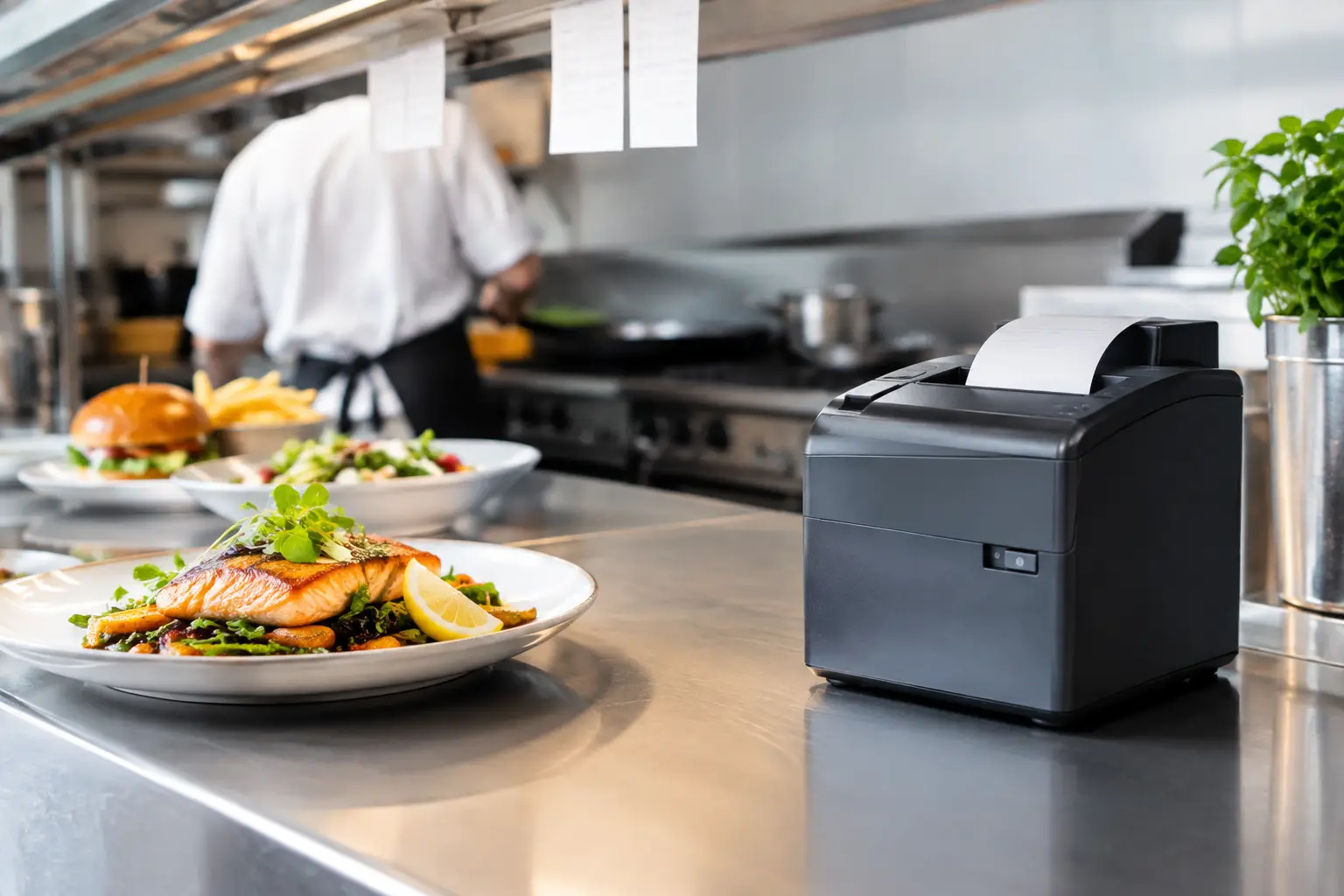
A small cafe may use a receipt printer at the coffee station and another in the kitchen. A larger operation may prefer kitchen display screens that show open orders, preparation times and completed items. Neither approach is automatically better. Printed dockets are familiar and dependable, while screens can reduce paper use and make it easier to track order status.
What matters is clear routing. Coffee orders should not disappear into the kitchen, and food orders should not rely on baristas calling them across the room. Menu items, modifiers and special instructions need to be configured properly from the beginning. This is where careful installation and staff training often make a greater difference than the brand name on the terminal.
Do not overlook hardware quality and support
Cafe equipment works hard. Touchscreens collect dust and moisture, receipt printers run through rolls quickly, cash drawers are opened hundreds of times a day, and cables can be knocked loose during a busy shift. Commercial-grade hardware is built for this environment, but it still needs practical placement, regular cleaning and prompt repairs when something fails.
Choose equipment with parts and consumables that are readily available. There is little value in saving on a printer if a simple paper-feed issue leaves you waiting days for support. The same applies to cash drawers, power supplies, printers and payment peripherals.
Local support is particularly useful when a fault happens before a weekend or public holiday rush. You should know who will install the system, load your menu, connect your devices, train the team and assist if something stops working. For cafes across Southeast Queensland, EBE provides this type of hands-on support, from selecting and configuring POS equipment through to repairs and ongoing technical assistance.
If you sell by weight, compliance matters
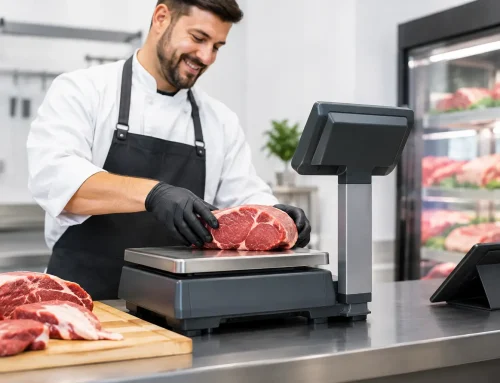
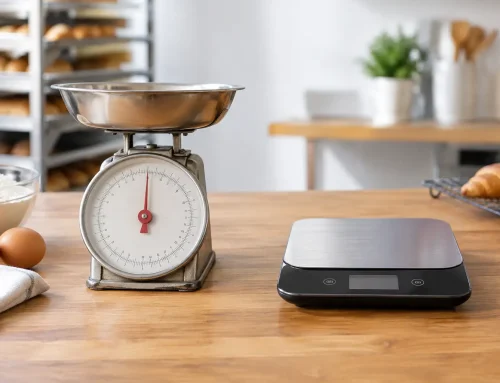
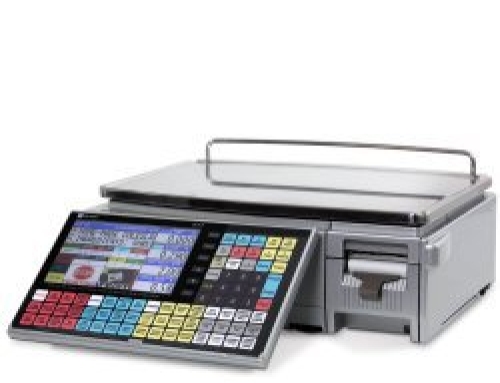
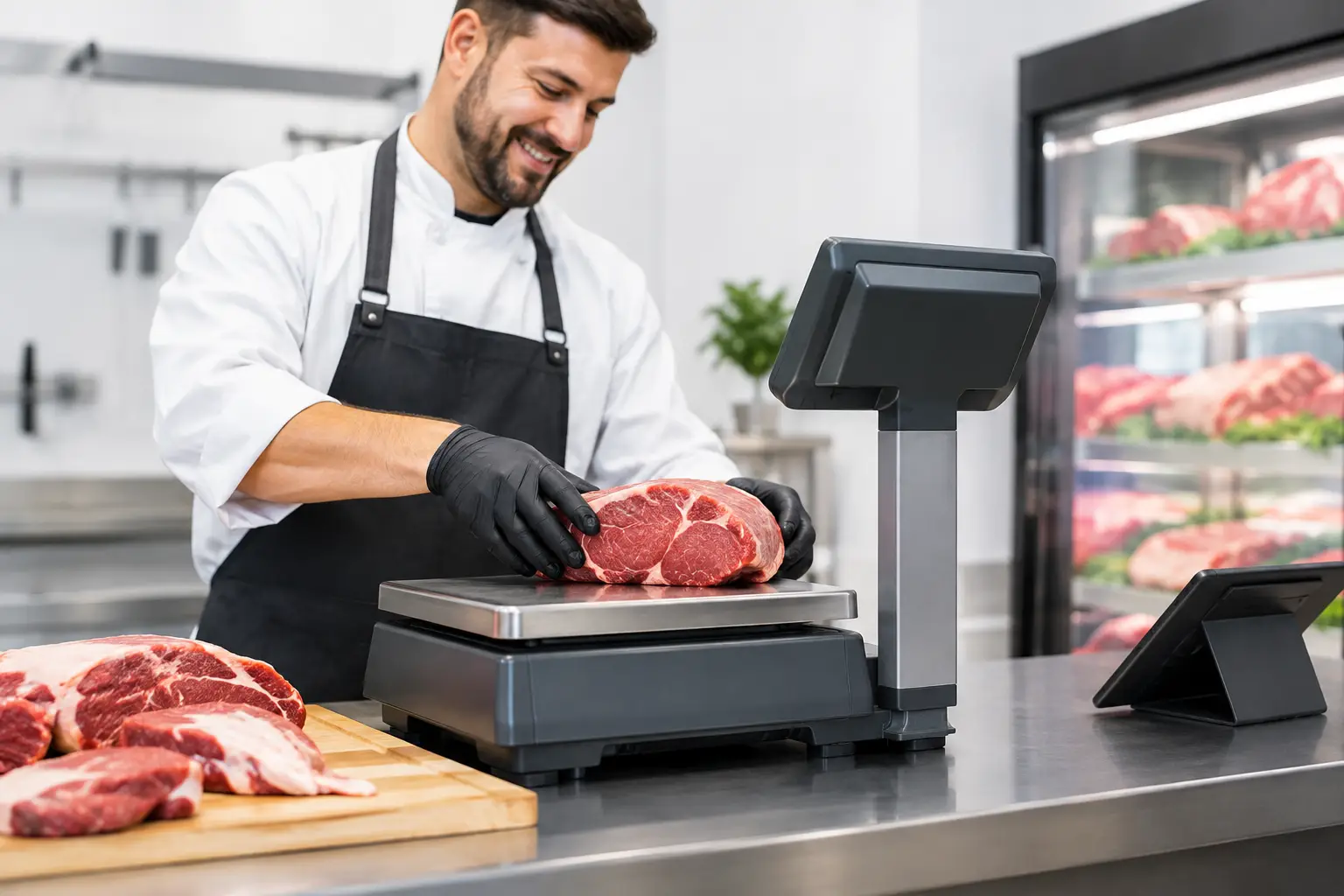
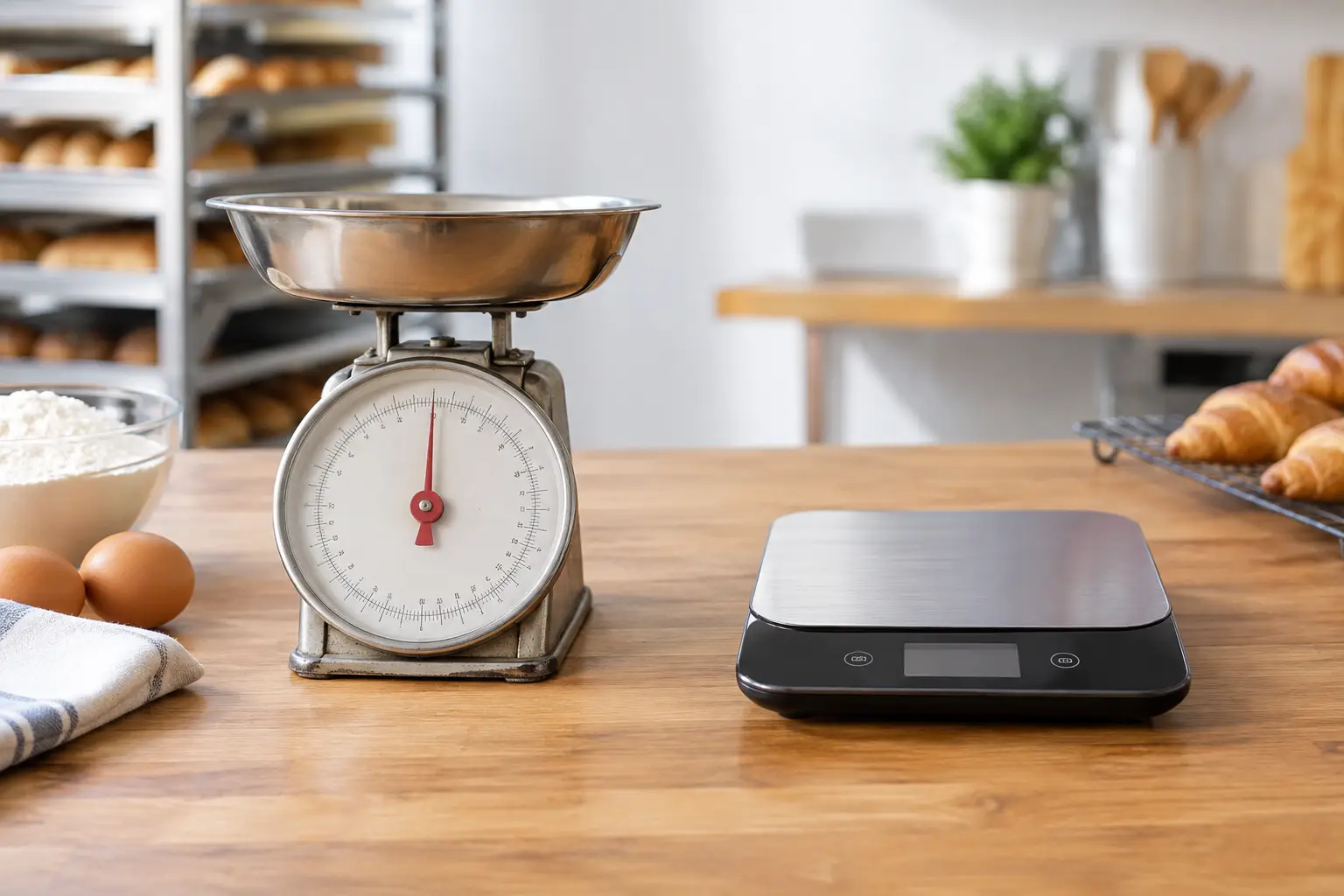
Some cafes sell coffee beans, loose tea, chocolates or other products by weight. If the price charged is based on a measured weight, the scale used for trade must be approved, verified and suitable for the application. A household kitchen scale is not a substitute for trade-approved weighing equipment.
Your scale may also need to integrate with the POS so weights and prices are transferred accurately. This can speed up service and reduce manual entry, but compatibility should be confirmed before purchase. Calibration, verification and ongoing servicing are part of keeping this side of the operation compliant and dependable.
Questions to ask before you buy
A supplier should be able to answer practical questions in plain language. Ask whether the system supports your preferred payment provider, whether it can operate during a connection outage, and how it sends orders to the barista and kitchen. Ask what happens if a printer fails, how menu changes are made, and whether your staff will receive training before going live.
Also ask for the full cost over time. This includes hardware, installation, software subscriptions, payment charges, replacement consumables and support arrangements. The cheapest upfront option can become expensive if it creates slower service, unreliable equipment or separate systems that do not communicate.
A good supplier will take the time to understand your menu, trade volume, counter layout and future plans. If you expect to add online ordering, another location, table service or retail products, choose a platform that can grow without forcing a complete replacement too soon.
The right register should feel almost invisible during service: orders are clear, payments are fast, staff are confident and owners can see what happened after the doors close. That is the standard worth aiming for when choosing a system your cafe will depend on every day.






Leave A Comment
You must be logged in to post a comment.