
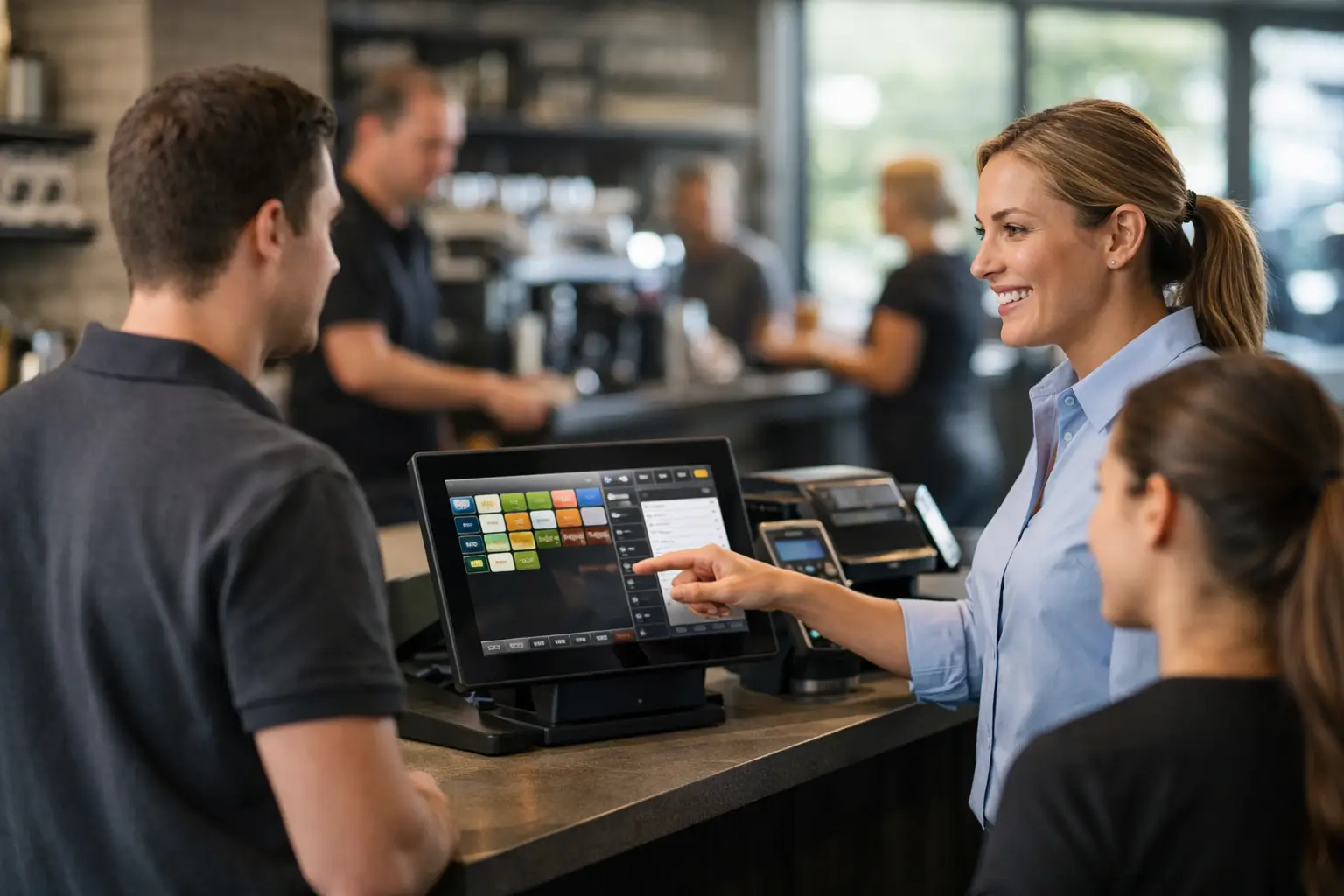
The busiest part of a trading day is the worst time for staff to be guessing at the POS screen. Effective SwiftPOS training gives your team a clear, repeatable way to take payments, manage orders, correct mistakes and keep customers moving. For a café during the morning rush or a retailer on a Saturday, that confidence protects both service speed and revenue.
Training is not simply a handover after installation. It is part of making sure the system suits the way your business actually operates. The right approach starts with your menu, products, staff roles, payment methods and reporting needs, then teaches people the tasks they will need to perform under real trading conditions.
Why SwiftPOS training matters at the counter
A POS system can be configured correctly and still cause problems if staff only know the basics. Someone who can process a standard sale but cannot split a payment, find a held order, reprint a receipt or correct an item is likely to call a manager when the queue is building.
Those interruptions add up. They slow service, make errors harder to trace and can leave customers with the impression that the business is disorganised. In hospitality, an incorrect modifier or table assignment can affect the kitchen as well as the customer. In retail, a poorly handled refund or price change can create stock and cash-up discrepancies later in the day.
Good training helps prevent those issues by showing staff what to do, why the process matters and when they should escalate a problem. It also gives managers a better understanding of the controls behind the counter, rather than leaving them dependent on one experienced employee.
Start with the workflows your staff use every day
The most useful SwiftPOS training is practical and specific to the venue. A takeaway shop needs quick ordering, modifiers, payment handling and dockets to work reliably. A restaurant may need table management, split bills, transfers between tables and clear communication with the kitchen. A retailer may place greater emphasis on product lookup, barcode scanning, customer accounts, returns and stock-related processes.
Before training begins, it helps to identify the moments that cause the most pressure. These are often the morning rush, lunch service, a busy weekend, shift change or end-of-day cash-up. Training should reflect those realities instead of relying only on quiet, simple transactions.
Staff should be comfortable with the standard sale first. From there, they can learn the exceptions that create delays when they are not understood: voiding an item, applying an approved discount, splitting tender, holding and recalling a sale, processing a refund and printing another receipt. The exact permissions should match each role. Not every team member needs access to every function, and sensible access controls can reduce avoidable errors.
Train on the equipment, not just the software
SwiftPOS is only one part of the counter setup. Staff also need to understand how the terminal, receipt printer, cash drawer, barcode scanner, EFTPOS integration and, where relevant, kitchen printer or display work together.
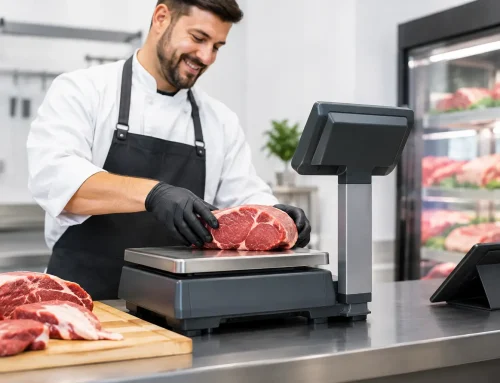
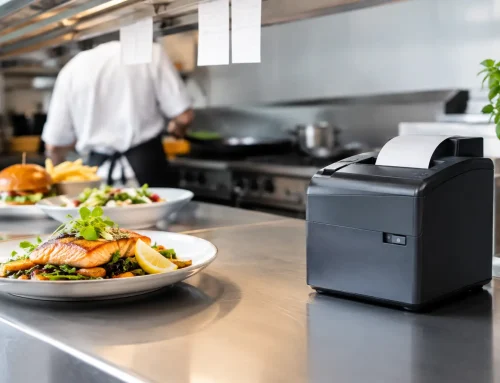
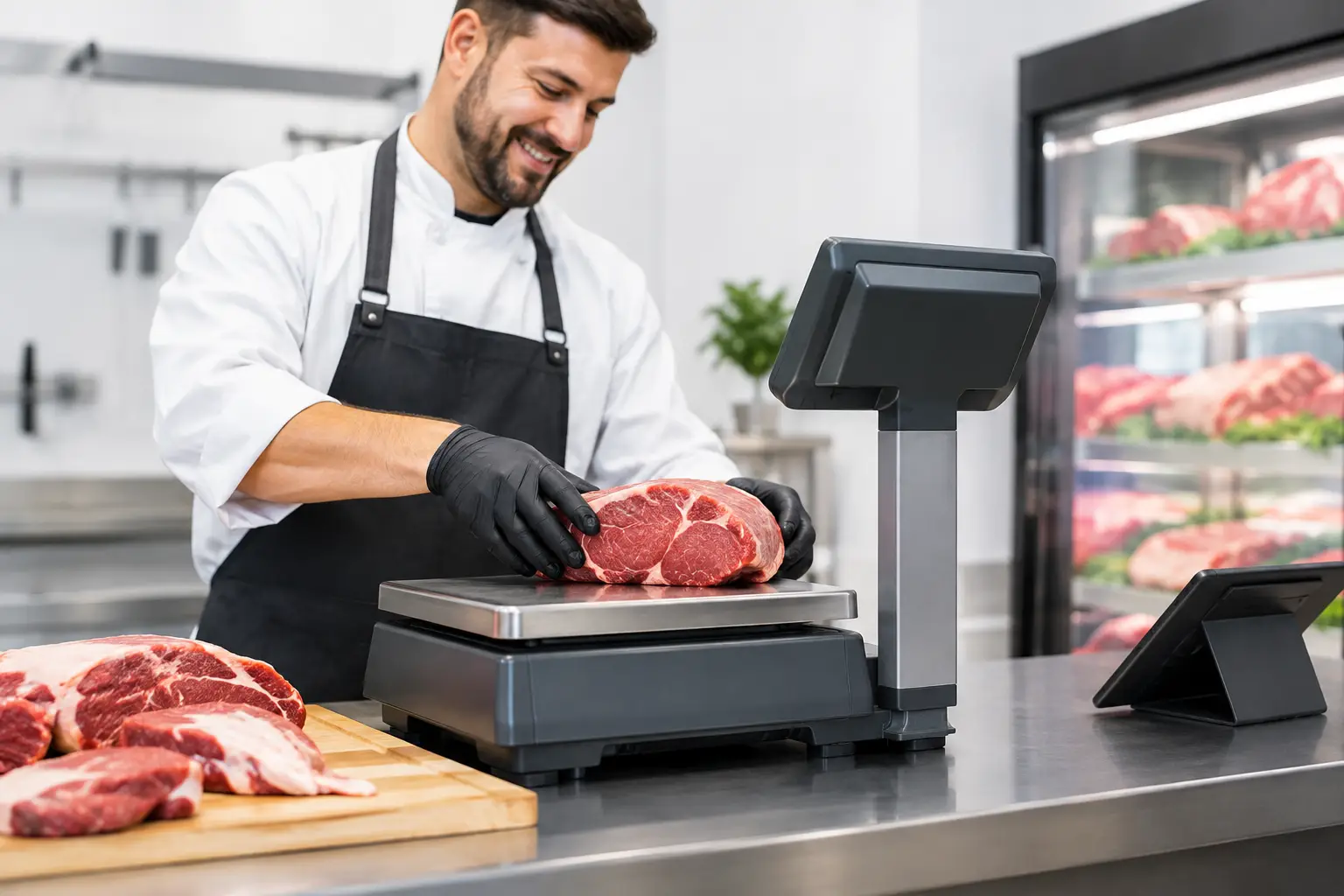
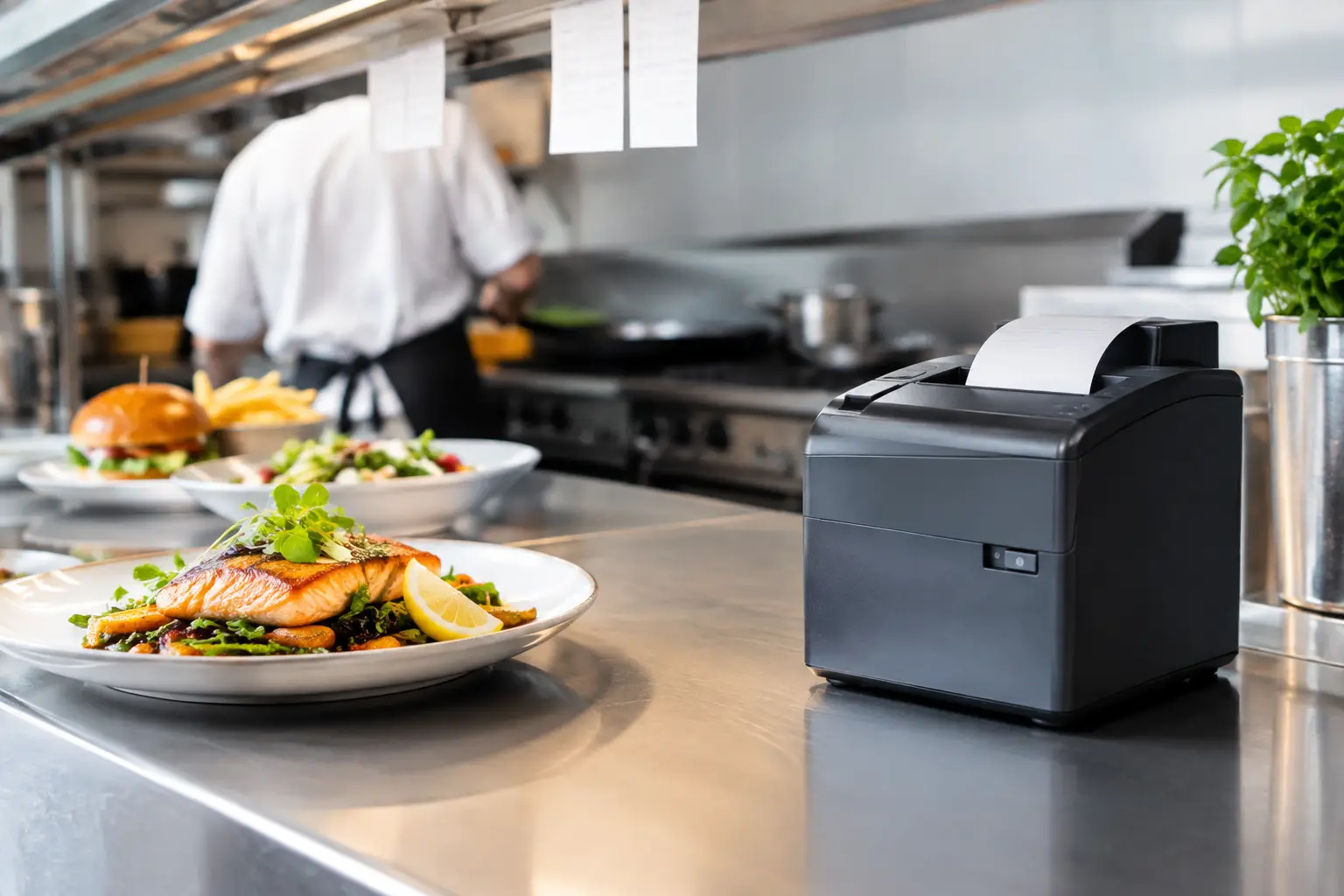
A simple issue such as a printer running out of paper can become a service problem if nobody knows how to replace the roll correctly, check the lid is closed or direct a docket to the right printer. Likewise, a scale connected to a POS setup needs to be used correctly so weighed products are sold accurately. Where trade-approved weighing equipment is involved, businesses also need to maintain their equipment and verification requirements.
This does not mean every staff member has to become a technician. It means they should know the basic checks they can perform safely, and when to stop and ask for support. That distinction saves time and reduces the risk of well-meaning staff changing settings they should not touch.
SwiftPOS training for managers and supervisors
Managers need more than transaction training. They are usually responsible for setting up products, checking reports, investigating variances and making sure the system remains accurate as the business changes.
Manager training should cover the processes behind reliable daily operation. This may include opening and closing procedures, cash drawer balancing, reviewing sales reports, checking staff activity, updating prices and managing approved discounts. In food service, it can also involve maintaining menu items, modifiers and printer routing. In retail, the focus may be on product records, barcodes, promotions and customer information.
The level of access matters here. Giving everyone administrator permissions can seem convenient, but it can create problems when settings are changed without a clear record or understanding of the impact. A better approach is to decide who is authorised to make changes, who can approve refunds or discounts, and who should contact support when something is outside normal operation.
Managers should also understand that reports are only useful when the data going in is consistent. If staff use the wrong sale buttons, skip customer details where they are required or process corrections inconsistently, the figures may not tell the full story. Training creates discipline at the counter, which improves the quality of the information used to run the business.
Build training around real scenarios
The quickest way to find out whether training has worked is to practise realistic situations. Rather than asking a new employee to process five identical sales, ask them to handle a customer with two payment methods, a returned item, a change to an order and a request for a receipt copy.
For hospitality teams, useful scenarios include moving a table, splitting a bill by item, adding a late modifier and dealing with a docket that did not print as expected. For retail teams, practise a barcode that will not scan, a price query, a lay-by or account sale if used by the business, and an approved refund. These are the situations that can expose gaps in knowledge during a busy shift.
It is also worth running through what happens when the normal process is interrupted. Internet or EFTPOS issues, a printer fault, a frozen terminal or an incorrect order all require a calm response. Staff do not need a complicated technical explanation, but they should know the immediate steps, the fallback process approved by the business and the contact point for help.
Make refresher training part of normal operations
One training session is rarely enough, particularly in businesses with casual staff, seasonal trade or frequent menu and product changes. Knowledge fades when a function is only used occasionally. New team members can also pick up shortcuts from colleagues, some helpful and some not.
Short refreshers are usually more effective than waiting for a major issue. A five or ten-minute session before a shift can cover one task that has been causing confusion, such as correct refund handling or end-of-day procedures. Keep a simple written procedure near the terminal for essential steps, but make sure it reflects the current system setup.
Refresher training is especially worthwhile after software updates, new equipment installation, changes to payment processes or alterations to menus and product ranges. If a business adds online ordering, new printers, a new scale or another register, staff need to understand how that change affects their existing workflow.
When tailored local support makes the difference
Generic online instructions can be useful for a quick reminder, but they cannot account for your exact setup, permissions, products, printers and daily processes. That is where hands-on training and local technical support can make a real difference. A trainer can see how your counter operates, answer questions in plain language and address the issues staff are actually facing.
Electronic Business Equipment supports businesses across Southeast Queensland with POS supply, installation, configuration, training and ongoing technical assistance. The goal is not to make a system look impressive on day one. It is to help staff use it accurately and confidently when the venue is busy and downtime is not an option.
A well-trained team will still need support from time to time. Hardware wears, settings change and businesses grow. What matters is having clear processes at the counter and a reliable place to turn when an issue needs more than a quick check. Give your staff the practice they need before the rush, and the POS system can do the job it was installed to do: keep the business serving customers.











Leave A Comment
You must be logged in to post a comment.