
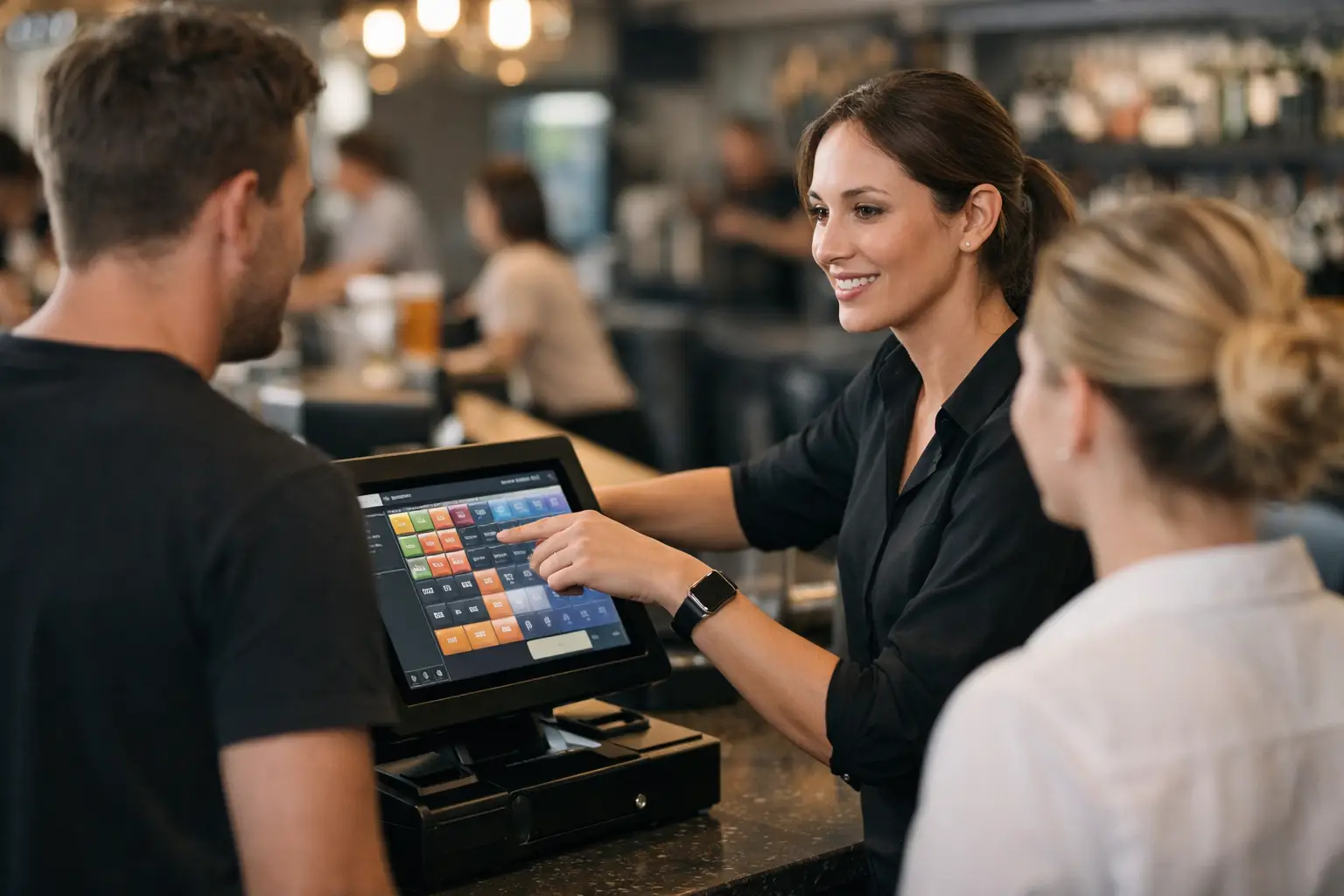
A POS rollout can look fine on install day and still cause headaches a week later. The usual reason is not the software itself. It is the gap between what the system can do and what staff actually know how to do under pressure. That is why a proper SwiftPOS training review matters, especially for cafés, restaurants, clubs, takeaway shops and retail businesses that cannot afford delays at the counter.
SwiftPOS is widely used because it can handle a lot. Sales, menu changes, table service, stock control, promotions, reporting and integrations can all sit in one environment. That flexibility is useful, but it also means training quality has a direct effect on day-to-day performance. If training is too broad, too rushed or too generic, staff fall back to workarounds. That usually shows up as slower service, reporting errors and more support calls than there should be.
What a SwiftPOS training review should actually assess
When business owners hear the word review, they often expect a score out of ten. That is not especially helpful. A worthwhile SwiftPOS training review should look at whether the training matched the venue, the team and the pace of trade.
For a small takeaway, the focus might be fast order entry, modifiers, split payments, refunds and end-of-day procedures. For a larger hospitality site, training may also need to cover table layouts, tabs, staff permissions, kitchen printing, stock items and reporting by area. The system may be the same, but the training requirement is not.
That is the first trade-off to keep in mind. Standard training is often cheaper and quicker to book, but customised training is usually far more effective. If your workflows are even slightly unusual, generic instruction tends to leave gaps.
A good review should ask practical questions. Could a new staff member process a typical sale without hesitation? Could a supervisor correct a pricing issue, run a report and manage a refund without calling support? Could the team get through a busy period without skipping steps? Those are better indicators than whether they attended a session and signed off on it.
Where SwiftPOS training tends to work well
In the right setting, SwiftPOS training can be very effective. The software is built for operational use, so once staff understand the screen flow and the logic behind buttons, many routine tasks become straightforward. This is particularly true when training is delivered on the live setup the business will actually use, not a vague demo environment that looks different from the final system.
Hands-on training is where most venues get the best value. Staff learn faster when they are entering real menu items, using the correct printers, selecting the right payment types and working through the exact exceptions they are likely to face. Hospitality teams usually respond well to scenario-based training because it mirrors service conditions. Retail teams often benefit from repetition around discounts, returns, stock lookups and customer account functions.
Another strength is that SwiftPOS can be taught in layers. Front-of-house staff do not need the same level of detail as managers. A sensible training plan separates basic transaction tasks from administrative tasks, which makes the first session less overwhelming.
Common weaknesses in SwiftPOS training
The biggest issue is compression. Too much information is often crammed into one sitting, usually just before go-live, when the business is already juggling setup, stock entry, rostering and last-minute changes. Staff may appear to follow along in the session, but retention drops quickly if they are not using the system straight away.
Another common weakness is assuming one confident team member will train everyone else. That can work in a stable business with low staff turnover. In hospitality, it is riskier. If that person leaves, takes time off or develops their own shortcuts, inconsistency creeps in fast.
There is also the problem of role mismatch. Managers are sometimes trained on functions they rarely use, while casual counter staff are left underprepared for the tasks they perform all day. That is not a software fault. It is a training design issue.
Support after the initial session matters as well. Even good training will not cover every real-world situation. The first refund dispute, split bill, stock discrepancy or printer issue often happens once the trainer has gone. Without follow-up support, businesses can end up feeling that the training was thinner than it looked on paper.
SwiftPOS training review for hospitality operators
Hospitality businesses usually feel training quality more sharply than other sectors because transaction speed and order accuracy affect every service period. If the setup includes modifiers, meal deals, bar tabs, table transfers or kitchen dockets, small training gaps become customer-facing problems very quickly.
For these venues, the best SwiftPOS training usually includes live service scenarios. Staff should practise opening tables, moving items, splitting bills, applying discounts correctly and finalising payments in the order they happen during trade. If the training only covers ideal transactions, it is incomplete.
Managers also need separate time on reports, user permissions, item changes and troubleshooting basics. There is no value in giving a duty manager full responsibility for the floor if they cannot fix a simple terminal issue or identify why orders are not printing as expected.
If you run a venue with frequent menu updates, seasonal promotions or a mix of dine-in and takeaway, ask whether training includes change management. That is often the difference between a system that stays accurate and one that drifts over time.
SwiftPOS training review for retail businesses
Retail environments tend to need less table-service complexity, but they often require more consistency around stock, pricing and customer transactions. Training should cover not only standard sales, but also exchanges, gift vouchers, lay-bys if used, customer accounts and end-of-day reconciliation.
One of the most overlooked areas is exception handling. A cashier might be comfortable with normal sales but hesitate on a partial refund, incorrect barcode or pricing discrepancy. That hesitation slows the queue and increases the chance of error. Good training builds confidence on the unusual jobs, not just the easy ones.
Retail operators should also look closely at reporting instruction. It is one thing to know that reporting exists. It is another to know which report answers which business question. If a manager cannot quickly check best sellers, staff performance or category movement, the system is underused.
What to ask before booking training
If you are assessing SwiftPOS training, the key question is not simply how long the session runs. It is what outcomes the session is supposed to produce.
Ask whether the training is tailored to your business type, whether it is delivered on your actual configuration and whether there is a clear difference between staff-level and manager-level instruction. Ask how many people can realistically be trained at once before quality drops. Ask what happens after go-live if staff need clarification. These details matter more than a polished sales pitch.
It is also worth asking who is delivering the training. A trainer with real installation and support experience usually gives stronger guidance than someone who only knows the software in theory. Businesses benefit when the trainer understands hardware, printers, network issues and how venues operate during busy periods.
That service view is often where local support partners make a noticeable difference. A business does not just need a system explained. It needs a system configured properly, taught clearly and backed up when real trading conditions expose edge cases.
The real measure of training value
The best indicator of training quality is what happens after the trainer leaves. If staff can process sales cleanly, supervisors can handle exceptions, and managers can maintain the setup without fear of breaking something, the training has done its job.
If the venue is still relying on handwritten notes beside the terminal, avoiding features it paid for, or phoning support for basic tasks every second day, the training probably missed the mark. That does not always mean it was poor. Sometimes it means the business needed staged sessions instead of one big handover. Sometimes it means the system was configured before workflows were properly mapped. It depends on the site, the team and how much change happened at once.
For Australian operators, especially those in fast-moving retail and hospitality environments, training should be treated as part of the system investment, not an optional extra. Software capability only counts when staff can use it confidently in the middle of a busy shift.
A practical SwiftPOS training review should leave you with one clear answer: can your team run the floor, the counter or the checkout without second-guessing the system? If the answer is not yet, that is not a reason to panic. It is a reason to tighten the training, match it to your workflow and make sure support is there when you need it.











Leave A Comment
You must be logged in to post a comment.