

A frozen POS during the lunch rush is not a minor inconvenience. It means queues building at the counter, staff guessing prices, docket printers sitting idle, and customers deciding they might come back another day. If you are looking at how to reduce POS downtime, the real goal is not just fixing faults faster. It is building a setup that keeps trading when things go wrong.
For most retail and hospitality businesses, downtime rarely comes from one dramatic failure. It usually starts with smaller issues that have been allowed to stack up – an ageing terminal, a printer with intermittent faults, a weak network, inconsistent staff processes, or no clear support path when the system locks up. The good news is that most of these problems are preventable with the right planning and support.
Why POS downtime happens more often than businesses expect
A point-of-sale system is not one device. It is a chain of connected parts that all need to work together: terminal, printer, scanner, EFTPOS integration, network, software, power supply, and sometimes scales, kitchen printers, tablets, or back-office devices. If one link fails, the whole transaction flow can slow down or stop.
That is why businesses often underestimate risk. The POS may have been running fine for months, so it feels stable. But if the printer is near end of life, the router has not been checked in years, and nobody has tested backups, the system is more fragile than it looks. A busy Friday night is usually when that catches up with you.
There is also a difference between occasional glitches and true downtime. A printer that drops jobs once a week might seem manageable, but those small interruptions cost staff time, create customer frustration, and often point to a larger issue. Treating these early signs seriously is one of the simplest ways to avoid a full outage later.
How to reduce POS downtime with stronger foundations
The most effective way to reduce downtime is to treat your POS setup like business-critical infrastructure, not a collection of devices purchased one at a time. That starts with choosing hardware that suits your trading environment.
A café with heat, steam and constant movement needs different equipment from a boutique retail store. A market operator needs portability and battery planning. A takeaway venue with heavy receipt printing needs a printer designed for high-volume use, not an entry-level model that struggles under pressure. When hardware is matched properly to workload, it lasts longer and fails less often.
Installation matters just as much. Many recurring faults are caused by poor cable management, unstable network layouts, overloaded power boards, or terminals positioned where staff can easily knock or spill on them. These are not glamorous details, but they make a real difference to reliability.
Software configuration also needs attention. A POS that has been patched together over time, with inconsistent settings across terminals or outdated integrations, is more likely to freeze or produce transaction errors. Standardising setup across devices makes troubleshooting faster and reduces the chance of one terminal behaving differently from the rest.
Keep hardware serviced before it fails
Reactive repairs are expensive because they happen at the worst possible time. Preventive servicing is usually cheaper, faster, and far less disruptive.
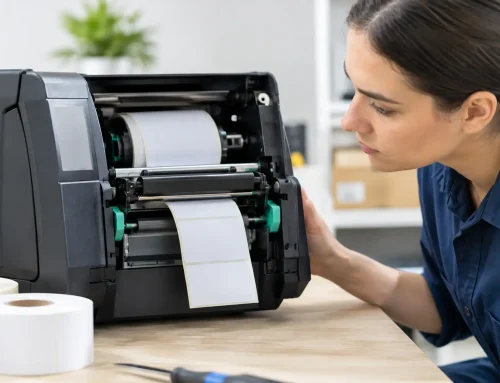
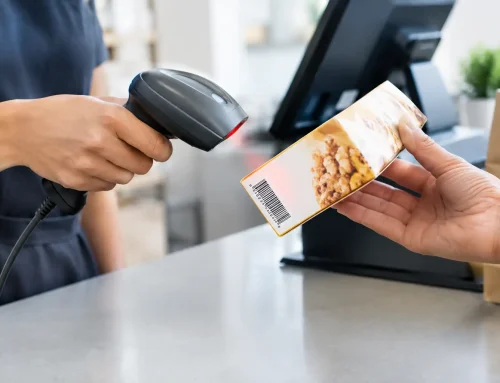
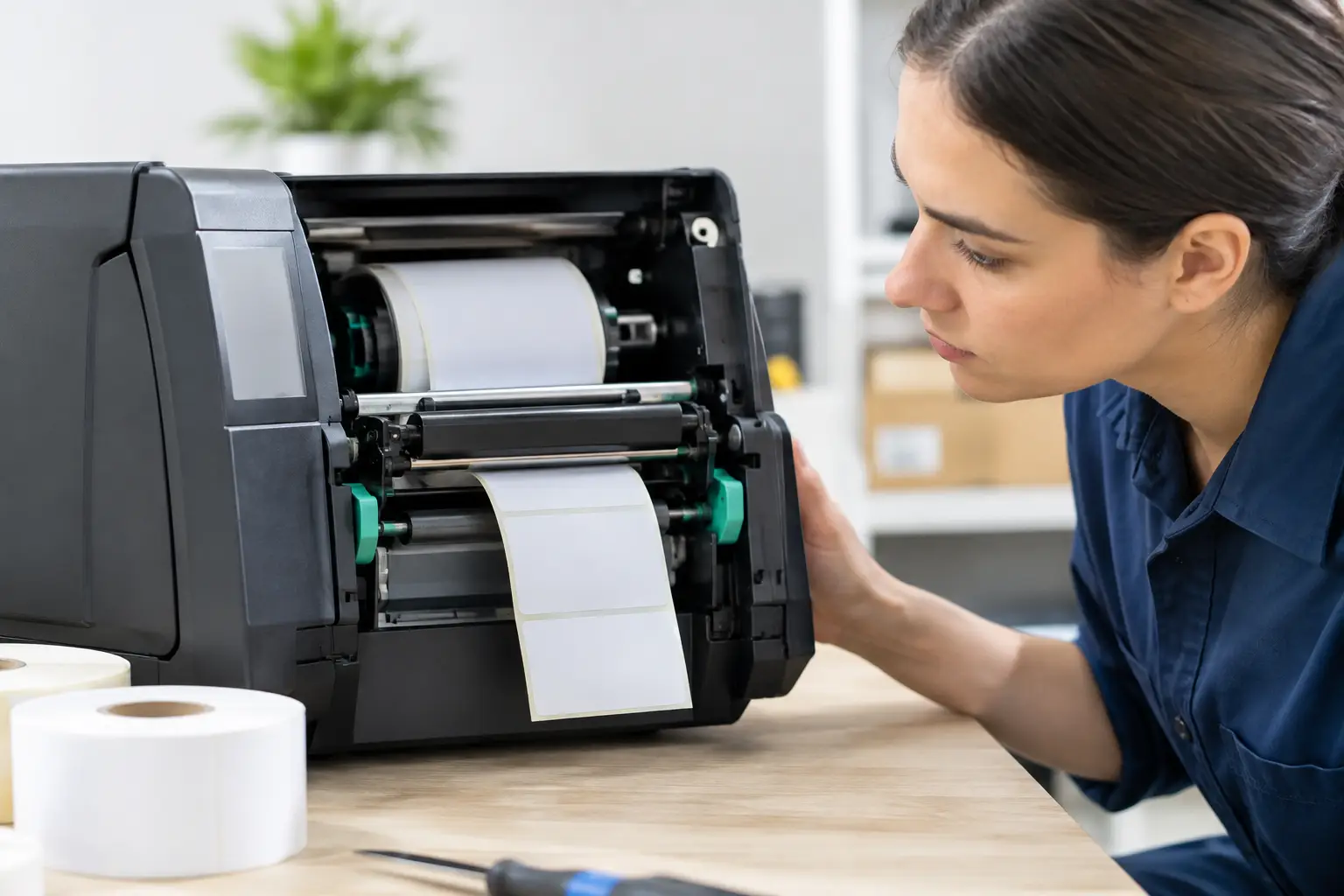
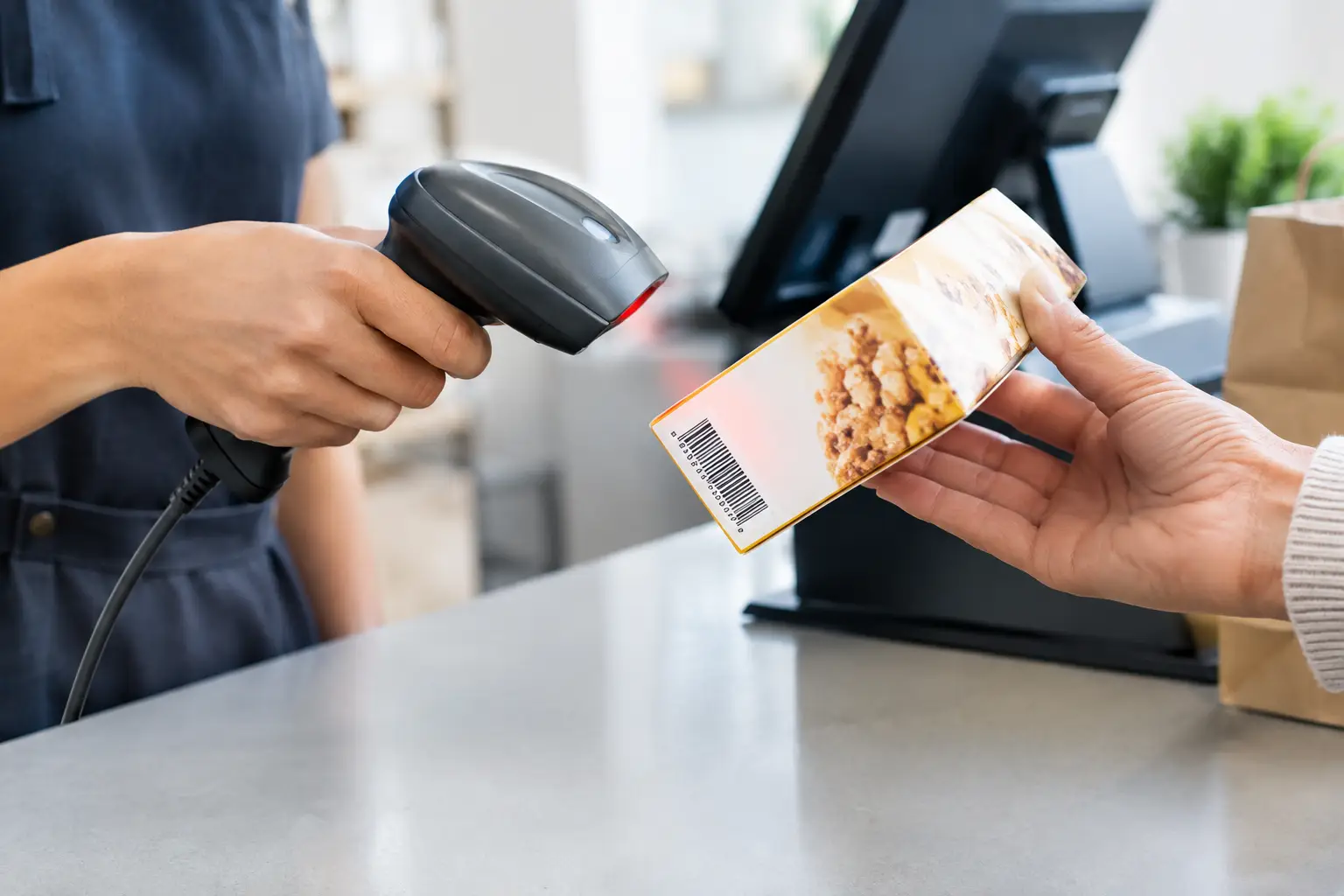
Receipt printers are a good example. They often give warning signs well before complete failure – faded print, paper feed issues, cutter jams, or connection dropouts. Barcode scanners can become unreliable after repeated knocks. Touchscreens lose responsiveness gradually. Cash drawers start sticking. If these signs are ignored, businesses end up dealing with failure during service instead of booking maintenance during quieter periods.
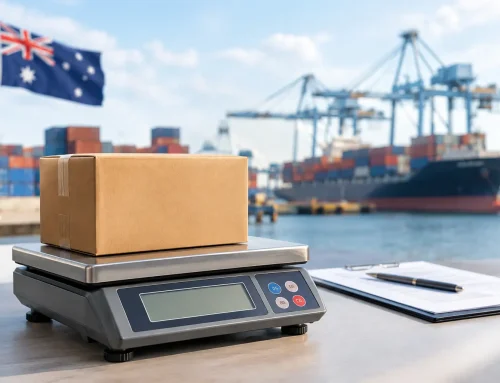
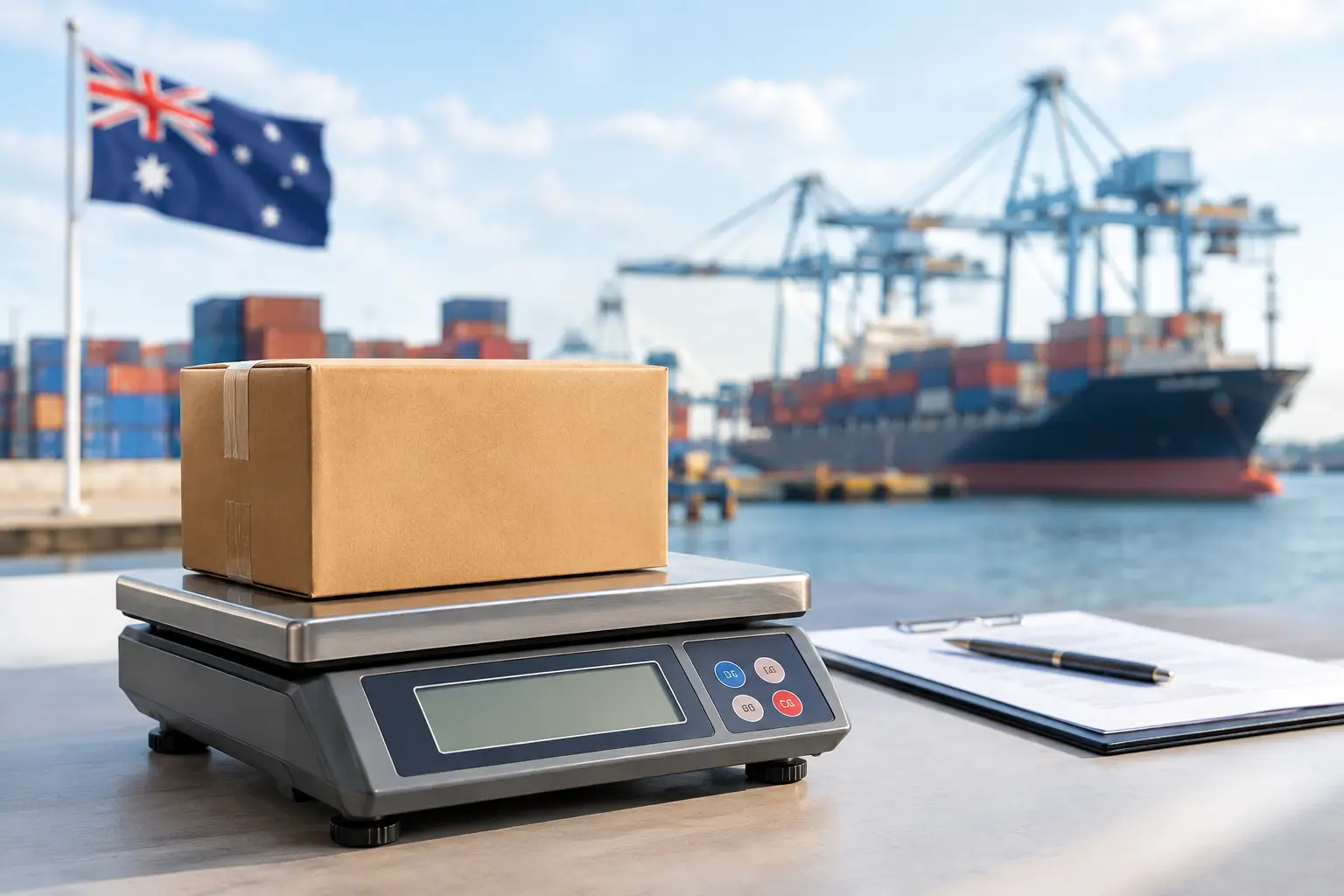
A regular service schedule helps you catch wear early. That may include cleaning printers, checking cables and ports, testing peripherals, updating firmware where appropriate, and replacing consumable parts before they cause faults. For businesses using trade-approved weighing equipment, staying on top of calibration and compliance is equally important. A scale that is out of specification is not just inconvenient. It can interrupt trade and create a compliance problem at the same time.
Your network is often the real weak point
When owners say the POS keeps dropping out, the terminal is often blamed first. In practice, the network is a common cause of instability.
Many small venues are running business-critical systems on consumer-grade routers, old switches, or Wi-Fi layouts never designed for full-service trading. Add online ordering, music streaming, staff devices, guest Wi-Fi, and cloud POS traffic, and performance can become inconsistent very quickly.
If your POS depends on internet access or cloud synchronisation, network quality is not optional. You need stable coverage, sensible device segregation, and equipment that can cope with your trading pattern. In some sites, a wired connection for key devices is the better option. In others, the issue is not speed but interference, poor placement, or too many devices sharing the same access point.
Power protection matters as well. Brief outages, voltage fluctuation, or accidental unplugging can cause lockups and corrupted transactions. Battery backup for critical equipment can give staff enough time to complete sales or shut systems down properly instead of losing everything at once.
Staff training is part of uptime
One of the most overlooked answers to how to reduce POS downtime is simple training. Not every interruption is a technical fault. Sometimes the system is working, but staff do not know the recovery steps.
If a terminal freezes, can the team safely restart the right device without switching off the whole counter? If the receipt printer stops, do they know whether to check paper, cable connection, pairing, or queue settings? If the internet drops, do they know what fallback process to use for orders and payments?
Clear procedures reduce panic and stop small issues becoming larger ones. Training does not need to be complicated, but it does need to be practical. New starters should know the daily basics, and supervisors should know the first level of troubleshooting. The aim is not to turn your team into technicians. It is to help them rule out simple causes quickly and escalate the right information when support is needed.
A short fault-response checklist kept near the counter can be surprisingly effective. Under pressure, staff remember less than they think.
Build backup options into the way you trade
No system can be made failure-proof, so resilience matters. Businesses that cope best with outages usually have backup options already planned.
That might mean keeping a spare receipt printer on site for high-volume venues, maintaining a backup terminal for critical periods, or having a manual sales procedure ready if the network fails. If your venue relies heavily on one integrated device, the risk is higher than if you have a secondary path to keep processing transactions.
There is a trade-off here. More backup equipment means more upfront cost. For some businesses, that may not be justified. But if one hour of downtime on a Saturday costs far more than a spare printer or replacement terminal, the numbers become easier to justify.
Cloud systems also need a backup strategy. Ask what happens if the internet goes down, whether offline mode is available, and what functions are limited during that period. Some operators assume cloud means safer. Often it does, but only if the site setup supports it properly.
Choose support that matches your trading hours
Fast support is not just about technical knowledge. It is about availability, triage, and local understanding.
If your busiest period is early morning, evenings, weekends, or events, standard office-hours support may not be enough. A provider that knows your setup, your devices, and your operating environment can usually resolve issues faster than a remote help desk starting from scratch. That is especially true when faults involve multiple elements such as terminals, printers, scales, and network equipment.
Local support also matters when a remote fix is not possible. Workshop and on-site repair capability shortens the time between diagnosis and action. For transaction-heavy businesses, that gap is where the real cost sits.
This is where a service-led partner makes a difference. A business like Electronic Business Equipment can design, supply, install and support the full setup, which removes the usual finger-pointing between hardware vendor, software provider and network supplier. When one team takes responsibility, faults are generally resolved more efficiently.
Review downtime like any other business cost
If your POS has gone down more than once in the past year, it is worth reviewing the pattern properly. Look at when it happens, which device is usually involved, what the trigger seems to be, and how long recovery takes. Repeated faults are rarely random.
Sometimes the answer is a simple replacement. Sometimes it is a network redesign, better training, or scheduled maintenance. Sometimes it is accepting that a cheaper setup is no longer suitable for the way the business now trades. Growth often exposes weaknesses that did not matter when transaction volume was lower.
The main thing is not to normalise recurring disruption. If staff are saying, “it does that sometimes,” there is usually an underlying issue worth fixing.
Reliable POS performance comes from good equipment, sensible setup, trained staff, and support that shows up when it counts. If you get those four areas right, downtime becomes less frequent, less severe, and far easier to manage when it does happen. For busy venues, that is not just an IT improvement. It is part of protecting revenue, service standards and customer trust every day.











Leave A Comment
You must be logged in to post a comment.