

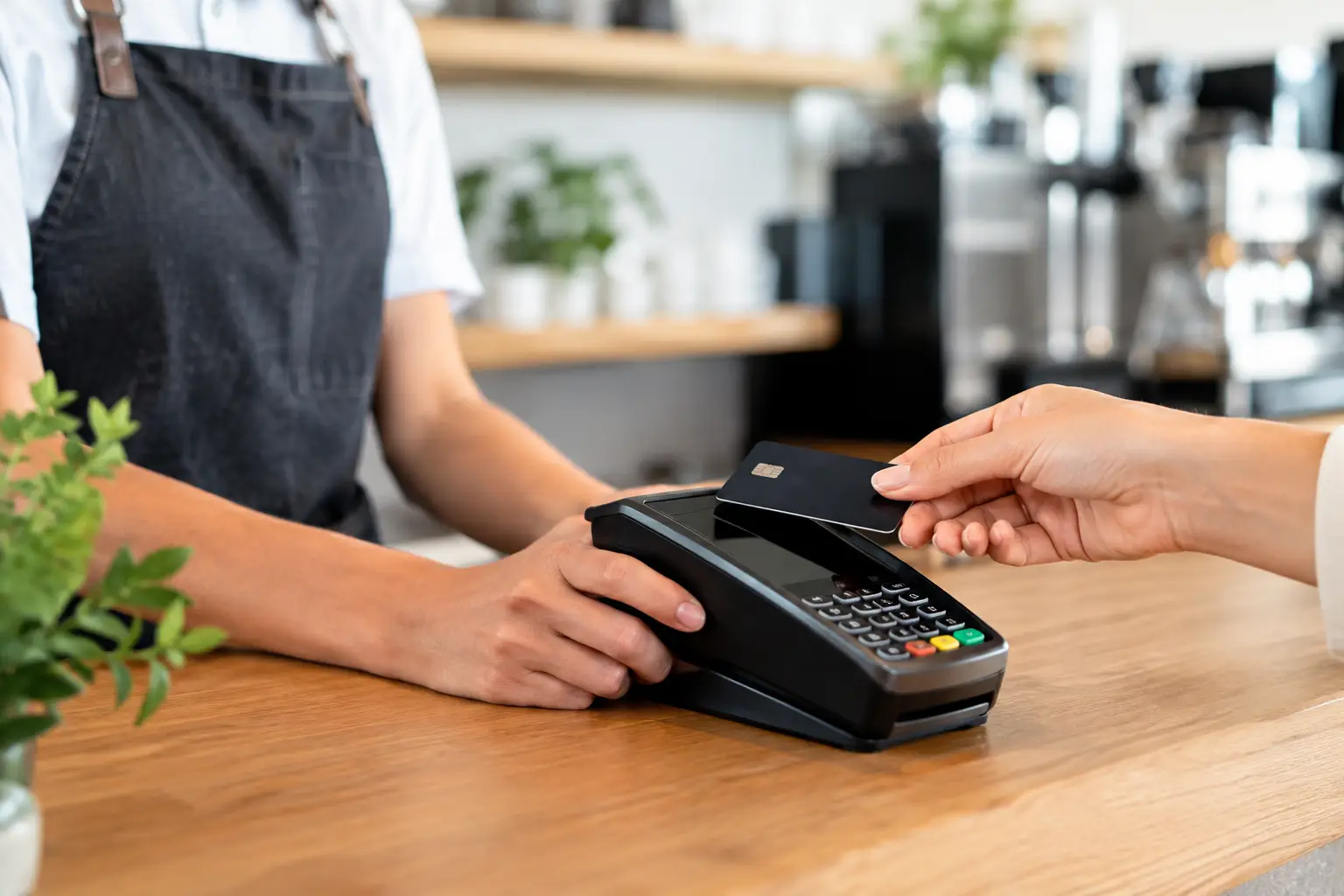
A Friday lunch rush is a poor time to find out your receipt printer has stopped communicating with the terminal, your EFTPOS integration is dropping payments, or your POS is taking 30 seconds to finalise each sale. The question of when should POS systems be replaced is rarely answered by the age of the equipment alone. It comes down to reliability, support, security, workflow and the real cost of keeping an ageing system running.
For a café, retailer, takeaway venue or market operator, a POS system is not simply a screen at the counter. It is the point where sales, payments, stock, receipts, reporting and often weighing equipment come together. If it is holding up customers or staff, the issue reaches well beyond the counter.
When should POS systems be replaced rather than repaired?
Repair is often the sensible first option. A faulty printer, worn cash drawer, damaged power supply or failing scanner can usually be repaired or replaced at a fraction of the cost of a full system change. A well-maintained POS terminal can provide dependable service for years, particularly where its operating system, software and connected hardware are still supported.
Replacement becomes the better decision when faults are recurring, parts are becoming difficult to source, or repairs only provide short-term relief. If the same terminal has required several call-outs over a few months, staff are losing time to workarounds, or a breakdown regularly happens during your busiest periods, it is worth looking at the wider picture.
The true cost is not just the repair invoice. Consider lost sales while a lane is down, staff time spent restarting equipment, incorrect orders, delayed service and the damage caused when customers leave rather than wait. One preventable outage during a busy weekend can quickly outweigh the saving of postponing replacement.
There is no universal replacement age. Some businesses replace front-counter hardware after four to six years because transaction volume is high and downtime is costly. Others get longer life from quality equipment that is serviced regularly. The key question is whether the system remains fit for the way you trade now.
Signs your POS is reaching the end of its useful life
Slow transactions are becoming normal
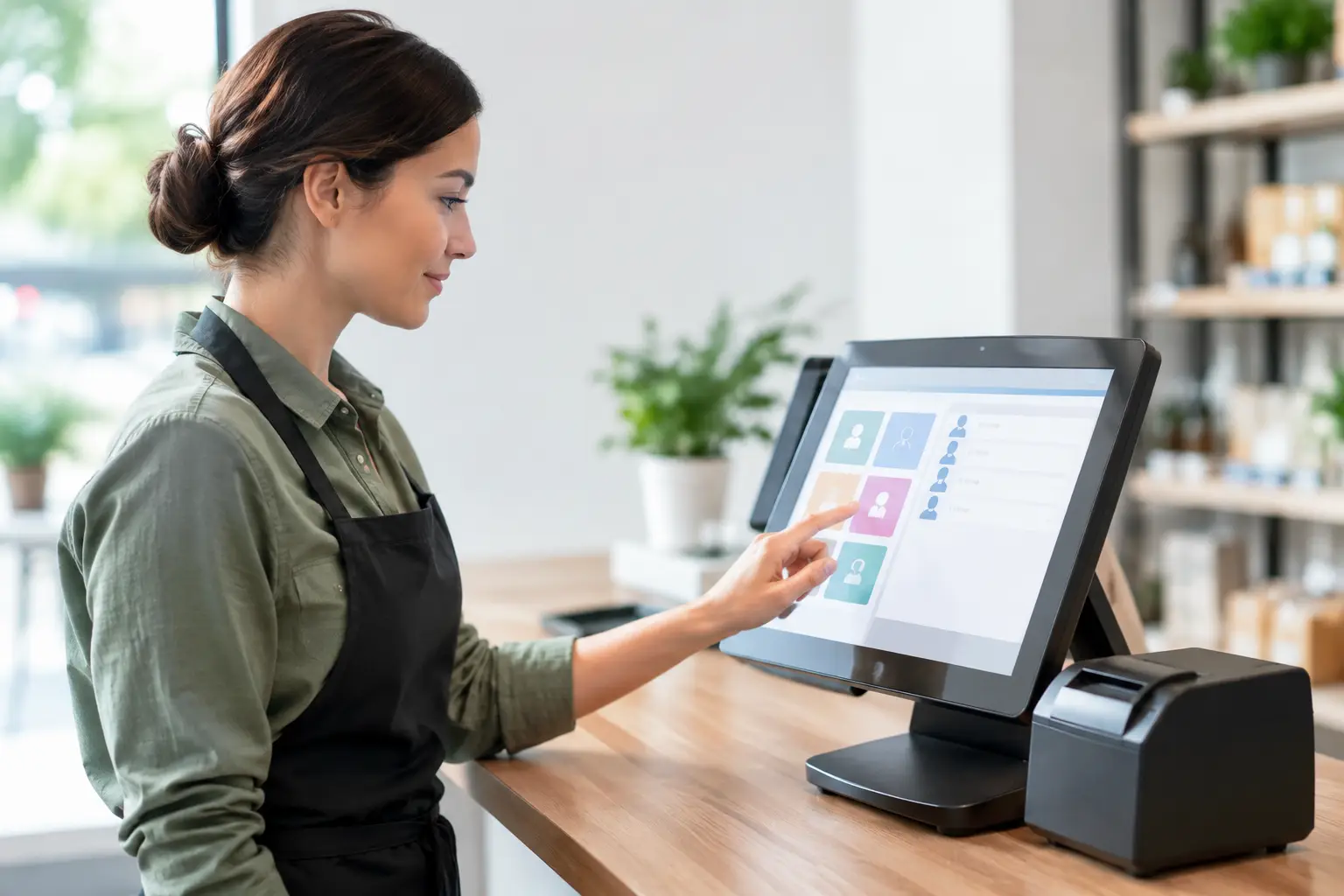
A terminal that takes too long to load, freezes while processing orders or struggles to switch between screens affects every customer interaction. Staff may accept slow performance because it has gradually become familiar, but customers notice it immediately at a queue.
Before replacing the POS, a technician should check whether the cause is the terminal itself, the network, outdated software, a congested Wi-Fi connection or a peripheral device. Sometimes targeted upgrades, such as a new router, printer or memory component, resolve the problem. If the hardware cannot reliably run the software your business needs, replacement is usually the practical answer.
Your software or operating system is no longer supported
Unsupported operating systems and POS software create a growing risk. They may no longer receive security updates, may not work with newer payment integrations, and can make it harder to obtain technical support when an issue occurs.
This does not mean every software update requires new hardware. However, if an essential update cannot run on your current terminals, delaying the decision may leave you with a system that is vulnerable or increasingly difficult to maintain. Plan an upgrade before support ends, rather than waiting for a fault to force the issue.
Payment, printer or scanner faults keep returning
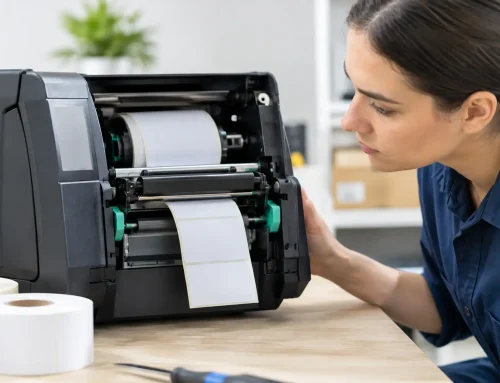
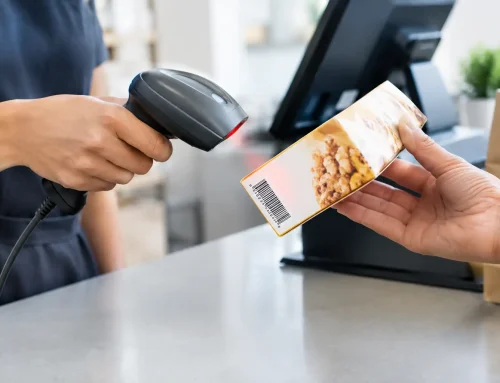
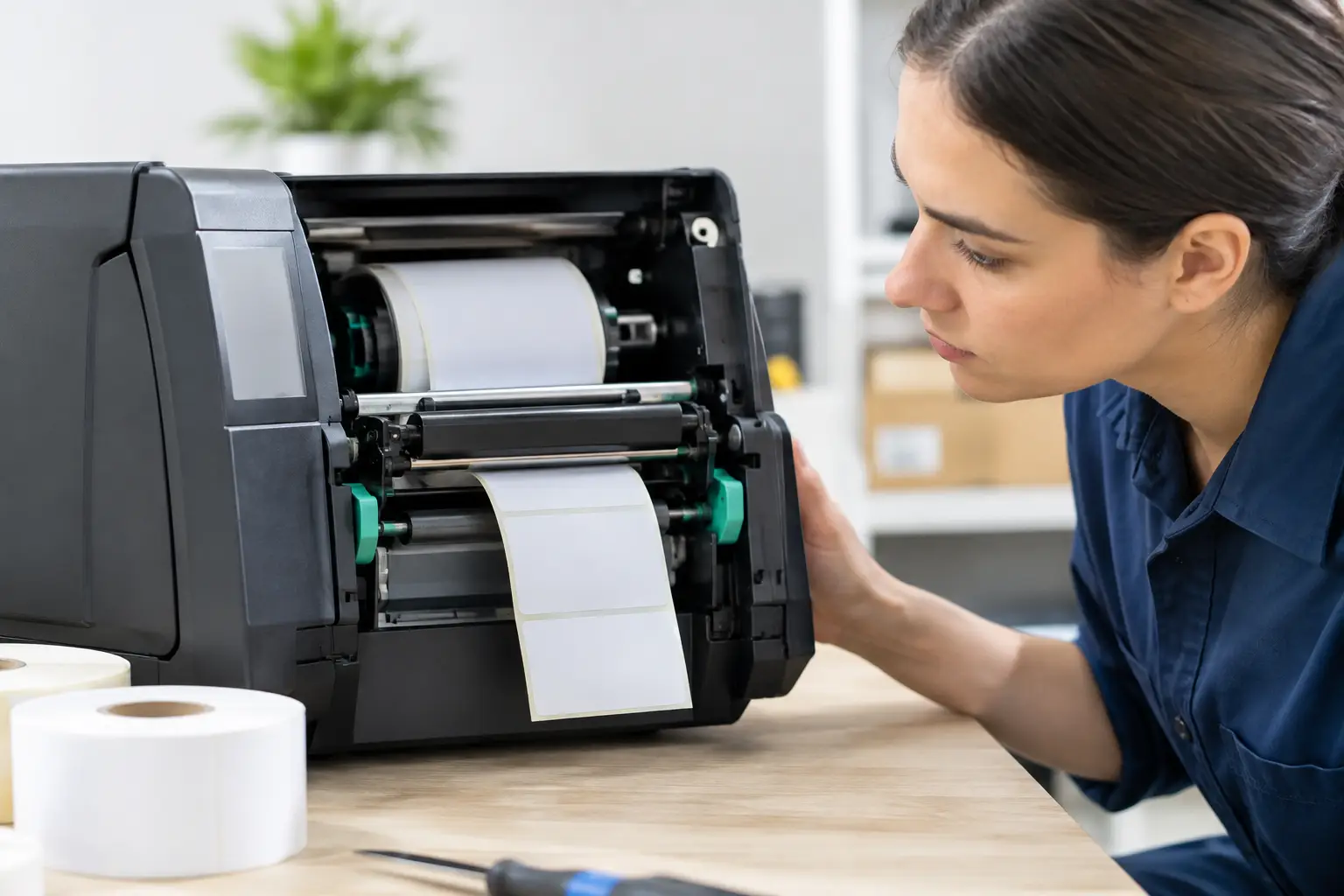
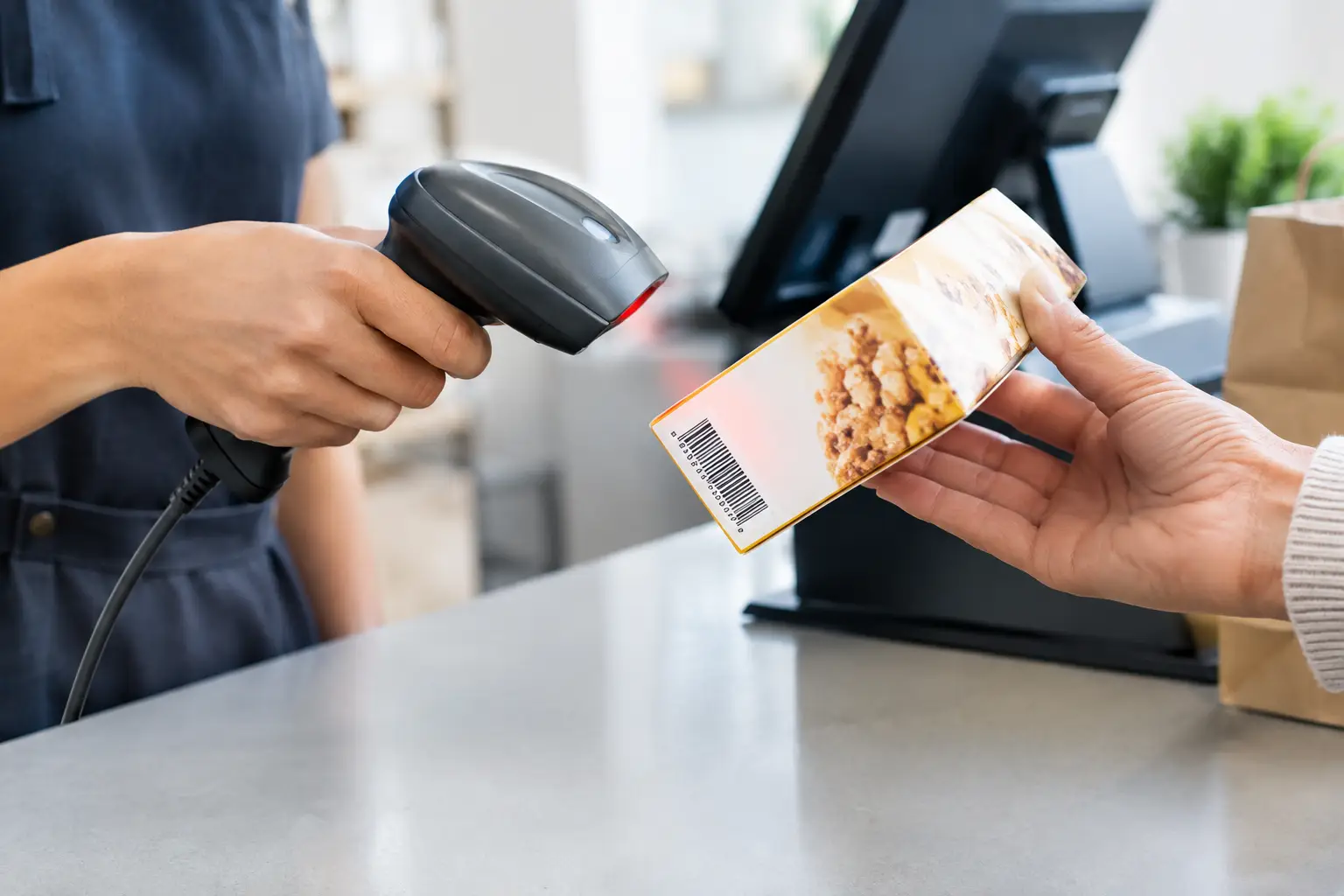
Intermittent faults are particularly disruptive. A printer that works only after a restart, a barcode scanner that misses reads, or a cash drawer that does not open consistently may seem manageable until the business is under pressure.
Separate devices can often be replaced individually. But where multiple peripherals are failing, connections are unreliable, and the counter setup has become a patchwork of adapters and temporary fixes, a properly designed replacement system can reduce ongoing frustration and support costs.
Your business has outgrown the original setup
Many POS systems are purchased to suit a business at a particular point in time. A single-terminal setup may have been right for a new café, but not for a venue now handling dine-in, takeaway, online orders and a busy morning rush. Likewise, a small retail register may no longer suit a business with more stock lines, staff members or locations.
Growth is a good reason to review your POS before it becomes a bottleneck. You may need additional terminals, faster receipt printing, better stock control, customer displays, kitchen printers, handheld ordering or reporting that gives you clearer information across the business. Replacing only the oldest component can be false economy if the overall setup no longer supports the workflow.
Compliance or trade measurement requirements have changed
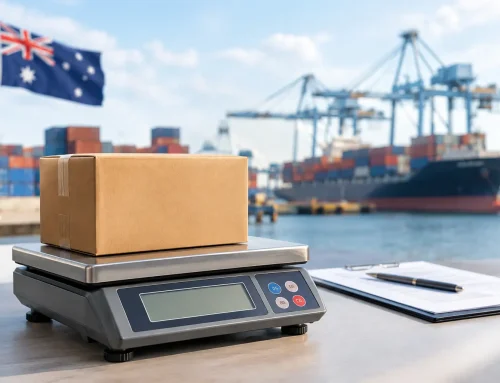
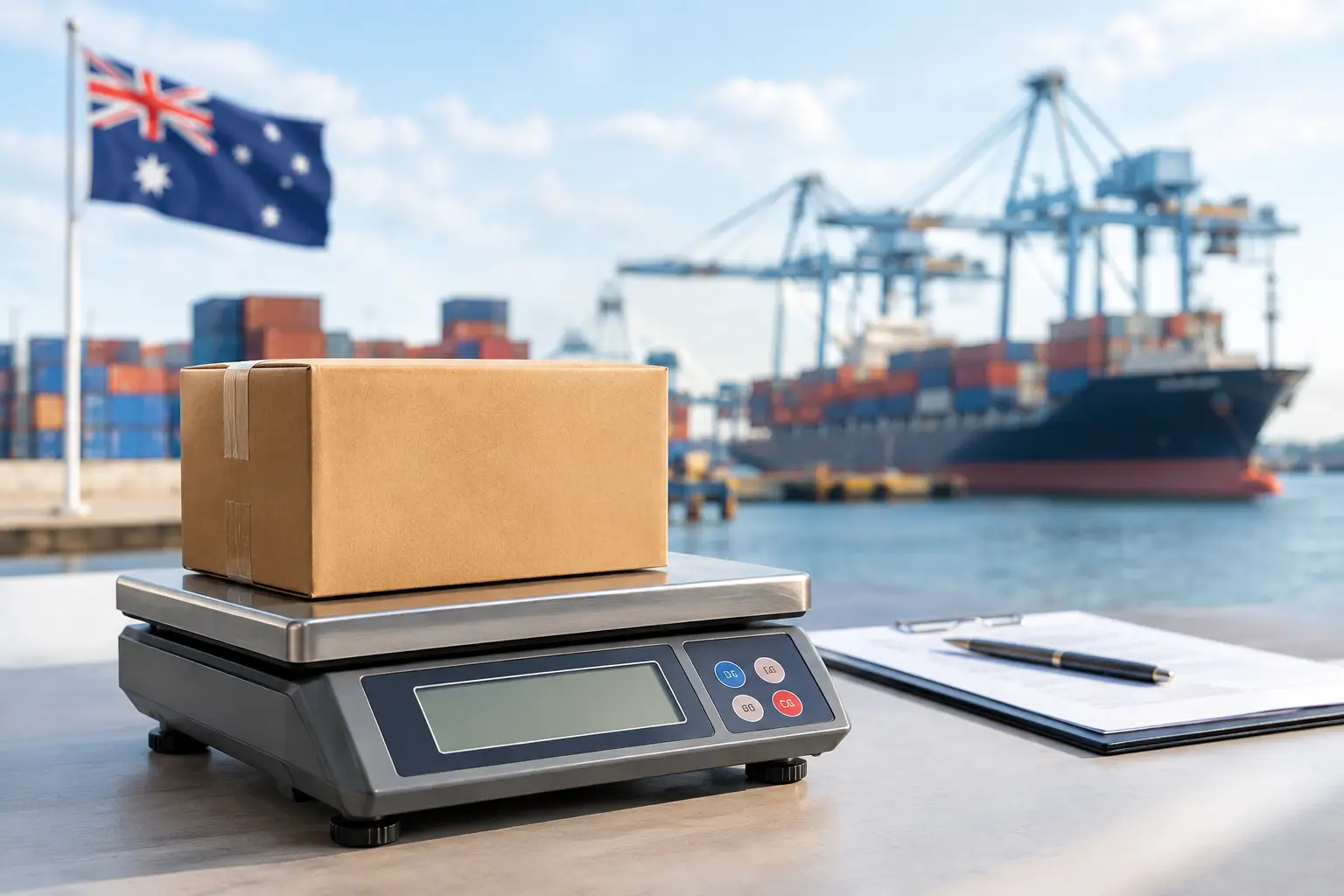
For businesses selling goods by weight, the POS decision can be connected to trade-approved scales and compliant integration. A scale that is not suitable for trade use, has not been maintained, or no longer communicates accurately with the point of sale can create operational and compliance concerns.
A replacement project is a useful time to confirm that scales, label printers, POS software and counter equipment work together correctly. It also provides an opportunity to organise calibration, verification and installation in a way that minimises disruption to trading.
Look beyond the terminal before making a decision
A POS replacement should start with an assessment of how your team works, not a catalogue of hardware. The right setup for a quick-service takeaway is different from a boutique retailer, a butcher, a busy restaurant or a weekend market stall.
Think about where queues form, how orders are entered, whether staff need to move around the venue, how receipts or labels are used, and which equipment causes the most delays. If stock accuracy matters, consider how items are received, counted and adjusted. If your business relies on a stable internet connection for cloud-based systems, review the network at the same time.
It is also worth identifying what must be retained. Historical sales data, product lists, customer records, staff permissions, programming and integrated devices need to be considered before any changeover. A low-priced replacement can become expensive if it does not allow for data migration, configuration, installation, staff training and local support after go-live.
Repair, upgrade or replacement: choosing the sensible path
The best option depends on the source of the problem and the remaining life of the system. A repair is appropriate where the fault is isolated and the equipment is otherwise supported. An upgrade may suit a business with a sound core system that needs extra terminals, better networking, newer peripherals or a revised counter layout.
Full replacement makes sense when the system is unreliable, unsupported, unable to meet current transaction demands or costly to keep operational. It can also be the right choice when several changes are needed at once. Replacing a terminal, printer, scanner, network connection and outdated software separately can create more disruption than planning one coordinated upgrade.
Avoid replacing equipment simply because it is old, but do not mistake familiarity for reliability. A system that staff know well can still be slowing them down, exposing the business to unnecessary risk or limiting the next stage of growth.
Plan the changeover around your trading hours
A POS upgrade does not need to mean days of closure. Good planning reduces the risk. Hardware should be configured and tested before installation where possible, with products, prices, printers, scales and payment connections checked against your day-to-day workflow.
Schedule the changeover outside peak trading times if you can. Make sure there is a clear fallback process for taking payments or recording orders if an unexpected issue occurs. Staff should receive practical training on the tasks they perform most often, such as processing a sale, correcting an order, printing a receipt, handling refunds and resolving simple printer issues.
After installation, keep an eye on the first few trading periods. Small adjustments to printer routing, button layouts, user permissions or network settings can make a significant difference to staff confidence and transaction speed.
A replacement decision should protect uptime
The right time to replace a POS system is before preventable faults become a regular part of the working day. A local technical assessment can separate a repairable issue from a system nearing its limit, and help you invest only where it will make a practical difference. For Southeast Queensland businesses, EBE can assess, supply, install and support a setup that suits the way your team trades, so you are not left managing critical equipment alone when the queue is building.







Leave A Comment
You must be logged in to post a comment.