
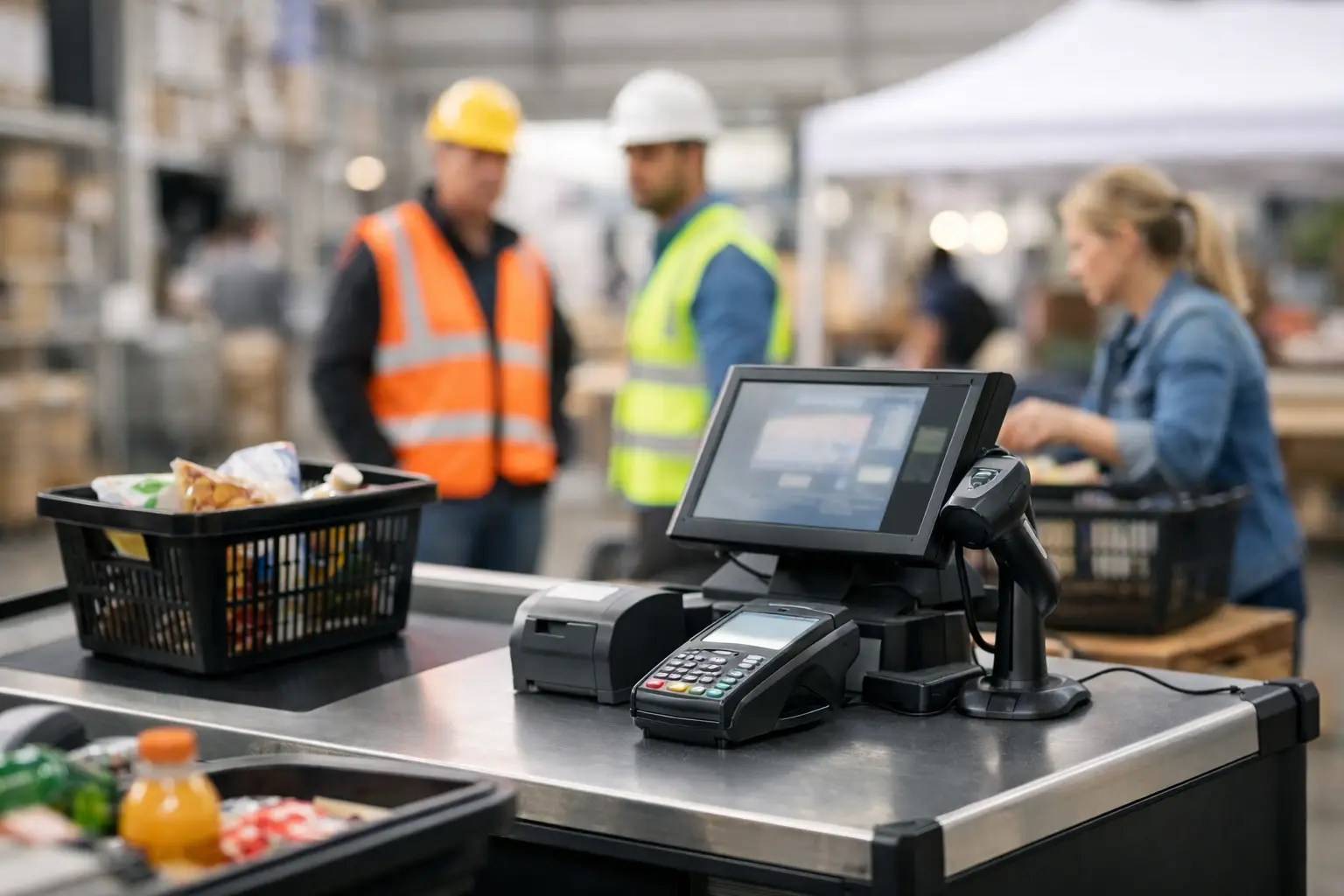
A Saturday market is not the time to find out a receipt printer will not talk to the POS terminal, or that a scale has not been configured for the products being sold. Temporary checkout equipment hire gives businesses a practical way to trade confidently when demand is short-term, equipment has failed, or a permanent fit-out is still underway.
For retailers, hospitality venues, food operators and event organisers across Southeast Queensland, hiring can be the sensible middle ground between trying to make do and buying equipment in a hurry. The value is not simply having a terminal on the counter. It is having the right hardware configured for the way your team takes orders, accepts payment, weighs products and serves customers under pressure.
When temporary checkout equipment hire makes sense
Hiring is particularly useful when the need is real but not permanent. A pop-up shop may only operate for a weekend. A school fete, food festival or trade event may need several sales points for a few days. A retailer could be moving premises and require a working checkout while its new system is installed. In each case, purchasing equipment may tie up capital in hardware that will sit unused afterwards.
It is also a sensible contingency option. Cash registers, barcode scanners, receipt printers and POS terminals are business-critical devices. When one fails, queues grow quickly and staff are forced into manual workarounds that create errors at the end of the day. Short-term hire can keep transactions moving while permanent equipment is assessed, repaired or replaced.
Seasonal trade is another common reason. Christmas rushes, holiday periods, end-of-financial-year promotions and local events can put pressure on a checkout that normally handles everyday volume well. Adding an extra counter, printer or mobile POS station may be enough to reduce waiting times without committing to a larger permanent system.
There is a trade-off. If a business needs the equipment all year, purchasing is often more cost-effective over time. Hire works best when the duration is defined, the business needs flexibility, or the risk of downtime is greater than the cost of a short-term solution.
Start with the transaction, not the hardware
The right hire package depends on what happens at the point of sale. A café taking fast counter orders has different needs from a butcher weighing variable-price goods, and both differ from a market stall selling a small range of fixed-price products.
Consider how customers will pay, whether staff need to scan barcodes, print receipts or kitchen dockets, and whether stock or customer data must be captured. Also consider the physical environment. An outdoor event may require equipment that fits a compact counter space, protected cabling and a dependable mobile or network connection. A busy indoor venue may need multiple terminals connected to the same POS system and printer locations.
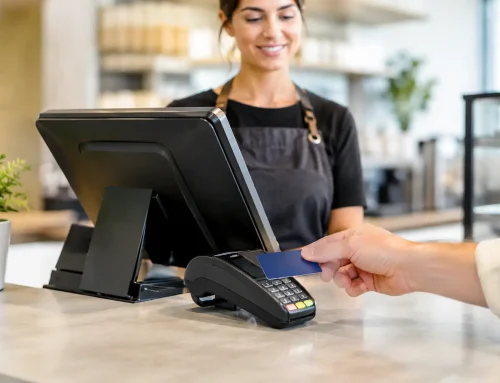
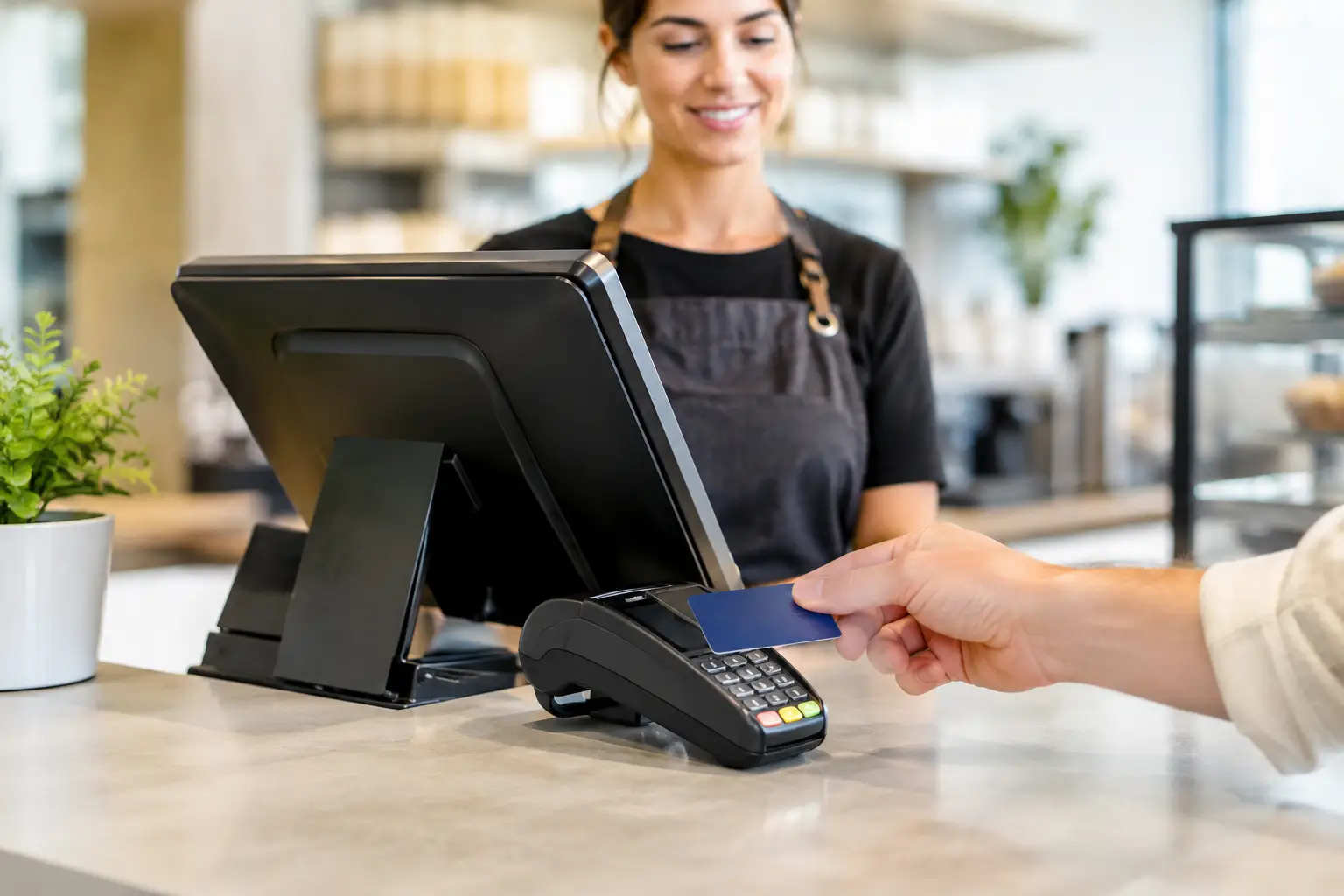
Payment terminals also need separate consideration. Card processing depends on the merchant facility, communications method and provider requirements. A hired POS terminal or cash register does not automatically mean card payments are ready to process. Confirm early who is supplying the payment terminal, how it will connect, and whether the POS needs integration with it.
For retail and pop-up stores
A typical retail setup may include a POS terminal or cash register, barcode scanner, cash drawer and receipt printer. If sales reporting matters, the system should be set up with the relevant products, prices, tax settings and staff access before opening day.
A pop-up can appear simple until stock arrives with barcodes that have not been loaded, receipts need a business name and ABN, or staff do not know how to process refunds. Allow time for configuration and a short handover. The equipment is only useful when the people operating it are comfortable with the basic tasks.
For hospitality and food service
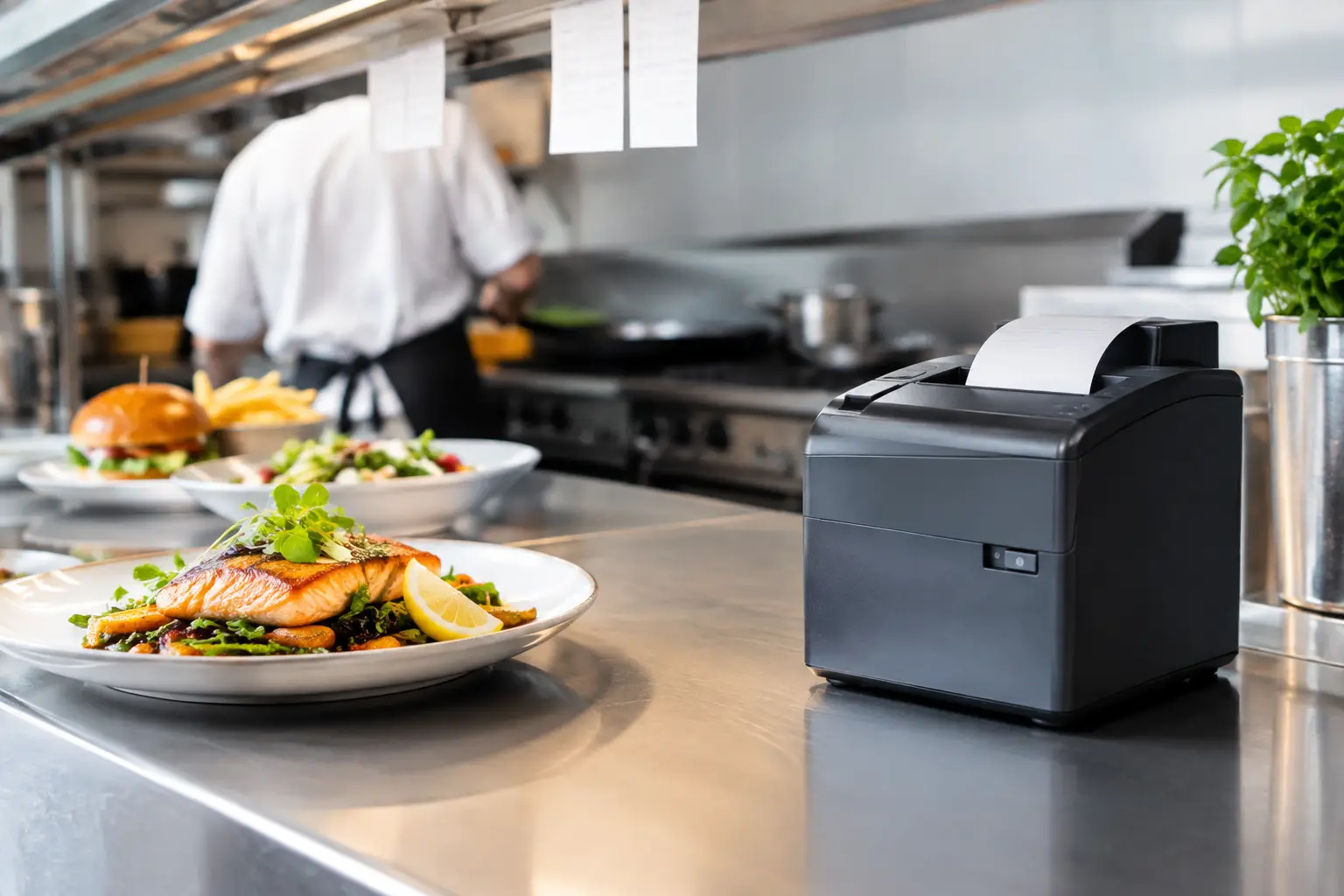
Hospitality requires speed and clear communication. Depending on the workflow, the hired equipment may include touchscreen POS terminals, docket printers, kitchen printers, cash drawers and customer displays. For a food stall, it might be a compact counter setup. For a temporary bar or event venue, multiple order points and production printers may be needed.
Think through the path of an order. Where is it entered? Where does the docket print? Who handles payment? What happens when an item is unavailable? These operational details determine whether a setup helps staff work faster or creates confusion at the busiest time of service.
For businesses selling by weight
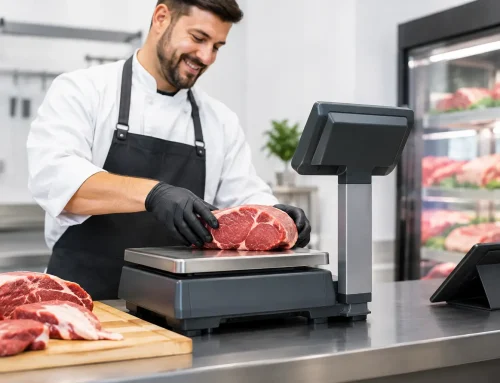
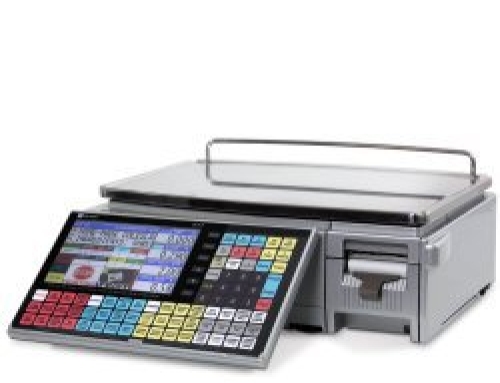
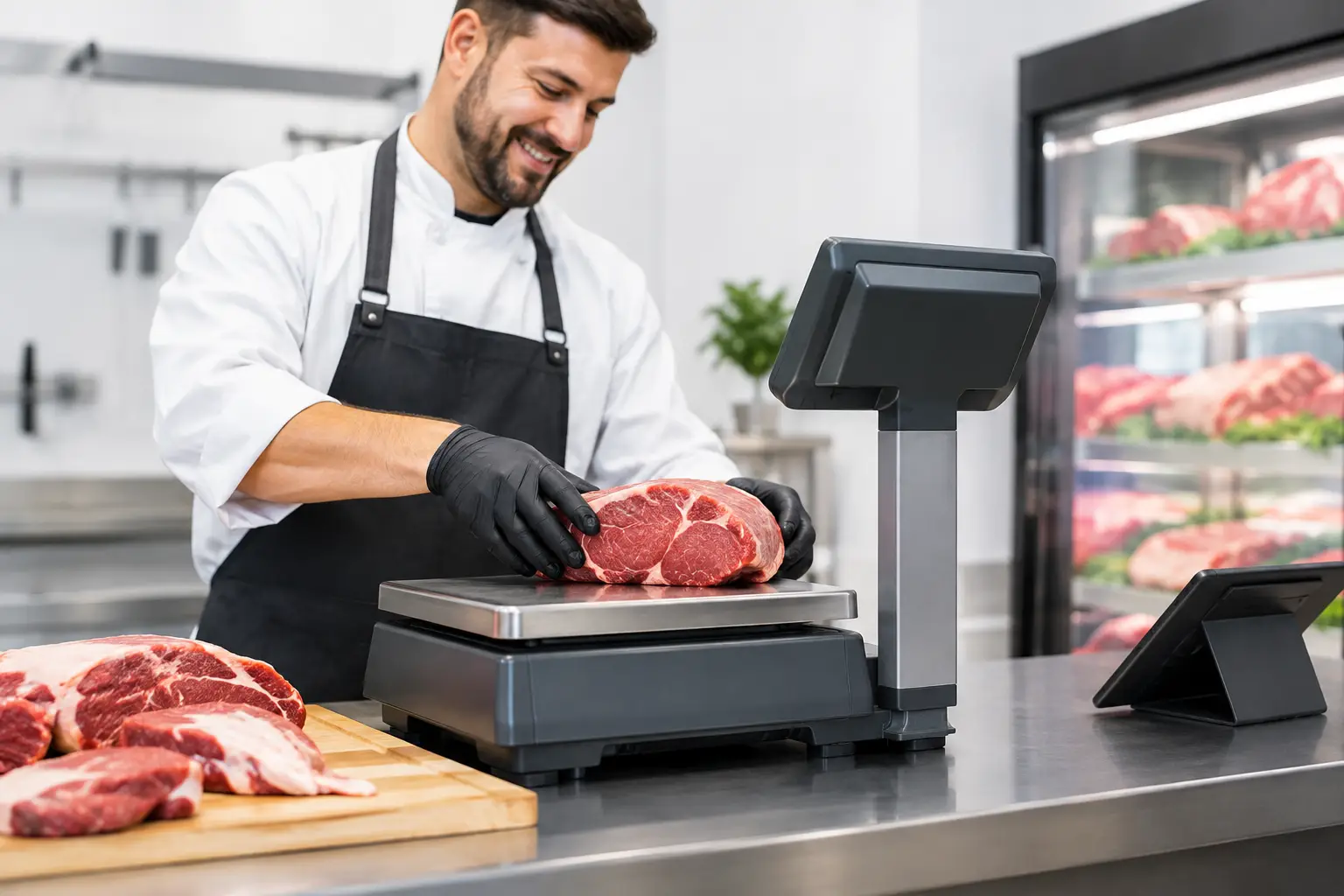
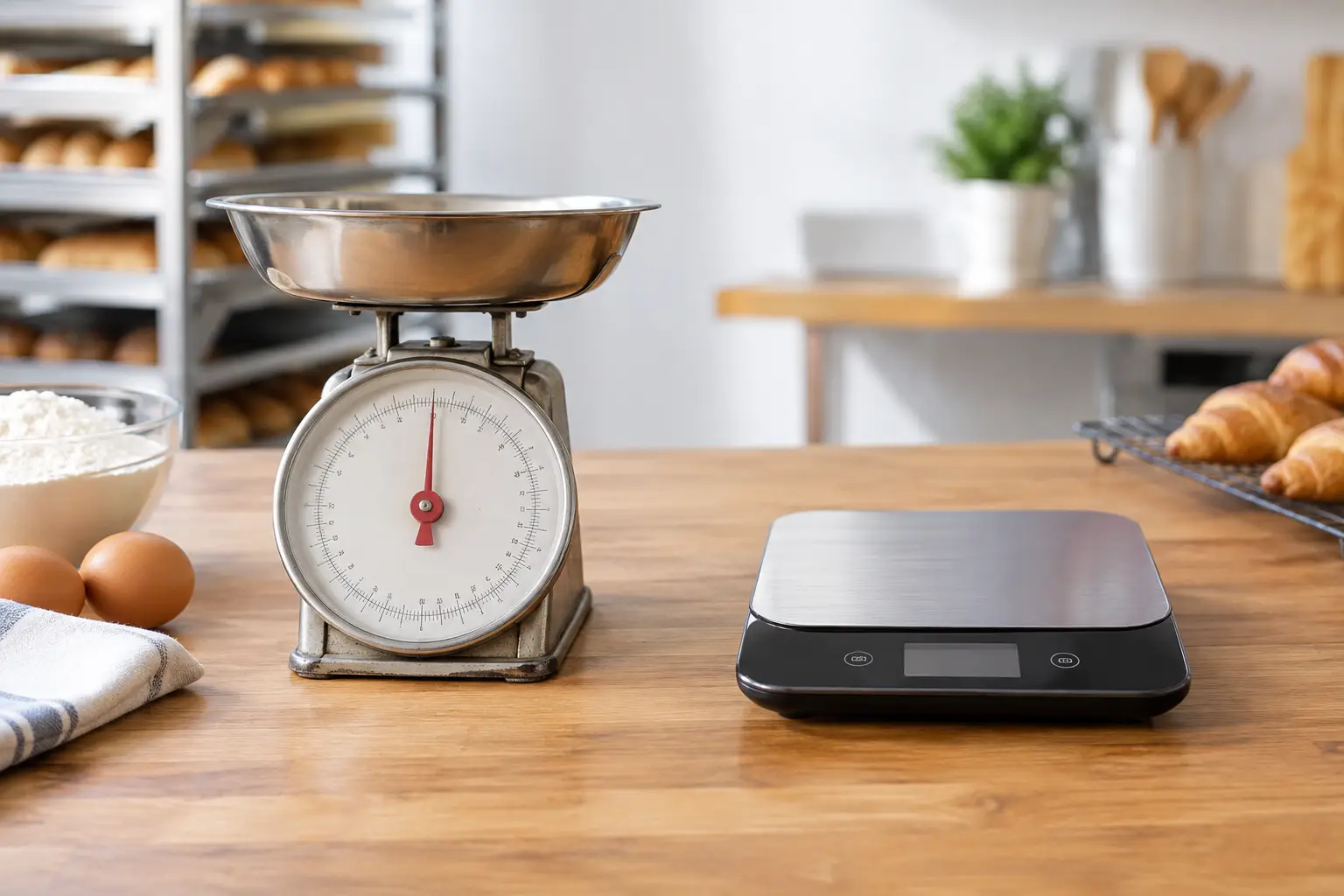
Trade-approved weighing equipment is not optional when the price charged to a customer is based on weight. Food retailers, delis, butchers, produce sellers and market operators need a scale appropriate for the products and trading method, with the correct capacity, accuracy and approved use.
A scale must also be configured properly for the relevant unit prices and connected workflow where required. If you are hiring a scale for trade, ask about verification, calibration status and whether it is suitable for the location and application. This is one area where the cheapest available option can become costly if it does not meet trade measurement obligations.
Plan the site before equipment arrives
Many temporary checkout issues are site issues rather than equipment faults. A counter may not have enough power points. The internet connection may be weak where the terminal is placed. A printer may be too far from the POS, or a cable run may create a trip hazard in a public area.
Before confirming hire equipment, map the trading area. Identify power, network access, mobile coverage, bench space and printer locations. If the equipment will be used outdoors, plan for weather protection, stable surfaces and secure storage outside trading hours.
For larger events, it is worth testing the expected transaction flow. A single checkout may be enough for quieter periods but become a bottleneck when a queue forms. Adding a second sales point can be more effective than asking staff to work faster on a system designed for lower volume.
A good provider will ask practical questions about the site, rather than simply sending a standard package. At EBE, that service-led approach includes matching equipment to the actual workflow, setting it up correctly and providing local help when it is needed.
Configuration and training prevent avoidable delays
Temporary does not have to mean improvised. Equipment should arrive tested and configured for the job. That may include loading products, applying prices, setting GST, connecting scanners and printers, configuring dockets, and checking network communications.
The level of setup depends on the hire period. For a simple weekend event, a straightforward sales screen may be all that is required. For a temporary store operating for several months, it may be worth establishing product groups, reporting categories, user permissions and stock controls from the start.
Staff training should focus on the tasks they will perform repeatedly: processing a sale, handling cash, issuing a refund, reprinting a receipt, correcting an order and responding if the printer stops. Keep written instructions near the counter for temporary staff, especially where several people will rotate through the shift.
It is also wise to agree on a support contact and escalation process before trading begins. If an issue occurs during a Saturday event, the important question is not whether someone can eventually diagnose it. It is whether the business can get practical help quickly enough to keep serving customers.
Check what the hire arrangement includes
Not all equipment hire arrangements cover the same services. Ask what hardware is included, whether consumables such as receipt rolls are supplied, who installs the equipment, and whether collection or return arrangements are included. Clarify the hire period, extension options and what happens if equipment is damaged or lost.
Support is equally important. A replacement unit may be available, but that does not help much if the replacement is not configured to work with the rest of the setup. For connected systems, technical support should account for the printer, scanner, network, POS settings and any scale or payment integration involved.
It is worth confirming whether on-site assistance is available for complex setups or urgent faults. For a one-person market stall, phone support may be enough. For a multi-lane event operation or a venue trading through a major weekend, local technical backup can be the difference between a short interruption and a lost day of revenue.
Hire with an exit plan
Before the equipment is installed, decide what happens at the end of the hire period. If the temporary operation becomes permanent, the business may need a longer-term POS solution that supports stock management, reporting, additional terminals or integration with other systems. If the equipment is only needed for an event, plan for final reporting, data export, shutdown and secure return.
This keeps short-term decisions from creating unnecessary work later. A well-planned hire arrangement lets a business trade now while preserving sensible options for the next stage.
When customers are waiting, checkout equipment is not just hardware on a bench. It is the part of the operation that turns service into revenue. Choosing the right temporary setup, with proper configuration and support behind it, gives your team a far better chance of staying calm, capable and open for business.






Leave A Comment
You must be logged in to post a comment.