
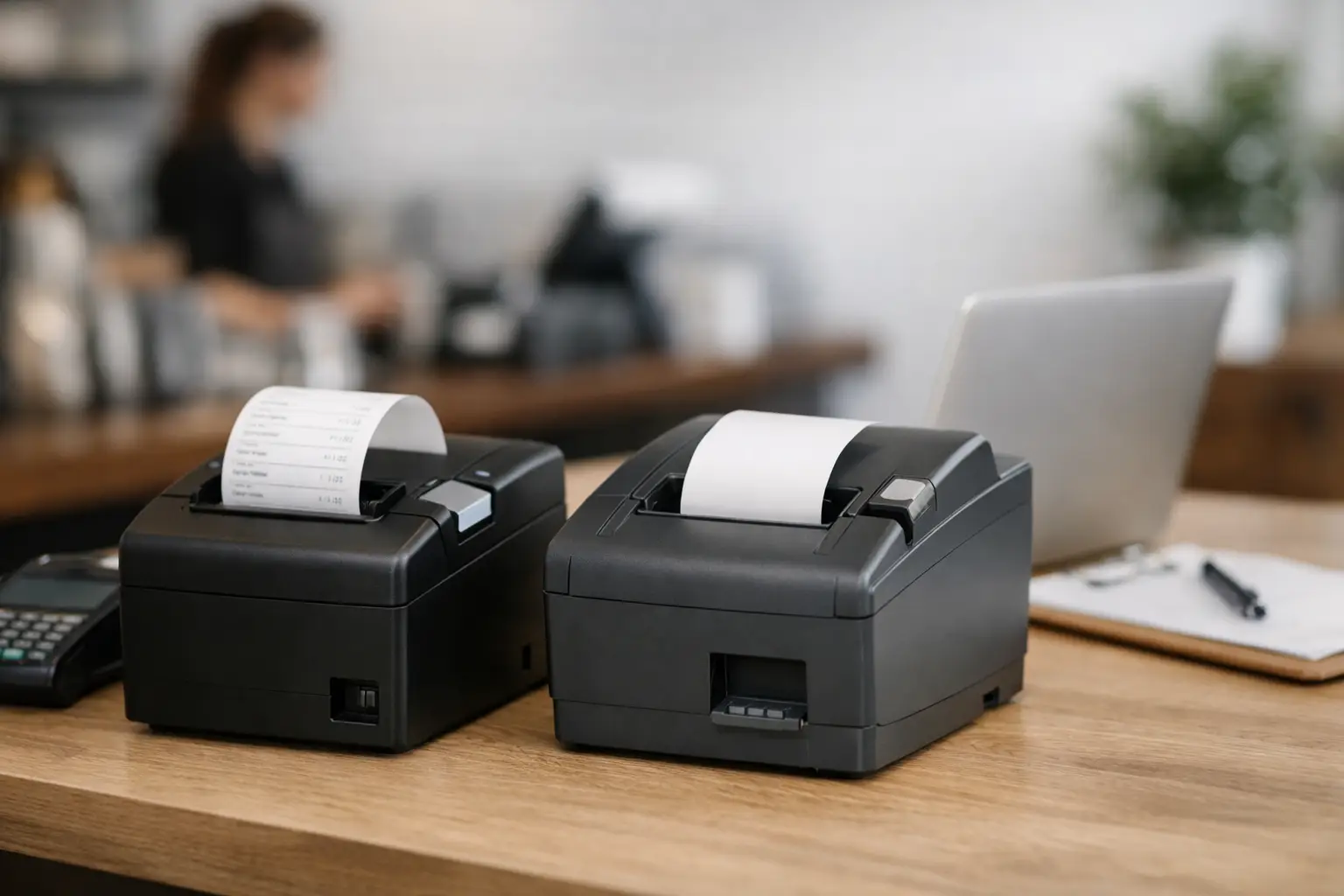
A receipt printer is easy to overlook until the lunch rush starts, an order is held up at the counter, or the EFTPOS receipt will not print. Knowing how to choose receipt printers starts with looking beyond the purchase price. The right unit needs to suit your point-of-sale system, the pace of your operation, your counter layout and the level of support you need when something goes wrong.
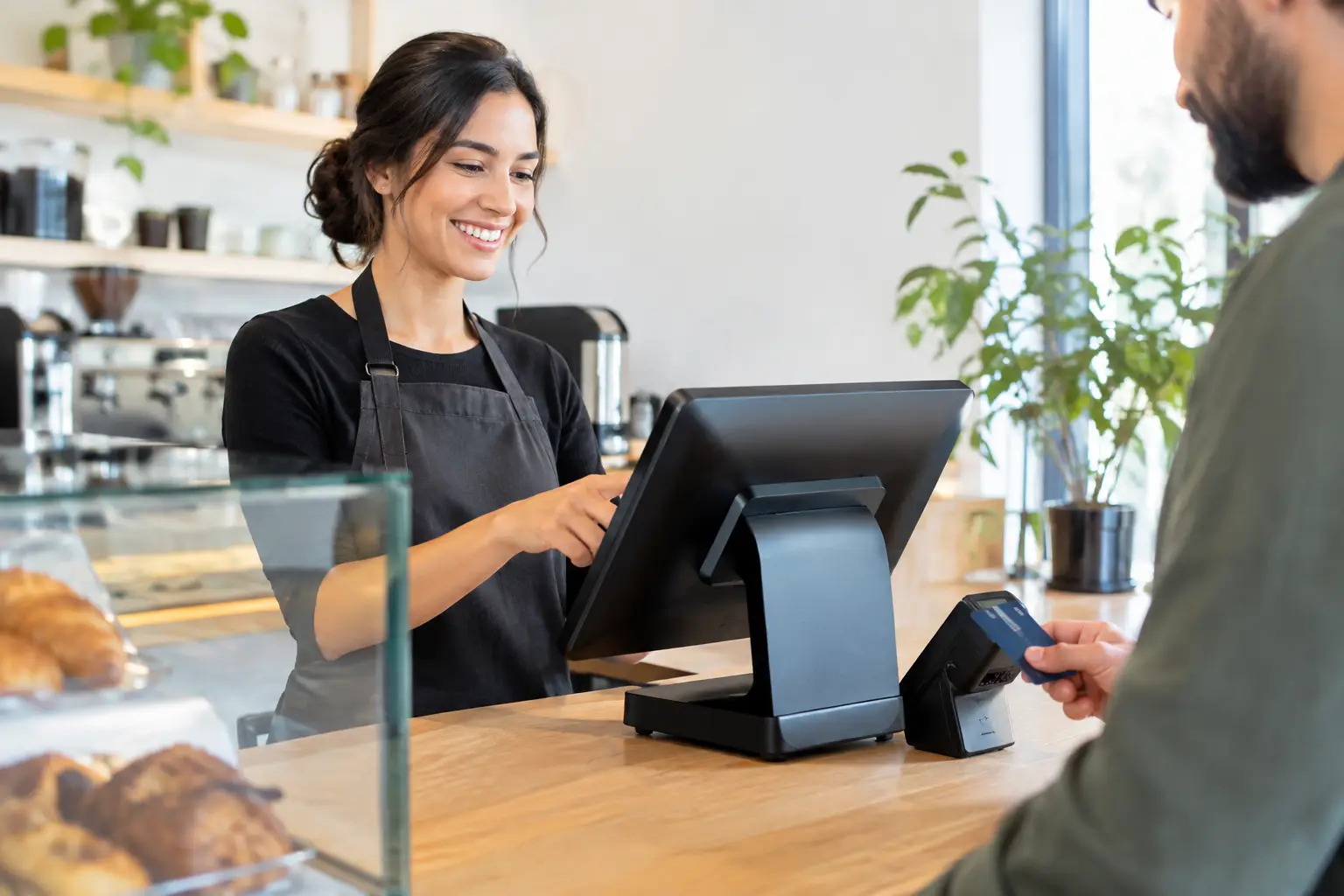
For a busy café, takeaway shop, retailer or market operator, receipt printing is part of the transaction process. A reliable printer helps staff finalise sales quickly, gives customers a clear record of purchase and keeps orders moving. The wrong printer can create paper jams, connection issues and unnecessary downtime at exactly the wrong time.
How to choose receipt printers for your workflow
Start with the question that matters most: where and how will the printer be used? A small boutique processing occasional sales has very different needs from a restaurant printing customer receipts, online orders, kitchen dockets and bar dockets throughout the day.
Think about your busiest 30 minutes, not your quietest afternoon. Consider how many receipts are printed, whether staff need to reprint dockets, how often paper rolls are changed and whether the printer will sit near heat, steam, food preparation areas or a busy service counter. These details determine the features worth paying for.
Most modern receipt printers are thermal printers. They use heat to print on coated paper, so there is no ink or toner to replace. Thermal printing is fast, quiet and well suited to most POS environments. However, thermal receipts can fade when exposed to heat, direct sunlight or certain chemicals. If customers need long-lasting records, or if you retain printed documents for operational reasons, discuss paper quality and storage requirements with your supplier.
Match the printer to the job
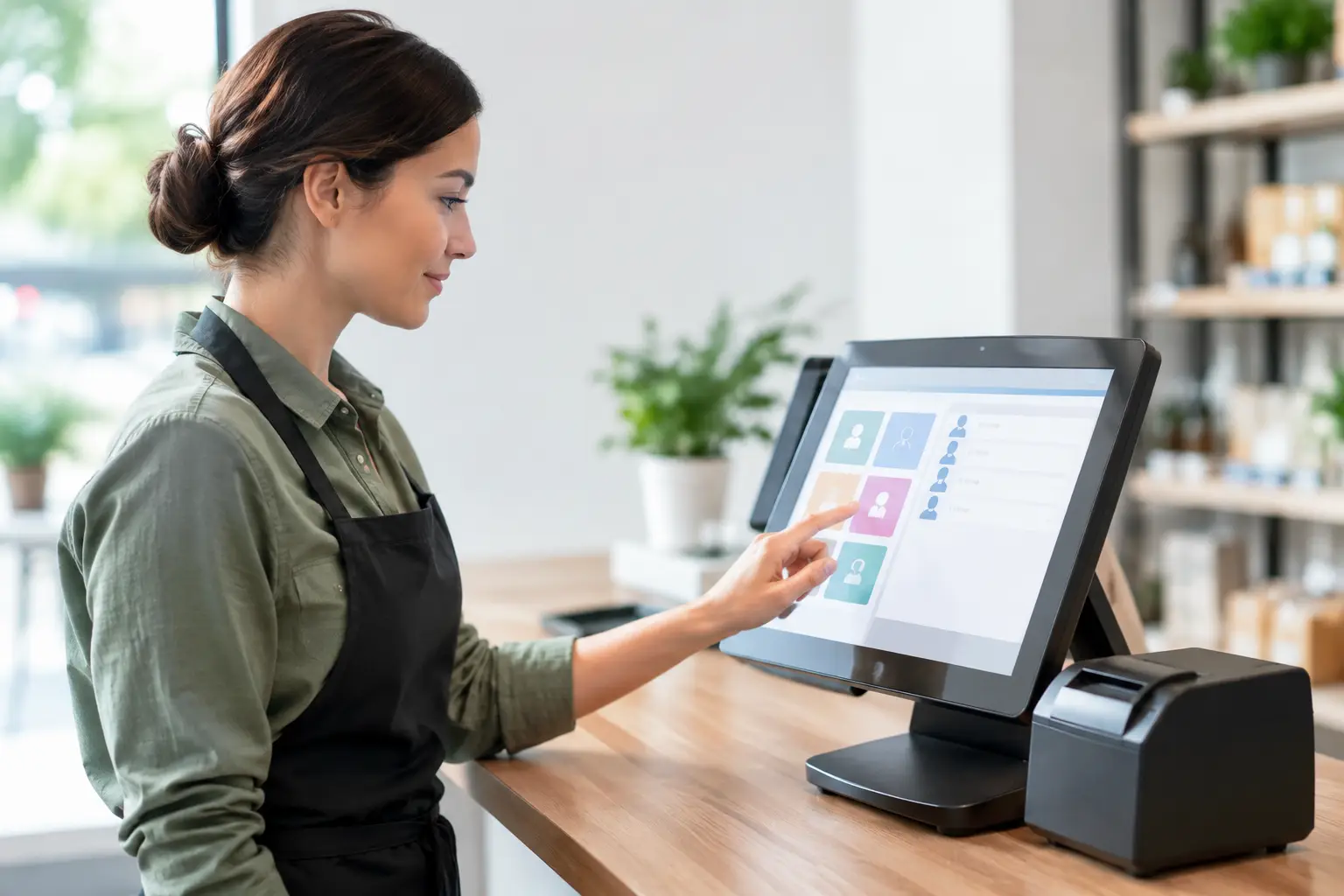
A front-counter receipt printer should be quick, compact and easy for staff to load. In hospitality, a printer may also need an audible buzzer, clear status lights and reliable docket printing during peak periods. In a kitchen or production area, the printer needs to cope with grease, heat and frequent use, often with a protected housing and a layout that keeps it away from splashes.
For mobile traders, markets and events, portability and power options matter just as much as print speed. A battery-powered or compact Bluetooth model may be suitable, provided it works reliably with the POS app and has enough battery life for a full trading day. Always allow for practical matters such as charging, spare paper rolls and a secure place to position the unit.
Check POS and connection compatibility first
A receipt printer is only useful if it communicates properly with your POS system, cash drawer and payment setup. Before choosing a model, confirm that it is supported by your POS software and that the required drivers, settings and receipt templates are available.
Connection type is a key decision. USB is straightforward for a printer connected directly to one POS terminal. Ethernet is often a better option when the printer needs to be shared across a network or located away from the main terminal. Wi-Fi can reduce cabling, but it depends on a stable network and careful configuration. Bluetooth suits some tablet-based and mobile POS systems, although its range and reliability should be tested in the actual trading environment.
A wired connection is usually the safer choice for a fixed counter with heavy transaction volumes. It is less affected by wireless congestion and does not rely on a tablet maintaining a Bluetooth pairing. Wi-Fi and Bluetooth can be practical, but they should be selected because they suit the site, not simply because they sound more convenient.
Also check how the cash drawer will connect. Many drawers plug into the receipt printer, which then opens the drawer when a sale is completed. If the printer, drawer and POS system are not designed to work together, you can end up with awkward workarounds or a drawer that does not open when it should.
Choose the right paper width and print speed
The common paper widths for receipt printers are 80 mm and 58 mm. An 80 mm printer produces a wider, easier-to-read receipt and is generally the better fit for businesses that include item descriptions, tax details, loyalty information, promotional messages or QR codes. It is widely used in retail and hospitality.
A 58 mm printer is smaller and can be more economical for basic receipts, particularly where counter space is tight. The trade-off is less room for information and a narrower print format. If your POS receipts are already detailed, reducing the paper width may make them harder for customers and staff to read.
Print speed is measured in millimetres per second. A fast printer is valuable at a busy checkout, but the highest number on a specification sheet is not always the deciding factor. Consistent printing, fast paper loading and a dependable auto-cutter can make more difference to day-to-day operations than a modest speed increase.
For hospitality venues printing multiple dockets, an auto-cutter is usually worth having. It gives staff a clean, ready-to-hand receipt or docket without tearing paper manually. Look for a cutter designed for the expected volume, as this is one of the moving parts that experiences regular wear.
Consider durability, paper loading and counter space
Receipt printers work hard in transaction-heavy businesses. Look at the manufacturer’s duty rating, cutter life, printhead life and warranty terms. A low-cost printer may appear attractive, but it can become expensive if it fails frequently, is difficult to repair or causes disruptions during trade.
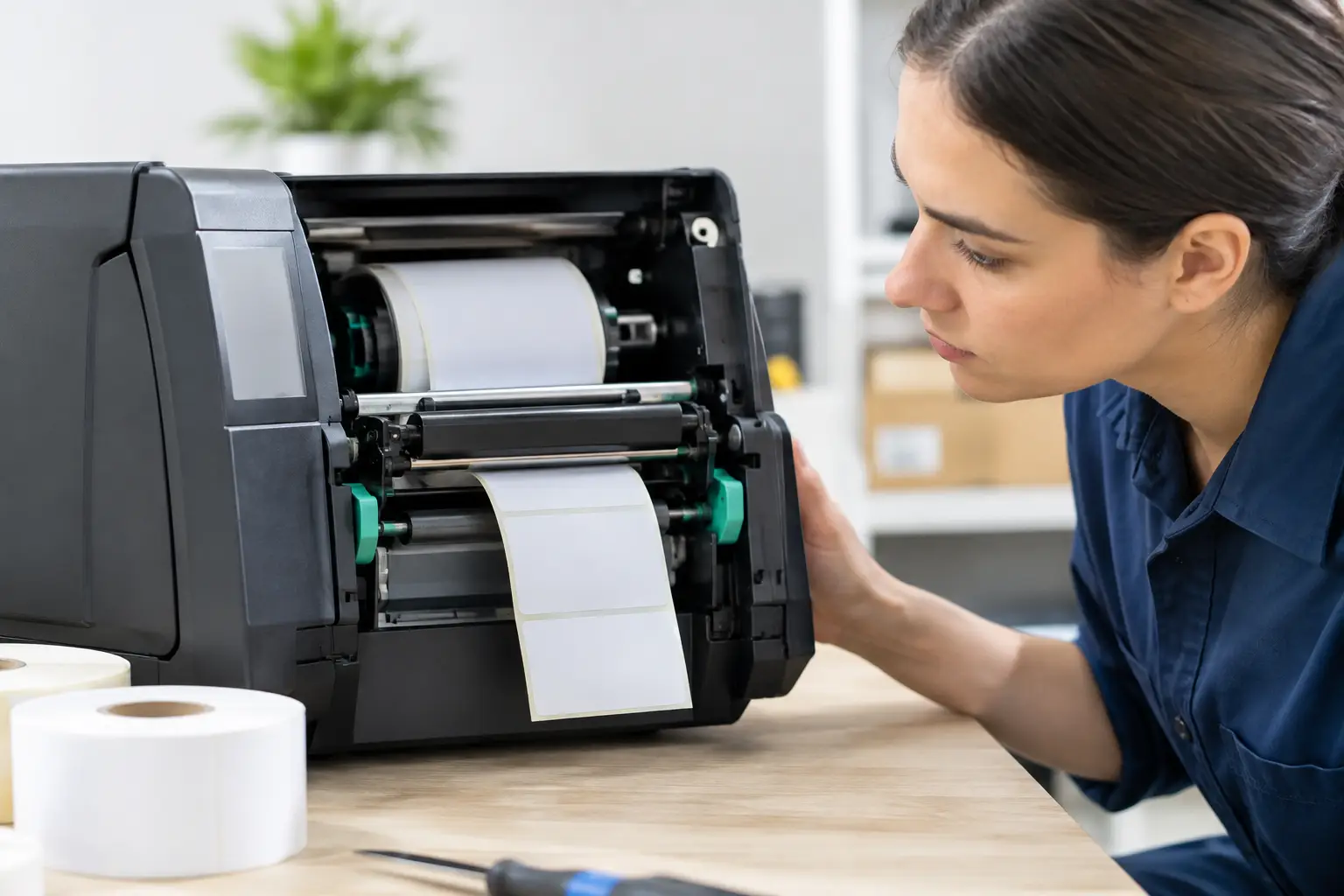
Paper loading deserves attention. Drop-in paper loading makes roll changes faster and reduces the chance of staff fitting paper incorrectly. This is especially useful in cafés, takeaway venues and retail stores where casual or new staff may need to change rolls during a rush.
Measure the available space before ordering. Consider cable exits, the lid clearance needed to change paper, ventilation and whether the printer will be knocked by bags, trays or customers at the counter. A compact printer that cannot be serviced easily in its installed position is not a practical solution.
If the printer will be used near food, drinks or dust, ask about protective covers, wall mounting or a better position within the workflow. Preventing a spill from reaching a printer is far easier than trying to recover a failed unit during service.
Do not treat support as an optional extra
Printers are often purchased as a small part of a larger POS upgrade, but they need to be installed and tested as part of the whole system. This includes connecting the printer, setting the correct port, loading the right driver, configuring receipt layouts, linking the cash drawer and confirming that reprints and end-of-day reports work correctly.
Support matters most when the printer stops working during trade. A local provider that understands your POS setup can diagnose whether the fault sits with the printer, network, software, power supply, cabling or cash drawer. That is more useful than replacing hardware blindly.
Keep suitable paper rolls on hand, use the recommended paper grade and train staff on basic checks such as confirming the lid is closed, paper is loaded correctly and cables are secure. These simple steps prevent many avoidable call-outs, while still leaving technical faults to a qualified technician.
Questions to ask before you buy
Before committing to a receipt printer, make sure you can answer these practical questions:
- Is this model confirmed to work with our POS software and payment workflow?
- Do we need USB, Ethernet, Wi-Fi or Bluetooth at this location?
- Will 58 mm or 80 mm paper give us a readable receipt format?
- Can the printer handle our busiest trading periods and expected docket volume?
- Does it have an auto-cutter, cash drawer port and any alerts we need?
- Who will install it, configure it and help if it fails during business hours?
The best choice is rarely the cheapest unit on the shelf. It is the printer that fits your operation, integrates properly from day one and can be supported for the life of your system. For Southeast Queensland businesses, EBE can help assess the setup, supply compatible equipment and keep the transaction process working when your team needs it most.


Leave A Comment
You must be logged in to post a comment.