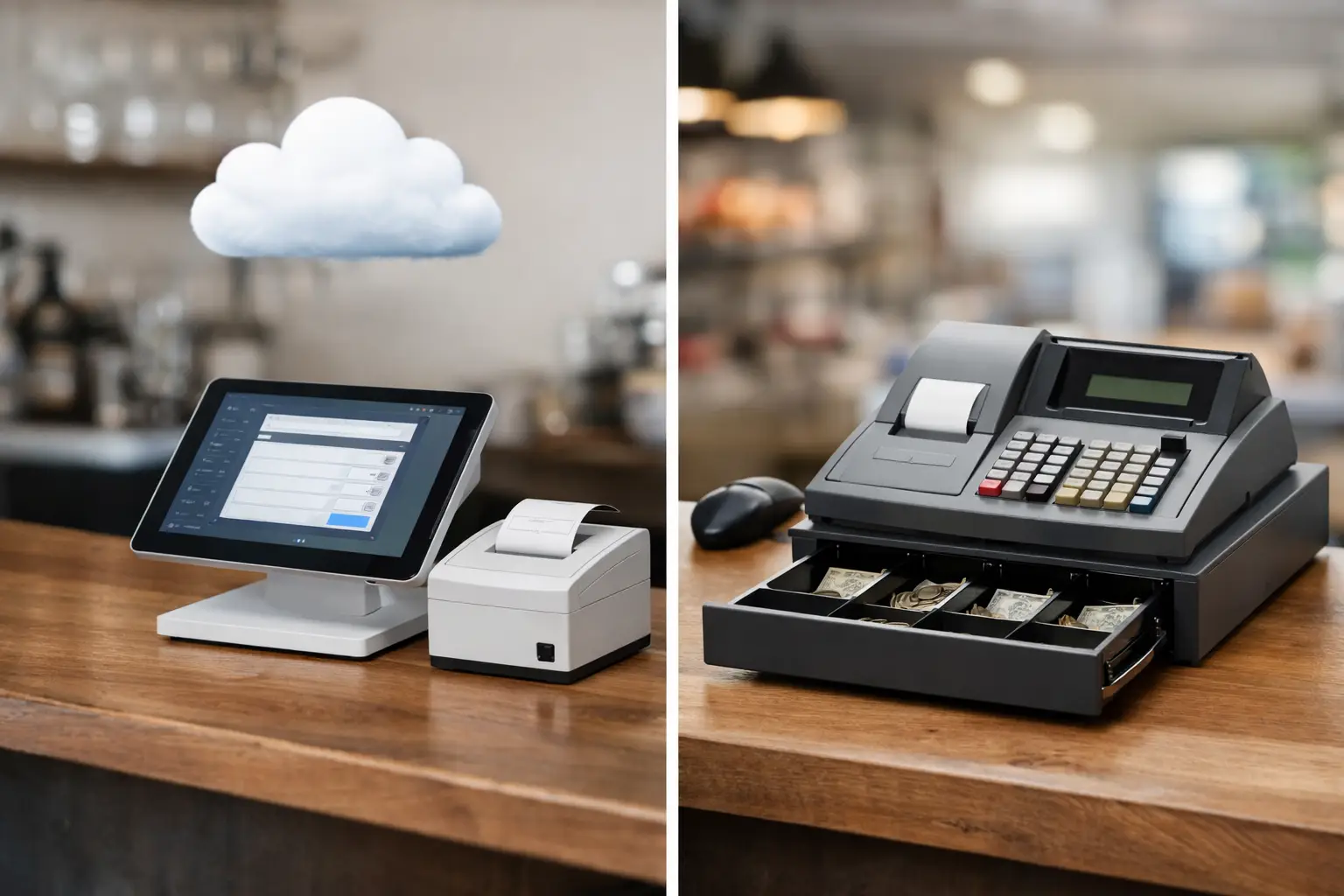
A Saturday lunch rush is not the time to find out your checkout setup can’t keep up. If you’re weighing up cloud POS vs cash register options, the real question is not which one is newer. It’s which one will keep your business moving, your staff confident and your sales process under control when things get busy.
For many small and mid-sized Australian businesses, both options still have a place. A straightforward cash register can be dependable and cost-effective. A cloud POS system can give you far more visibility and control across sales, stock, reporting and staff activity. The right choice depends on how your business operates day to day, how much complexity you actually need, and how much support you want behind the system.
Cloud POS vs cash register: what’s the difference?
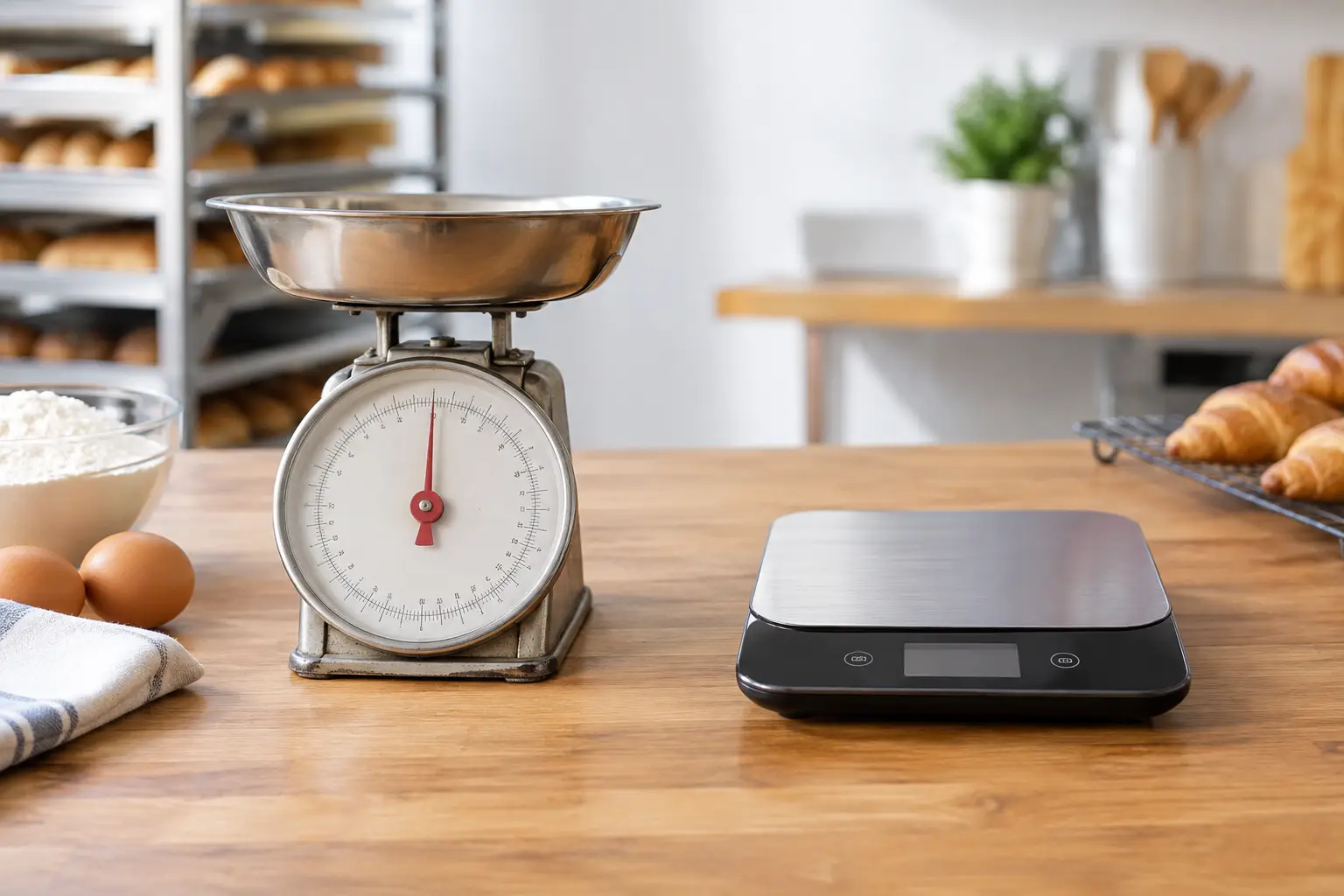
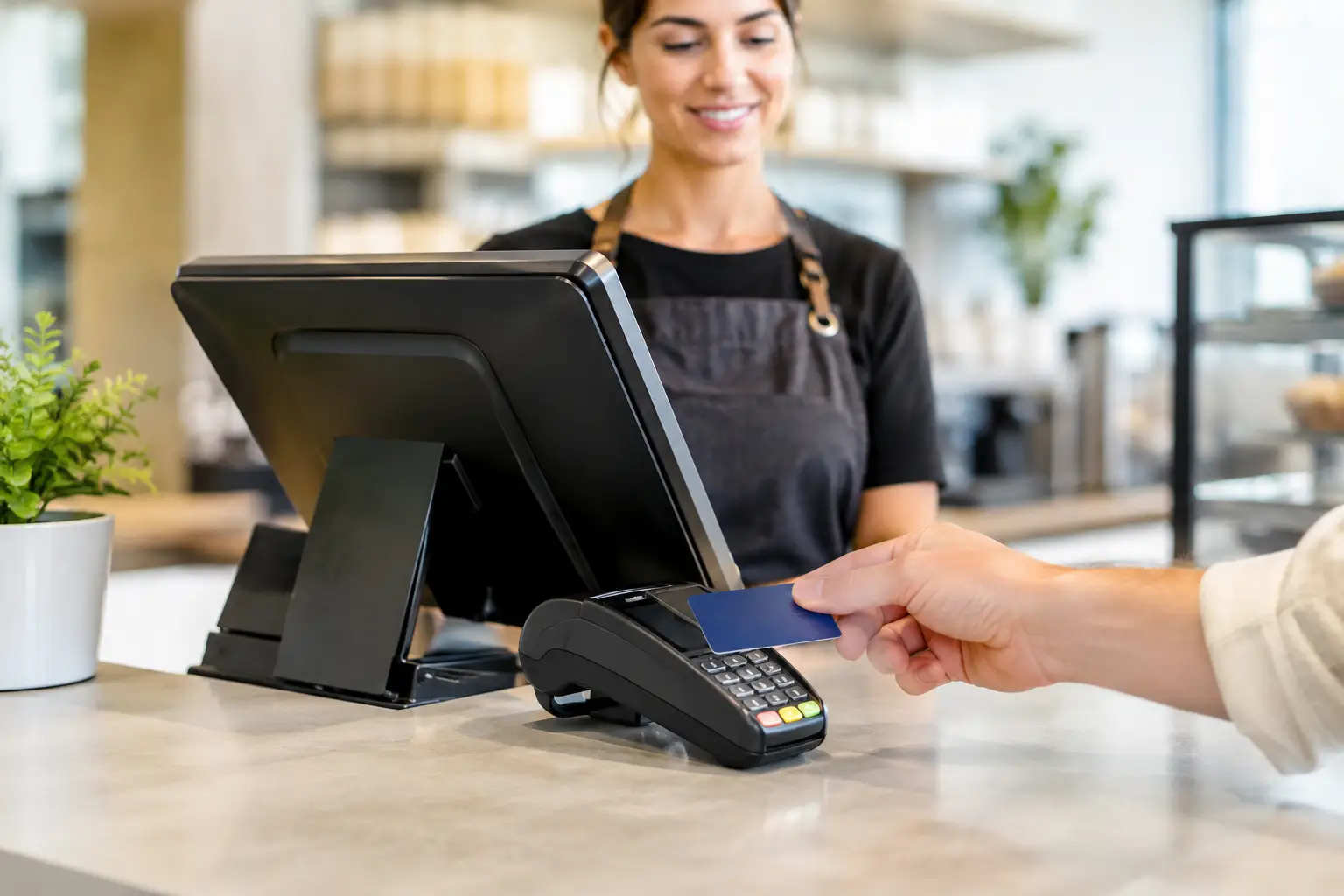
A cash register is built for the basics. It records sales, opens the cash drawer, prints receipts and helps staff process transactions quickly. For some operators, especially those with a small product range or simple service model, that may be enough.
A cloud POS system does the same core checkout job, but it also connects your sales data to software that can track inventory, pricing, staff permissions, customer information and reporting in real time. Depending on the setup, it may also connect with kitchen printers, barcode scanners, scales, EFTPOS, online ordering or back-office management tools.
That does not automatically make cloud POS the better option for every business. It just means the system has a broader role. Instead of only processing the sale, it becomes part of how you run the operation.
When a cash register still makes sense
There is a reason cash registers are still used across retail counters, market stalls, small takeaways and community venues. They are usually simple to learn, fast to operate and less expensive upfront than a full POS setup.
If you sell a limited range of items, do not need detailed stock control, and mainly want a reliable way to ring up sales, a cash register can be a practical fit. It may also suit businesses with low transaction complexity, seasonal operators, or owners who prefer a straightforward system without subscriptions or software layers.
There is also less to train around. Staff can usually learn the core functions quickly, which matters in businesses with casual turnover or short onboarding windows.
That said, the simplicity is both the advantage and the limitation. Once you need more visibility around what is selling, what is running low, which staff member processed which transaction, or how multiple terminals should work together, a cash register can start to feel restrictive.
Where cloud POS earns its keep
Cloud POS tends to suit businesses that need more than a till and receipt printer. If your operation has regular menu changes, high stock movement, multiple staff, product variants, integrated scales, or more than one location or terminal, the extra functionality can save considerable time.
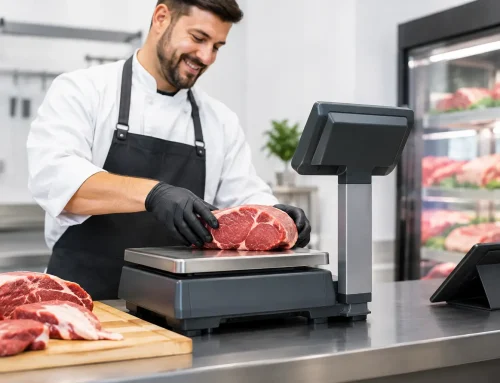
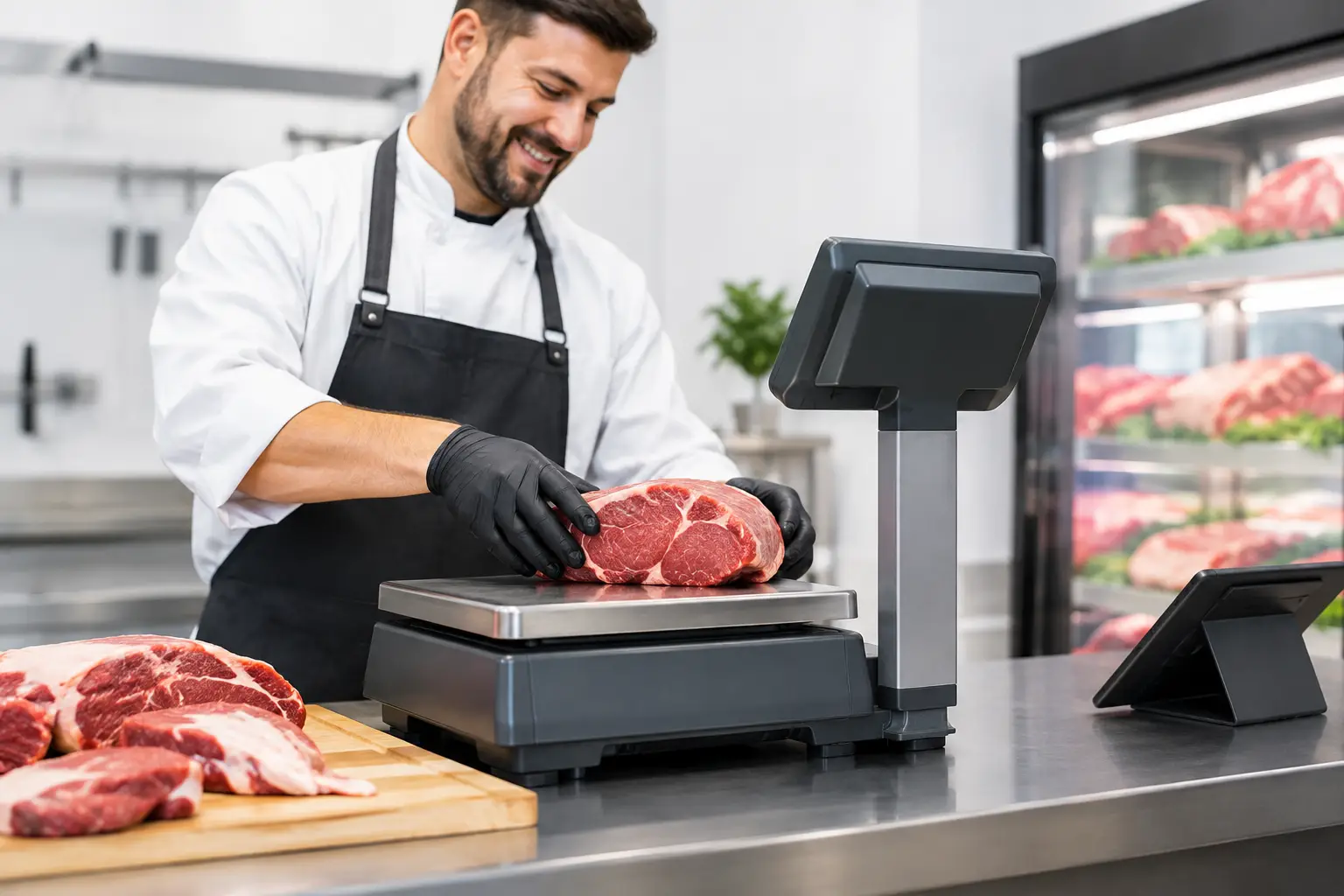
For example, a cafe or takeaway shop may want quick product buttons, modifier options, kitchen printing and clearer sales reporting by category or shift. A retailer may need barcode scanning, stock counts, reorder visibility and better pricing control. A food business selling by weight may need the POS to work cleanly with trade-approved equipment and label or receipt workflows.
The value is not only in features. It is also in access. Owners and managers can often review sales, monitor trends and make updates without being physically at the counter. For businesses that want more control across busy sites, this can be a major step up from a standalone register.
Cost is not just the purchase price
When comparing cloud POS vs cash register, many people look at the initial ticket price first. That is understandable, but it can give a misleading picture.
A cash register is often cheaper to buy upfront. If your needs are basic, that lower entry cost may be the right financial decision. But if the system creates manual work elsewhere, such as separate stock handling, handwritten reporting or time spent correcting mistakes, the long-term cost can be higher than it first appears.
Cloud POS usually involves hardware plus software subscription costs, and sometimes setup, training and integration work. That can feel like a bigger commitment. On the other hand, if it reduces errors, speeds up transactions, improves stock control and gives you clearer reporting, it may pay for itself in labour savings and better decision-making.
This is where honest scoping matters. Buying more system than you need wastes money. Buying too little often creates frustration within months.
Reliability matters more than feature lists
On paper, cloud POS can sound like the obvious winner. In practice, reliability is what counts. A feature-rich system is not much help if it is poorly configured, staff do not know how to use it, or support is hard to reach when something stops working.
A cash register has the advantage of being self-contained and familiar. There are fewer moving parts. That can be reassuring for operators who simply need the drawer to open, the receipt to print and the transaction to finish.
Cloud POS relies on a wider setup, including devices, network connectivity, peripherals and software configuration. A well-designed installation can be highly dependable, but it needs proper planning. Printers need to talk to terminals. Scanners need to be configured correctly. Menus, tax settings, departments and staff permissions need to be set up to match the actual workflow.
That is why local technical support matters. For a business that trades all day, equipment is not just equipment. It is operational infrastructure. If something goes wrong, you need practical help, not a ticket queue and a wait.
Choosing the right system for your business type
The best fit often comes down to transaction style.
For a small convenience shop, market operator or community canteen with a modest product range, a cash register may be all that is required. It keeps things simple and affordable.
For a boutique retailer with barcode scanning, seasonal stock changes and the need to track top-selling lines, cloud POS usually offers much better control. The same goes for venues with table service, menu modifiers, kitchen production or split billing.
For food service businesses using weighing equipment, the decision can be more technical. If your point-of-sale setup needs to work alongside compliant trade measurement equipment, labels or integrated pricing workflows, system compatibility matters just as much as checkout speed.
There is also the question of growth. If you expect to expand product ranges, add terminals, tighten stock management or improve reporting over the next year or two, it may be worth choosing a system that can grow with you rather than replacing a basic setup later.
Cloud POS vs cash register for staff training and day-to-day use
Business owners sometimes worry that cloud POS will be harder for staff to learn. Sometimes that is true, especially if the system is overloaded with functions the team does not need. But a well-configured POS can actually simplify daily work because the buttons, prompts and processes are tailored to how the business operates.
A cash register wins on familiarity. Most staff understand the basics quickly. But it can also leave more room for workarounds, manual pricing and inconsistent processes if the setup is too generic.
Cloud POS gives you more control over how sales are entered, who can apply discounts, how refunds are handled and what gets reported. That structure is useful, particularly in businesses with multiple staff or owners who want tighter oversight.
The key is not just the software. It is setup and training. Even a very capable system becomes frustrating if no one has taken the time to configure it properly or show the team how to use it under real trading conditions.
The support question most buyers leave until too late
A lot of businesses choose hardware based on brochure features, then think about support after installation. That is usually backwards.
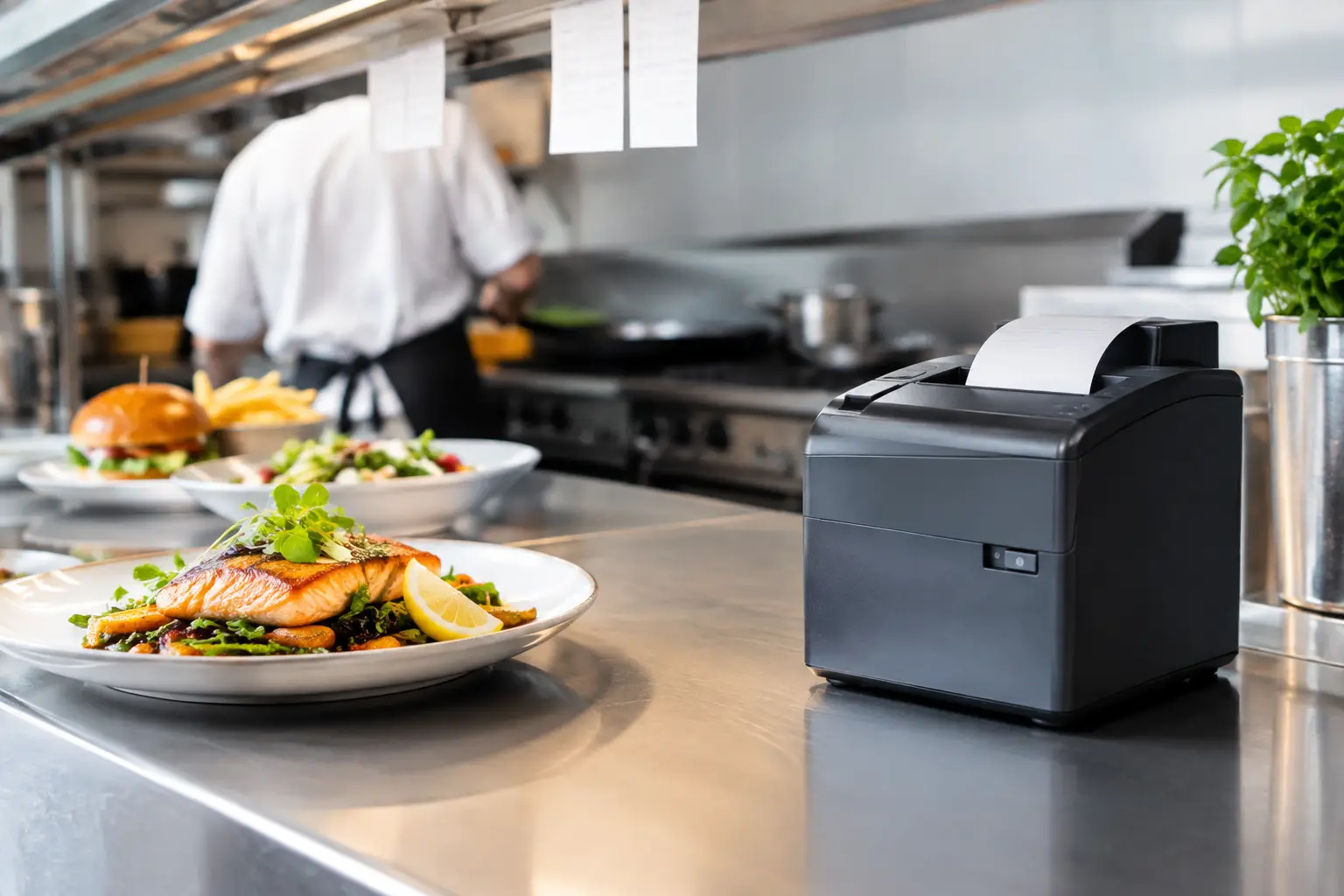
Before choosing either option, ask what happens if the printer fails on a Friday afternoon, the drawer stops opening, the network drops out, or the software needs reconfiguring after a menu or stock change. Ask who handles repairs, who can come on site, who can advise on compatible equipment, and whether the supplier understands your type of business.
This is especially relevant in hospitality, food service and busy retail environments where downtime quickly turns into lost sales and stressed staff. A local provider with technical experience can make a significant difference, particularly when your setup includes printers, scanners, scales, networking and multiple points of failure.
That service-first approach is why many Southeast Queensland businesses work with providers like EBE. The equipment matters, but so does having a team that can install it properly, support it when needed and keep the whole system practical for the way you trade.
So which one should you choose?
If your checkout needs are simple, your budget is tight and you do not need detailed reporting or stock visibility, a cash register can still be a smart, reliable choice.
If you want stronger reporting, better stock control, tighter staff management and a system that connects more of your operation, cloud POS is often the better investment.
The right answer is usually not about trends. It is about fit. A good system should match your pace of trade, your staffing reality and the level of control you want as an owner or manager. When the setup suits the business, the counter runs faster, the team works with more confidence and small problems stay small.
If you are deciding between the two, start with your busiest trading hour and work backwards from there. That usually tells you more than any feature sheet will.





Leave A Comment
You must be logged in to post a comment.