
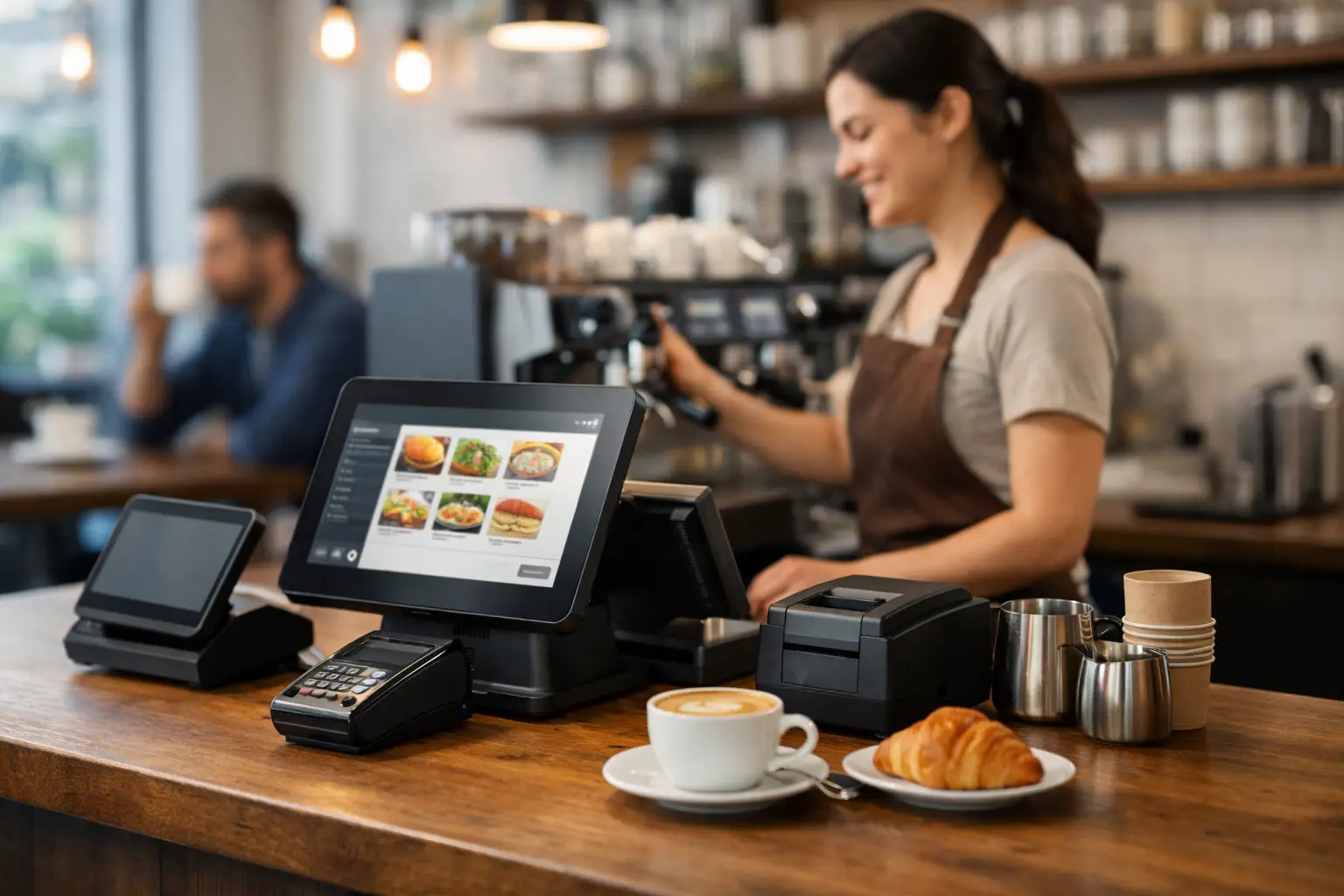
The morning rush tells you very quickly whether your pos system for cafe service is helping or getting in the way. When orders stack up, milk is steaming, staff are moving fast and customers want to tap and go, every second at the counter matters. A slow screen, a printer that drops out or a confusing menu layout does not stay a small problem for long.
For most cafes, the right system is not the one with the longest feature list. It is the one that suits the way your team works, handles pressure without fuss and can be supported properly when something goes wrong. That is where many operators get caught. They buy software first, then try to make the hardware, workflow and support fit afterwards.
What a good POS system for cafe operations should actually do
A good cafe POS should speed up ordering, reduce mistakes and give you a clearer picture of what is selling. That sounds obvious, but the details matter. In a cafe, the counter is often handling dine-in, takeaway, phone orders, online pickups and payment processing all at once. The system has to keep those order types separate without slowing staff down.
The touchscreen needs to be simple enough for new staff to learn quickly, especially in venues with casual teams and changing rosters. Buttons should be easy to find, modifiers should make sense and popular items should be quick to ring up. If your staff need too many taps to process a flat white with almond milk and an extra shot, the menu design is working against you.
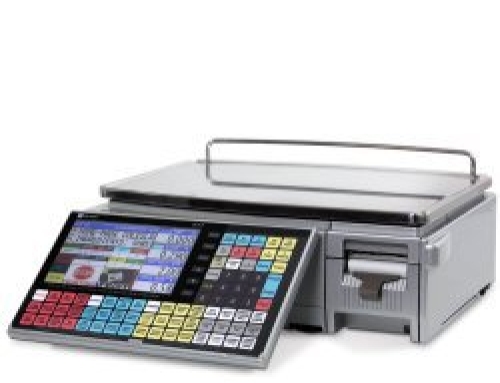
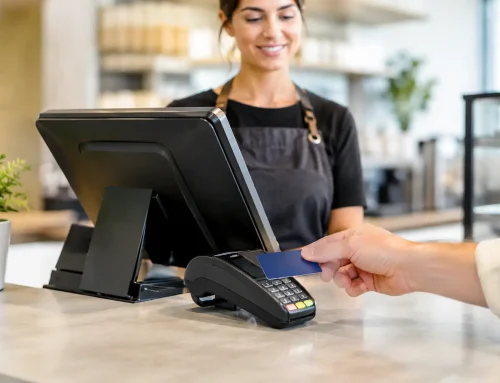
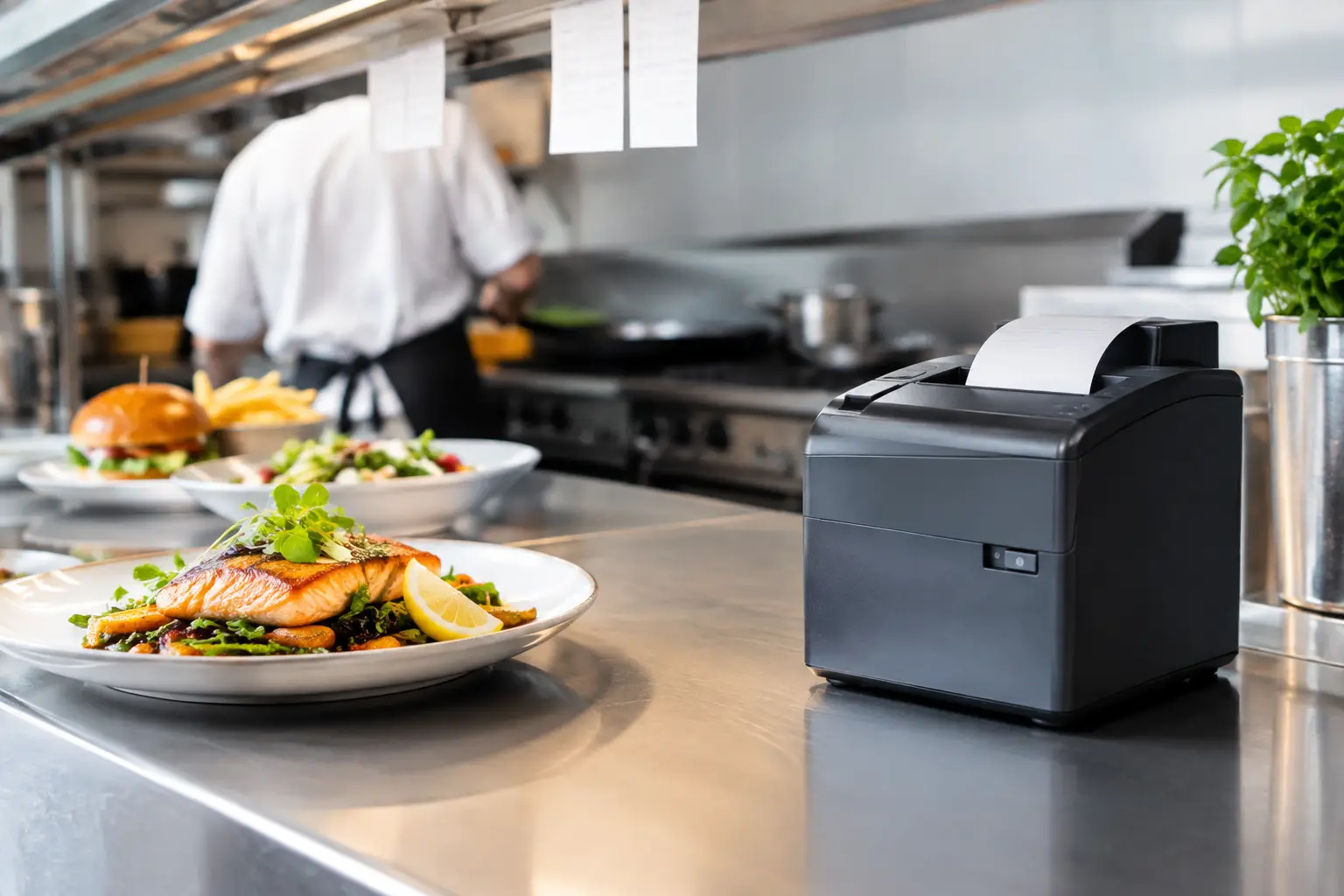
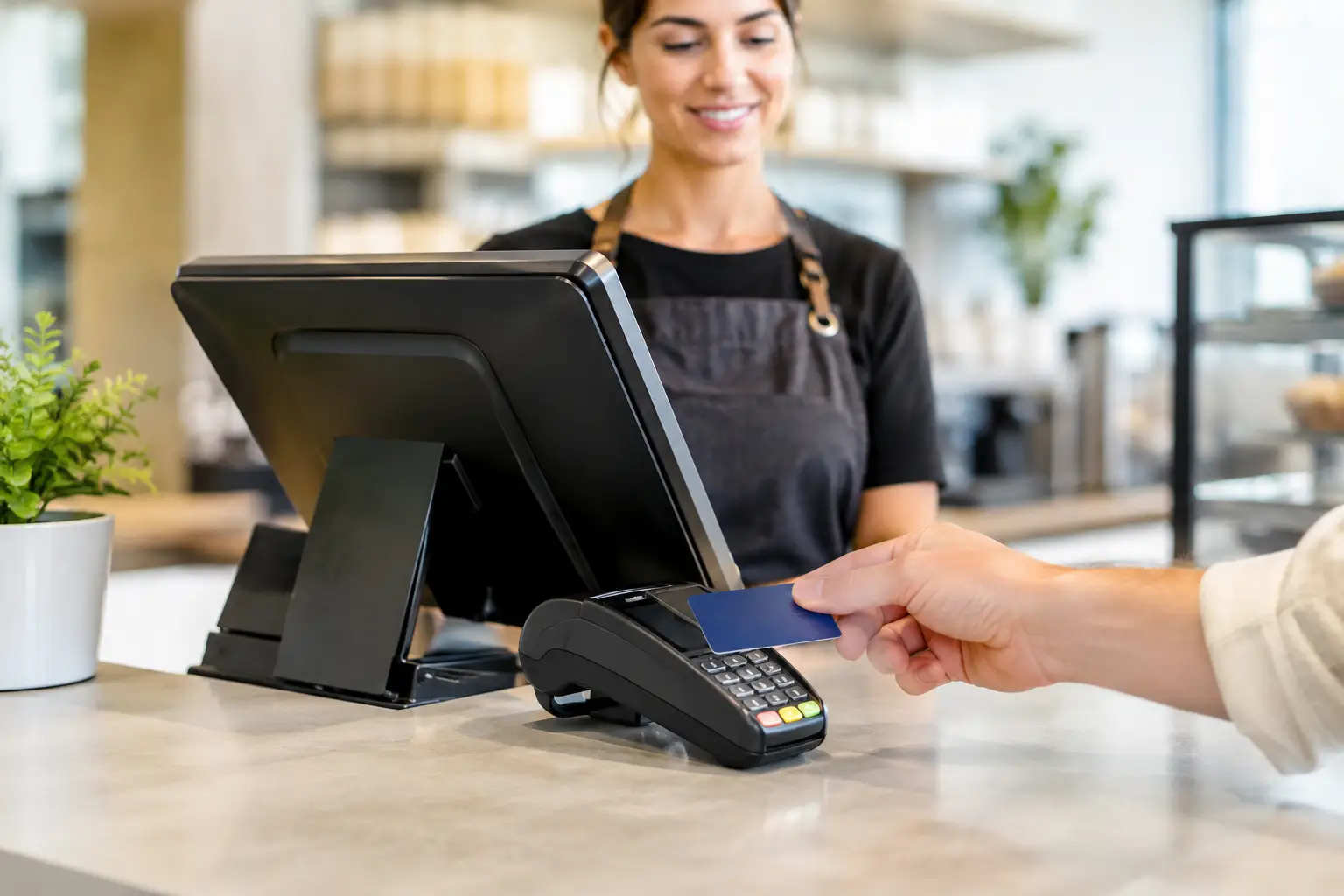
Speed also depends on the devices around the POS. A cafe setup usually relies on receipt printers, kitchen printers, cash drawers, payment terminals and a stable network. If one part is unreliable, the whole front counter feels unreliable. That is why hardware matters just as much as software.
Start with your workflow, not the sales pitch
Before choosing a system, look at how your cafe actually trades. A small espresso bar with mostly takeaway traffic has very different needs from a larger venue with table service, split bills and busy weekend brunches. There is no single best setup for every operator.
If most of your trade is quick service, the priority is usually fast order entry, easy payment handling and minimal delay between the counter and the barista. If you run a dine-in venue, you may need table mapping, course timing and better visibility across multiple service areas. If you also sell retail items such as beans, mugs or pantry goods, your stock tracking needs become more important.
It also helps to think about the pressure points in your current setup. Maybe staff are memorising too much because the menu layout is poor. Maybe kitchen dockets are unclear. Maybe EFTPOS integration is inconsistent. These are practical issues, and they should drive the decision more than glossy feature claims.
The hardware side is where reliability is won or lost
Cafe owners often hear plenty about apps and subscriptions, but less about printers, terminals and the network that keeps everything connected. In day-to-day service, those pieces do the heavy lifting.
Touchscreens need to cope with constant use in a food and beverage environment. Receipt printers need to print quickly and consistently. Kitchen printing has to be clear enough that the team can read orders at a glance, even in the middle of a busy shift. If your site uses wireless devices, the network has to be configured properly. Patchy connectivity causes repeated delays, duplicate transactions and frustrated staff.
There is also the question of redundancy. If a printer fails on a Saturday morning, how quickly can you recover? If the internet drops out, can the system keep trading? These are not edge cases. They are exactly the sort of problems that affect busy hospitality venues, and they should be part of the buying decision from the start.
Integration matters, but only when it serves the business
Many modern POS platforms offer integrations for accounting, rostering, loyalty programs, online ordering and inventory. Some of these are genuinely useful. Some add cost and complexity without solving a real problem.
For a cafe, the best integrations are usually the ones that remove double handling. If sales data flows cleanly into bookkeeping, that saves admin time. If online orders arrive in the same workflow as counter orders, that reduces confusion. If stock reporting helps you spot waste or track your top sellers, that supports better purchasing decisions.
But integrations should not come at the expense of reliability. A system that promises everything yet needs constant troubleshooting can create more work than it removes. It is often better to have a stable setup that handles the core job well than a complicated one full of features your staff barely use.
Support is not an extra – it is part of the system
This is one of the biggest factors cafe owners underestimate. A pos system for cafe use is not just a screen on the counter. It is the hardware, the software, the setup, the training and the support behind it.
When service is running and something fails, you need help from people who understand both the product and the environment it is operating in. A generic help desk can be frustrating when you are trying to sort out a printer issue during breakfast trade. Local support with hands-on technical knowledge makes a real difference, especially for hospitality businesses that cannot afford long periods of downtime.
That support should start before installation. A good provider will ask the right questions about your menu, service style, layout and devices. They should configure the system to suit the venue, not leave you to work it out after the boxes arrive. Training matters too. Even a strong system can underperform if staff are not shown how to use it properly.
Common mistakes when choosing a cafe POS
The first mistake is buying on price alone. Budget matters, especially for small operators, but the cheapest option can become expensive very quickly if it slows service or needs frequent fixes. A better approach is to look at total value – purchase cost, subscription fees, hardware quality, lifespan and support.
The second mistake is overbuying. Some cafes end up with a system built for a much larger venue, complete with features they will never use. That usually means more training, more complexity and more room for user error.
The third mistake is underestimating setup. A POS is only as good as its configuration. Menu groups, modifiers, printer routing, tax settings and payment connections all need to be set up carefully. If they are rushed, the problems show up at the worst time.
Another common issue is treating the internet connection as someone else’s problem. If your system depends on cloud services, payment processing or wireless devices, your network needs to be reliable and fit for purpose. In many cases, improving the network is just as important as replacing the terminal.
How to assess the right fit for your cafe
A practical assessment starts with a few direct questions. How many transactions do you process in a peak hour? How many staff need to use the system? Do you need table service, kitchen printing, online ordering or stock control? What happens if one device fails? How quickly do you need support if something stops working?
From there, look at ease of use. Ask whether a new staff member could learn the basics quickly. Check how modifiers are handled. Review how refunds, split payments and order changes work. Cafes do not run in perfect conditions, so the system has to cope with the messy parts of real service.
Then look beyond the sale. Who installs it? Who trains your team? Who handles repairs? Who answers the phone when you need help? For Southeast Queensland operators, that local service layer can be the difference between a minor hiccup and a lost day of trade. That is why many businesses prefer working with providers such as Electronic Business Equipment, where hardware, setup, servicing and technical support sit under one roof.
Why the best choice is usually the one that keeps service moving
There is no perfect system in the abstract. There is only the system that fits your cafe, your staff and your service style. For one venue, that may mean a straightforward counter setup with dependable printing and easy payment integration. For another, it may mean a broader system with table management, reporting and linked devices across multiple workstations.
What does not change is the importance of uptime, usability and support. Cafes need technology that works consistently, can be maintained properly and does not add friction during busy periods. That is the benchmark worth using.
If you are reviewing your options, focus less on the brochure and more on the day you had twenty coffees on the rail, a queue out the door and no time for guesswork. The right system should make that day easier, not harder.





Leave A Comment
You must be logged in to post a comment.