
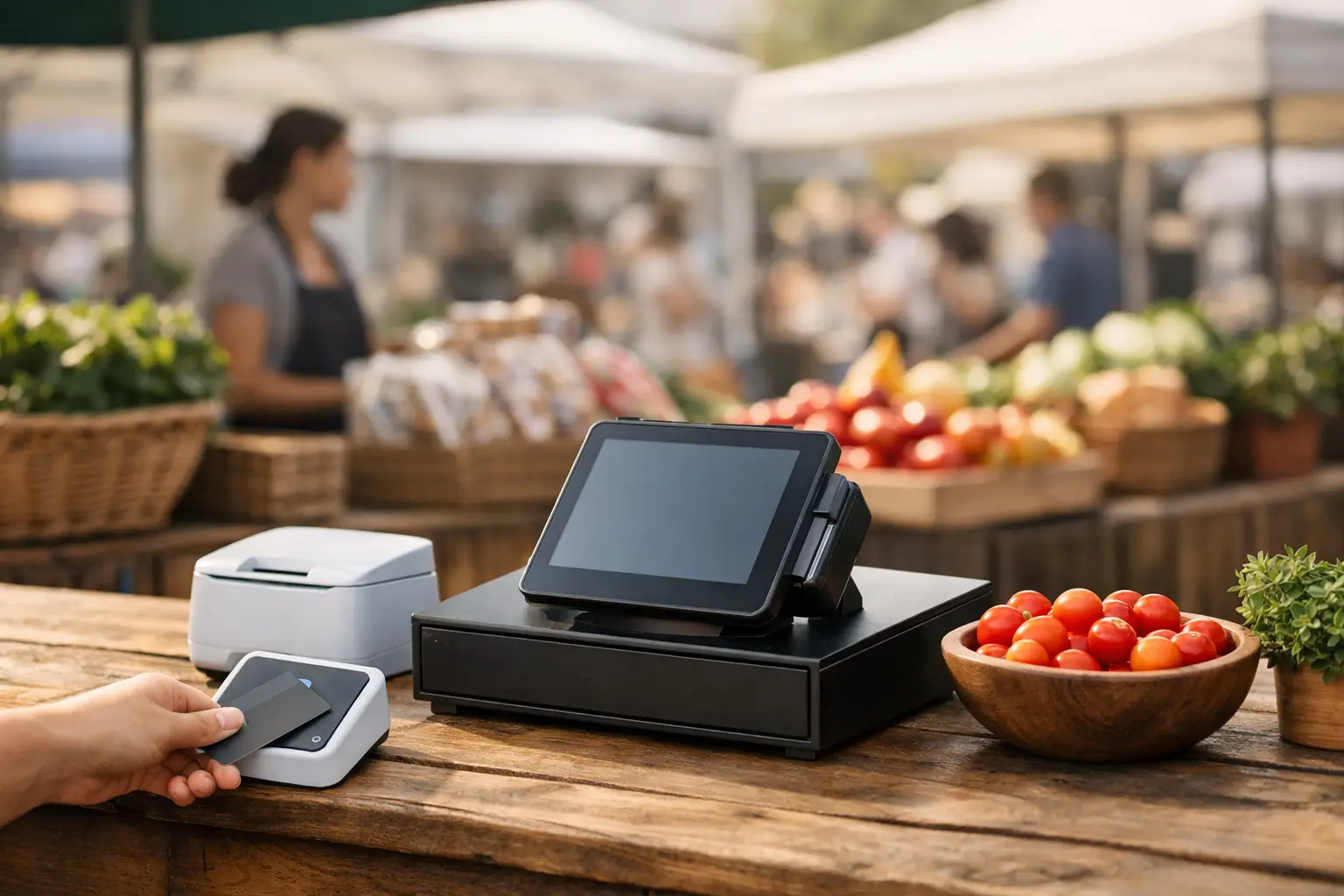
A busy Saturday market gives you only a few seconds to turn interest into a sale. When a customer is ready to pay, your market stall EFTPOS setup needs to work first time, even if the site is crowded, the weather turns, and the mobile network is under pressure. A card terminal is only one part of that setup. Power, connectivity, product flow and a practical backup plan determine whether your queue moves or walks away.
For market traders, the right solution is rarely the most complicated one. It is the system that suits the way you sell, travels safely, starts quickly, and lets you keep trading when conditions are less than ideal.
Start with how your stall actually trades
Before choosing a terminal or point-of-sale system, look at the transaction itself. A coffee van serving a fast morning rush has different needs from a boutique retailer, a produce grower, or a weekend food stall taking made-to-order meals.
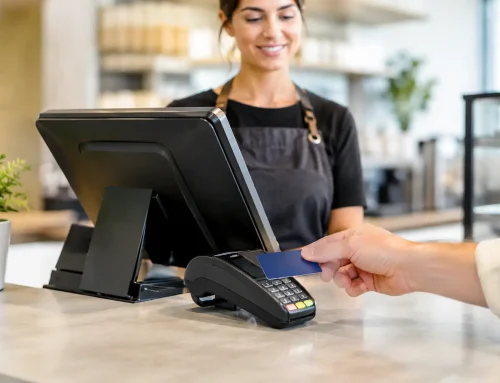
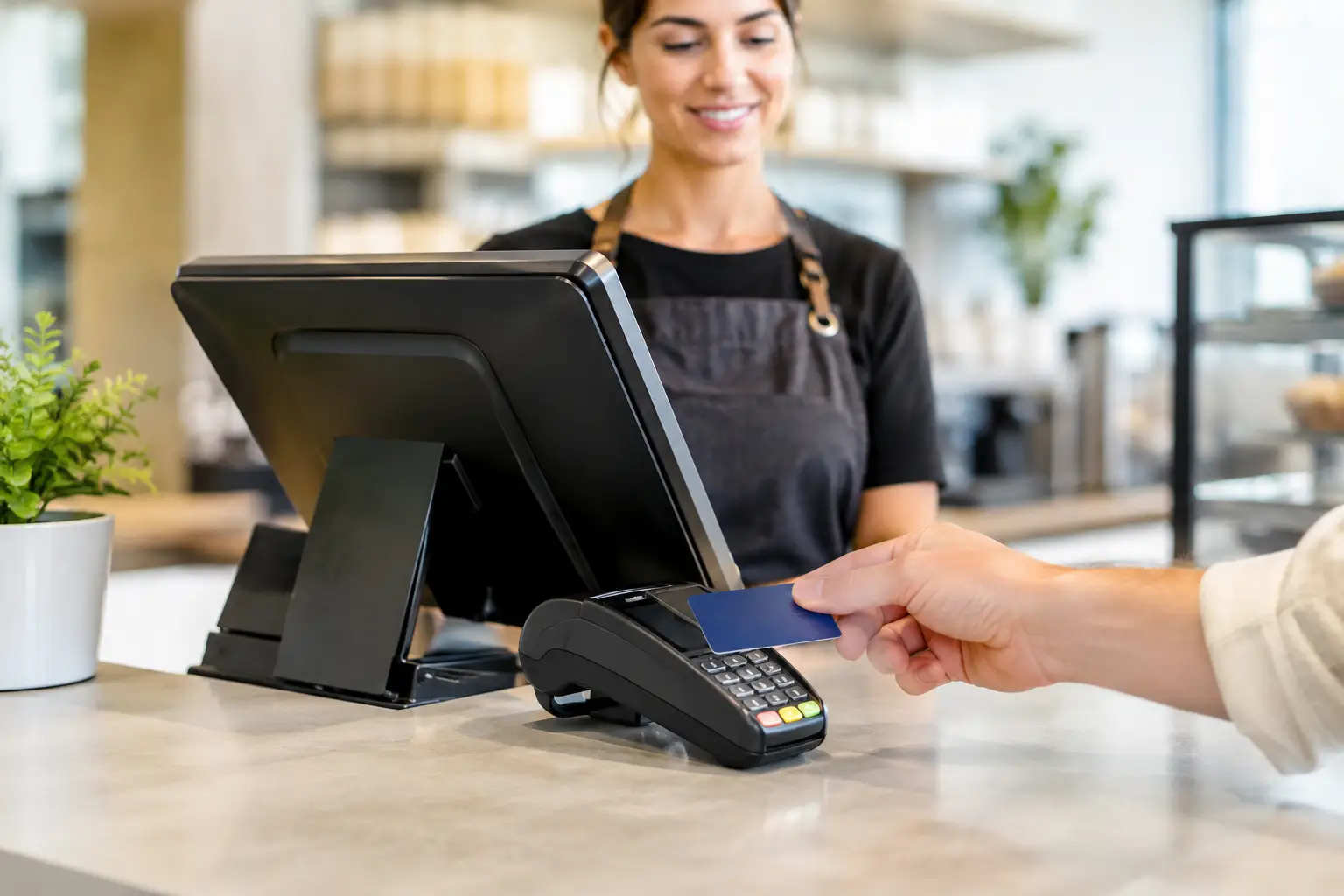
If you sell a limited range of items at one price, a standalone EFTPOS terminal may be enough. You enter the sale amount, the customer taps or inserts their card, and you provide a receipt if required. This is simple, portable and usually quick to train staff on.
If you carry many products, offer variations, manage stock, take orders, or need clearer sales reporting, a connected POS system can save time and reduce mistakes. Products, modifiers and prices can be selected on a touchscreen, then sent directly to the EFTPOS terminal. For food operators, that may mean fewer manual entry errors during a rush. For retailers, it can mean more accurate stock records after a full weekend of trading.
The trade-off is that an integrated system has more components to charge, transport and maintain. It is worthwhile when it removes repeated admin or checkout errors, not simply because it has more features.
Choose a market stall EFTPOS setup for the site, not just the counter
A terminal that performs well in a permanent shop may not suit an open-air market. Ask the organiser what connectivity is available, but do not assume venue Wi-Fi will be reliable enough for payment processing. Shared networks can slow down when hundreds of visitors and stallholders are connected at once.
Most mobile EFTPOS terminals use 4G or 5G data through a SIM card. Check coverage for the specific market location, including the actual position of your stall. A terminal may show strong signal in the car park but struggle behind a concrete wall, inside a hall, or under a metal awning.
Test the terminal during a previous market where possible, at the same time of day you expect to trade. Network congestion is often the issue, rather than a lack of basic coverage. If your payment provider supports it, a terminal with more than one network option can provide useful protection. A mobile hotspot can also assist other equipment, although it should be tested before you rely on it for payments.
Avoid placing the terminal where it is exposed to rain, direct sun or a likely spill zone. A stable counter position, a protective case and a short tether can prevent a costly drop during a busy service period. The customer should be able to tap comfortably without staff stretching a cable across the bench.
Power is part of the payment system
Battery life is easy to overlook until the terminal reaches 10 per cent just as the lunch queue arrives. Check the expected battery performance under normal use, then allow for a full day, screen brightness, mobile data use and receipt printing. Recharge all devices the night before, including tablets, phones, printers and card readers.
Where mains power is supplied, use equipment and leads suitable for commercial use and keep connections dry and protected from foot traffic. If you run from a battery pack or portable power station, calculate the load of every device rather than guessing. A terminal may use little power, but a tablet, receipt printer, label printer, refrigeration or coffee equipment changes the picture quickly.
Keep a charged power bank or suitable backup power source within reach. It is a small safeguard that can save a trading day.
Match the checkout equipment to your workflow
A practical market counter should make payment feel straightforward for both staff and customers. The ideal layout keeps products, order taking, EFTPOS and receipts within one efficient reach. If staff have to turn around, find a price sheet, type an amount and then hunt for the terminal on every sale, the queue will notice.
For a straightforward retail stall, a compact terminal and clear price display may be all that is needed. For a high-volume food stall, a tablet-based POS, customer-facing EFTPOS terminal and receipt or docket printer can create a much cleaner flow. Staff take the order, confirm it on screen, accept payment and pass the order to preparation without repeating details aloud.
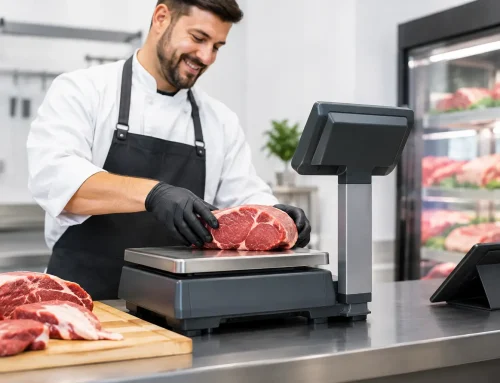
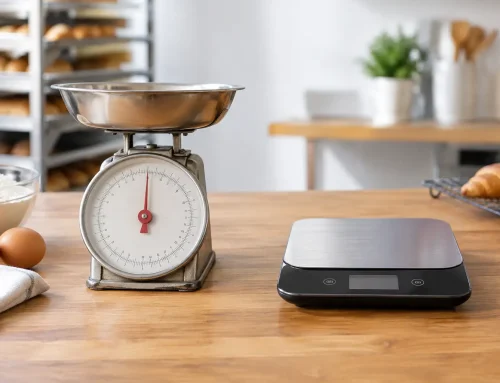
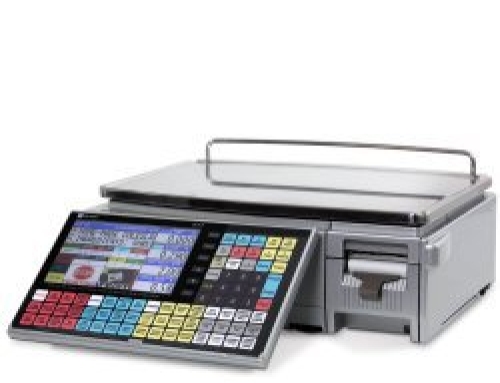
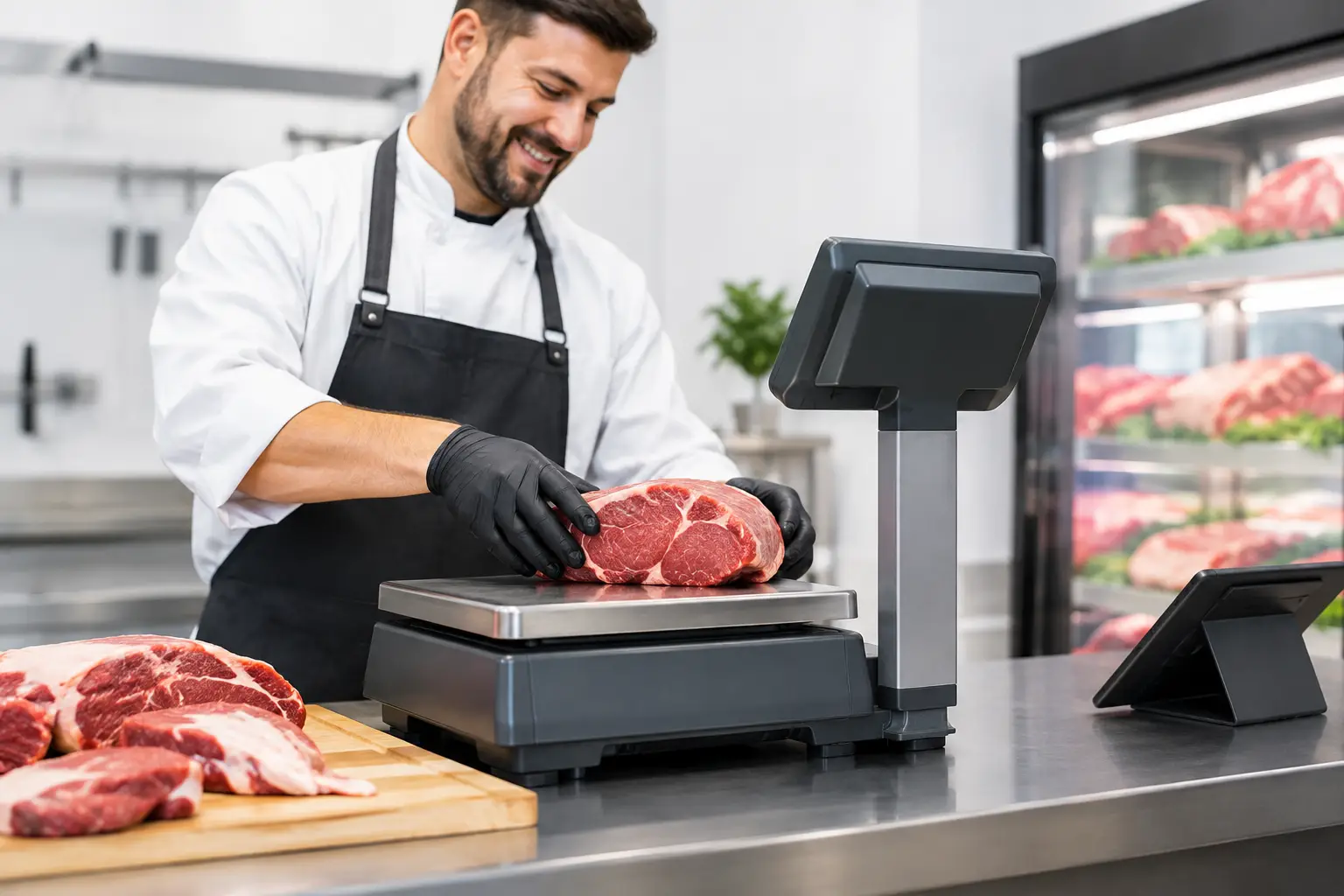
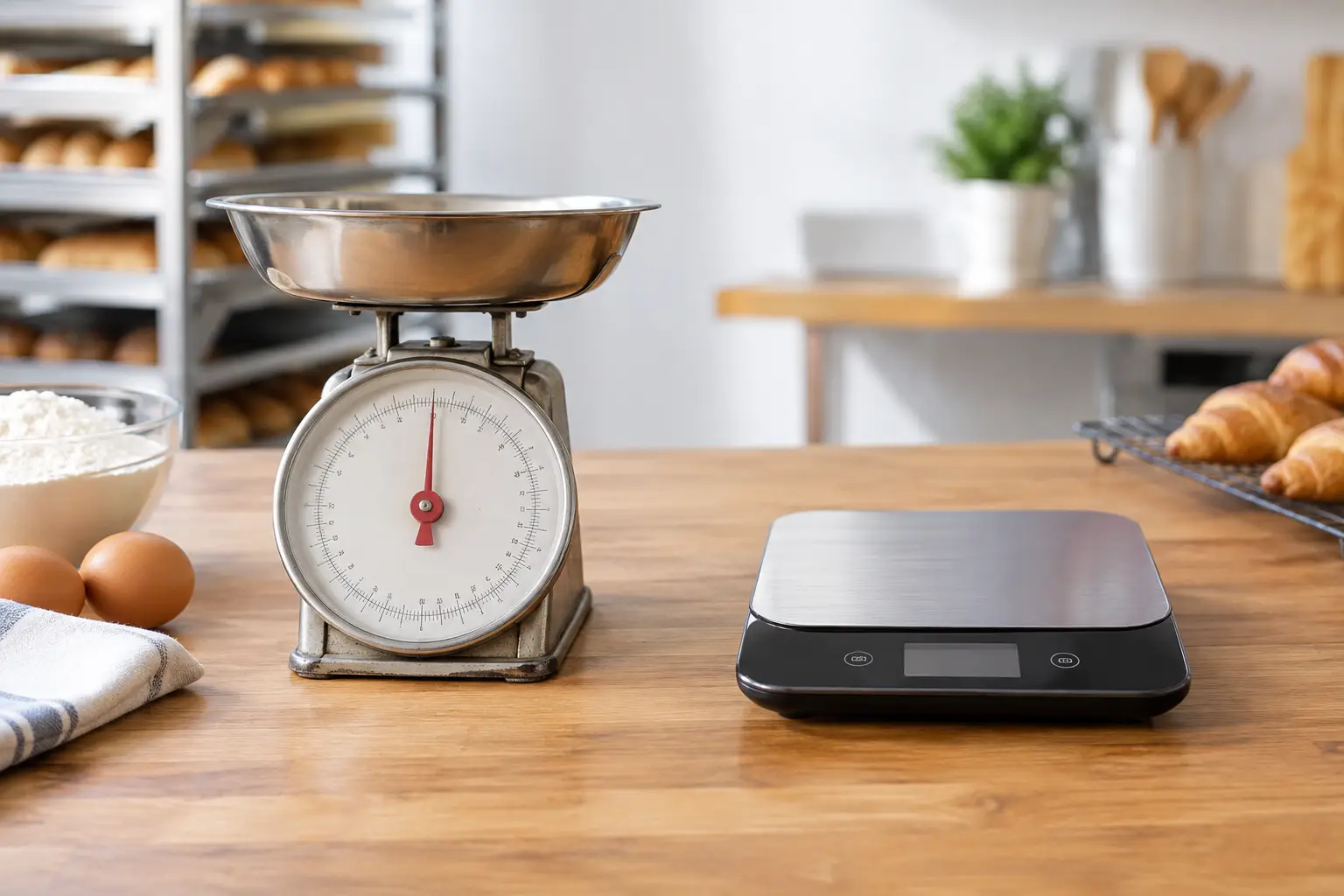
Produce sellers and delicatessens need to consider weighing equipment as well. If price is calculated by weight, the scale must be appropriate for trade use and correctly verified where required. Connecting a compatible trade-approved scale to the POS can reduce manual calculations and make pricing clearer for customers. It also helps when staff are changing throughout the day and need a consistent process.
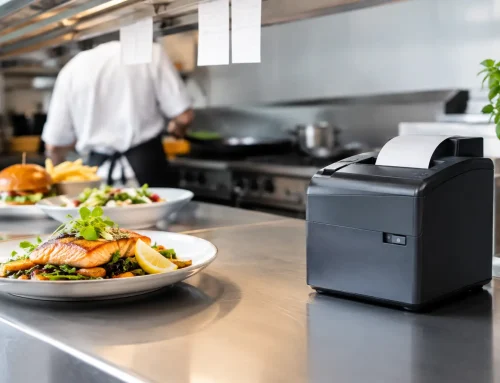
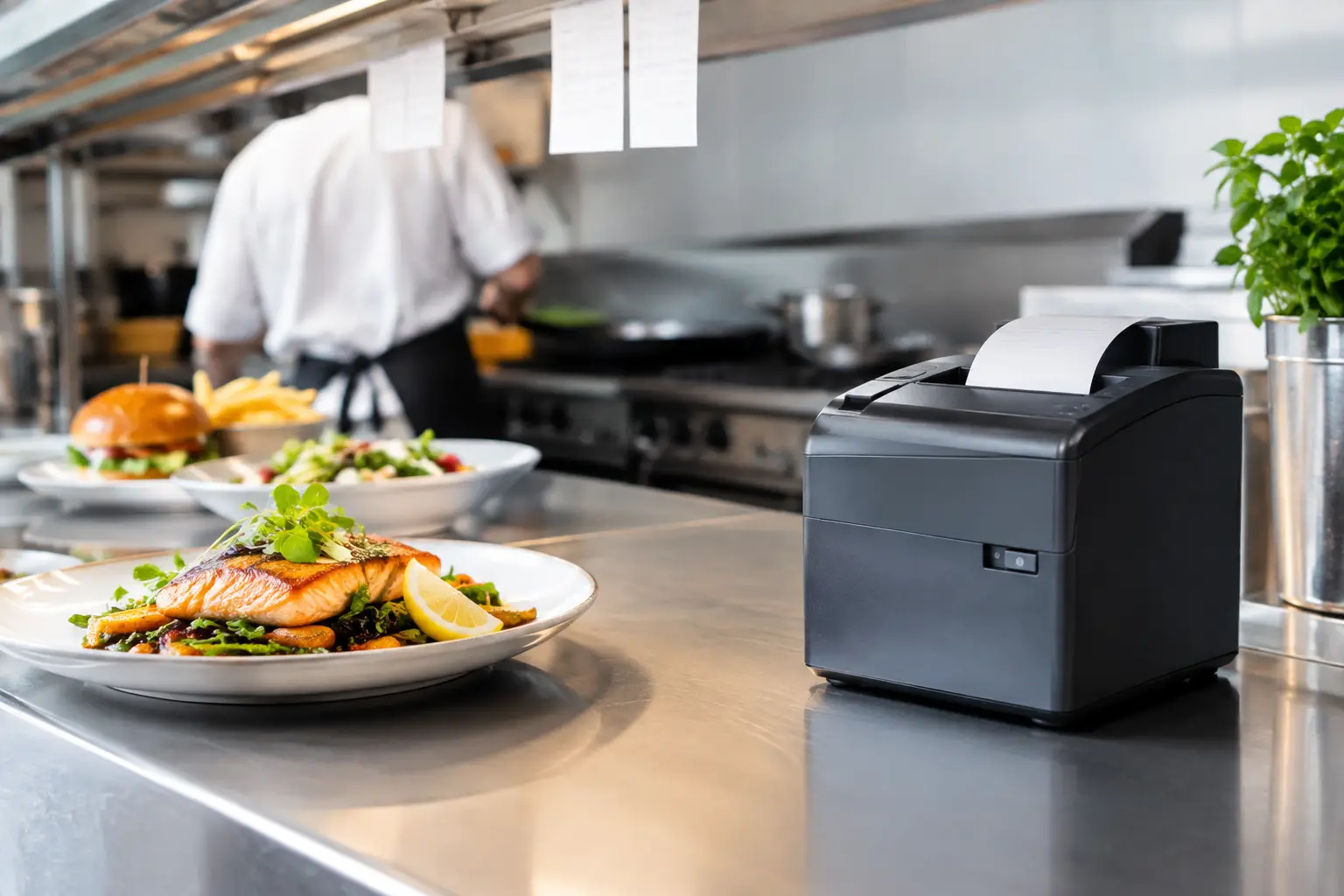
Think about receipts before choosing hardware. Some customers are happy with a digital receipt, while others may need a printed tax invoice. A printer adds another device and consumable to manage, but it can be useful for orders, refunds and businesses that need a clear audit trail.
Build in a backup plan before the first sale
Markets are not forgiving environments for technology. Mobile coverage can drop, a terminal can be damaged, a password can be forgotten, or a staff member can accidentally take the wrong device home. The best response is preparation rather than panic.
Keep login details stored securely and make sure the person opening the stall can access the payment system without calling the owner. Train at least two people to process a sale, issue a refund and restart the equipment. A short written opening and closing checklist is useful when casual staff are involved.
Your backup plan should cover four areas:
- a charged secondary power source for essential devices;
- a tested alternative connection where your provider and equipment support one;
- a manual way to record product sales or orders temporarily; and
- clear customer communication if payments are delayed or unavailable.
Do not try to improvise card handling outside your provider’s approved process. Payment security requirements exist to protect your customers and your business. If a terminal cannot process transactions, follow the provider’s procedures and be transparent with customers about the payment options available.
A small amount of cash change can still be sensible, even for a business that takes mostly card payments. The right amount depends on your products, prices and usual customer base. Cash should be stored securely and counted away from public view.
Set up for faster service, not just card acceptance
Contactless payments are quick, but the whole sale is only as fast as the slowest step. Clear menu boards, visible prices and simple product choices help customers decide before they reach the counter. For food stalls, having a separate point for collection can stop paid customers blocking people who are ready to order.
Review your checkout process after each market. Are staff manually keying in the same popular prices? Are customers asking for itemised receipts? Does one product cause delays because its price changes by weight? These are signs that a basic terminal may need a better product setup, a connected POS, or a properly configured scale.
Reporting matters too. A payment terminal can show total card takings, but a POS system may show which products sold, when demand peaked and which staff or locations processed transactions. That information can guide stock ordering and staffing for the next event. It is useful only if the setup is simple enough for you to use consistently.
Test the full setup before market day
Do not make the first live transaction your first test. Run a small test sale and refund where appropriate, check that the terminal connects, print or send a receipt, and confirm that totals appear where you expect them to. If you use a POS, test the products, prices, GST settings, discounts and any scale or printer connection.
Pack equipment in the order you will set it up: counter hardware, power leads, chargers, paper rolls, mounting accessories and protective covers. Keep spare receipt paper if you print, and inspect cables regularly. A frayed charging lead or worn connector is a preventable reason for downtime.
For businesses that need more than a basic card reader, EBE can help configure the wider counter setup, including POS hardware, printers and trade-approved weighing equipment, then provide local technical support when equipment needs attention. The aim is not to add technology for its own sake. It is to make each sale easier to process and each market day easier to manage.
A reliable payment setup lets you focus on customers, stock and service rather than watching a spinning connection icon. Test it where you trade, give it dependable power, and keep one practical fallback ready. That preparation is what keeps the counter moving when the market is at its busiest.






Leave A Comment
You must be logged in to post a comment.