
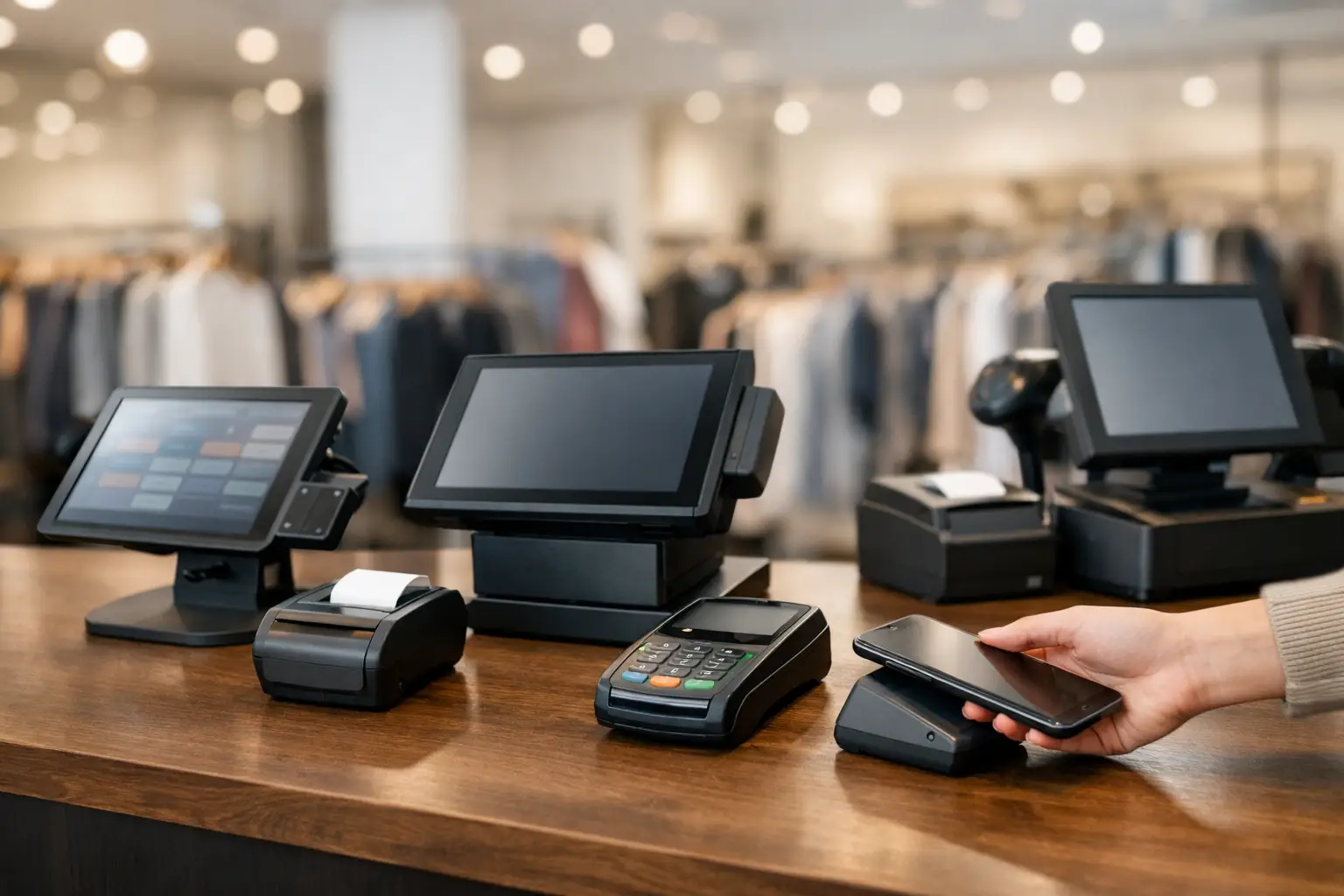
A busy lunch rush is a poor time to find out your POS can’t keep up. If orders are backing up, receipts won’t print, or staff are working around slow screens and awkward menus, the problem usually starts long before service begins. Knowing how to choose a POS system properly means looking past the sales pitch and making sure the setup suits the way your business actually trades.
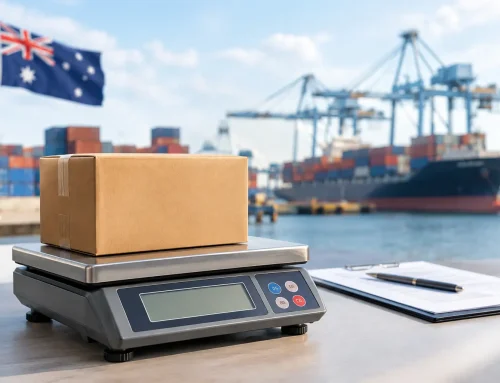
For a café, that might mean fast table turns, kitchen printing and easy staff training. For a retailer, it could be barcode scanning, stock control and reliable EFTPOS integration. For a deli, butcher or fresh food operator, trade-approved weighing equipment may also need to work alongside the POS. The right system is not the one with the longest feature list. It is the one that helps your team serve customers quickly, keeps errors down and stays dependable under pressure.
Start with how your business works
Before comparing brands or screens, look at your day-to-day operation. A POS system sits in the middle of service, stock, payments and reporting, so the best place to start is with your workflow.
Think about what happens from the moment a customer walks in to the moment the sale is complete. Are you scanning products at a counter, taking orders at tables, processing takeaway volumes, or weighing items before sale? Do you need one terminal or several? Will staff use fixed stations, handheld devices, or both? These details matter because they shape the kind of hardware and software your business actually needs.
This is where many businesses overspend or end up with the wrong fit. A small operator can be sold a system built for a multi-site chain, while a growing venue may buy a basic setup that struggles within six months. A good provider will ask practical questions first and recommend around your operation, not the other way around.
How to choose a POS system for your industry
Not all POS systems are built with the same industries in mind. Even when two businesses take payments all day, their needs can be completely different.
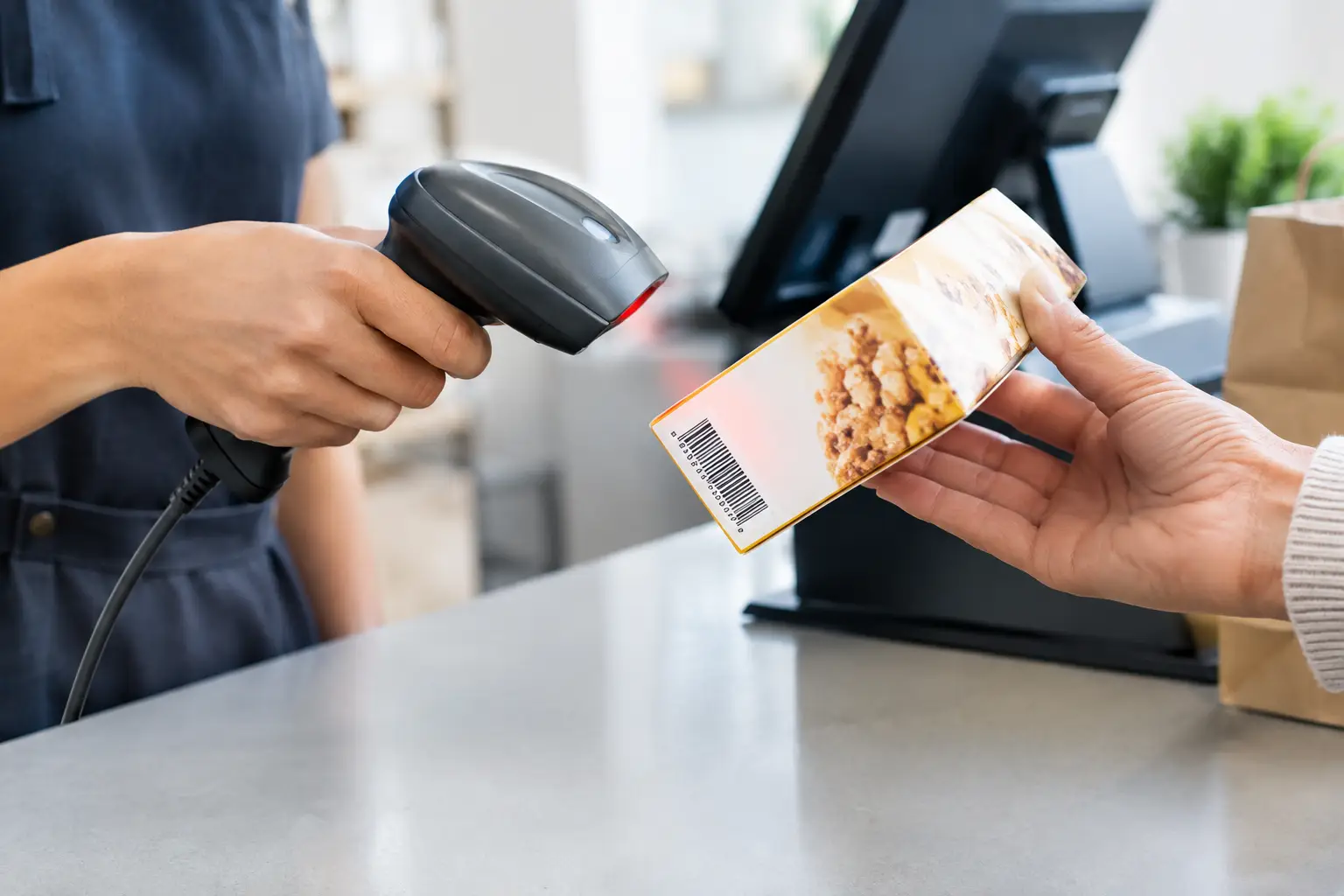
Retail businesses usually need strong stock visibility, barcode scanning, product variations, customer accounts and clear sales reporting. Hospitality venues often need table mapping, modifiers, kitchen docket routing, split bills and quick changes during service. Food businesses selling by weight need compliant weighing solutions and the confidence that equipment meets trade requirements.
There is also a difference between what sounds useful and what gets used every day. For example, advanced loyalty tools may look appealing, but if your immediate issue is queue times and staff mistakes at the counter, ease of use should come first. It depends on where the friction is in your business now, and what you expect over the next few years.
Look at the full system, not just the screen
A POS system is more than the terminal on the counter. In practice, it is a group of connected parts that all need to work together reliably.
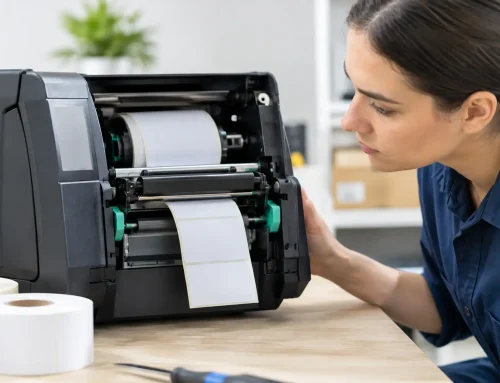
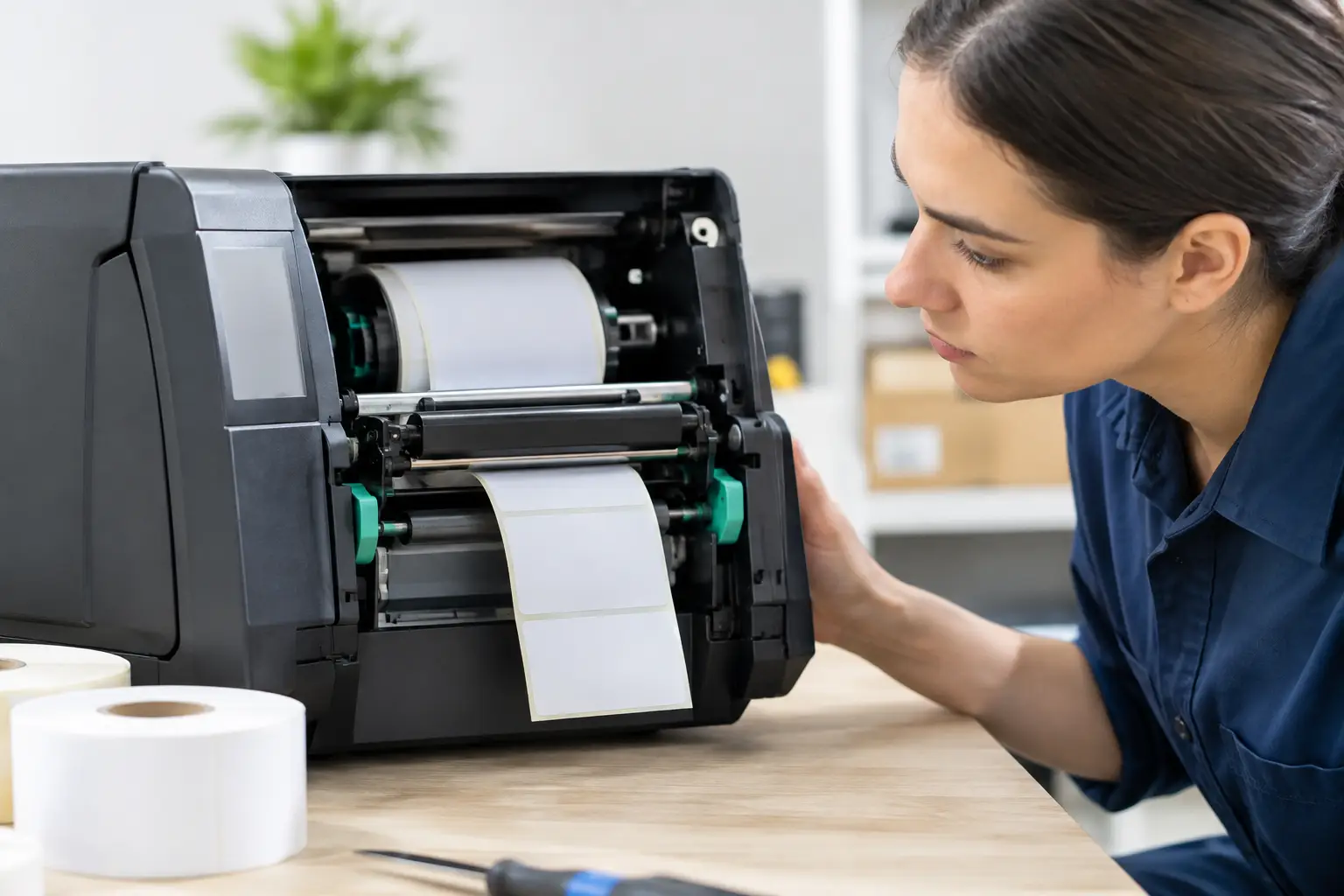
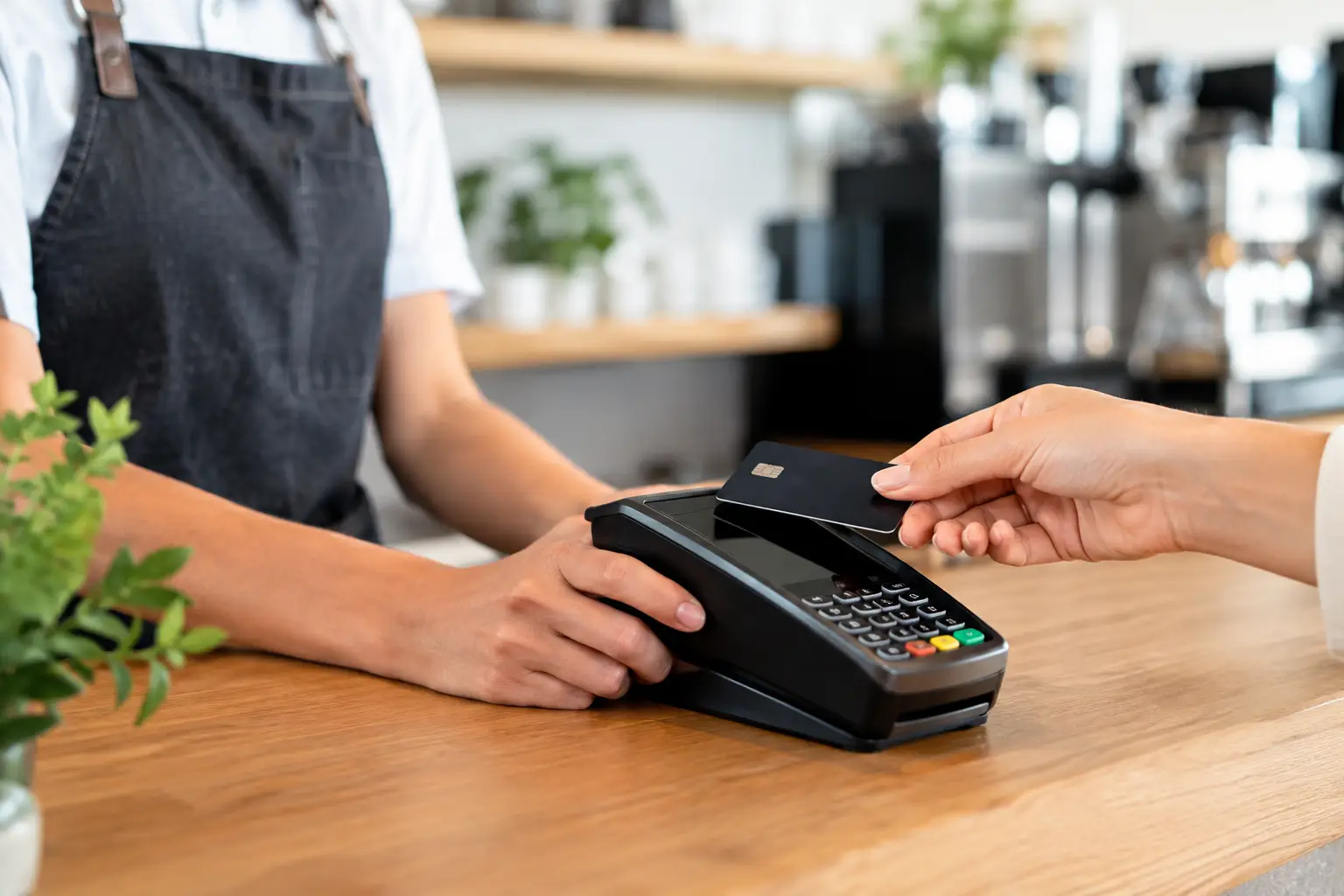
That often includes the touchscreen or register, receipt printer, cash drawer, barcode scanner, kitchen printer, label printer, scales, network hardware and payment integration. If one part is poorly matched or unreliable, the whole setup feels harder to use. This is why cheap hardware can become expensive very quickly. Saving money upfront does not help much if printers fail during peak periods or if replacement parts are difficult to source.
Compatibility also matters. Some software performs well on specific hardware and poorly on others. Some businesses need integrated scales or labels. Others need back-office reporting from multiple terminals. Choosing a provider that understands both hardware and software can save a lot of trouble later, especially when installation, configuration and fault-finding are involved.
Make usability a priority
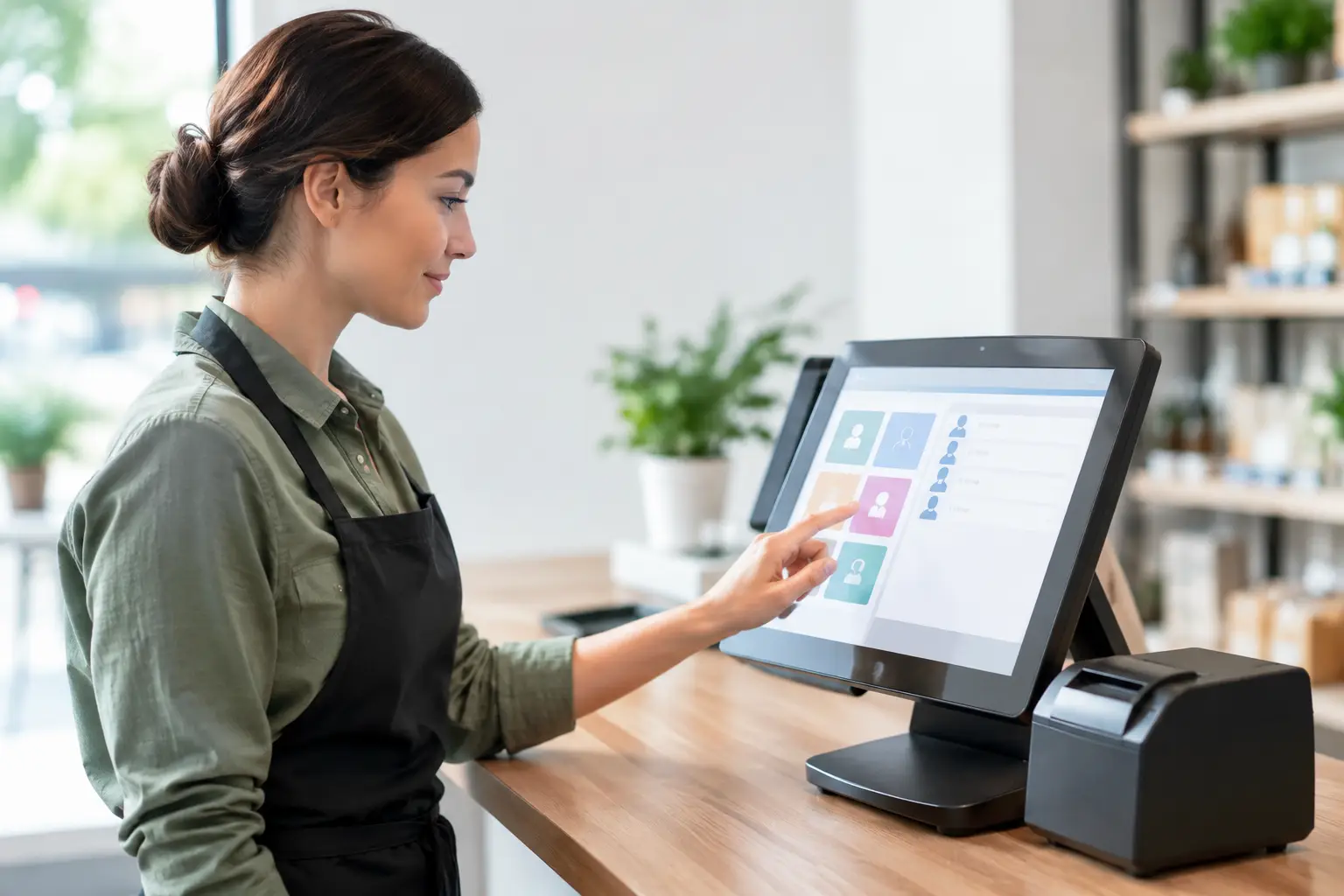
Your staff should not need to wrestle with the POS to complete a simple sale. If common tasks take too many taps, if menus are confusing, or if training takes longer than it should, productivity drops and errors rise.
Ask to see how the system handles your most common transactions. Process a refund. Split a bill. Add modifiers. Apply a discount. Search for a product without a barcode. Put through a weighed item. These ordinary tasks tell you far more than a polished demo.
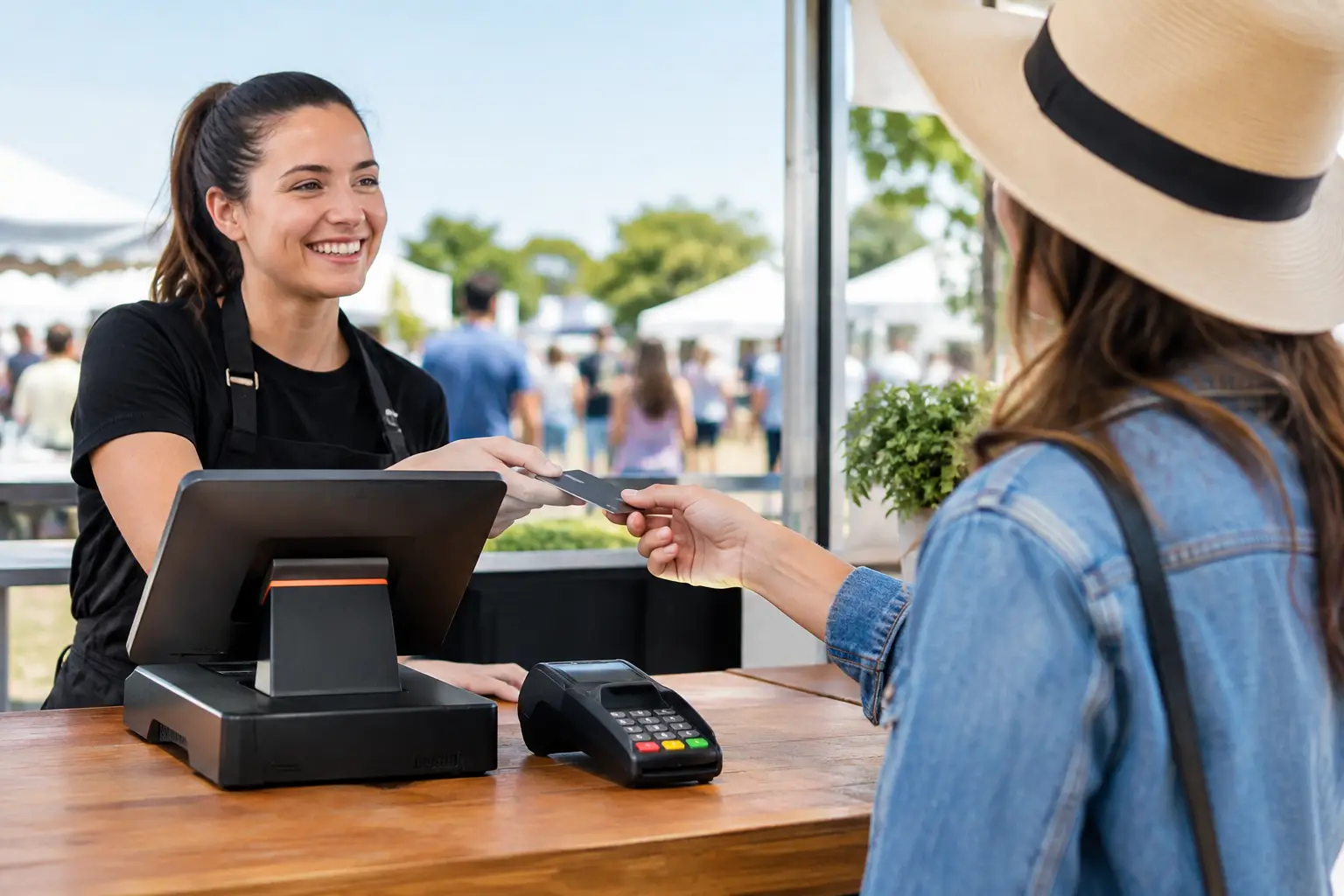
Ease of use is especially important in businesses with casual staff, seasonal peaks or high turnover. A system that is intuitive will reduce training time and help new team members get up to speed faster. That matters on a Friday night, during school holidays or at an event when things are moving quickly.
Consider support before you buy
One of the biggest mistakes businesses make when deciding how to choose a POS system is focusing on purchase price and overlooking support. When something goes wrong, local backup matters.
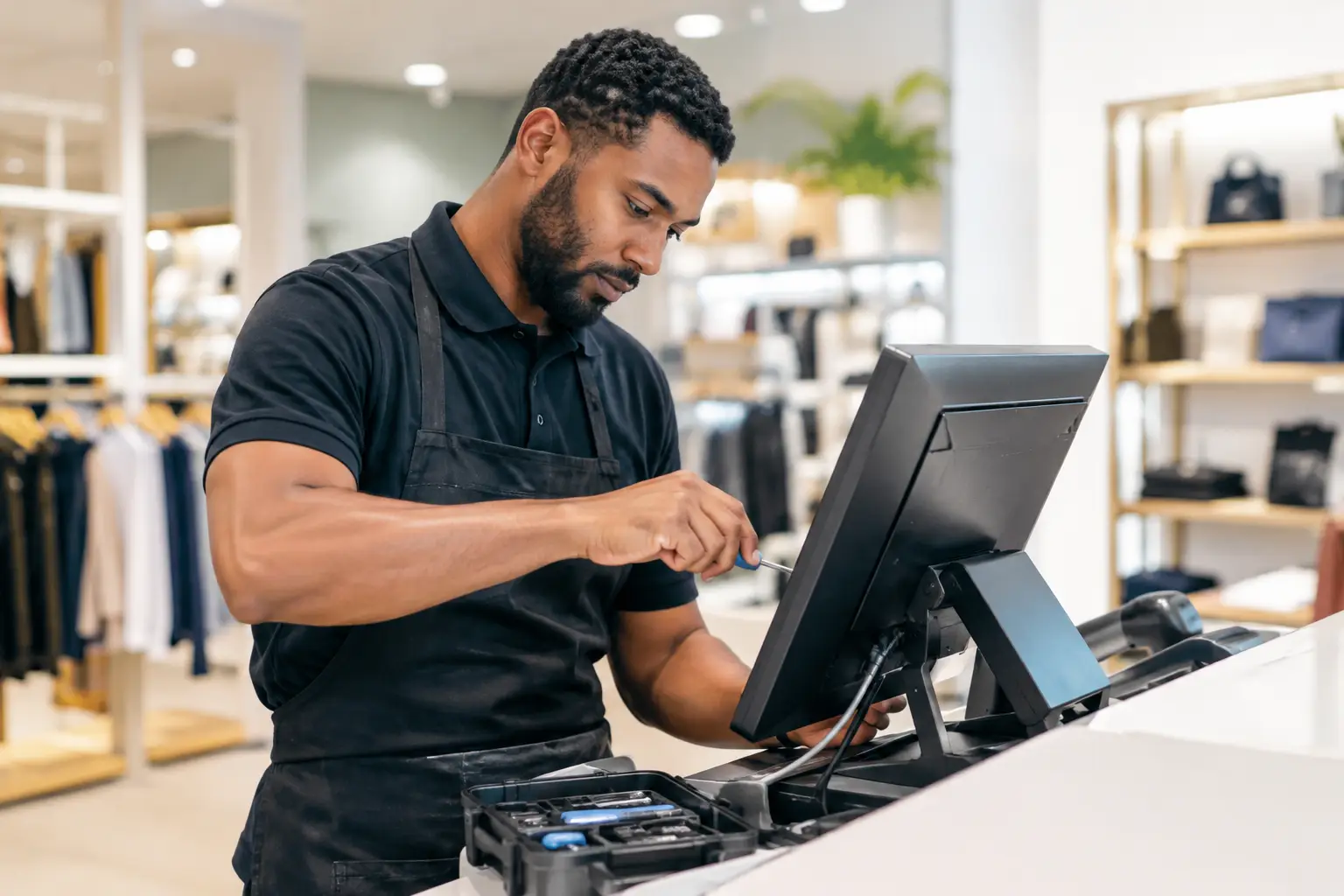
POS problems rarely happen at a convenient time. They show up during breakfast service, on a Saturday retail rush, or just before a market opens. When your system is business-critical, you need to know who will answer the phone, whether parts and technicians are available, and how quickly help can be provided.
This is where there is a real trade-off between buying from a generic online seller and working with a service-led provider. The online price may look lower, but if setup is left to you and support is slow or remote-only, the actual cost can be much higher when downtime hits. For many Southeast Queensland businesses, responsive local support is not a bonus. It is part of the system.
Check what setup and training are included
Even a strong POS product can underperform if the rollout is rushed. Installation, programming, network setup and staff training all affect whether the system works smoothly from day one.
Ask what is included in the implementation. Will products and menus be loaded for you? Will printers be configured correctly? Will someone test the network and integrations on site? Will staff receive training based on real tasks, not generic manuals? These are practical questions, but they often determine whether a changeover feels controlled or chaotic.
Training should also match the business. A single-counter retail shop may need a straightforward handover. A hospitality venue with multiple stations, kitchen routing and rotating staff usually needs more structured setup and support. Good advice here can prevent a lot of frustration later.
Think about growth, but stay realistic
It makes sense to choose a system that can grow with you, but there is no value in paying for complexity you will not use. The goal is to leave room for expansion without making the present harder than it needs to be.
If you are planning a second location, adding online ordering, increasing your product range or bringing reporting into one view, scalability should be part of the discussion. If your business is stable and straightforward, reliability and simplicity may matter more than expansion features.
The best choice often sits in the middle. You want a system that handles current demand well and gives you sensible options later, without locking you into unnecessary cost or complexity now.
Budget for ownership, not just purchase
When comparing quotes, look beyond the upfront number. The real cost of a POS system includes hardware, software subscriptions, installation, consumables, repairs, replacement cycles and support.
A lower entry price can be attractive, but it may come with higher ongoing fees, limited service or hardware that wears out faster. A more established setup may cost more initially yet deliver better value over time because it is easier to service, better supported and more reliable in daily use.
There is no single right budget for every business. A small takeaway will not need the same setup as a supermarket, and a market operator will have different priorities again. What matters is choosing a system that earns its place through uptime, efficiency and suitability.
Ask the questions that reveal the real fit
When speaking with a supplier, ask how the system would be configured for your business specifically. Ask what happens if the internet drops out. Ask how quickly support is available. Ask whether repairs are handled locally, whether trade-approved equipment can be supplied and maintained if required, and whether staff training is part of the handover.
A dependable provider should be comfortable answering these questions clearly. If the response stays vague or keeps circling back to features without addressing your operation, that is worth noticing.
For many businesses, the best POS decision is not simply about software. It is about choosing a partner who can supply the right equipment, set it up properly, support it when needed and keep the moving parts working together. That service-first approach is why many operators across Southeast Queensland work with teams such as EBE when reliability matters as much as the hardware itself.
The right POS system should make your day easier, not more technical. If it fits your workflow, your staff can use it confidently and support is there when you need it, you are far more likely to end up with a system that keeps pace with your business instead of slowing it down.

Leave A Comment
You must be logged in to post a comment.