
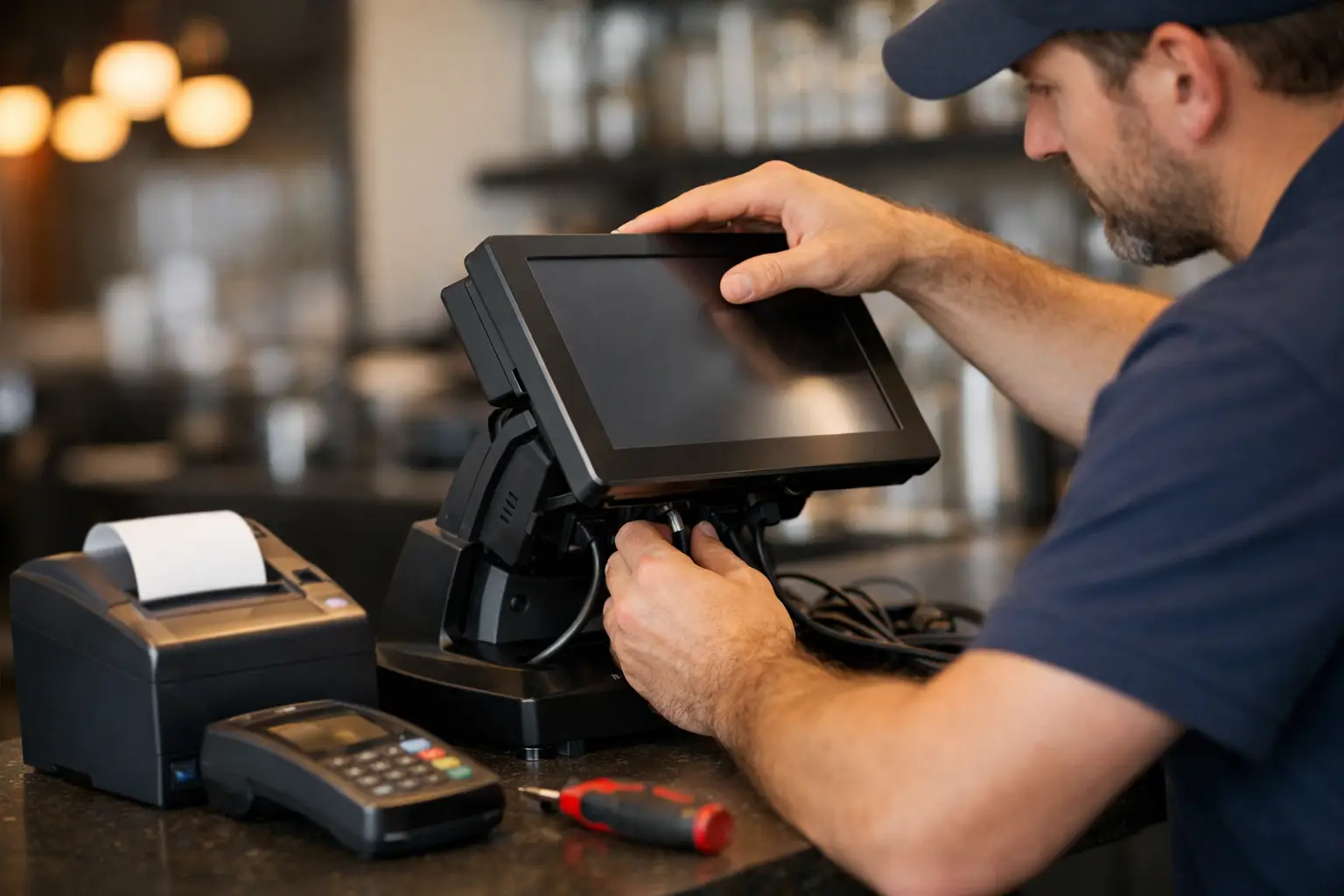
A point of sale installation usually gets judged in the first busy hour. If the printer drops out, the EFTPOS connection lags, or staff cannot find the right item screen, the whole business feels it straight away. That is why installation is not just about plugging in hardware. It is about setting up a checkout environment that works reliably under pressure, suits the way your team trades, and can be supported when something goes wrong.
For retail, hospitality and food service businesses, the cost of a poor setup shows up fast. Queues get longer. Staff lose confidence. Orders need to be re-entered. Reporting becomes messy. In some cases, the issue is not the POS software at all. It can be the network, the printer configuration, the scale integration, the cash drawer trigger, or a simple mismatch between the system and the way the business actually operates.
What point of sale installation should include
A proper point of sale installation starts before any equipment is mounted on the counter. The first step is understanding how the business takes payments, manages products, handles rush periods and trains staff. A cafe with online orders, kitchen printers and split bills needs a different setup from a clothing shop with barcode scanning and stock control. A butcher or deli may also need trade-approved weighing equipment integrated into the sales process.
This planning stage matters because the right hardware on the wrong bench, or the right software with the wrong workflow, still creates problems. A good installer looks at transaction volume, available space, internet reliability, cabling, power access and who will be using the system day to day. That makes the final setup more practical and less likely to need costly changes later.
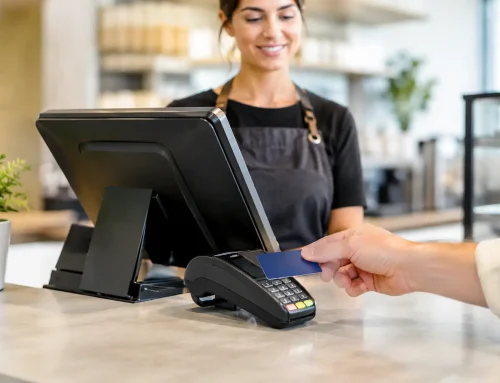
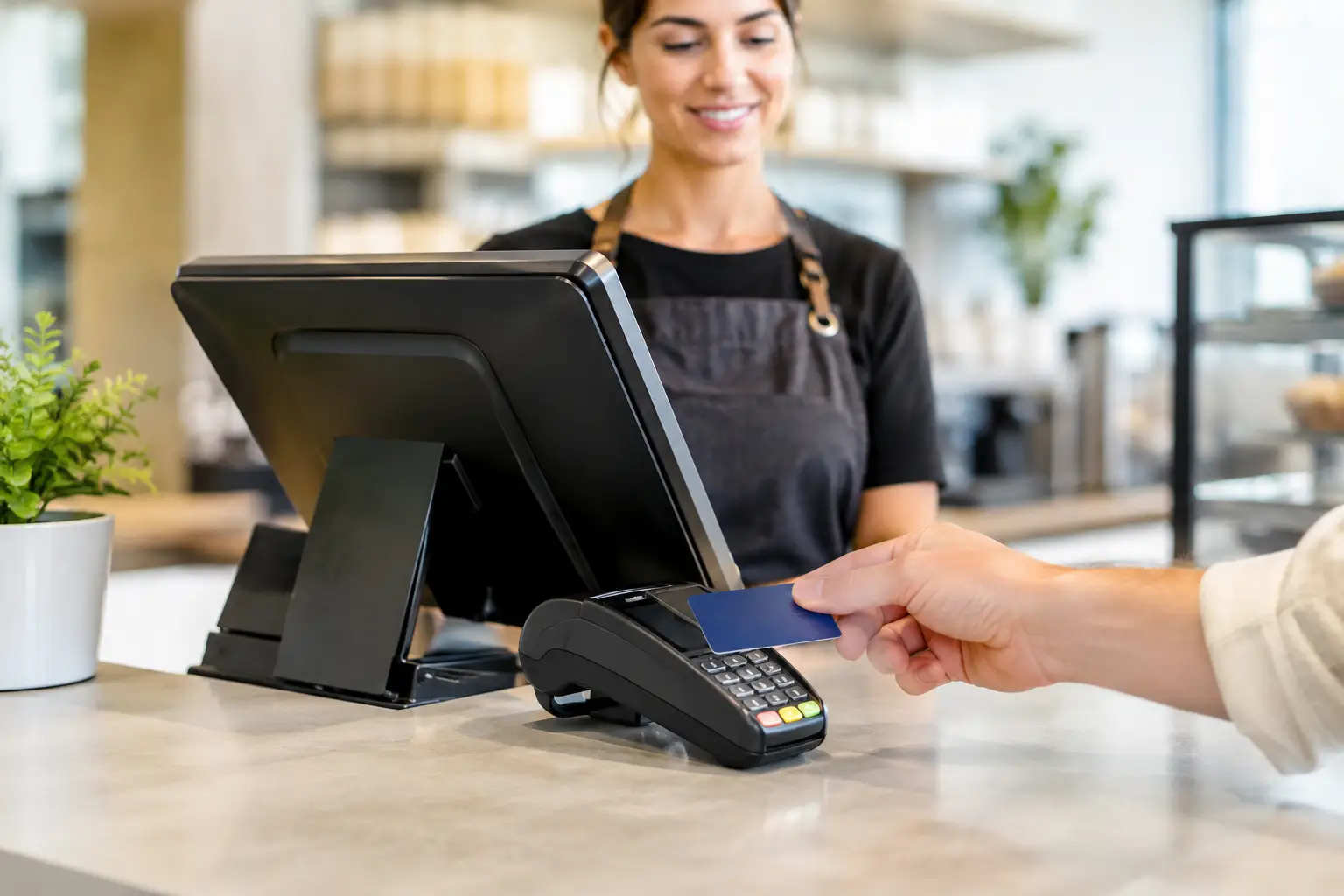
Once the system is selected, installation should cover the full environment. That usually includes the POS terminal, touchscreen or tablet, receipt printer, cash drawer, barcode scanner, EFTPOS integration, back-office access, network connection and any linked equipment such as label printers or scales. If multiple terminals are involved, they need to communicate properly with each other and report consistently.
Why installation quality matters more than the hardware alone
Business owners often compare brands, features and price, which is sensible. But hardware quality is only part of the result. Even strong equipment can perform poorly if the configuration is rushed or incomplete.
One common issue is network dependency. Many POS systems rely on stable internet for payments, syncing and cloud reporting, but local network quality still affects how quickly devices talk to each other. If the router is in the wrong place, if Wi-Fi is overloaded, or if the terminal shares bandwidth with too many other devices, performance suffers. In a live trading environment, a delay of a few seconds feels much longer.
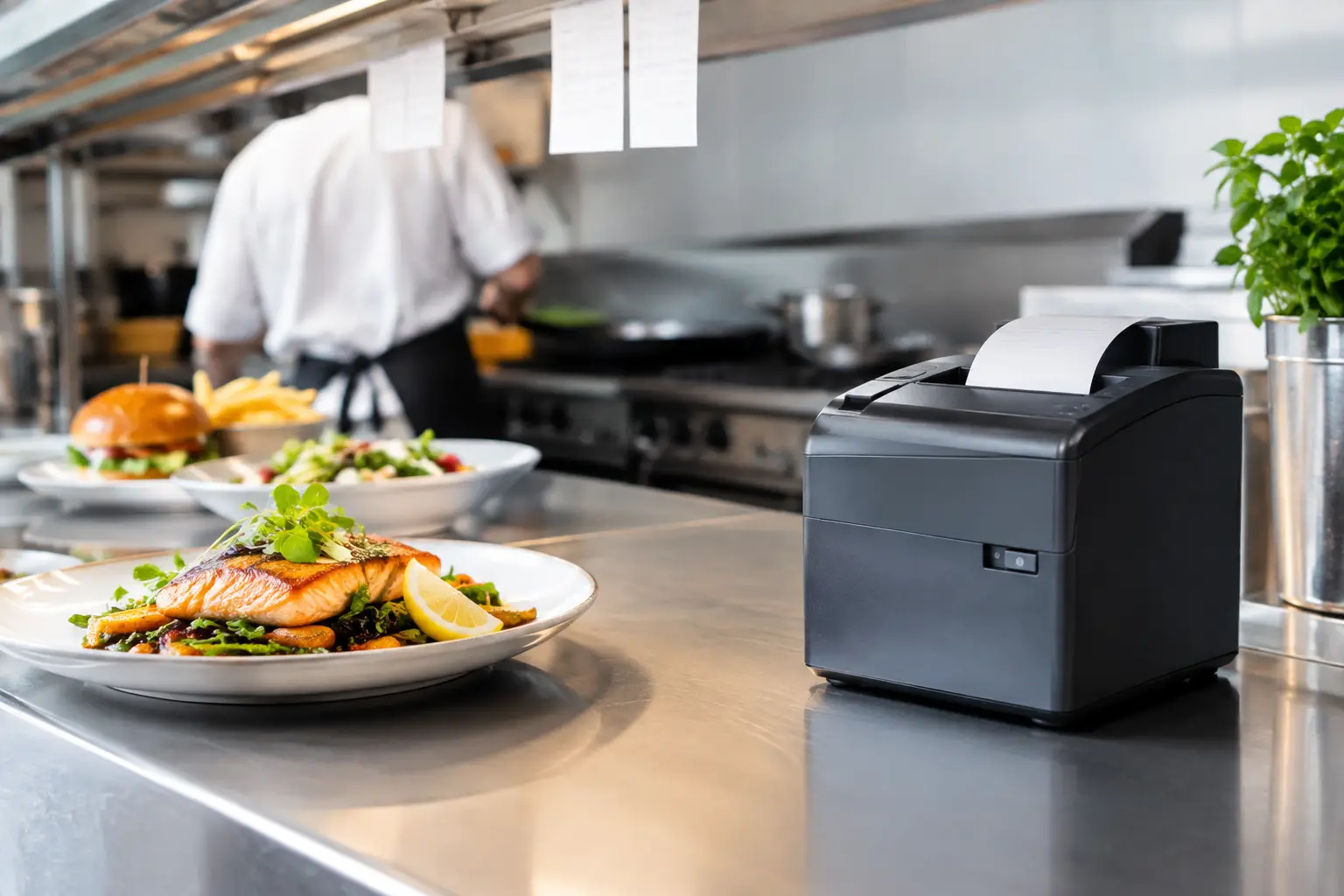
Another issue is peripheral setup. Printers need the right drivers and routing. Kitchen dockets need to print to the correct station. Cash drawers need to open when they should and stay shut when they should not. Barcode scanners need item data that matches the stock file. If any one of these details is overlooked, staff end up working around the system instead of relying on it.
That is where experienced installation support makes a difference. It reduces guesswork and catches the practical issues that only show up in real businesses, not in a product brochure.
Point of sale installation is also about workflow
A checkout setup should fit the business, not force the business to adapt to a generic template. That sounds obvious, but it is a common point of failure.
In hospitality, screen layout affects order speed. The placement of menu groups, modifiers and payment shortcuts can save time during a lunch rush. In retail, product categories, barcode mapping and receipt settings all affect how quickly staff can serve customers and how accurate the end-of-day reporting will be. For mobile operators, event vendors and market stalls, portability, power management and connection stability matter just as much as software features.
Training also belongs in the installation process. Even a straightforward system needs staff to know how to process refunds, split payments, print reports, reconnect a printer and handle simple troubleshooting. Without that handover, businesses depend too heavily on one staff member who “knows the system”. That is risky when shifts change or someone is away.
Compliance and specialised equipment
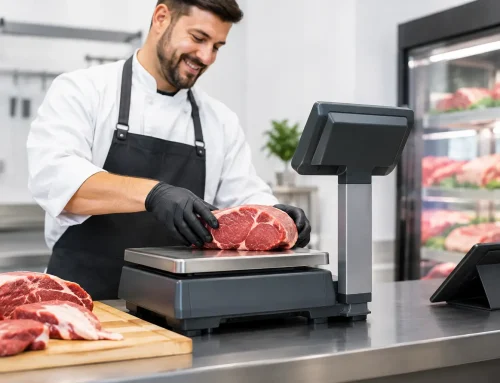
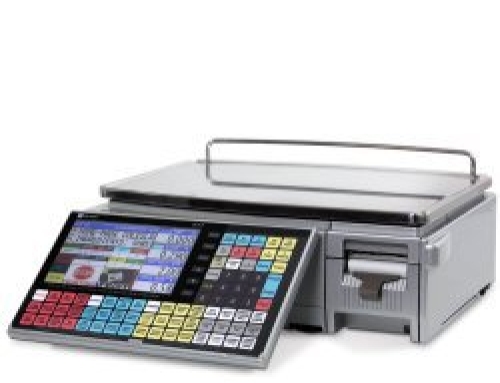
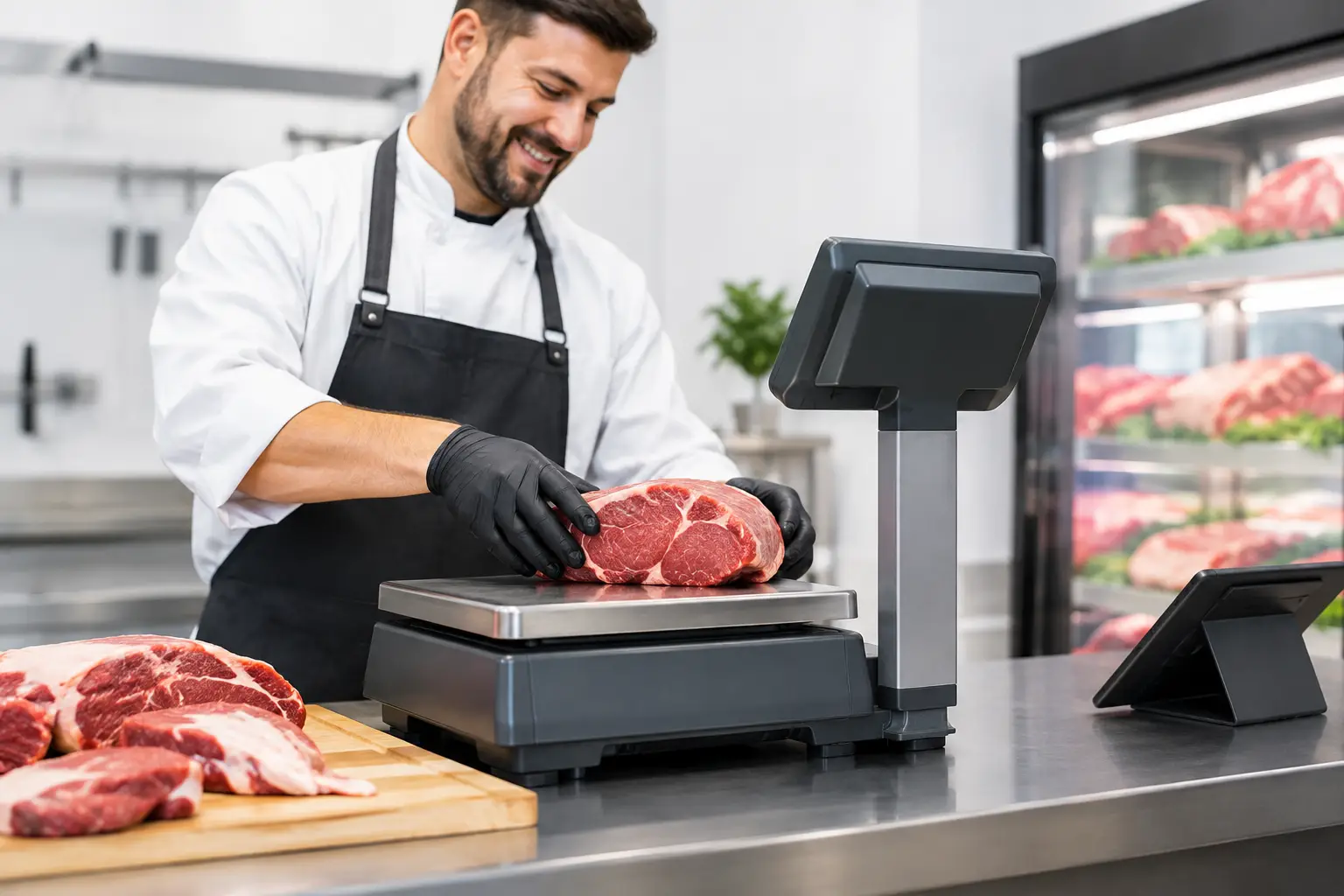
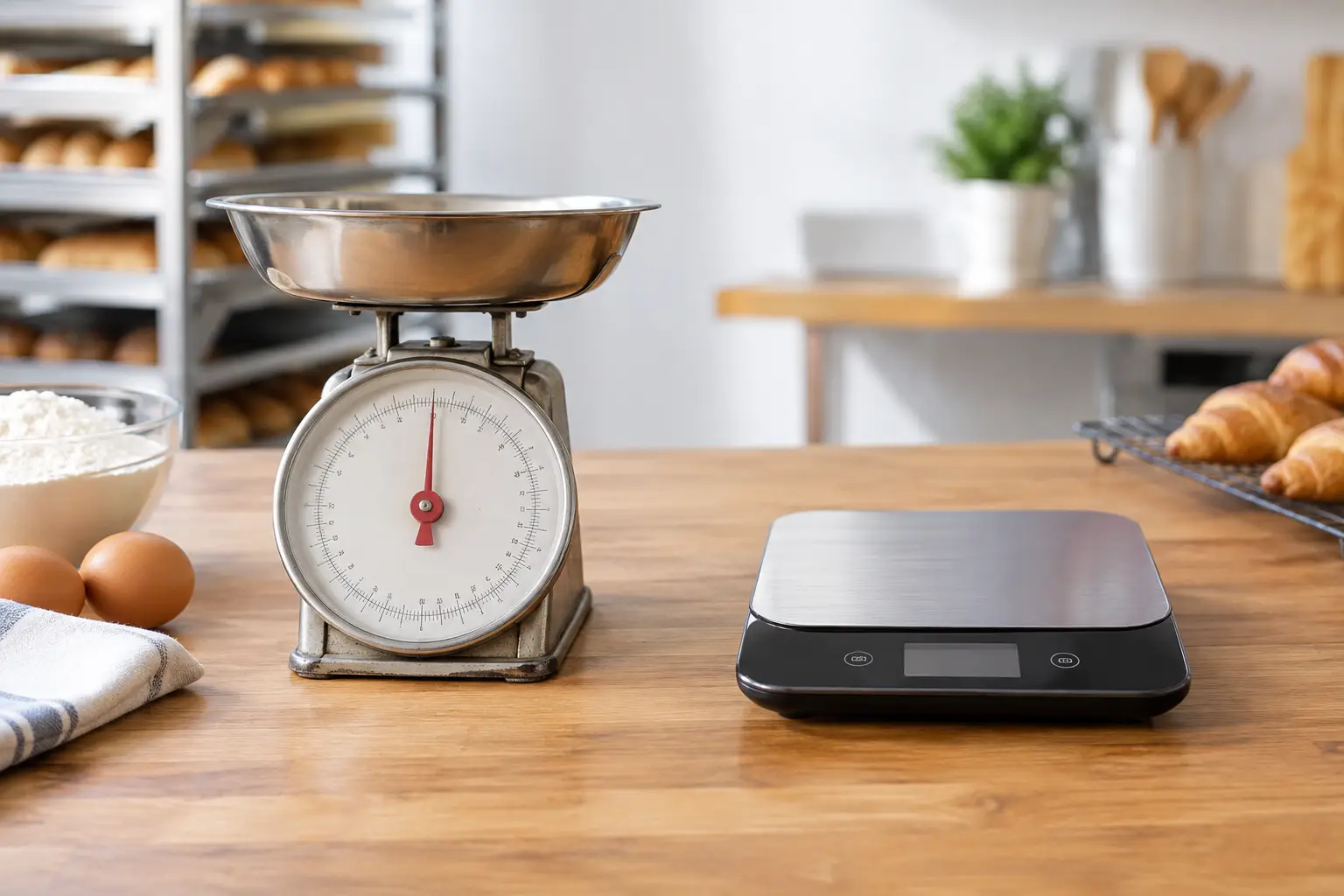
Some businesses need more than a standard POS setup. If you sell by weight, for example, installation may also involve trade-approved scales, calibration and verification requirements. This is not an area for rough guesses or borrowed equipment. It needs to be correct, compliant and suitable for the way the business trades.
The same applies where labelling, price computing or integrated weighing is part of the customer transaction. A point of sale installation in these environments should consider both operational speed and measurement compliance. If either side is missed, the business can face interruptions, rework and unnecessary risk.
For many operators, it helps to work with one provider who understands both the POS system and the connected equipment around it. That saves time when diagnosing faults because the issue is not always isolated to one device.
Common mistakes that cause trouble later
The most expensive POS problems are often the avoidable ones. A business opens with a system that was never fully tested under live conditions. The receipt printer works at the bench during setup, but not consistently once all devices are online. The menu was loaded quickly but not checked against actual service flow. The backup process exists in theory but no one knows how to use it.
Another mistake is underestimating future growth. A single terminal may suit the business today, but if there are plans to add table service, online ordering, a second register or integrated stock control, the installation should leave room for that. Starting smaller is fine. Starting with no path forward creates another replacement job sooner than expected.
There is also the temptation to chase the cheapest setup. Sometimes that works for very simple operations. Often, though, a lower upfront price leads to more downtime, more patch fixes and more staff frustration. Good installation is not about overspending. It is about choosing what the business actually needs and setting it up properly the first time.
What to expect from a reliable installer
A dependable installation partner should ask practical questions, not just quote equipment. They should want to know how many transactions you process, what peripherals you need, whether the site has existing network issues, how many staff use the system, and what support matters most once the system is live.
They should also test the setup before handover. That includes sales, refunds, receipts, payment flow, reporting, peripheral connections and user permissions. If the business has multiple devices or locations, consistency matters. A system that behaves differently from one terminal to the next creates confusion quickly.
Local support is another factor worth taking seriously. When the POS system is central to daily trading, waiting days for help is not much comfort. Businesses in Southeast Queensland often prefer a provider who can install, repair, troubleshoot and support the system without passing responsibility between different companies. That is one reason many local operators work with teams like Electronic Business Equipment – the support does not stop once the hardware is on the counter.
Choosing the right setup for your business
There is no single best POS configuration for every business. A small takeaway may need speed and simplicity above all else. A specialty retailer may care more about stock control and barcode accuracy. A venue with weighing, labelling and compliance requirements has another layer again.
The right point of sale installation is the one that matches your workflow, fits your space, supports your staff and keeps trading moving when the shop is busy. It should also be serviceable. Equipment fails, settings get changed, networks drop out, and software updates happen. A system is only as useful as the support behind it.
If you are planning a new site, replacing an ageing register, or trying to fix recurring POS issues, it is worth treating installation as part of the business operation, not just part of the purchase. Done well, it saves time every day in ways that are easy to miss until something breaks. And when the counter is three customers deep, that preparation is what keeps the day on track.
The best installation is the one you barely have to think about once trade starts.






Leave A Comment
You must be logged in to post a comment.