
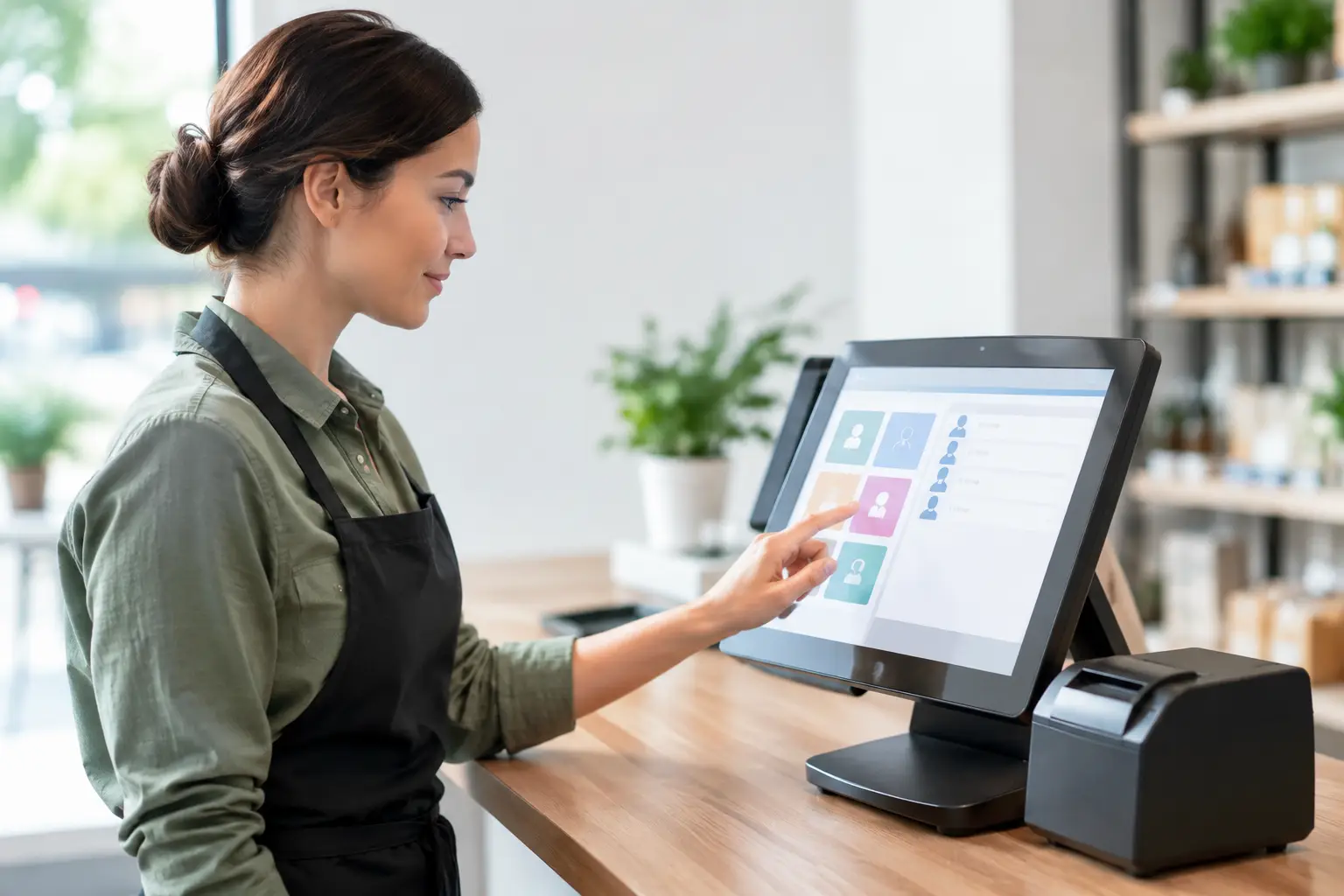
A POS login is more than a way for staff to process a sale. It can control who applies discounts, opens the cash drawer, refunds a transaction, changes product prices or views sensitive reports. When you manage POS user permissions well, everyday tasks stay quick while the actions with financial or operational risk remain visible and controlled.
For a busy café, retailer or takeaway venue, this does not need to mean layers of red tape. It means setting up the system around how your team actually works, then reviewing it as people, shifts and responsibilities change.
Why POS permissions deserve attention
Most businesses begin with one or two staff logins and good intentions. As the team grows, it is easy to give everyone broad access simply to avoid interruptions during a busy service period. The problem is that broad access makes mistakes harder to trace and can leave the business exposed to avoidable losses.
A staff member who can process a sale may not need to issue refunds without approval. A supervisor may need to void an incorrect item, but not change the tax setup or alter payment integration settings. The owner or manager may need full reporting access, while a casual team member only needs to clock on and complete a sale.
Clear permissions also help honest staff. When responsibilities are defined, staff do not have to make judgement calls about whether they are allowed to override a price, cancel an order or take money from the till for a supplier delivery. The POS system becomes a practical part of your operating procedure rather than a source of confusion.
Manage POS user permissions by role, not person
The most reliable approach is to build permissions around roles. Start by listing the work that happens at the counter, during opening and closing, and behind the scenes. Then assign the minimum access each role needs to complete that work properly.
A typical setup may include a cashier or front-of-house role, a senior team member or shift supervisor role, a manager role and an owner or system administrator role. The exact names do not matter. What matters is that each level has a clear purpose.
Give front-line staff the tools to serve customers
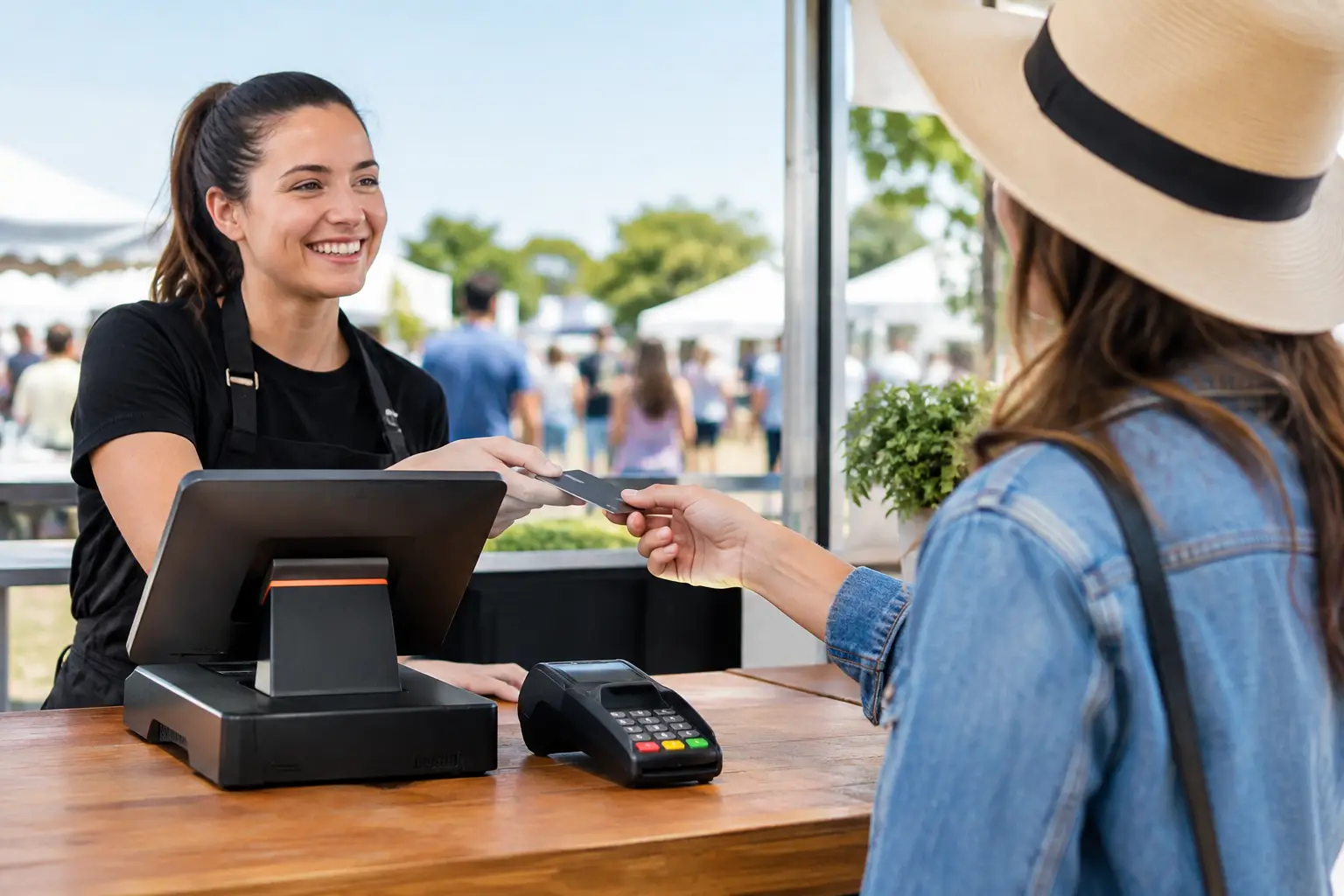
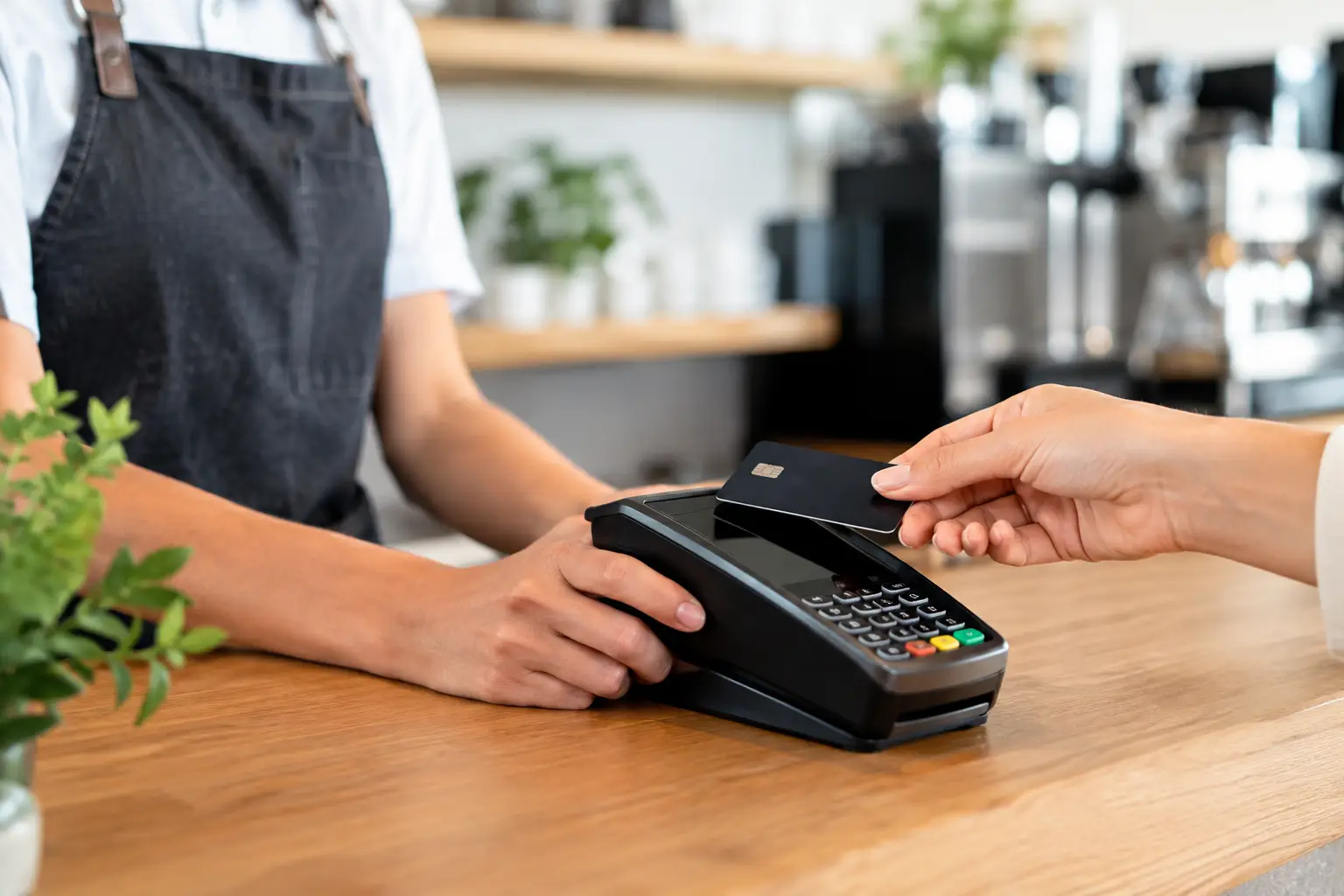
Front-line staff generally need to enter sales, process approved payment types, print receipts, use order screens and perhaps apply limited promotional discounts. In hospitality, they may also need to move tables, split bills or send orders to the kitchen printer.
They usually do not need access to full sales reports, supplier records, price changes, payment terminal settings or historical transaction deletion. Restricting those functions is not a reflection on staff trust. It is sensible control over functions that can affect your takings, margins or records.
Set sensible limits for supervisors
Supervisors often keep a shift moving when the manager is off site. Their permissions can include authorised refunds, voids, cash drawer access, limited discount approval and end-of-day functions. A useful control is to require a supervisor PIN for any transaction above a set discount or refund value.
The right threshold depends on the business. A quick-service venue selling lower-value items may use a modest limit, while a specialist retailer with higher-ticket products may need a higher one. The key is to make the rule clear and practical enough that staff will follow it during a rush.
Keep system-level settings with owners and managers
Manager and administrator access should cover functions such as creating users, changing permissions, editing products and prices, viewing detailed reports, configuring integrations and adjusting tax or payment settings. Limit this level to the people who genuinely need it.
If an external technician needs temporary access to investigate a fault or configure a connected device, provide it for the job and remove it once the work is complete. This is particularly relevant where the POS is connected to receipt printers, kitchen printers, scales, back-office computers or payment equipment.
Focus on the highest-risk actions first
Not every permission carries the same risk. If your POS software offers a long list of controls, begin with the actions that affect money, stock and records. This keeps the setup manageable and gives you the biggest improvement quickly.
Pay particular attention to refunds, voids, discounts, price overrides, no-sale cash drawer opens, cash-outs, gift card changes and manual payment entries. Also consider access to reports showing turnover, staff performance or customer details. These functions can be necessary, but they should be assigned with purpose.
Audit trails are valuable here. Many modern POS systems can record who performed an action, when it occurred and sometimes the reason entered. Make sure staff use individual PINs or logins rather than a shared code. A shared manager PIN may feel convenient, but it removes accountability and makes follow-up difficult when something does not add up.
Match permissions to your cash-handling process
Permissions work best when they support a written cash-handling routine. For example, decide who can open a float, approve paid-outs, perform a safe drop and reconcile the till at close. Your POS settings should reinforce those decisions rather than contradict them.
A practical closing process might require two people for a cash count, with one staff member counting and a supervisor reviewing the result. The POS report provides the expected cash figure, while the physical count confirms what is actually in the drawer. Any discrepancy should be recorded at the time, not left for someone to explain days later.
For businesses operating across multiple shifts, require each shift to sign in with its own user credentials. Where the system supports separate cash drawers or till sessions, use them. It takes a little more discipline, but it makes shortages, overages and training issues much easier to identify.
Avoid permissions that slow down service
Overly restrictive access can create its own problems. If staff need a manager to approve every small correction, queues build and customers notice. The aim is not to lock down every button. It is to separate ordinary corrections from exceptional transactions.
For instance, a team member might be allowed to remove an accidentally duplicated item before payment, while a void after payment requires supervisor approval. They may be able to apply a standard advertised promotion, but a discretionary discount needs a PIN. This approach gives staff room to fix simple errors without giving away open-ended control.
Before finalising settings, walk through a busy trading scenario. Process a split payment, correct an order, apply a promotion, refund a genuine return and close a till. If the team cannot complete normal work efficiently, adjust the role design rather than expecting people to work around the system.
Review access when staff or systems change
User permissions are not a set-and-forget task. Review them when someone changes role, takes extended leave or leaves the business. Disable access promptly when employment ends, including PINs, mobile POS logins, remote reporting accounts and any shared back-office credentials.
A quarterly review is a sensible rhythm for many small and mid-sized businesses. Check that each active user still needs their current level of access, look for old accounts and review exception reports for unusually frequent refunds, voids, drawer opens or discounts. An unusual pattern does not automatically mean misconduct. It may reveal a training gap, an unclear policy or a problem with product setup.
If you introduce new payment methods, online ordering, loyalty programs, scales or additional locations, revisit permissions as part of the rollout. A change to workflow often creates a new access requirement or risk that was not present in the original setup.
Train staff on the reason behind the rules
Staff are more likely to follow permission controls when they understand what they protect. Explain the process for refunds, discounts, cash discrepancies and supervisor approvals during induction, then reinforce it with short refresher training.
Keep instructions close to the point of work. A simple counter procedure can state who to call for an override, what details to record for a refund and what to do if a PIN is not working. This is more useful than a lengthy policy stored in a folder nobody opens during a Friday night rush.
Training should also cover basic security habits: do not share PINs, do not leave a signed-in terminal unattended, and report a lost staff device or suspected login issue straight away. Good technology settings are only effective when they are supported by consistent daily behaviour.
Get the setup checked before it becomes a problem
Different POS platforms use different names for the same functions, and some offer much finer control than others. If you are replacing a cash register, adding terminals or changing the way staff work, build roles and approval rules into the configuration from the beginning. Retrofitting them after a loss or dispute is harder.
A local POS support provider can help map permissions to your actual counter, kitchen, stock and reporting processes, then test the settings with your team. EBE can assist Southeast Queensland businesses with POS setup, training and ongoing technical support so access controls work alongside the rest of the system.
The best permission setup is one your team can use confidently on a busy shift. Start with clear roles, protect the transactions that matter most and review access before small gaps turn into costly problems.











Leave A Comment
You must be logged in to post a comment.