
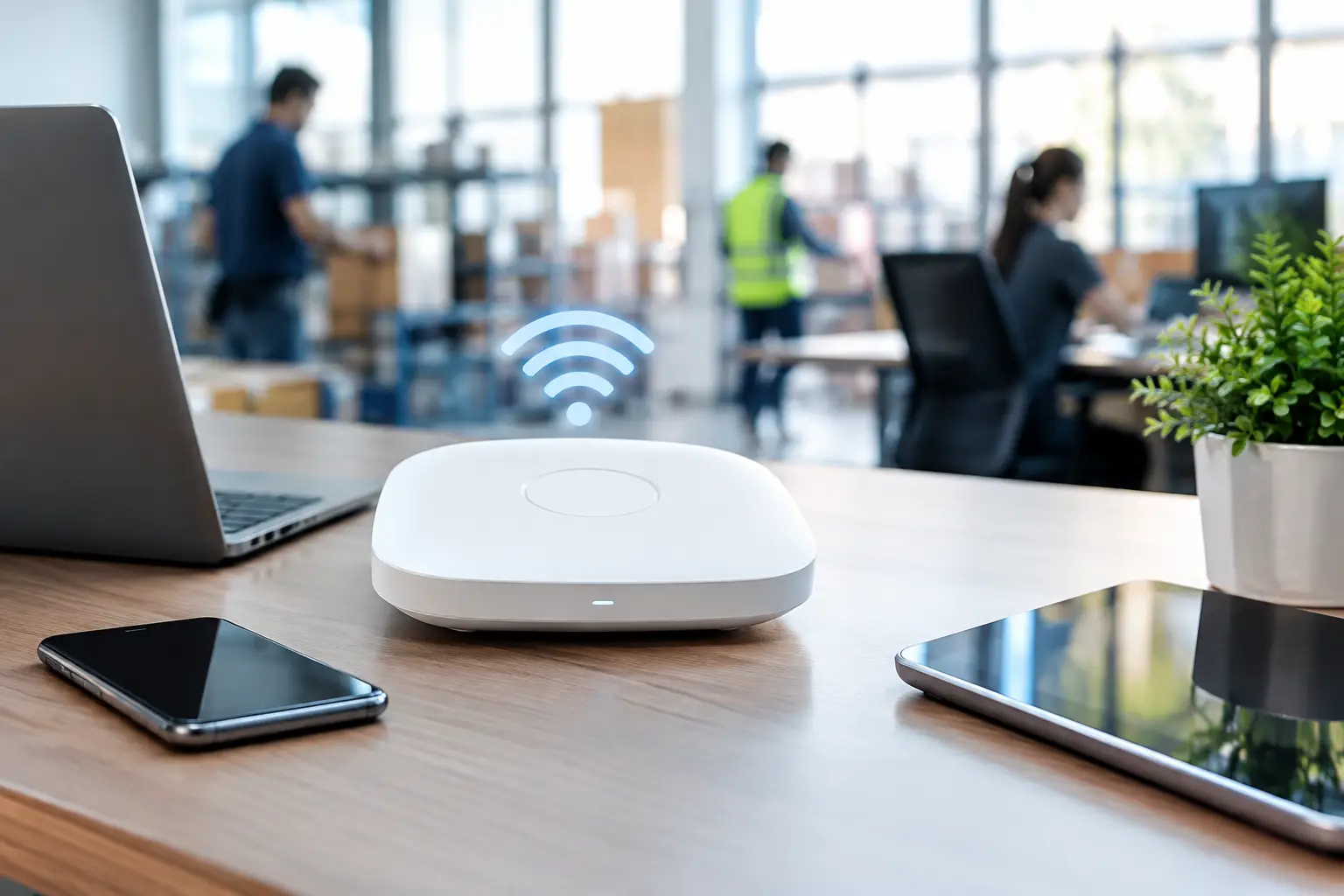
A dropped EFTPOS connection during the lunch rush is more than an inconvenience. It holds up customers, puts pressure on staff and can quickly turn a manageable queue into lost sales. Secure business Wi-Fi devices give your POS terminals, receipt printers, tablets, scales and back-office systems a dependable connection while reducing the chance that an unauthorised user reaches the wrong part of your network.
For a small retailer, cafe, restaurant or market operator, the right setup is rarely about buying the most expensive hardware. It is about choosing equipment that suits the premises, separates critical systems from guest traffic and can be supported when something goes wrong.
Why consumer Wi-Fi is a risk for transaction-heavy businesses
A home-grade modem or mesh kit may appear to work well when the shop is quiet. The limitation becomes obvious once staff tablets, mobile EFTPOS units, kitchen printers, music streaming, cameras and customer mobiles are all trying to connect at once. Consumer equipment is generally designed for convenience, not for managing a busy commercial environment or protecting multiple types of business traffic.
Security is the more serious concern. If every device shares one password and one network, a customer, contractor or former staff member with that password may be on the same network as payment equipment and business computers. That does not automatically mean your systems are compromised, but it creates unnecessary exposure and makes troubleshooting harder.
Commercial Wi-Fi equipment gives you more control over who connects, where they connect and what they can access. It also provides better visibility when a device is failing, coverage is poor or the network is being overloaded.
The secure business Wi-Fi devices that matter
A reliable business network is a system, not just a wireless access point on the ceiling. The exact design depends on your site, but most transaction-focused venues need a few core components working together.
A business-grade router or security gateway
The router or gateway is the traffic controller between your internet connection and your internal network. A suitable business unit should include a configurable firewall, secure remote management, regular firmware updates and the ability to create separate network segments.
For sites that cannot afford downtime, consider a gateway that supports an automatic backup internet connection. This might use a second fixed service or a 4G/5G mobile connection. It will not fix every internet fault, but it can keep essential transactions running if the main service fails.
Do not confuse a faster internet plan with better protection. Internet speed helps only if it suits the number of users and cloud services in use. Security and reliability come from correct configuration, suitable hardware and ongoing maintenance.
Commercial wireless access points
Access points provide the actual Wi-Fi signal around the premises. They should be selected and positioned according to the building, not simply placed wherever there is a convenient power point. Concrete walls, cool rooms, metal shelving, kitchen equipment and neighbouring tenancies can all affect coverage.
Business access points let you create different wireless networks, known as SSIDs, and apply separate rules to each one. They can also handle more connected devices than a typical household unit, with features that help devices move between access points in larger premises.
A small cafe may need one carefully located access point. A restaurant with indoor and outdoor seating, a retail store with a storeroom, or a multi-site operator may need several. Adding units without a coverage assessment can create interference rather than solve a dead spot.
Managed switches and Power over Ethernet
A managed network switch connects wired equipment such as POS terminals, printers, servers, security cameras and access points. Unlike an unmanaged switch, it can separate traffic into virtual networks and identify where faults or unusual traffic are occurring.
Power over Ethernet, often called PoE, is particularly useful for access points and cameras. It carries power and data through one network cable, avoiding individual plug packs and allowing access points to be mounted where they provide the best coverage. A PoE switch should have enough power capacity for every connected device, with room for planned expansion.
Where possible, keep fixed POS stations, printers and back-office computers on wired connections. Wi-Fi is valuable for mobility, but cabling remains the most consistent option for equipment that stays in one place and handles daily transactions.
Separate your networks before problems start
Network separation is one of the most practical protections a business can put in place. Rather than giving every device the same access, create distinct networks for systems with different purposes.
Your POS, payment-related equipment and business computers should sit on a protected business network. Staff mobiles and tablets can use a separate staff network. Customer Wi-Fi should be isolated so guests can access the internet without seeing printers, tills, cameras or other internal devices. Internet-connected equipment such as smart TVs, music players or some cameras may also warrant its own segment.
This arrangement limits the impact if a guest device is infected, a staff mobile is lost or a low-cost connected device has poor security. It also makes support faster. When a kitchen printer drops offline, your technician can narrow the issue to the relevant network instead of investigating every device in the venue.
Guest Wi-Fi does not have to be complicated. It should use a separate password or sign-in method, client isolation where available and sensible bandwidth limits. The aim is to keep customers connected without allowing streaming, large downloads or dozens of devices to interfere with business operations.
Security settings worth getting right
The best equipment can still be let down by basic settings. Use WPA3 security where all required devices support it. If older hardware requires WPA2, use WPA2-AES rather than outdated security modes, and plan to replace equipment that cannot meet current standards.
Choose long, unique passphrases for each network. Avoid shared passwords that remain unchanged for years, particularly after staff turnover. A password manager can make strong credentials practical without leaving them on a note beside the register.
Turn off WPS, which is the push-button or PIN method of joining devices to Wi-Fi. It is convenient but unnecessary in most business setups. Change default administrator credentials immediately, restrict management access to authorised people and use multi-factor authentication for cloud-based network management when it is available.
Firmware updates deserve a place in your regular maintenance routine. Updates can address security issues as well as improve performance and compatibility. Automatic updates can be appropriate for simple environments, but businesses operating critical POS systems may prefer scheduled updates outside trading hours, with someone available to check that equipment reconnects correctly.
Plan for coverage, capacity and failure
Wi-Fi bars on a mobile are not a proper measure of network quality. A site survey considers signal strength, interference, building materials, device numbers and the applications that need to work. A back-office connection may look fine until a crowded Saturday brings 50 customer mobiles onto the network.
Pay particular attention to the places where work actually happens: the counter, kitchen pass, outdoor ordering area, loading zone and stock room. Mobile POS terminals and handheld ordering devices need reliable roaming between access points. A device that disconnects as a staff member steps outside can delay service at exactly the wrong moment.
Battery backup is also worth considering for the network equipment that keeps transactions moving. A suitable uninterruptible power supply can provide short-term protection against a brief outage or power fluctuation. It should be sized for the gateway, switches, access points and any other essential devices, not assumed to support the whole venue.
Keep a simple record of network equipment, passwords, network names and cable locations in a secure place. When a modem is replaced or a new printer is added, clear records prevent avoidable delays. The person managing the business should know who has administrator access and who to call after hours if trading is affected.
Buy for support, not just specifications
A lower-cost device can be good value where the site is small and the requirements are straightforward. However, the savings disappear if it cannot be configured safely, lacks updates or leaves you without support during a fault. The right option depends on the size of the venue, the number of connected systems, your internet service and how costly downtime is to the business.
At EBE, the focus is on matching connected business equipment to the way a site operates, then being available to assist after installation. That may mean integrating Wi-Fi with an existing POS rollout, improving printer reliability or designing separate access for staff and customers without adding unnecessary complexity.
Before your next busy period, ask whether a guest with the Wi-Fi password could reach your POS network, whether your access points cover every work area, and what happens if the internet drops at peak trade. Those answers will usually show where a practical improvement is needed.












Leave A Comment
You must be logged in to post a comment.