
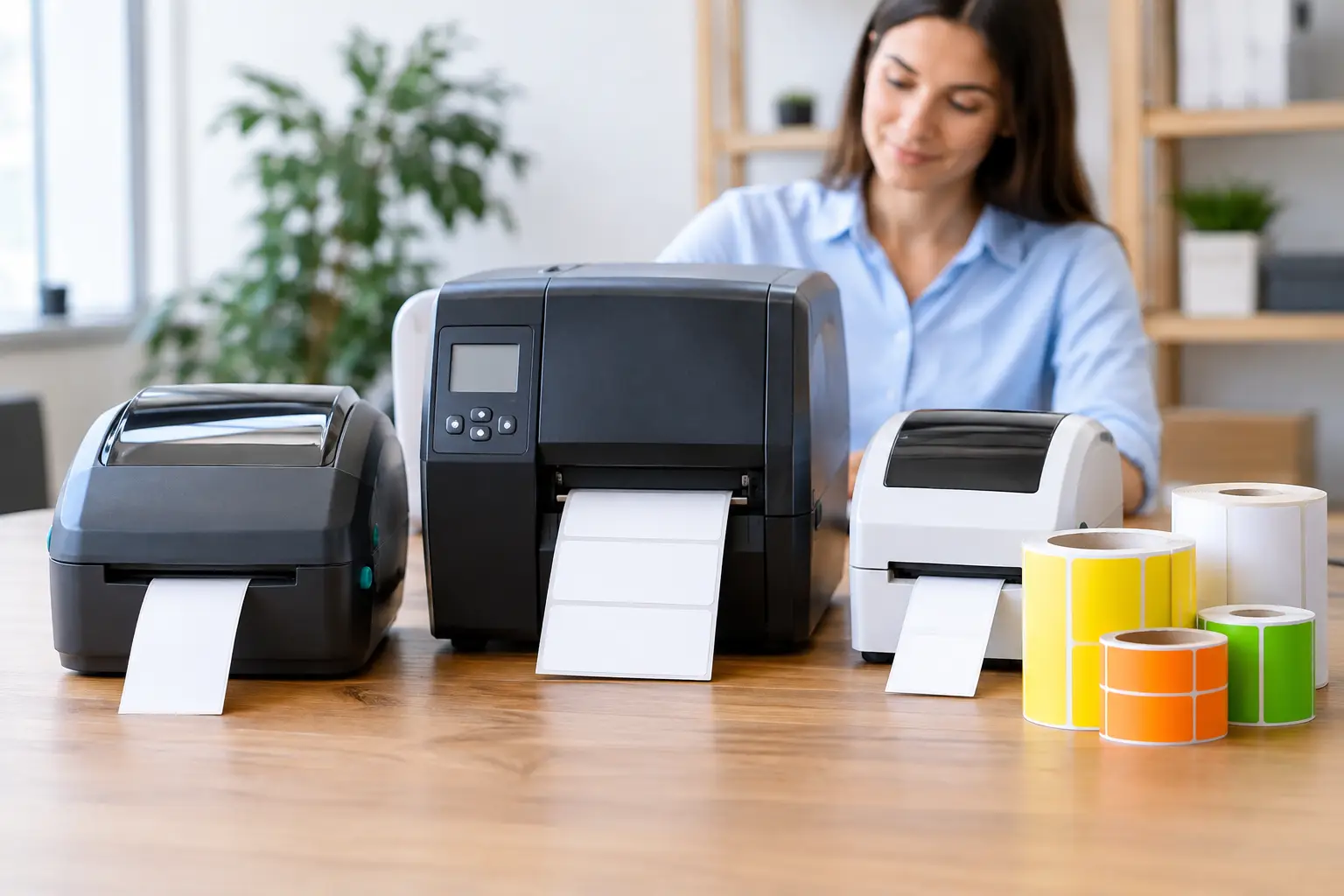
A label printer that jams during a lunch rush, produces labels that will not scan, or cannot connect to your POS system quickly becomes more than a minor annoyance. It slows staff down, creates pricing errors and can leave customers waiting at the counter. Knowing how to choose label printers starts with the work the printer must do every day, not simply the lowest purchase price.
For retail, hospitality and food service businesses, the right unit needs to suit your labels, operating environment, software and expected print volume. It should also be straightforward for staff to use and supported by people who can help when a problem affects trade.
How to choose label printers for your workflow
Start by defining what each label needs to achieve. A café printing prepared-food labels has different requirements from a butcher printing price-by-weight labels, and both differ from a retailer labelling stock for shelves or dispatch. The printer must produce a readable, durable label at the pace your operation requires.
Think through where labels are applied, how long they need to last and what they will be exposed to. Labels used in a cool room, freezer or kitchen need the right adhesive and material. Labels attached to takeaway packaging may face steam, oil or condensation. Product labels for retail shelves need clear barcodes that scan reliably, while a warehouse may need larger labels visible from a distance.
It is worth reviewing the full process with the people who use it. Ask when labels are printed, who changes rolls, whether staff print one label at a time or batches of labels, and what happens when an item price or product detail changes. A printer that looks suitable on paper can be a poor fit if it adds unnecessary steps at the counter or prep bench.
Match the print method to the job
Most business label printers use either direct thermal or thermal transfer printing. Both have a place, but the choice affects ongoing consumable costs and label life.
Direct thermal printing
Direct thermal printers use heat-sensitive labels and do not require a ribbon. They are often a practical choice for short-life labels, including courier labels, receipts, fresh-food labels and short-term stock identification. With fewer consumables to load, they can be convenient in busy environments.
The trade-off is durability. Direct thermal labels can darken or fade when exposed to heat, sunlight, friction or chemicals. They are generally not the best choice for labels that must remain legible for months or years, or for products stored in demanding conditions.
Thermal transfer printing
Thermal transfer printers use a ribbon to transfer print onto the label. This usually produces a more durable result and offers a wider choice of label materials, including synthetic labels for harsher environments. It is well suited to long-term asset labels, shelf labels, product identification and applications where barcode quality must remain consistent over time.
You will need to budget for ribbons as well as labels, and staff need to load both correctly. For many businesses, that extra handling is worthwhile when label longevity matters.
Choose the right label size, material and adhesive
The printer cannot solve a consumable mismatch. Before selecting hardware, confirm the label width, roll diameter and core size required, then make sure the chosen printer can accommodate them. A printer may handle the width you need but have a smaller roll capacity, which means more frequent roll changes during a busy shift.
Label stock should be chosen for its end use. Paper labels are cost-effective for many indoor jobs. Synthetic materials such as polypropylene are better where moisture, handling or temperature changes are common. Adhesives also vary. Permanent adhesive is suitable for many retail products, while removable adhesive may be needed for prepared-food containers, promotions or items that need relabelling without residue.
For food businesses, ensure the available label format has room for the information staff need to print, such as product name, date, time, ingredients, allergens, weight, price and use-by details. Trying to fit critical information onto a label that is too small leads to cramped layouts and avoidable mistakes.
Check print speed and duty cycle honestly
Print speed is often quoted in millimetres or inches per second. Faster is useful when you are producing hundreds of labels in a batch or trying to keep pace with a high-volume receiving area. But speed alone is not the answer. A printer needs to maintain readable text and scannable barcodes at the settings you use.
Consider your busiest 30 minutes rather than an average day. A small boutique may only print occasional shelf labels, while a busy takeaway venue might print dozens of order or preparation labels in a short period. Choose a unit with an expected duty cycle that gives you comfortable capacity rather than running at its limit each day.
Higher print resolution can also matter. Standard resolution is suitable for most product names, prices and barcodes. Higher resolution may be worthwhile for small text, detailed graphics, compact labels or QR codes. It can reduce printing speed, so select it where clarity genuinely requires it.
Make connectivity work with your existing systems
A label printer is only useful when it communicates reliably with the systems your staff already use. Check whether you need USB, Ethernet, Wi-Fi, Bluetooth or serial connectivity. A fixed printer at a counter may be best connected by cable for consistency, while a mobile or flexible workstation may benefit from wireless capability.
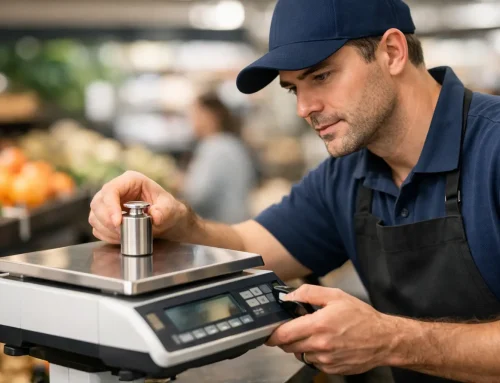
More importantly, confirm compatibility with your POS, inventory, weighing or label-design software before purchasing. This is especially relevant for price-by-weight labelling, where information must pass accurately from an approved scale or POS system to the printer. A manually entered weight or price creates unnecessary compliance and margin risk.
Ask how templates are created and updated. Can managers change a price or promotion centrally? Does the printer support the barcode formats used by your scanners? Is there a simple fallback process if the network is unavailable? These practical questions prevent surprises after installation.
Consider the physical environment and staff use
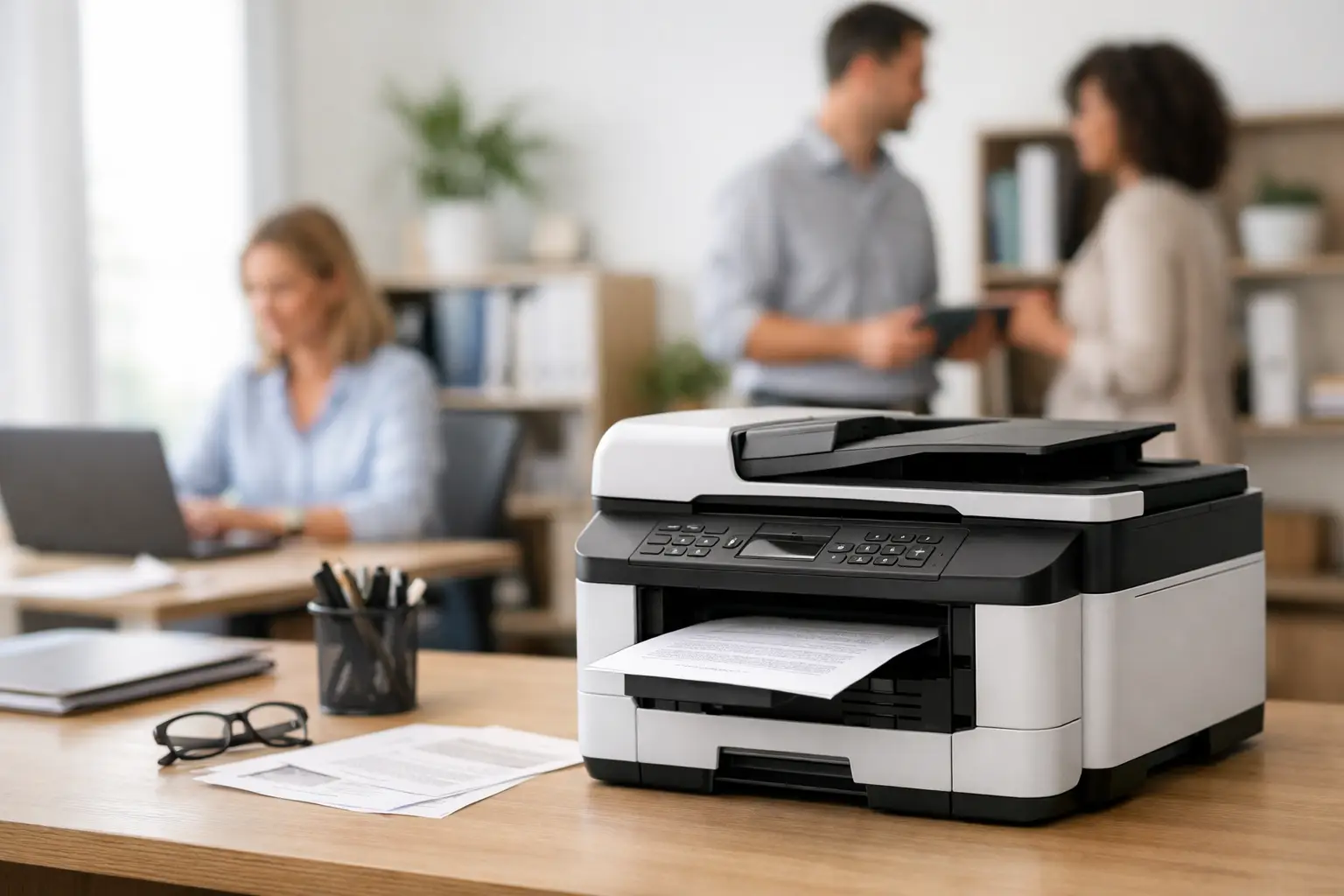
Printers placed in kitchens, behind counters or in receiving areas deal with more than normal office dust. Heat, moisture, grease, vibration and limited bench space all affect the right choice. A compact desktop printer may be ideal for light counter use, while a more substantial industrial unit can make sense in a back-of-house area with regular batch printing.
Look at access as well. Staff should be able to open the printer, replace labels and clear a minor media issue without shifting other equipment or disconnecting cables. A clear display and simple loading path reduce training time, particularly where casual staff are part of the team.
Do not overlook noise, cable routing and power access. A printer should sit where it supports the workflow without creating clutter around payment terminals, scales or food-preparation areas.
Budget for the full cost of ownership
The purchase price is only one part of the decision. The lower-priced printer may use costly proprietary labels, have a limited duty cycle or create downtime when it is unable to cope with demand. Compare the likely cost of labels and ribbons, expected maintenance needs, warranty terms and the availability of replacement parts.
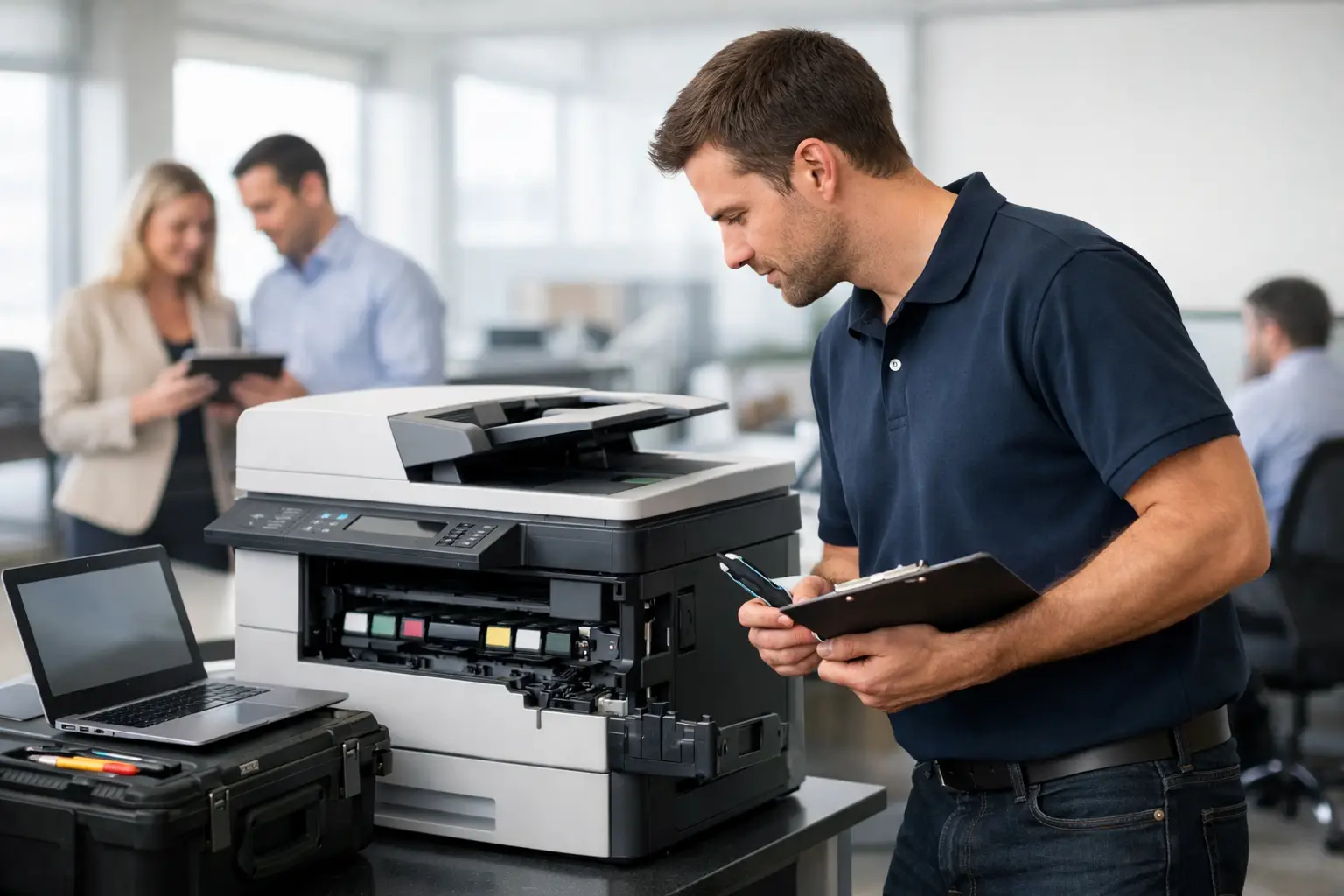
It is also sensible to consider local support. When labels are essential to trading, waiting days for remote advice or freight repairs can be expensive. A supplier that can assess your workflow, install the equipment, configure it with related systems and provide ongoing assistance reduces risk. For Southeast Queensland businesses, EBE can help match label printing equipment and consumables to the way your operation actually runs.
Questions to answer before you buy
Before committing, have clear answers to these points:
- What information must every label display, and how small can that text be?
- How many labels will you print during your busiest period?
- Will labels face heat, cold, moisture, sunlight, oil or frequent handling?
- Which POS, scale, inventory or ordering system must the printer connect to?
- Who will load consumables, update templates and handle first-line troubleshooting?
A good label printer should disappear into the routine of the business: labels print clearly, barcodes scan first time and staff can keep serving customers. Choosing with the full workflow in mind gives you a system that supports trade when the pressure is on.







Leave A Comment
You must be logged in to post a comment.