
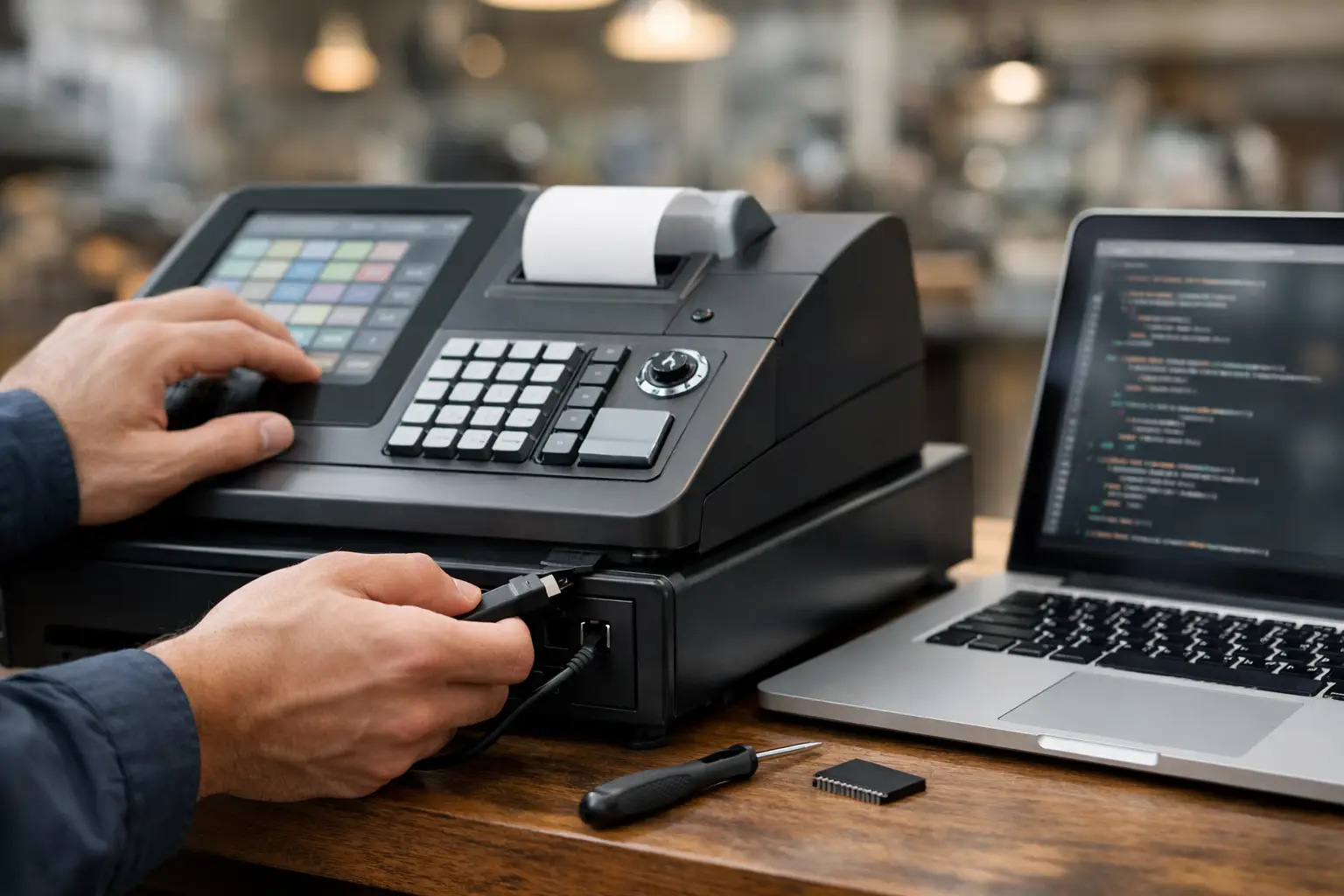
A till that rings up the wrong price at the Saturday rush, a key that no longer matches a popular menu item, or a new EFTPOS terminal that will not talk to the register can stop a sale quickly. So, can a cash register be reprogrammed? In many cases, yes. But what can be changed, how it should be changed, and whether it is worth doing depends on the register, its age, its software and the role it plays in your business.
For a small retailer, café or takeaway venue, reprogramming may be the most practical way to extend the useful life of reliable equipment. For another business, it may expose an outdated system that is no longer secure, supported or suited to the way staff work. The right answer starts with understanding the difference between a simple programming adjustment and a change that affects reporting, connected hardware or compliance.
Can a cash register be reprogrammed for new business needs?
Most electronic cash registers can be programmed to change product prices, department names, tax settings, receipt messages, clerk names and the function of individual keys. A café may need a one-touch key changed from a discontinued breakfast item to a new lunch special. A retailer may need departments reorganised for clearer sales reporting. These are common adjustments and, on compatible equipment, are usually straightforward for an experienced technician.
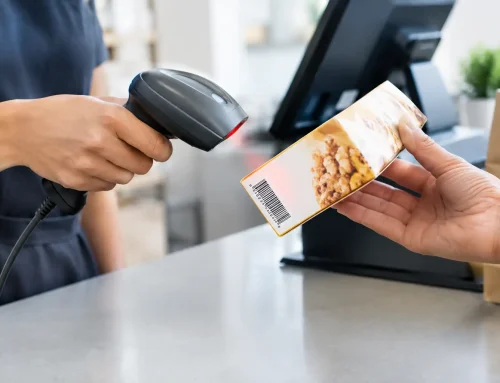
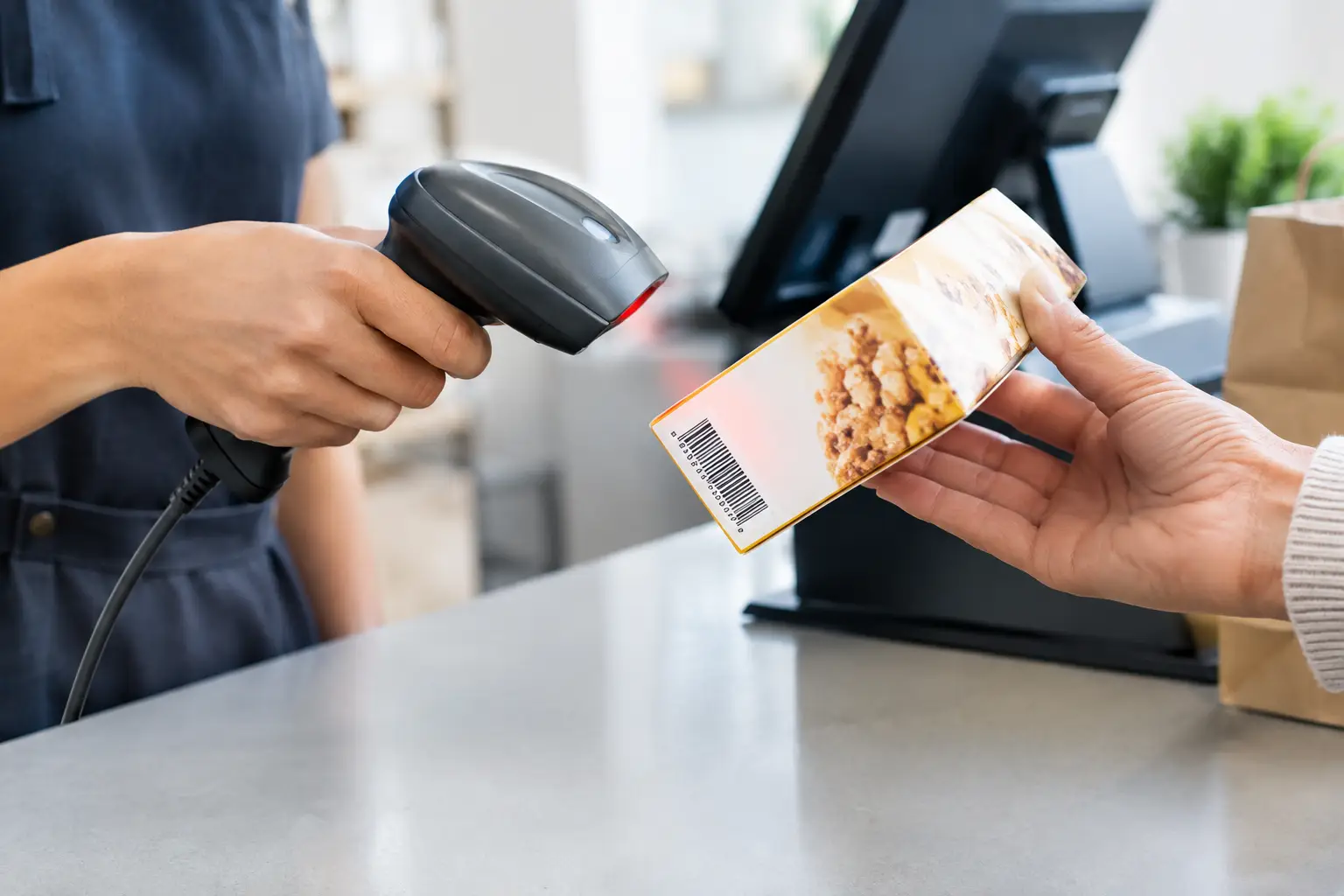
More capable registers and point-of-sale systems can also be configured around the wider workflow. This may include product PLUs, barcode scanning, stock control, customer displays, kitchen printers, cash drawers, EFTPOS integration and user permissions. A change in one area can affect another. For example, changing product records may alter GST treatment or reporting categories, while a new printer may require settings in both the register and the network.
The important distinction is that legitimate programming updates business settings. They should not be used to alter completed transaction history, manipulate sales totals or bypass security controls. Your system should retain accurate records and provide appropriate audit trails for the way your business operates.
The type of system makes a real difference
The word “cash register” covers several very different systems. Knowing which one you have helps determine the likely cost, risk and outcome of reprogramming.
Standalone electronic cash registers
Traditional electronic cash registers are built around a fixed keypad, receipt printer and cash drawer. They often allow changes through programming mode, a manager key, a password or a computer utility. They can be an excellent fit for straightforward transactions where you need dependable operation without the complexity of a full POS system.
Their limitations become clearer as a business grows. Product capacity may be restricted, reports may be basic, and replacement parts or programming cables for older models can be difficult to source. If the register is still reliable and meets your needs, a reprogram may be sensible. If it cannot support your required tax setup, reporting or peripherals, it may be time to assess replacement options.
POS terminals and tablet-based systems
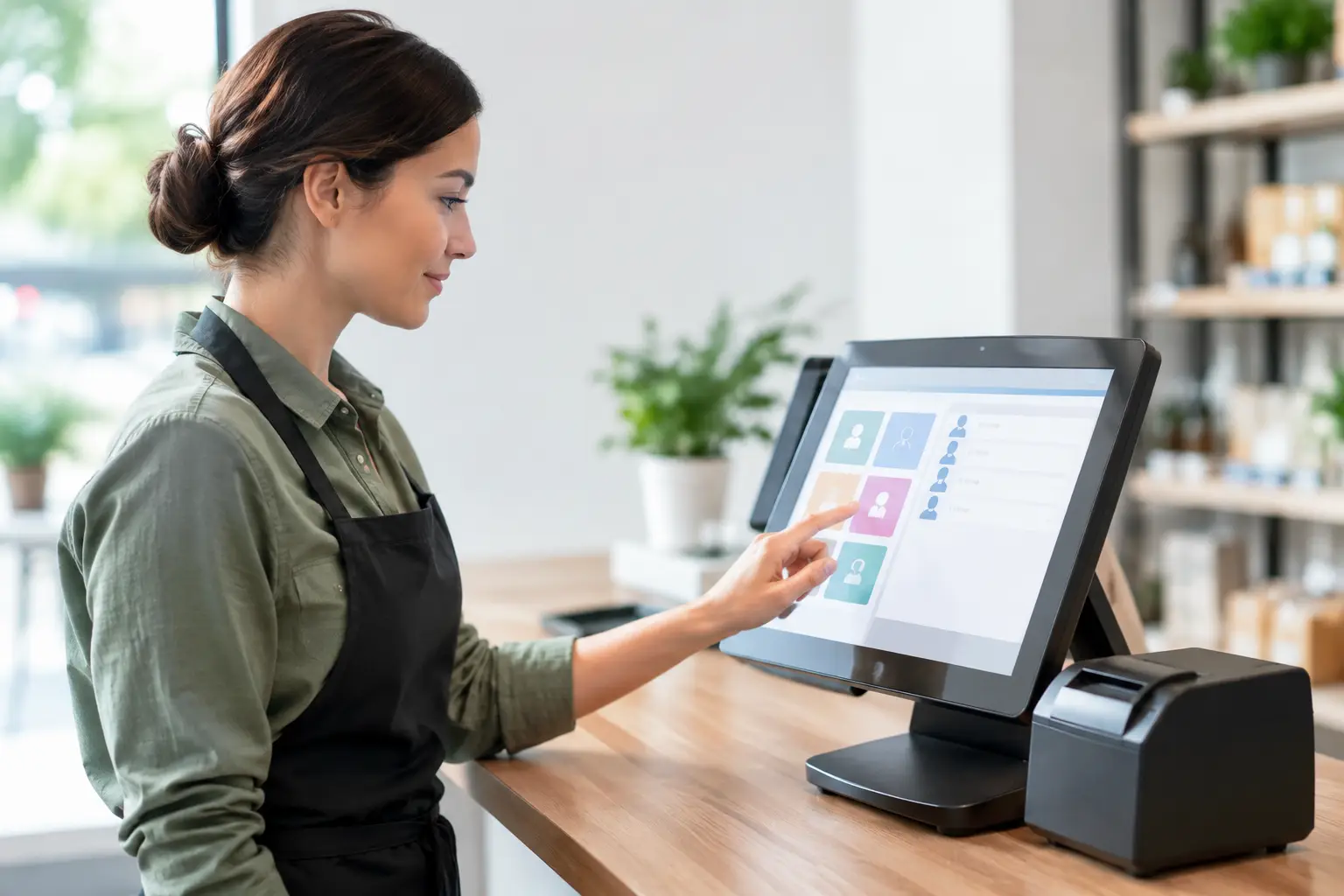
Modern POS systems are designed to be configured more regularly. Products, modifiers, staff access, promotions and reporting can often be managed in software, sometimes from a back-office computer or secure web portal. This flexibility is useful for hospitality venues with changing menus or retailers with a large product range.
It also means a poorly planned change can have a wider impact. A menu update may fail to print to the kitchen, a new user role may give staff access they should not have, or an internet issue may affect cloud-based functions. Before changing a live POS system, test the workflow from sale to receipt, payment, printing and end-of-day reporting.
Registers connected to trade scales
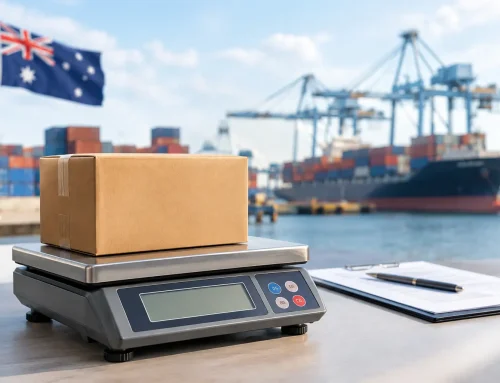
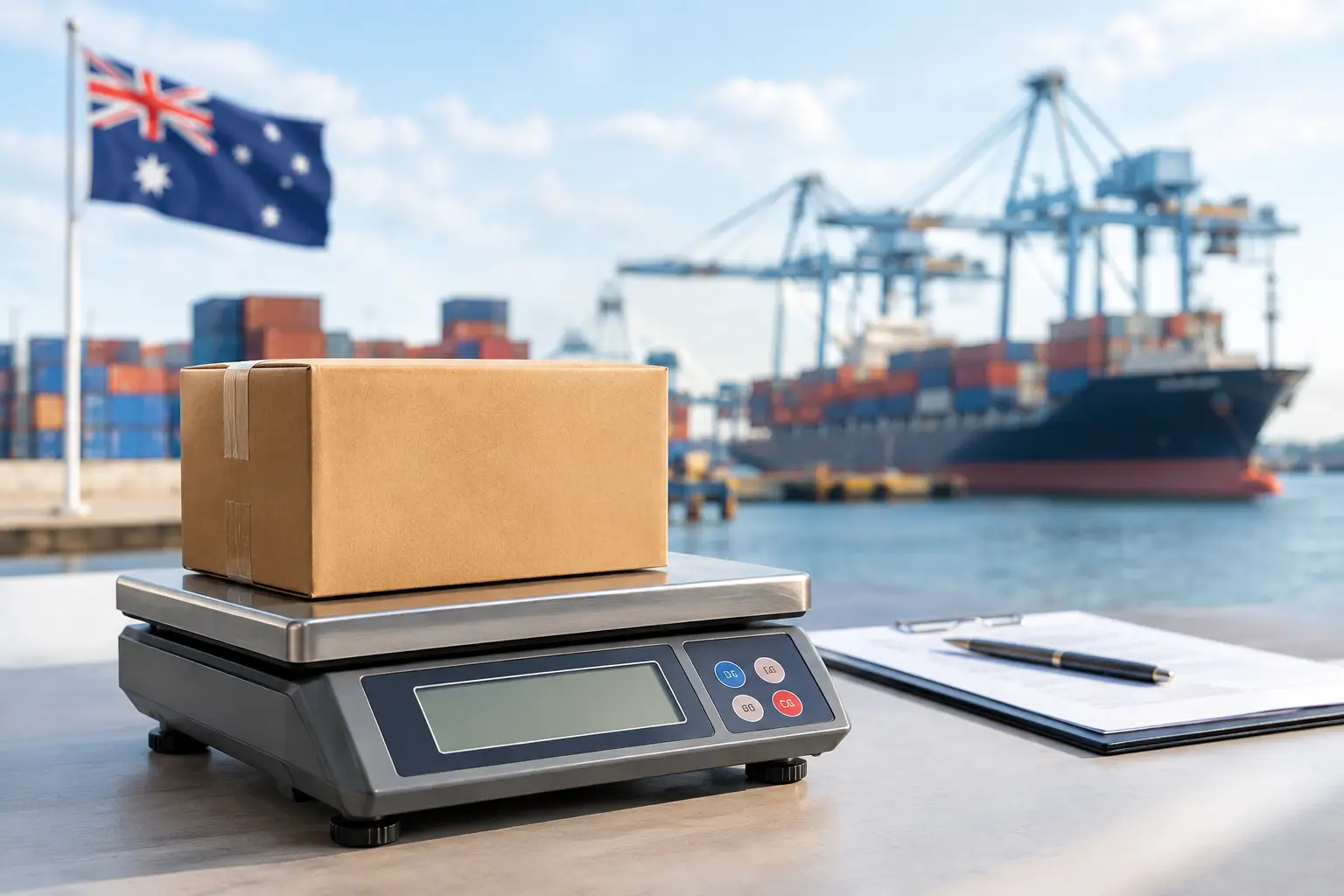
Food retailers, delis and butchers may use a register or POS system connected to a trade-approved scale. Reprogramming product descriptions or PLUs is often possible, but weight-based pricing must remain accurate and easy for customers to understand. If work affects the scale’s approved configuration, calibration, verification or trade-use status, it should be handled by suitably qualified personnel.
A scale may still weigh correctly while its connected POS setup has the wrong product price or label information. Treat these as related but separate issues. Accuracy at the scale, correct pricing at the till and clear receipts all matter.
What should be checked before any changes are made?
A rushed programming job can create more disruption than the original fault. Before anyone changes settings, identify the problem clearly. Is the price wrong on one key, are all products displaying incorrectly, or is the issue actually a printer, network, drawer or EFTPOS connection fault?
Back up the current configuration and, where relevant, export product and sales data. A backup gives you a way back if a setting is missed or a software update does not behave as expected. It also avoids rebuilding a large product file from scratch after a failed change.
It is worth confirming the business rules behind the request as well. Check current prices, GST treatment, discounts, staff permissions, receipt wording and reporting requirements with the person responsible for the business. A technician can configure the system correctly, but the final setup must reflect the way you want to trade.
Plan the work outside your busiest period where possible. A register that is offline for 20 minutes on a quiet weekday morning is manageable. The same interruption at a Friday lunch rush is not. If your venue has multiple terminals, changes can often be staged so one remains available for trading.
When professional reprogramming is the safer option
Some simple register changes can be completed internally once staff have received proper training. This can be useful for regular price updates or daily menu changes. However, professional assistance is usually the safer choice when the system is password-protected, connected to multiple devices, showing faults, or when you do not have a verified backup.
It is also sensible to call for support when a business has changed ownership, moved premises, added online ordering, installed new EFTPOS equipment or introduced trade-approved weighing. These are not just programming tasks. They may involve network settings, user access, device compatibility, cabling, printer configuration and staff training.
A local technician can assess whether the existing hardware is suitable before time is spent trying to force an old register into a new role. At Electronic Business Equipment, this type of work is approached as an operational check, not simply a keypad update. The goal is to have the system working properly across the full transaction, with practical support available if an issue appears after installation or configuration.
Reprogramming versus replacing the register
Reprogramming is generally worthwhile when the equipment is reliable, supported and capable of meeting your current requirements. It is often a cost-effective option after a price restructure, menu change, seasonal promotion or staff workflow adjustment.
Replacement may be the better investment if repairs are becoming frequent, the printer is unreliable, reports are no longer useful, security is weak or the equipment cannot connect to essential peripherals. A register that cannot integrate with your payment process or scale may cost more in lost time and manual work than a new system costs to install.
There is also the question of support. Older models can be dependable, but a system with unavailable parts, discontinued software or no accessible programming tools creates risk. A business that depends on rapid transactions should not wait for a total failure before considering its options.
A practical approach to a successful change
Start by writing down what needs to change and what must continue working. Include products, prices, departments, staff access, printers, scales, EFTPOS, receipts and reports. This gives the person completing the work a clear brief and reduces assumptions.
After reprogramming, run test sales before reopening normal service. Test cash and card payments, refunds or voids where authorised, receipts, drawer opening, barcode scans, printer routing and end-of-day reports. If you use a scale, test several weighed products and compare the displayed price with the expected calculation.
Finally, make sure the manager and key staff know what has changed. A short handover prevents the familiar problem of a correctly configured system that no one on shift knows how to use. Keep current passwords, programming records and support details in a secure place, separate from general staff access.
A well-planned reprogram can keep trusted equipment useful and make daily trading easier. If the changes reveal gaps in reliability, compliance or workflow, that is useful information too – and a good opportunity to put a system in place that will support the next stage of your business.









Leave A Comment
You must be logged in to post a comment.