
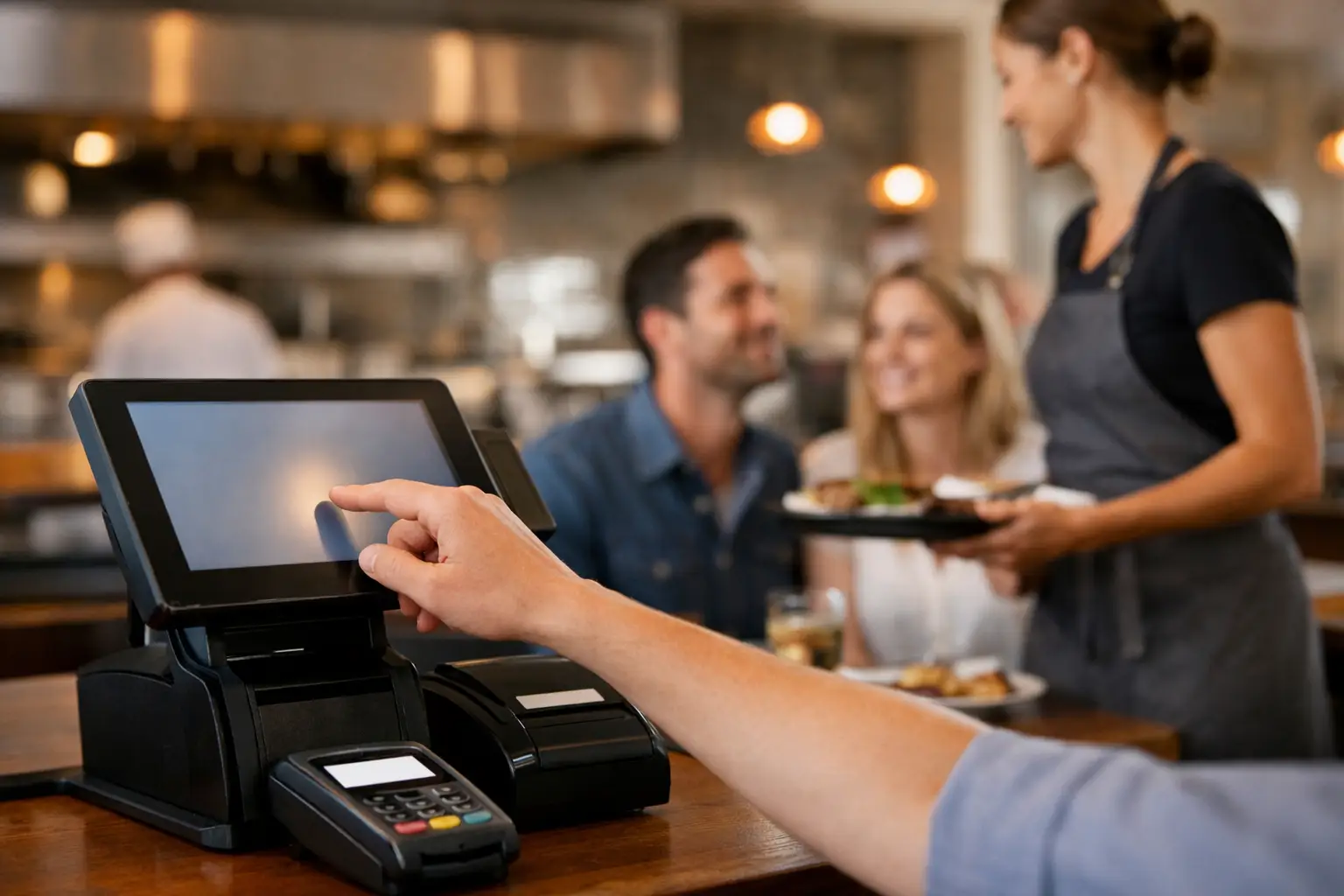
The Friday dinner rush is not the time to find out a kitchen printer has dropped off the network, an EFTPOS terminal will not connect, or a menu change has sent orders to the wrong station. Reliable POS support for restaurants is about preventing these disruptions where possible, then having a capable technician available when they do happen.
For restaurant owners and managers, a point-of-sale system is far more than a payment screen. It is the link between front-of-house staff, the kitchen, customer orders, receipts, stock information and daily takings. When that link breaks, service slows quickly. Tables wait longer, staff resort to handwritten dockets, and the pressure on the team rises with every new order.
Why restaurant POS issues need a different response
Restaurants operate in concentrated bursts. A retail store can often manage a short outage by processing a few transactions manually. A busy café or restaurant may be handling dozens of orders in a short period, with modifiers, split bills, table transfers and dietary notes all needing to reach the right people.
That means the support provider needs to understand the full working environment, not just the POS software. The fault might sit with the terminal, kitchen display, docket printer, router, cabling, EFTPOS connection, tablet, network settings or the way the system has been configured. Replacing hardware without identifying the cause can turn a quick repair into repeat downtime.
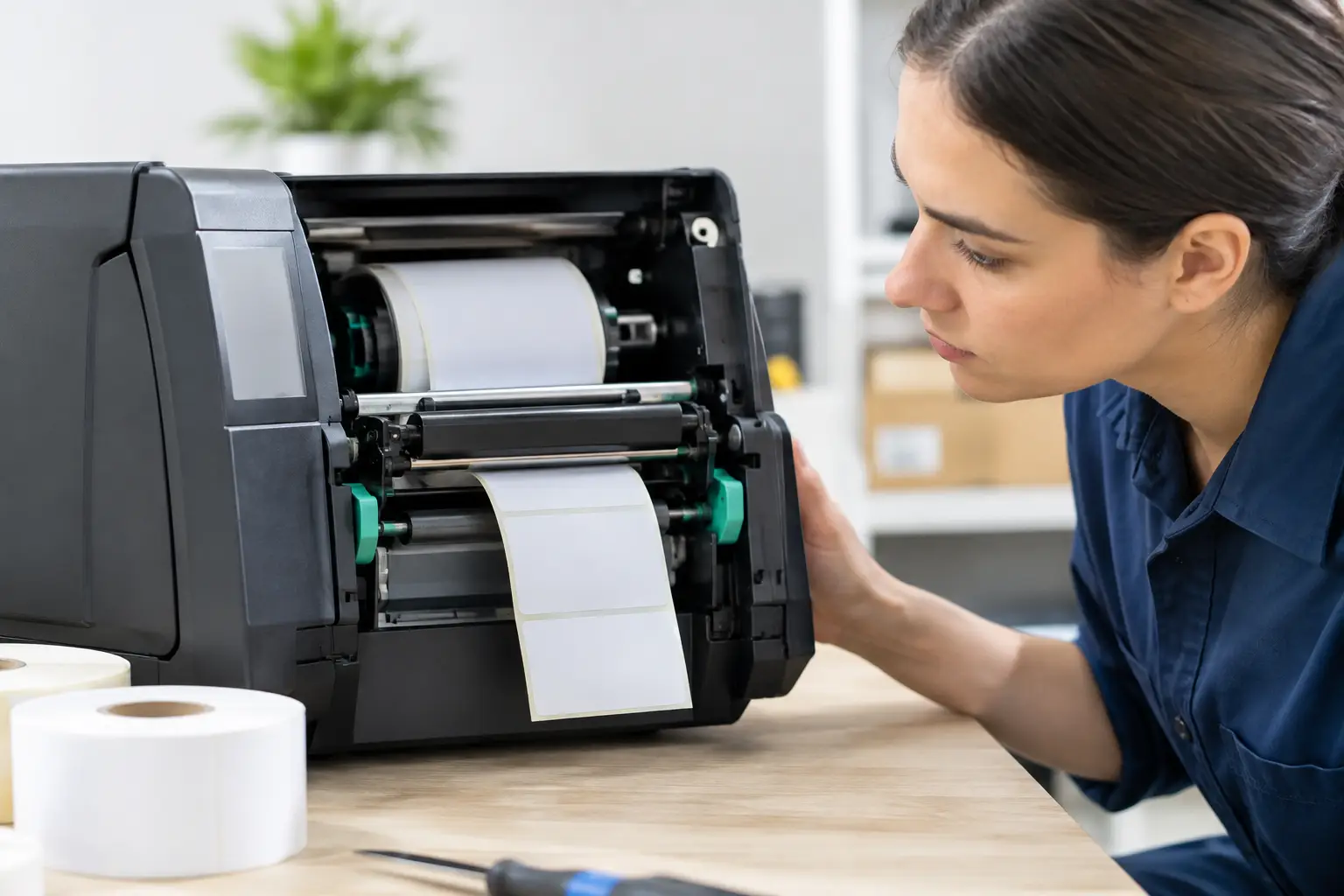
Local technical support also matters when an issue cannot be solved remotely. A printer with a worn print head, a damaged cable, a failed cash drawer or a network fault often needs someone on site with the right replacement parts and practical experience. For a venue trading six or seven days a week, waiting several business days for a remote help desk or courier delivery is rarely a workable option.
What effective POS support for restaurants should cover
The best support arrangements begin before the system is installed. A restaurant’s menu, service style and physical layout affect the equipment and configuration required. A quick-service venue may need fast counter ordering, customer displays and clear kitchen docket routing. A licensed restaurant may need table maps, split billing, course firing and mobile ordering. A takeaway business may need online orders, delivery platform integration and a reliable label or receipt printing process.
A suitable provider should take the time to understand these details before recommending equipment. The lowest upfront-cost system is not always the most affordable choice if it creates delays, requires workarounds or cannot be repaired locally.
System design and installation
A properly planned POS installation considers where staff take orders, where printers and kitchen displays sit, how devices connect to the network, and what happens if internet service becomes unreliable. Cabling should be protected and practical to service. Printers need to be positioned where heat, steam and spills are less likely to cause faults, while still being accessible for paper changes and cleaning.
Configuration is equally important. Menu items, modifiers, tax settings, printer routing, staff permissions and table layouts should reflect the way the venue actually operates. A generic setup can technically function but still create avoidable friction during service.
Hardware repairs and replacement options
Restaurant equipment works hard. Receipt printers run continuously, touch screens are exposed to food and moisture, and cash drawers can wear from constant use. Even quality equipment will eventually need servicing or replacement.
A practical support provider can diagnose whether a fault is worth repairing, whether a replacement is more sensible, and whether a temporary option can keep the venue operating. This advice should be straightforward. There is little value in spending heavily on repairs for ageing equipment if a replacement will be more dependable and easier to support.
It is also wise to use commercial-grade equipment suited to hospitality conditions. Consumer tablets and low-cost printers may seem attractive at first, but availability of parts, driver support and durability can become a problem once the system is under daily pressure.
Network and payment connectivity
Many apparent POS failures are actually network issues. The terminal may be working, but unable to reach a cloud-based system, payment terminal or kitchen printer. Wi-Fi coverage, router capacity, network segmentation and internet reliability all affect the experience at the counter.
For restaurants using cloud POS software, a stable connection is essential, but so is knowing what the system can do during an outage. Some platforms offer an offline mode with limitations. Others require a live connection for certain functions. Owners should understand this before a service interruption, not while a queue is building at the counter.
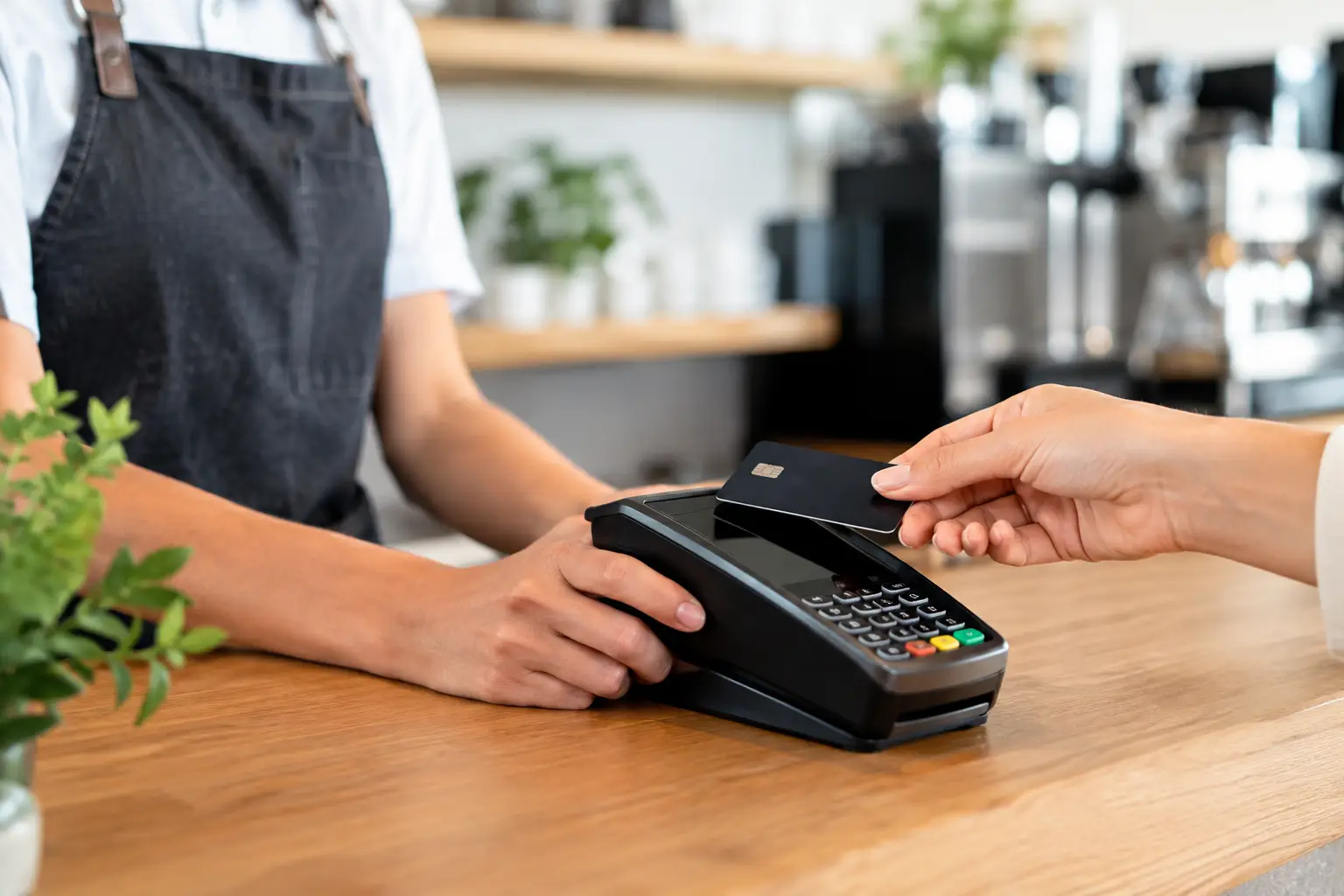
EFTPOS connectivity requires its own checks. Payment terminals may use Wi-Fi, mobile data or a dedicated connection, and each option has trade-offs. Mobile data can provide useful backup during an NBN outage, while Wi-Fi may be easier to manage in a stable network environment. The right approach depends on the venue, transaction volume and local coverage.
Staff training and day-to-day confidence
A POS system only improves service when staff know how to use it confidently. Training should cover normal transactions as well as the situations that create delays: splitting bills, moving tables, adding modifiers, reprinting dockets, processing refunds, correcting an order and dealing with printer issues.
Managers should also know the basic checks that can resolve minor faults quickly. Is the printer powered on? Is there paper loaded correctly? Has a cable been knocked loose? Is the terminal connected to the correct network? These checks are simple, but they can save valuable time.
Training should be refreshed when menus change, new team members start, or the venue introduces new ordering channels. A system configured years ago can gradually become harder to use if no one reviews how it supports current workflows.
Planning for the faults that cannot wait
No system can guarantee zero downtime. The goal is to reduce the likelihood of failure and make recovery fast when a fault occurs. For restaurants, a support plan should clearly set out who to call, what assistance is available after hours, and what practical fallback procedures the team should follow.
Keep a small supply of essentials on site, including receipt paper rolls, printer ribbons where applicable, spare power supplies or cables for critical equipment, and written instructions for manual order handling. A temporary manual process is not ideal, but it is far better than confusion when a fault occurs mid-service.
Restaurants should also keep current records of their system. This includes POS login details held securely, device locations, network equipment details, printer names, software subscriptions and payment terminal contacts. When a technician needs to assist, accurate information speeds up diagnosis.
For larger or particularly busy venues, it may be worthwhile to consider redundancy for critical points of failure. This could mean a spare printer, a backup internet option, additional handheld devices, or a replacement terminal available at short notice. The right level of backup depends on the cost of being unable to trade. A suburban café with a single till has different needs from a high-volume venue processing hundreds of covers on a Saturday night.
Questions to ask before choosing a support provider
The support provider should be able to explain what they support directly and what sits with third-party software or payment providers. This is not a concern by itself – restaurant technology often involves several providers – but responsibility needs to be clear. When something goes wrong, the venue should not be left trying to work out which company owns the problem.
Ask whether support is remote, on site, or both; whether after-hours assistance is available; whether common replacement parts are held locally; and how the provider handles urgent faults. It is also worth asking whether they install and configure the system themselves or simply supply the equipment. Hands-on installation experience usually leads to faster fault-finding later because the team understands the original setup.
Price matters, but support should be assessed against lost trade, staff stress and customer experience. A cheaper option with limited help may suit a low-volume operation that can tolerate delays. For most restaurants, responsive support is part of protecting revenue and reputation.
Support that fits the way your venue trades
Good restaurant POS support is proactive, practical and based on how service happens in the real world. It should help you choose suitable hardware, set up reliable connections, train your staff, repair faults and make sensible decisions when equipment reaches the end of its useful life.
For Southeast Queensland venues, EBE provides that local, hands-on approach across POS systems, networking, installation, repairs and ongoing technical assistance. The aim is simple: keep your team taking orders, your kitchen receiving them accurately, and your customers moving through service without unnecessary delays.
Before your next busy period, take a close look at the equipment and support behind your counter. A few well-planned checks now can make a significant difference when the restaurant is full and every minute counts.


Leave A Comment
You must be logged in to post a comment.