
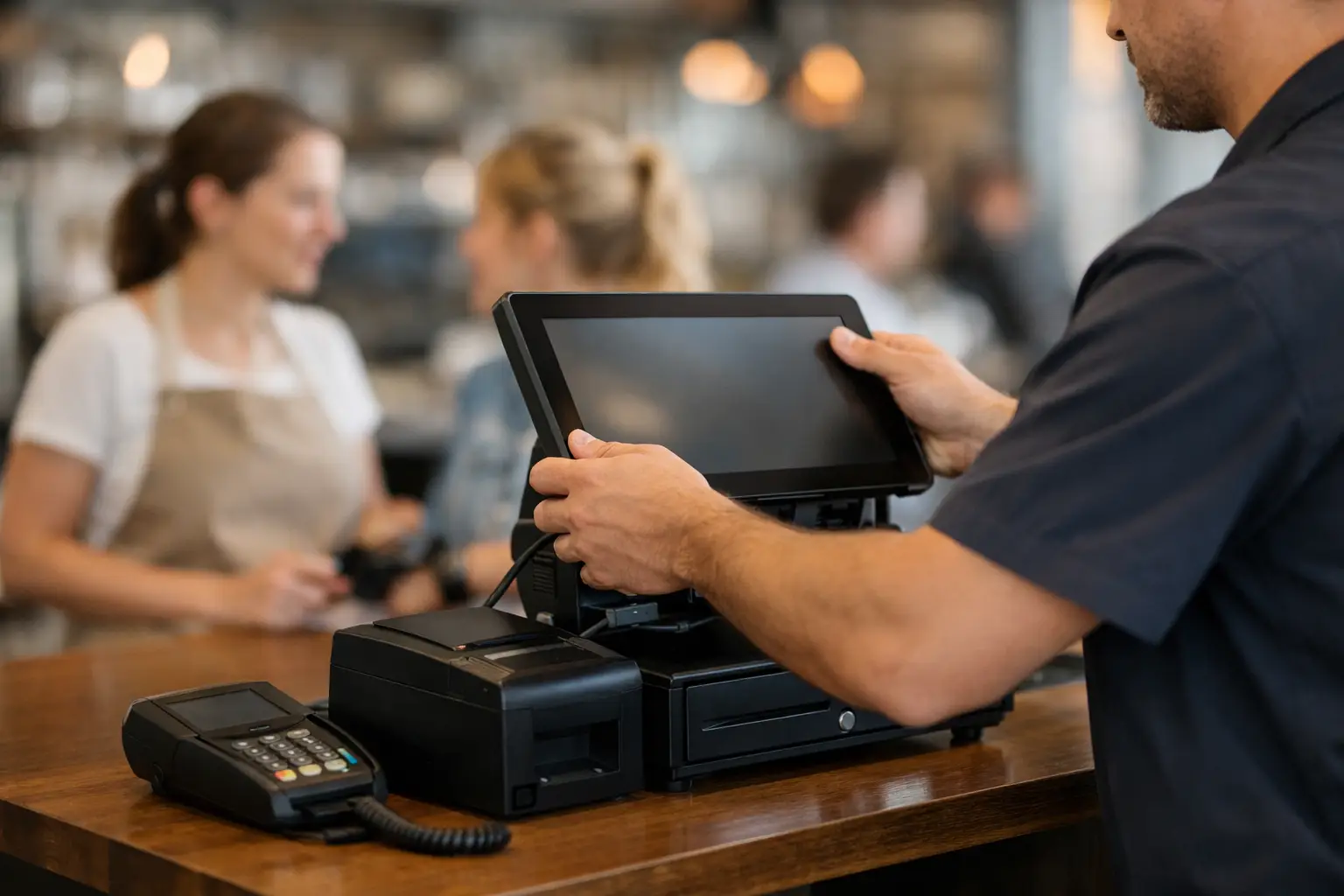
A new POS system usually looks straightforward when it arrives in boxes. The reality is that a good POS installation guide needs to cover far more than plugging in a terminal and turning it on. If the layout is wrong, the network is patchy, the printer is mismatched, or staff have not been shown the workflow properly, the problems appear at the worst possible time – during service.
For retailers, cafes, takeaway shops and venues, installation is where a POS system either becomes a useful tool or a daily frustration. The goal is not simply to get the equipment running. The goal is to make sure it fits the way your business trades, handles peak periods reliably, and can be supported quickly if something goes wrong.
What a POS installation guide should actually cover
A proper installation starts before any hardware is mounted on the counter. The first step is understanding how the business operates. A small boutique with one checkout has very different needs from a busy hospitality venue with table service, kitchen printing, online orders and split payments. The right system for one can be the wrong fit for the other.
That is why planning matters. Your installer should look at the number of terminals required, the placement of receipt printers, whether barcode scanners or cash drawers are needed, and how the POS will connect with EFTPOS, scales, label printers or back-office software. In food businesses, they also need to consider kitchen communication, order flow and how quickly staff can move during busy periods without queuing around the counter.
There is also a practical side that gets overlooked. Power points, cable runs, bench space, Wi-Fi coverage and internet stability all affect the final result. A system can be technically compatible and still be poorly installed if the setup slows staff down or creates avoidable failure points.
Before POS installation, map the workflow
The most useful POS installation guide starts with questions, not equipment. How does a sale begin? Who takes payment? Where are dockets printed? Does stock need to update in real time? Do products have variants, modifiers or weighted pricing? If you trade across a shopfront, market stall and online channel, do you need all of that to stay in sync?
This is where many businesses save money in the wrong place. They focus on the upfront hardware cost and miss the operational cost of a system that does not match the job. A cheaper terminal can become expensive if it adds seconds to every transaction, needs frequent reconfiguration, or cannot grow with the business.
For hospitality operators, workflow mapping often exposes pressure points around order entry and printing. For retailers, it may highlight barcode management, stocktake routines and customer-facing displays. For businesses selling by weight, compliance and correct integration with trade-approved equipment become part of the installation, not an afterthought.
Hardware setup is only one part of the job
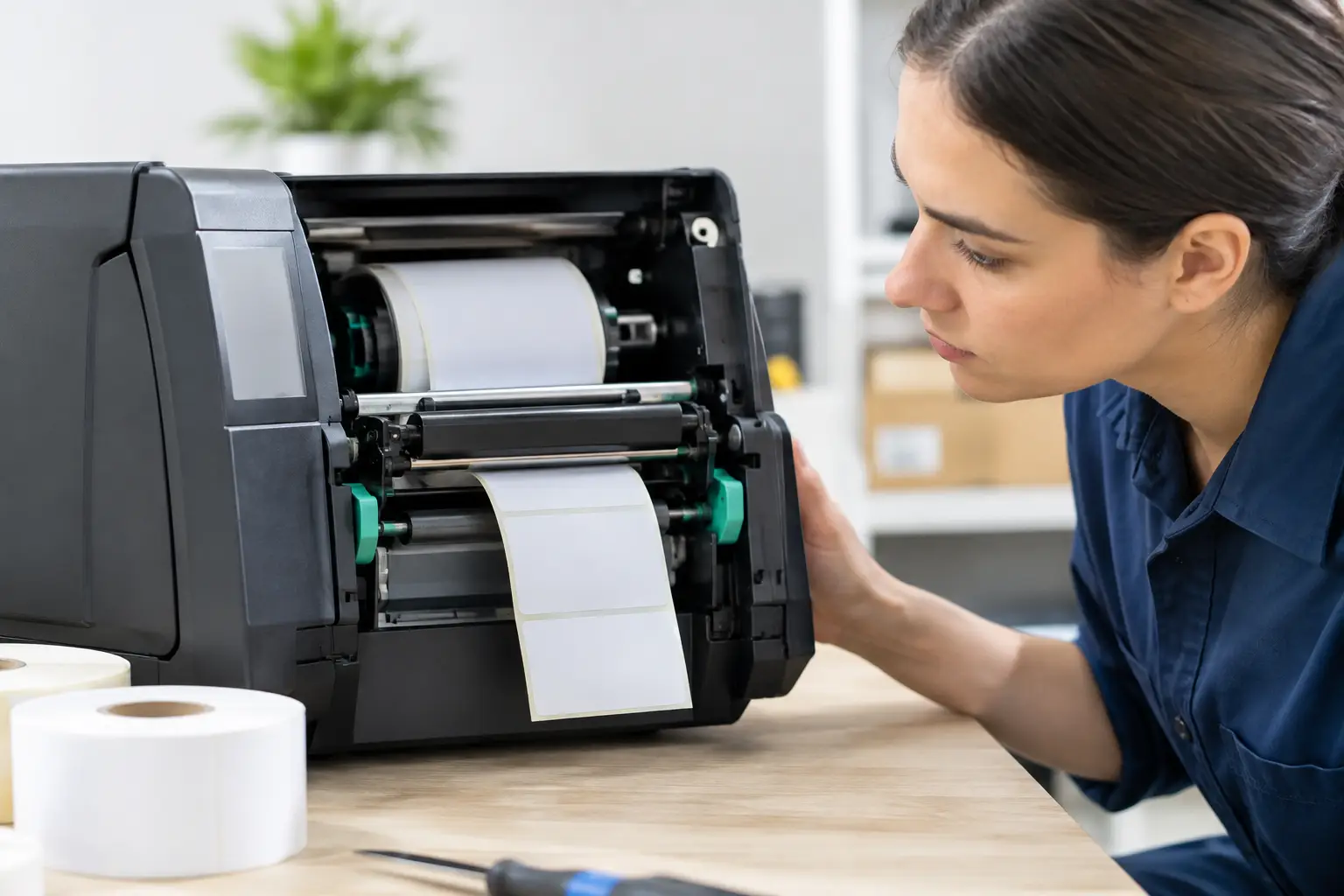
Once the workflow is clear, hardware can be configured properly. That generally includes the POS terminal or touchscreen, receipt printer, cash drawer, barcode scanner, kitchen printer if required, customer display and any connected devices such as scales or label printers.
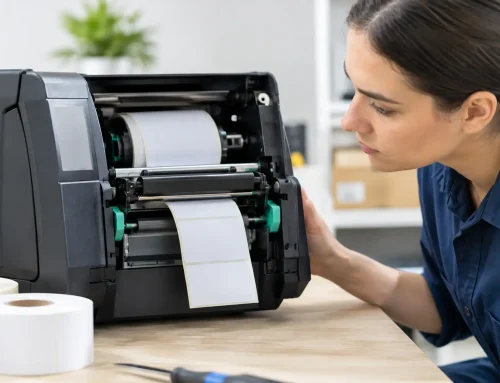
Placement matters more than many operators expect. A receipt printer tucked under a bench may save space, but if staff cannot change paper quickly during lunch rush, it creates delays. A touchscreen set too far from the till can slow transactions. Loose or exposed cabling might seem minor on day one, but it becomes a maintenance and safety issue over time.
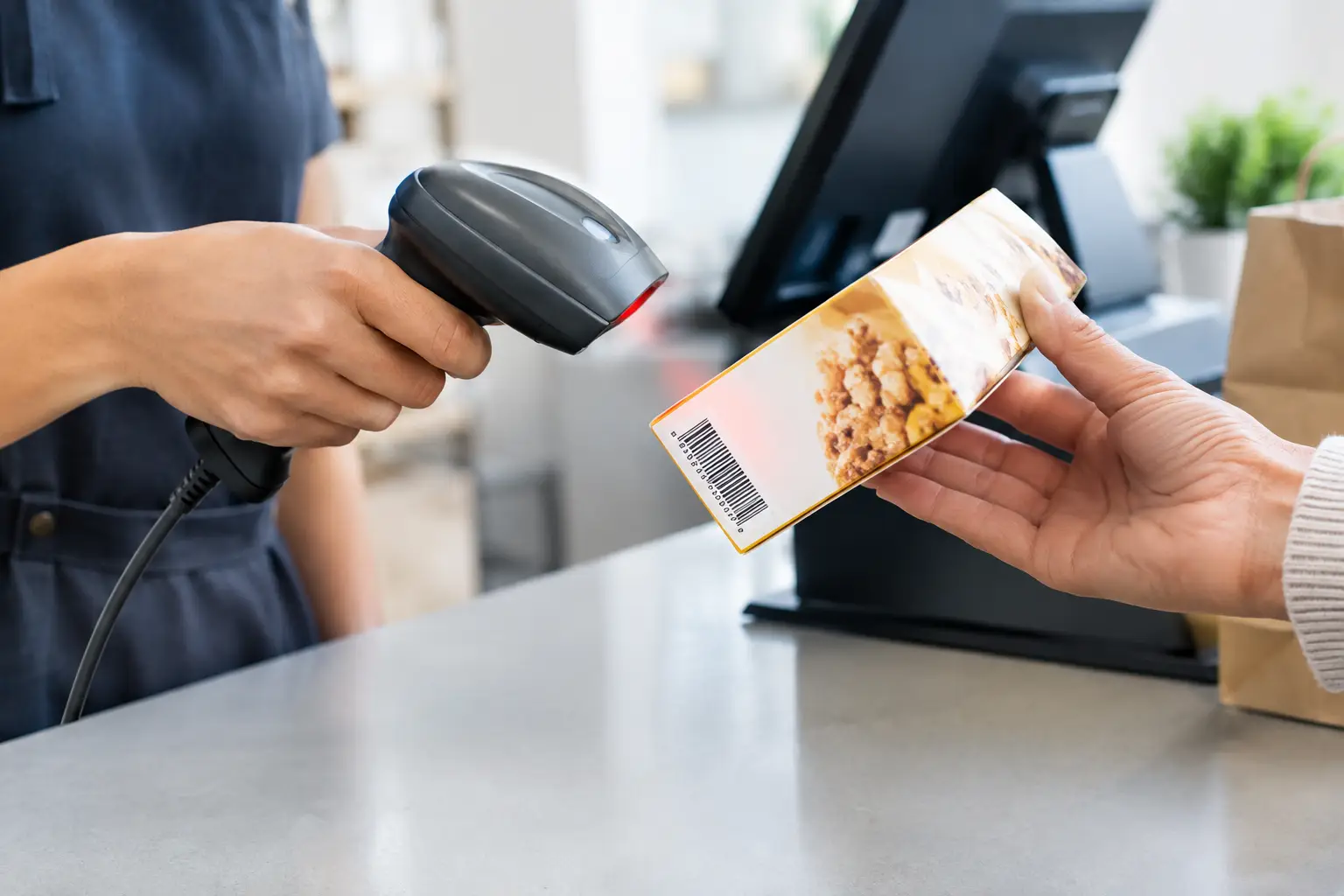
Good installation also means testing each component as part of the whole system, not as separate pieces. A printer may power on, but that does not mean it is mapped correctly to the right terminal. A scanner may beep, but that does not mean product data is loading properly. These checks sound basic, but they are exactly where rushed installs fall short.
Network and internet configuration
Modern POS systems depend heavily on stable connectivity. Even where the terminal can keep trading offline for a period, sync issues, delayed reporting and payment interruptions can follow if the network is not configured properly.
A reliable setup usually includes checking router performance, Wi-Fi strength, device allocation and whether wired connections are better for fixed stations. In some venues, Wi-Fi is fine for tablets on the floor but not ideal for receipt printers or back-office hardware. It depends on the environment, the building materials, and how many devices are competing for bandwidth.
This is also the point where businesses need to separate customer expectations from technical reality. Free guest Wi-Fi, online ordering tablets, music streaming, cameras and POS traffic all using the same network can create problems if not managed properly. A stable transaction environment should take priority.
Software configuration and data loading
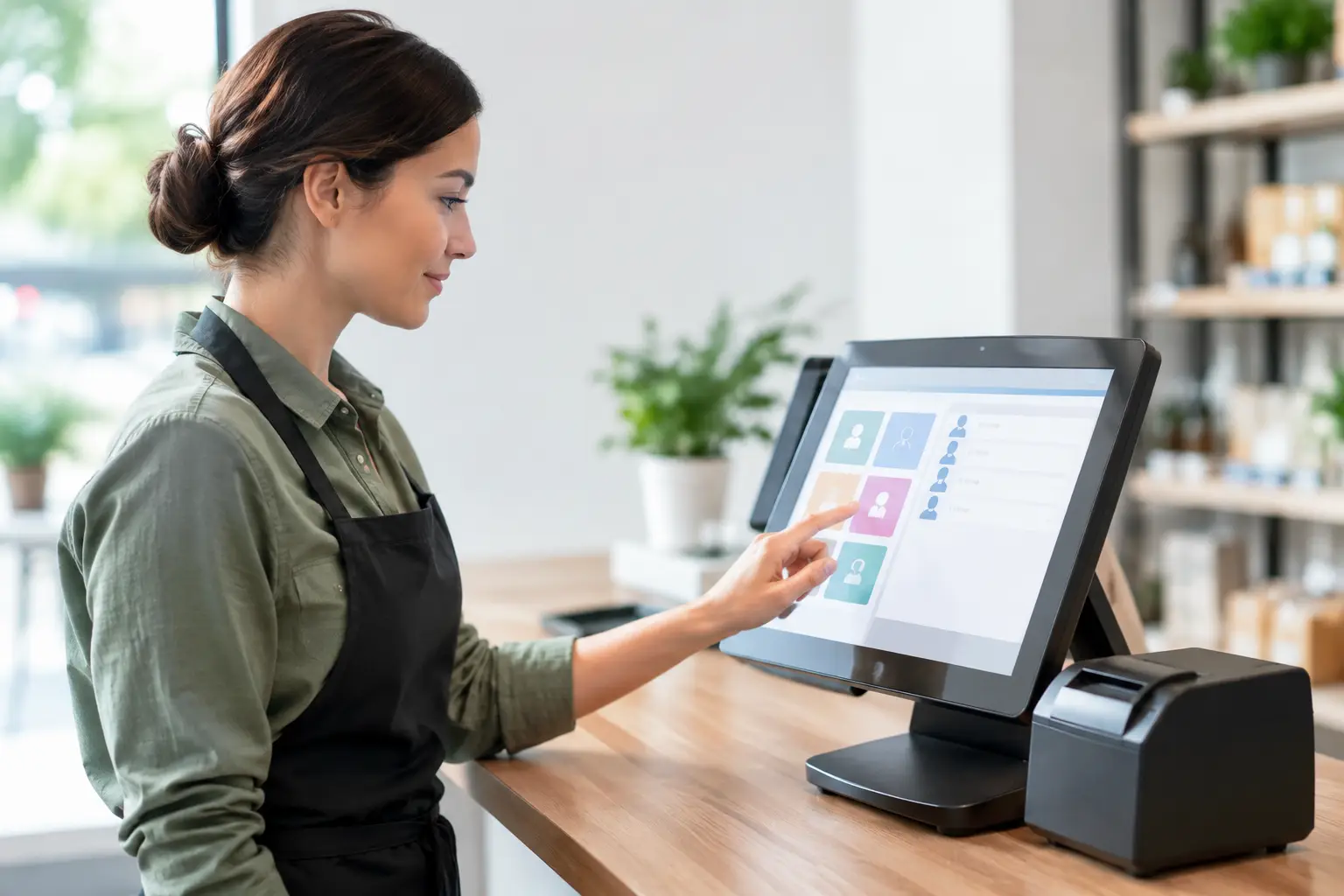
Software setup is where the system starts reflecting your actual business. Products, pricing, tax settings, user permissions, table layouts, departments, modifiers and reporting categories all need to be entered accurately. If inventory is involved, stock units and supplier details must also be aligned.
Data migration can be simple or complex depending on the old system. Moving product files from an existing POS or cash register may save time, but it still needs checking. Product names, SKUs, pricing tiers and GST treatment should be reviewed carefully. A poor data import can cause errors that are hard to spot until staff are already serving customers.
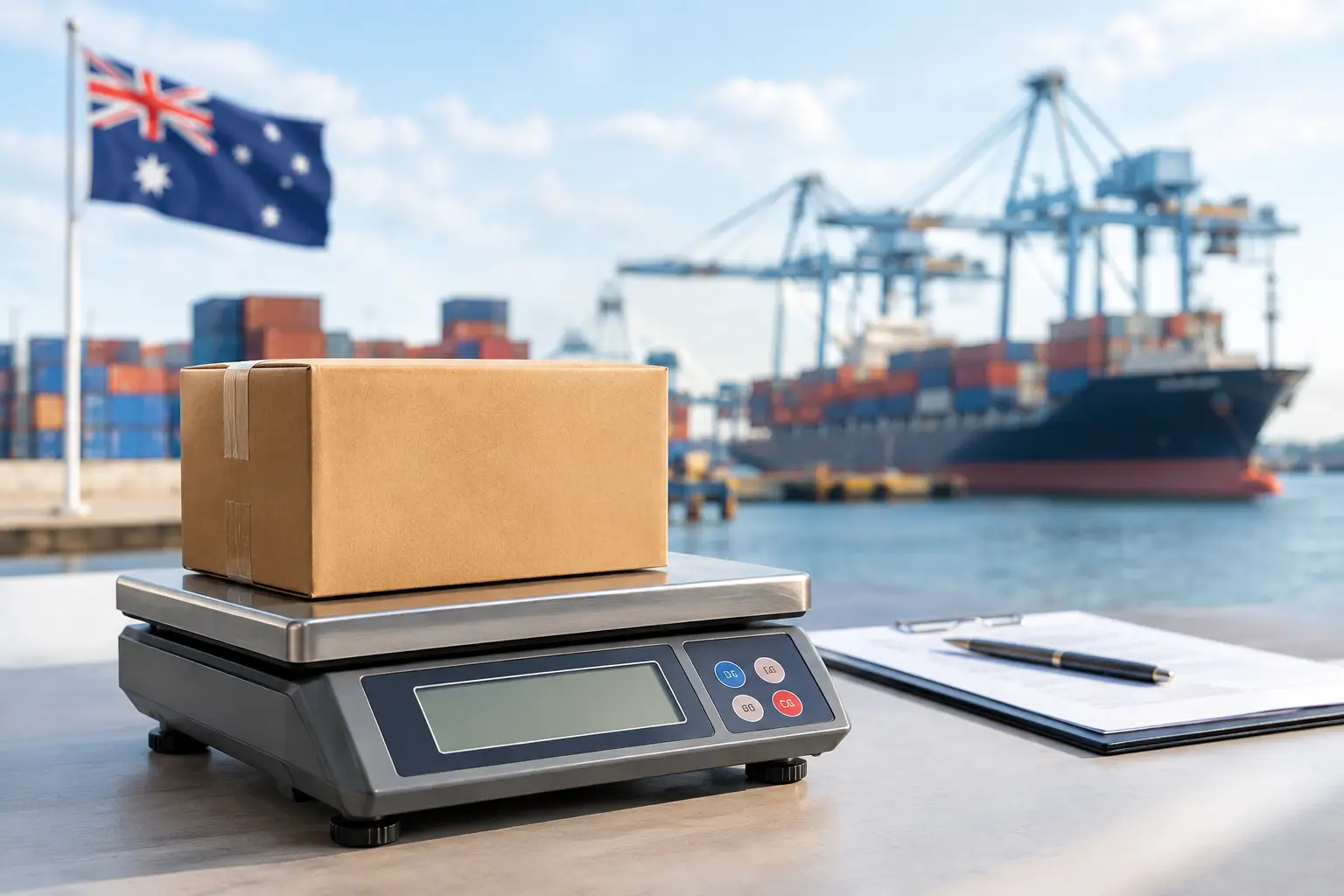
If your operation includes integrated scales, weighted items or labels, configuration has to be precise. Trade-facing businesses need more than convenience. They need equipment and settings that support correct pricing, clear receipts and compliance requirements.
Testing the POS installation guide in real trading conditions
A system is not ready because it boots up and prints one sample receipt. It is ready when it has been tested against the way your staff actually work. That means processing common sales, refunds, split payments, discounts, barcode scans, weighted items and end-of-day reporting. In hospitality, it also means sending orders to the correct prep area, handling modifiers and checking table functions.
The best time to find a problem is before customers are standing in front of the counter. A sensible installer will test edge cases, not just the happy path. What happens if the internet drops out? What if the kitchen printer runs out of paper? What if a staff member logs in with the wrong permissions? These are practical questions, and they matter.
For many businesses, a staged rollout is the safer option. One terminal can go live first, or the system can be installed and tested before the busiest day of the week. There is no single right approach. The right one depends on your risk tolerance, staffing and how critical uninterrupted trade is during the changeover.
Staff training is part of installation, not an extra
Even the best-configured system will underperform if staff are guessing their way through it. Training should cover the actual tasks each role performs, not a generic demonstration of every possible feature.
For front-of-house staff, that usually means logging in, processing sales, handling refunds, reprinting receipts and managing basic troubleshooting. For supervisors, it may include voids, reporting, user permissions and till reconciliation. For owners and managers, training often needs to focus on stock control, pricing updates, reporting and the settings that should not be changed casually.
Short, practical training works best. Busy teams rarely need a theory lesson. They need confidence using the system under normal trading pressure. Written notes can help, but real examples on the live terminal are usually far more effective.
Ongoing support is where the real value sits
A POS installation guide should always account for what happens after go-live. Hardware can fail, staff can make changes, internet services can drop out, and software settings can be altered accidentally. When that happens, access to local technical support makes a real difference.
This is where a hands-on provider earns their keep. If your business relies on in-person transactions, downtime is not a minor inconvenience. It affects sales, customer experience and staff stress almost immediately. Fast support, workshop repairs, on-site service and practical advice are not add-ons. They are part of keeping the business running.
For Southeast Queensland operators, working with an experienced local team such as EBE can reduce a lot of the risk that comes with new installations and upgrades. The value is not just in supplying the hardware. It is in configuring the system properly, testing it in context, and being available when the pressure is on.
Common mistakes businesses make during installation
The most common mistake is treating POS installation like a simple equipment purchase. The next is underestimating the setup time. Businesses often leave installation too close to launch day, promotion periods or seasonal peaks, which limits testing and increases pressure on staff.
Another issue is trying to mix old and new hardware without checking compatibility properly. Sometimes reusing existing printers, scanners or network gear is sensible. Sometimes it creates instability that costs more than replacing the device. It depends on age, condition and how well the components will work together.
There is also a tendency to skip training because the system looks intuitive. That can work in very simple environments, but most transaction-heavy businesses have enough variation in sales, refunds, discounts and reporting that a short guided session saves trouble later.
A POS system should make trade easier, not add another thing for your team to manage. If you approach installation with the same care you would give any other business-critical equipment, you give yourself a much better chance of a calm launch, steady service and fewer surprises when the line starts forming.






Leave A Comment
You must be logged in to post a comment.