

The morning rush exposes every weak point behind a café counter. A receipt printer that stalls, a payment terminal that drops out or a scale that is not fit for trade can quickly turn a queue into frustrated customers. Choosing the right essential café counter equipment is not about filling the bench with technology. It is about building a practical, reliable workflow that helps staff take orders, prepare products and finalise sales without unnecessary delays.
For cafés, bakeries, takeaway shops and food venues across Southeast Queensland, the best setup depends on menu complexity, counter space, trading volume and how the team actually works during peak service. Start with the transaction, then select equipment that supports it.
Essential café counter equipment starts with a reliable POS
Your point-of-sale system is the operational centre of the counter. It should let staff enter orders quickly, apply modifiers such as milk choice or extra shots, send clear dockets to the right preparation area and take payment without moving between separate systems.
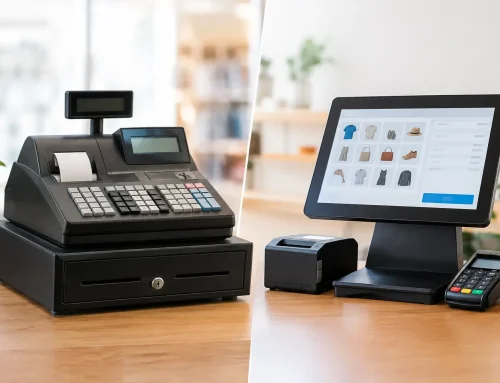
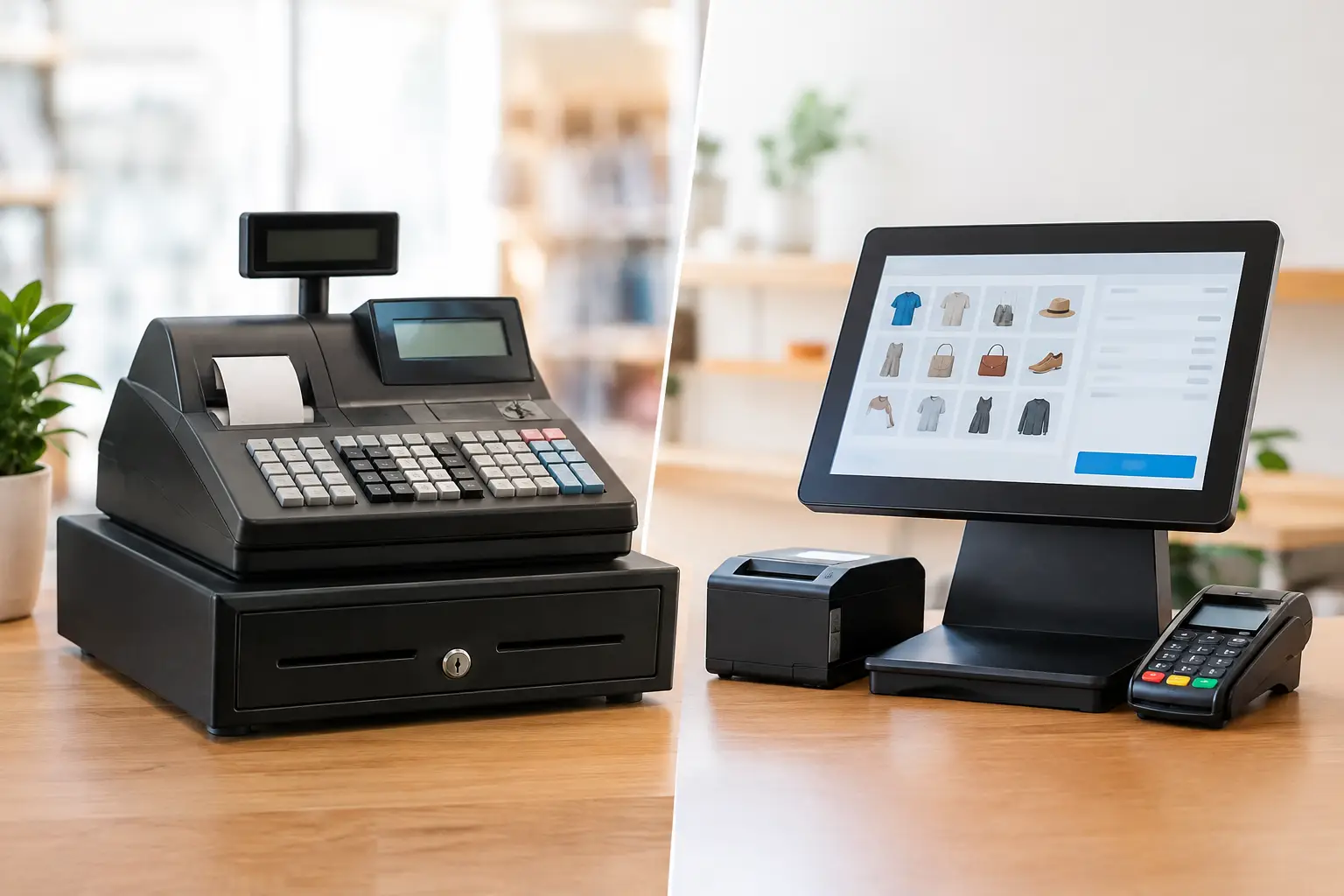
A simple café serving coffee, cabinet food and takeaway items may need a straightforward touchscreen POS with a cash drawer, receipt printer and card terminal. A larger venue with table service, split bills, kitchen dockets and loyalty offers may need a more detailed configuration. Neither approach is automatically better. The right system is the one that matches the service model without slowing staff down with features they will never use.
The hardware matters as much as the software. A commercial touchscreen should handle constant use, be positioned at a comfortable height and leave enough room for baristas to work. The POS should also be configured around your menu and busiest order paths. If staff need too many taps to sell a regular coffee and toastie, the system is working against the counter rather than supporting it.
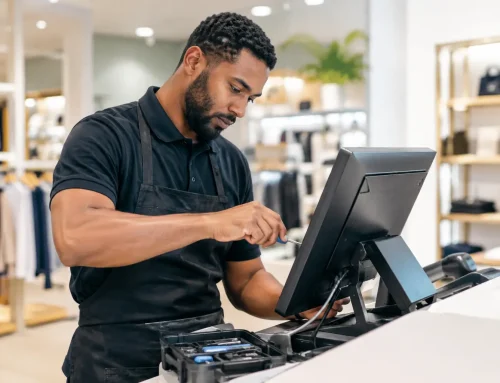
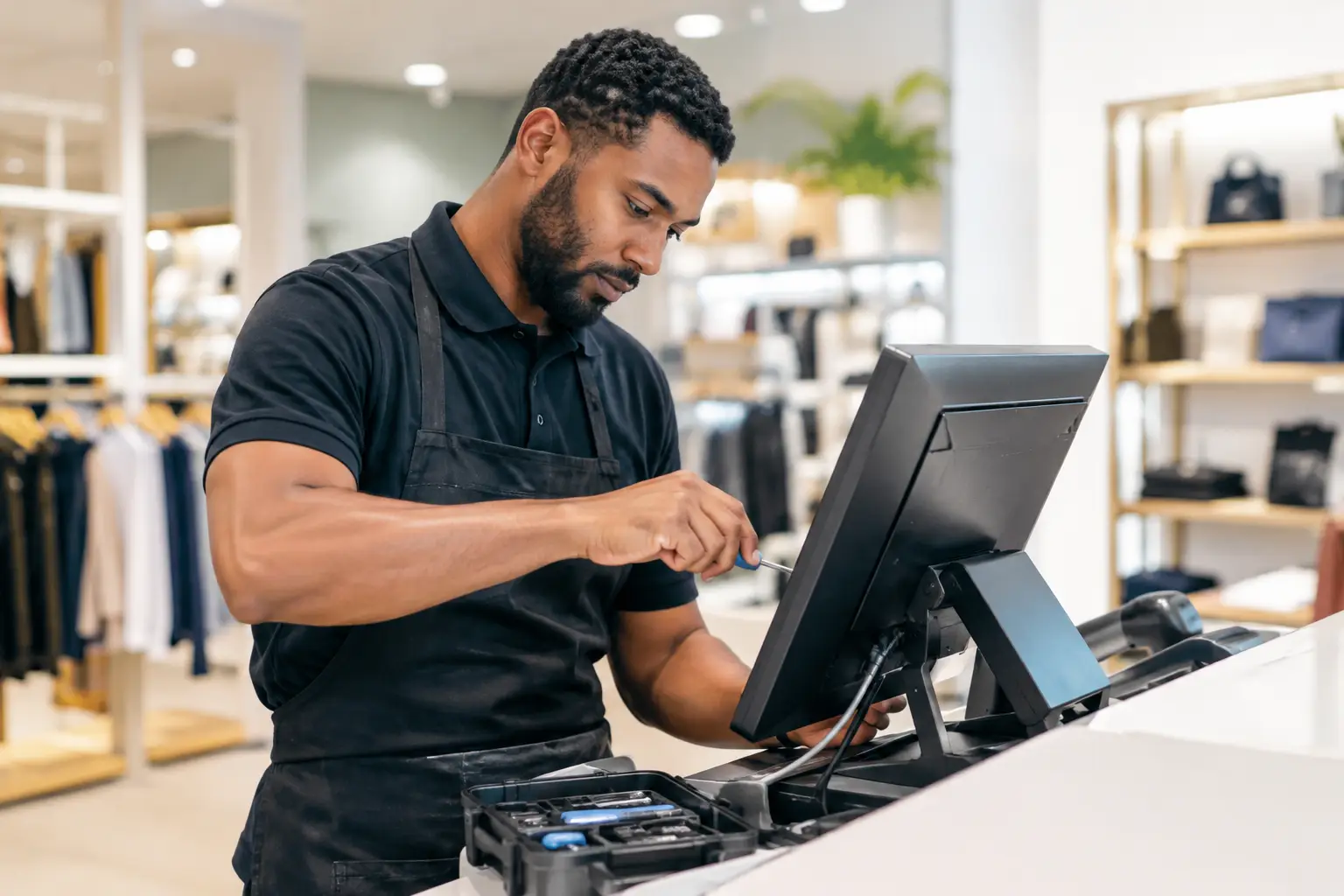
A professionally installed POS also gives the business a clearer path when something goes wrong. Network connections, printer settings, payment integration and menu programming all need to work together. Local support can make the difference between a short interruption and a lost day of trade.
Payments, cash and receipts need to work as one
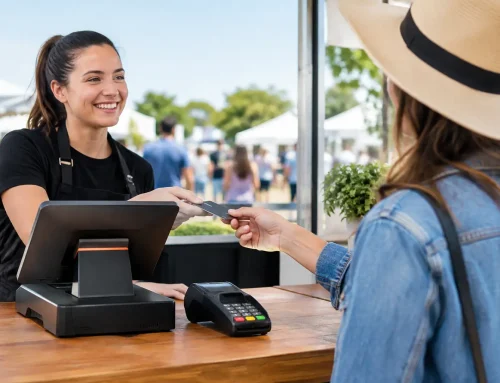
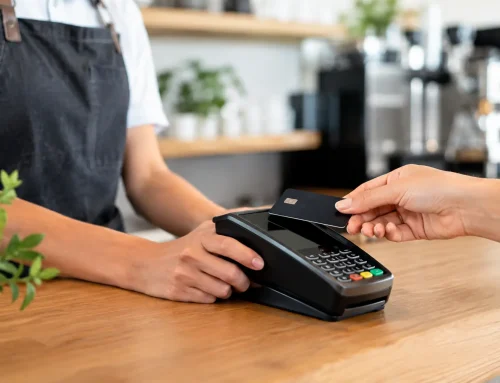
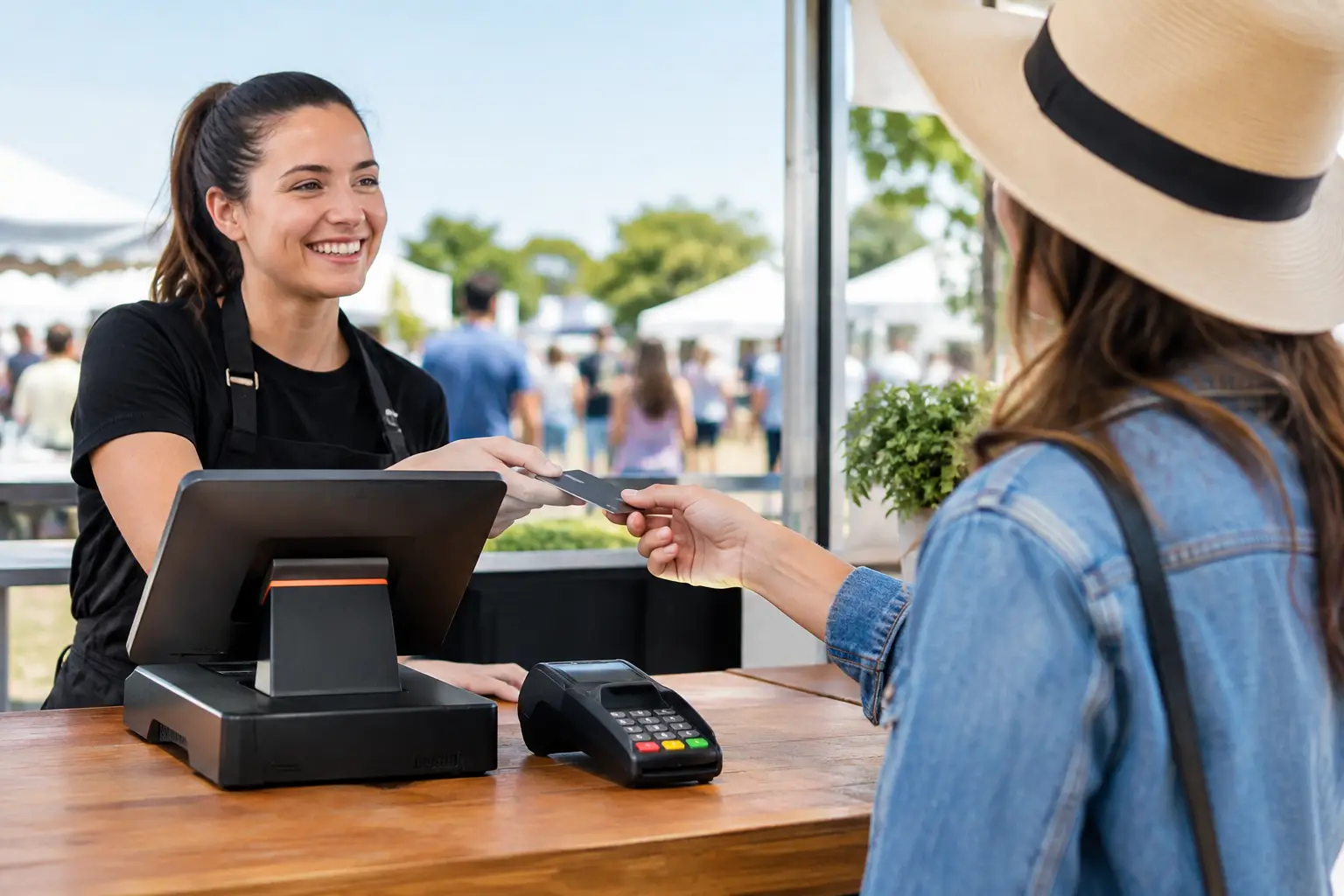
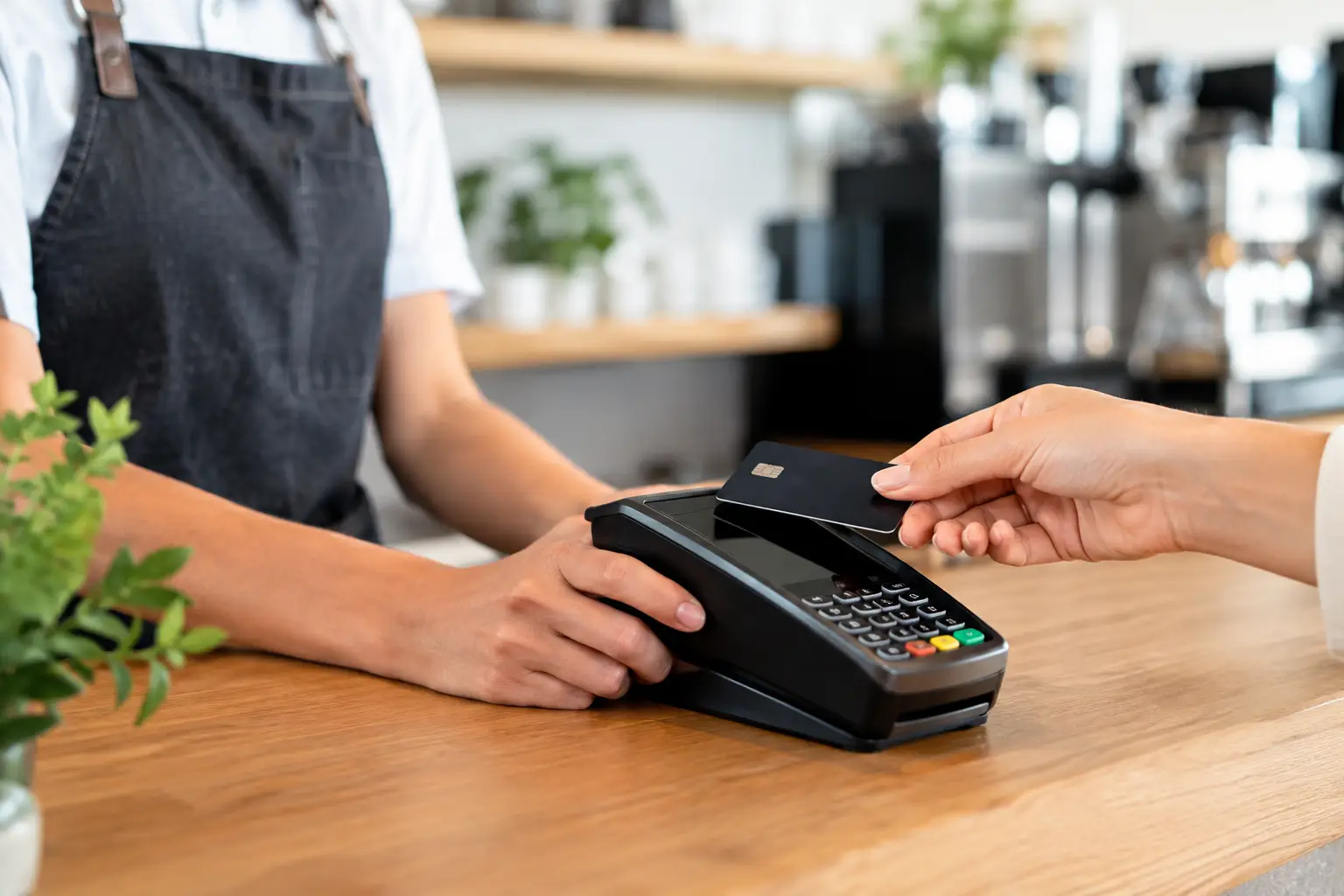
Most café customers expect to tap and go, particularly during the morning peak. A dependable EFTPOS terminal with a stable connection is therefore a basic requirement, not an optional extra. Consider where the terminal sits, whether it needs to be handed across the counter, and whether your internet and backup connectivity are suitable for your expected transaction volume.
Cash is still part of many café operations, even where card payments are dominant. A secure cash drawer connected to the POS helps staff manage floats, record cash sales accurately and reduce end-of-day reconciliation time. The drawer should be commercial grade, correctly matched to the POS and positioned so it does not obstruct customer service or create a trip hazard behind the counter.
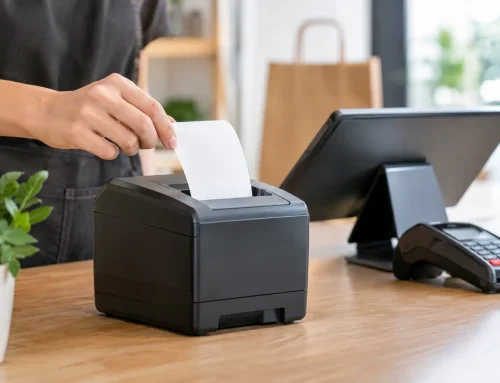
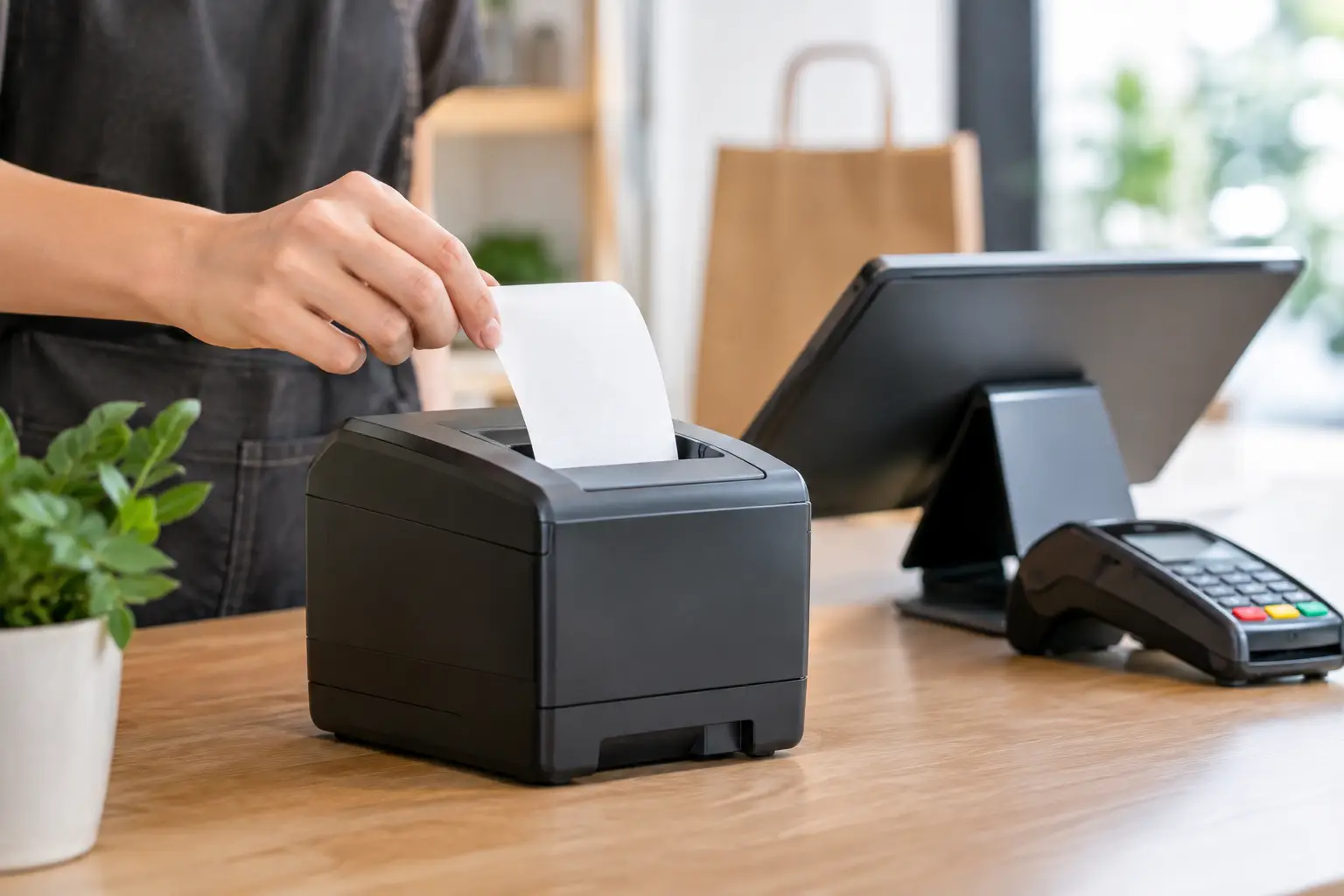
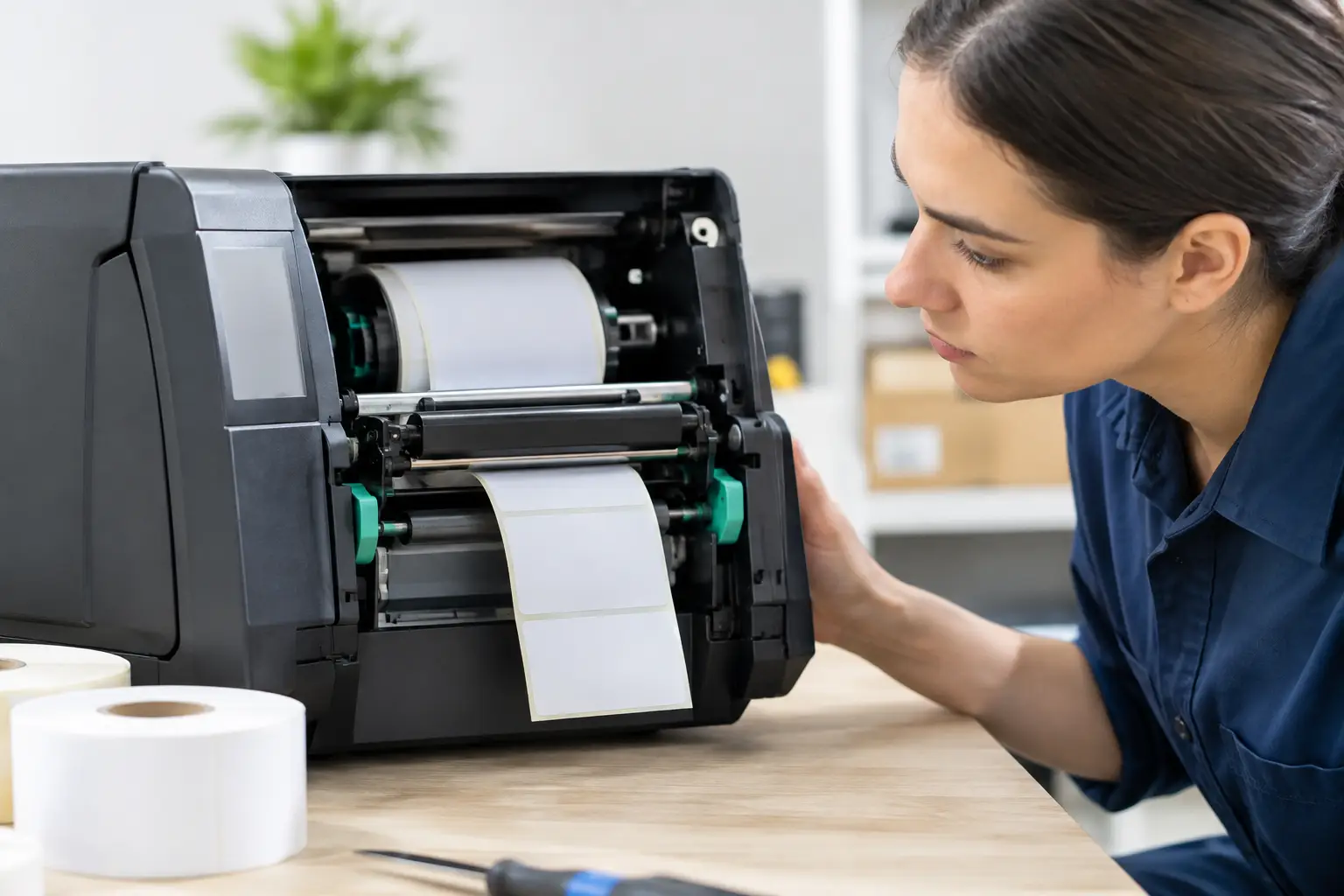
Receipt printers remain useful too. Printed receipts are requested by some customers, while order dockets can be vital for communicating with the kitchen or coffee station. Thermal printers are fast and economical for daily use, but they need quality paper rolls and regular cleaning. A printer that feeds poorly during a rush is a small fault with a very visible impact.
Kitchen and coffee dockets prevent missed orders
Where food preparation happens away from the main register, a docket printer or kitchen display can bring order to service. The right choice depends on the venue. Printed dockets are familiar, affordable and useful in hot or busy preparation areas. Digital kitchen displays can reduce paper use and make it easier to track order status, but they require suitable screens, network setup and staff adoption.
What matters is that orders arrive clearly, in the right place and in the right sequence. A vague docket, an unreliable printer or a system that sends coffee and food orders to the wrong station creates rework and waste. Build the ordering flow around the way your team prepares and hands over orders.
Scales are essential café counter equipment when selling by weight
If you sell deli items, loose confectionery, packaged meals prepared by weight, bulk coffee beans or takeaway food priced by kilograms, your scale may be part of the sale itself. In these situations, trade-approved weighing equipment is required. It must be suitable for the product, installed correctly and kept accurate.
A scale selected only because it is cheap can create problems later. Capacity, readability, wash-down requirements, bench space and integration with the POS all matter. For example, a café weighing small portions may need fine measurement increments, while a busy deli counter may need a larger platform and a label-printing scale that speeds up service.
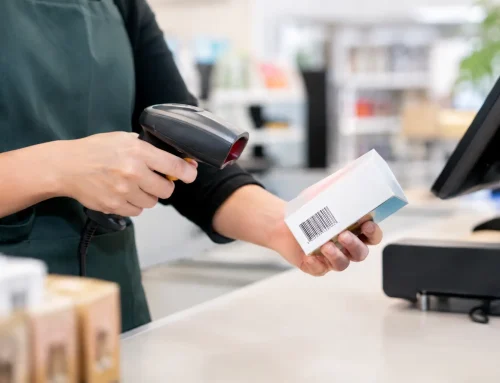
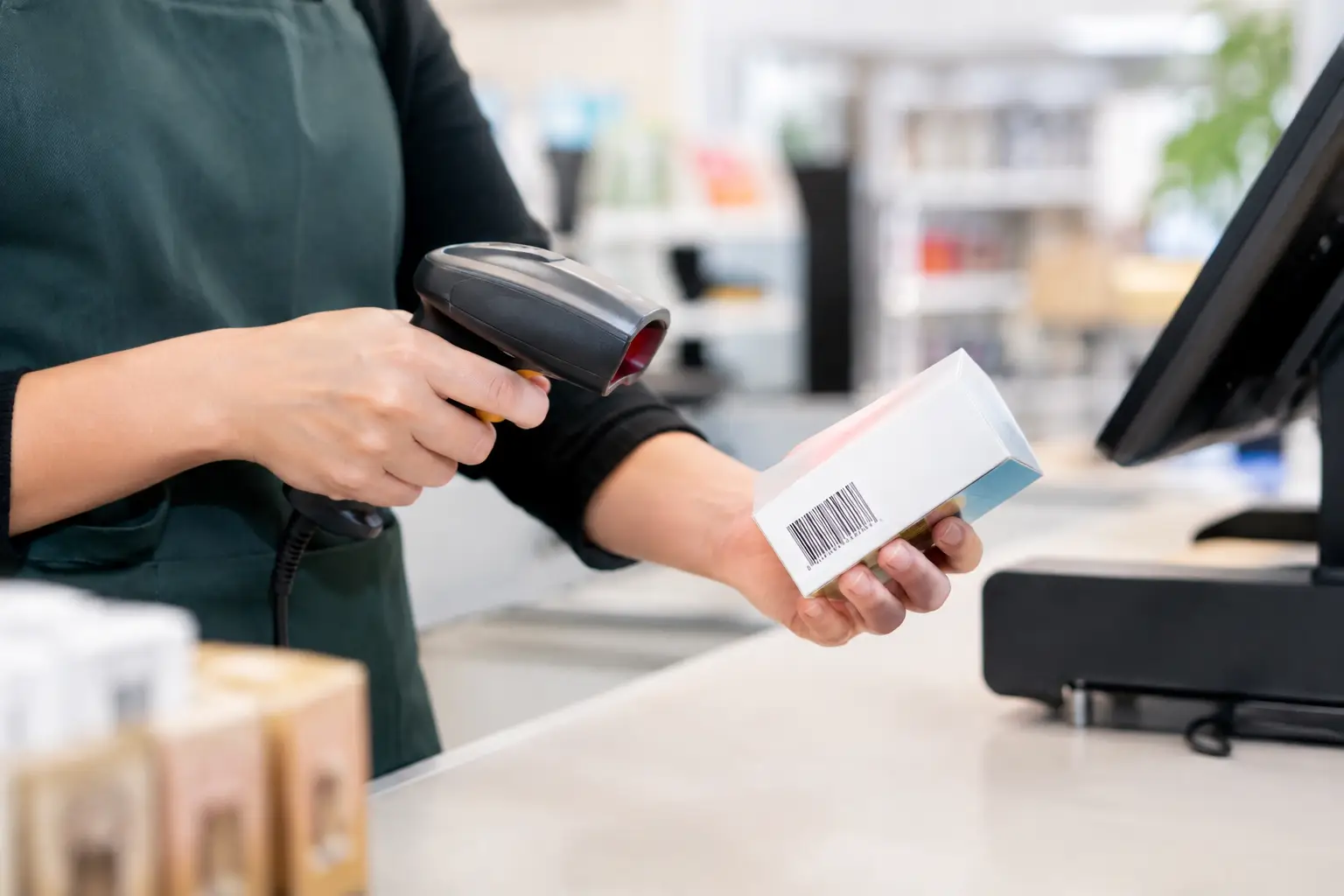
Trade scales also need ongoing attention. Calibration, verification and repairs should be handled by qualified providers so the equipment remains compliant and dependable. If a scale is connected to the POS, check that product codes, prices and labels are configured correctly from the start. This avoids manual entry errors and protects margin on every weighed sale.
Do not overlook the equipment around the transaction
Counter equipment works as a system. A good POS can still be undermined by poor placement, weak networking or a lack of consumables. Before installation, map where customers queue, where staff take payment, where orders are collected and where food or drinks are prepared. This often reveals practical issues that are easy to miss when selecting products one at a time.
Four supporting areas deserve attention:
- Network equipment: A stable router, correctly positioned access points and secure connections keep cloud POS, EFTPOS and printers communicating. Public Wi-Fi should not be treated as the same network as critical payment and business systems.
- Power protection: Enough safely installed power outlets, sensible cable management and protection for sensitive hardware reduce avoidable failures and keep the counter safer for staff.
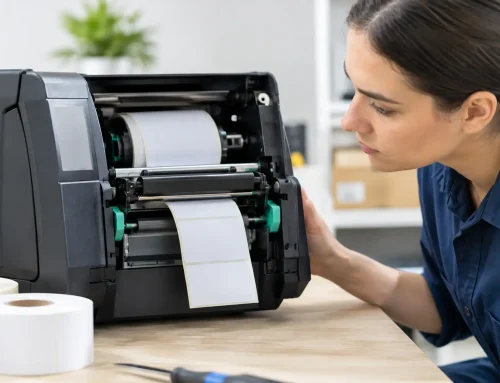
- Labels and consumables: Receipt rolls, label stock, printer ribbons where required and spare cables should be available before they run out. Running out of labels halfway through a lunch rush is not a minor inconvenience.
- Customer display options: A customer-facing display can show order details and totals, helping reduce misunderstandings before payment is finalised. It is particularly useful where items are weighed, customised or entered quickly.
These details are not glamorous, but they are where many counter setups either hold up under pressure or fall apart.
Select equipment for serviceability, not just the purchase price
A lower upfront price can be attractive when fitting out a new café. However, café counter equipment earns its value over years of daily use, often in heat, steam, spills and constant peak-period demand. Consider the full cost of ownership: installation, configuration, staff training, consumables, repairs, replacement parts and the availability of local technical support.
It is worth asking practical questions before committing. Can the printer be repaired if it fails? Is the scale trade approved for your intended use? Can the POS grow if you add a second terminal or a new location? Is there someone local who can diagnose a network issue, replace hardware or help staff after an update?
For many operators, buying equipment from a provider that can design the system, install it and support it afterwards reduces risk. Electronic Business Equipment works with businesses that need this kind of hands-on support, including point-of-sale installation, trade-approved scales, repairs and ongoing technical assistance. The aim is not to add complexity. It is to make sure the equipment fits the way the business trades.
Train for the busy shift, not the quiet one
Even well-selected equipment needs staff who know how to use it confidently. Training should cover everyday sales, refunds, split payments, printer paper changes, basic troubleshooting and what to do if EFTPOS or the network stops responding. Keep simple instructions accessible behind the counter, especially for casual staff.
Test the setup before opening day and again before major trading periods. Put through a coffee order with modifiers, a cash sale, a card sale, a refund and, if relevant, a weighed item. Check every docket route and receipt. This small amount of preparation is far easier than trying to diagnose an issue with customers waiting at the counter.
The best café counter is one customers barely notice. Orders are accurate, payments are quick and staff stay focused on hospitality rather than fighting equipment. Choose hardware that suits your actual workflow, support it properly and give your team the confidence to keep service moving when the queue reaches the door.



Leave A Comment
You must be logged in to post a comment.