

The lunch rush is not the time to find out that a receipt printer is fading, a scale is reading incorrectly or the POS terminal has dropped off the network. For retailers, cafés, takeaway venues and market operators, a practical business equipment servicing guide is less about ticking a maintenance box and more about protecting every sale, every shift and every customer interaction.
Business hardware works hard in transaction-heavy environments. It is handled by different staff, exposed to heat, dust, spills and paper debris, and often expected to run for long hours without interruption. A planned approach to servicing gives owners and managers more control over downtime, repair costs and compliance requirements.
Why business equipment servicing prevents expensive disruptions
Most equipment faults do not appear without warning. A printer may begin producing faint receipts or cutting paper unevenly. A cash drawer can stick intermittently. A POS system may take longer to load, disconnect from the EFTPOS terminal or fail to send orders to the kitchen. These small issues are easy to work around during a quiet period, but they can stop a queue cold on a busy Saturday.
Regular servicing identifies wear before it becomes a failure. It also gives a technician the chance to check how equipment is working together, rather than treating every device as a separate problem. A reliable checkout depends on the POS, printer, cash drawer, scanner, network and payment terminal communicating properly. If one connection is unstable, the whole process can suffer.
The right servicing frequency depends on the equipment and the way it is used. A busy café with grease, steam and constant docket printing will need more attention than a low-volume specialty retailer. Likewise, a scale used to sell goods by weight needs a different service plan from a back-office label printer. The goal is not to service equipment unnecessarily. It is to match maintenance to operational risk.
A business equipment servicing guide by device
POS systems, terminals and cash registers
Start with the system staff rely on to complete sales. Check that the POS software is current, that user access is appropriate and that sales, product and tax settings still reflect the business. If a system is slow, freezes occasionally or requires regular restarts, do not assume that is normal. It may be a software issue, a network problem, failing hardware or a configuration that no longer suits the workflow.
Physical checks matter too. Inspect screens, cables, power supplies, mounts and ports for damage or loose connections. Clean touchscreens with suitable products and keep vents clear, particularly where terminals sit near kitchen pass areas or under counters. A backup process is also essential. Staff should know what to do if the POS cannot process a sale, and managers should know that business data can be restored if needed.
Receipt printers, kitchen printers and label printers
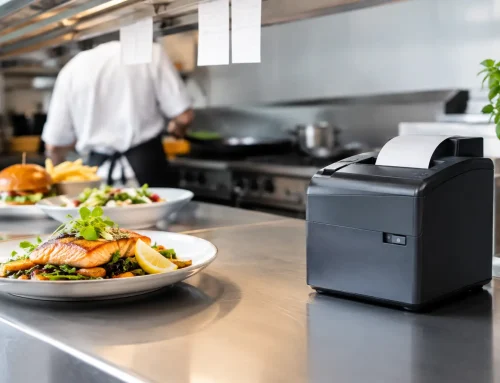
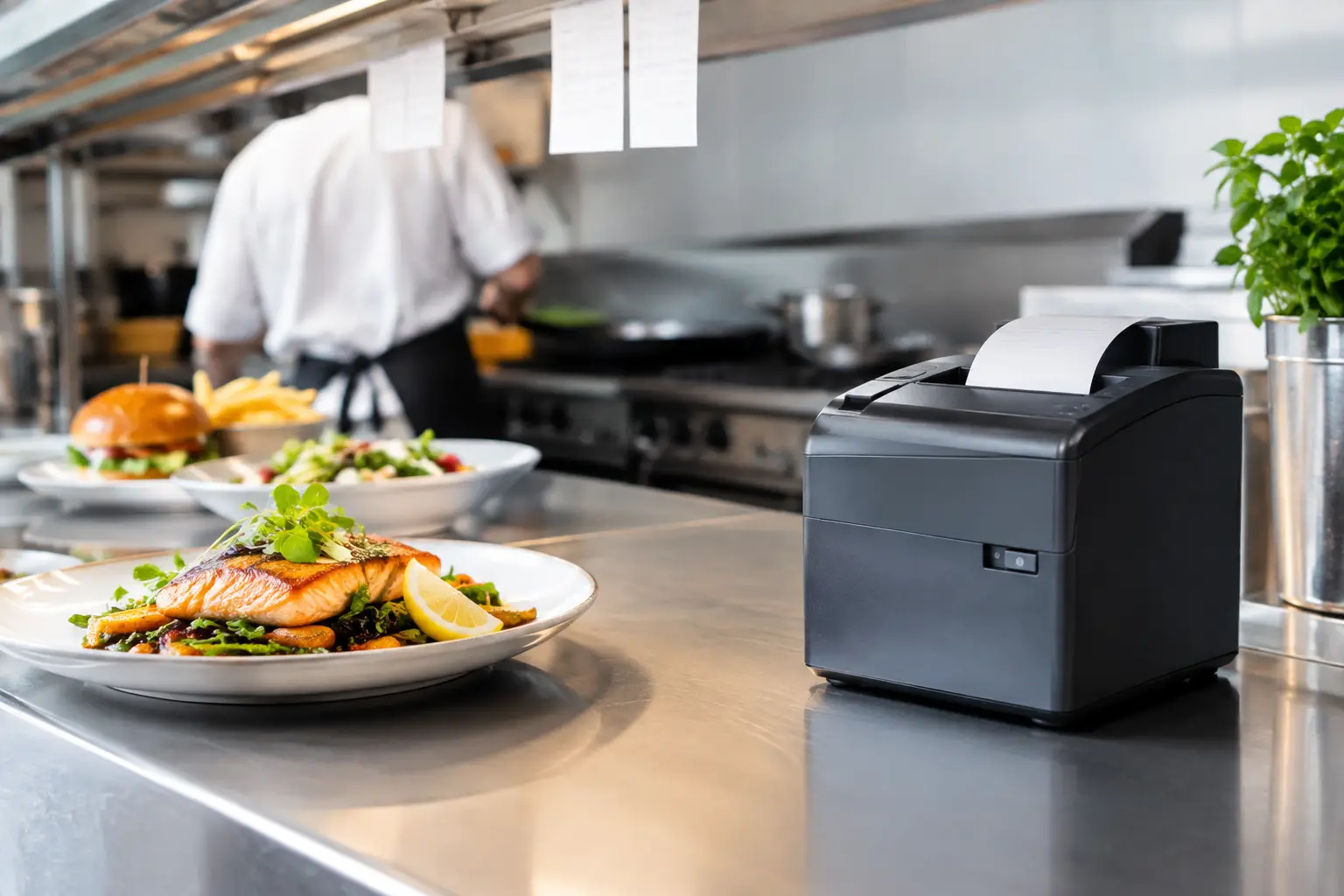
Printers are often ignored until they stop printing. Dust, paper fragments, heat and worn components can cause poor print quality, paper jams and missed kitchen dockets. Cleaning printer heads and rollers, using compatible consumables and checking cables are simple steps that can prevent avoidable call-outs.
Pay attention to the type of failure. Faded printing may indicate a thermal head issue, but it can also result from unsuitable paper. Repeated jams may be caused by debris, worn rollers or paper loaded incorrectly. A printer that works at the counter but drops out during peak trade may point to a network or configuration issue instead. Accurate diagnosis saves time and helps avoid replacing equipment that can be repaired.
Trade-approved scales and weighing equipment
For businesses selling by weight, scale accuracy is a customer trust and compliance issue. A scale should be stable, level, clean and free from product build-up around the platform. Staff should never use a damaged scale, move a verified scale without checking its setup, or try to adjust it themselves when readings appear inconsistent.
Trade-approved equipment has specific obligations, and the correct response to a concern depends on the scale, its use and its verification status. Scheduled calibration and verification support from a licensed provider helps businesses maintain confidence in every transaction. It is also sensible to have scales checked after a significant knock, a relocation, water exposure or any unexplained change in readings.
Networks, routers and connected devices
A checkout system is only as dependable as the network behind it. Weak Wi-Fi, ageing routers, poor cable runs and overloaded connections can cause POS terminals, printers and cloud-based systems to appear unreliable even when the devices themselves are in good condition.
During a service visit, the network should be assessed as part of the wider operating environment. Check whether devices have stable connections, whether equipment is correctly positioned and whether important systems are separated from guest Wi-Fi where appropriate. For venues using online ordering, kitchen displays, music streaming and security cameras, capacity and network design become particularly important.
Build servicing into normal operations
The most effective maintenance plans combine simple daily checks with scheduled professional servicing. Staff do not need to be technicians, but they do need clear instructions for keeping equipment clean, spotting early warning signs and reporting faults properly.
A useful routine includes four practical habits:
- Keep devices clean, dry and clear of paper dust, food debris and blocked vents.
- Check paper levels, cables, power connections and scale platforms at the start of trade.
- Record recurring faults, error messages and the time they occur rather than relying on memory.
- Report intermittent issues early, even if the equipment starts working again after a restart.
That last point matters. An intermittent fault is often the first sign of a failing cable, power supply, printer component or network connection. Waiting until it becomes permanent usually means the problem occurs at the least convenient time.
It is worth assigning ownership as well. One manager or senior team member should be responsible for logging service history, arranging repairs and keeping serial numbers, passwords and key system details accessible. This avoids delays when an urgent repair is needed and ensures servicing records remain with the business, even when staff change.
Know when to repair, service or replace
Repair is often the sensible option when equipment is otherwise suitable, parts are available and the fault is isolated. A quality printer, scale or cash drawer may have years of useful service left after a professional repair. Servicing can also extend equipment life by addressing normal wear before it damages more expensive components.
Replacement makes more sense when faults are recurring, repair costs are approaching the value of new equipment, or the current setup is causing operational bottlenecks. A business that has outgrown a basic cash register, for example, may benefit more from a properly configured POS system than from another repair. The same applies when an older scale cannot meet the business’s current product, labelling or trade requirements.
The cheapest option is not always the most affordable over time. Consider installation, staff training, compatibility with existing systems, ongoing support and the cost of disruption if the new equipment is not configured correctly. Buying hardware without local setup and support can create a false economy, especially for businesses that cannot afford lengthy downtime.
Get better value from every service call
Before a technician arrives, gather examples of the fault. Note the error message, the time of day, what staff were doing and whether another device was affected. If a printer fails only when a particular terminal is used, or the POS slows down when online orders arrive, those details help identify the real cause faster.
Ask for servicing that considers the full workflow. Electronic Business Equipment works with businesses across Southeast Queensland to repair, configure and support the connected technology behind everyday transactions, including POS systems, printers, cash registers, networks and trade-approved scales. A technician who understands the complete setup can often prevent the next problem while resolving the current one.
Do not treat a service visit as a response to failure alone. Use it to ask whether the setup still suits staff, customer demand and future plans. Small changes such as relocating a printer, improving cable management, updating a POS configuration or arranging scale verification can remove daily frustrations before they become lost sales.
A well-timed service is one of the quietest ways to protect a busy business: customers keep moving, staff stay confident and your equipment does the job it was purchased to do.













Leave A Comment
You must be logged in to post a comment.