
Friday dinner service is not the time to find out a receipt printer drops off the network, a terminal battery is flat or the kitchen cannot read an order. Restaurant hardware has one job: keep orders, payments and communication moving when the venue is under pressure. This restaurant POS hardware guide explains what to select, what to avoid and where spending a little more can prevent costly disruption.
For restaurants, cafes, pubs and takeaway venues, the right setup is rarely just a screen at the counter. It is a connected working system built around the way your team takes orders, sends dockets, accepts payments, manages cash and serves customers.
Start with the service flow, not the hardware catalogue
Before choosing equipment, map the path of an order through your venue. A quick-service cafe may take orders at the counter, send dockets to the kitchen and call customers when meals are ready. A full-service restaurant may need staff to take orders at the table, split bills, apply table numbers and send drinks and food to separate preparation areas.
These are different workflows, even if both businesses use the same POS software. Hardware needs to support the actual service model rather than force staff into workarounds.
Consider how many ordering points operate at peak periods, where payments are taken, whether staff move between indoor and outdoor areas, and where kitchen, bar and receipt printers need to sit. Also consider what happens when a queue forms. A single terminal may be adequate for a small takeaway shop, but a busy venue with counter orders, table service and a bar can quickly create bottlenecks without dedicated stations.
It also pays to plan for growth. Adding a second printer, handheld ordering device or customer display later should not require rebuilding the entire setup. A properly designed POS network leaves room for changes in layout, menu complexity and trading volume.
The core equipment in a restaurant POS hardware guide
POS terminals and touchscreens
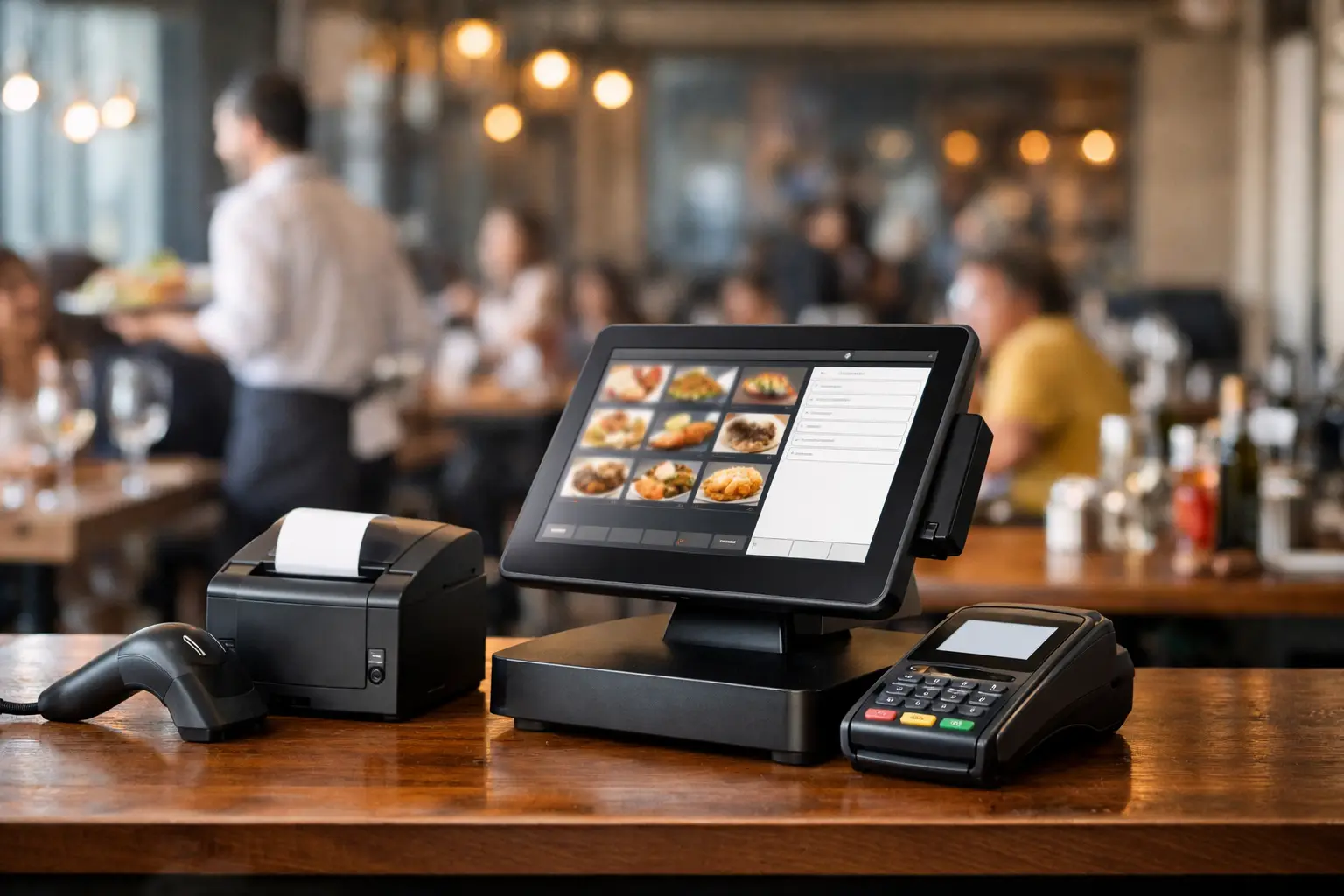
The POS terminal is where staff spend much of their shift, so it must be fast, stable and easy to use. Touchscreen terminals are common because they allow staff to find menu items, modifiers and table details quickly. Screen size matters: a compact display can suit a tight counter, while a larger screen may make complex menus easier to manage during a rush.
Hospitality hardware needs to cope with heat, splashes, crumbs and constant use. Consumer tablets can look appealing because of the lower upfront cost, but they may need more protective accessories, charging discipline and replacement planning. Purpose-built POS terminals cost more initially, yet are often better suited to a fixed, high-use counter environment.
Choose a terminal with enough processing power for the software, integrations and reporting your operation uses. Lag at the point of sale is frustrating on a quiet morning and unacceptable when ten people are waiting to pay.
Receipt, kitchen and bar printers
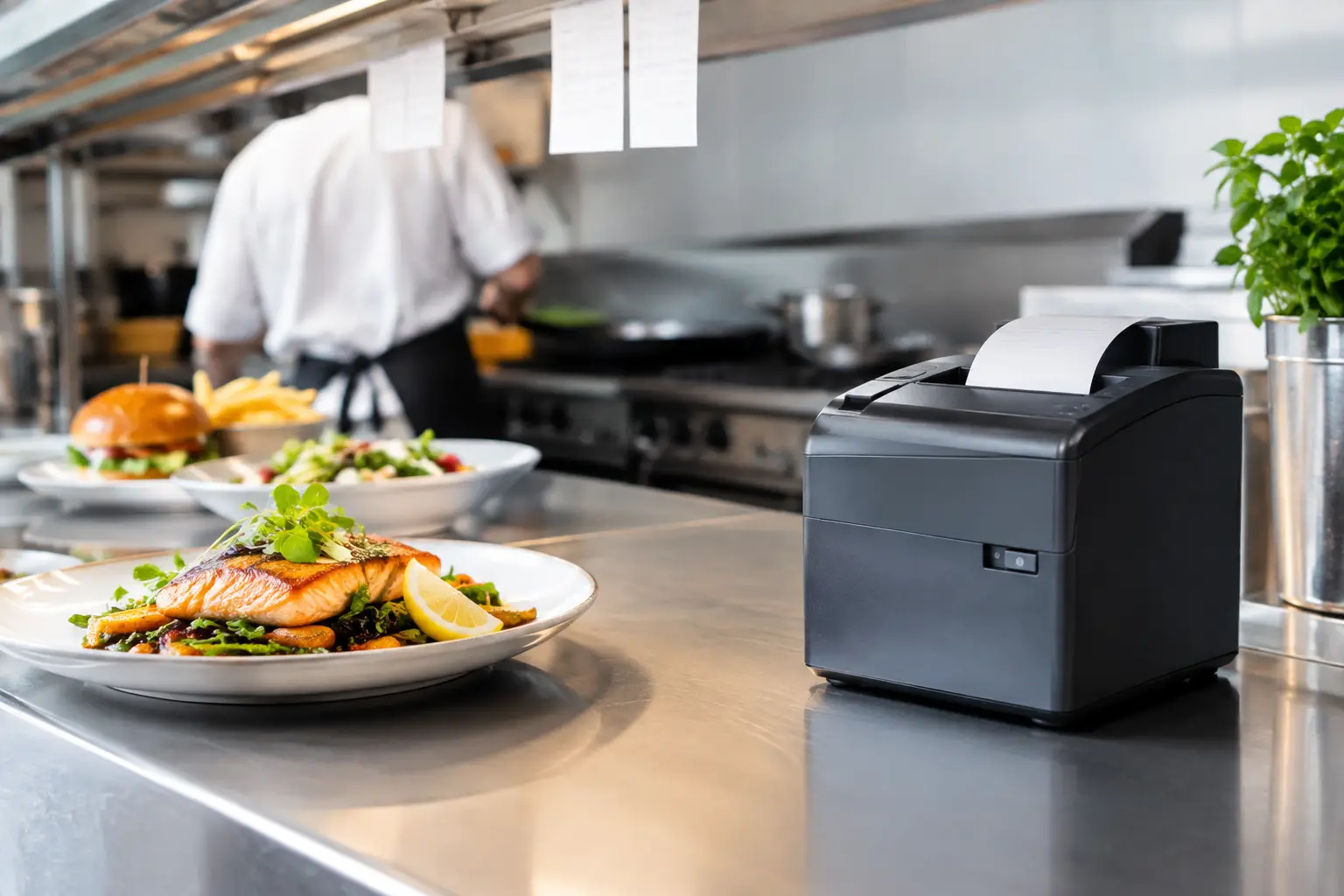
Printers remain essential in many venues, even where digital order displays are used. Receipt printers provide customers with a record of payment and can support takeaway workflows. Kitchen and bar printers turn an order into a clear production instruction for the team preparing it.
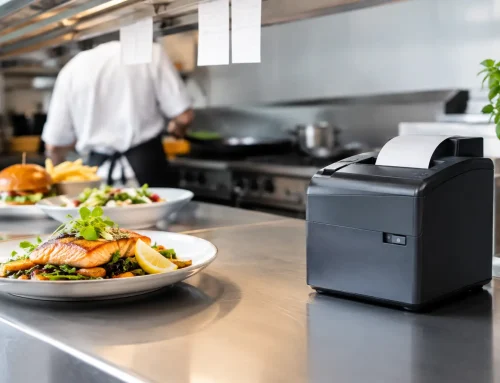
Thermal receipt printers are fast and avoid ink cartridges. For kitchen use, consider heat, humidity, grease and distance from the pass. A printer positioned too close to cooking equipment may suffer earlier failure. Clear docket formatting is equally important. A well-configured docket should show table or order number, items, modifiers, timing notes and the correct preparation area without clutter.
Networked printers are useful where orders need to route to multiple locations, but they rely on sound cabling and network configuration. USB printers can be suitable for a simple single-station setup. The right choice depends on the size of the venue and how many devices need to communicate.
Payment terminals and customer displays
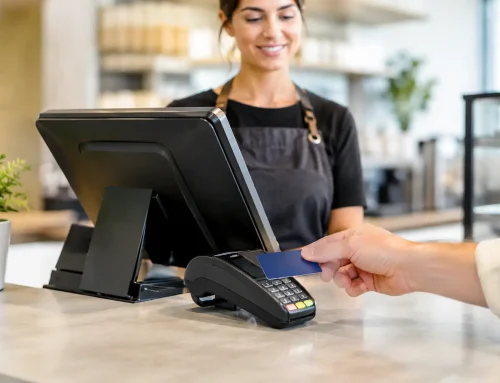
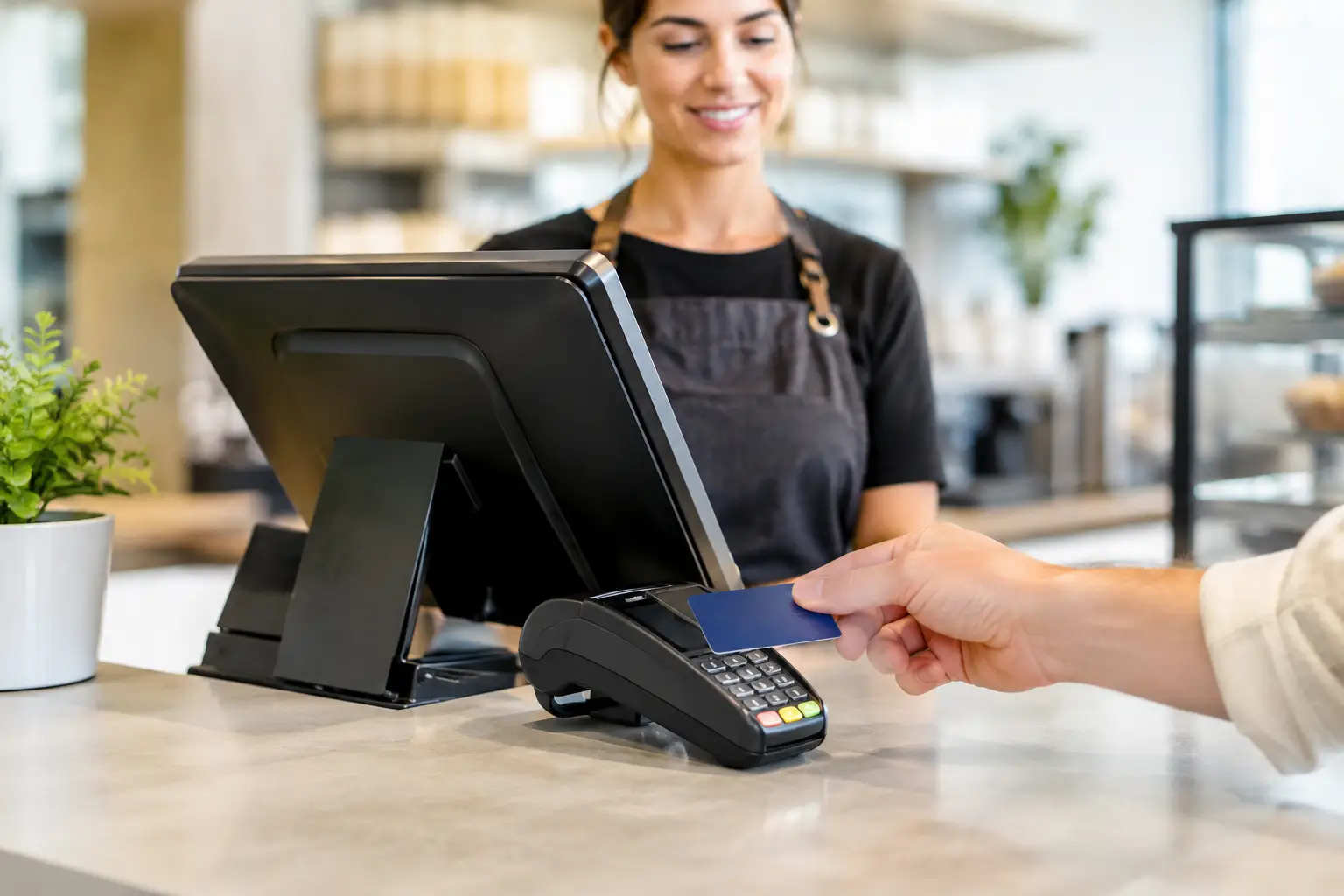
A payment terminal should support the payment methods your customers expect, including contactless cards, mobile wallets and split payments where relevant. Countertop units are practical for fixed service points, while portable EFTPOS terminals are useful for table service, outdoor dining and queues away from the till.
Portable devices need reliable wireless coverage and a charging routine. Buying multiple handheld units will not improve service if they regularly lose connection in the beer garden or are left flat at the start of dinner service. Test coverage where staff actually work, not only beside the modem.
A customer-facing display can reduce errors by showing itemised orders and totals before payment. It is especially useful in quick-service settings, where customers can confirm modifications before the order reaches the kitchen.
Cash drawers, barcode scanners and other peripherals
Cash has not disappeared from hospitality. A secure, reliable cash drawer that opens through the POS helps staff process transactions consistently and supports end-of-day reconciliation. Select a drawer appropriate for the volume of notes and coins handled, and ensure it integrates correctly with the receipt printer or terminal.
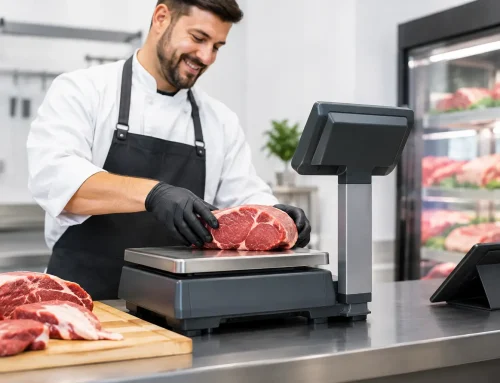
Barcode scanners may not be central to every restaurant, but they can speed up sales of bottled drinks, packaged goods or retail items. Label printers, bump bars, kitchen displays and caller screens can also add value where they solve a specific service problem. The principle is simple: peripherals should remove steps, not add technology for its own sake.
Network reliability is part of the POS system
Many hardware problems are really network problems. Printers vanish, terminals cannot process orders and cloud-based software slows down because the venue Wi-Fi is poorly placed or overloaded. A hospitality POS setup needs more than the internet router supplied with a standard connection.
Wired connections are generally the most dependable option for fixed terminals and printers. They are less vulnerable to interference and dead spots than Wi-Fi. Wireless remains valuable for handheld devices, but it should be designed around the venue layout, including walls, cool rooms, outdoor areas and high-traffic spaces that can affect signal quality.
Keep POS traffic separate from customer Wi-Fi where possible. This helps protect business devices and prevents a busy guest network from competing with critical operations. Battery backup for essential network equipment is also worth considering, particularly in areas where short power interruptions occur.
Internet outages are another reality. Ask how your POS and payment systems behave if the connection drops. Some systems can continue limited functions offline, while others cannot. Knowing the limitation in advance lets you build a practical contingency plan rather than making decisions in the middle of a service rush.
Select hardware for supportability, not just price
The cheapest package can become expensive when it fails and no local technician can diagnose it quickly. Restaurants depend on hardware outside normal office hours, so supplier support, spare-part availability and repair options matter as much as the purchase price.
Ask who will install and configure the equipment, whether staff training is included, and who takes responsibility if the POS software, printer and network do not communicate correctly. A supplier that only ships boxes leaves the venue to coordinate several parties when something goes wrong.
It is also sensible to standardise equipment where possible. Using compatible terminals, printers and power supplies makes troubleshooting easier and reduces the range of spare parts you need to keep on hand. For a high-volume venue, a spare receipt printer or preconfigured terminal can be cheap insurance.
At EBE, the focus is on matching the system to the venue, installing it properly and being available when operational equipment needs attention. That local, hands-on approach is valuable when the fault is not isolated to one device but involves the whole transaction flow.
Installation and training determine whether the system works
Even good hardware can perform poorly when installed in the wrong location or configured without care. Cables should be protected from spills, foot traffic and cleaning equipment. Printers need accessible paper loading. Terminals should sit at a comfortable working height, with power and network connections secured rather than stretched across a bench.
Training should cover more than logging in and taking a basic order. Staff need to know how to reprint a docket, manage a printer paper jam, process refunds within their permissions, handle split bills and identify whether an issue is with the terminal, printer, network or payment device. Clear procedures reduce panic and unnecessary downtime.
Managers should also know the basics of daily care: cleaning touchscreens correctly, checking cable wear, charging handhelds, replacing paper rolls and reporting intermittent faults before they become a complete failure.
A practical purchasing checklist
Before committing to a restaurant POS hardware package, confirm these points:
- The number of ordering and payment stations supports your busiest service period.
- Printers are allocated to the right production areas and dockets are easy to read.
- Fixed devices use wired connections where practical, with tested Wi-Fi for mobile devices.
- Payment hardware works where customers are served, including outdoor tables if applicable.
- The equipment has a clear warranty, repair path and access to responsive local support.
- Staff receive training that reflects your menu, table layout and daily operating procedures.
The best restaurant POS hardware is not necessarily the most elaborate setup. It is the equipment that fits your venue, stays dependable through peak trade and can be supported quickly when something does go wrong. Build around the way your team serves customers, then choose a technical partner who will still answer the phone after installation.






Leave A Comment
You must be logged in to post a comment.