

A POS system can be correctly installed, connected and programmed, yet still create queues if staff are unsure where to tap, what to check or how to fix a simple error. Knowing how to train POS staff is about more than teaching button presses. It is about giving your team the confidence to keep transactions accurate, customers moving and your business operating properly during a busy shift.
For a café, that may mean handling split bills and kitchen dockets without holding up the counter. In retail, it may mean finding stock, processing returns and applying the right discount without creating a reconciliation problem at close. The best training reflects the way your business actually trades.
Start with the real customer journey
Before anyone uses the POS terminal, map out a typical transaction from the customer’s point of view. Consider what happens from the moment a customer approaches the counter through to payment, receipt, collection and any follow-up.
A staff member should understand why each action matters. Scanning an item is not simply a way to create a total. It updates stock records, applies the correct price, supports reporting and gives the customer a clear record of their purchase. When people understand the purpose behind the process, they are less likely to take shortcuts that cause problems later.
Build training around the most common transactions first. For many businesses, these are straightforward sales, card payments, cash payments, voiding an item before payment, printing or emailing receipts, and looking up products that will not scan. Once those tasks are comfortable, move to less frequent situations such as refunds, exchanges, account sales, split payments and gift vouchers.
How to train POS staff using a staged approach
Trying to teach every function in one session often leads to staff remembering only the basics, or worse, guessing when a customer is waiting. A staged approach gives people time to practise and ask questions before they are expected to work independently.
Demonstrate the process, then let staff perform it
Start by showing one complete transaction at normal pace. Explain the screen prompts, the hardware involved and the checks required before finalising payment. Then have the staff member repeat the same transaction while you watch.
Avoid taking over at the first hesitation. Give them a moment to locate the correct option and talk through their thinking. If they make an error, show them how to correct it safely. A calm correction during training is far better than a hurried mistake during Saturday morning trade.
Use realistic examples rather than generic practice sales. A restaurant employee should practise a table transfer, modifier changes and split payments. A retail assistant should practise barcode scanning, manual product lookup and a return with proof of purchase. Market and event staff may need extra practice with mobile connectivity, battery checks and offline payment procedures where applicable.
Teach exceptions before they become emergencies
The transactions that cause the most pressure are usually not standard sales. They are the exceptions: a declined card, a printer that runs out of paper, an item that scans at the wrong price, a customer who wants a refund, or a cash drawer discrepancy.
Staff do not need to be technicians, but they do need a clear first response. Train them to check simple causes, such as paper rolls, cables, network status or whether the correct terminal has been selected. They should also know when to stop, avoid making further changes and contact a manager or support provider.
Give the team a short, visible escalation guide near the terminal. It can state who to call, what information to provide and what not to do. For example, staff should not repeatedly restart a POS system during a transaction, force a cash drawer or process a duplicate payment because they are uncertain whether the first attempt went through.
Make accuracy part of every transaction
Speed matters at the counter, but speed without checks can be costly. Good POS training teaches staff to work efficiently while verifying the details that protect the customer and the business.
For cash payments, train staff to say the amount received, count change clearly and close the drawer promptly. For card payments, they should wait for approval before completing the sale and know how to respond if the terminal times out. With discounts and price overrides, make approval rules clear. A staff member should never feel they need to improvise to keep a queue moving.
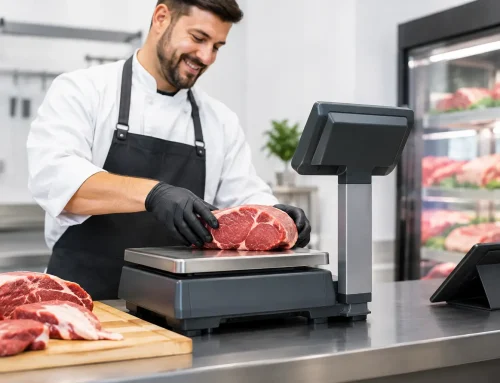
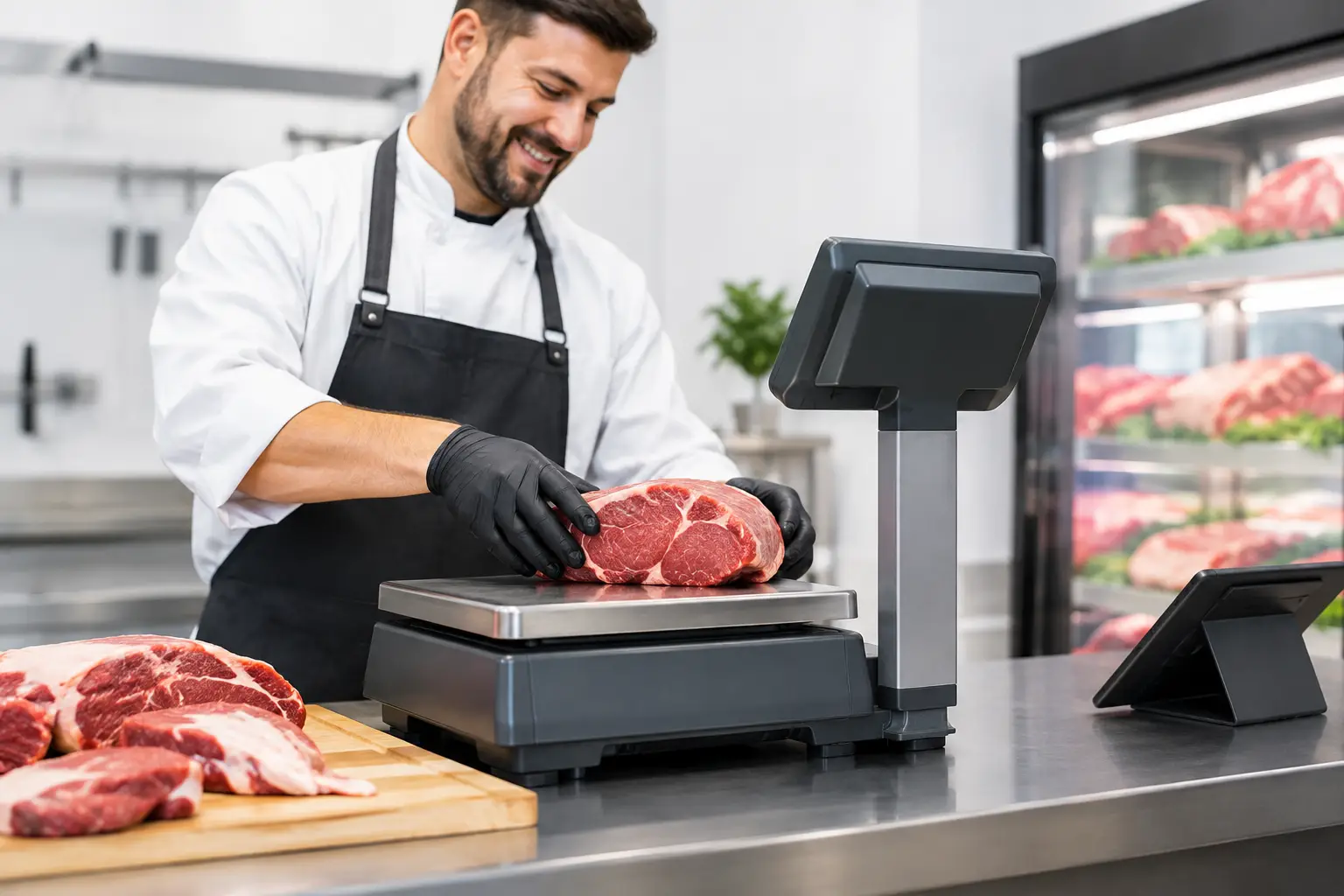
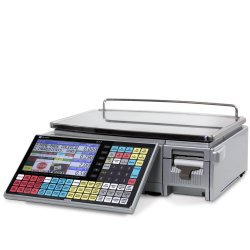
Businesses using trade-approved scales have an added responsibility. If goods are sold by weight, staff need to know how to select the correct product, use the scale properly, keep the platform clear and recognise when a reading does not look right. Incorrect tare settings, damaged labels or an unstable scale can affect pricing and customer trust. Escalate suspected scale faults promptly, particularly where trade measurement compliance applies.
Train for the full setup, not only the screen
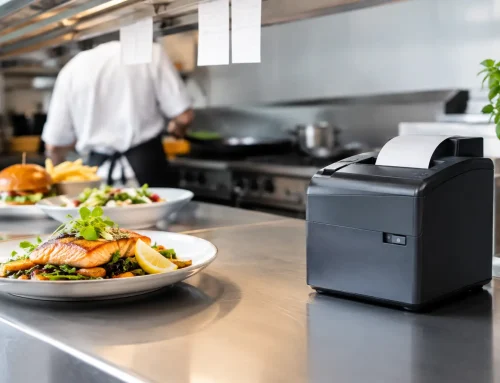
A POS station relies on connected equipment. The terminal, receipt printer, cash drawer, barcode scanner, kitchen printer, customer display, network and payment device all need to work together. Staff should know the everyday checks that prevent avoidable downtime.
At the beginning of a shift, this may include confirming the terminal is powered on, checking receipt paper, testing the scanner, ensuring the EFTPOS terminal is charged or connected, and confirming the correct printer is online. At close, it may involve completing the required settlement or reconciliation process, securing cash and reporting any equipment issue while it is still fresh.
Keep the checklist short enough that people will use it. If it becomes a page of technical instructions, it will be ignored during a busy opening. Focus on the checks most likely to affect trading that day.
Use short practice sessions and refreshers
A single induction session is rarely enough, especially for casual staff, seasonal teams and businesses with high turnover. Short refresher sessions are more useful when they address real issues seen at the counter.
If your team has recently had several incorrect refunds, practise the refund process. If staff are asking managers for help with split payments, run a ten-minute scenario before the next busy period. If a software update changes the layout of a screen, show the team what is different before they are left to discover it during service.
It also helps to nominate a trained senior team member for each shift. This person does not need to solve every technical fault, but they should be confident with daily procedures and know when to escalate an issue. That reduces pressure on newer staff and creates a consistent point of contact.
Measure confidence as well as speed
The aim is not to turn staff into the fastest operator at the counter. A rushed sale that is entered incorrectly creates more work than a careful sale completed a few seconds later. Look for a balance between transaction time, error rates, customer feedback and the number of times staff need manager assistance.
Managers can review common issues through POS reports, cash variances, refund records and customer comments. Use that information constructively. If several people make the same mistake, the process or setup may need attention – it is not automatically an individual performance problem.
Sometimes the answer is better training. Other times, it is a clearer product menu, improved barcode labels, a better-positioned printer or a POS configuration that matches how the team works. A local support partner can help identify whether the cause sits with staff process, equipment or system settings.
Keep procedures simple when the pressure is on
Your best POS procedure is the one staff can follow during a lunch rush, an evening service or a packed weekend shop floor. Keep instructions practical, use the language your team uses and review them whenever your workflow, products or software changes.
Electronic Business Equipment supports Southeast Queensland businesses with POS installation, setup, training and ongoing technical assistance, helping teams get more value from the equipment they rely on every day. When staff know what to do and where to get help, the counter stays calmer – even when the queue does not.












Leave A Comment
You must be logged in to post a comment.