
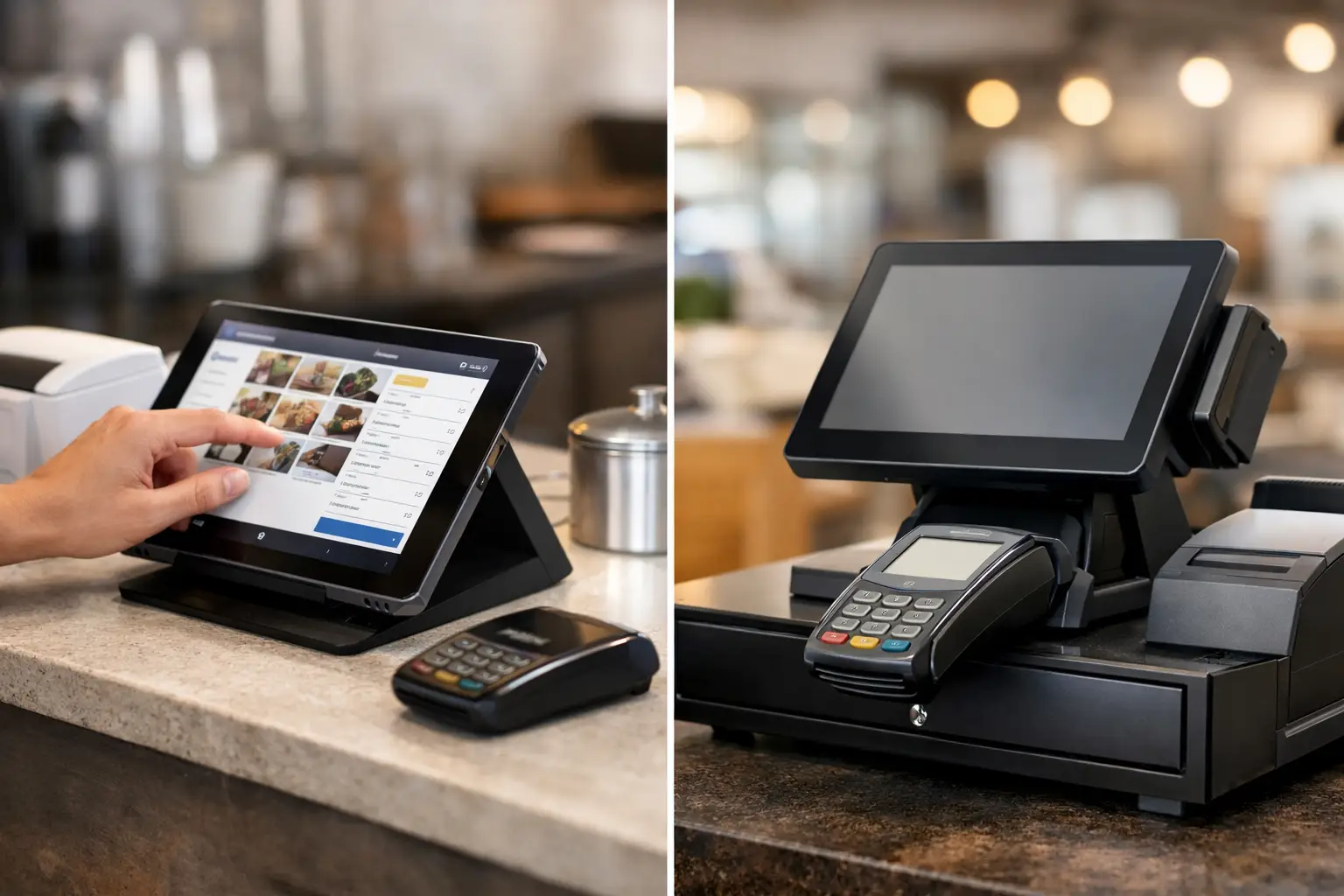
A busy lunch rush quickly exposes weak checkout equipment. If staff are waiting for screens to load, searching for products or moving customers between devices to take payment, the queue grows and service suffers. The tablet POS vs terminals decision is not simply about choosing modern equipment over traditional hardware. It is about selecting a setup that matches how your business takes orders, accepts payments and keeps trading when conditions get busy.
For a small café, a market stall or a retailer with a compact counter, a tablet-based POS can be a practical and affordable fit. For businesses with high transaction volumes, multiple lanes, integrated scales or demanding reporting requirements, dedicated POS terminals may offer greater consistency and control. In many cases, the best answer is a combination of both.
What is the difference between a tablet POS and a terminal?
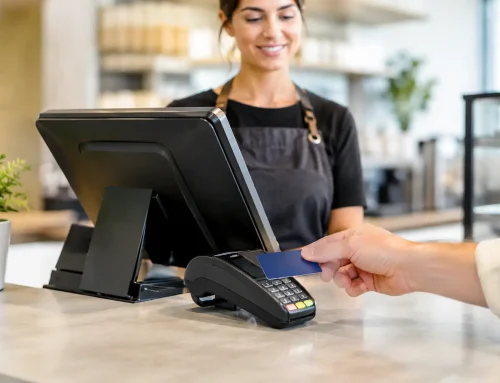
A tablet POS uses a tablet, usually an iPad or Android device, running point-of-sale software. The tablet can display products, record orders, manage stock, print receipts and send information to a back-office system. It is commonly paired with accessories such as a cash drawer, receipt printer, barcode scanner, kitchen printer and card payment device.
A dedicated POS terminal is purpose-built checkout hardware. It generally has a fixed touchscreen, commercial-grade components and connections for peripherals. It may run Windows or a dedicated POS operating system, depending on the software and manufacturer. These systems are designed to stay at the counter and handle frequent, repeated transactions.
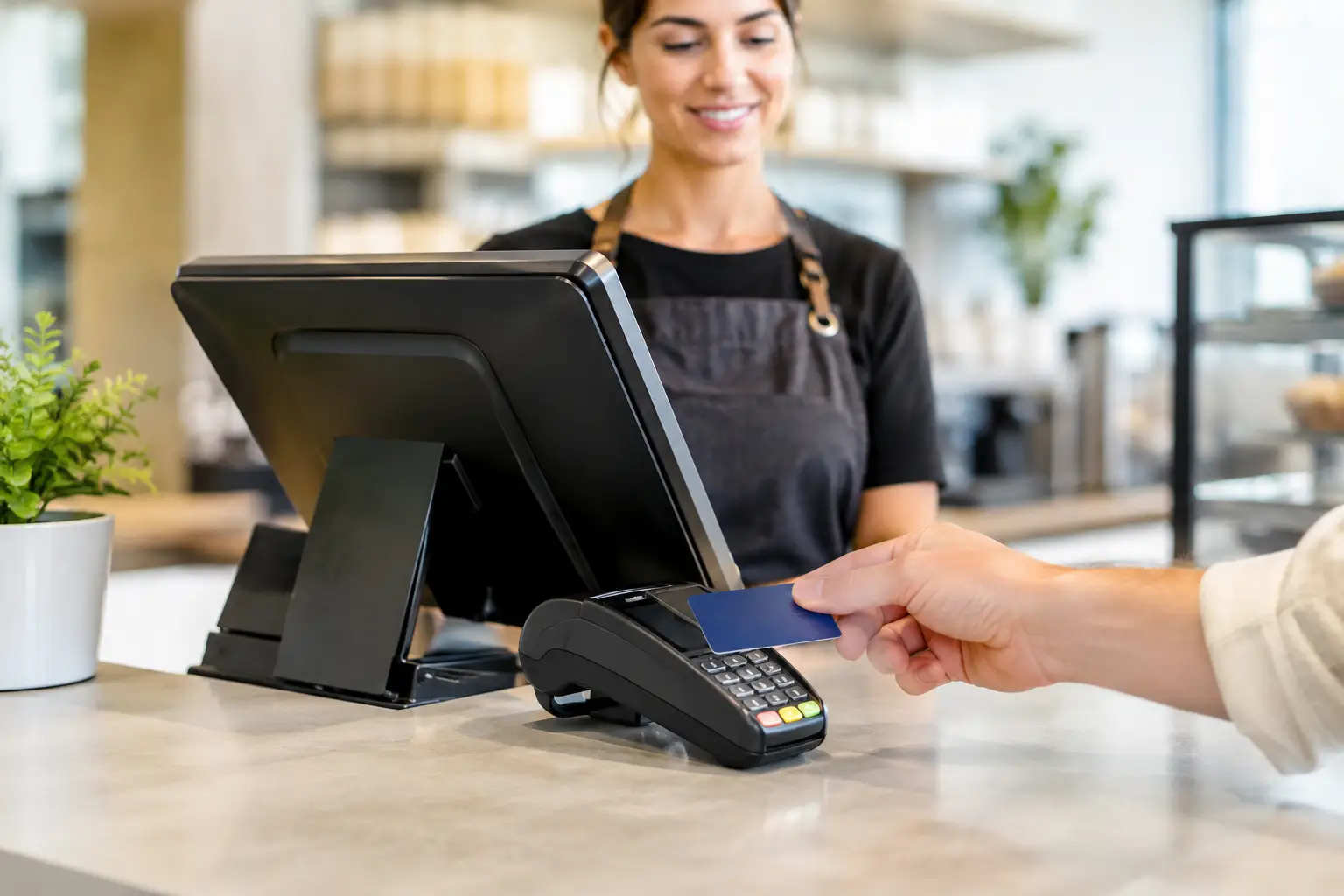
There is one point that causes regular confusion: a card payment terminal is not necessarily a complete POS system. A payment terminal processes EFTPOS, debit and credit card payments. It can operate on its own, or it can integrate with a tablet POS or a dedicated POS terminal. The right setup depends on whether you only need to take payment or need a full system for sales, orders, products, staff and reporting.
Tablet POS vs terminals: the practical differences
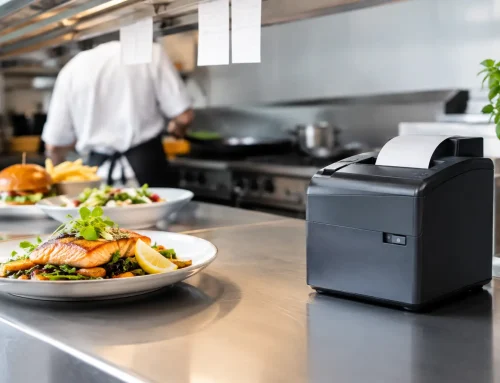
The most visible difference is mobility. A tablet can move with your staff, which is useful for taking orders at tables, serving customers in a queue, checking stock on the shop floor or selling at an event. For hospitality venues, staff can take an order at the table and send it directly to the kitchen, reducing handwritten dockets and unnecessary trips back to the counter.
Dedicated terminals are usually fixed in place, but that can be an advantage. A stable counter setup is often faster for high-volume retail, takeaway and food service. Staff know exactly where the scanner, printer, cash drawer and payment device are, and the hardware is less likely to be dropped, misplaced or taken home at the end of a shift.
Tablet systems can have a lower entry cost because the screen is a widely available consumer device. However, the tablet itself is only one part of the purchase. Businesses still need to allow for suitable stands, protective cases, charging, printers, scanners, cash drawers, payment integration, network equipment and ongoing software fees.
A dedicated terminal can cost more upfront, particularly where multiple peripherals or lanes are involved. Yet its commercial construction may make it better value over time in a demanding environment. A checkout screen that operates all day, every day, near heat, steam, flour, grease or constant customer traffic needs equipment selected for the job, not just the lowest initial price.
Reliability under pressure
For many operators, reliability is the deciding factor. Consumer tablets are capable devices, but they need sensible management. Battery health, charging routines, software updates, Wi-Fi coverage and physical protection all affect performance. If a tablet is used on the floor, it needs a secure way to charge and a process for keeping it available during the busiest periods.
Dedicated terminals are normally powered continuously and designed to remain connected to their peripherals. They are well suited to a fixed service point where a lost connection to the printer, scanner or cash drawer would delay every transaction. They also tend to provide more ports for wired devices, which can be preferable where wireless connections are unreliable.
That does not mean a tablet POS is unsuitable for busy businesses. It means the system must be designed properly. Strong Wi-Fi, reliable internet, compatible payment hardware, backup procedures and local technical support matter as much as the screen staff touch.
Integration and workflow
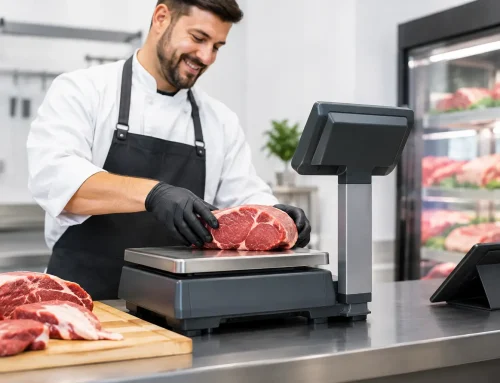
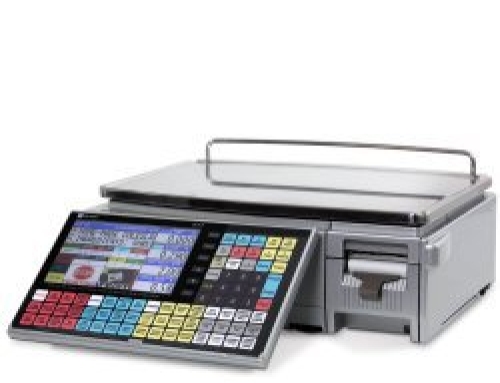
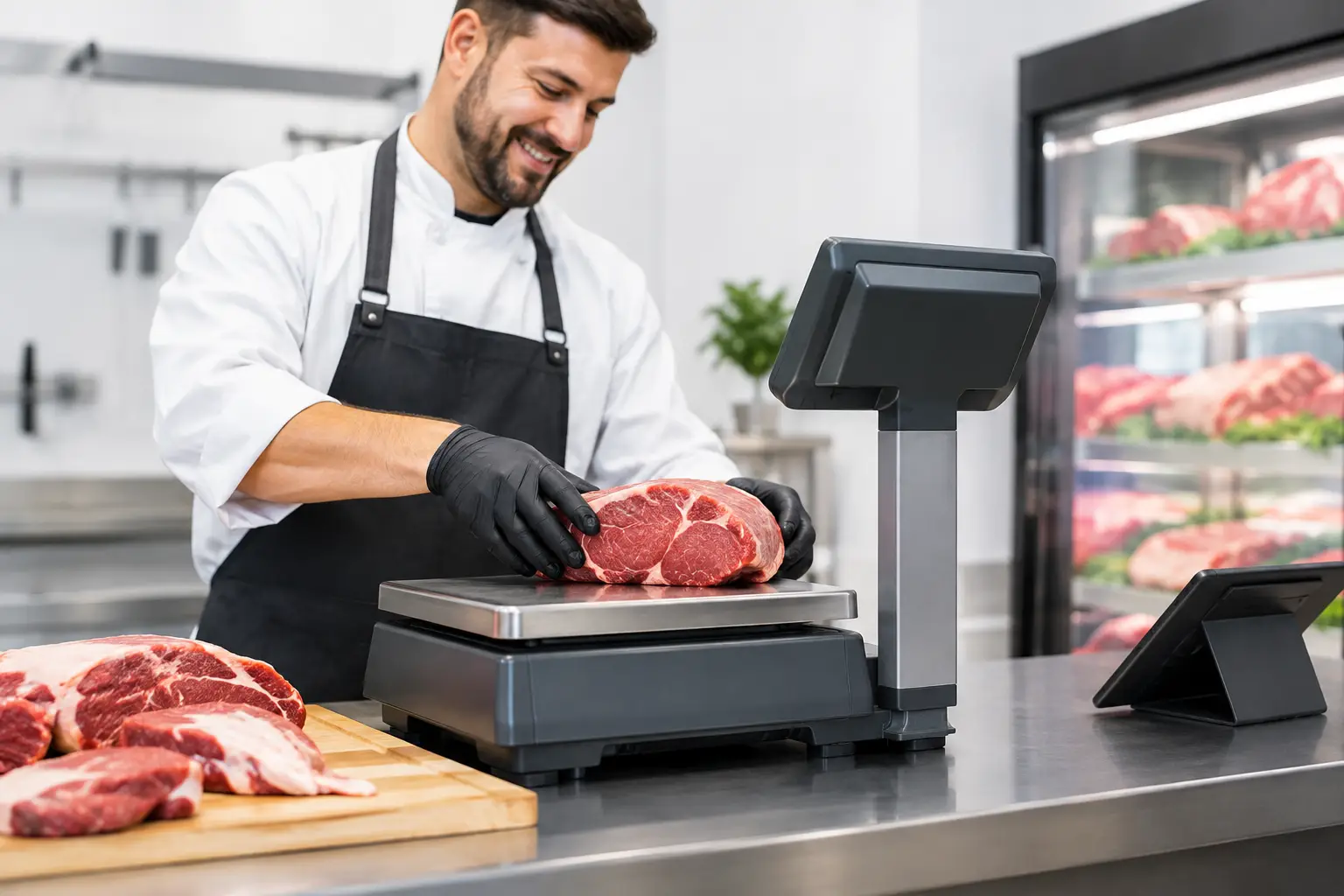
Consider what happens before and after payment. A café may need table numbers, modifiers, kitchen printing, split bills and online ordering. A retailer may require barcode scanning, customer accounts, stock control, label printing and returns. A butcher, deli or grocer may need a trade-approved scale that communicates pricing and weights accurately at the point of sale.
Some tablet apps handle these tasks well for straightforward operations. Others become restrictive as product ranges, reporting needs or integrations grow. A dedicated terminal can offer more flexibility for specialised hardware and established POS software, particularly where several stations must work together.
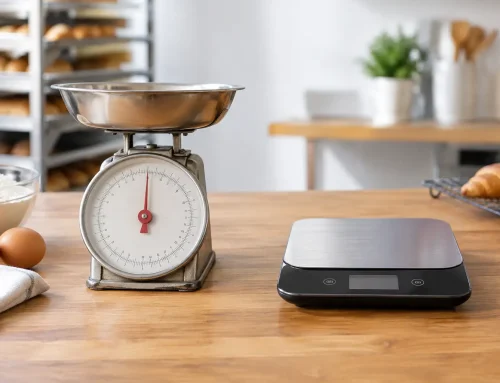
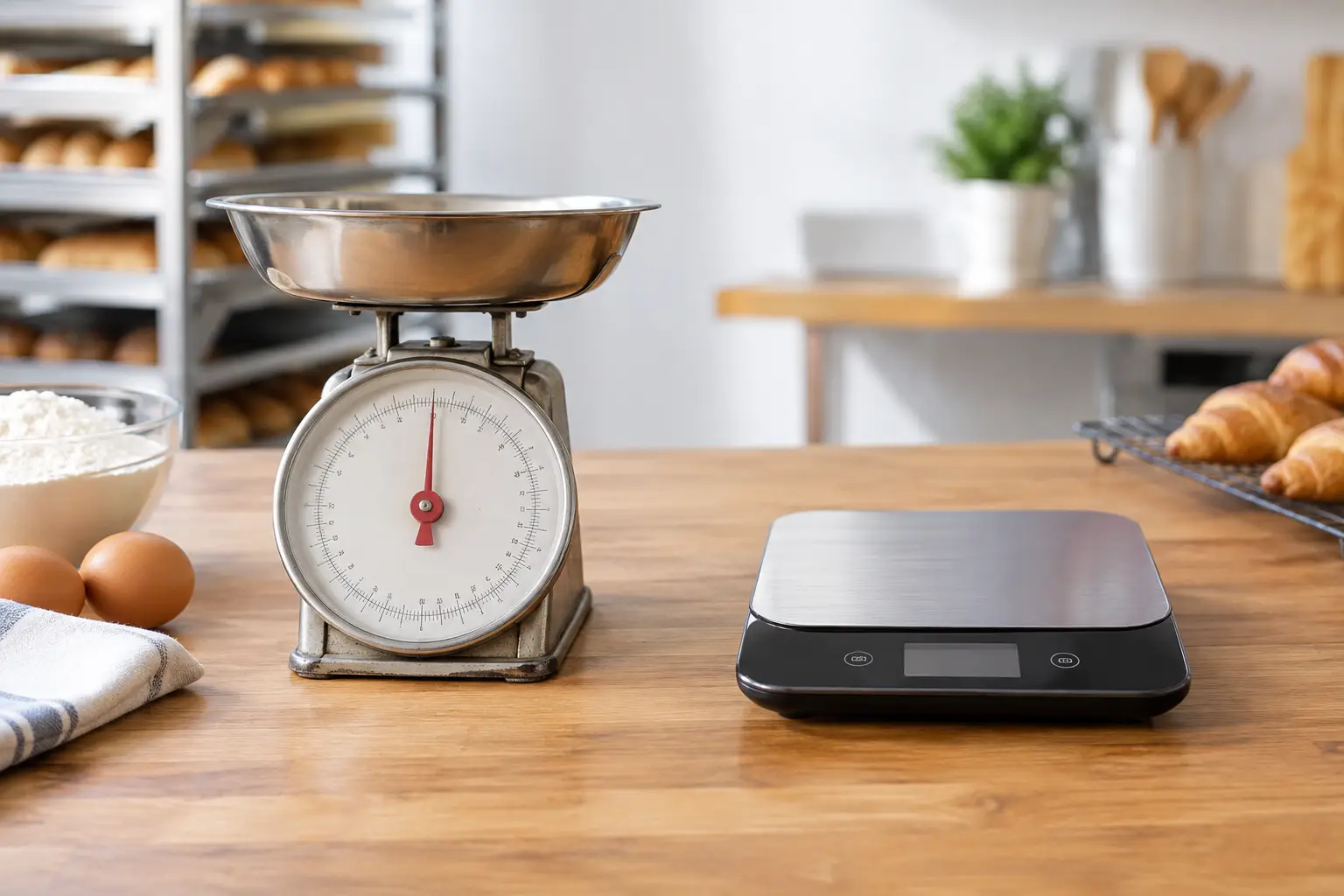
If you sell products by weight, compliance cannot be an afterthought. Trade use scales must be approved, installed correctly and kept verified. The POS and scale need to work together accurately, while the scale itself must meet legal measurement requirements. This is one situation where advice from a provider that understands both POS and trade-approved weighing equipment can save significant trouble later.
Which setup suits your type of business?
A tablet POS often suits mobile and service-led businesses. Market operators, pop-up stores, small cafés, food vans and businesses offering table service can benefit from its flexibility. It can also be a sensible first system for a new operator with a limited product range and one or two staff members.
A dedicated terminal is often the stronger choice for a busy takeaway counter, supermarket-style retailer, bottle shop, speciality store or venue with multiple service points. These businesses usually benefit from permanent peripherals, faster scanning, larger product databases and equipment that remains ready throughout a long trading day.
For a growing business, a hybrid arrangement can be highly effective. A fixed terminal at the main counter provides a dependable transaction point, while tablets allow staff to take orders, check inventory or assist customers away from the counter. The key is ensuring that every device uses the same product data, pricing and reporting system.
Questions to ask before you buy
Start with your workflow, not the device. Walk through a typical busy hour: where does the order start, who enters it, where is it prepared, when is payment taken and what must print? Then consider what happens when there is a refund, a price change, a staff member is new, the internet drops out or a printer fails.
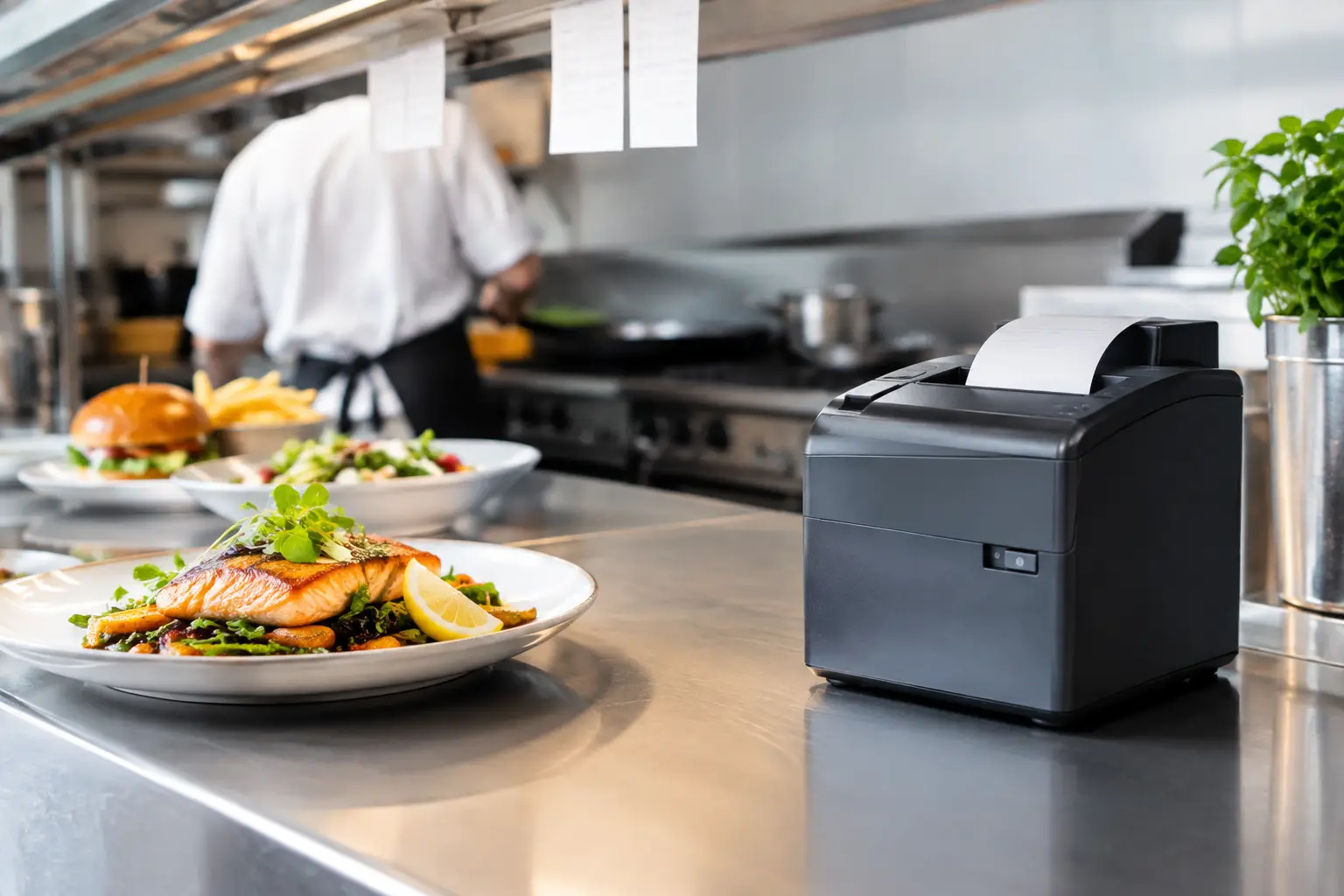
It also helps to assess the physical environment. A bright outdoor market needs a readable screen and dependable mobile connectivity. A busy kitchen pass needs equipment positioned away from heat and spills. A retail counter may need cable management, security mounts and quick access to a scanner and payment device.
Before committing, confirm these practical details:
- whether the POS software supports your stock, ordering and reporting requirements
- how card payments integrate and what happens if the connection is interrupted
- which printers, scanners, drawers and scales are compatible
- whether the system can grow to additional counters or locations
- who will install, configure, train staff and provide support when equipment fails
The final question is often the most valuable. A good POS setup is not just hardware in a box. It needs correct configuration, staff training and a clear support path when something stops working at 7 am before a busy trading day.
Support should be part of the decision
Businesses often focus on the screen and overlook the service behind it. A low-cost tablet can become expensive if it is not configured correctly, peripheral devices do not communicate, or there is no one available when a fault occurs. Likewise, a feature-rich terminal is poor value if staff find it difficult to use.
For Southeast Queensland businesses, EBE can assess the way you trade, recommend suitable hardware, install and configure the system, and provide ongoing local support. That includes the wider equipment picture, from receipt printers and cash drawers to network connections and trade-approved scales.
Choose the setup that makes a busy shift feel controlled rather than complicated. The right POS should help your staff serve customers confidently, give you accurate information and keep the counter moving when you need it most.






Leave A Comment
You must be logged in to post a comment.