
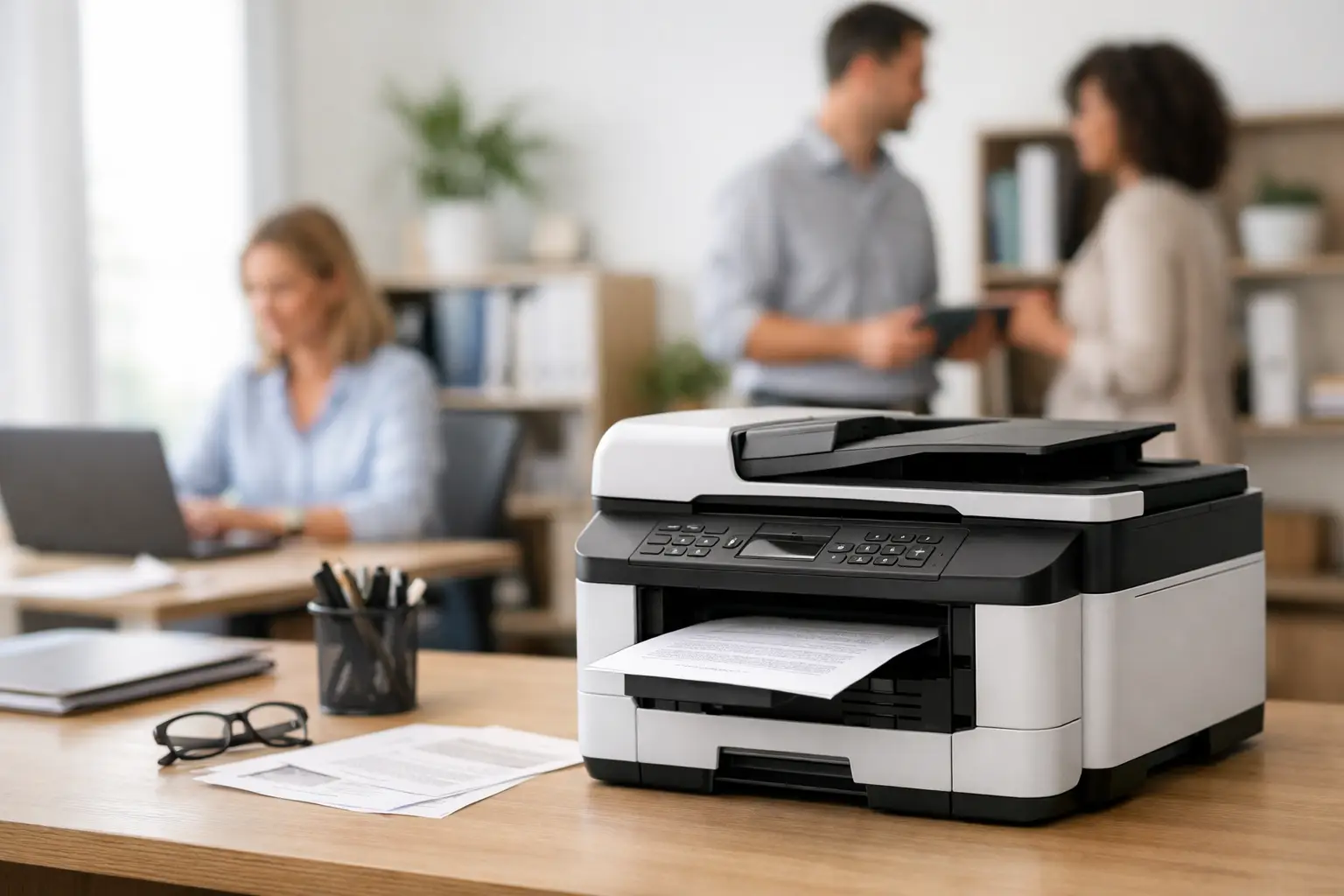
A printer failure at the wrong time can hold up invoices, delivery paperwork, staff forms and customer records. For a busy operator, a small business office printer is not simply another desktop device. It needs to keep pace with the way your team works, connect reliably with your systems and remain affordable to run over its working life.
The right choice depends on what you print, how often you print and what happens when the printer stops. A café office printing supplier invoices has different needs from a retail head office producing daily reports, price tickets and onboarding documents. Looking beyond the purchase price helps you choose equipment that supports the operation rather than creating another recurring problem.
Start with the jobs the printer must do
Before comparing brands or features, look at the documents moving through your business in a normal week. This gives you a more useful starting point than choosing based on a special price or the specifications printed on the box.
A small retailer may need clear black-and-white reports, supplier orders, returns paperwork and occasional colour promotional material. A restaurant group may print rostering, invoices, menus, training documents and back-office reports. Trades, service businesses and mobile teams may need forms, quotes and job sheets that can be printed quickly before staff leave site.
Print volume matters, but so do the peaks. Printing 500 pages across a month is very different from needing 200 pages before a Friday payroll deadline. Consider whether several staff members will print at the same time, whether documents need to be scanned back into your system, and whether colour is genuinely required. These details shape the right printer type, paper capacity and connection method.
It is also worth separating office printing from transaction printing. A receipt printer at the point of sale is built for fast, frequent customer transactions and uses thermal paper. An office printer handles A4 documents, scanning and copying. Both can be business-critical, but they solve different problems and should be selected accordingly.
Inkjet or laser for a small business office printer?
For most transaction-heavy businesses, a laser printer is often the practical choice for regular document printing. Laser devices are generally quick for text-heavy pages, produce sharp invoices and reports, and are well suited to regular use by several people. Toner cartridges can cost more upfront, but they commonly yield far more pages than standard ink cartridges.
An inkjet printer can be a sensible option where colour is important and printing volumes are modest. Businesses printing colour menus, marketing material, images or product information may appreciate the colour output. Tank-based inkjet printers can also offer low running costs when used consistently.
The trade-off is that a low-cost inkjet can become expensive if it uses small cartridges or sits unused for long periods. Print heads can dry or block, particularly in offices where colour printing happens only occasionally. Laser printers are usually the safer fit for high volumes of black-and-white paperwork, while inkjet may be better where colour quality takes priority.
Multifunction printers deserve consideration too. A single device that prints, scans, copies and sometimes faxes can save desk space and simplify daily administration. The key question is whether its scanner suits the workload. If staff regularly process multi-page supplier invoices, signed forms or staff paperwork, an automatic document feeder is far more useful than placing one sheet at a time on the scanner glass.
Look beyond the advertised page speed
Pages per minute is helpful, but it does not tell the whole story. Manufacturer figures are commonly based on ideal conditions and may not reflect how quickly the first page appears after the printer has been idle. For a busy office, first-page-out time, warm-up behaviour and network stability can be just as noticeable as the headline speed.
Paper handling is another area where the right specification prevents frustration. A small tray may be fine for occasional printing, but it creates unnecessary interruptions if staff continually refill it. A larger cassette, a second tray or an optional bypass feed can make sense where the business regularly uses letterhead, labels, heavier paper or different paper sizes.
Duplex printing is usually worth having. Automatic double-sided printing reduces paper use and produces neater reports, manuals and client documents. It is a small feature that can cut waste across a year, especially in offices that print reports or forms in volume.
Noise and physical placement should not be ignored. A high-speed workgroup printer may be efficient but unsuitable beside a reception desk, small counter or quiet office. Make sure there is enough room to open paper trays, access toner and clear a paper jam without moving furniture or equipment.
Calculate the cost of ownership, not just the purchase price
The cheapest printer is not always the least expensive option for the business. Consumables, maintenance items, paper waste, downtime and staff time all contribute to the real cost of printing.
Ask what toner or ink cartridges cost, how many pages they are expected to produce and whether high-yield options are available. A printer with a larger initial price but lower consumable costs may be the better investment if it will print thousands of invoices or reports each year. Also check whether the machine requires items such as drums, fusers or waste-toner containers, and how often they need replacement.
Manufacturer page yields are useful for comparison, but treat them as a guide. Coverage levels vary. A plain text invoice consumes far less toner than a document with large logos, shaded tables or full-colour images. Your actual costs will depend on the documents your team produces.
Reliable consumable supply matters as much as cartridge yield. Running out of toner before month-end processing or a stocktake creates an avoidable interruption. Establish a simple process for checking levels and ordering supplies before the printer reaches its final pages. Keeping an appropriate spare on hand can be sensible for a device that your business cannot easily work around.
Make connectivity fit your workplace
A printer that works perfectly from one computer but fails for everyone else is not a business solution. Consider how the device will connect to desktops, laptops, mobile devices and any cloud-based systems your team uses.
A wired network connection is often the most dependable option for a fixed office printer shared by multiple users. Wi-Fi is convenient where cabling is impractical, but it depends on stable coverage and correct network configuration. In a busy venue with guest Wi-Fi, EFTPOS terminals, POS equipment and staff devices competing for wireless capacity, the printer should be installed on the right network with suitable security settings.
Mobile printing can be useful for managers moving between the office, shop floor and warehouse, but it should not replace proper network setup. Access permissions also matter. Payroll records, customer details and financial documents should not be available for anyone on the network to print or collect.
For many businesses, a professionally configured printer saves time from day one. Correct drivers, scan-to-email settings, user access and network testing are more valuable than a rushed plug-and-play setup that leaves staff troubleshooting later.
Plan for support before there is a fault
Office printers tend to be ignored until they stop. Paper jams, streaking, scan failures, network dropouts and empty consumables can quickly turn into lost time when no one is responsible for resolving them.
Choose a printer with serviceability in mind. Can routine maintenance be completed easily? Are consumables readily available? Is local technical support available if a fault cannot be resolved over the phone? For businesses around Southeast Queensland, working with a provider that can supply, configure and support equipment can reduce the risk of being left with a printer that nobody owns once it is installed.
EBE takes this service-led approach across business technology, helping clients select equipment suited to their workflow and providing practical support when systems need attention. The goal is not to add complexity. It is to keep the office and front-of-house technology working together when business is busy.
A practical way to narrow the choice
When comparing models, assess each printer against the same operational questions:
- How many pages will we print in an average month and during peak periods?
- Do we need black-and-white documents, colour output or both?
- Will staff need scanning, copying and an automatic document feeder?
- What will toner or ink cost over the next 12 months?
- How will the printer connect securely to our network and users?
- Who can help if it develops a fault or stops communicating with our systems?
The answers should point to a sensible category of printer rather than the biggest or most feature-heavy machine available. A compact mono laser multifunction device may be ideal for a small retail office. A growing business with several administrators may need a higher-capacity network model with better paper handling. A venue producing colour material may need a dedicated colour device alongside its receipt printers.
Choose the printer around the work it must support on your busiest day, then make sure there is a clear path for consumables, servicing and help when it matters. That preparation gives your staff one less reason to stop what they are doing and start chasing a technical fix.












Leave A Comment
You must be logged in to post a comment.