
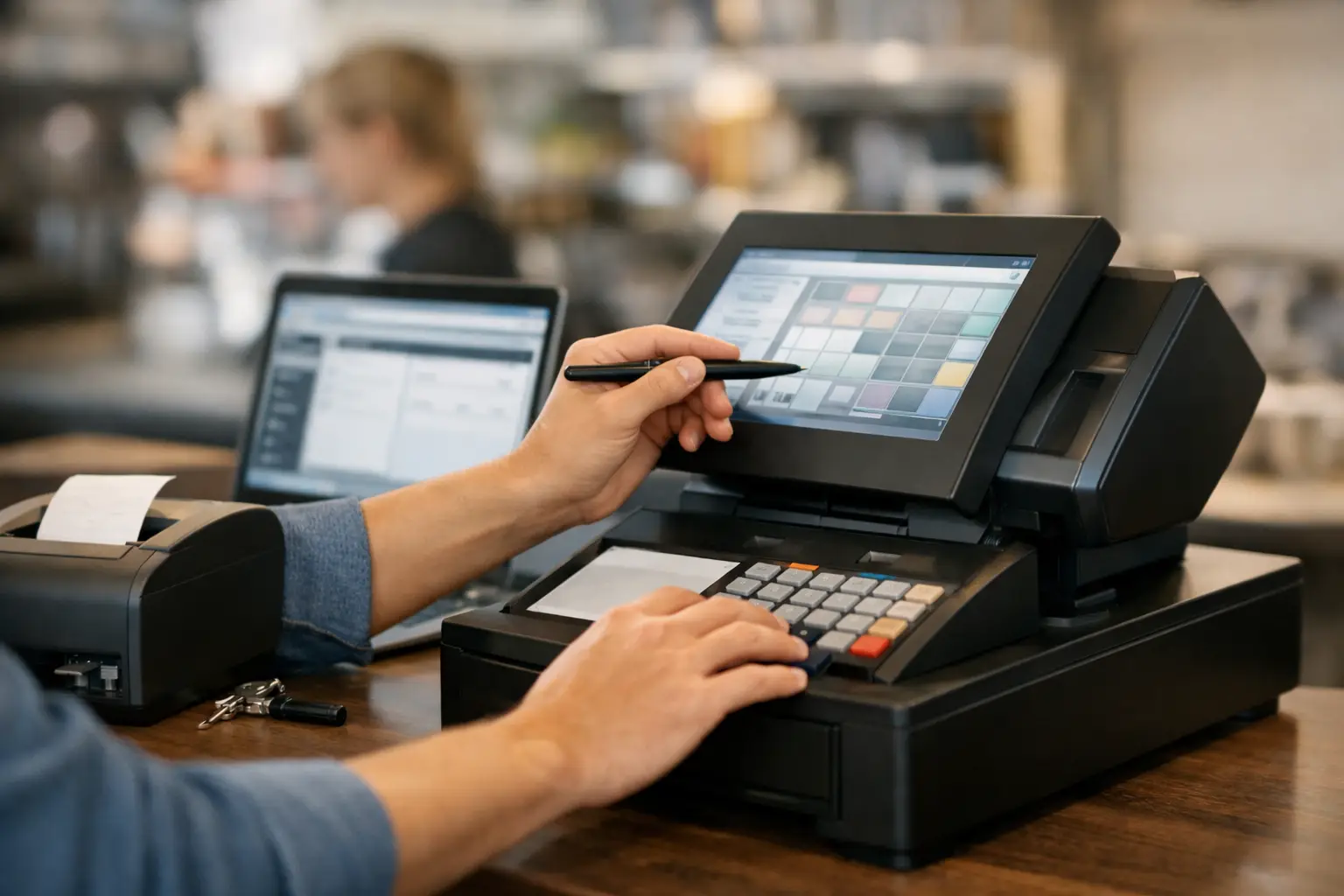
A cash register that prints the wrong price at a busy counter creates more than an awkward conversation. It slows the queue, confuses staff, affects reporting and can erode customer trust. This cash register programming guide explains the settings that matter most, how to approach them in the right order, and when it makes sense to bring in technical support.
For a café, retailer, takeaway shop or market operator, programming is not a one-off task to rush through during setup. Your register needs to reflect how you actually trade: what you sell, how GST is handled, who can process refunds, what appears on receipts and how daily totals are reported. Getting these foundations right makes the system easier to use when the counter is under pressure.
Start with your trading workflow
Before entering a single product price, map the journey of a typical sale. Consider what staff sell most often, whether items are weighed, whether modifiers are needed, which payment methods you accept and what information you want at the end of the day.
A small convenience store may need clear departments for drinks, confectionery, grocery and tobacco, with high-volume items available on direct keys. A food business may require menu keys, meal deals and separate buttons for dine-in and takeaway. A retailer may need individual product codes, barcode scanning, stock control and customer receipts that show enough detail for returns.
This step prevents a common mistake: building the register around its menus rather than around the staff member serving a customer. The best layout puts frequent actions within easy reach and keeps uncommon functions out of the way. A crowded keyboard may look comprehensive, but it can lead to incorrect key presses and longer training time.
Cash register programming guide: set the core records
Most electronic cash registers and POS terminals use a combination of departments and product records. The names differ by manufacturer, but the principle is the same. Departments are broad sales groups, while product records, often called PLUs, identify individual items.
Configure departments first
Departments provide the structure behind your sales reports. They may be used for categories such as food, beverages, clothing, services or general merchandise. Assigning items to the right department gives you a clearer view of where sales are coming from and helps identify which lines deserve more attention.
For each department, check the description, tax treatment, price rules and whether staff can enter an open price. Open-price departments are useful for variable-value items, but they need control. If every item can be sold through a general open department, your reporting becomes less useful and pricing errors are harder to trace.
Use plain language on customer-facing displays and receipts. “Cold Drinks” is clearer than an internal code such as “DPT 04”. Short, familiar labels also make staff training easier.
Add products and PLUs carefully
Each product record should include a readable name, selling price, department, GST setting and barcode where relevant. For businesses with many products, accuracy at this stage is more valuable than speed. A duplicated barcode or misplaced decimal point can create repeated problems until someone notices.
Test the products customers buy most often first. In a café, that might include coffee sizes, milk alternatives, sandwiches and bottled drinks. In retail, start with your top-selling lines and build out the remaining catalogue in batches. This approach allows the team to trade sooner without compromising the quality of the full setup.
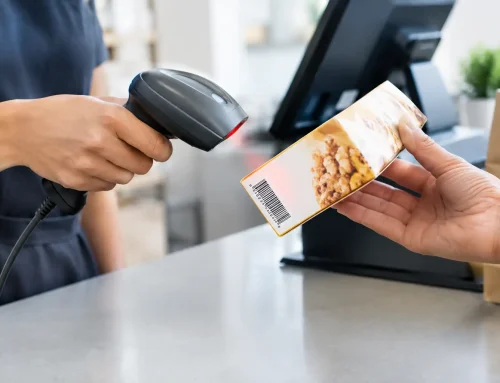
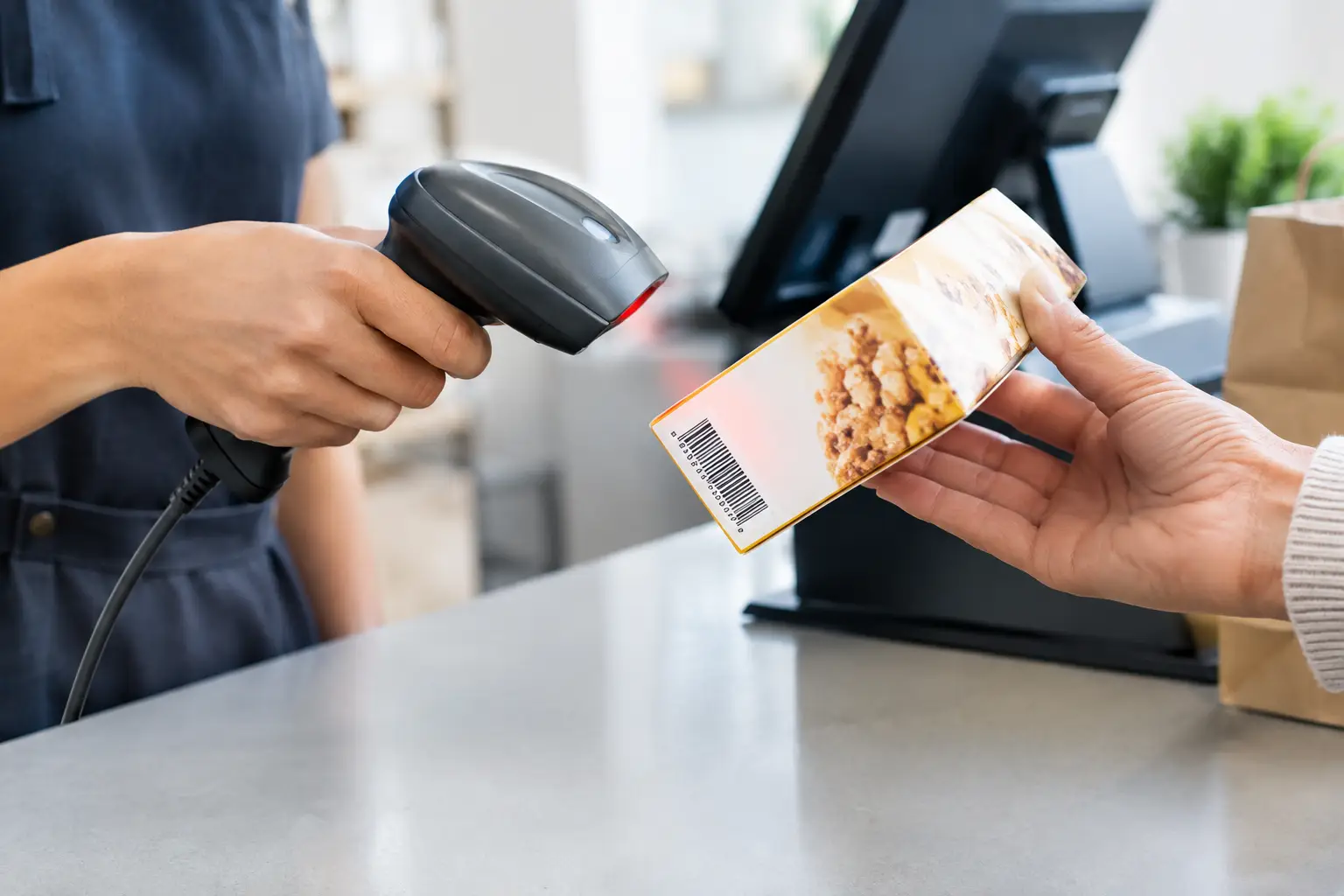
If you use a scanner, scan real products during testing rather than typing barcode numbers from a list. This confirms that the barcode, product record and price all match. For manually entered codes, make sure the code format is simple enough for staff to use accurately.
Apply GST and receipt settings
For most Australian businesses, sale prices and receipts need to handle GST correctly. Confirm whether your programmed prices are GST-inclusive, then test a taxable sale and check the tax amount shown in the journal or report. If your business sells a mix of taxable and GST-free items, such as certain food products, the department and product tax settings need particular care.
Receipt programming deserves attention as well. Include your trading name, ABN where required, contact details and a clear itemised sale record. Consider whether you need return wording, a thank-you message or a prompt for a digital receipt. Keep promotional text brief so the receipt remains practical and readable.
Set payment, drawer and staff controls
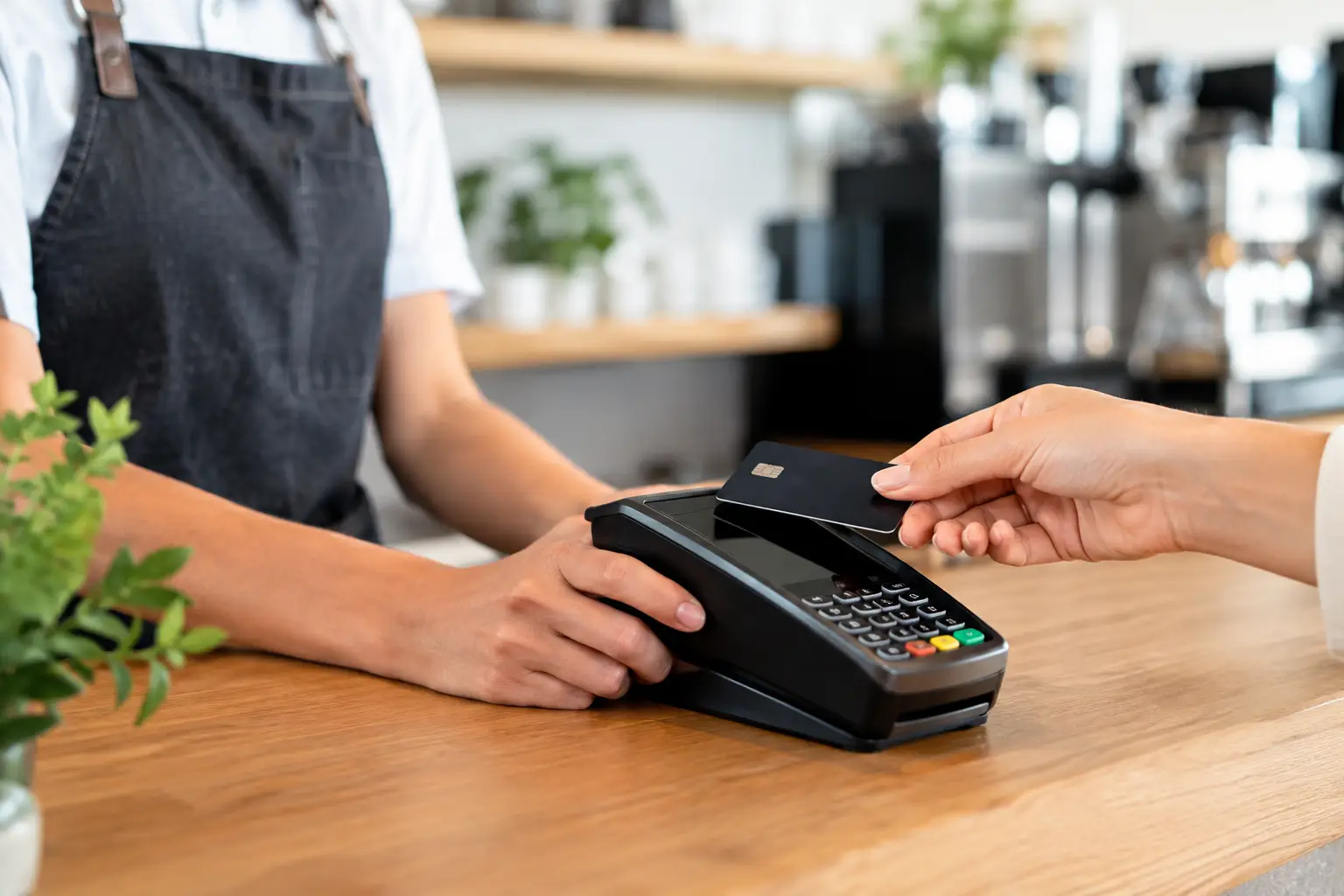
Payment buttons should match the ways your customers pay. At a minimum, this may include cash, EFTPOS and account sales. Some businesses also need gift cards, vouchers, mobile payments, delivery-platform orders or separate tender types for reconciliation.
Each tender should post to the correct total. This matters at close of day, when cash in the drawer must be compared with the register’s cash total and card settlements must align with EFTPOS reporting. If staff regularly select the wrong payment button, do not assume it is a training issue alone. Review the screen or keyboard layout and make the most common choices obvious.
Set the opening float and cash drawer behaviour to suit your operation. The drawer should open only when appropriate, and no-sale opens should be restricted or recorded. Refunds, voids, discounts and price overrides should also be protected by manager keys, operator codes or permission levels where the equipment supports them.
These controls are not about making staff feel watched. They provide a clear audit trail when a discrepancy occurs and reduce the chance of accidental errors. In a busy venue with several operators, individual logins make accountability far easier than a shared code.
Build discounts and special pricing with care
Discount buttons can save time, but only when rules are clear. Program fixed promotions, staff discounts and percentage discounts separately where possible. A generic discount key gives flexibility, yet it can also make reporting vague and create opportunities for inconsistent use.
Set expiry dates for promotions if your system supports them. At the end of a campaign, run a test sale to confirm the old price or discount is no longer active. Seasonal pricing, public holiday surcharges and meal deals are all worth checking before the first rush, not after customers have been charged.
For businesses that sell by weight, programming must also align with your weighing process. A trade-approved scale and the correct price-per-kilogram setup are essential where goods are sold by weight. The register, scale and item records need to agree, particularly when equipment is integrated. Calibration, verification and compliant operation should be handled by appropriately qualified technicians.
Test like a customer and reconcile like an owner
Do not go live after programming a single successful sale. Run a small set of realistic transactions: a cash sale with change, an EFTPOS sale, a barcode scan, a weighted item where applicable, a discount, a refund or void, and a split payment if your business uses one.
Then print or view the reports. Check that departments, GST, payment totals and drawer totals appear where expected. Test the receipt wording and customer display too. A register can be technically programmed but still be awkward for customers if the screen shows confusing descriptions or the receipt omits useful information.
At the end of the first trading day, reconcile the drawer against the register report. Minor differences can point to training needs, a tender button issue or an incorrect float. Repeating this review for the first week gives you a practical picture of what needs adjustment before poor habits become routine.
Keep a record of the setup
Save a copy of the programming file where your register supports backups, and keep a written record of critical settings. Include manager access arrangements, tax configuration, department names, key product codes, receipt details, float amount and contact details for your support provider.
This record is particularly useful after a power issue, hardware replacement or staff change. It also means you are not relying on one person’s memory to explain how the system works. Where possible, restrict access to programming mode and change default passwords during installation.
Programming should be reviewed whenever your menu changes, a new product range is introduced, payment methods change or reports no longer answer the questions you need to ask. A register that suited your business two years ago may need a cleaner layout or better integration as the operation grows.
For Southeast Queensland businesses, EBE can assist with selecting, programming, installing and supporting cash registers and POS equipment around the way your team trades. Local technical support is especially valuable when a problem occurs at the counter, where downtime is measured in lost sales rather than inconvenience.
A well-programmed register should fade into the background during service. Staff should know which key to press, customers should see accurate prices, and you should be able to trust the figures when the doors close for the day.








Leave A Comment
You must be logged in to post a comment.